SlideMagic Blog

Frequent updates about all things presentations since 2008. Subscribe to never miss a post.

RSS
all posts

Search results for “web design”

·Concepts

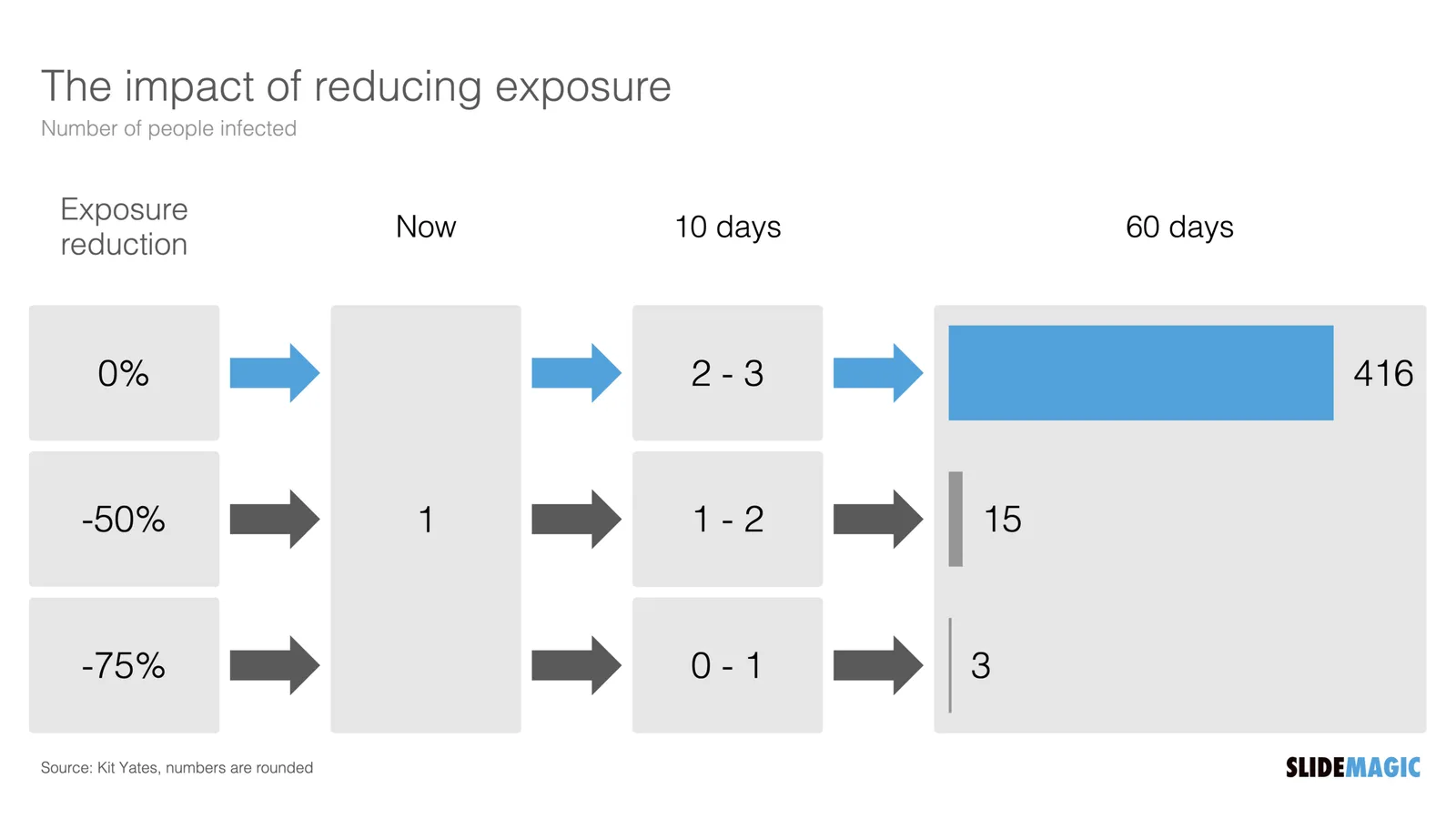
Example: COVID chain of infection

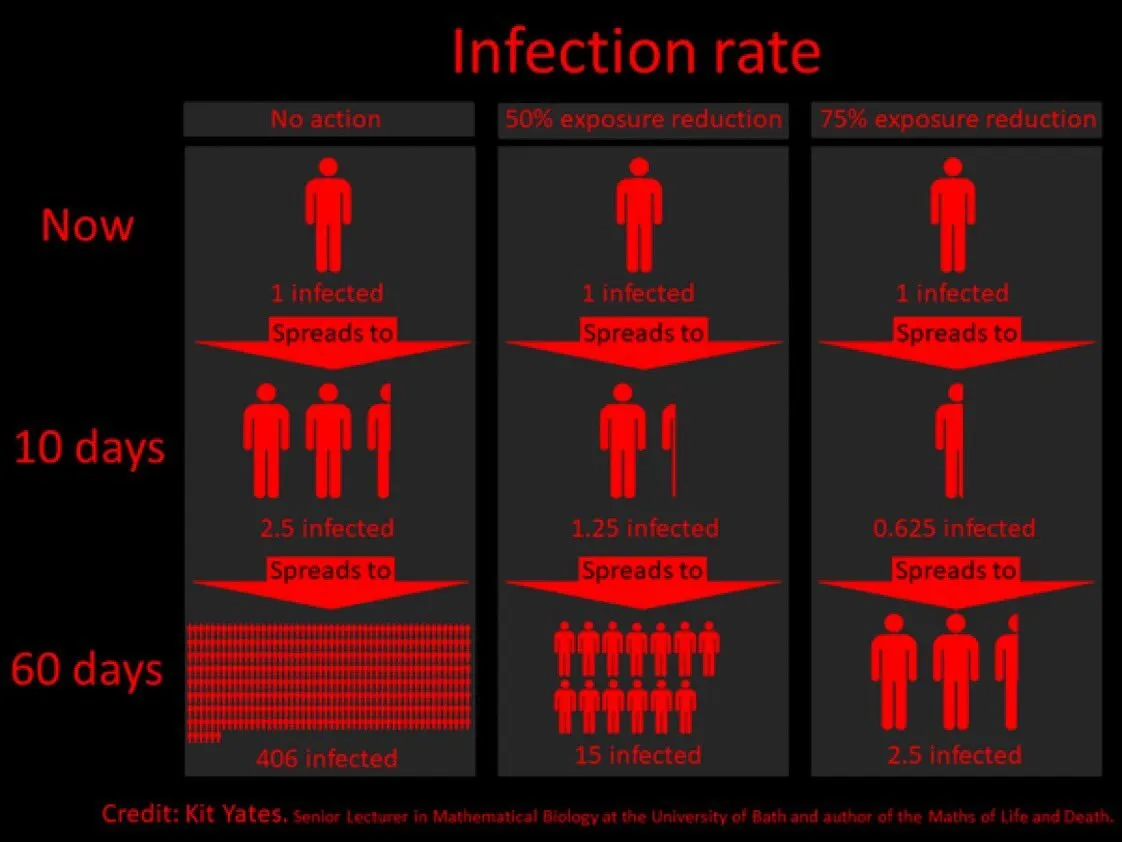
A slide came flying by on Twitter:

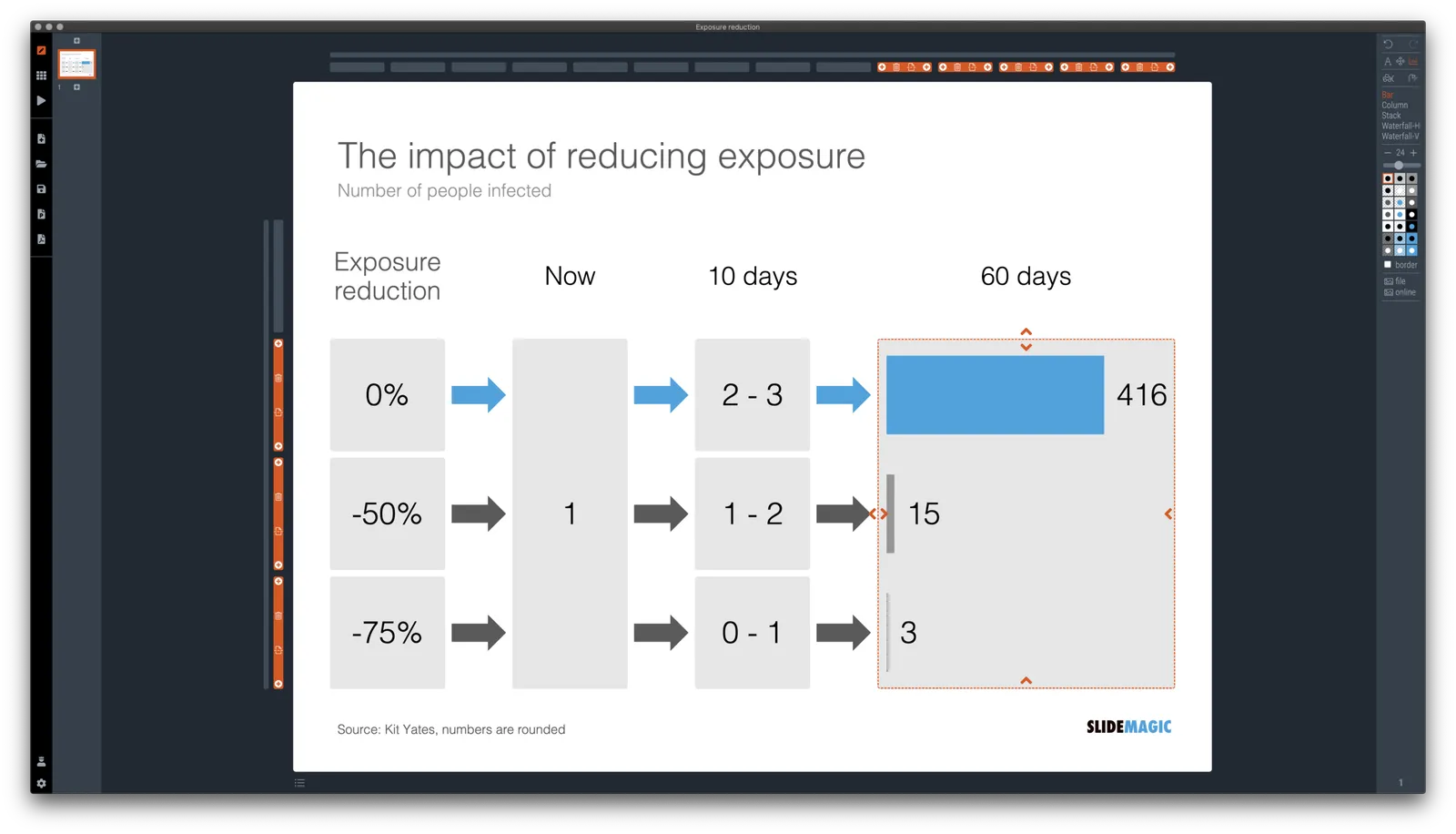
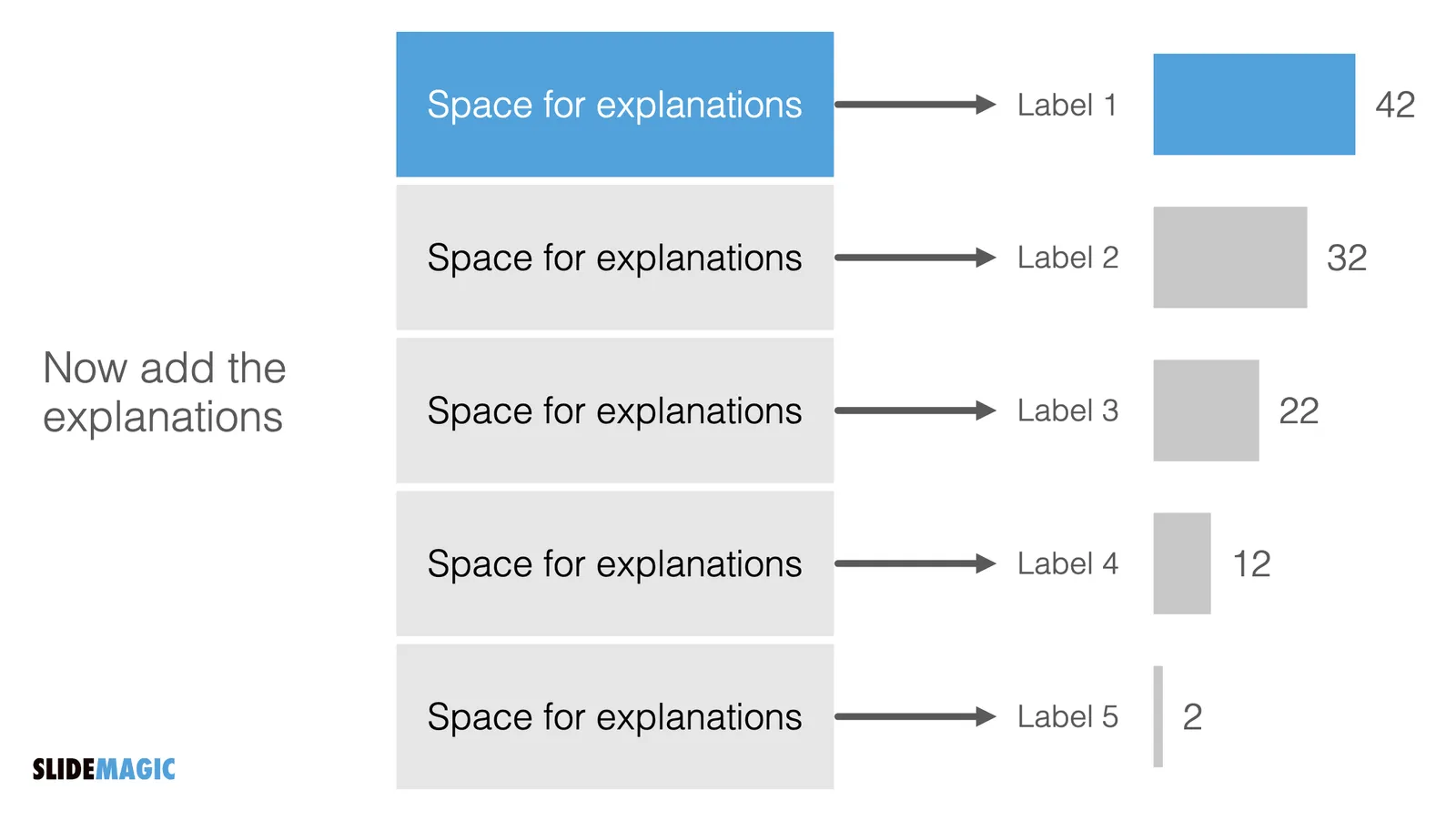
I might a quick remake of this slide in SlideMagic, in line with the SlideMagic philosophy: quick, clear, nothing too fancy (= time consuming) and added it to the SlideMagic template database since it could be a useful basis for any slide that needs to show some sort of chain of events.

What did I change?

  • Removed the low-contrast red on black colours
  • Took out the simplistic icons and replaced it with no-nonsense clear numbers
  • Rounded up numbers so to avoid cut up people (audience is not hard core scientists)
  • Put in a proper bar chart to show the magnitude of 416 vs 3, instead of an icon count
  • Flipped the design left to right to make the flow in time more clear

This slide demonstrates how easy it is to line up bars of a data chart, arrows, and text cells of a table in the overall slide layout (an absolute pain on other presentation design software).

·SlideMagic

More plumbing...

An update.

A couple of days ago I released version 2.5 of SlideMagic with lots and lots of small updates that were sitting on the todo list. When designing, I cannot stand it when a small detail is off, and the same applies to software development. And like in design, most users/viewers won’t notice these individual details, but when taken together they add up to something. This slide does looks right for some reason, this app just works for some reason. Opening up SlideMagic should trigger an update to version 2.5.3 (writing this on November 11) after a few minutes, if not, you can visit the SlideMagic download site to install the latest version.

I am making changes to the positioning as well. That download or app landing page is now the home page of SlideMagic and no longer the web site that says that SlideMagic is a template bank, but also an app, and also a place where you can download entire presentations. All confusing, and still a left over of the SlideMagic template store on Shopify. The Shopify store is closed, and (that was quite a moment), the entire V1 version of the SlideMagic web app has been wiped from the server.

So the web site (still WIP) now reflects what SlideMagic is: presentation software with a uniquely clever user interface and a huge built-in template data base.

Photo by Bruce Warrington on Unsplash

A strategy overview slide

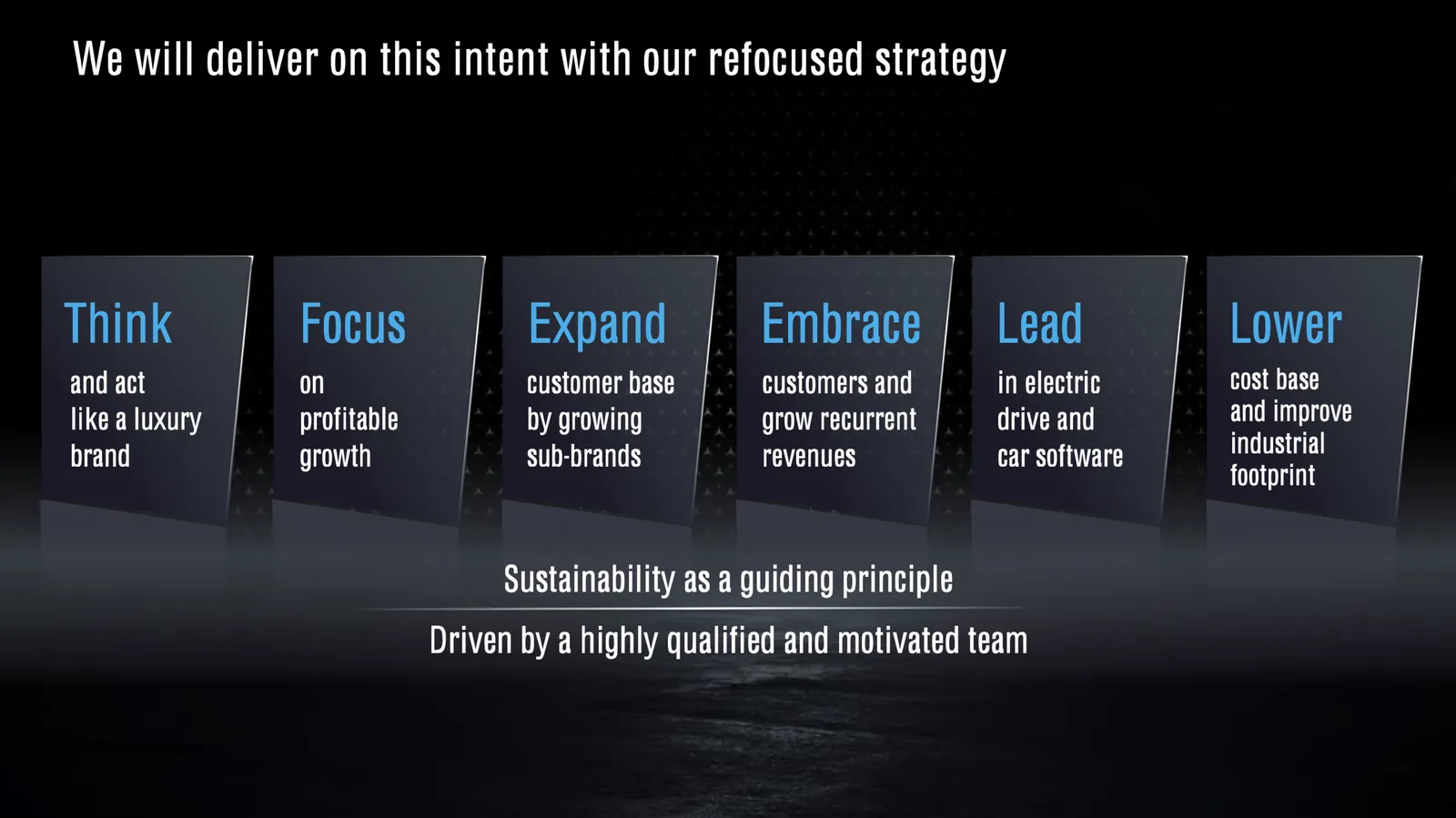
Here is a slide from a recent Daimler strategy presentation:

The slide does not look bad, and is definitely an improvement of earlier versions of the same chart:

Still there is room for improvement:

  • The big blue action verbs are highlighted, but these are not the key messages of each box. (Side note: yes it is the most correct way to write things starting with an action verb, but when space is limited, I tend to break this rule).
  • The 16x9 wide screen format invites a horizontal layout, which in turn makes the resulting narrow boxes hard to read, and the layout looks a bit strange because of the line breaks resulting from longer words
  • Wording can be reduced and improved further.

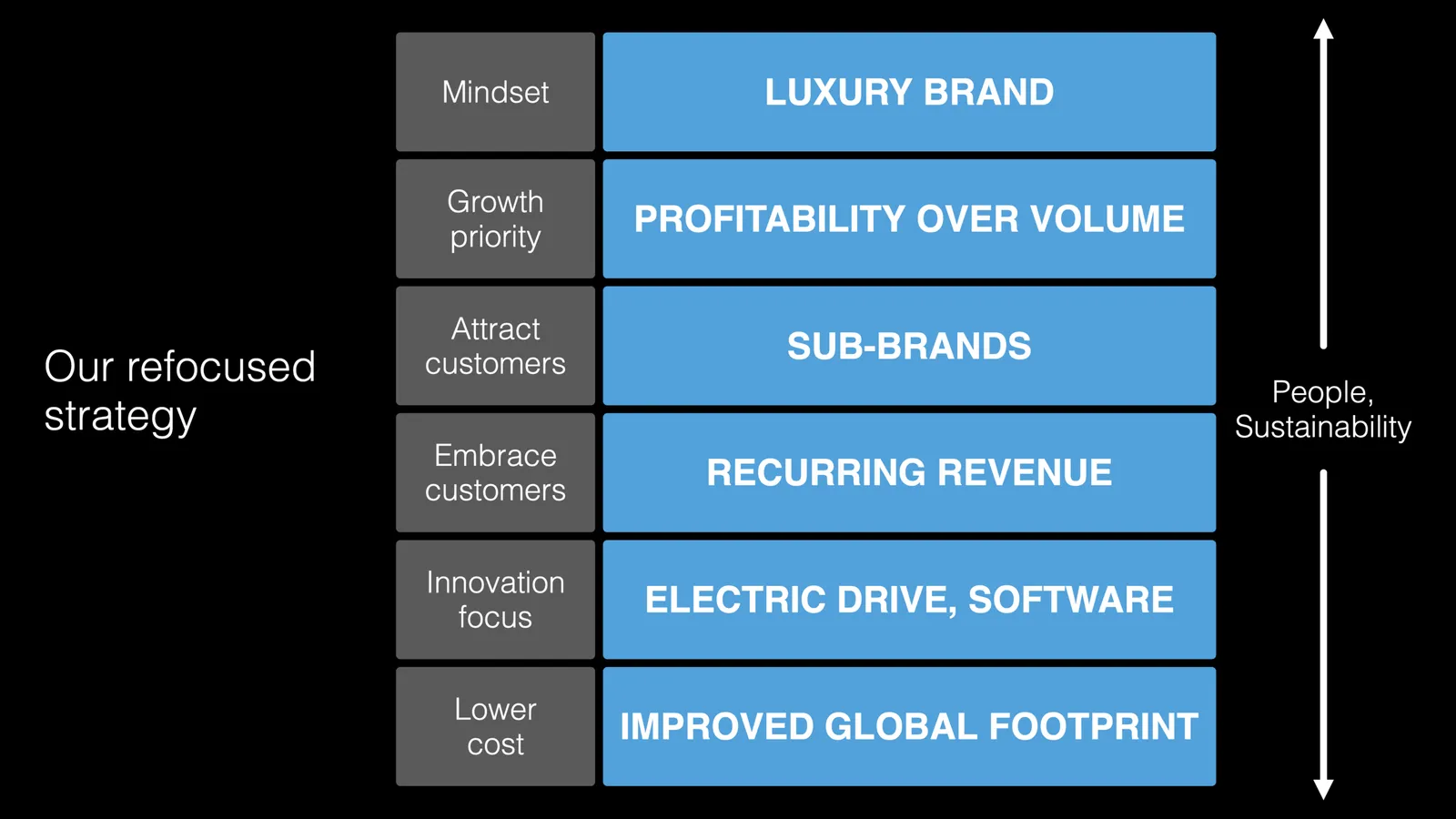
I quickly put something together in SlideMagic. It might look a bit less sophisticated than the heavily designed slide above (exactly in the spirit of SlideMagic), but I think it conveys the message better.

(Disclaimer: the above text is obviously mine and not the Daimler strategy)

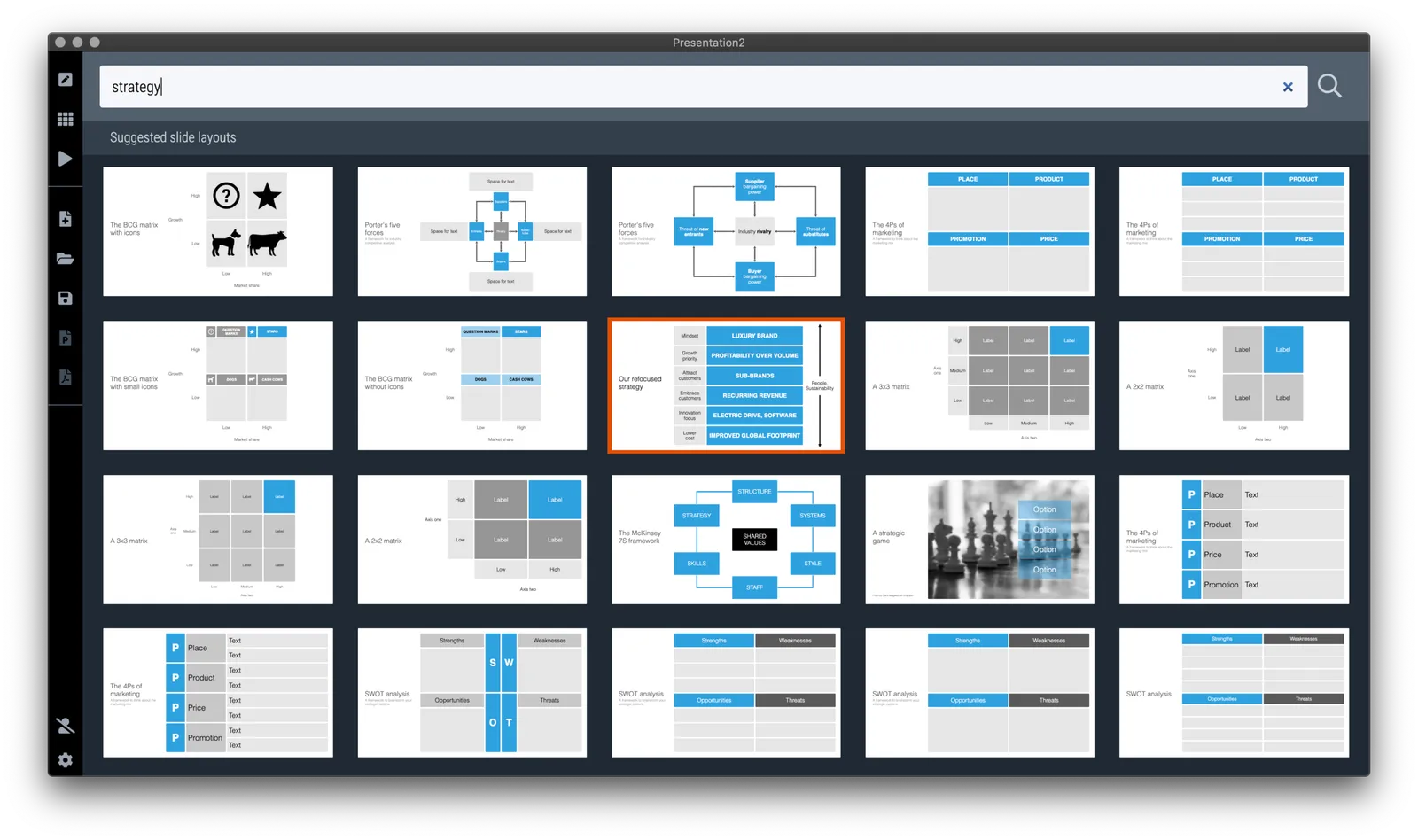
I added this slide to the SlideMagic template database, search for ‘strategy’ in the desktop app or download it. (The thumbnail of the slide looks a bit different, as all slides show up in 4x3 format on a light background, you can change those settings instantly in the app).

·Layout

Bullet point alert

Bullet point slides are a no-go, they are boring, hard to understand, and look ugly and SlideMagic tries to discourage you from making them.

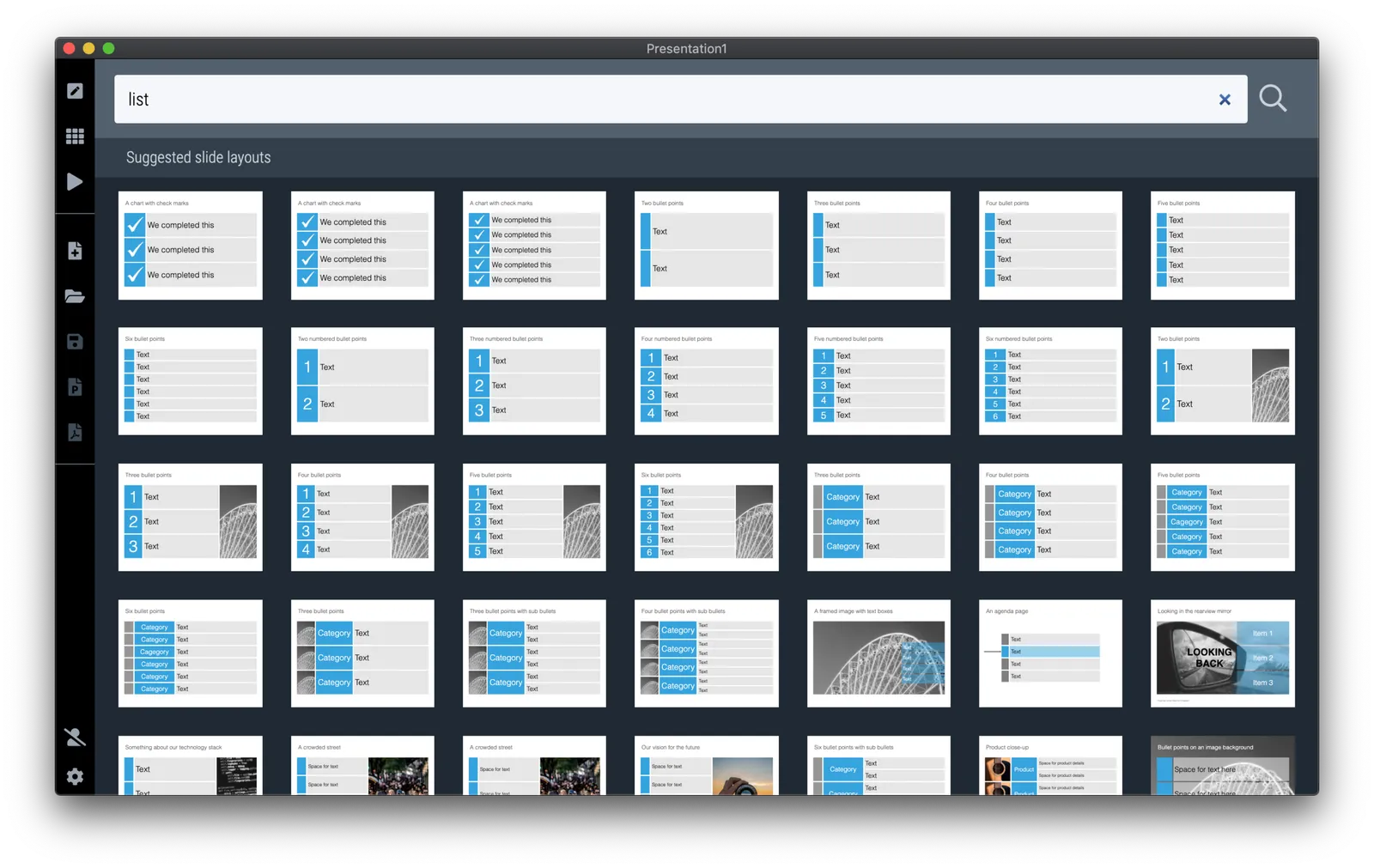
Still, SlideMagic is not dogmatic and recognises that there will now and then be an occasion where you need to put 3 things on a slide (agenda items, next year’s strategic priorities, the fact that your product is faster, cheaper, and lighter). In the SlideMagic desktop app search for “list” and you are presented with lots and lots of list-style templates (yes, bullet point slide templates).

But in these templates, each list entry is a new shape, a new row, to make the slide visually more appealing. And SlideMagic’s grid engine makes it super easy to add and delete rows. If the message of your slide is “we need to do 3 things”, one of these templates will do the job perfectly to communicate that.

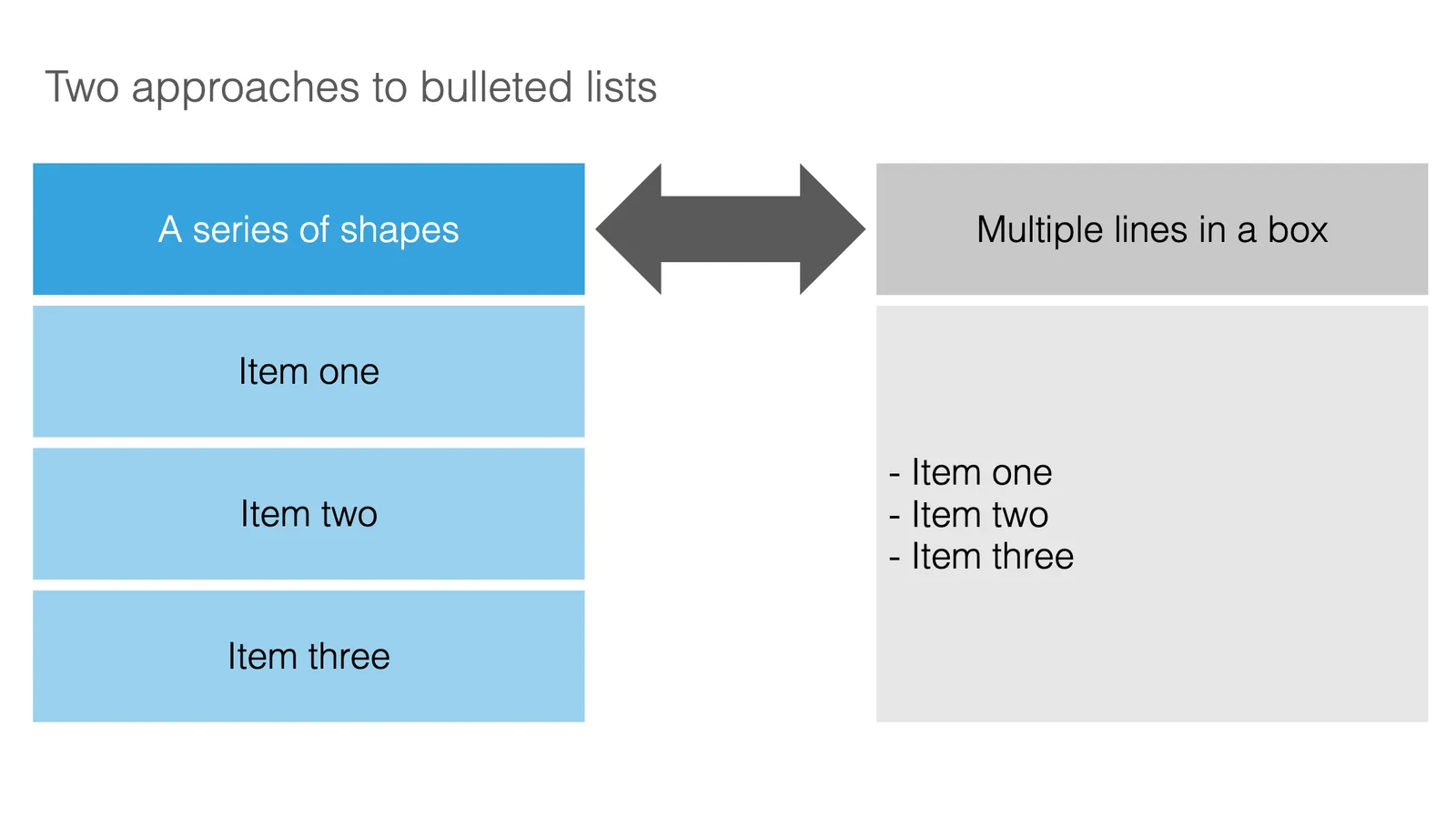
Often though, bullet points creep in when you are not really designing a list-type slide. “Ah, where do I put these points as well?” The points are not important enough (are they?) to merit a new slide, or drastic surgery to the layout of the slide. You end up adding a few quick dashes to a text box.

The moment you have to resort to this emergency bullet point solution, it should trigger an alarm bell. If it looks like I should change the fundamental slide layout, or even create a new slide, maybe you should…

·SlideMagic

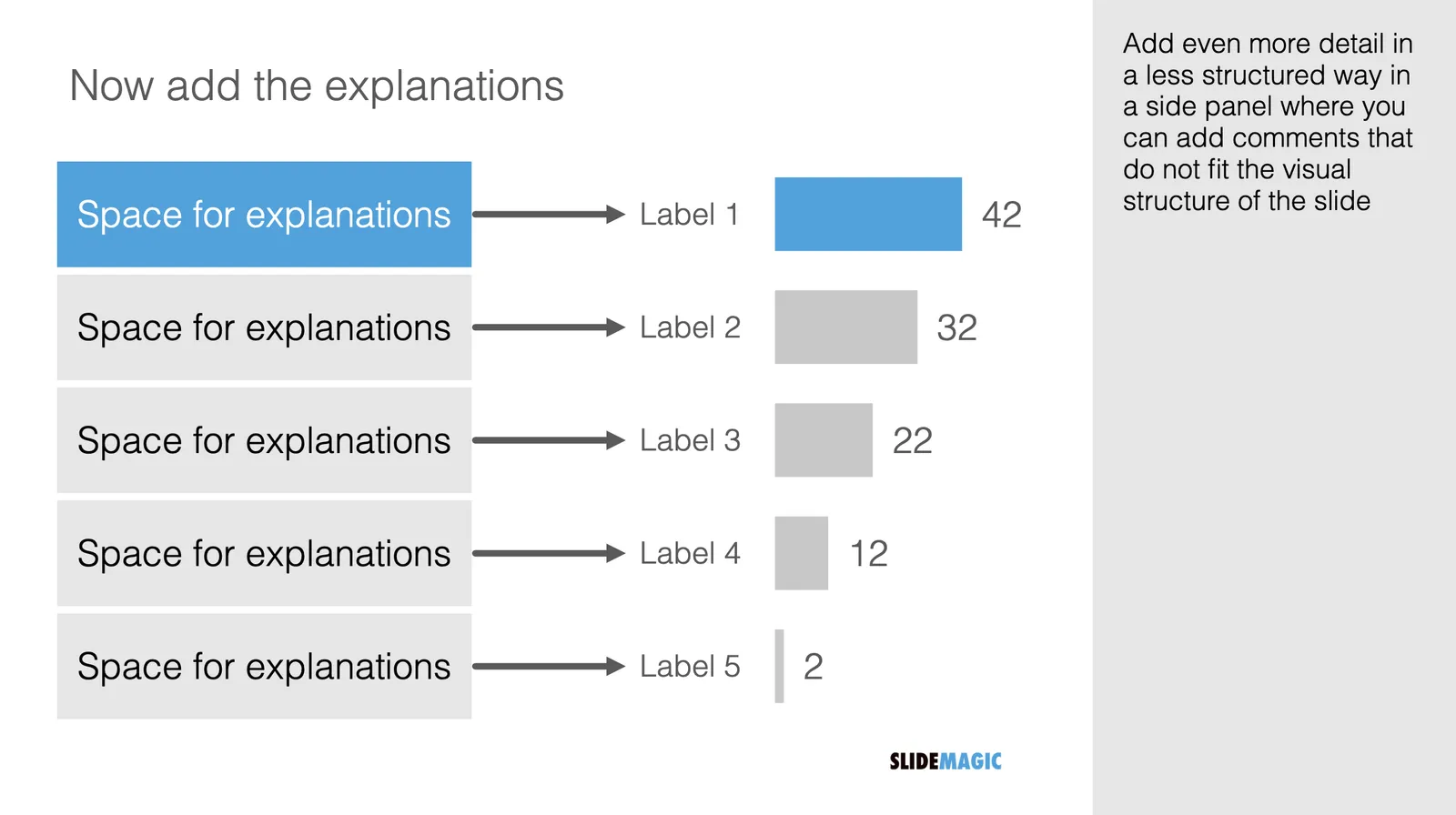
Spoon feeding detail

Different types of audiences, different types of questions, and/or different phases in your interaction with the audience require different types of slides.

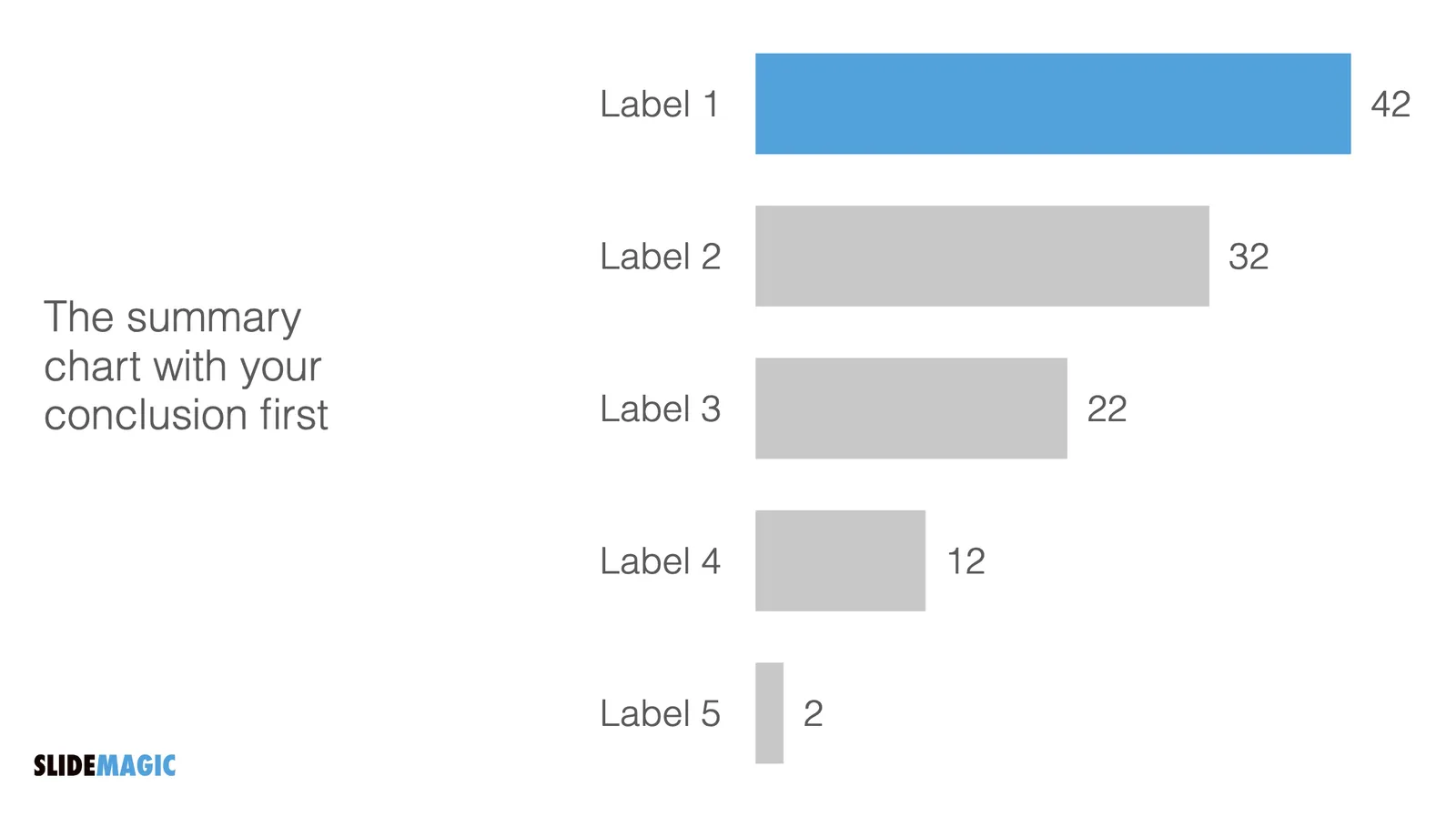
  1. In the first meeting, you introduce an idea with a big, bold, minimalist data chart
  2. In a follow-up meeting, you are answered a question about assumptions behind the numbers, or, in a Zoom meeting, your audience sits very close to her screen and has time / visual ability to dig deeper into the visuals than she would be able to when sitting in a big room.

For these occasions, you can make slide variations of the same slide. Seen an example below:

Clicking back and forth between the slides will give the illusion of some sort of animated popup, while in effect the audience is looking at two different visuals. In practice, I would design the busy slide first, then cut things out to create your minimalist slide.

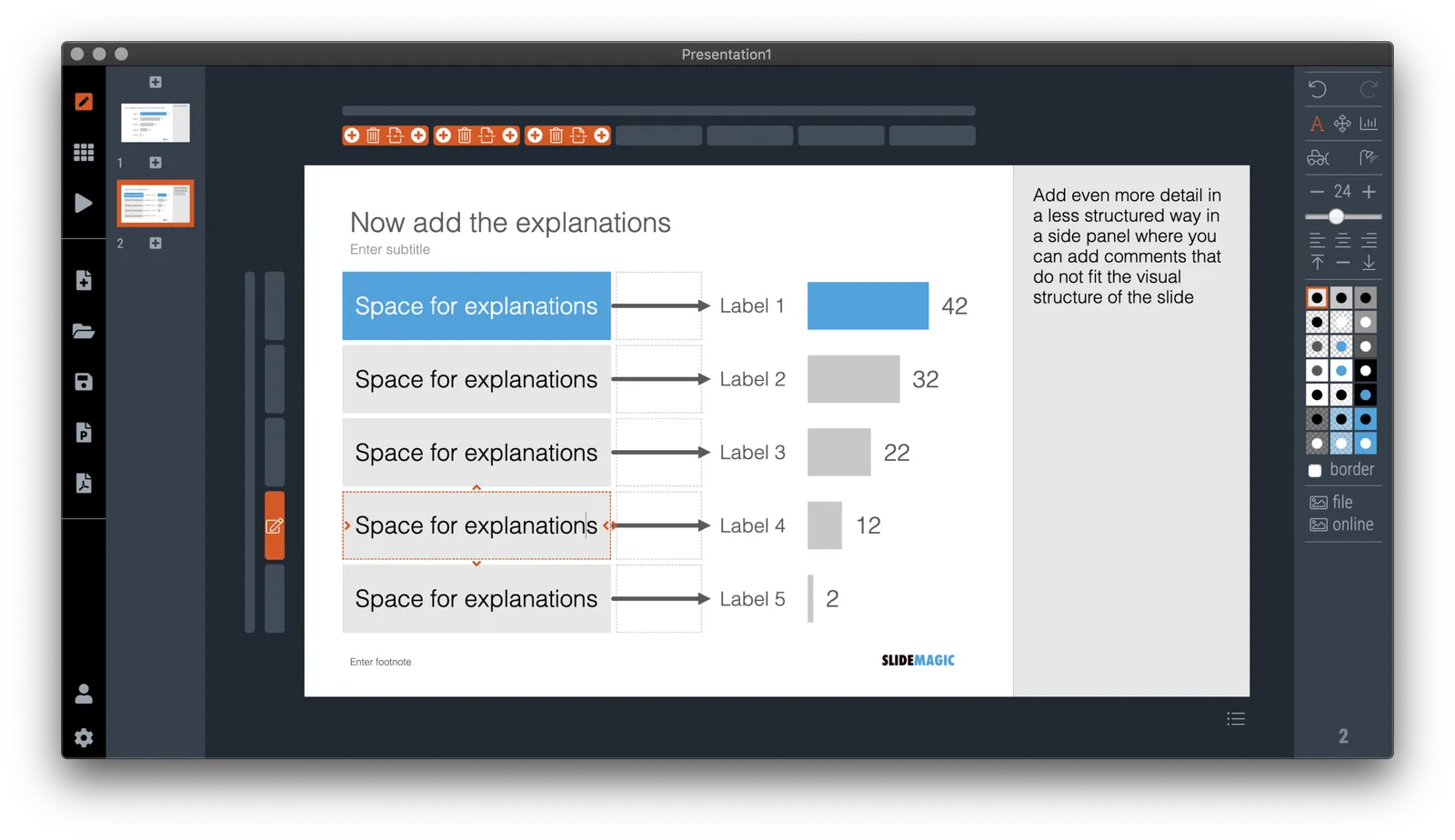
Note how easy it is in SlideMagic to toss things around and add (remove) complications to your slide without breaking its visual grid

·Images

Corporate title pages

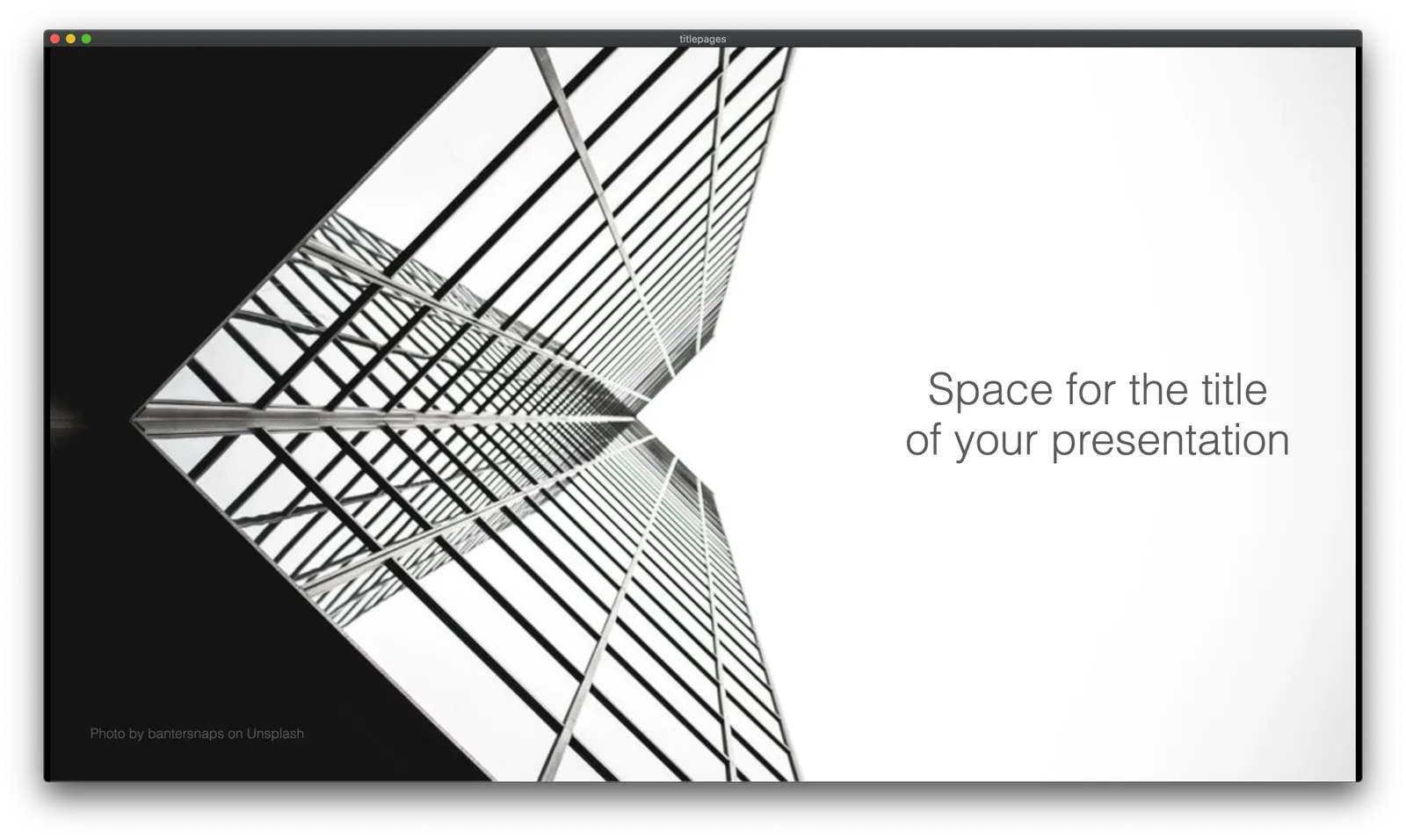
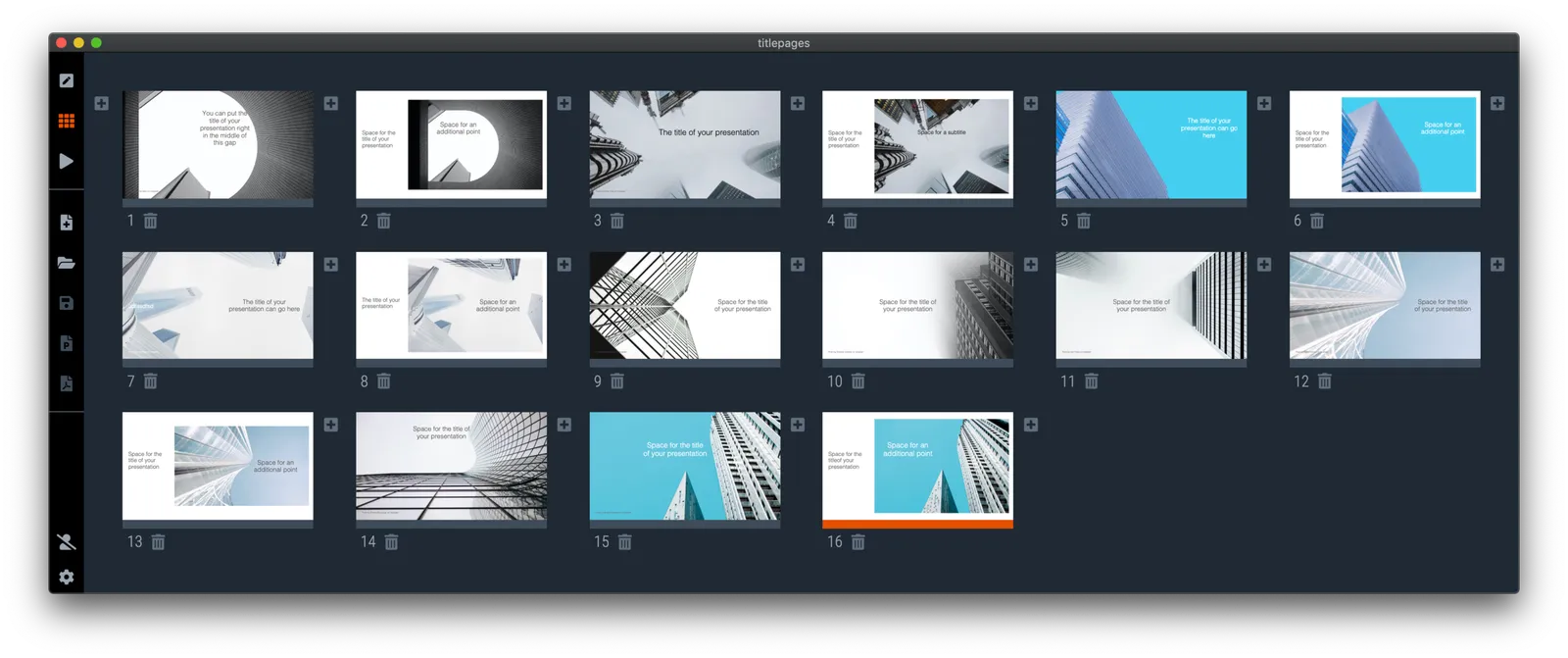
I added a number of new title pages to the SlideMagic slide template database: looking up in the downtown area of a city. The sky in the center of the image is a nice empty background for your text.

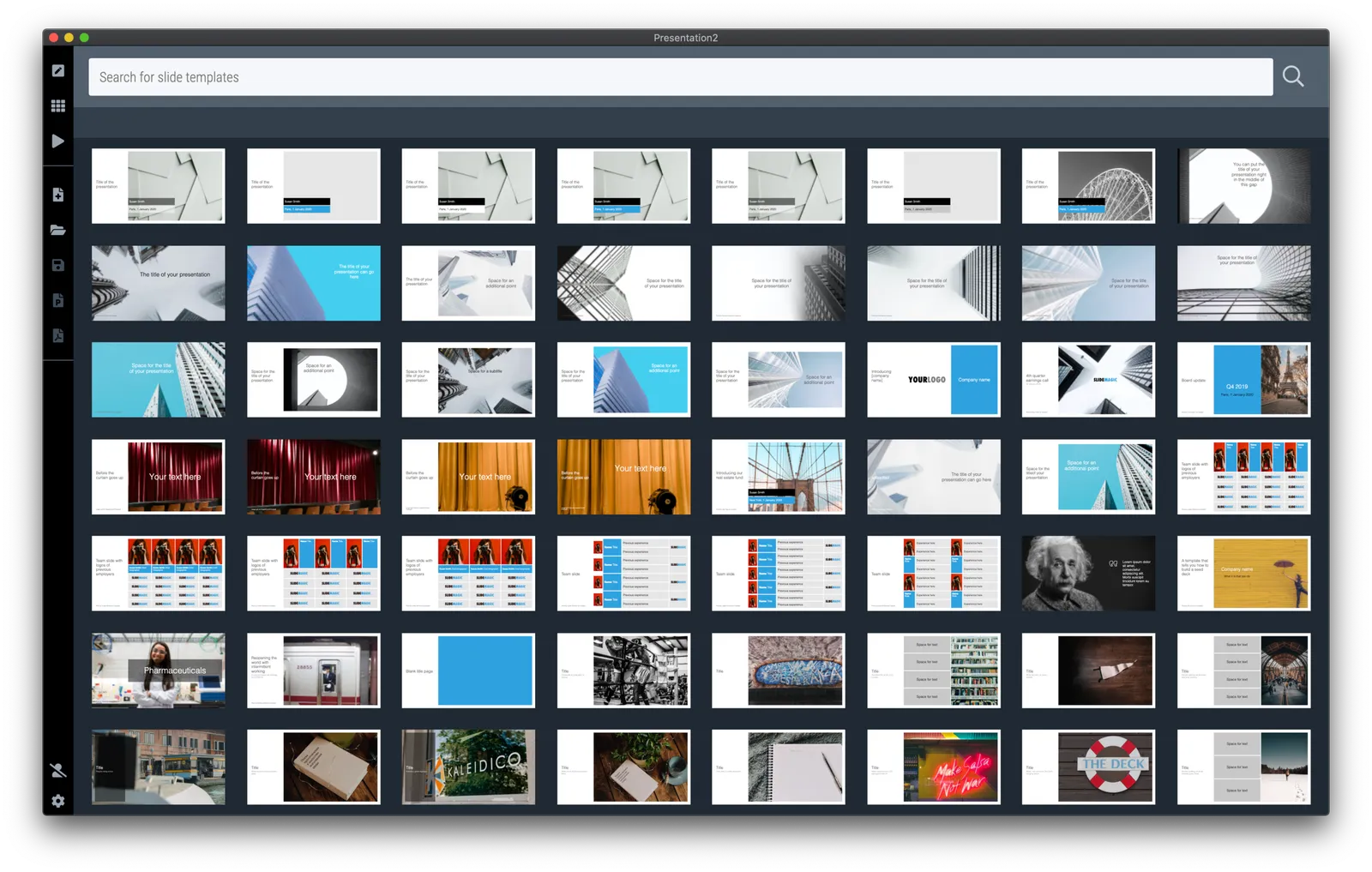
Typing “title” in the search bar of the SlideMagic desktop app now gives a lot of options to get you started with a title page for your presentation

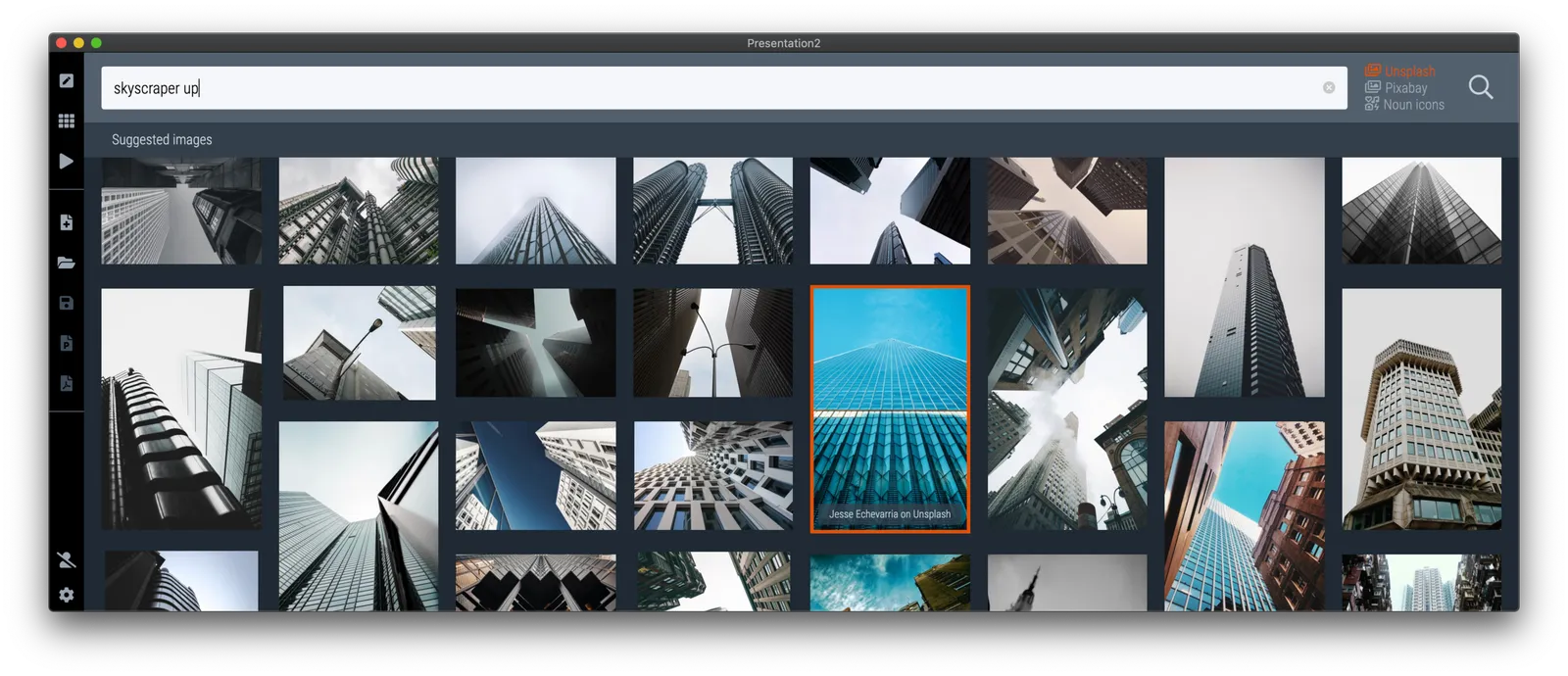
Pick one of these designs (or an empty slide), and use the image search feature to add the image that you prefer

·Layout

The point of masks

Social media is full of people arguing about masks. Part of the reason I think is that it is such a statement: “Look, I proudly wear one”, “Look, I proudly do not wear one”. I think masks deserve the benefits of the doubt, without becoming overly obsessed with it.

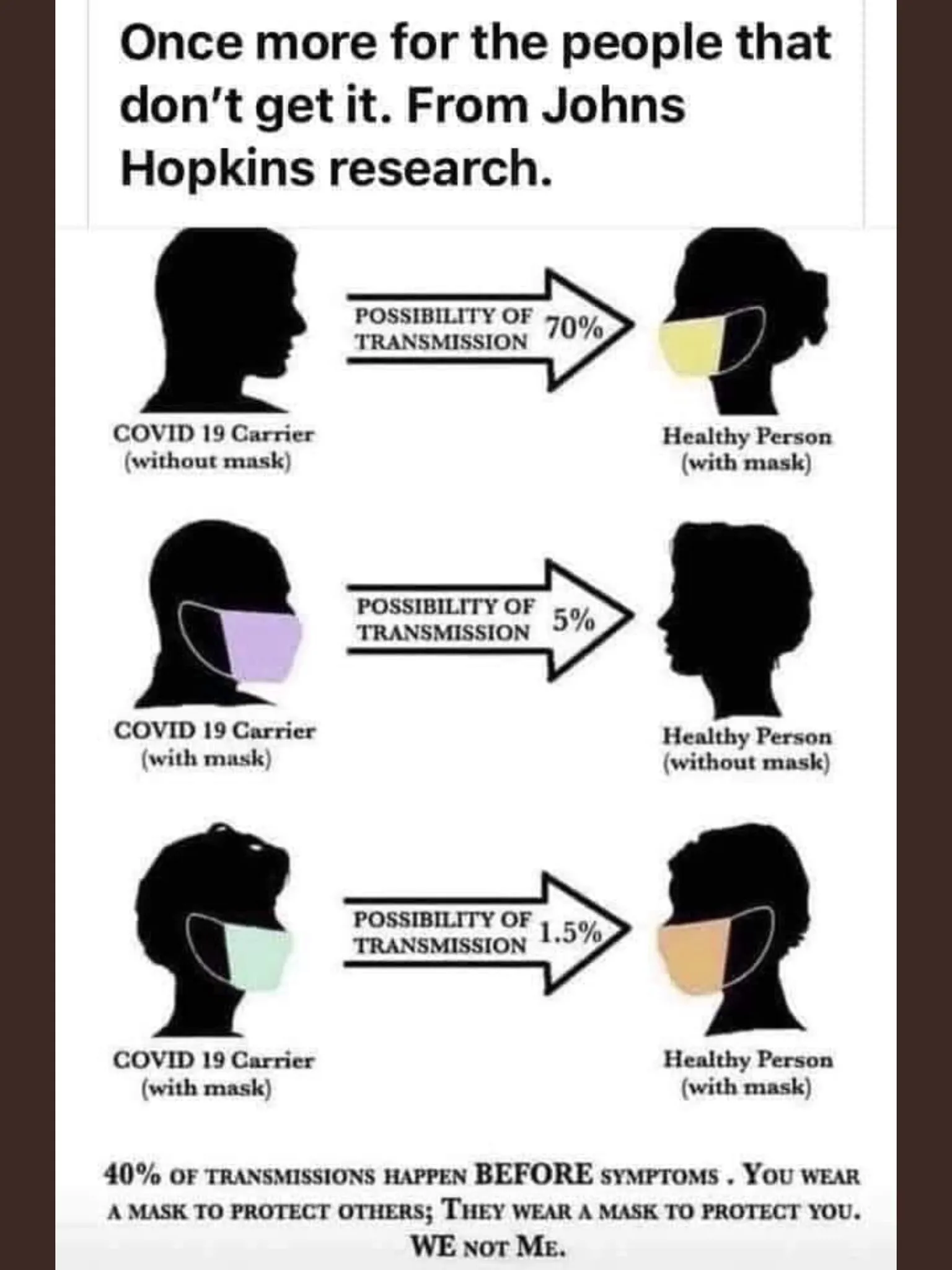
Leaving the debate to the side, and turning to graphics. My Twitter feed is full of diagrams such as this one below (found it here):

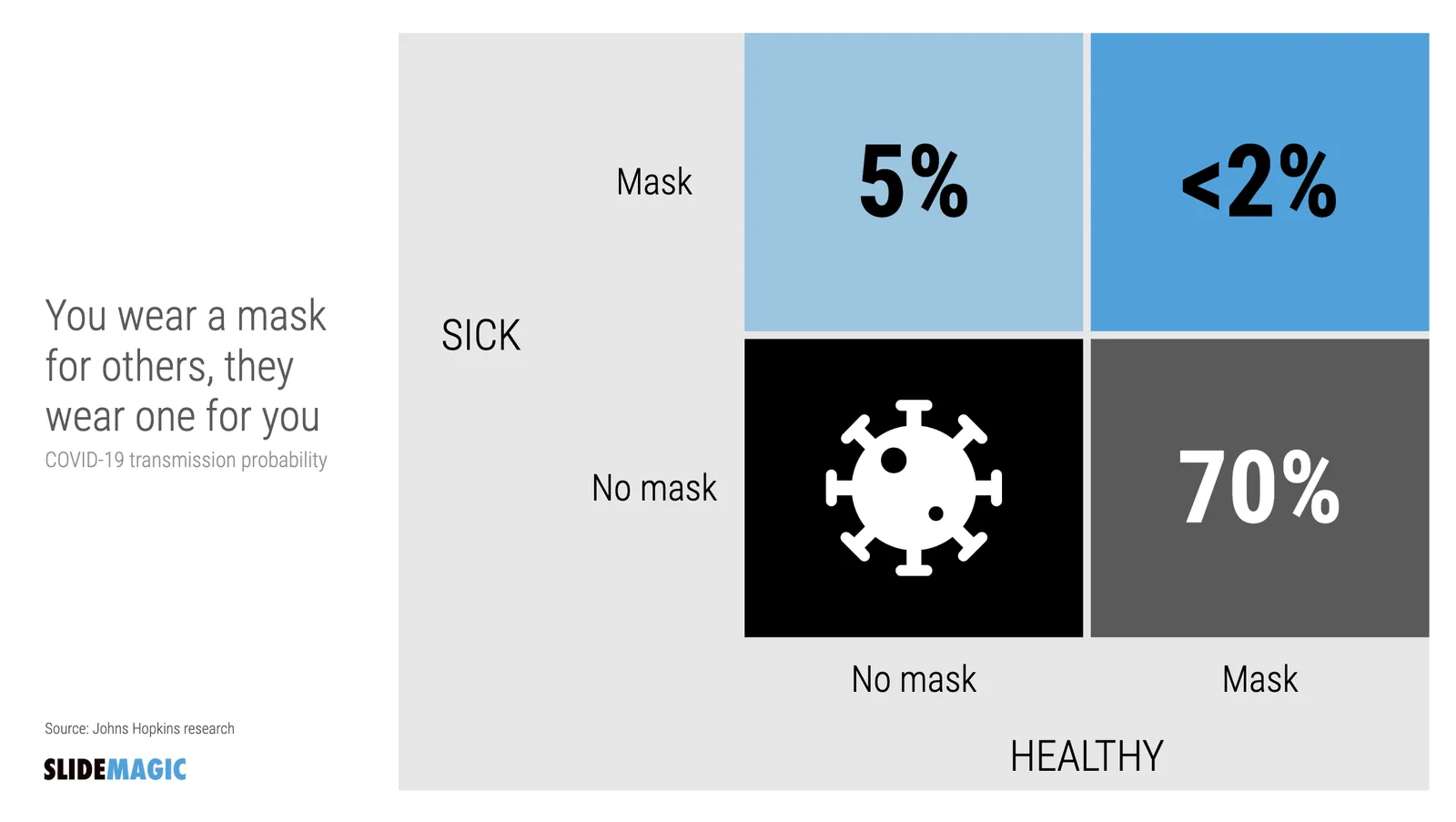
The masks and the faces look cute, but it is actually hard to understand the chart instantly. Using the SlideMagic approach to slide design (quick, to the point, good enough design), I came up with the following 2x2 that tries to make the same point:

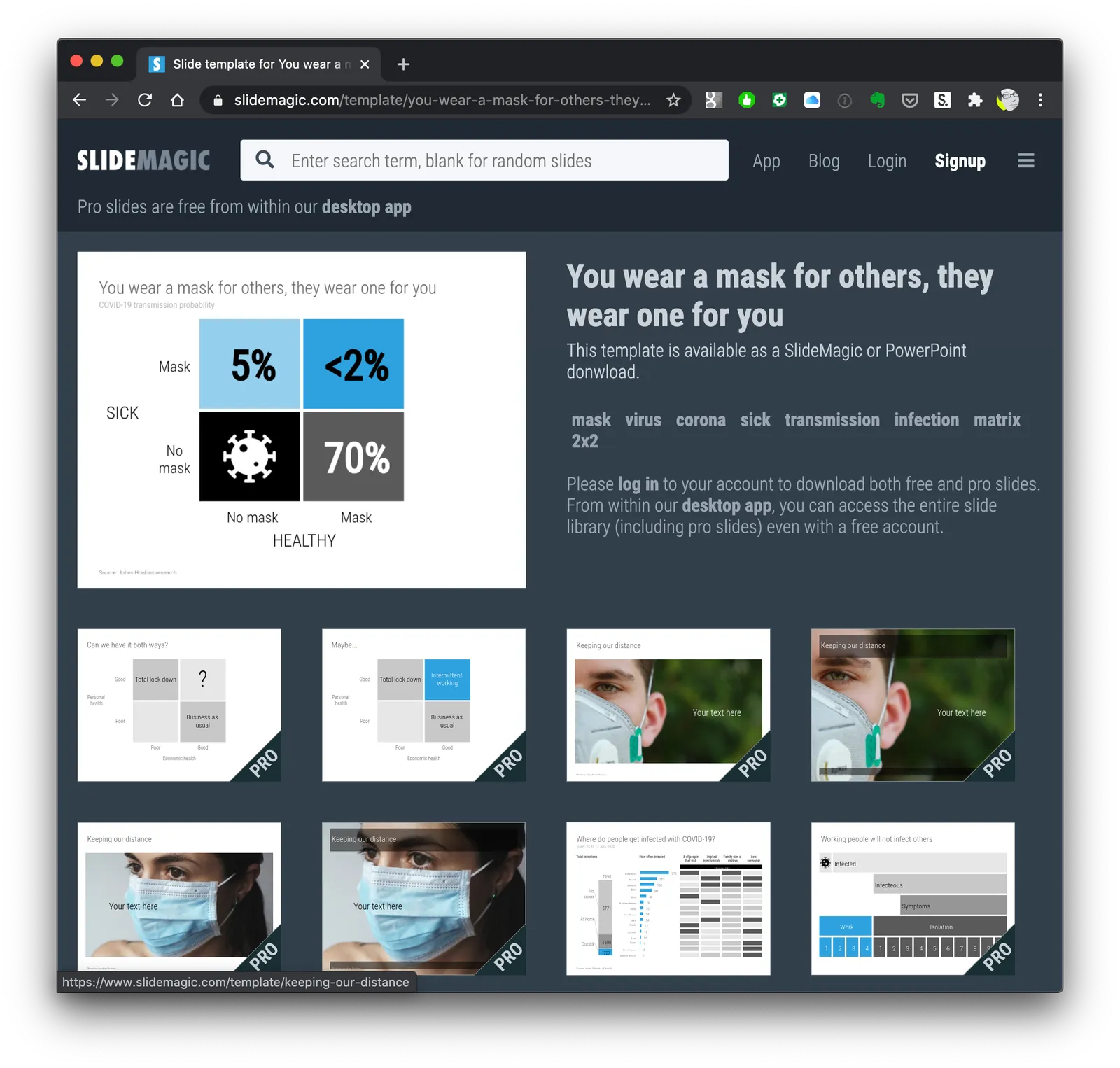
Now the question is, did I put myself in the shoes of the audience? Maybe not every non-mask-wearing person is a former management consultant who prefers 2x2s… This slide is now available on the SlideMagic template bank, and you can access it free if you search for something like “mask” inside the app (v2.4.29 is the latest version).

See below how the desktop app adds dynamically generated slides to the search query. I am not running that on the server at the moment, since 1) it will take a lot of processing capacity that is now being done on individual user machines, 2) I do not consider the web store to be the optimal user experience: downloading slides, and then opening them in the app, but maybe I will change my mind at some stage in the future.

Continue reading →
·Layout

New arrows are now live

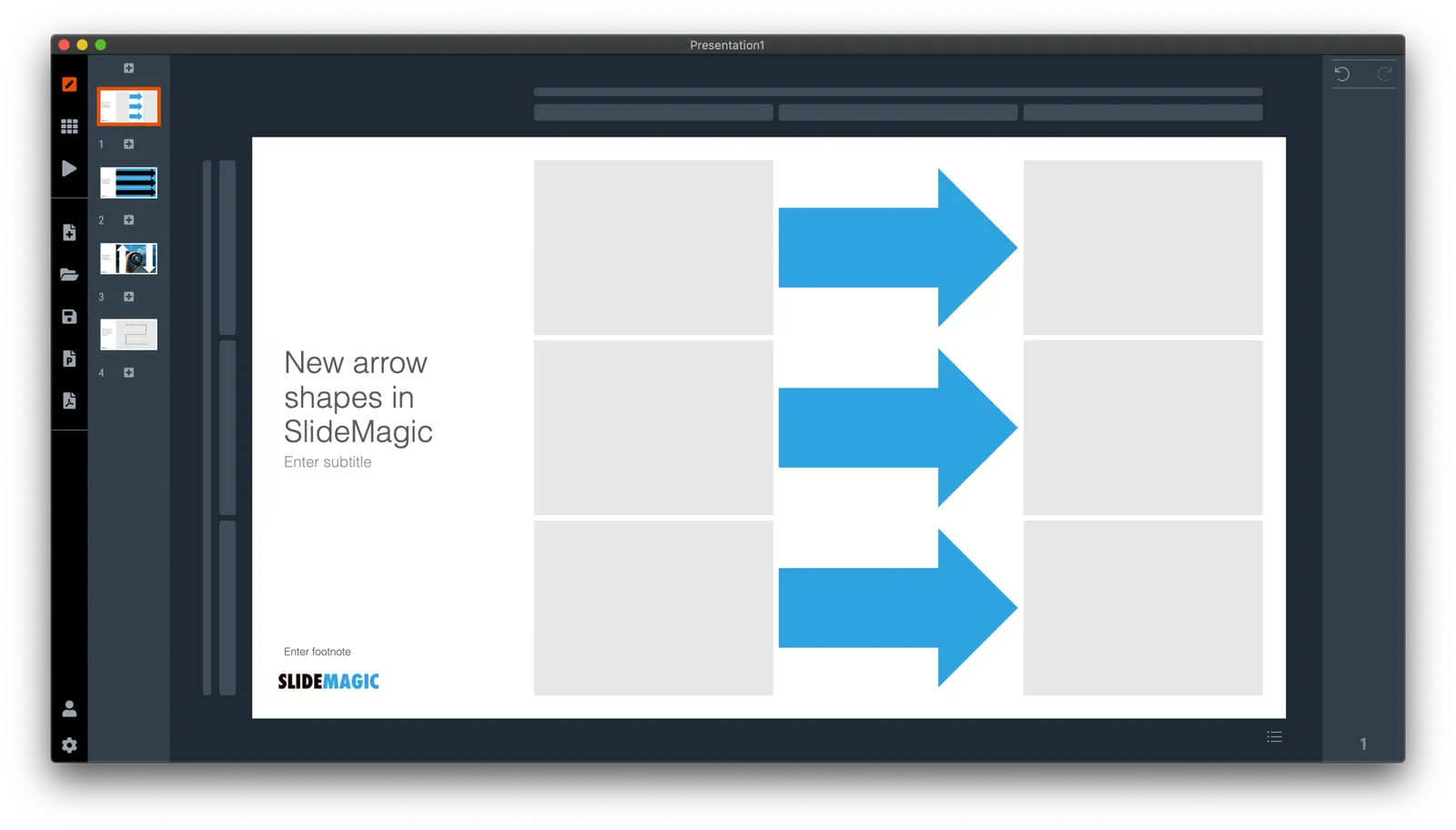
Thelatest version of SlideMagic has the new arrow feature available, finally enabling me to discontinue the dreaded connectors. Arrows are big and bold to show cause-effect relationships or other forces. I made an algorithm to let them do the right thing in terms of layout in various box sizes, and in various aspect ratios, both for horizontal and vertical shapes. In PowerPoint and Keynote it is fiddly to get arrows to look exactly the same once you start changing the angles of the pointer by hand.

When converting to PowerPoint (a pro feature), your arrows will show up as editable PowerPoint arrow shapes.

I can now call SlideMagic 99% feature complete (hmm, line charts?) and will focus on hardening the application to make it absolutely stable.

The legacy connector feature will stay in the background. If you load an old slide that uses it, the legacy arrows will be rendered and you can edit them. If you have to add more legacy connectors, simply shift-click on the connector icon, and you will be given the option to use the old feature.

The new arrows also give me more design freedom to start expanding the template library with new slide layouts that features these ‘fat’ arrows.

 Fat arrows are great for showing cause-effect relationships

Fat arrows are great for showing cause-effect relationships

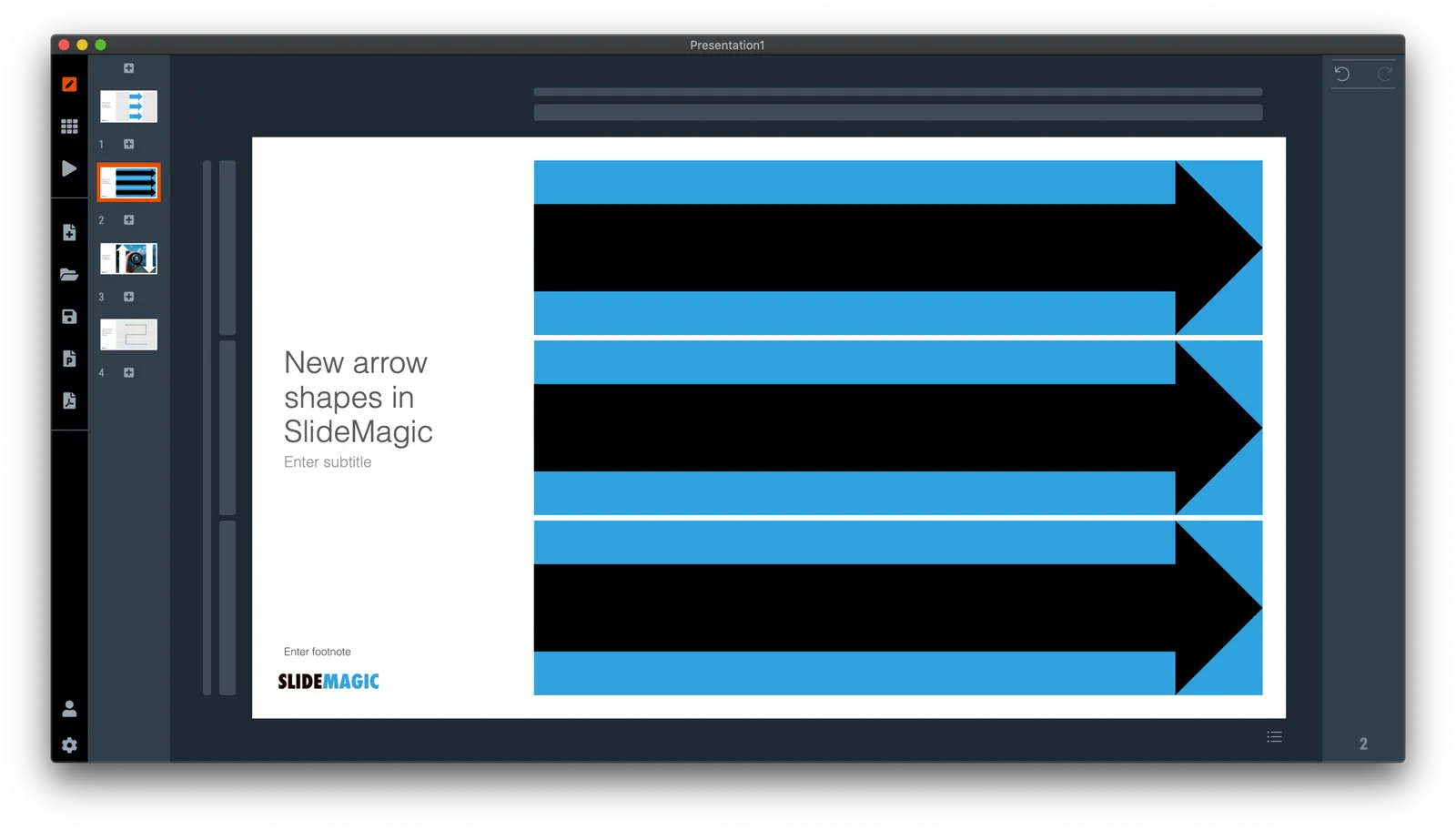
 Arrows follow the color scheme of the cell, black on accent, will give you this result

Arrows follow the color scheme of the cell, black on accent, will give you this result

Continue reading →
·Software

The new line drawing mode

I just deployed version 2.4.16 on the server that has the first version of the new line drawing engine of SlideMagic built in. This will be the replacement of the cumbersome ‘connector’ feature that was inherited from SlideMagic 1.0.

Any presentation app needs some sort of approach to drawing lines, especially to connect boxes in diagrams. Freehand drawing and line dragging goes straight against the philosophy of SlideMagic, which forces you to keep everything lined up, evenly spaced out on a grid.

The connectors solved this by micromanaging lines, you have designate a box to be a line box, and then meticulously set the line configuration inside it. The result is a line grid that perfectly scales up and down with your grid. But this can be a pain to maintain, especially if you are working in a very fine grid.

So I can came up with a compromise and added a separate line drawing layer to the ‘frame; of the slide, the background that sits behind the work area of the slide (i.e., not the title and the footnote). Selecting the frame will highlight a Manhattan-like grid of dots, between which you can draw any (straight) line or arrow you want, across the entire slide. This line patter will move with changes to the grid, but - and this is the concession - is not 100% tied to the boxes in your chart. But I think it is a price well worth paying, imperfections are easy to fix.

A side effect, it is now also easy to draw a fat border around a group of boxes if needed.

Continue reading →
·Templates

The SlideMagic template bank now has an "unlimited" number of slides

The latest version of the SlideMagic app (download) now has a feature that I wanted to implement for years: automatically generated slide templates.

The basic set of SlideMagic templates are closely related to my consulting background: lists, tables, frameworks, 2x2s, graphs, diagrams, etc. This set will grow into the thousands, but it still relatively small when it comes to the universe of slides.

There is a big long tail of slide designs that are impossible to design and store on a server: slides with backgrounds of an image: cities, buildings, buckets, cars, roads. It was already possible to search online for free images in SlideMagic, but now I took a step further.

When you hit a search inside the app, first SlideMagic will serve you its own templates that best match your search criteria. But then, the app will add automatically generated layouts with relevant images after that. These slides do not sit on the server, they are generated on the fly. In the screen shots below, you can spot the break between the two types of slides, but you need to look carefully.

This feature is only available inside the SlideMagic and not yet implemented on the web site. I am just starting to scratch the surface of all of this, as usual: work on progress.