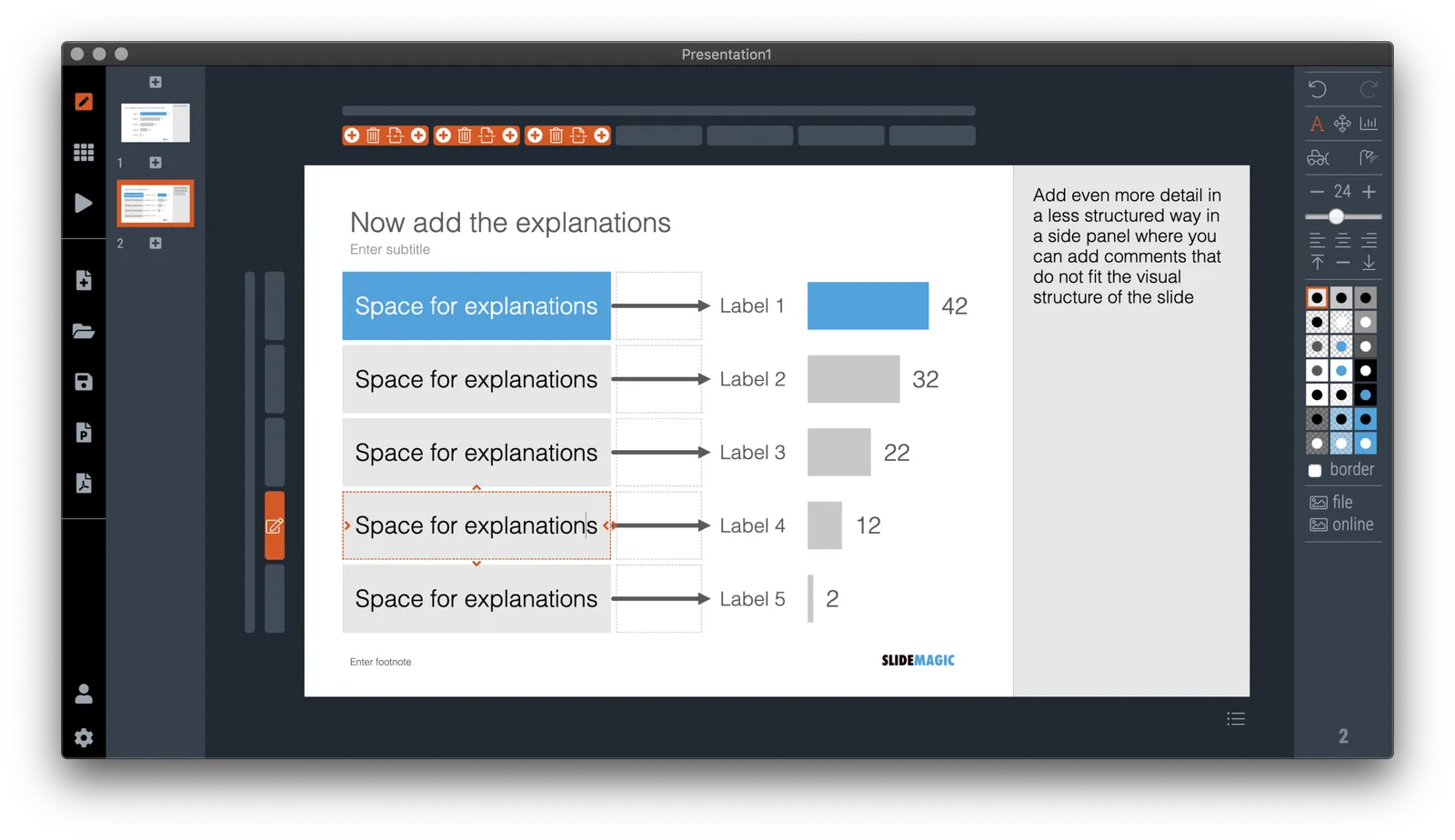
Different types of audiences, different types of questions, and/or different phases in your interaction with the audience require different types of slides.
- In the first meeting, you introduce an idea with a big, bold, minimalist data chart
- In a follow-up meeting, you are answered a question about assumptions behind the numbers, or, in a Zoom meeting, your audience sits very close to her screen and has time / visual ability to dig deeper into the visuals than she would be able to when sitting in a big room.
For these occasions, you can make slide variations of the same slide. Seen an example below:
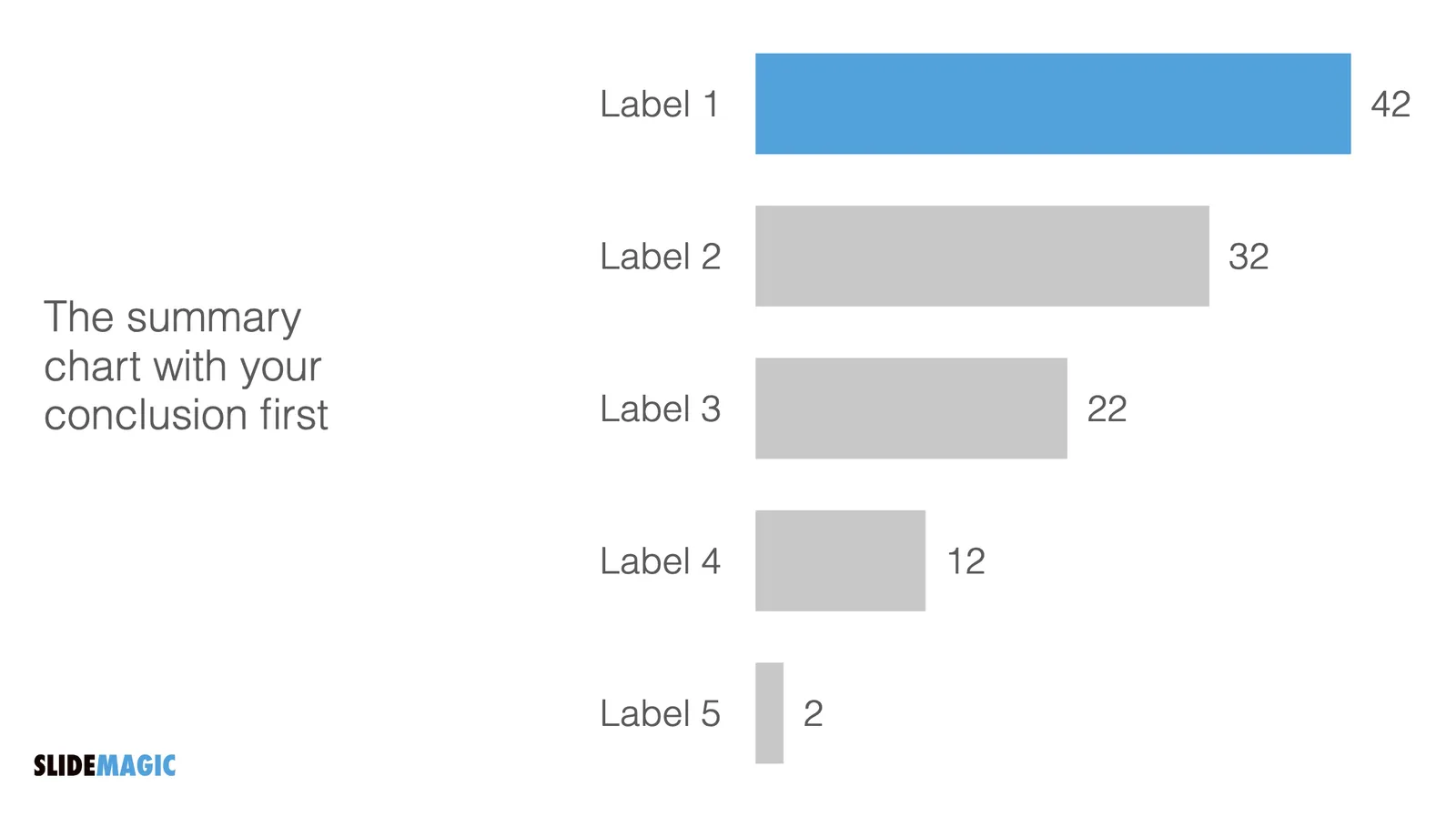
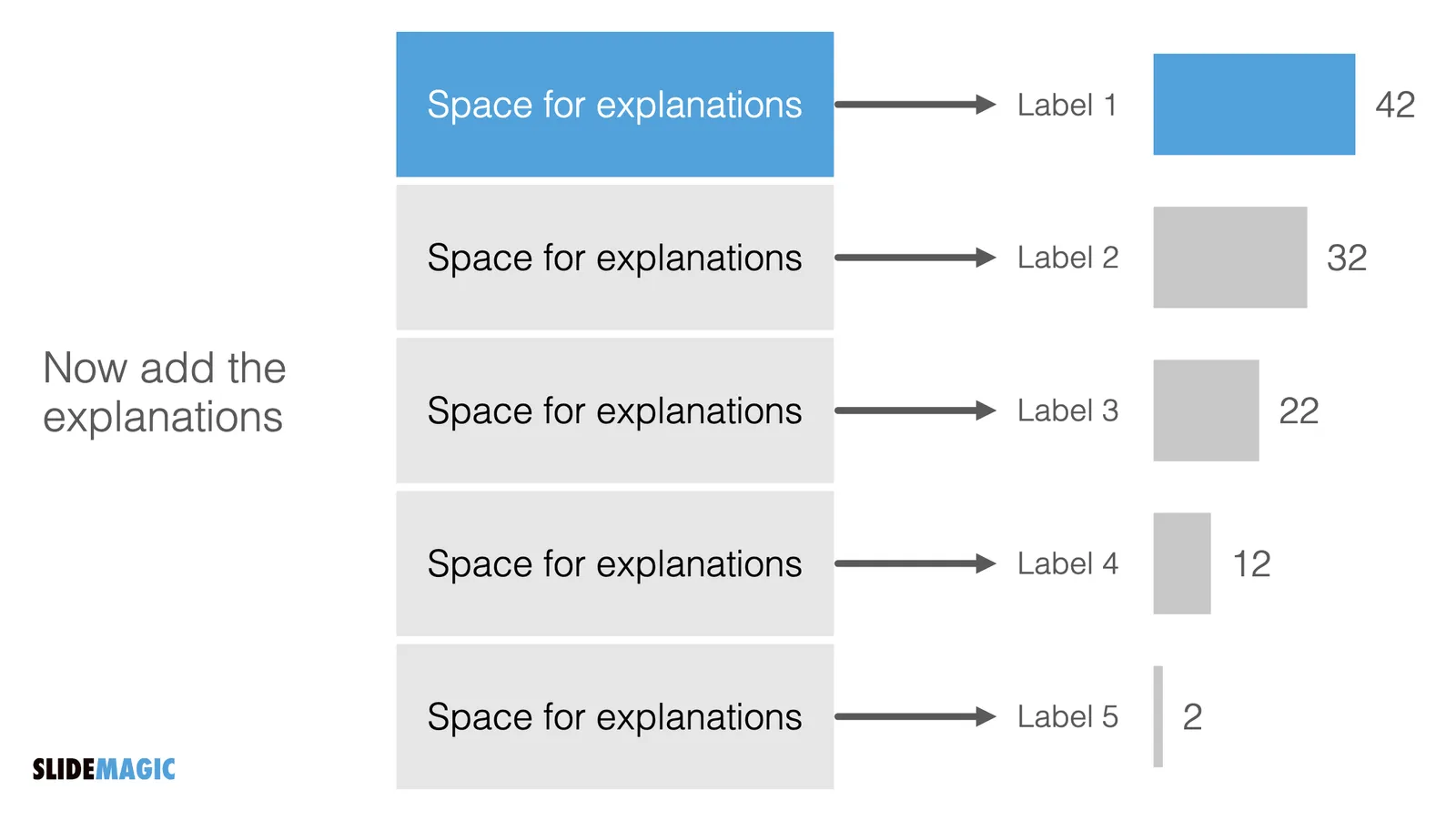
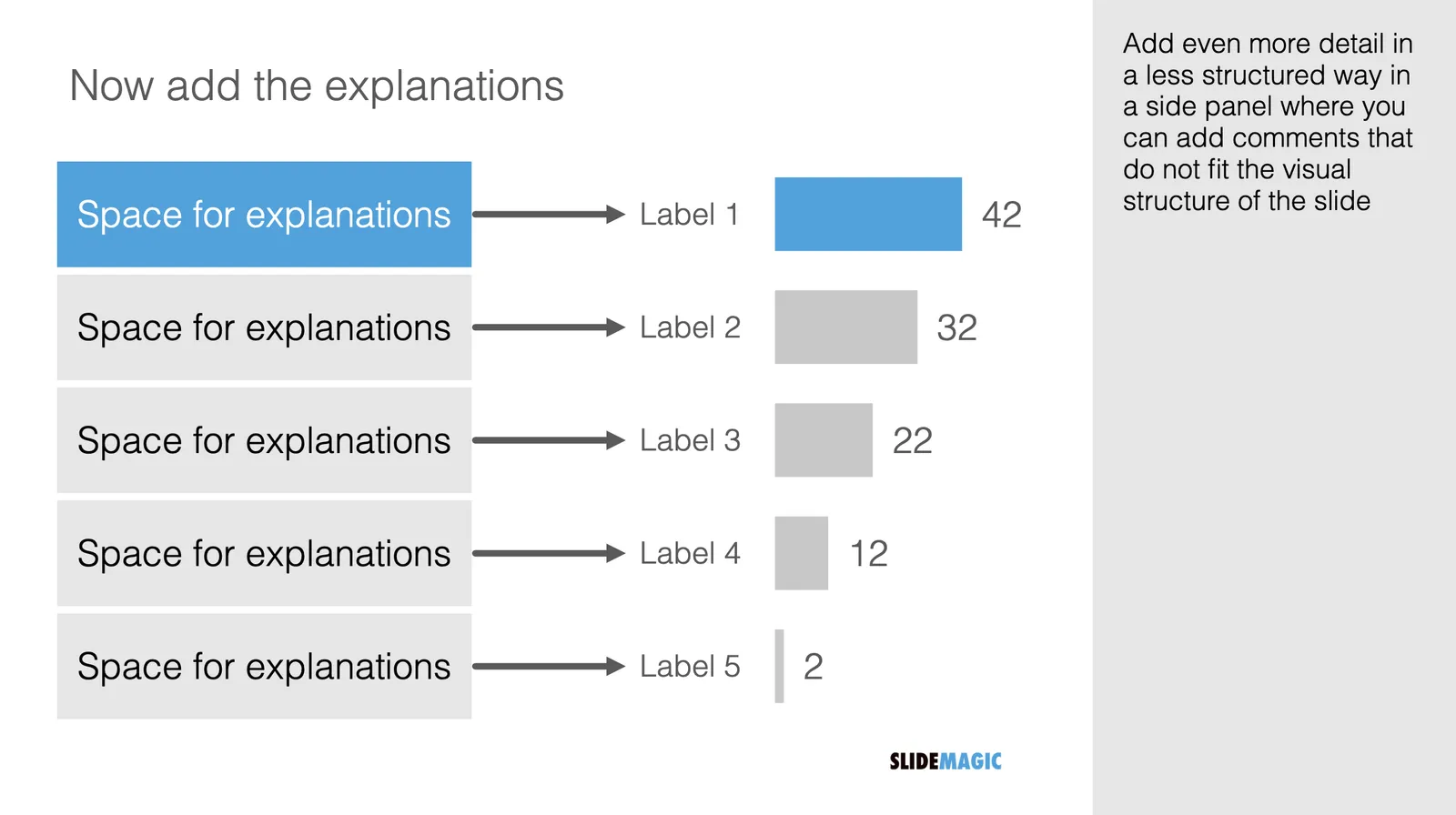
Clicking back and forth between the slides will give the illusion of some sort of animated popup, while in effect the audience is looking at two different visuals. In practice, I would design the busy slide first, then cut things out to create your minimalist slide.