

For business presentations
Magical presentations.
Fast, easy, beautiful.
A desktop app with thousands of business slide templates and a patented layout engine — so every slide lines up perfectly and stays on brand.
Using an older Intel Mac? · Free to try
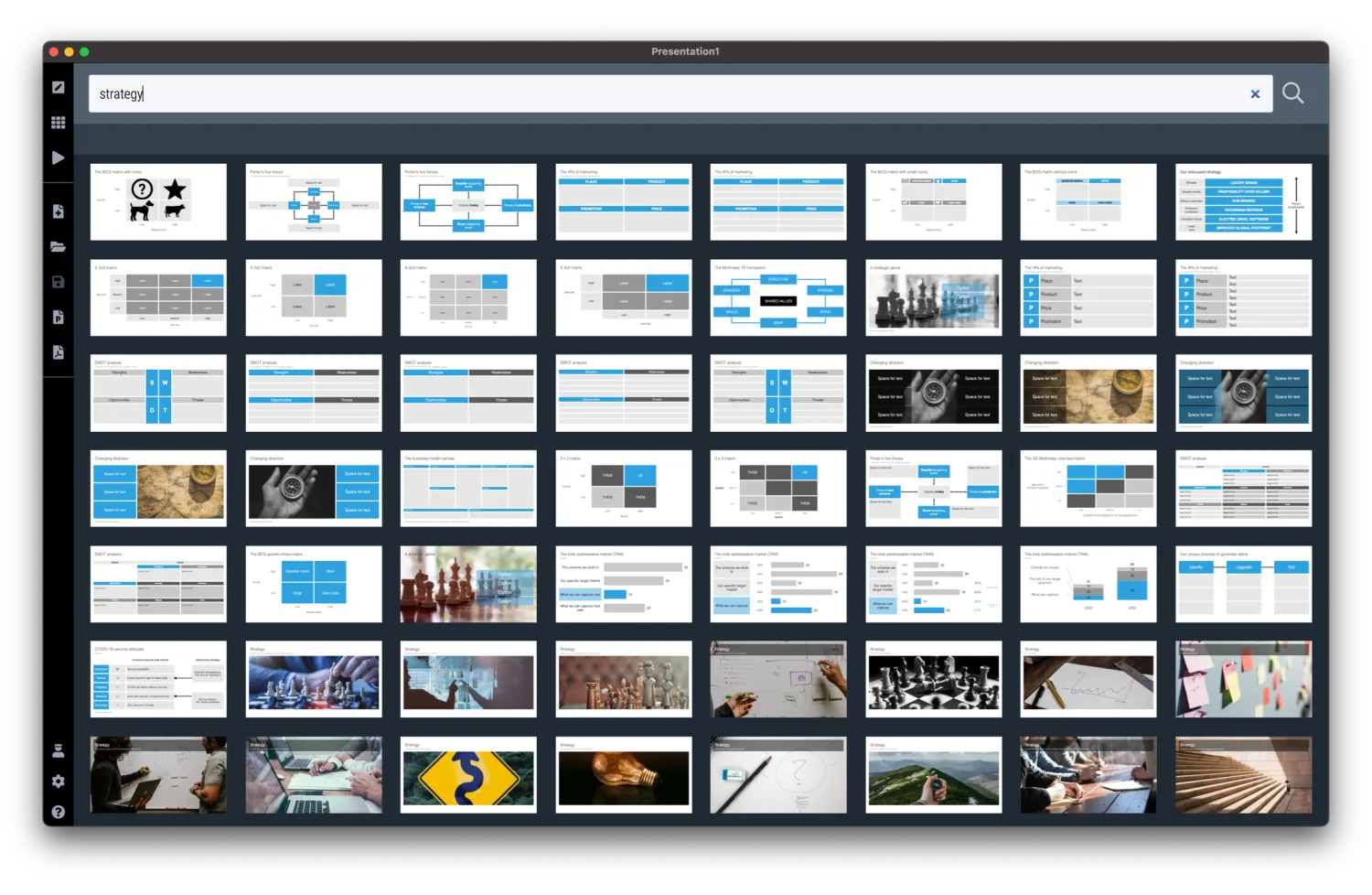
Thousands of templates
A template bank full of slide layouts built specifically for business presentations.
Slides always look good
You take care of the story, we handle the design. The patented interface keeps everything aligned and on brand.
Convert to PowerPoint
A desktop app for Windows and macOS. Export to PowerPoint, PDF, or images whenever you need to share.
Template library
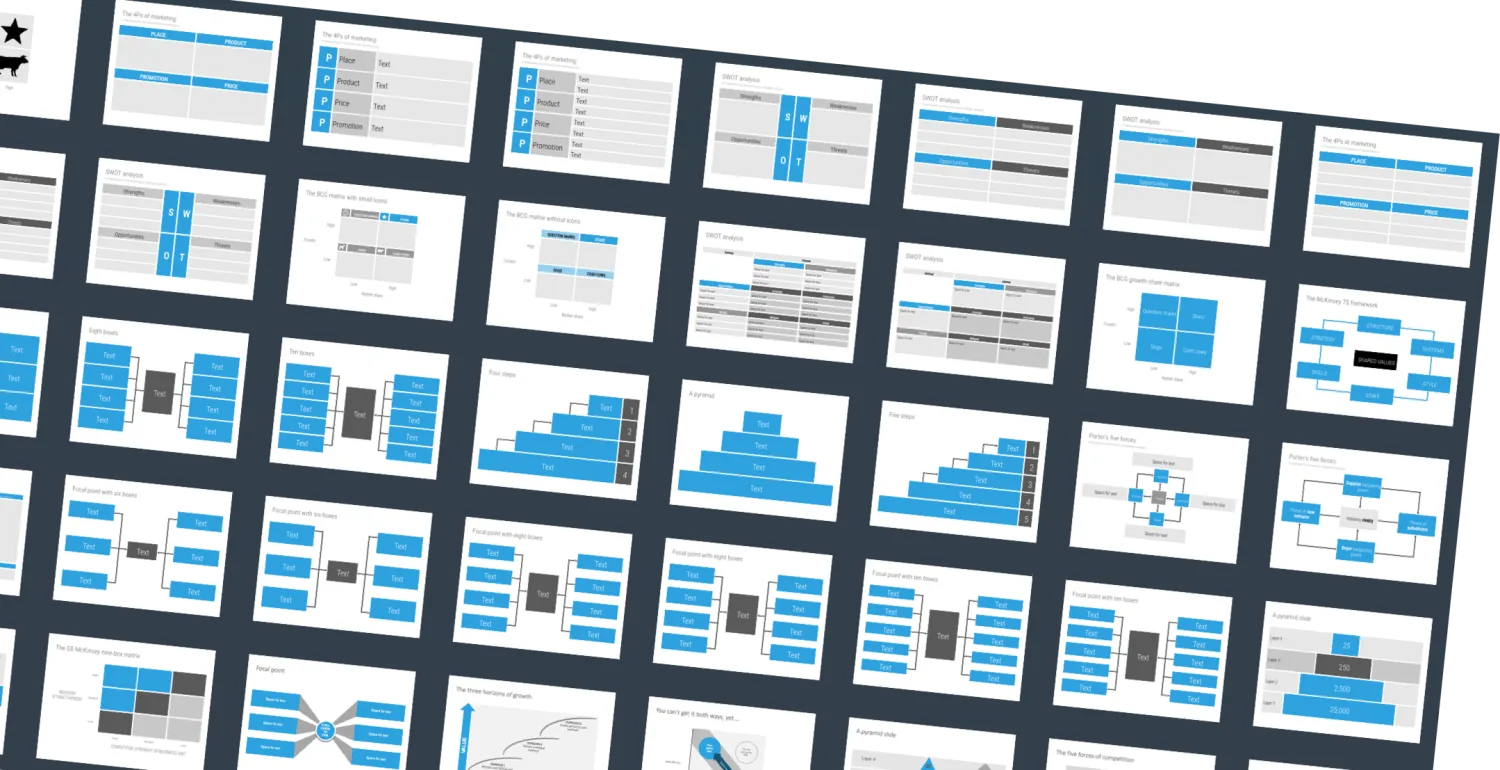
Get inspired by thousands of templates
Start from a layout that already works, then make it your own in a few clicks.
- Focused on business — lists, comparisons, data charts, strategy frameworks.
- Smart search — find related slides and layouts with matching dimensions.
- Curated by a pro — 25+ years of decks at McKinsey and as an investor presentation designer.
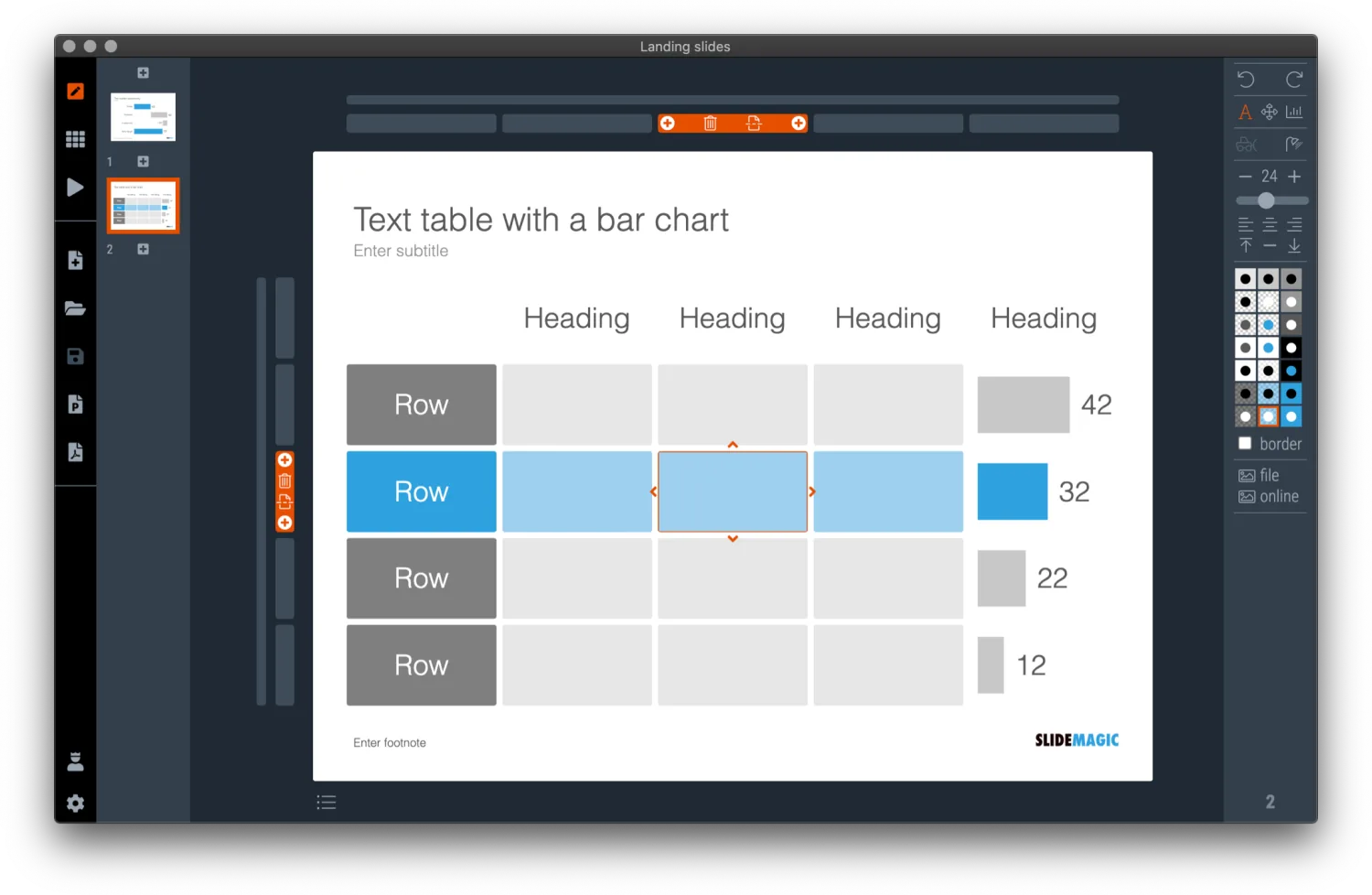
The editor
Tinker and tweak without breaking things
A grid structure does the fiddly alignment work for you, every time.
- Patented interface — shapes always line up and distribute across the slide perfectly.
- Make it yours — adjust a layout to your content without breaking the design.
- Different meeting, different look — 4:3 to widescreen, light to dark, instantly.
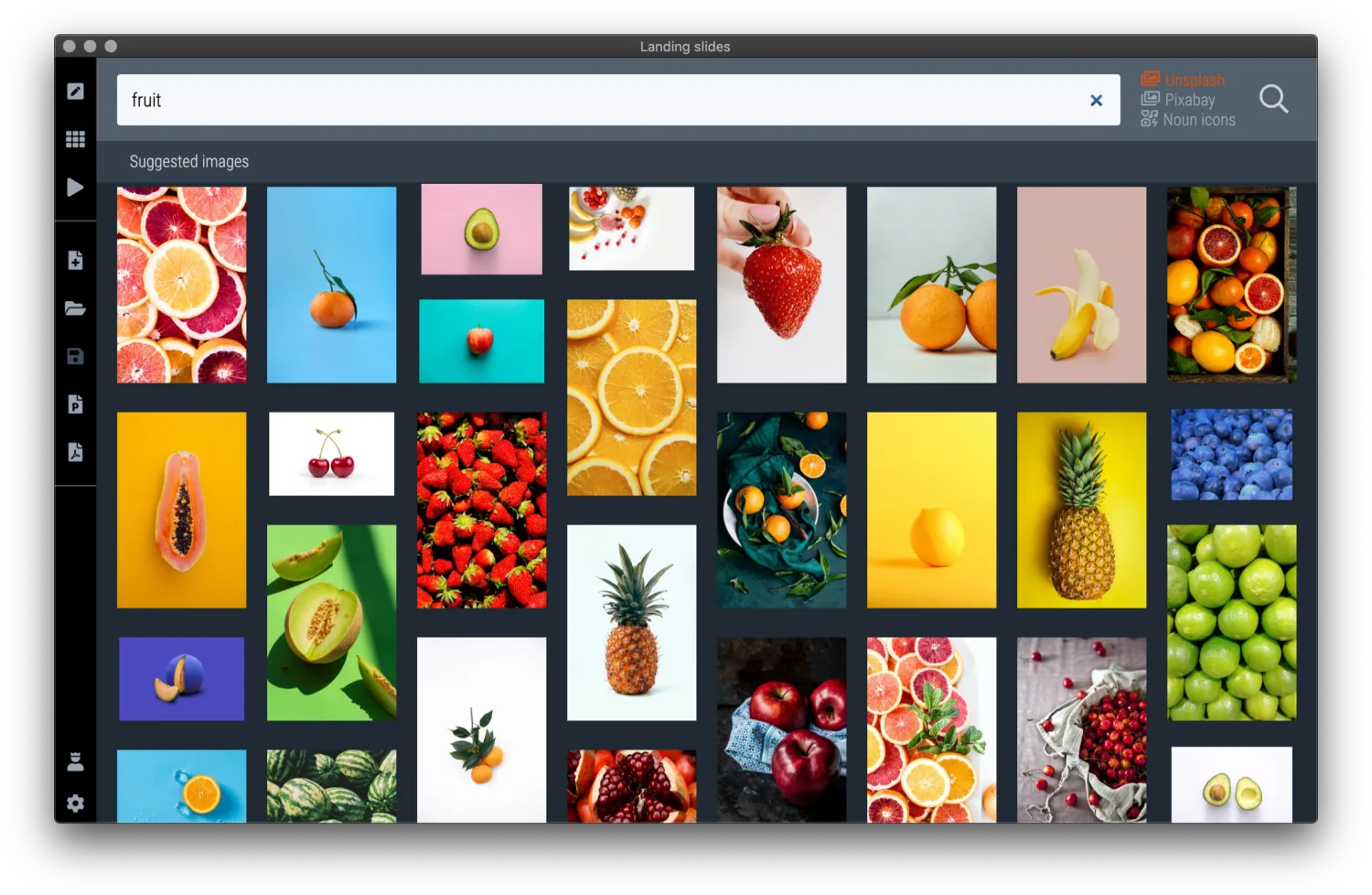
Images
Beautiful images, perfectly cropped and sized
Search, click, done — no saving, renaming, or manual cropping.
- Millions of free images — Unsplash, Pixabay, and the Noun Project, right inside the app.
- Fast workflow — browse and click; SlideMagic even adds a removable photographer credit.
- Perfectly cropped — images fit each shape exactly and re-adjust when the layout changes.
Export
Export to PDF and PowerPoint
Share your work in whatever format the meeting calls for.
- Multiple formats — PowerPoint, PDF, and image export, all supported.
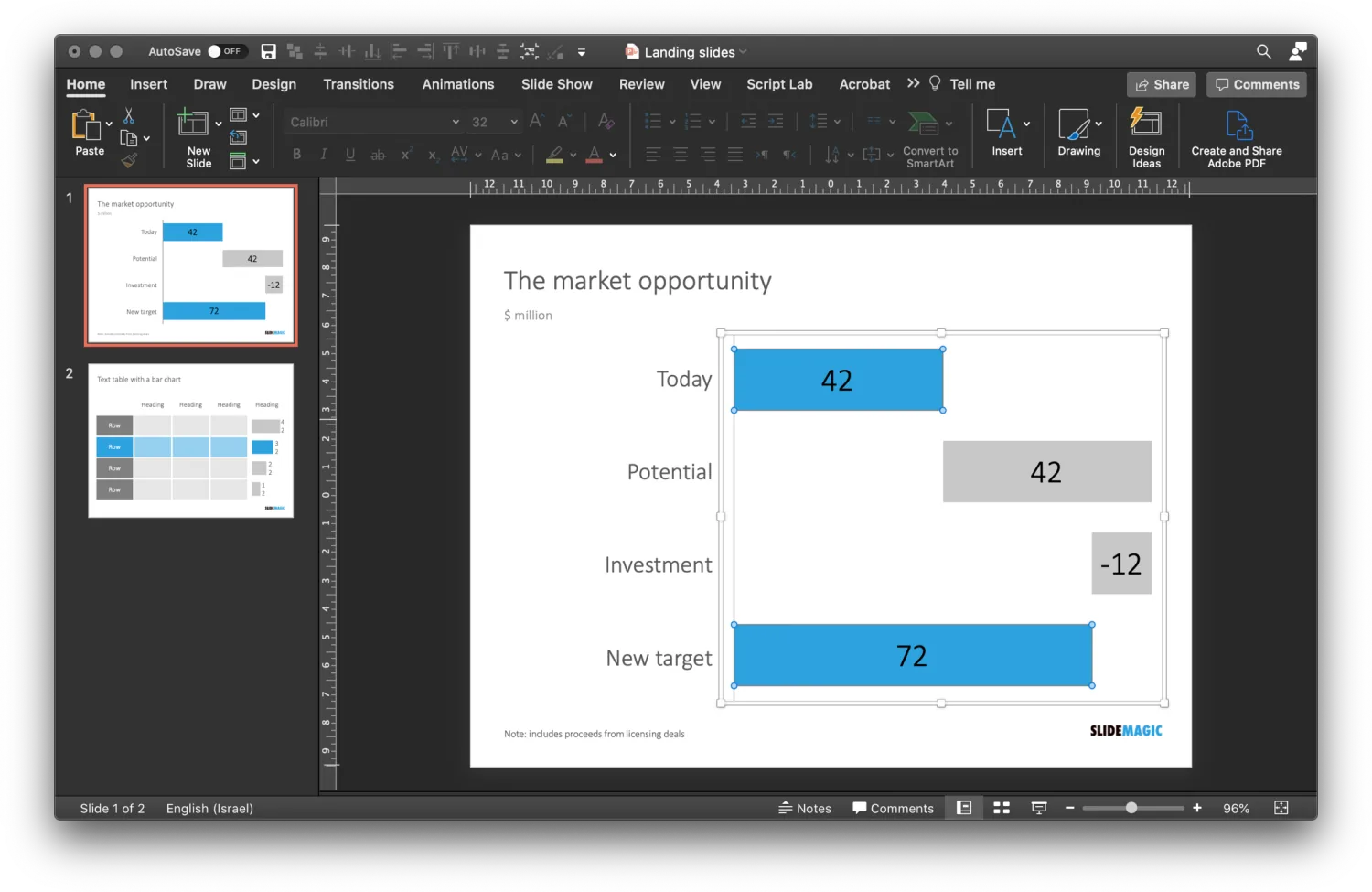
- Deep PowerPoint conversion — shape by shape, with crops preserved and editable data charts.
- A full presentation app — presenter view, remote support, files saved locally or in the cloud.
Ready to make better slides?
Download SlideMagic and design your next presentation in minutes.