SlideMagic Blog

Frequent updates about all things presentations since 2008. Subscribe to never miss a post.

RSS

My book can now be accessed free on the web

To support the launch of the SlideMagic presentation design app I have started to remove the paywall for my book Pitch It!, you can read it here.

I am making slow progress because it requires a rewriting and reformatting of the content. First there was the iBooks version written in iBooks Author, then the PDF version written in InDesign, and now I am converting the content to HTML using squarespace.

Web templates have moved a long way over the past 2 years. The squarespace version looks as good, if not better, than the iBook version. I have all the freedom to design interactive content, and the adjustments between wide screen, iPad, and mobile phone are phenomenal. No app stores, no pass words, just click the link and you are in on any device.

This says something about the blurring of visual communication formats beyond the slides used in a stand up presentation. Scrolling down on a tablet is much more intuitive than clicking through slides (part of the reason why in SlideMagic things are fluid). Like reading a magazine or a newspaper, there is value for big picture, wow visuals, and a 12 point story here and there. A big bold chart and a detailed diagram. Maybe a nice magazine-style website behind a password is a better to present your idea than a PowerPoint attachment?

I can now also take the opportunity to update the content of the book, some of which has become a bit stale since December 2012 (and the biggest missing piece of information is SlideMagic as a credible alternative to PowerPoint and Keynote of course!).

·Software

Let's eradicate PowerPoint 2003

PowerPoint 2003 still uses the old MS Graph chart engine, and while PowerPoint 2003 probably does not run on any computer anymore, the slides created with it continue to live on. In many corporates, the same slides keep on getting updated with new numbers, sometimes for more than 10 years in a row.

So, in today’s PPTX files we still see leftovers of MS Graph charts, almost like virus infections. Depending on the computer and software you are running, some of the following can happen:

  • Random resizing of charts
  • Random re-coloring of charts
  • But worst: a total crash of PowerPoint and loss of data

Here is the instinct I developed and I encourage you to do the same upon noticing an MS Graph chart:

  1. Hit save in PowerPoint
  2. Copy the slide with the virus
  3. (Shivrrrrr), right click and open the MS Graph in the duplicate
  4. Go to the data tab and copy the data in a blank excel sheet
  5. Hit save in PowerPoint
  6. (Pfffew) recreate the chart from scratch
  7. Hit save in PowerPoint
  8. Delete the MS Graph slides
  9. Hit save in PowerPoint

With a bit of help from all of you, PPT 2003/MS Graph charts should be eradicated in 5 years or so.

·Keynote

3 things with 3 things each

Management consulting stories are always divided in 3 or 5 components (optimally starting with the same letter), and each of these is then divided into 3 sub components as well.

Connect, communicate, control. And to achieve connect we need to aggregate, accumulate, and accelerate. This works reasonably well in documents for reading (if the verbs are chosen meaningfully and not using a dictionary looking for words starting with C).

Verbal pitches are a bit different though. A human, person-to-person story is flatter, more linear. It is hard to go up one level, down to the second point if we do not have the hierarchical structure in front of us. Also, using too many words that start with a C make you sound like a consulting report, not like a genuine speaker.

Listen to yourself: if it sounds wrong it probably is wrong.

·Keynote

You didn't know you need this

If you pitch your product as a direct alternative to something else, the purchasing manager might say that it is a nice solution, but we already spent our budget on something that is acceptable. Often, it is better to convince the buyer that this is a new market, a new product, that has no substitutes yet. An opportunity for startups that are out there to change the world.

·Images

Thomas Leuthard

Thomas Leuthard (web site, Flickr) is a street photographer who published his work under a Creative Commons license on Flickr (attribution is required). His work is of very high quality. His images make great backgrounds for presentations that need an urban setting.

Image by Thomas Leuthard
·Keynote

Consulting frameworks

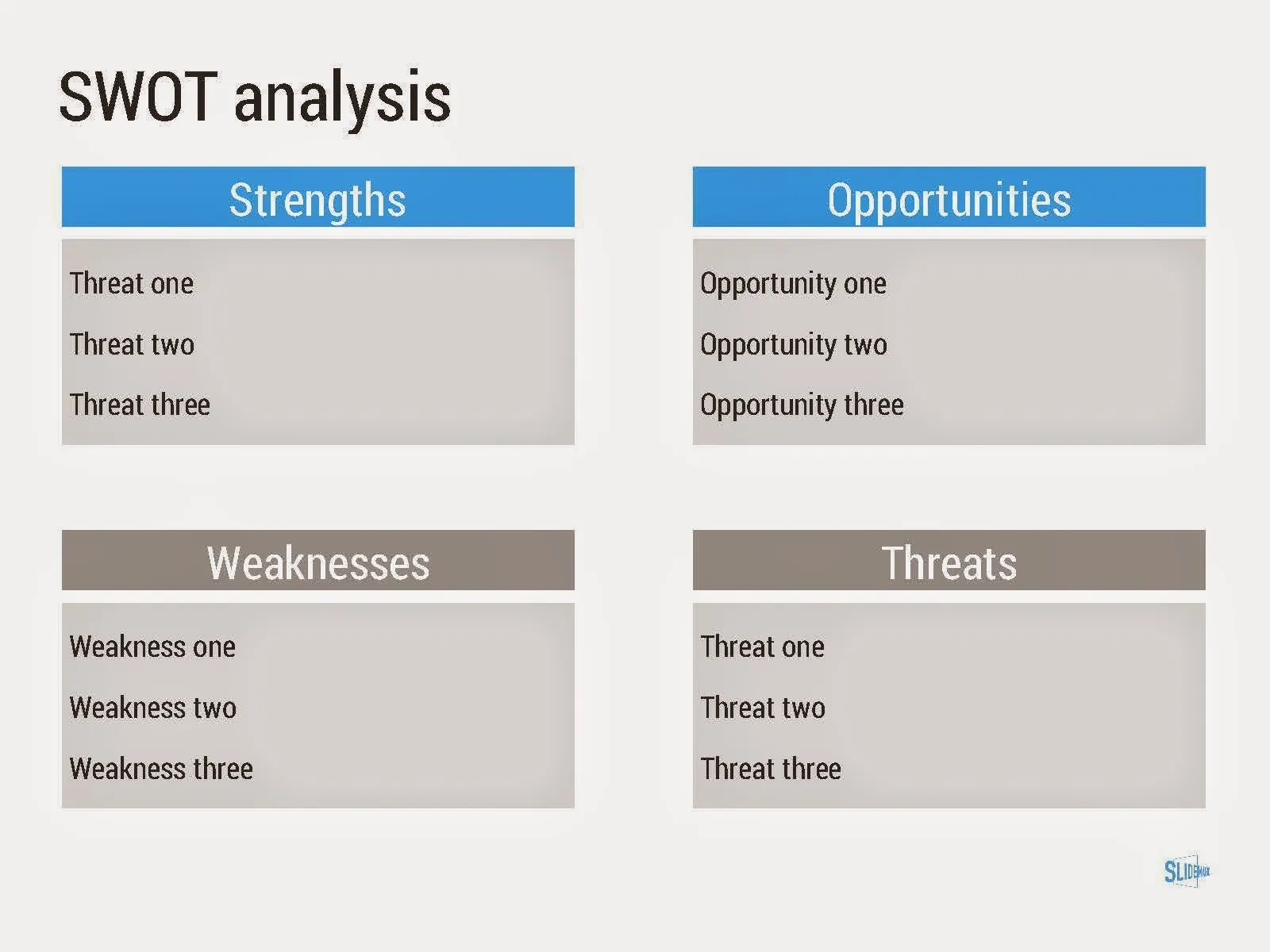
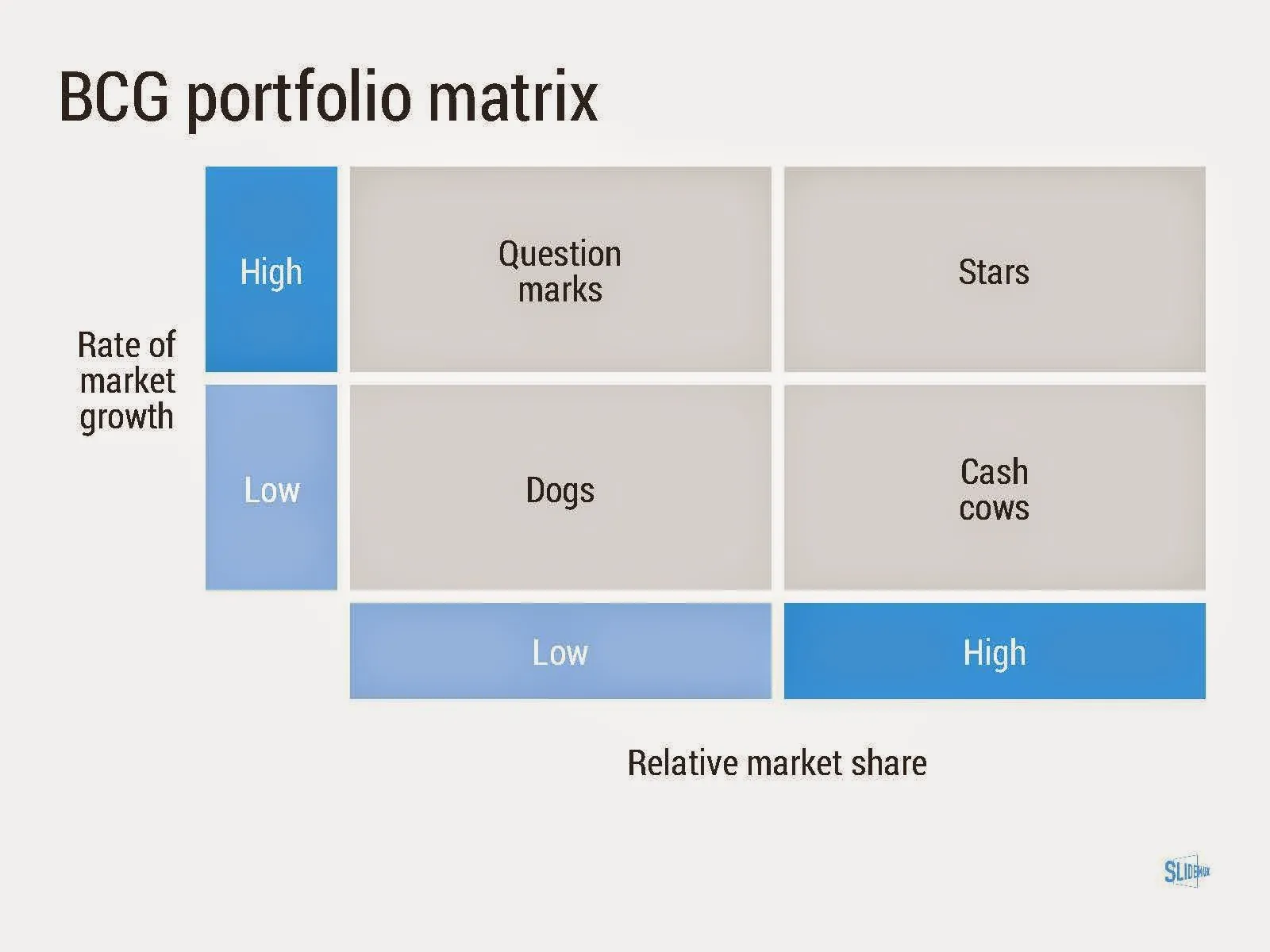
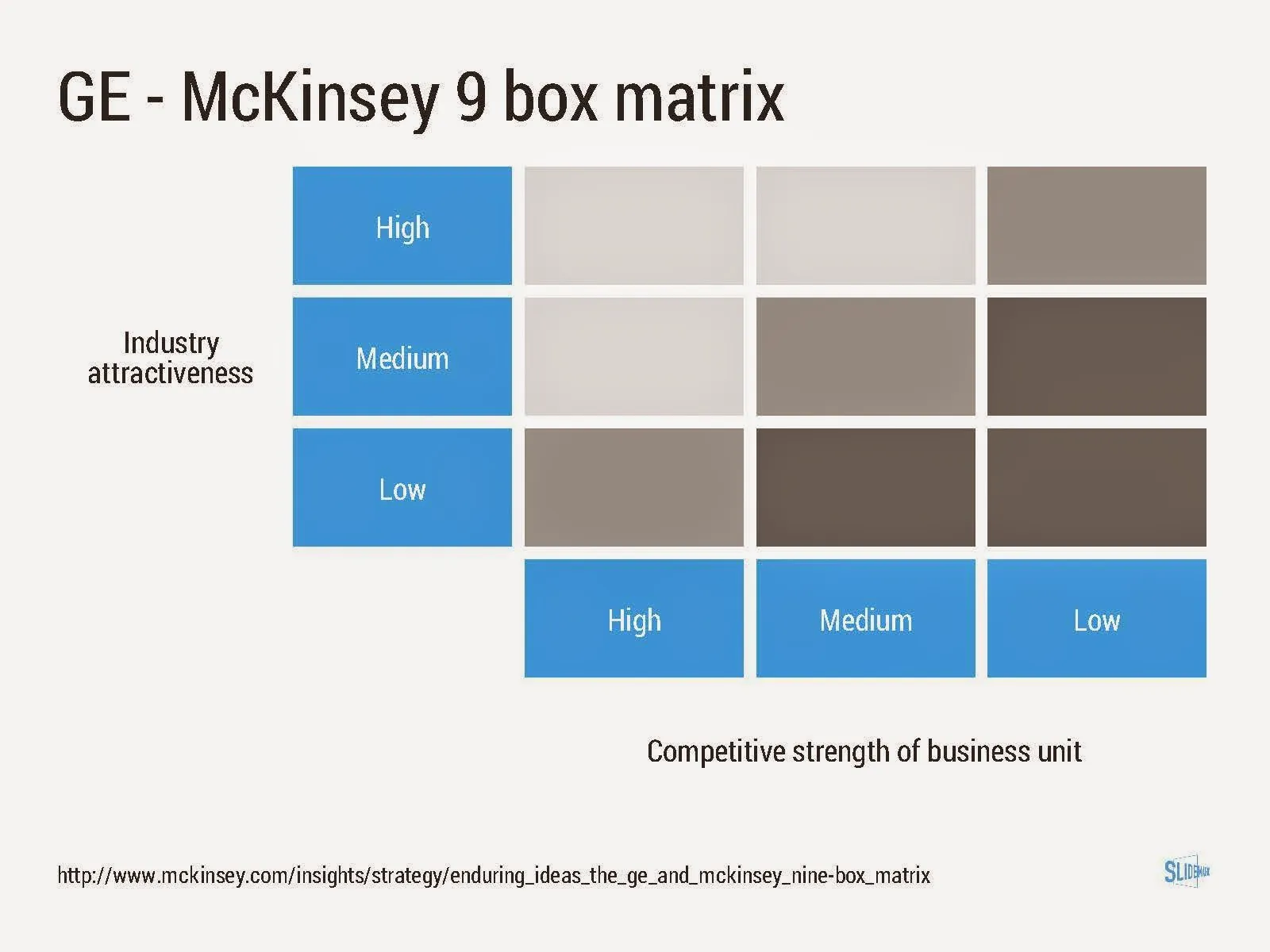
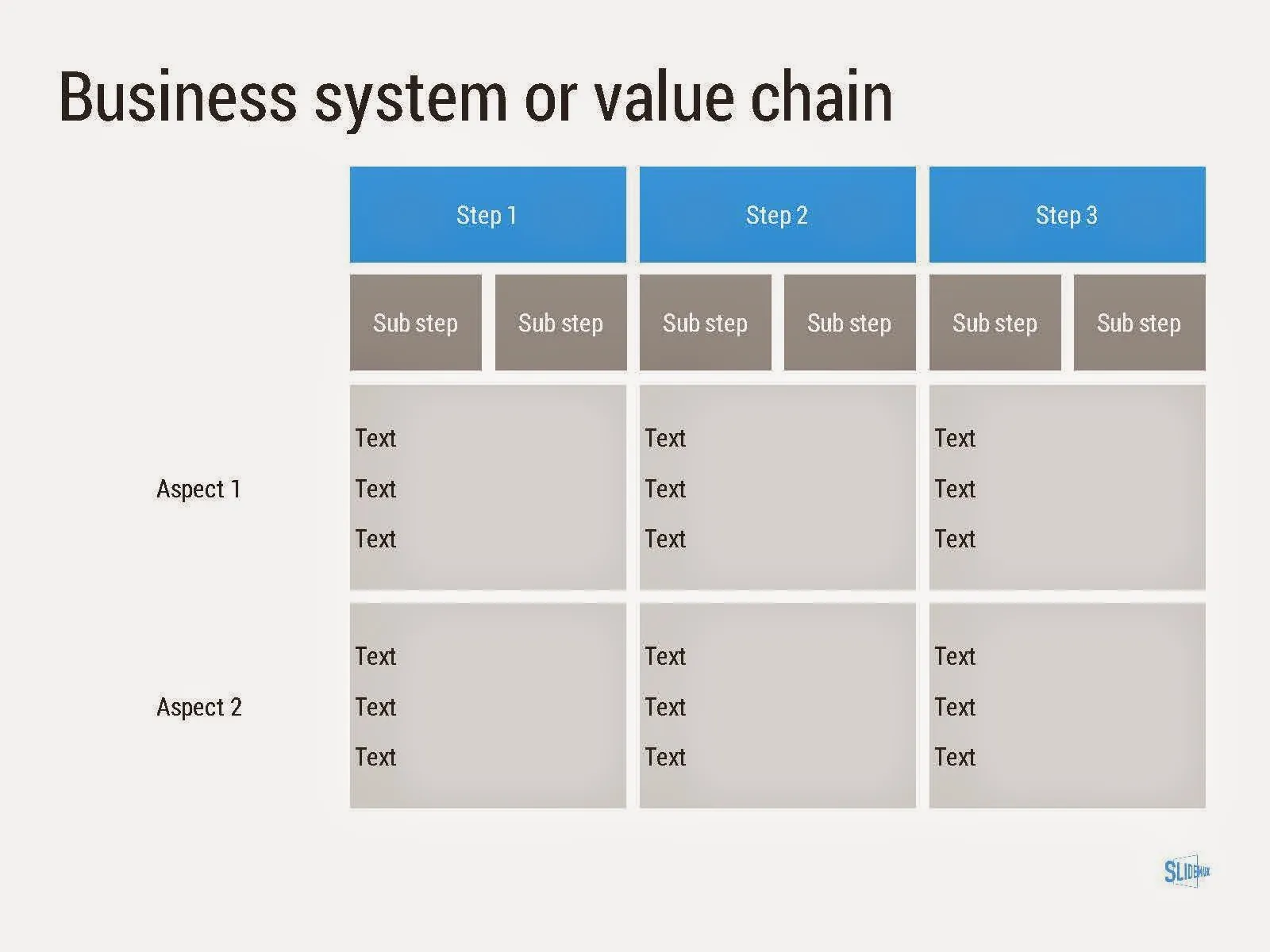
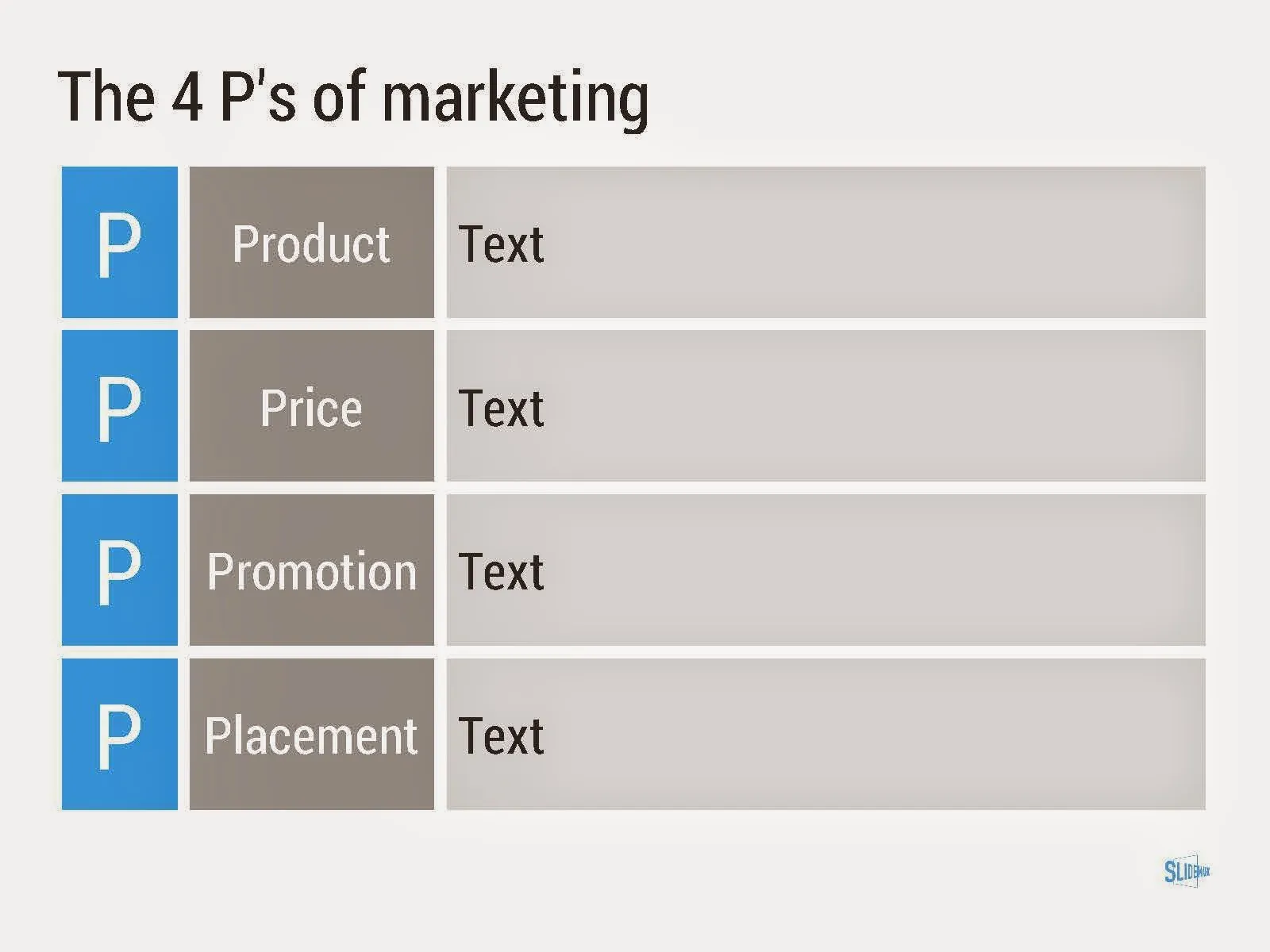
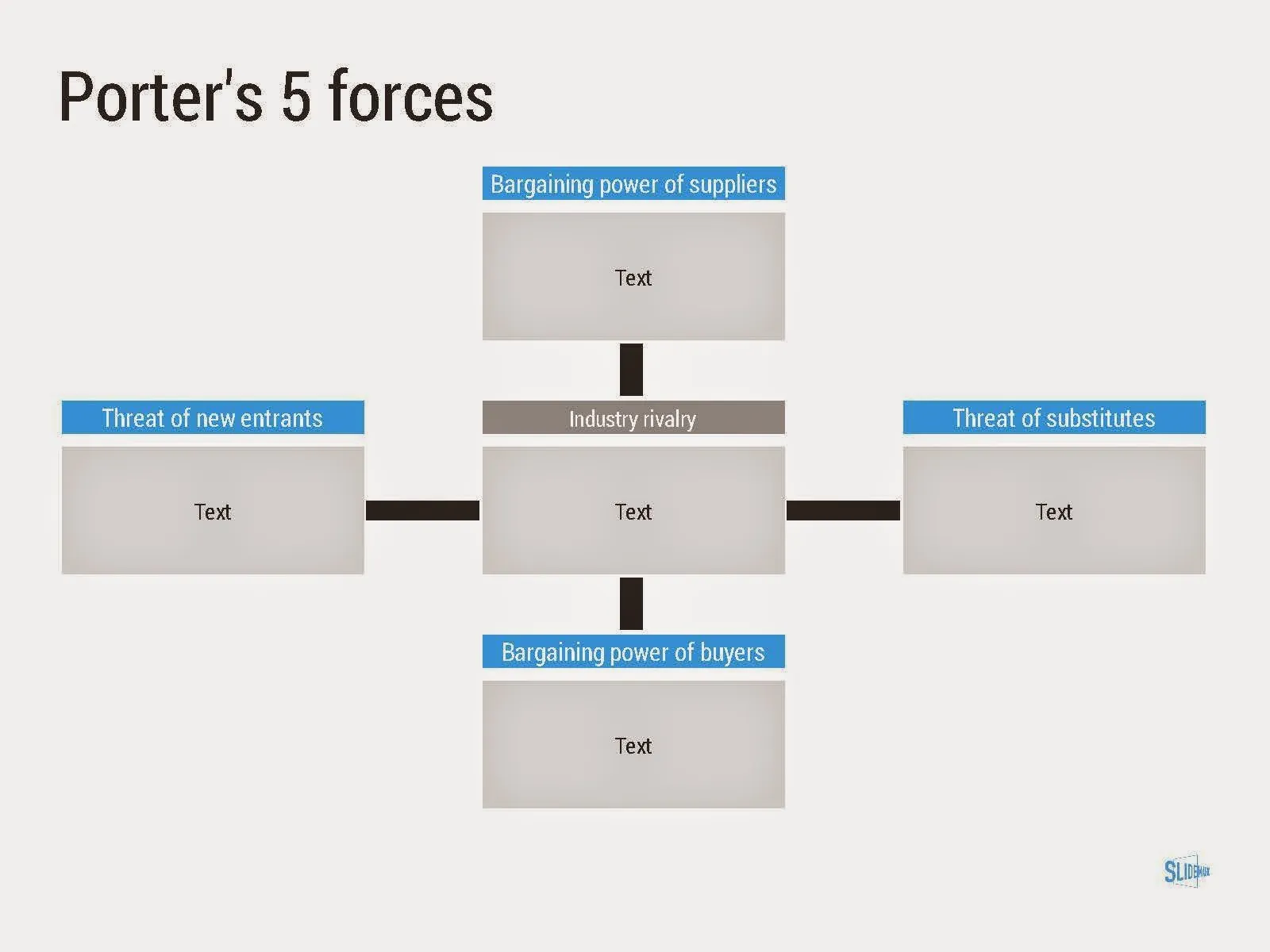
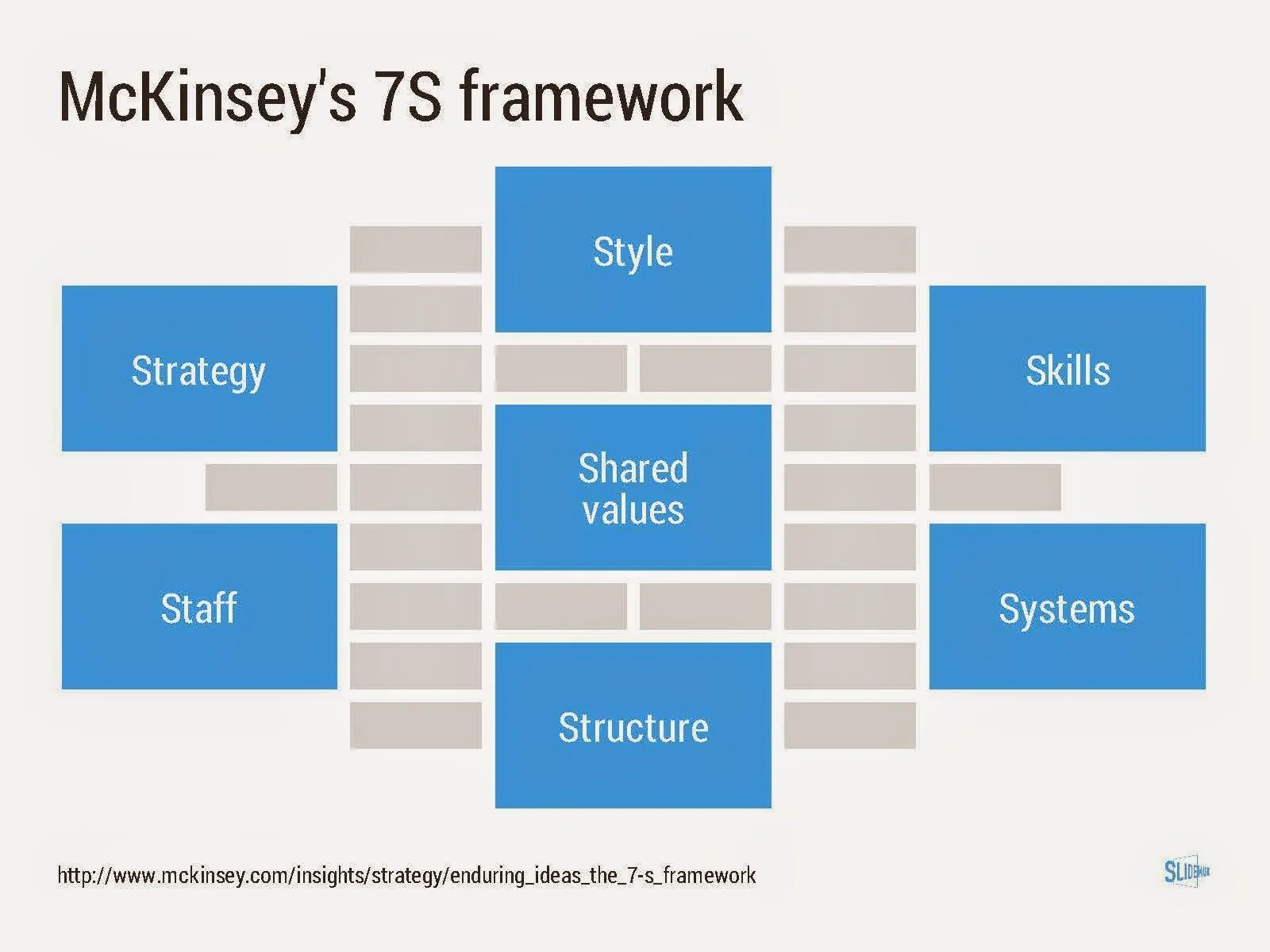
I added a new set of templates to my presentation design app SlideMagic: consulting frameworks. It was an interesting journey back in time (I used to work for 10 years at McKinsey back in the 1990s).

Putting them in SlideMagic was interesting, it shows exactly what SlideMagic is supposed to do for business presentations. Take unnecessary complexity out of visual designs down to a level that the chart still says what it needs to say, but that you do not need to have a degree in graphics design to make them. I had to make slight deviations from the original here and there (Both SlideMagic and layman designers do not like curved shapes for example), but the end result is pretty good.

As to the content of these frameworks. They are more tools to help you think about a problem than slides that will get your audience jumping out of their chairs. Many of them are linked to classic micro-economics theory (demand/supply/competition). I think the strategic issues of many companies today have moved beyond these problems. Still some frameworks can work to kick start a discussion, they good old SWOT works great in group white board discussions.

·SlideMagic

Inviting SlideMagic feedback

For all of those who are beta testing SlideMagic, I would love to hear your reactions.

  1. Important: bugs, glitches
  2. More important: whether you like the concept
  3. Most important: what is holding you back to use software like this for a real document or live presentation: a) bugs, b) cannot do what I want to do, c) a beta version is too risky d) other. Please elaborate!

Email your thoughts to jan at slidemagic dot com.

·Investor presentation

And also, and also, and also

There are so many wonderful things to say about your idea. all the problems it solves, all the things it can do, all the thought you have put in to make it perfect.

In the middle of the “and also, and also, and also, and also” the audience gets bored and wonders what it actually boils down to. In 99% of pitches I have designed, there is one original idea that is more important than all the other features.

Design your presentation around this. When describing the problem (always easier to do than selling the solution), focus on the most important issue. When presenting the solution, hammer in that one crucial innovation. After that is done, you can mention other elements of your story as a “by the way”. But, watch out not to get carried away here.

Prioritising that one big idea out of all your smaller ideas is not a matter of diluting things with generic terms: “we deliver ROI”. It should be highly specific.

·PowerPoint

Self destructing presentations

Many presentations degenerate over time. What started fresh, clean, and straight to the point gets diluted over time.

More people start editing the presentation. They do not understand all the slides 100%, so they add bubbles and bullet points with text just to make sure that the point gets made somewhere in the presentation. Bits of the same messages start appearing on slides throughout the document.

Over time, the company positioning can change a bit. Rather than starting with a clean sheet, the old presentation gets adjusted. The result: a bit of the old, a bit of the new.

Do spring cleaning now and then.

·Investor presentation

I can only explain it in 45 minutes...

I often get this issue in client discussions. So we start out, and in that first meeting, it often turns out that the client can explain it in 5 to 10 minutes. The difference? Me impolitely interrupting monologues where I got the point already, and asking questions inviting conversation about issues that are not covered.

How to do it without the help of a probing presentation designer? Take a radical approach to how much time you spend on each element of your story. If a certain section is incredibly important, but at the same time totally obvious, old news, and well known, cut it to the minimum. On the other hand there might be a tiny detail that is completely counter intuitive and merits a total 5 minute deep dive.

You are not writing an essay about your brilliant idea, you are racing against the clock to explain your idea in 5-10 minutes.

I admit that this is easier to do in 1-1 conversations than in formal presentations. Test your story in 1-1 conversations with smart people before pitching it to larger audiences.