SlideMagic Blog

Frequent updates about all things presentations since 2008. Subscribe to never miss a post.

RSS
all posts

Search results for “web design”

·Advertising

Portraits that do not really look you in the eye

Stock images libraries are full of pictures of models that look towards the lens, but are not really look at you. The man in these ads does better than the woman (maybe the squinting, or his age), but it is hard to beat a painter’s ability to get those penetrating eyes.


The ads were taken from Ads of the World. The painting is “Girl resting on her arms” by Eugene Vidal (1847-1907), Oil on canvas, 47 x 59 cm.

·Advertising

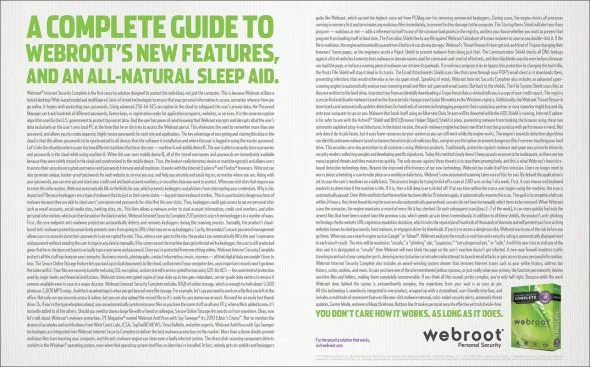
Oh no, you left some features out of the deck!

This ad by Webroot Internet Security reminded my of many discussions with clients in the technology sector. The VP Product is meticulously scanning the slides to make sure ALL the product features have made it in the deck.The result: a bored audience that will not understand the value your product brings.

Still, there is a way to include them though, but with a different headline: cram them all in page using a neat table in 7pt font with a title: “Powerful specifications”. The audience will believe you without reading all the text.

Via Ads of the World.

·Design

Benoit Mandelbrot 1924 - 2010

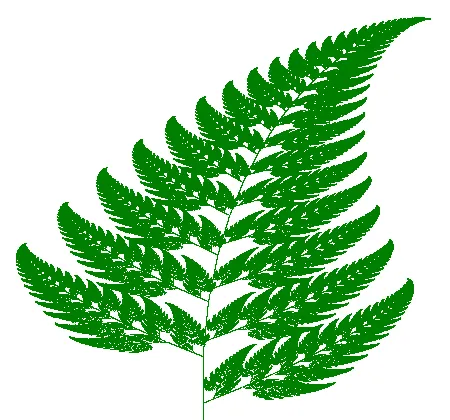
Benoit Mandelbrot passed away. He coined the term “fractal”, an endless shape that can be characterized with a relatively simple numerical pattern, leading to some very beautiful visualizations. It always fascinates me how shapes in nature can be defined with a strikingly simple code.

Image credit Wikipedia.

As an example, an artificially created leaf (Wikipedia source):

·Design

The last slide in your presentation

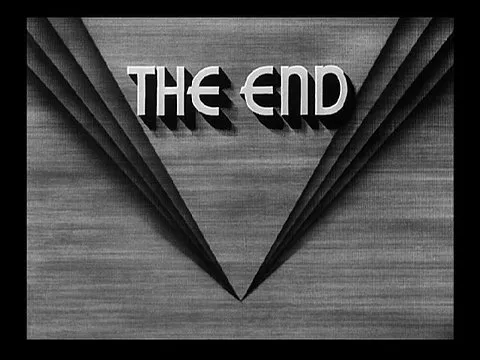
I came across this closing screen of an ancient King Kong movie (via FFFound).

  1. Vintage closing screens actually make a nice final slide of a presentation, you Google lots of them
  2. Always close your presentation with a sentence that makes it clear that the presentation comes to an end. “End that is how…”. Don’t say explicitly “well, this is the end”. Let questions come up spontaneously, and don’t say: “OK, I have time for 5 questions”, there just might be chance that no questions will come up (a bit awkward). I have seen many great presentations without questions.
·Data visualization

Two pies - too much

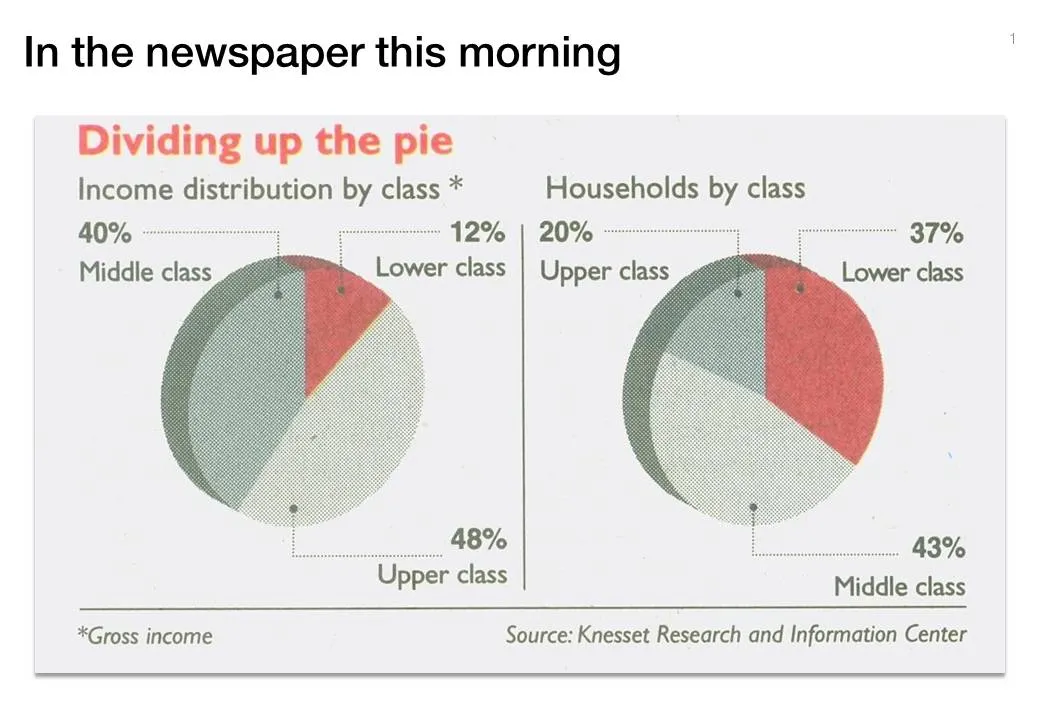
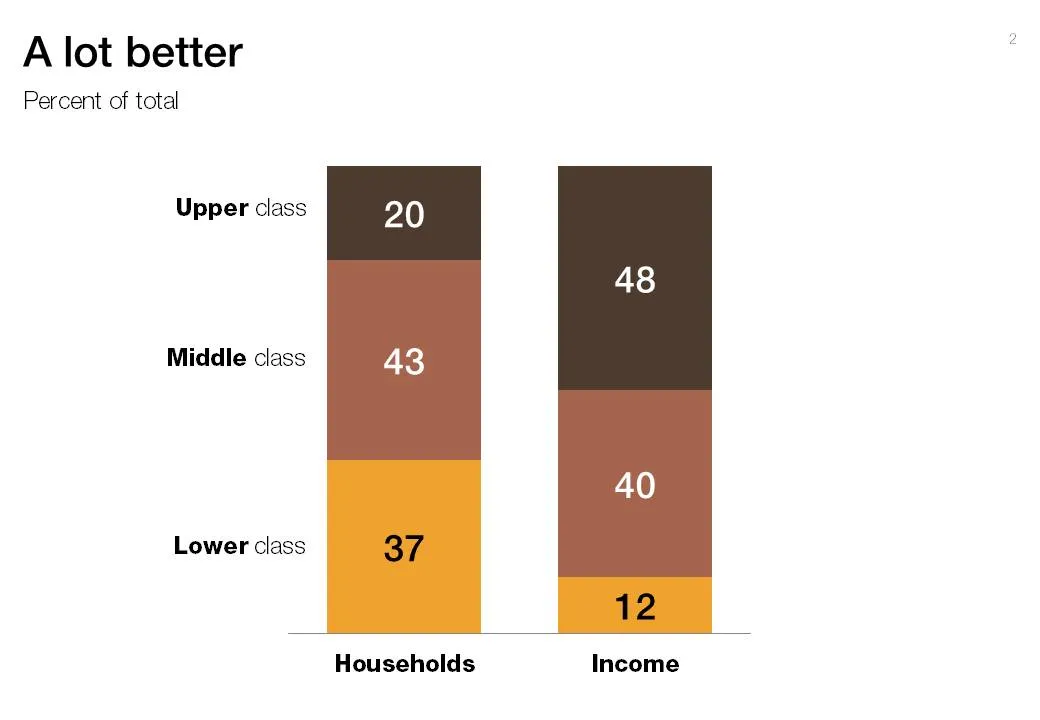
Pies are great to show relative sizes of surfaces, better than bars or columns. When it comes to comparing breakdowns on multiple dimensions though, the column chart cannot be beaten. See this example taken out of Haaretz this morning. What did I fix:

  1. Two columns instead of two pies
  2. Get rid of the 3D effects (earlier post)
  3. Use consistent coloring for data series
  4. Use consistent ordering for data series
  5. First the chart with the number of households, then the chart with the breakdown of income

·Concepts

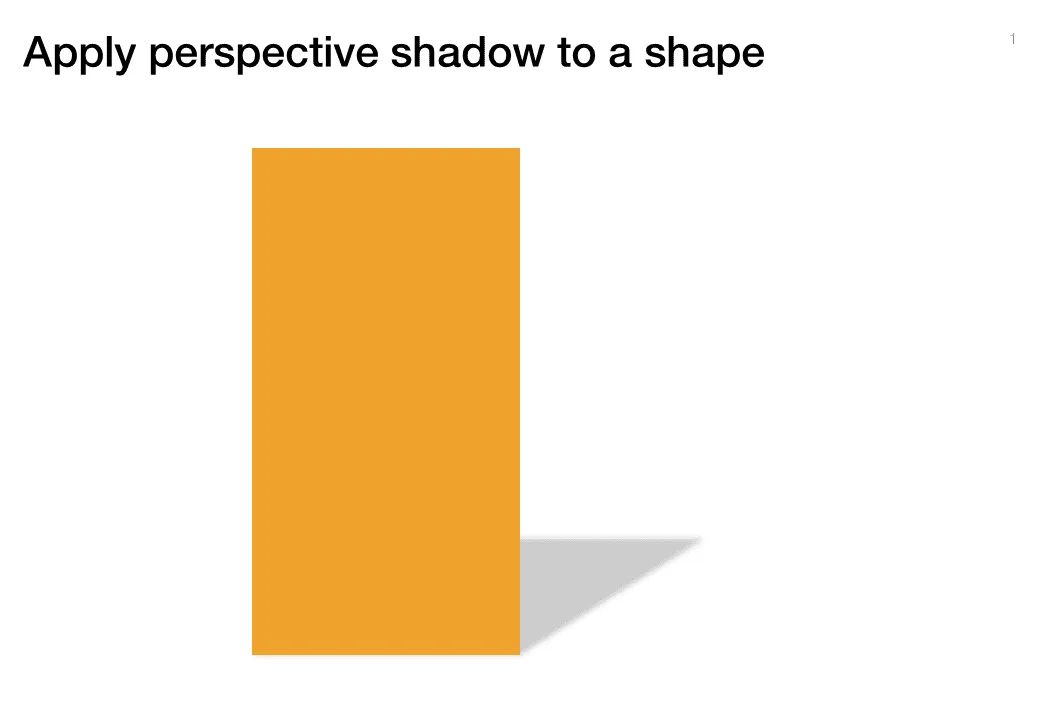
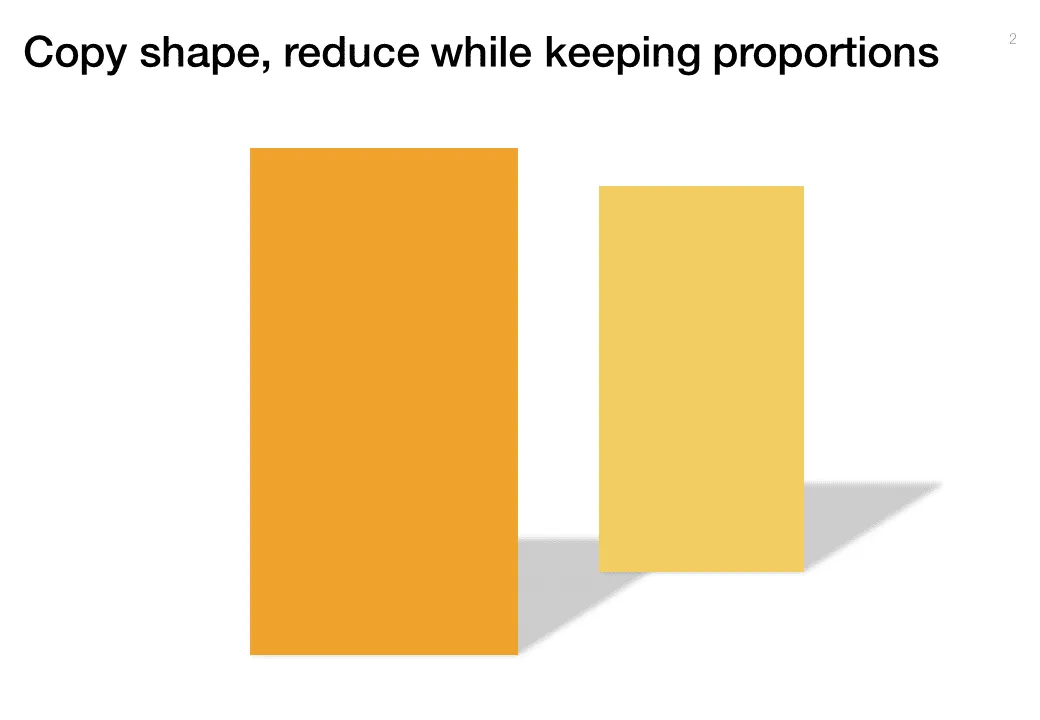
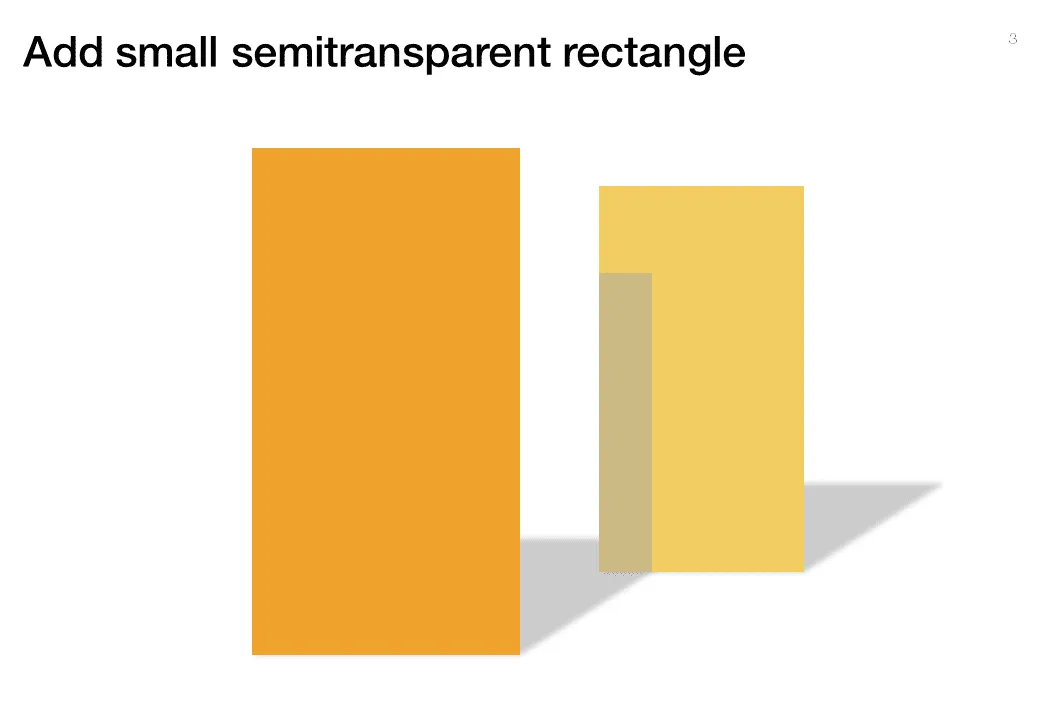
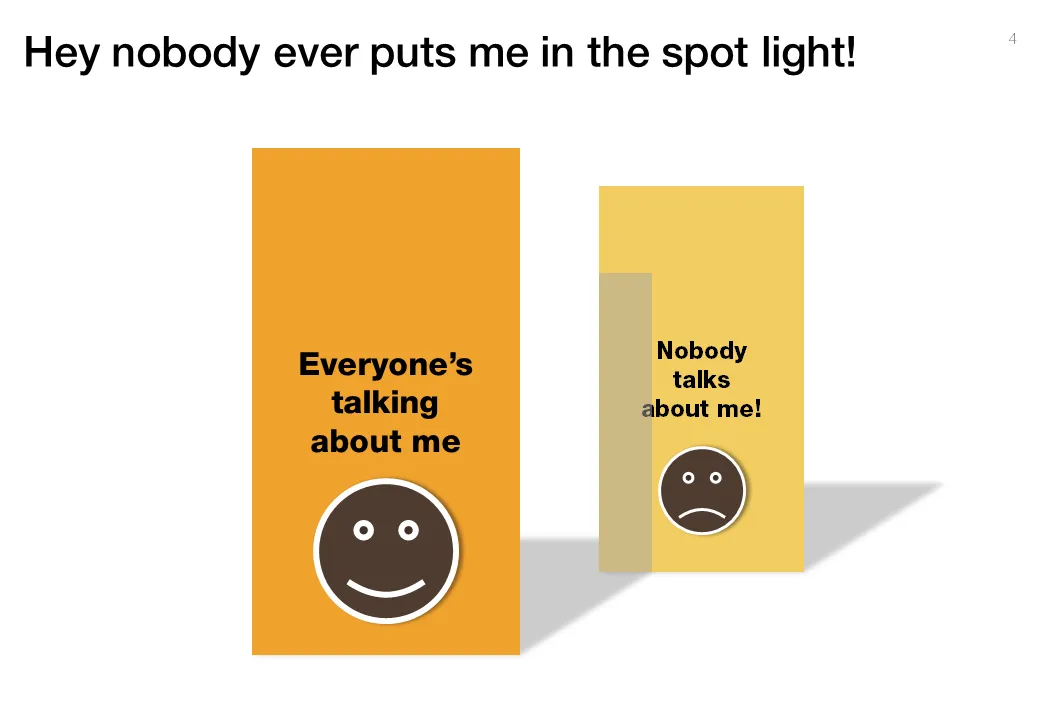
Chart concept - standing in the shadow

Some issues/people get all the attention, while others never get discussed. The chart below looks a bit like a child’s drawing, but the point is to show how you can play with shadows to create the effect.

·Data visualization

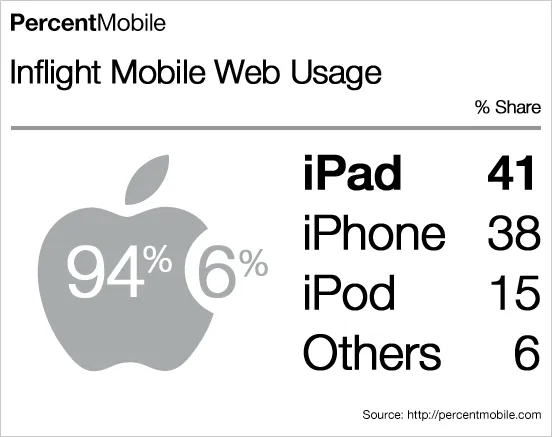
Blending data and typography in a chart

What a nice chart by Mobile Analytics. Perfect blend of data, logos/icons, and typography.

·Design

Making cut outs using shape subtract in PowerPoint

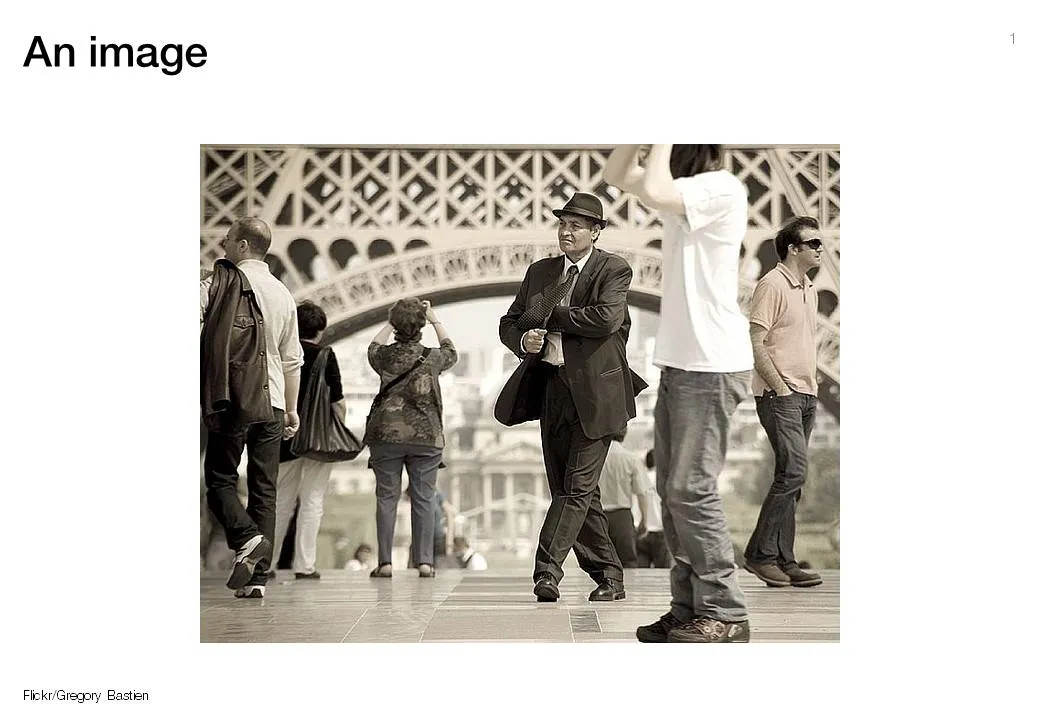
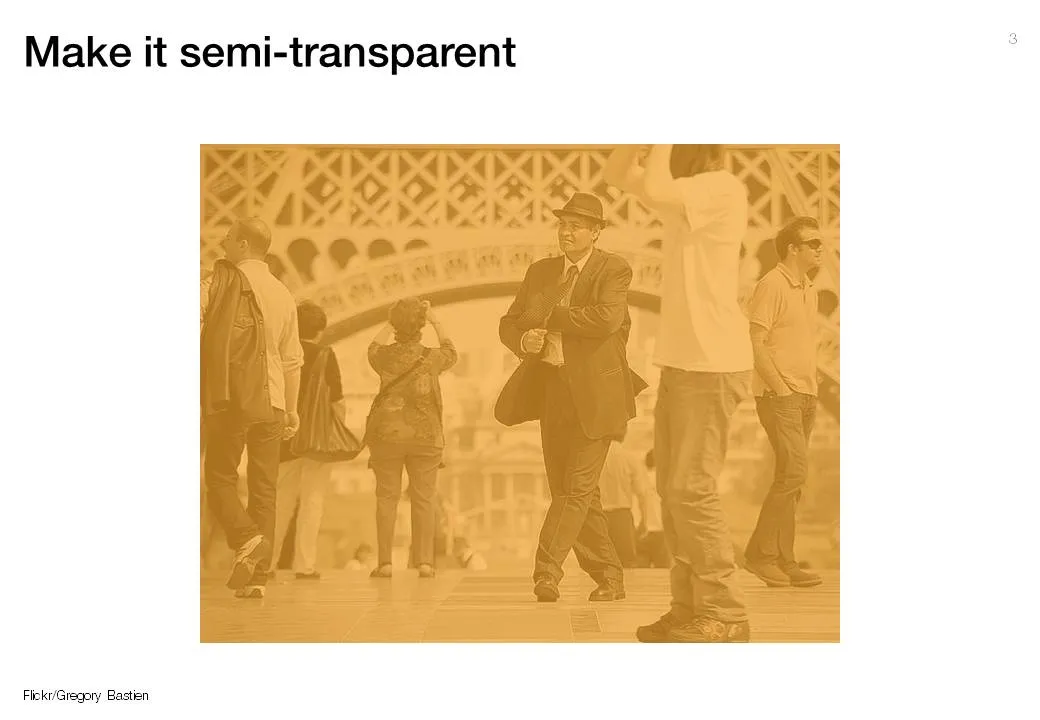
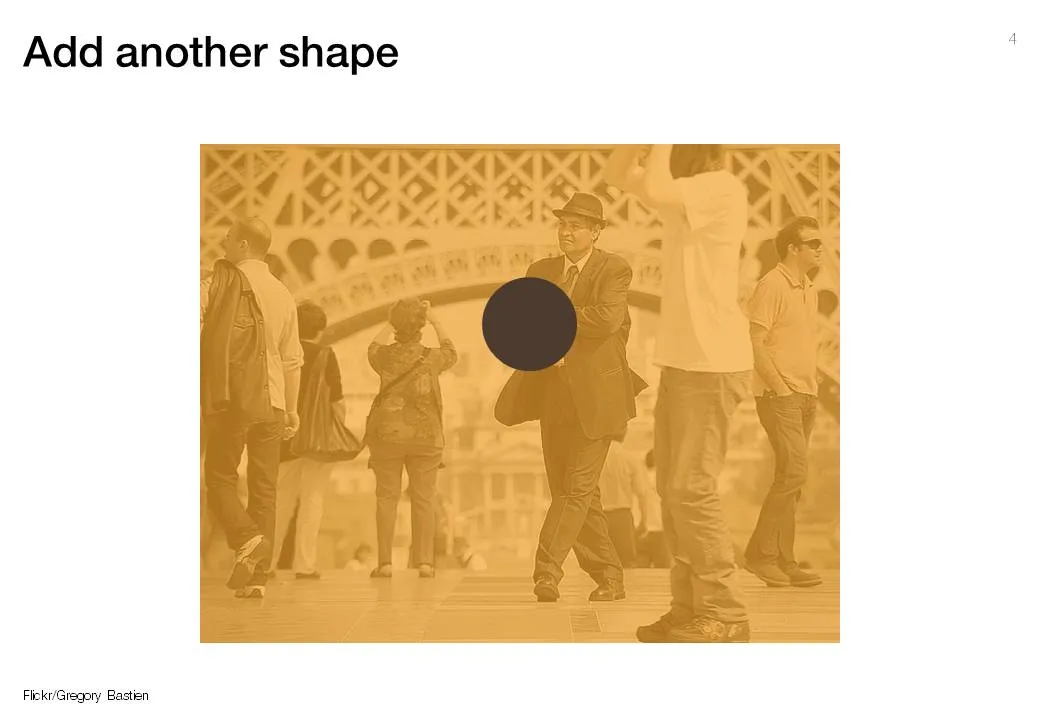
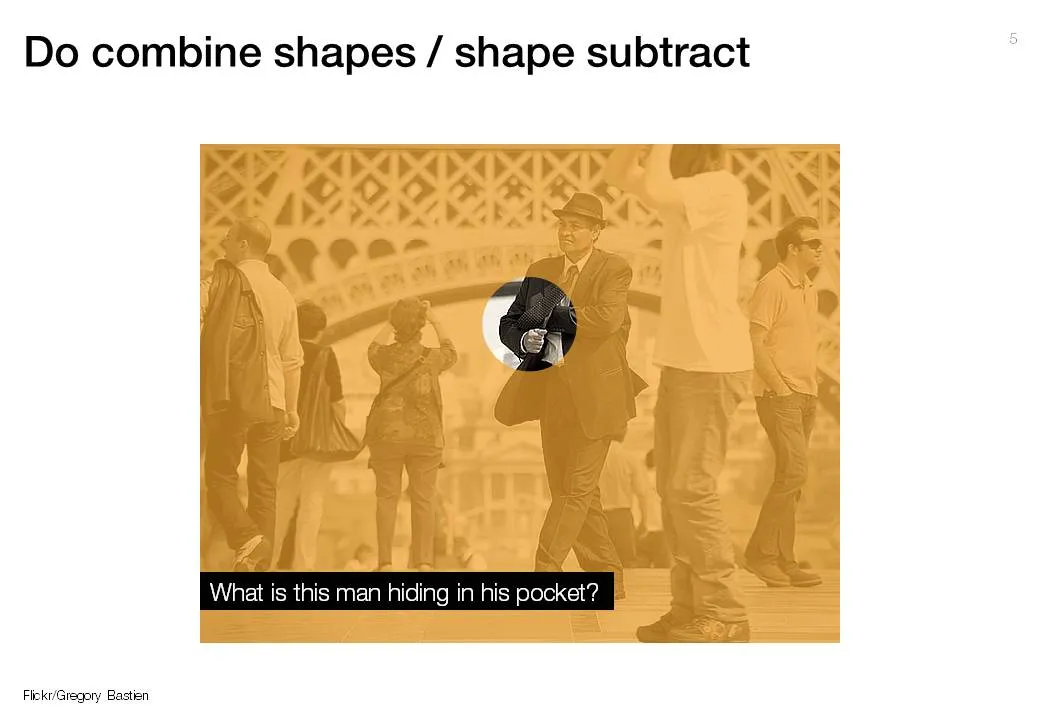
The new shape subtract feature in PowerPoint 2010 (review) enables you to make shape cutouts in a more elegant way than before (see the old approach here). A step-by-step guide using a great image by Gregory Bastien.

·Design

Hand-drawn figures in PowerPoint

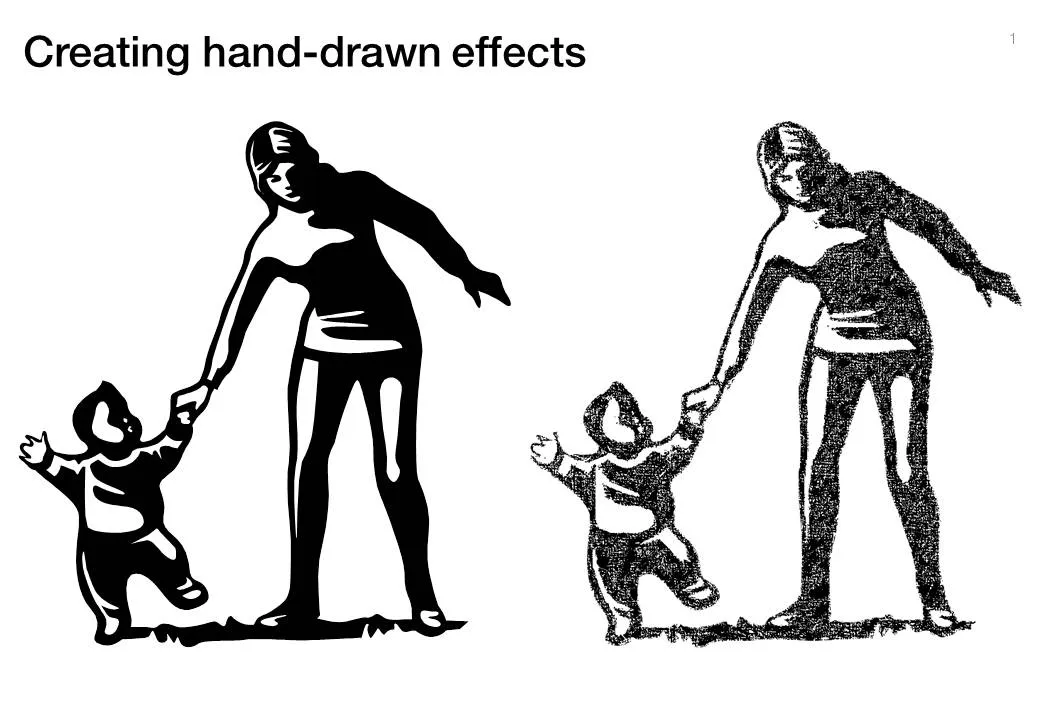
Another excellent clip art manipulation on Tom’s Rapid e-learning blog: how to create characters with a hand-drawn feel:

  1. Select a cartoon-style clipart
  2. Ungroup and strip out background elements
  3. Copy and paste as PNG
  4. Apply PowerPoint 2010’s new pencil sketch filter (or use Photoshop’s)
  5. Increase brightness, soften contrast a bit.

·Design

Animated GIFs

Usually, animated GIFs drive me crazy. The more subtle ones like this one could actually work in a presentation. If you copy and paste an animated GIF into your slide it will start to play if you switch to presentation mode. Via this isn’t happiness.