Blog post

Chart concept - standing in the shadow

October 8, 2010 · by Jan Schultink
← all posts

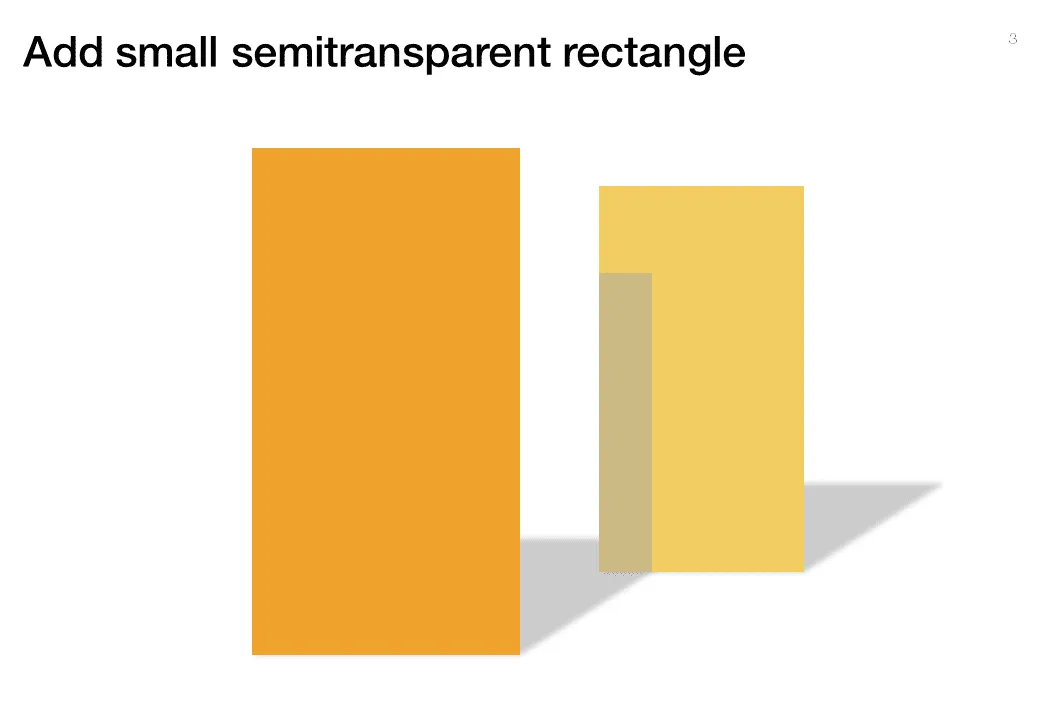
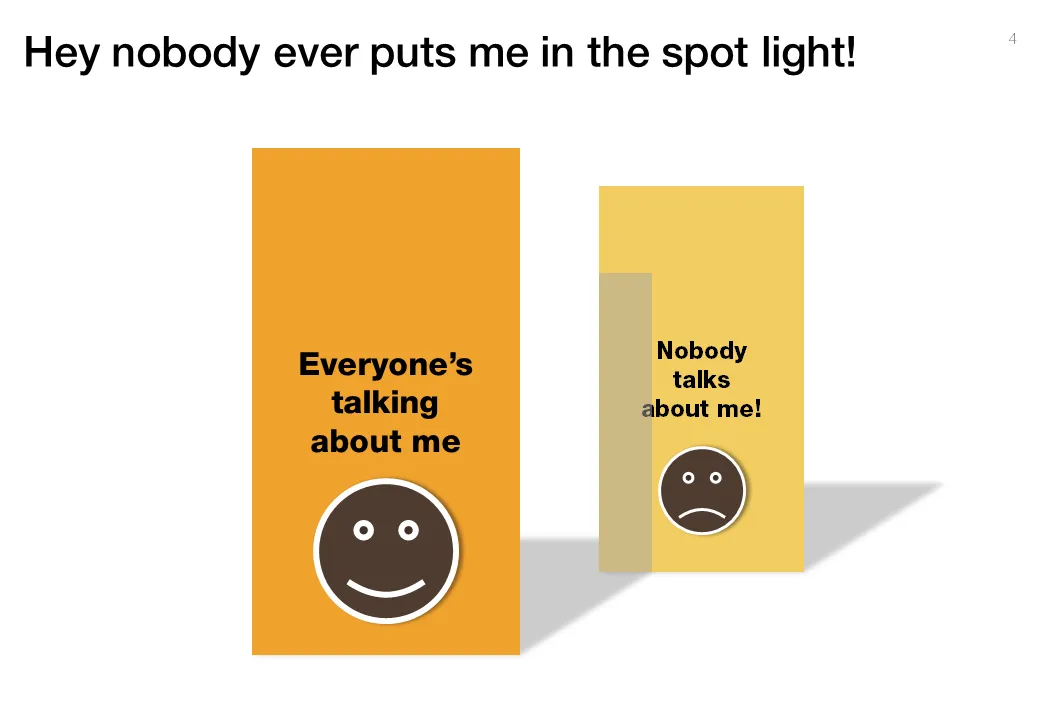
Some issues/people get all the attention, while others never get discussed. The chart below looks a bit like a child’s drawing, but the point is to show how you can play with shadows to create the effect.
ConceptsDesignPowerPointPresentation designPresentationShapes

About this blog

Notes on all things presentations — design, storytelling, and AI workflows.

Subscribe now to never miss a post.

RSS

About SlideMagic

A platform for business presentations.

A free student plan is available.

5 comments

Sweet Speak2010-10-08 17:12:53
I love this technique. Thanks so much for sharing this.
Jim2010-10-08 20:26:33
Great idea to put the shadow on the second object. However, I thing that the gray area on the second object is too high. From the perspective of the viewer, it should not extend any higher than the second object's shadow extend back.
Jan Schultink2010-10-13 06:51:29
You are probably right Jim. To do it right, you should draw a line from the top right corner of the shape to the far right corner of the shadow (behind the small shape). Where the line hits the small shape, the shadow should end.
Maarten2010-10-08 15:02:55
Nice method to put depth in your slide! My only suggestion is to switch the colors between the two rectangles. By using the shadow you suggest the front one is in bright spotlight and the other one is further away from the same light source.

Like your blog!
Jan Schultink2010-10-13 06:49:54
Good point Maarten