SlideMagic Blog

Frequent updates about all things presentations since 2008. Subscribe to never miss a post.

RSS
all posts

Category Software

·SlideMagic

Closing the old template store, subscribers can move to the new one

The new platform now includes the entire collection of the slides of my old Shopify templates store (and much more of course). Yes, it might be costing me SEO rankings, but I am going to close it down: multiple platforms are confusing for users, and hard to manage. Also the old store was difficult to use for subscribers who had to go through some check out process every time they want to download a slide.

For each paying subscriber with an active subscription, I have created an account on the new platform with a Pro subscription that expires at the same time your subscription on the old store did. I don’t store your passwords, so you have to go to slidemagic.com (this site), go to the log in page, and hit “forgot password”. After entering the email address you used for the old store, you should receive a link where you can create a new password (invisible to me).

I will keep the slide download option running on the platform, because that is what people are used to when it comes to buying presentation-related things online, but selling templates is not the main point of SlideMagic. The pro subscription also unlocks the full feature set of the downloadable presentation app. Try using it:

  • Super easy to customise templates
  • A lot, lot more templates available
  • PowerPoint export so your colleagues do not have to notice (of course you can tell them about the secret of SlideMagic).

If you are stuck email [email protected], and I am here to help.

Continue reading →
·Layout

Against the light

In the early 1990s at McKinsey, presentation design was actually document production. Hand-written sheets of paper would be entered into a computer by full time graphics designers. Each word, each line, each graph. Then the whole thing would be printed and bound in books.

I remember the final quality check of the Amsterdam office manager: holding the pages against a strong light to see whether the titles, footers, page numbers, and margins of the slides lined up. You were in trouble if they didn’t.

Getting these basics right is very hard in today’s PowerPoint, If you copy and paste slides between masters, the alignment of objects will be off. If you change screen sizes (from narrow to wide screen and back), things go all over the place. Or, if you use/buy other people’s templates, they won’t fit well in your company’s slide layout. This is not PowerPoint’s fault, any software that needs to give total design freedom to its users will have this side effect.

I went through this the hard way myself, as I am making the slides of my “old” template store compatible with the new format of SlideMagic 2.0. Hundreds of slides that require small corrections to get things to line up properly.

With SlideMagic, professional designers might complain about the lack of flexibility in layouts, the rest of us will be extremely happy with how easy it is to tweak templates, screen sizes, and copy slides between presentations.

Photo by Bank Phrom on Unsplash

·Software

Slidemagic 1.0 templates merged into 2.0

I am working hard to get rid of the Shopify template store with its shopping carts that are great for buying t-shirts, but not convenient for downloading presentation templates.

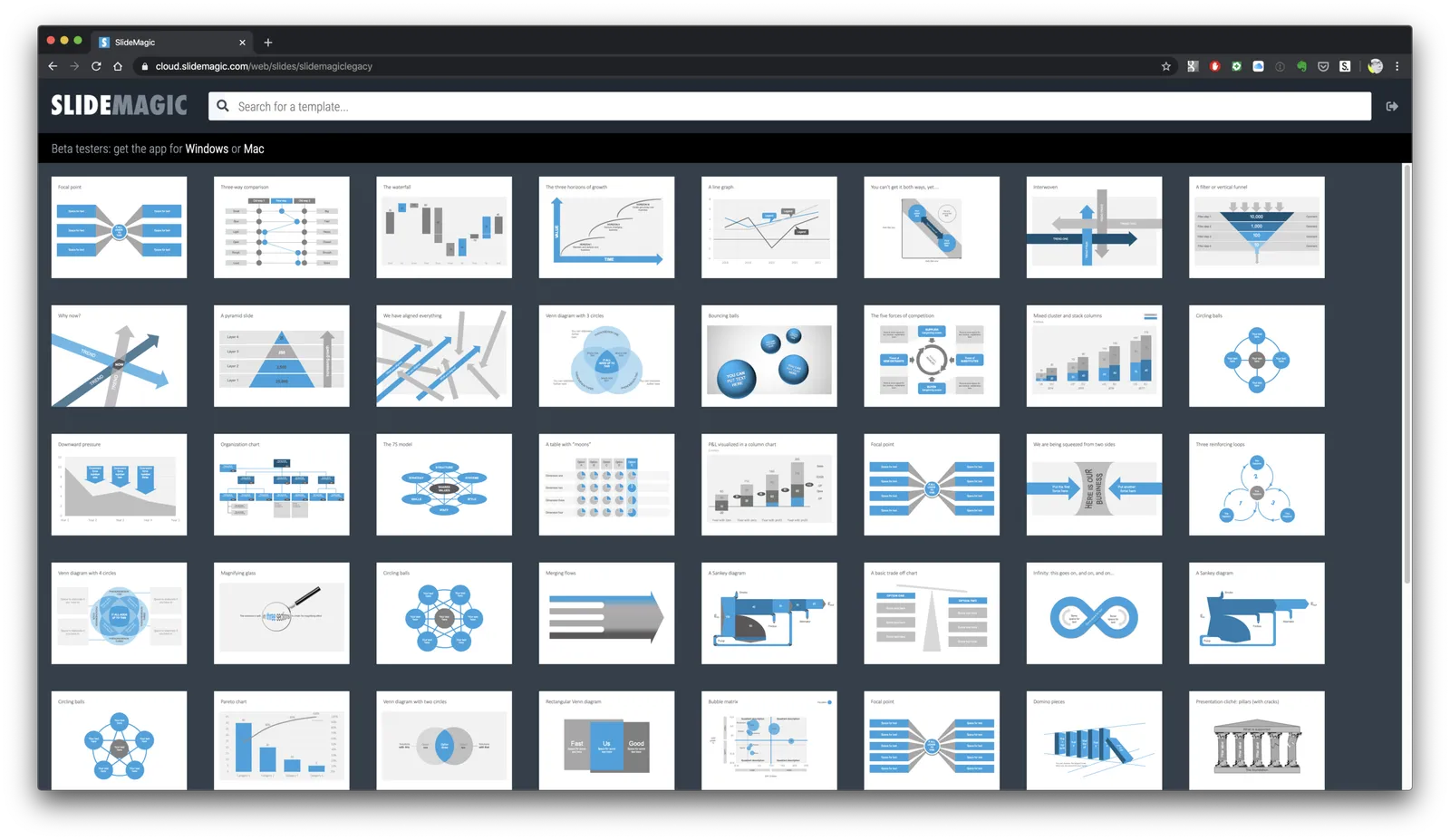
As a first step, I have now merged most of the slides of the Shopify store into the SlideMagic 2.0 database. Beta testers who go to the web site, see the templates alongside the new ones generated by the app without noticing the difference.

For 80% of the slides, I could easily convert them to .magic (the boxy ones). These slides appear in the template store with both a .magic and .ppt download option (the .ppt conversion is generated by my software, rather than the manual adjustments for screen size etc.). For the other 20%, I have uploaded the .ppt file without a .magic option. If you are just after .ppt downloads (hopefully you will change your mind at some time), you can use the template store without noticing the difference.

Users that access the slide database from within the SlideMagic app will not see the PowerPoint-only options.

So, hopefully I can retire the Shopify site soon, and I will migrate the subscribers to the new site. And, this exercise gave me some insights into what shapes I should add to SlideMagic, and what shapes are actually not required at all.

This is all a bit of a ramble by a product manager who is trying to justify and integrate past product decisions :-) What it means in practice:

  • You signed up for the SlideMagic template store in the past: you can access the same templates, but also new ones
  • You signed up for the new SlideMagic 2.0 app: you will have access to a great set of templates that are super easy to customise and don’t even miss the PowerPoint-only ones. (And, all your work can be converted to PowerPoint at the press of a button)
Continue reading →
·Software

"Good with computers"

Being “good with computers” had different implications when it comes to presentation design over the years. From my experience as a management consultant:

  • Pre 1995: professional graphics designers produced your slides, you could simply sketch ideas on a piece of paper. As a junior analyst you marvelled at how senior partners seem to be shaking new frameworks out of their pencil with zero effort
  • 2000: if you demonstrated that you understood PowerPoint, you were instantly designated the entire team’s graphics designer, but only during out of office hours (18:00 to 09:00, and weekends)
  • 2005: Everyone starts to produce their own charts, and being proficient in PowerPoint could actually give you an edge. Including images, even videos, complex data charts.
  • Today: technical proficiency is no longer required, as more and more people understand that the best slides are really simple slides.

Photo by Museums Victoria on Unsplash

·Creativity

(Finally) free to really think

For the first time in months, I am spending more time designing slides than writing code as I am building up the template database. It is a great feeling to see all that hard work paying of now as I add one slide after another to the database at a very high speed.

This also puts me in a position to start thinking really what SlideMagic (maybe 3.0?) could do, now that I have a basic platform in place that can store/search templates, all listening to a uniform design layout. What if there are eventually thousands, and thousands of slides, keywords, concepts? Things can get interesting!

Yes, there is still the challenge of turning 2.0 into a proper company…

To be continued.

·Software

App update: V22

Earlier beta versions had a 2020 expiration date, I uploaded V22 to the server that should install automatically. This version also includes lots of performance improvements and bug fixes, including how the app responds to going back and forth in full screen mode, and right click context menus.

Photo by Jeremy Lapak on Unsplash

·SlideMagic

Expanding the template database

SlideMagic 2.0 has almost reached the point where I am happy with the features for a first release (icon and image search went in last week). Now it is time to focus attention again to what will make SlideMagic stand out: templates for presentations.

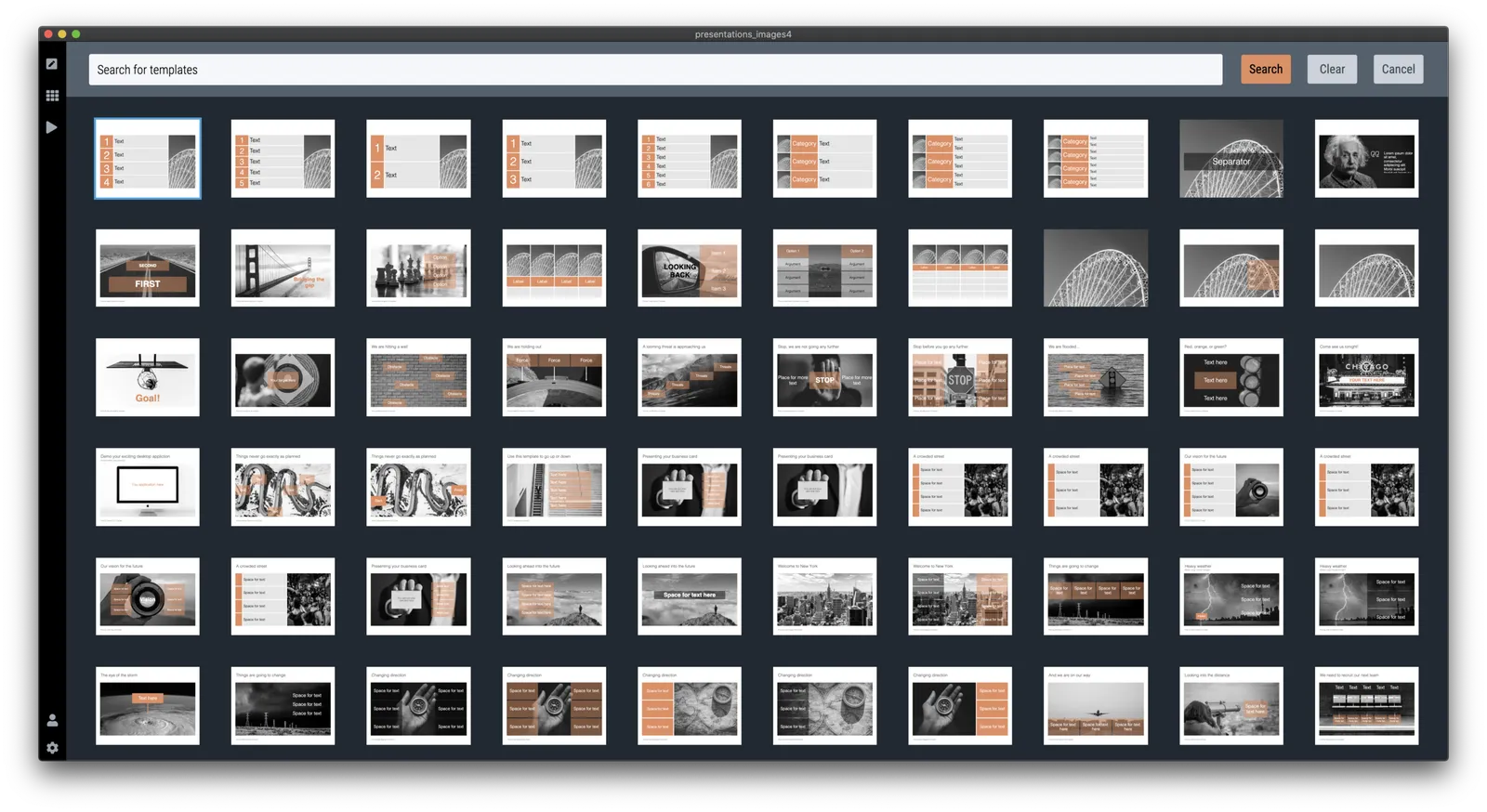
I have started to add slides with images to the template database, inspired by the slides that are for sale in the PowerPoint template store. This is also a good stress test to see how the app with big files full of images.

Work in progress, this will take a bit of time to get right.

·Software

Printing presentations in 2019

I don’t think many people are still printing presentations in 2019. The one exception: bankers pitching to institutional investors. The latter still like to flip along (or ahead) with the presentation and make notes in the margin.

Still, I want SlideMagic 2.0 to be fully rounded app, so I start the work on its print function. Printing is often ignored by many application development frameworks. The feature is not that important, it is tricky to develop and get right, but it has to be done.

A positive side effect is that I am coming up with a better way to convert presentations to PDF without the need to rely on open source libraries, and I can soon support conversions as a parallel process that no longer will block the main application process (something that can be annoying especially if you used large images).

(Beta testers can get around the current lack of the print feature by converting to PowerPoint or PDF and then print in those apps).

Photo by James Pond on Unsplash

·Software

...And more app updates

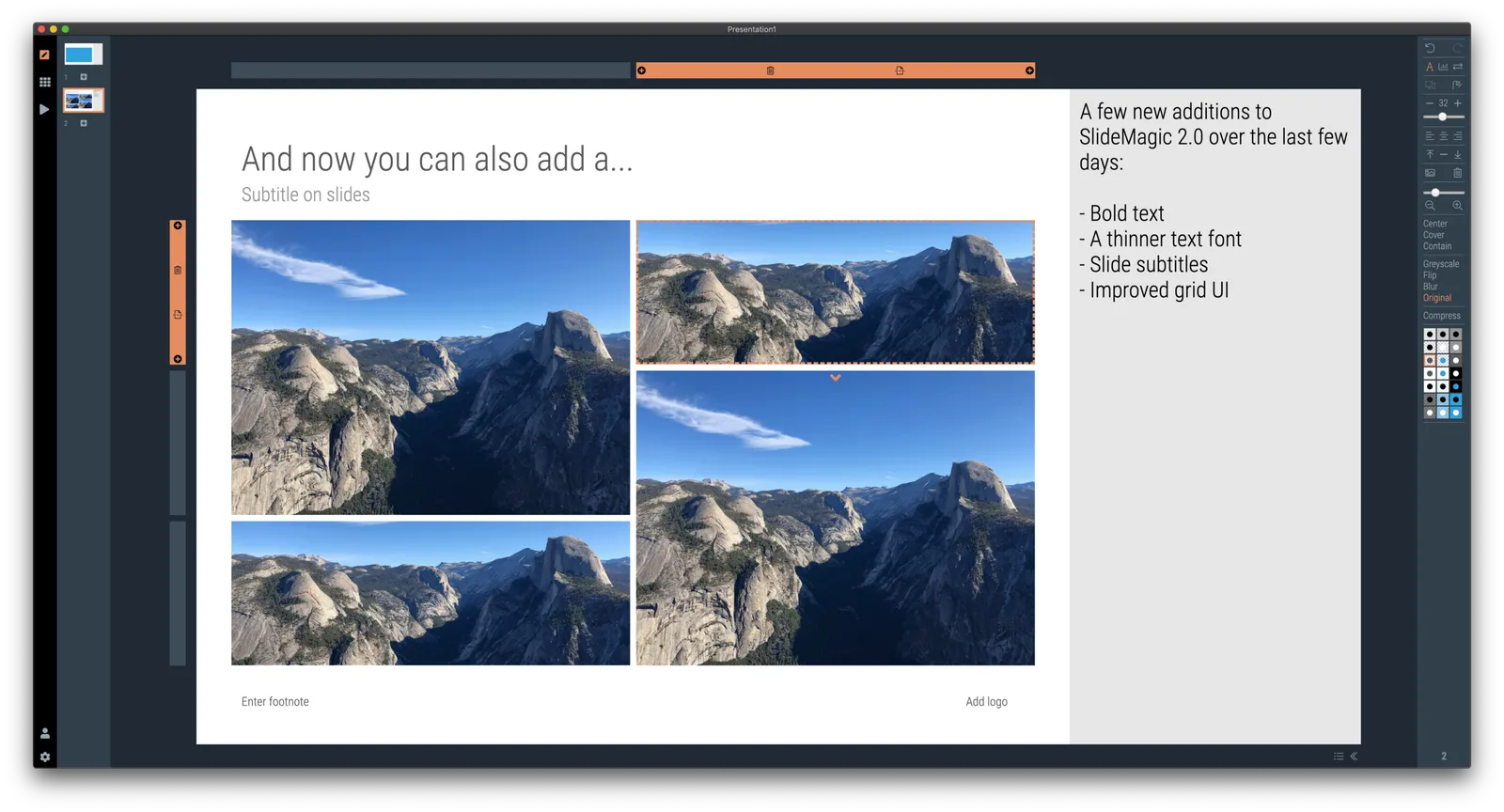
I am focusing on increasing the template database and in the process encounter more ways to make working with SlideMagic faster, and slides prettier. After the past days:

  • Various bug fixes, and code cleanups. I can now laugh at some of the code I wrote at the very beginning of this project, what was I thinking…
  • A proper way to deal with text overflow in boxes, things look professional now when font sizes are getting to big
  • The grid bars now light up when you select shapes
  • A allowed bolding of text with CTRL-CMD B, unlike bullet points, I think this actually does add something to the slide (not yet reflected in PowerPoint and PDF conversions, I might have to write a text block parser to make this happen).
  • Building on bold text, I made the overall font thinner
  • And I added slide subtitles as a fixed feature to each slide template.

To be continued

·SlideMagic

Where are the bullet points?

A question I got from a SlideMagic 2.0 beta tester.

The answer: there aren’t any. I am trying to create a presentation design tool that changes people’s design habits. SlideMagic does not have built-in bullet point formatting options. It is meant to be that buzzer that reminds you to find an alternative design solution the moment you are about to fall back to your old habits.

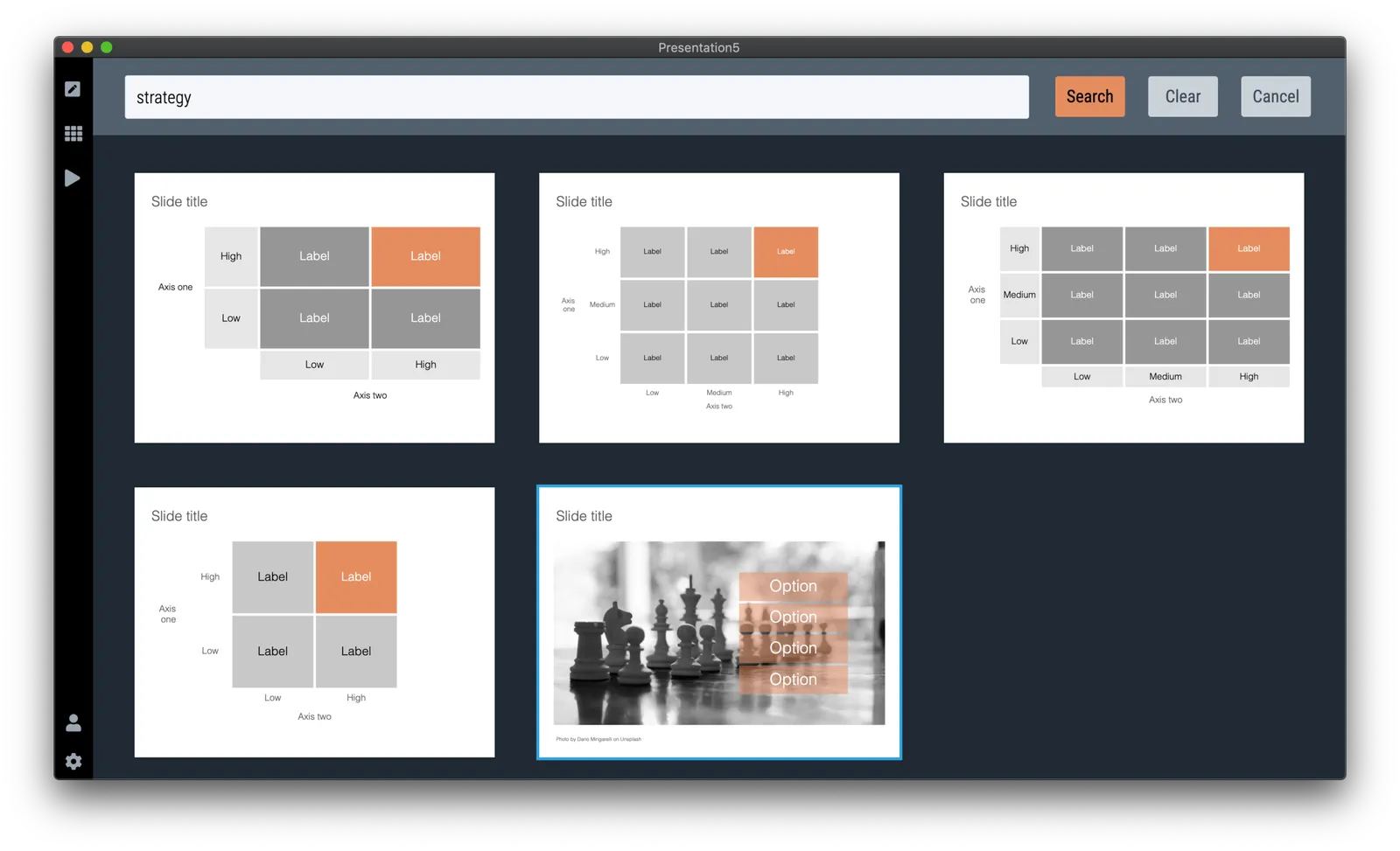
It is possible to create lists in SlideMagic though. Below a screen shot from a template search in the (still very small) slide library. If you need to make a list as a conscious design decision, you can, if you want to fill a box quickly with a number of bullet points, you can’t.

Maybe I am pushing things too far here, but I am not yet ready to give in.

Photo by Jon Tyson on Unsplash