SlideMagic Blog

Frequent updates about all things presentations since 2008. Subscribe to never miss a post.

RSS
all posts

Category Software

·Software

Do you need Excel training or model training?

This tweet caught my attention:

I spent a decade as a strategy consultant at McKinsey crunching spreadsheets, mostly company valuations. And all of those, I did with the very basic Excel functionality: simple calculations between 2 cells.

Like PowerPoint, Excel is packed with fancy features that actually distract form what you are really need to worry about: setting up a proper model. Complicated formulas collapsed in one cell create opportunities for bugs to sneak in. Also, when you need to expand or adjust your model, it is a lot easier when everything is neatly laid out in front of you. In all my models, I could understand the flow of calculation line by line.

The golden rule of analysis applied: “if it looks wrong, it is probably wrong”. (In the 1% of cases this is not true, you are probably on course to receiving a Nobel prize for a major new insight).

I did invest some time in finding a way to make my spreadsheets look good. Numbers rounded, cells aligned. If you are staring at something that looks scrappy, you will treat it as a scrappy back of the envelope.

The exception to all of this might be cases where you treat Excel as a database application. Setting that up properly will require some training.

Photo by Wonderlane on Unsplash

·PowerPoint

PowerPoint plug in update

An update on the development of the SlideMagic PowerPoint plugin. One of the main reasons my first submission to Microsoft was rejected is that the current version of the plugin does not run on PowerPoint 2013 and the Windows 7 operating system, largely because I pretty much ignored Internet Explorer as a browser option. Microsoft itself does not really support Windows 7 anymore. The other problem is that it is actually hard to debug a plugin for Office 2013, I tried actually buying a copy, but you cannot get it anymore… On top of that, it turns that you cannot run multiple versions of Office on one computer. The strange situation is now that in order to develop add-ins for the latest versions of Office, you actually need to do that on a super old machine. If there is anyone reading this who can help, please reach out.

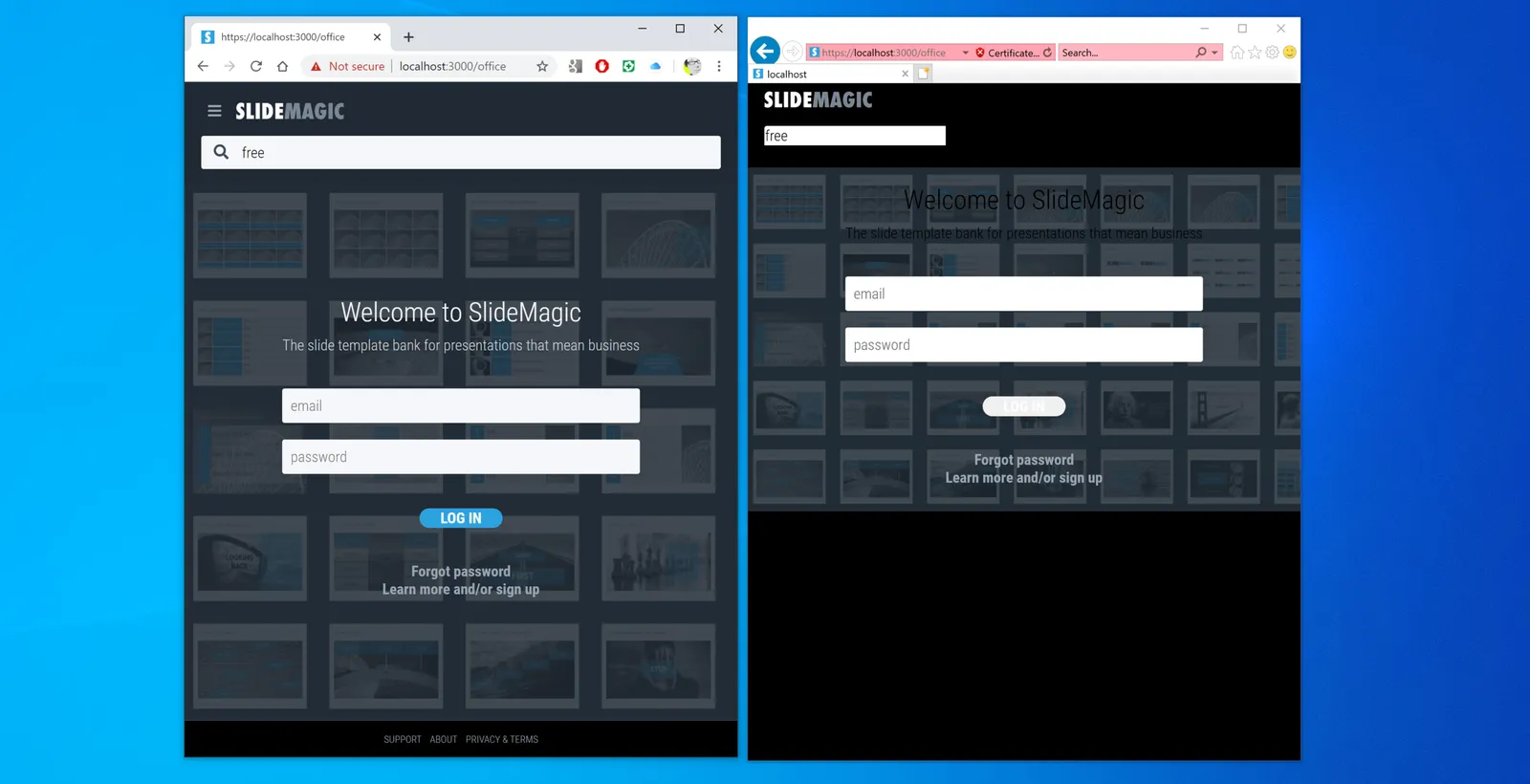
But OK, challenge accepted. I will begin to ‘dumb down’ the server response to calls from within Office applications. I can test the rendering of the screens in Internet Explorer 11 (just installed it), and have to hope that rest works in Office 2013 without testing. Hopefully the second submission will get accepted.

The current version still works but requires some level of computers skills and courage to get it to work.

Image by Masaru Kamikura

·SlideMagic

Better image search UI

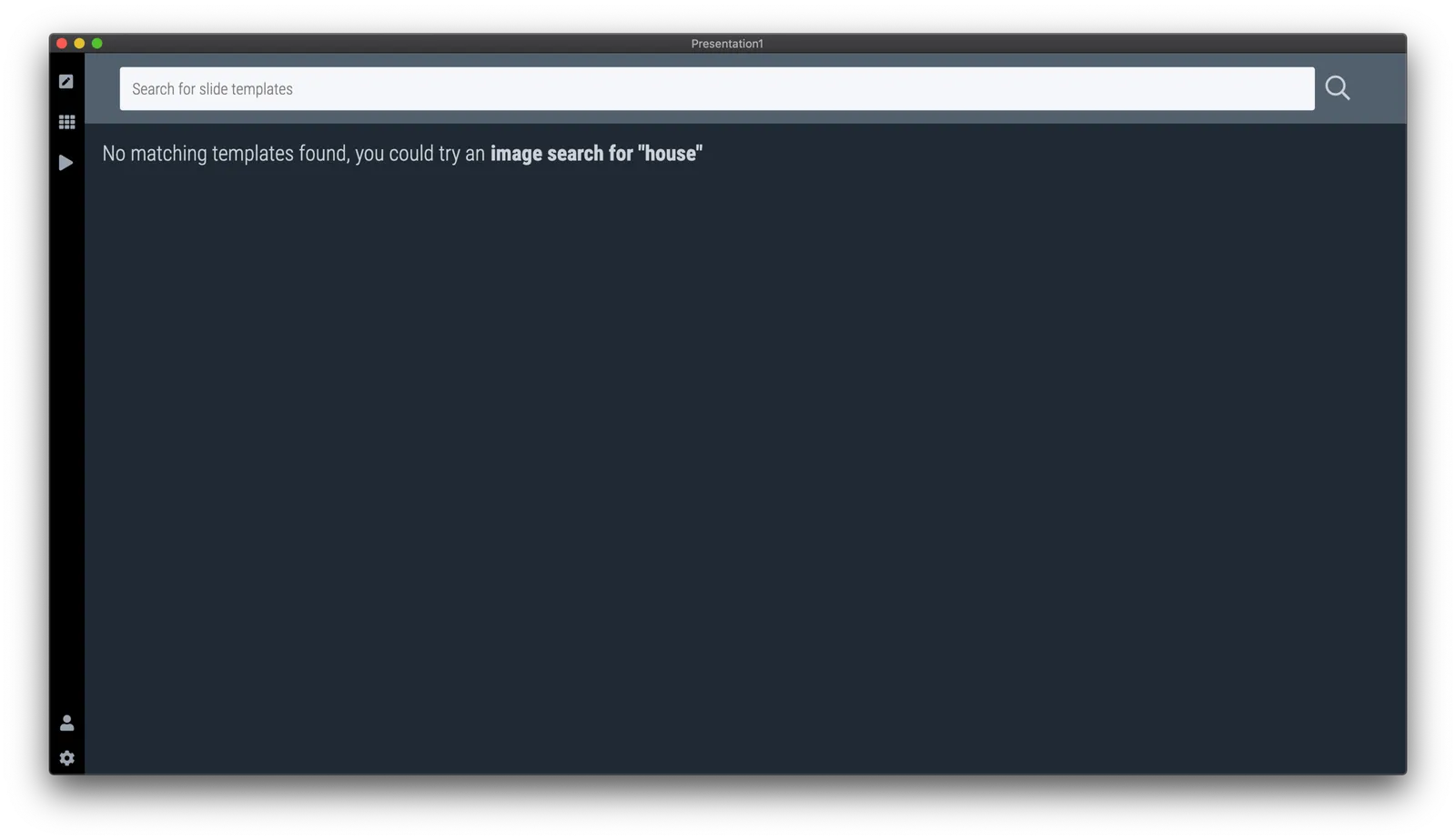
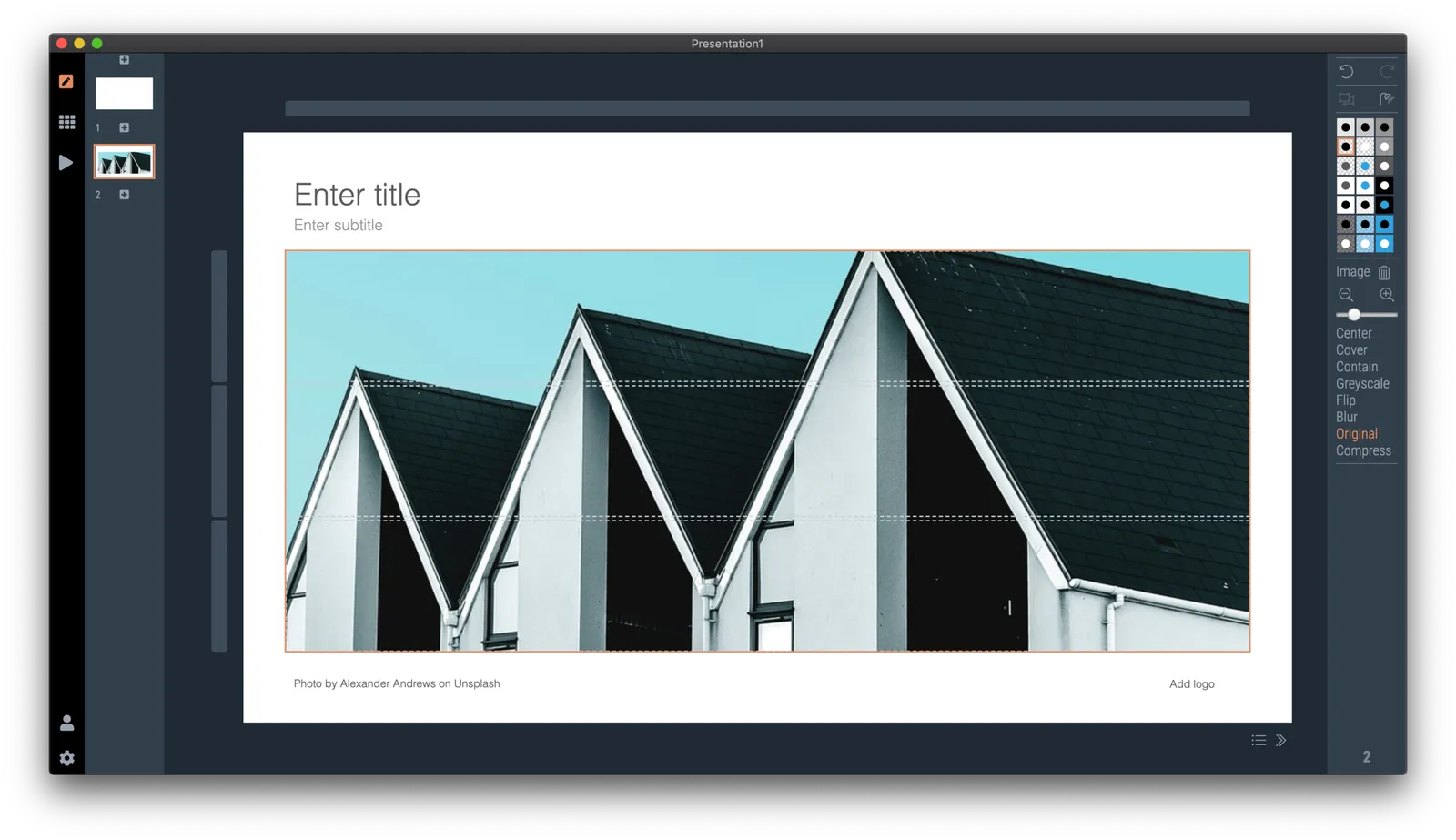
Version 2.3.5 of SlideMagic went up this morning. The interface for searching images from within the desktop application now looks a lot better in a grid layout that takes into account portrait or landscape aspect ratios of photos.

I will further improve the in-app image search soon, with a preview ability to test the image in your slide, and combining more than one image bank provider. A lot is changing in the world of online stock images at the moment, to the extend where I often find free images to be of better quality than paid ones.

Business presentations are different from ads or consumer graphics design projects: picking the right image and getting the credits right is what matters. More to come soon.

The image search API calls are still a beta feature with limits on the amount of searches per hour and/or the image resolution, as I need to make sure my (unusual desktop) app gets the back linking and credits done in agreement with the image bank provider.

One more feature was added: tool tips for the app icons after feedback from a user. Leave your mouse stationary for a second, and the app will suggest what you can do here. Most icons and actions are obvious, but while placing them, I realised that indeed a few things were hidden and/or unclear.

You can download the latest version of SlideMagic here.

·SlideMagic

Stories coming next

I am using the current quiet to beef up the usefulness of SlideMagic. Next up are stories, bundles of slides with a coherent story that stitches them all together: startup pitches, board updates, budget plans, CVs, strategy reviews, etc.

The slide decks are easy for me to create, I need to solve a technical and a design challenge:

  • Technical: the whole SlideMagic architecture is based on individual slides, I need to start linking them together to stories.
  • Design: I need to come up with an intuitive user interface to browse and select stories easily.

Work in progress.

Photo by Erik Brolin on Unsplash

·Software

Alpha testing: SlideMagic PowerPoint plugin

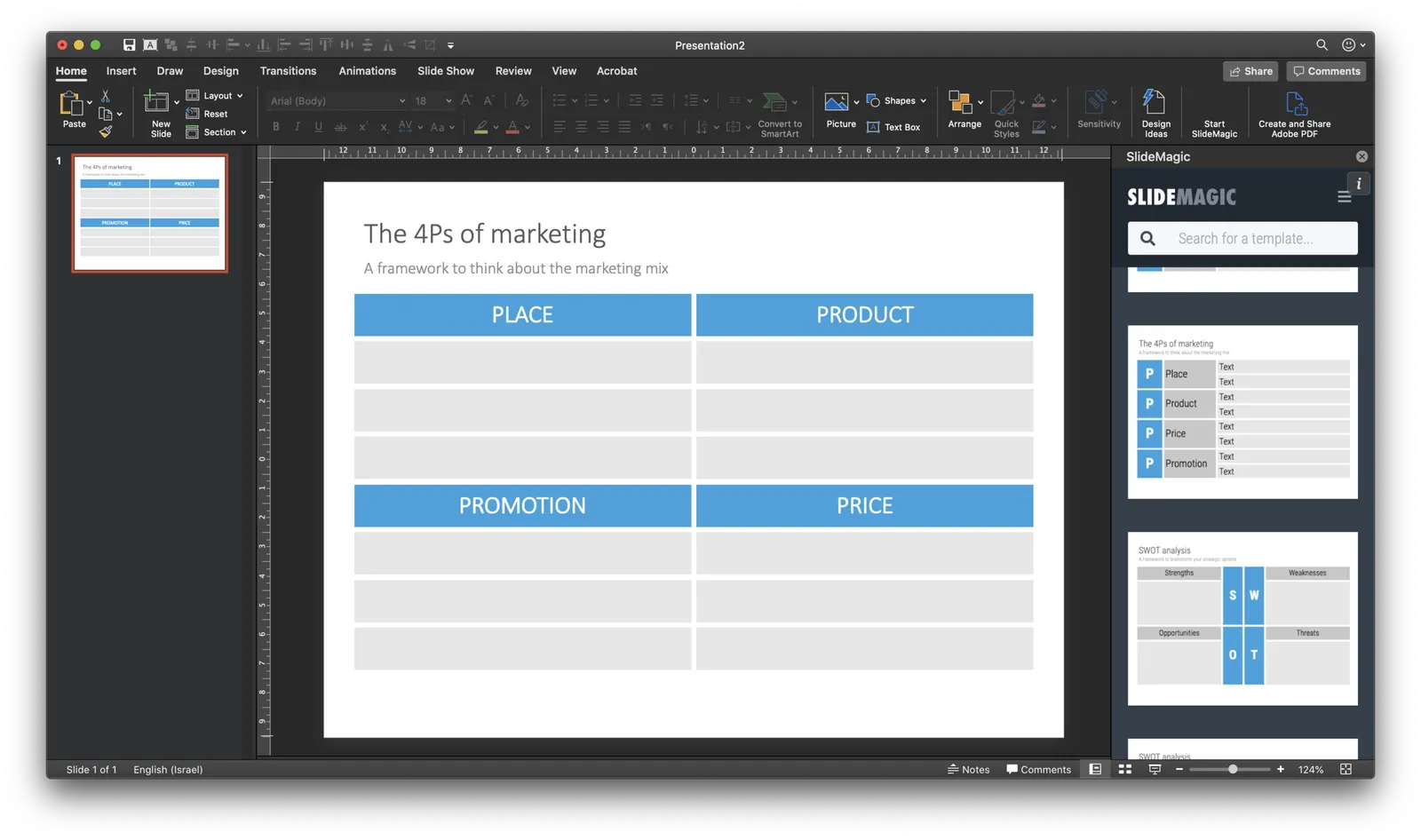
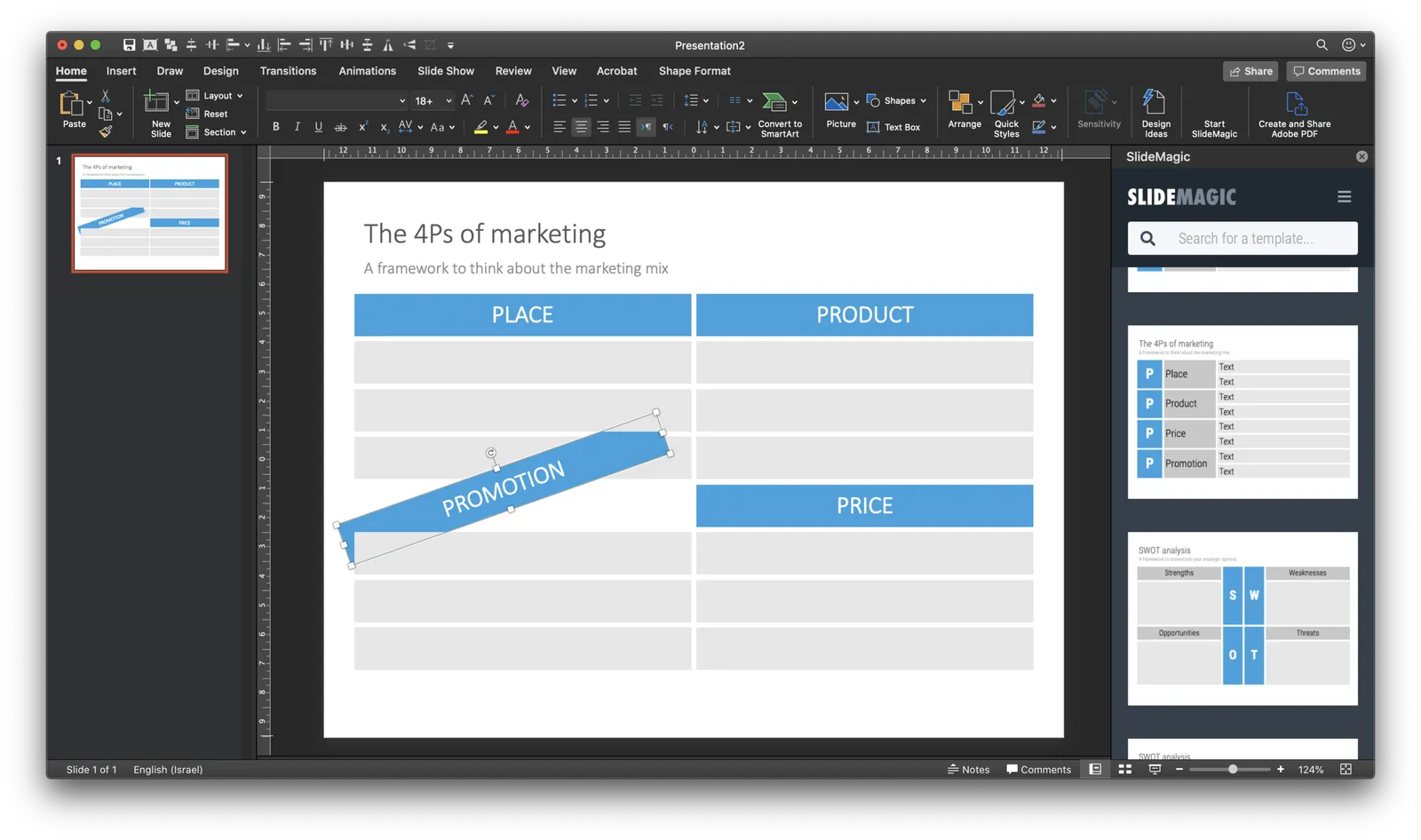
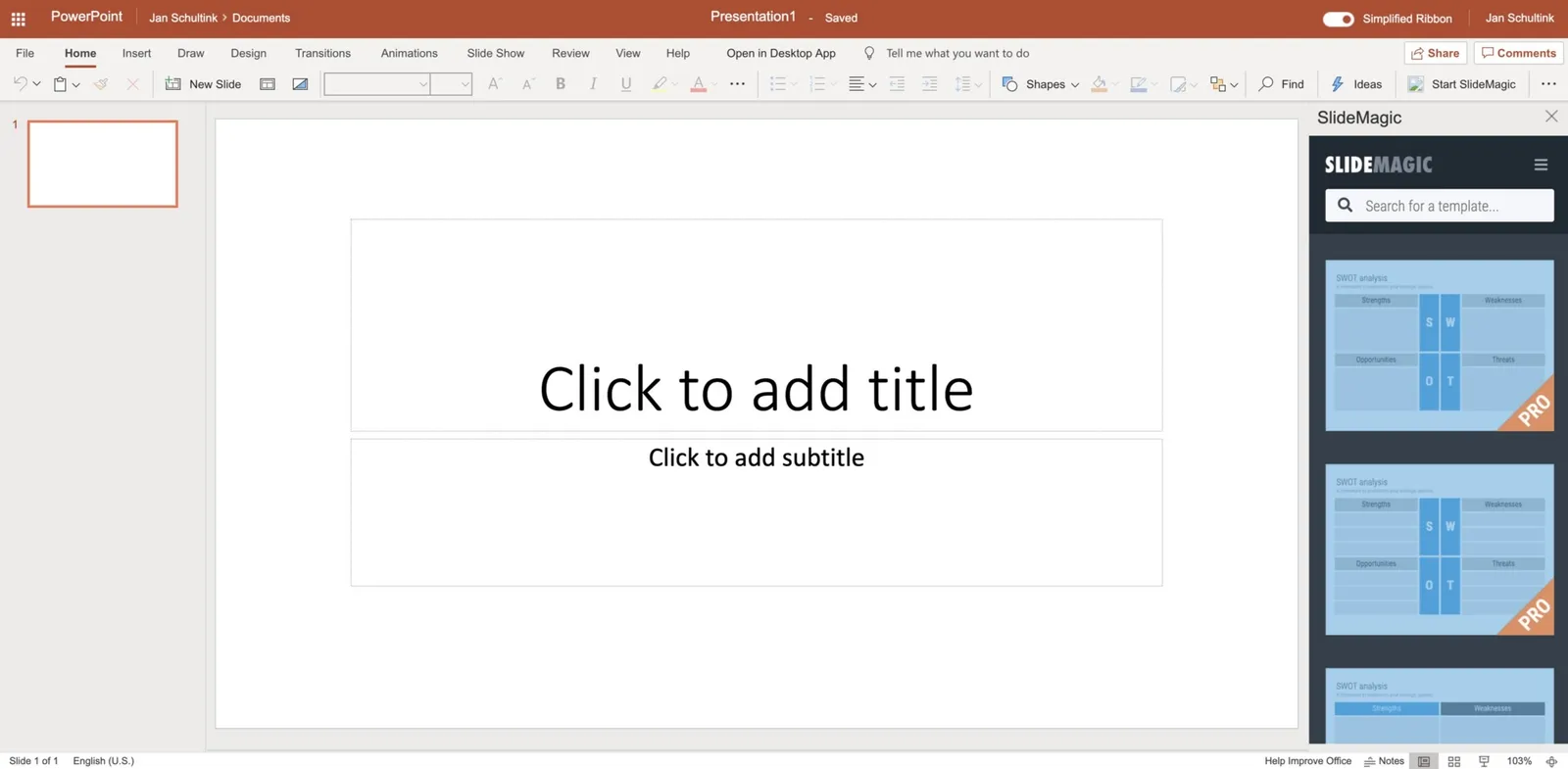
If you want, you can try out the SlideMagic plugin for PowerPoint. When installed, it opens a task pane on the rights side of your PowerPoint screen, you can log into SlideMagic, search for templates, which when downloaded appear in a new PowerPoint presentation. With a copy-paste or drag, you can add them to your presentation.

I am currently in the process of getting SlideMagic Ltd. approved as a Microsoft Partner to add it to the official Office app store. Microsoft is experiencing some capacity issues at the moment as the working-from-home-world is overloading its cloud servers.

To beta test the add-in in the mean time, you can do the following. This is a slightly advanced process, sorry.

  • Download the slidemagic.xml file here
  • On Mac follow these instructions (original on the Microsoft site). Copy the .xml file in this folder: /Users//Library/Containers/com.microsoft.Powerpoint/Data/Documents/wef (if you cannot see the Library folder in your Finder, select the ‘go’ dropdown in the Finder, then press the OPTION key and it should appear. Restart PowerPoint and a new icon “Start SlideMagic” should appear.
  • On Windows, the process looks a bit more tricky: see here.
  • The easiest is actually the online version of Office (instructions). Open PowerPoint in your browser, select Insert, select Add-ins, click manage my Add-ins, then upload my Add-in to upload the slidemagic.xml file.

This is all still work in progress.

·Software

PowePoint plug-in mechanism works

A follow up on yesterday’s post: the basic mechanism of the PowerPoint plug in works. I can side load the app in a task panel, let users log in, you can search for templates, to add a slide to your presentation I can only open it as a new presentation with 1 slide at the moment, you have to copy the slide across to your own file.

It is fascinating to see all the stages this slide goes through (automated mostly):

  • I design the slide in the SlideMagic app
  • Upload them to the template server
  • The server converts them to PowerPoint and create screenshots
  • The server updates the tags
  • PowerPoint connects to the server and loads the side panel
  • User logs in, and searches
  • PowerPoint loads the PPTX file from the SlideMagic server

As soon as you download the SlideMagic slides into PowerPoint you instantly see the strength of SlideMagic when it comes to adjusting templates. Try adding a row to the SWOT diagram, it is hard.

I am not expecting to unseat PowerPoint’s install base any time soon, and the optimal situation would be where both applications can work together nicely. A robust plug in can help users who are hesitant to make the full switch to SlideMagic (and included in these users are people that work for companies that have very tough security policies to run software from new vendors on corporate machines.)

The next step is to make the plugin robust and get it distributed properly in the Office app store. Work in progress

·SlideMagic

Working on a PowerPoint plug in

I am continuing to experiment with how people access the slides of SlideMagic. Currently I am building a side panel plug in for PowerPoint, where subscribers can log in and paste slides directly into a PowerPoint presentation.

Now that I have mastered both front end and back end development, the search mechanism and user interface is easy to create. The tricky bit will be the final step, when it comes to adding a downloaded slide into an existing presentation. Microsoft does not give PowerPoint a high priority when it comes to the Office Javascript API. Let’s see how it goes.

·Layout

How to create a logo page in a presentation

Yes, I have been in this situation as well:

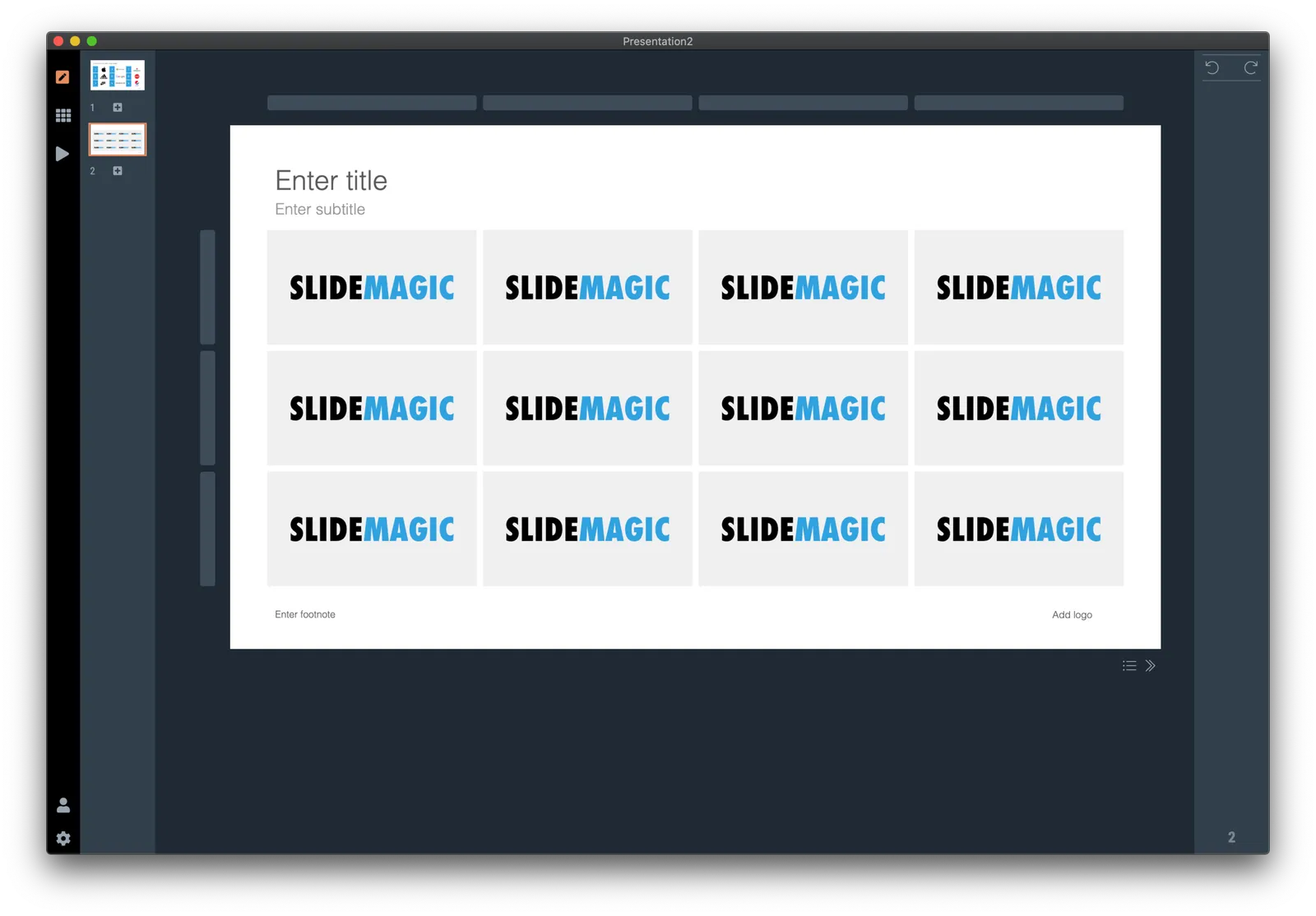
Below is a short video that shows how SlideMagic makes creating logo pages in a presentation really easy. In the first example, I start from scratch with a completely blank page. Notice how logos get plopped in, and how everything lines up instantly in the grid, and how easy it is to add columns, text boxes without having to re-arrange and re-align the entire page. (I have added this slide as a free slide on the template store, you can find it here, stripped of the logos I used because I could not verify copyrights)

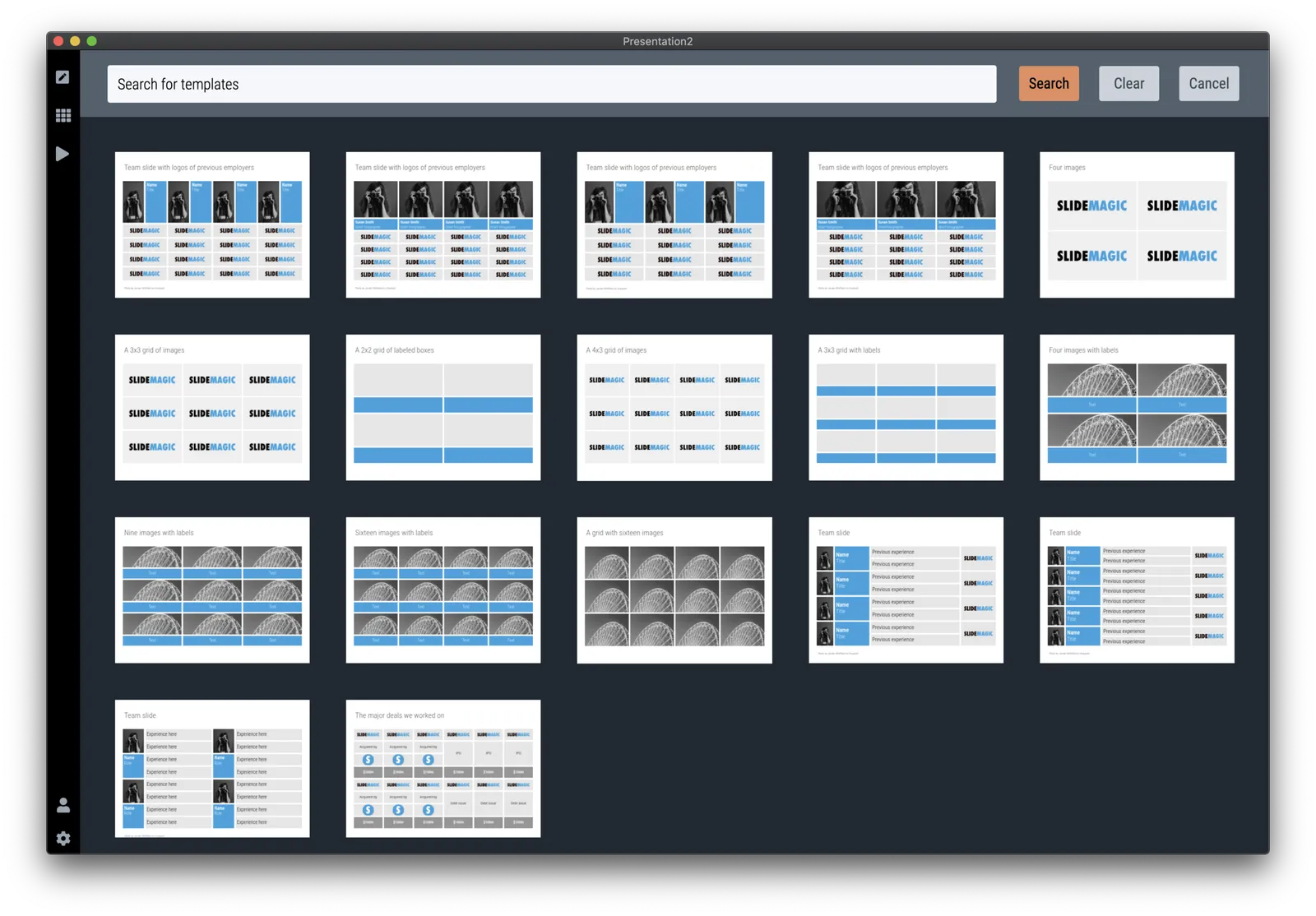
The alternative is to start with one of the built-in templates of SlideMagic, search for “logo” in the app and see what slides come up:

Now you can customise the page and swap the logos for the ones you need.

The exact same search available in the online template bank as well (try searching for logo), but users who are downloading the PowerPoint version directly from the web site miss out on the magic of SlideMagic when it comes to manipulating image grids.

My suggested strategy: tweak things in SlideMagic, and export at the very last moment to PowerPoint if you have to share things with your colleagues. You will save a lot of time making those nasty logo grids.

·Software

Better PDF conversion

I just released V2.2.3 of SlideMagic, with a big feature update: a new approach to exporting PDF. Until now, I created PDF files by having the program recreate a .magic slide in .pdf, element by element, picture by picture, letter by letter. This got me to 99% accuracy, the 1% being cases where small mistakes would be introduced. For example, a word dropping to the next line because of tiny deviations in font size.

Unlike PowerPoint exports, PDF files are set in stone, you want to send that presentation to an investor, there is no way to fix a quick glitch.

So I changed the approach, the new PDF exporter takes a screen shot of the exact page you created and puts it in a high resolution PDF file. What you see is what you get, 100% of the time, by design. In the process, I could actually delete hundreds and hundreds of lines of code.

The app should upgrade itself in the background for existing users, or you can force the upgrade by downloading a new version from the site.

Other V2.2.3 improvements are mainly under the hood. For the geeks: the app has been upgraded from Electron 6 to 8, with a very recent version of Chrome, and both app and server now share the exact same code to render slides, images, and PowerPoint files, which will save me lot of time as I make improvements. I basically paid my duties for fixing “quick and dirty” copy-paste coding of a few months ago.

Continue reading →
·Video

Virtual backgrounds in video conferencing

Camera technology is finally good enough to solve the video conference background problem: no more bed rooms, bad lighting, plumbers, kids and/or other unpredictable events behind your back. In the settings tab of zoom, go to virtual backgrounds and set it to the mood you want.

 Almost perfect, my hair and sweater pattern did get adjusted as well…

Almost perfect, my hair and sweater pattern did get adjusted as well…