Version 3.1.8.
I deployed a new version of the SlideMagic app today with security updates. The server was patched too. Please let me know if you experience any issues.
Frequent updates about all things presentations since 2008. Subscribe to never miss a post.
I deployed a new version of the SlideMagic app today with security updates. The server was patched too. Please let me know if you experience any issues.
ChatGPT is good at writing fluent text because there is lots of quality text around on the Internet to train it on. Most text online is at least grammatically correct, and a subset of online content is of some decent quality at a story level (books, reports, professional news websites, etc.) . Midjourney can make up great images because there are lots of images around to train it on, they do not even have to be that good in terms of composition, the pixels in an image add up to an accurate representation of something.
Now with presentations though…. There are fewer of them around online, and most of these are actually not that good. Even if you were to feed let’s say McKinsey’s entire archive of decks into an AI model, would it be able to produce a McKinsey-style deck based on a prompt? Maybe. But the result would be a consulting-style, dense document, not an engaging pitch deck.
In 2023 the power of ChatGPT is not in automating extremely complicated tasks, but taking out the daily hassle of smaller things. For presentations, one of my favorites are translating long-hand text into tables of short points. “Please summarize the pros and cons of both options discussed in the following text”. What you get back ia a bird’s eye view of all the elements of the story. Often, the first thing an old-fashioned presentation designer does on a piece of paper.
Firefly is Adobe’s stab at generative AI. I had a quick look at it an and am pretty impressed.
Most current AI image generators make either very cute artificial / fantasy / cartoon style photos, or allow you to create crazy / unreal compositions. For example: creating compositions you would not normally see (an elephant riding a bike), or mixing styles (the US president soloing on a guitar in the style of Van Gogh).
Adobe Firefly is more useful. You can extend backgrounds on existing images, or position objects in pictures. Below are some of my efforts to add a purple cow to an Alpine background.
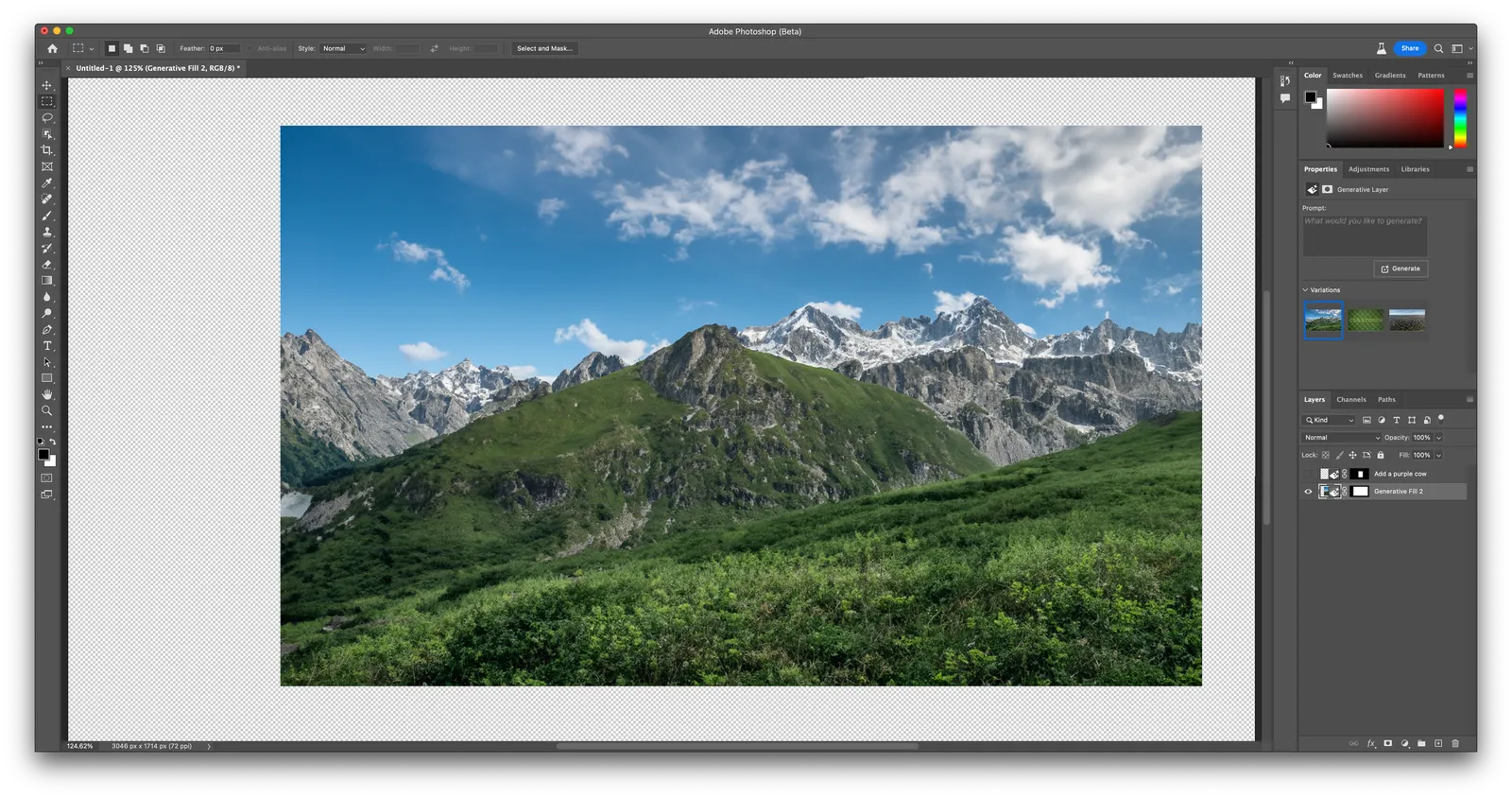
Here is a basic background. You can now add an object in it. This is the first result after prompting “purple cow”
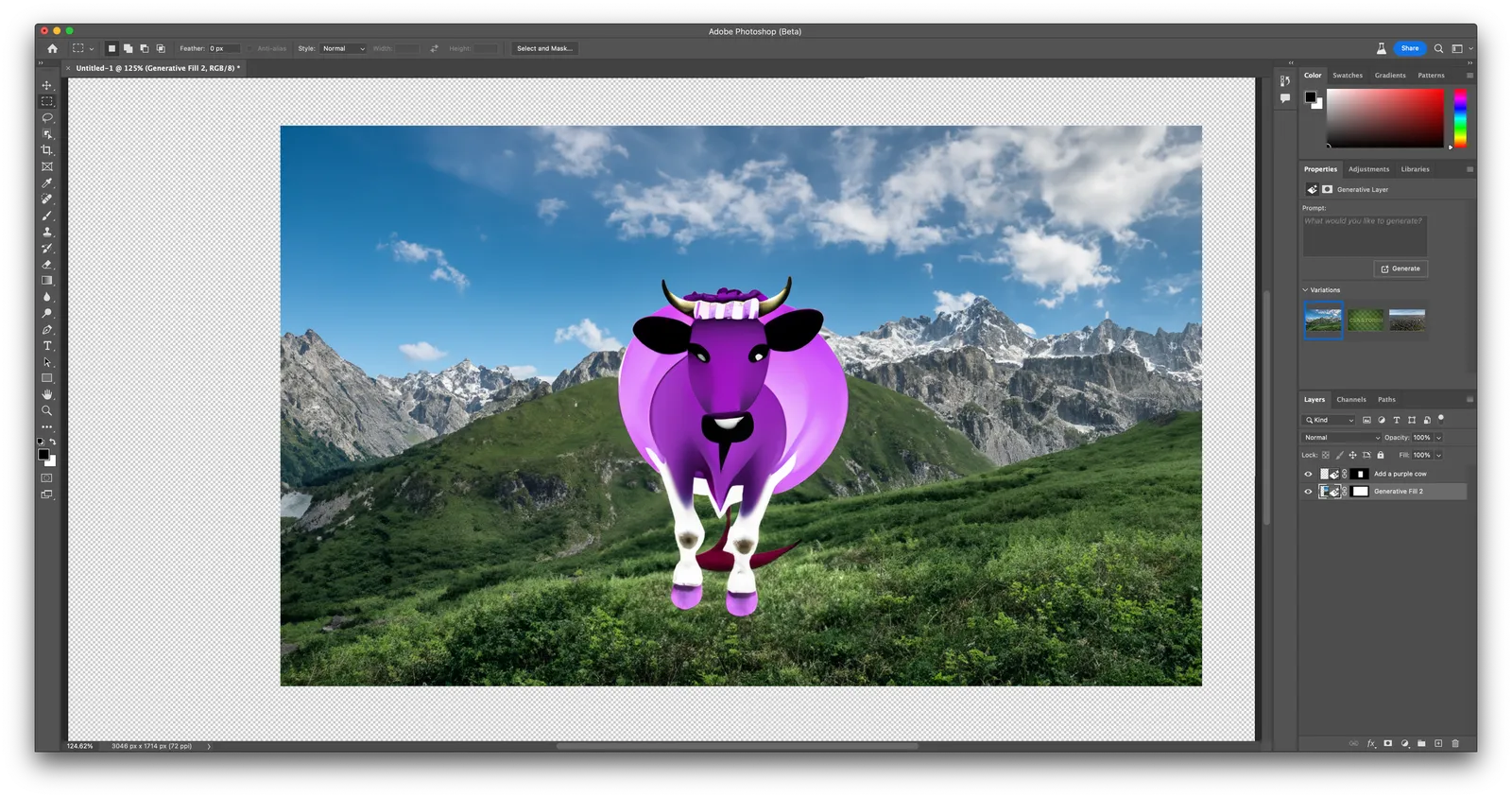
The placing of the cow is very good, the purple cow itself is totally unrealistic, probably because “purple cow” in itself is not a concept that is very common. You can select alternative versions of the cow that are more realistic (and less purple):
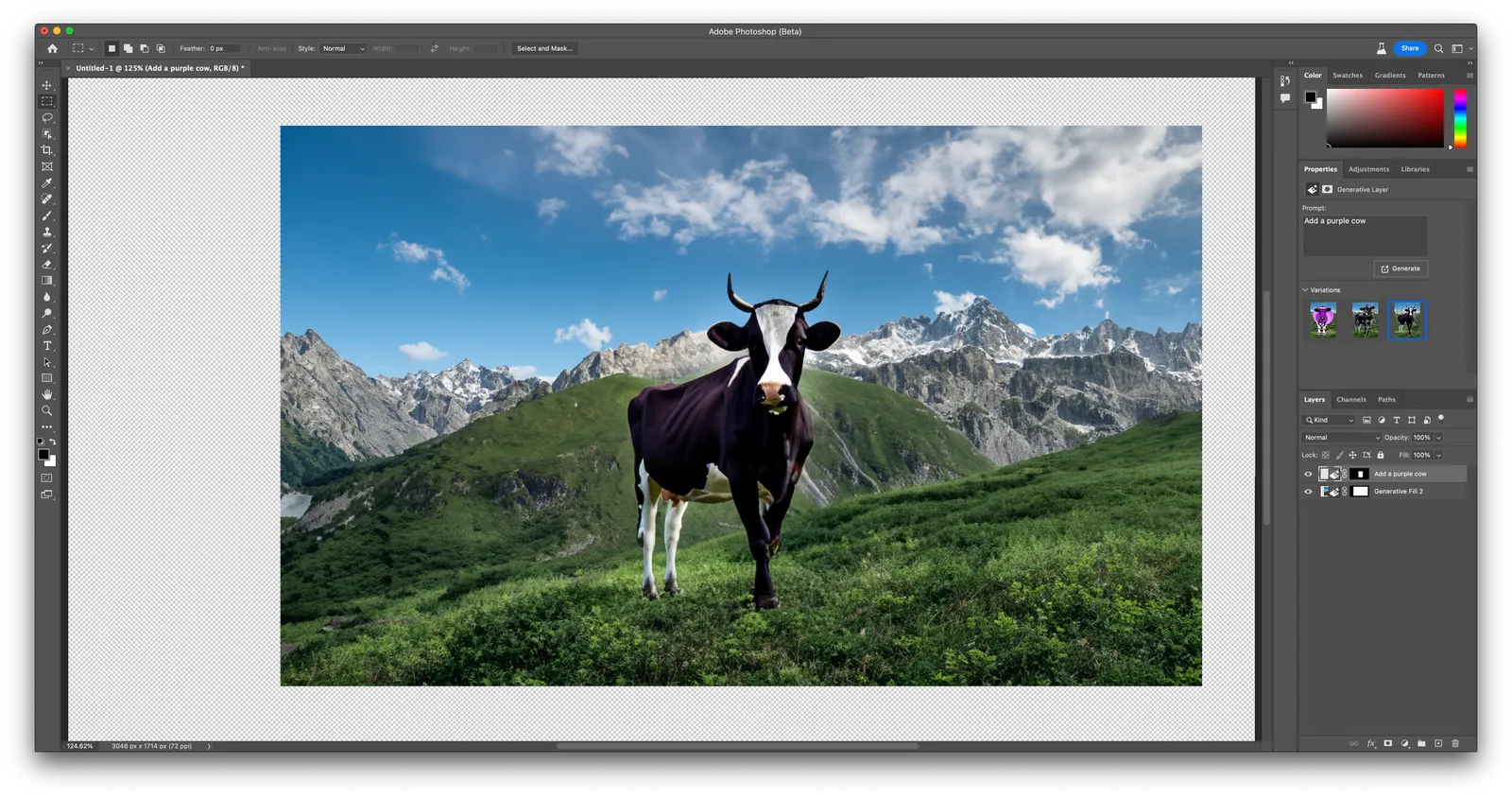
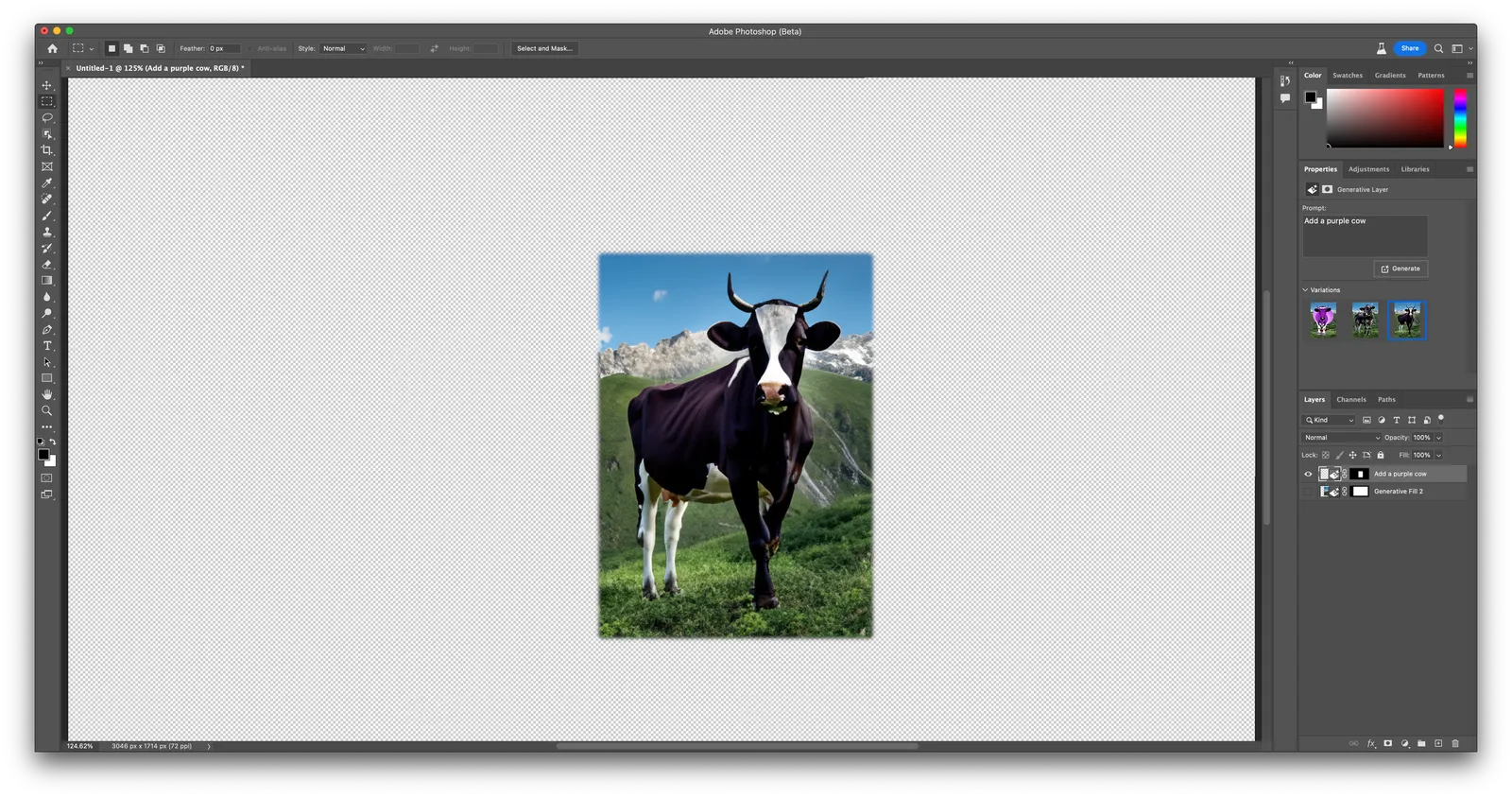
It’s pretty good (although not perfect). Here is the layer that the app generated on top of the background image (I disabled the background layer)
The best feature of the app might actually be the extension of backgrounds. See the example below, the area to the right was added automatically.
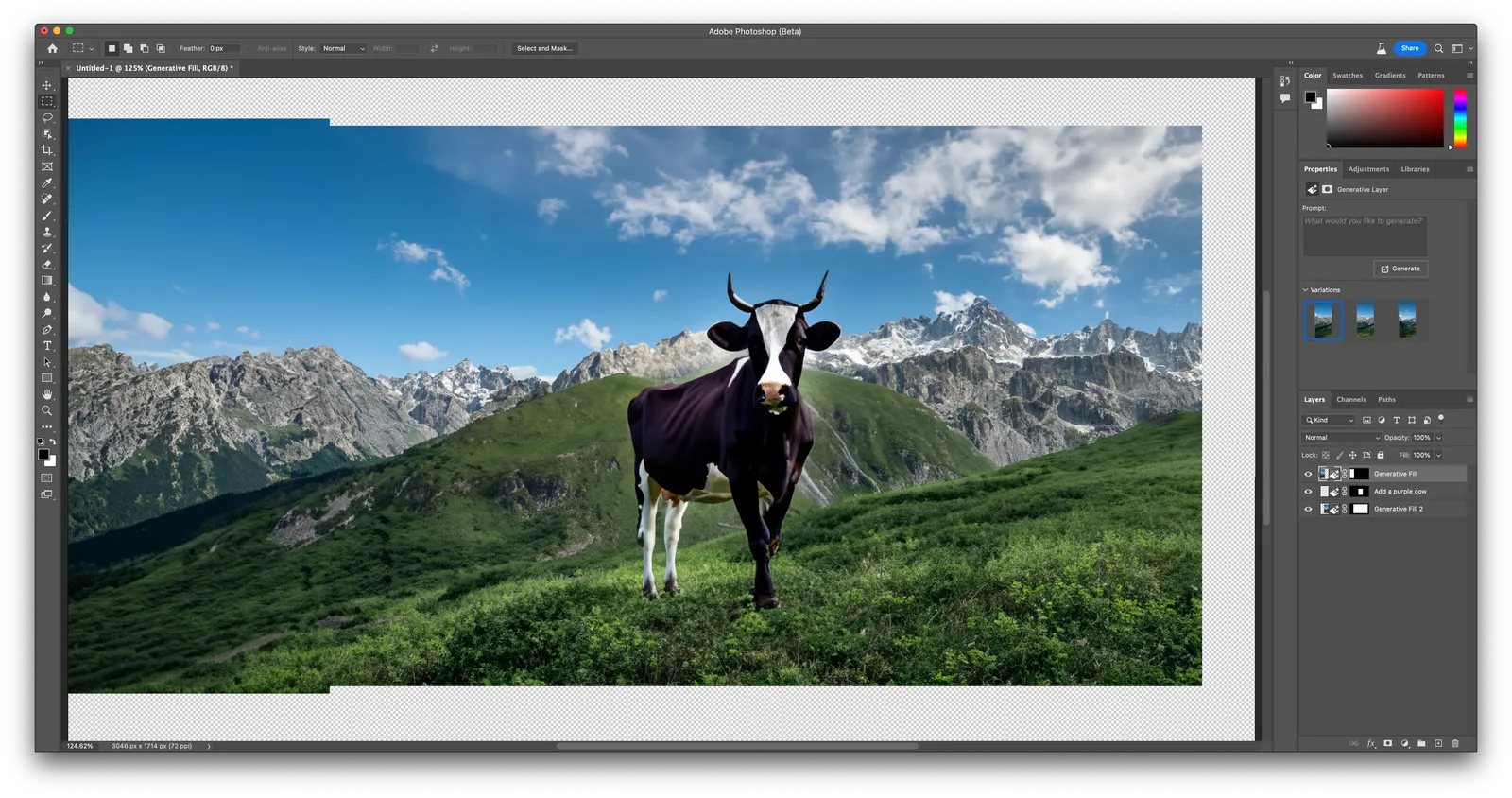
Firefly is part of a beta version of Photoshop (it will soon appear in other Adobe apps as well), and as a result requires a bit of Photoshop skill to use it (which will be a drawback from many). You can also access its features via the web interface. Results are pretty good (you can see that Adobe is very good at separating the foreground and background of the image), but the style is still slightly cartoonish.

A feature that was long overdue: today we added a color picker to the SlideMagic settings page. Better late than never. Click on the big bar to reveal the pop up. If you want, you can still enter RGB codes. With the eye dropper, you can now sample colors anywhere on your desktop. Make sure to have V3.1.7 installed to use this feature.

(Proud of my daughter Mia who insisted to put this in, and actually wrote the code to do so herself)
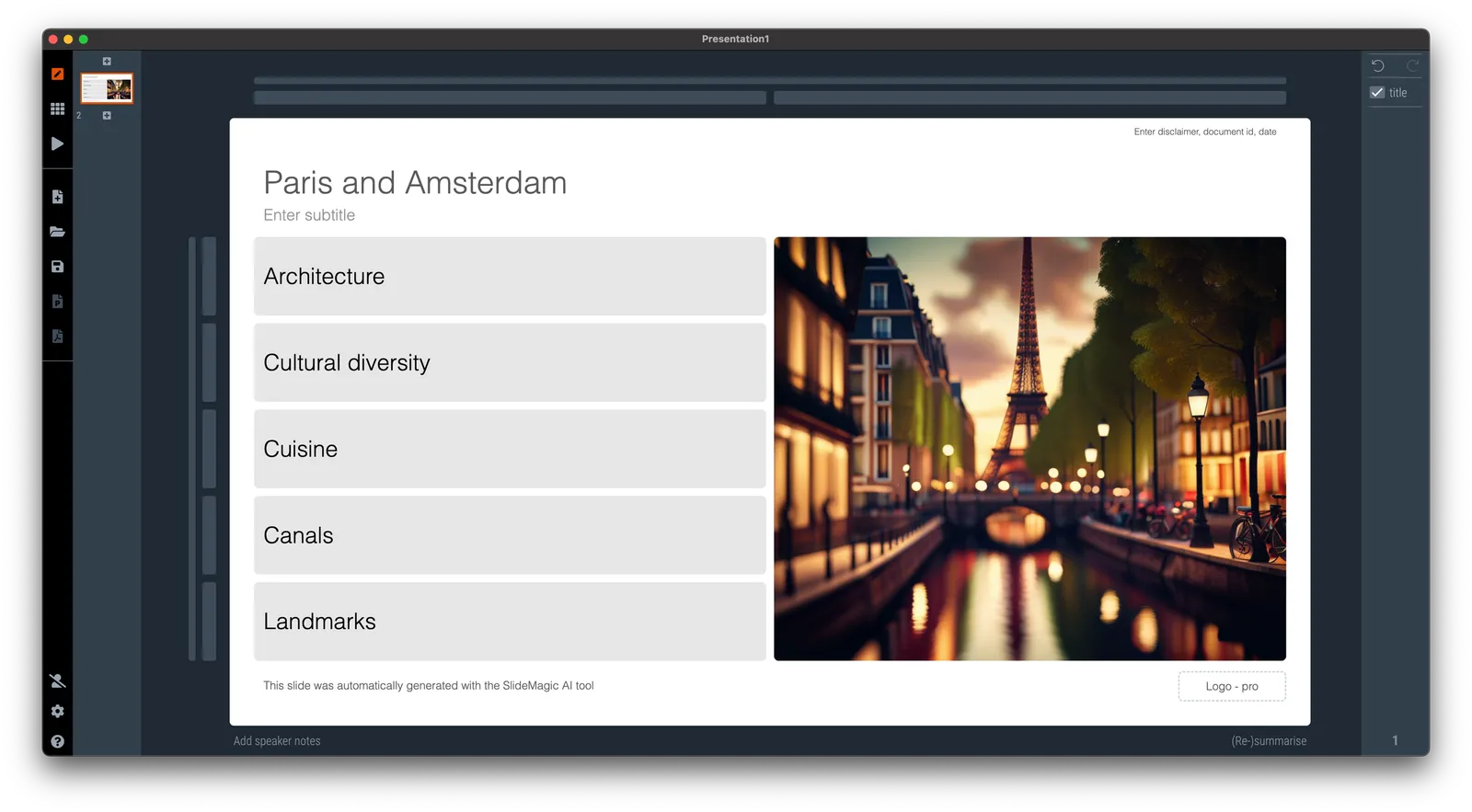
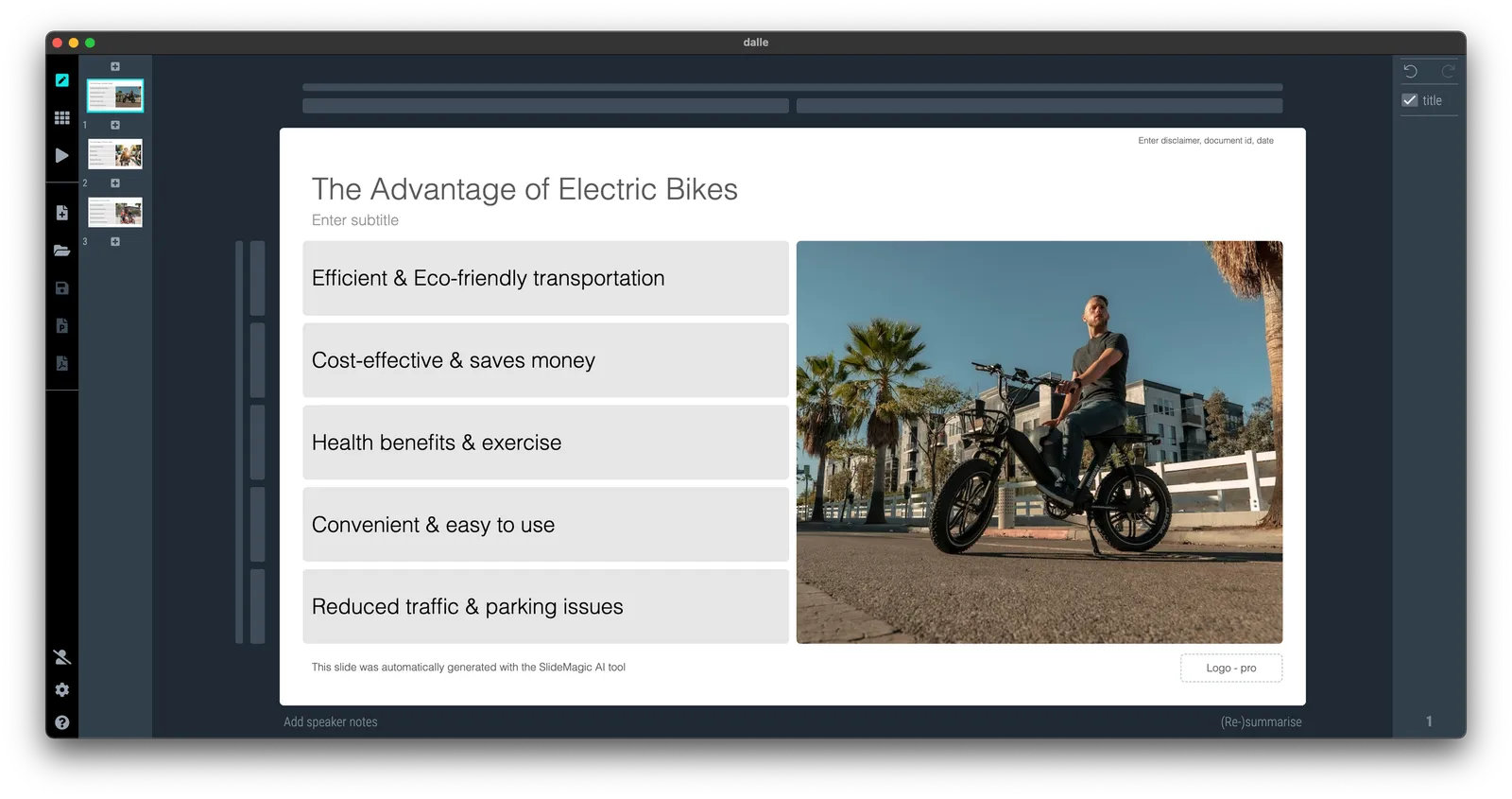
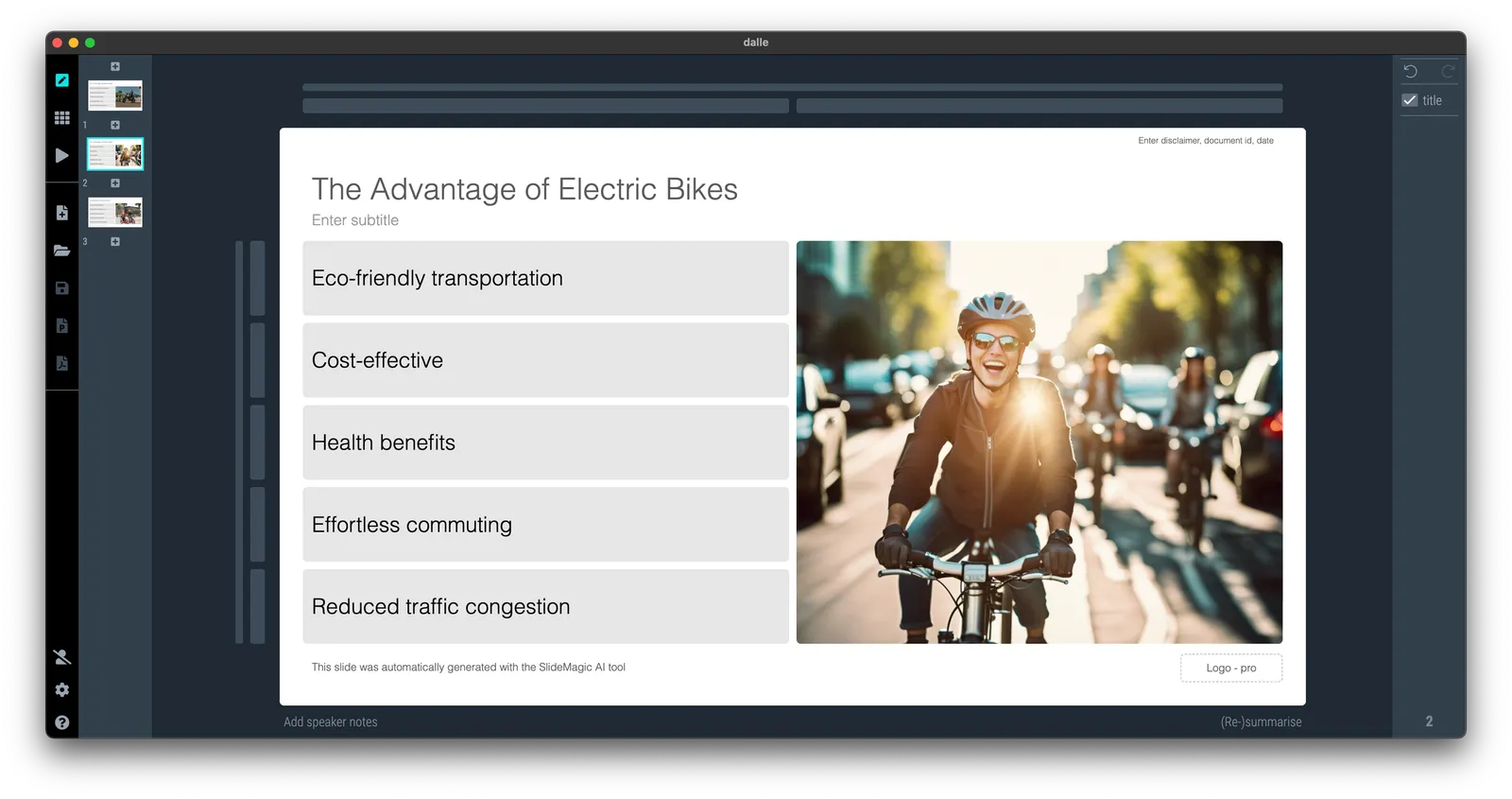
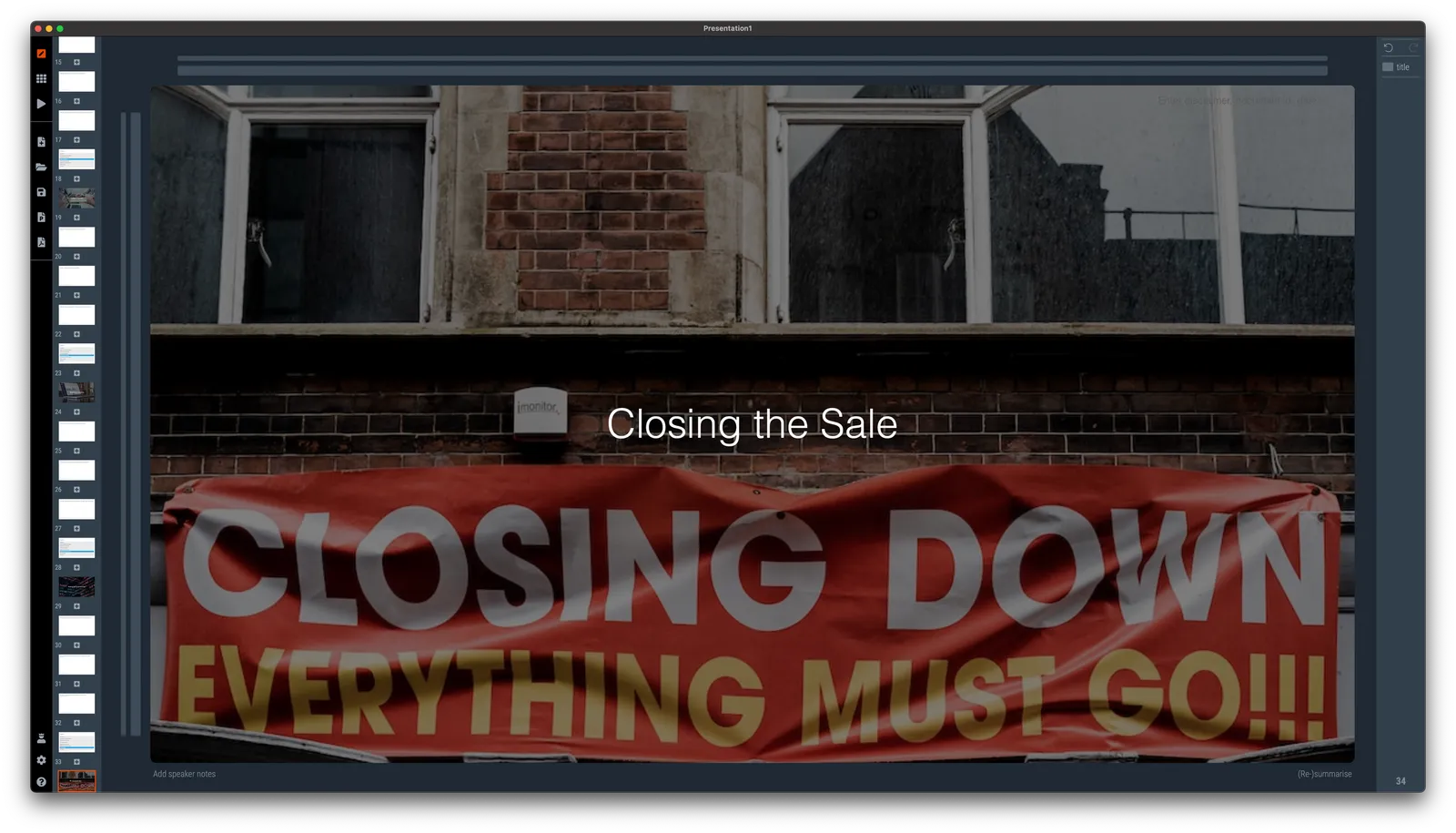
I added 2 additional AI generators to SlideMagic, the produce a slide with some text and an image based on your prompt. One generator pulls the image from Unsplash, the other creates it from scratch. There is no update to your SlideMagic app needed to see the extra image generators.
See an example below:

A few months ago, I added a DALL-E AI-image generator to SlideMagic. AI-generated images can be great for presentations:
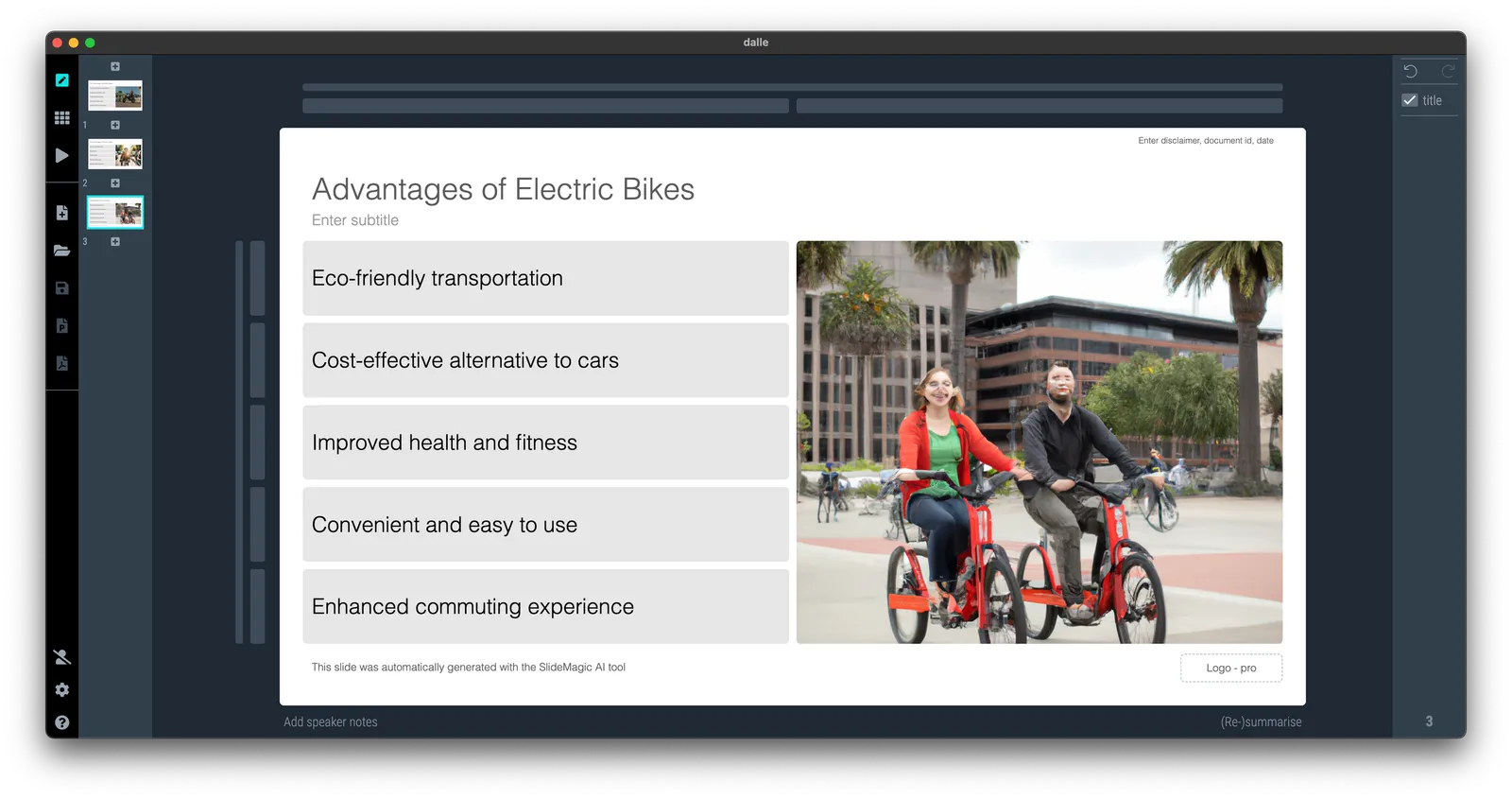
The DALL-E engine is not accurate enough though. Especially when it comes to humans/faces. Midjourney is doing a far better job at this but is not (yet) providing 3rd party API access to its engine, the only way to get images out is via a web-based interface.
I am starting to look into deploying the same open source models that are actually the basis of Midjourney, directly into SlideMagic. You can see the results below and they look very promising. More to come.

Image found with an automated prompt to a stock image site

Open-source AI-generated image

Very poor result from DALL-E
See the image below. I am blending AI-generated slides and images, and things are not completely right yet…

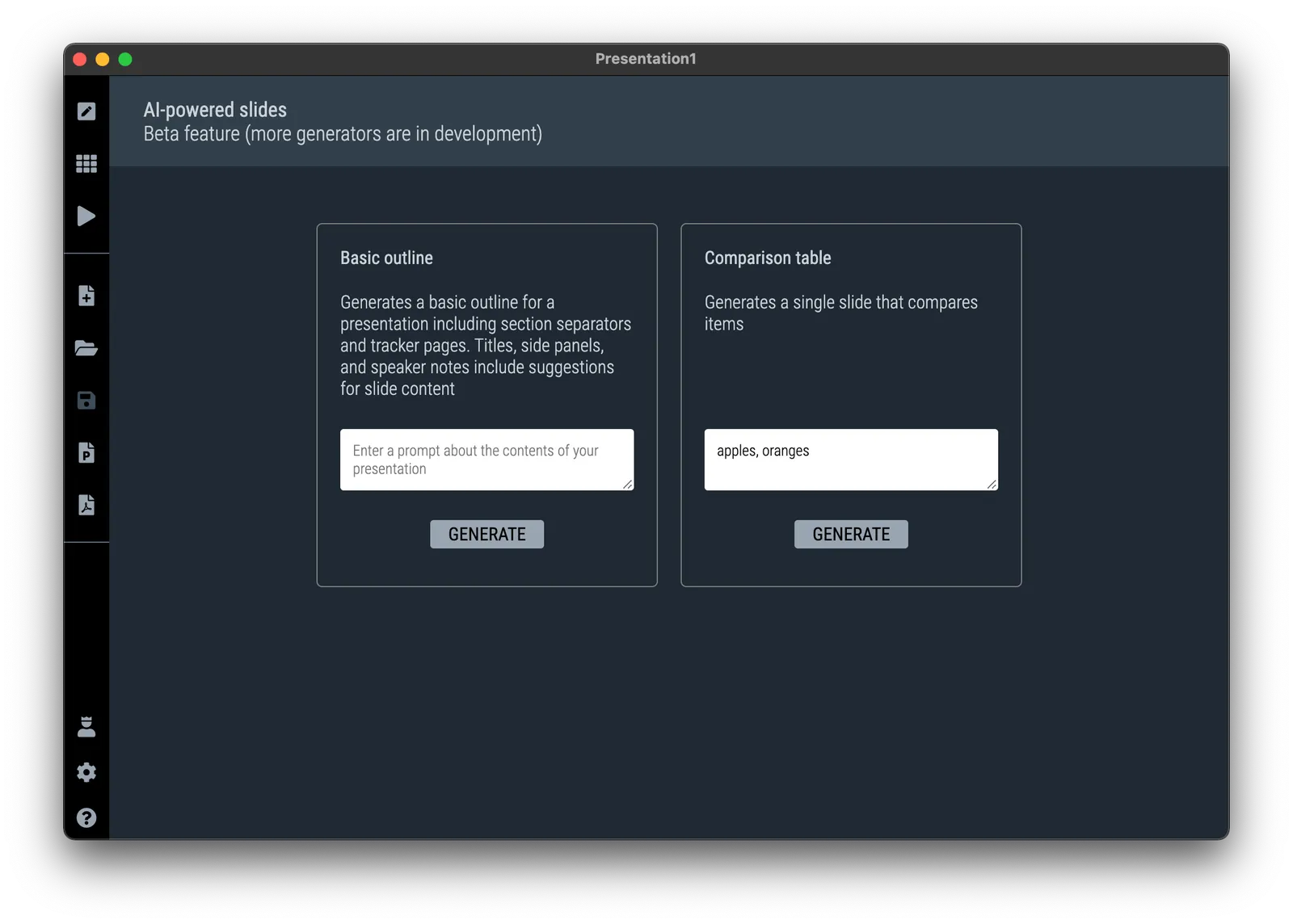
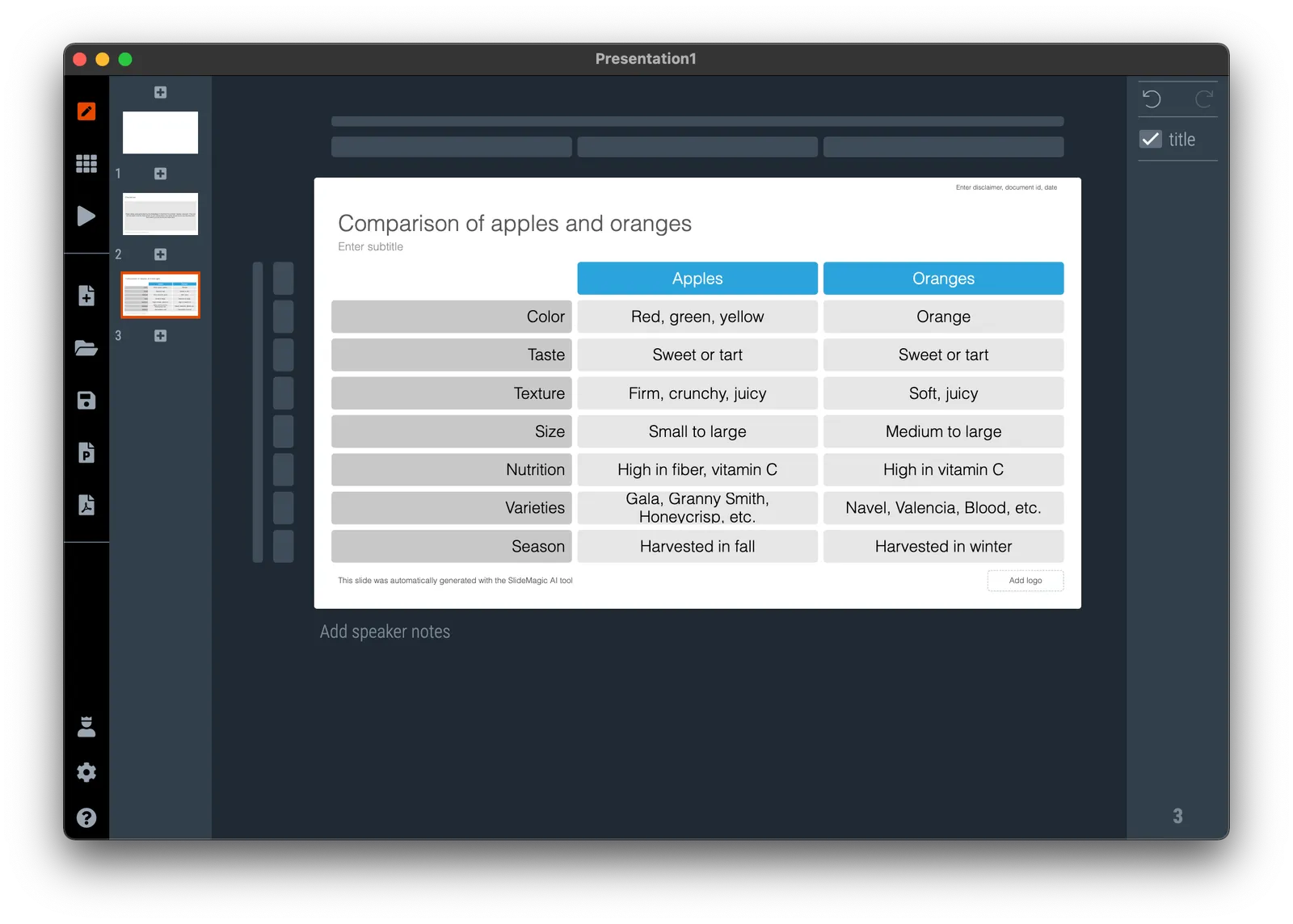
I added the second AI-powered slide generator to SlideMagic. It creates a simple feature comparison of the items you enter. So this time it is a single slide rather than an entire presentation layout. See the screenshots below.


It was an interesting learning process to figure out how to “tame” OpenAI and get it to produce consistent outputs and data formats that I can use in layouts. I still need to improve the adjustment of font sizes based on the density of the output. More and better generators to come.
You need to update the app to version 3.1.1. to see the new features (or higher, this was written in June 2023), if it did not happen automatically, simply re-install SlideMagic from the home page.
I just soft launched SlideMagic 3.0 that now has a direct backend integration to OpenAI’s ChatGPT (in addition to the AI-based image generator I put in earlier).
My objective was to get the basic engine running. So things are very simple at the moment. When you try to insert a slide, you will see a new option: “AI-generated slides”. Clicking the icon will lead you to a new form where you can input a prompt. Hit “submit” and be patient, and the app will generate a simple presentation layout with separator pages based on your prompt. See the screenshots below.


I am planning to release many, many more of these generators. More sophisticated story lines, chart template generators etc. now that the basics are in place. Next steps for me is more “prompt engineering” (SlideMagic adds a lot of content to the prompt you submit in the background), and expanding my chart generation engine to take in more human-like responses from ChatGPT and turn them into SlideMagic boxes.
The generative AI feature is free for all to use at the moment (as long as it does not hit my OpenAI account too hard), SlideMagic Pro users can export these AI-generated charts to PowerPoint.