SlideMagic Blog

Frequent updates about all things presentations since 2008. Subscribe to never miss a post.

RSS
all posts

Category Software

·SlideMagic

Using templates in SlideMagic

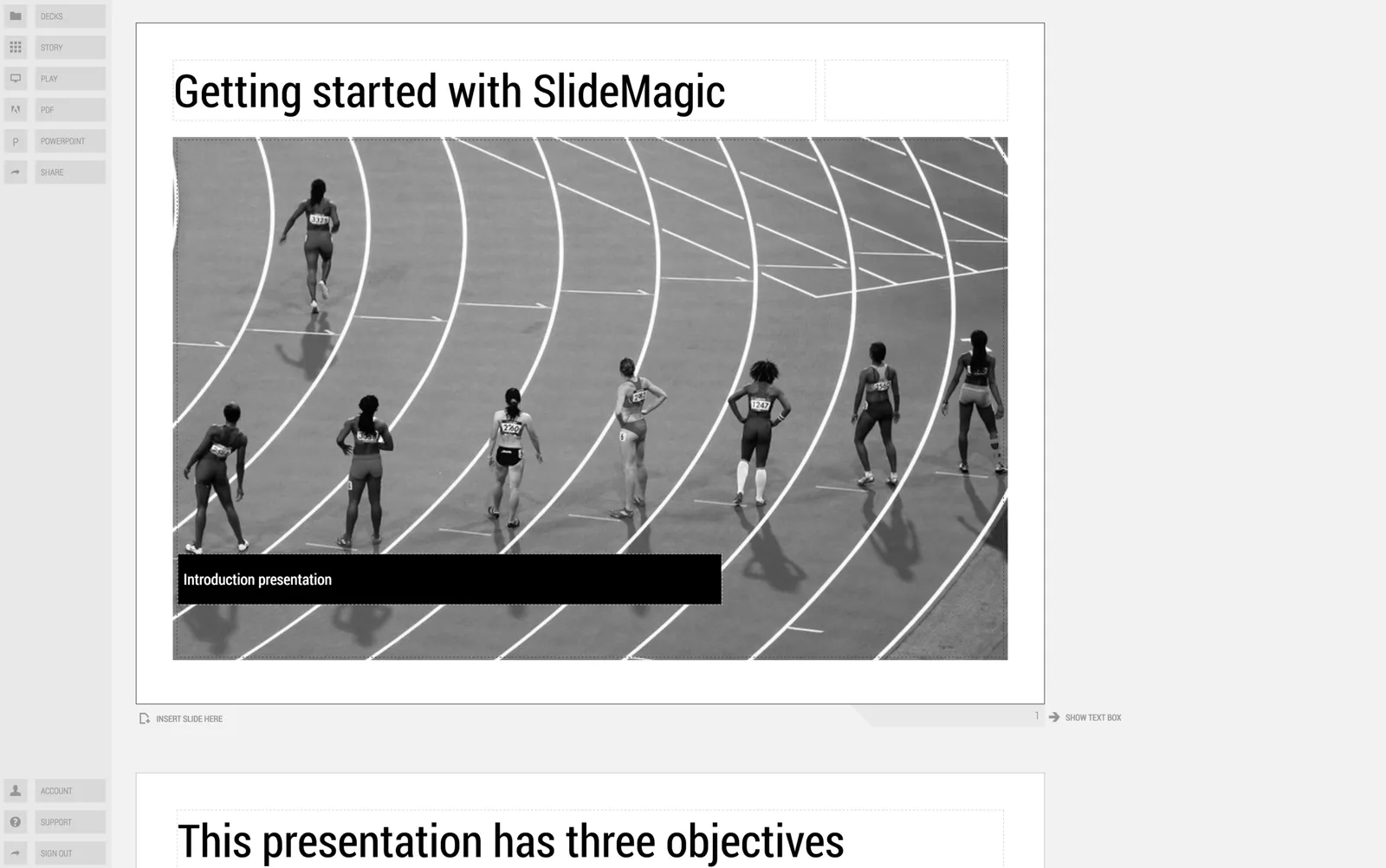
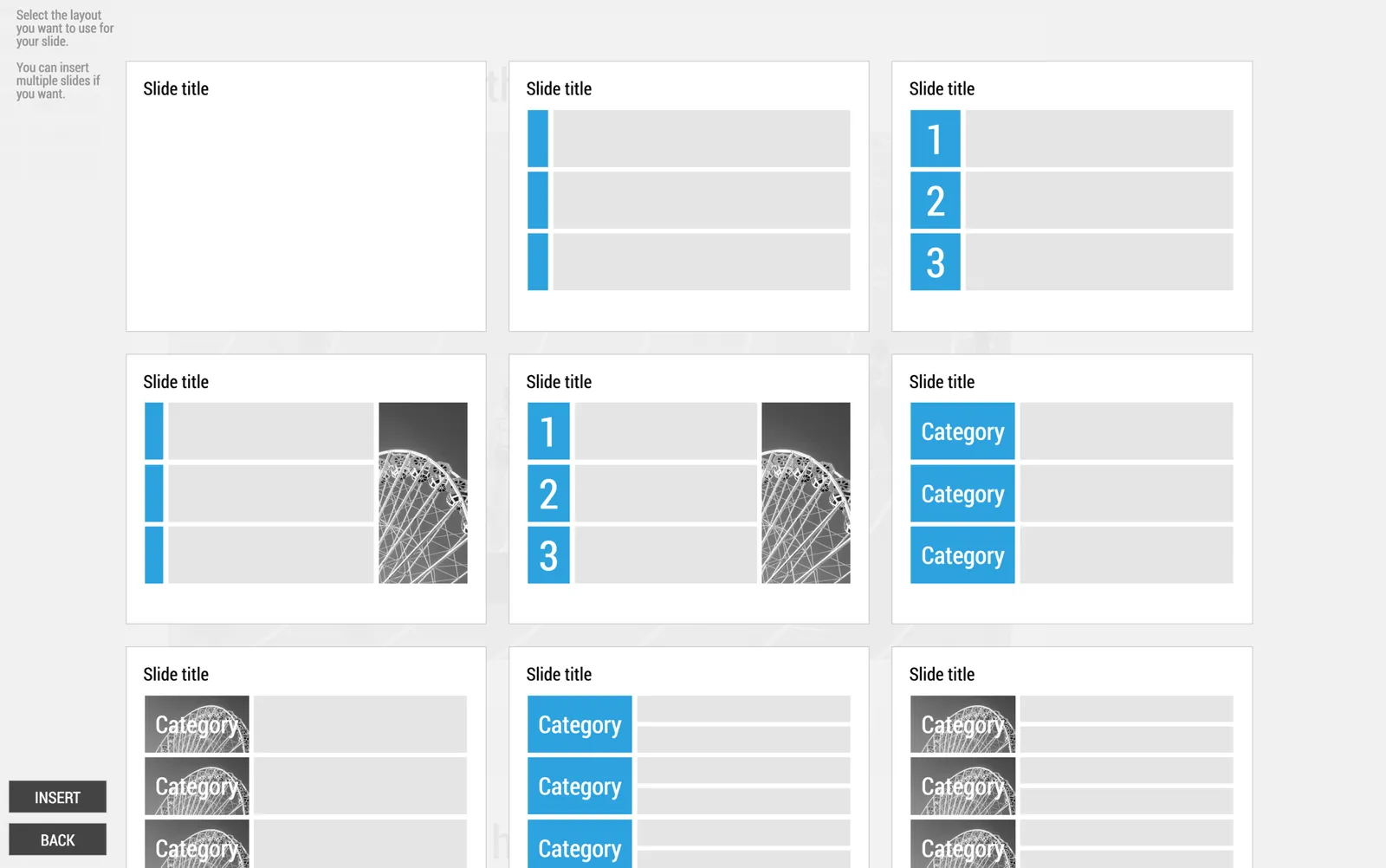
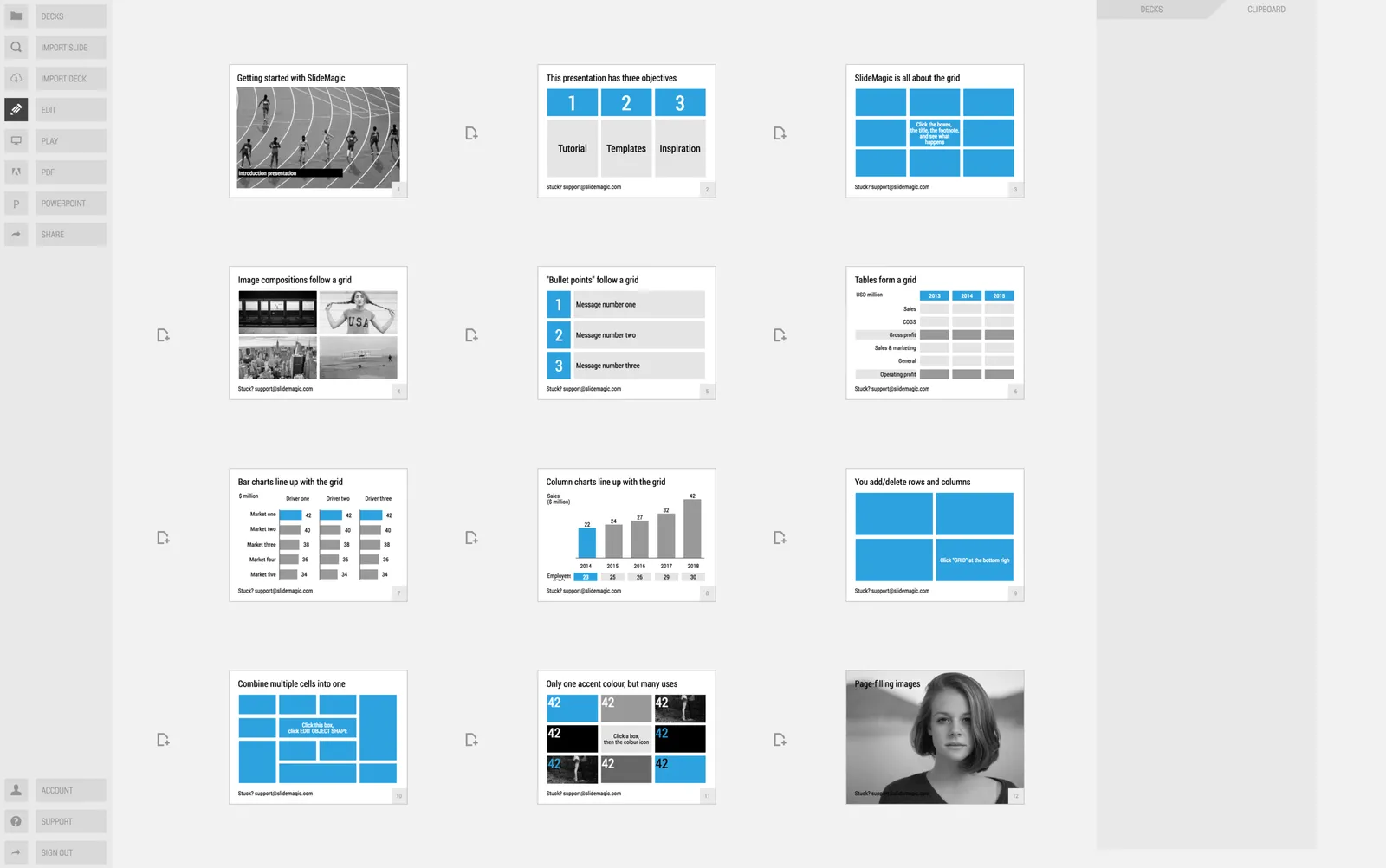
In little bursts of work I will be updating my presentation app SlideMagic over the coming weeks. I noticed that many users stick to the 9 box grid that is the default blank layout of a new slide. Yesterday we released a new insert routine. You now get presented with a number of slide layouts to choose from when inserting a new slide, without having to import and/or clone template slides.

Try it out and let me know what you think.

·PowerPoint

The latest cool presentation app

I saw this Tweet by Garr Reynolds (Presentation Zen):

I agree fully, and as the CEO of an aspiring presentation app (SlideMagic), I am not contradicting myself. SlideMagic is of course cool, but not because it adds spectacular features. It makes you design slides in a very strict grid so that your slides look good regardless of your design experience. Try it yourself.

·Layout

How do you do it?

A question I often get after a very simple make over of a slide. Answer:

  • Make boxes the same size
  • Line everything up in a grid
  • Cut excess filler words and passive verbs
  • Us one accent colour
  • Harmonize fonts
  • Reset image aspect ratios
  • Fit everything inside a frame with white space around it

“You make it sound so simple, but it is not.”. It actually is. If you struggle doing it in PowerPoint, use SlideMagic, my presentation app.

·Software

Curves in PowerPoint

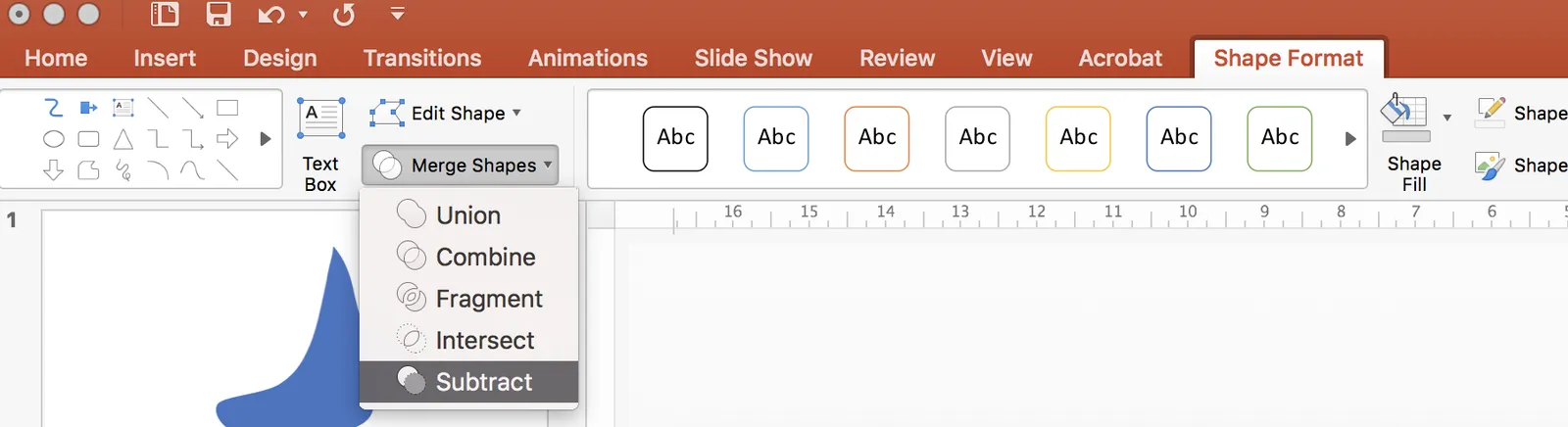
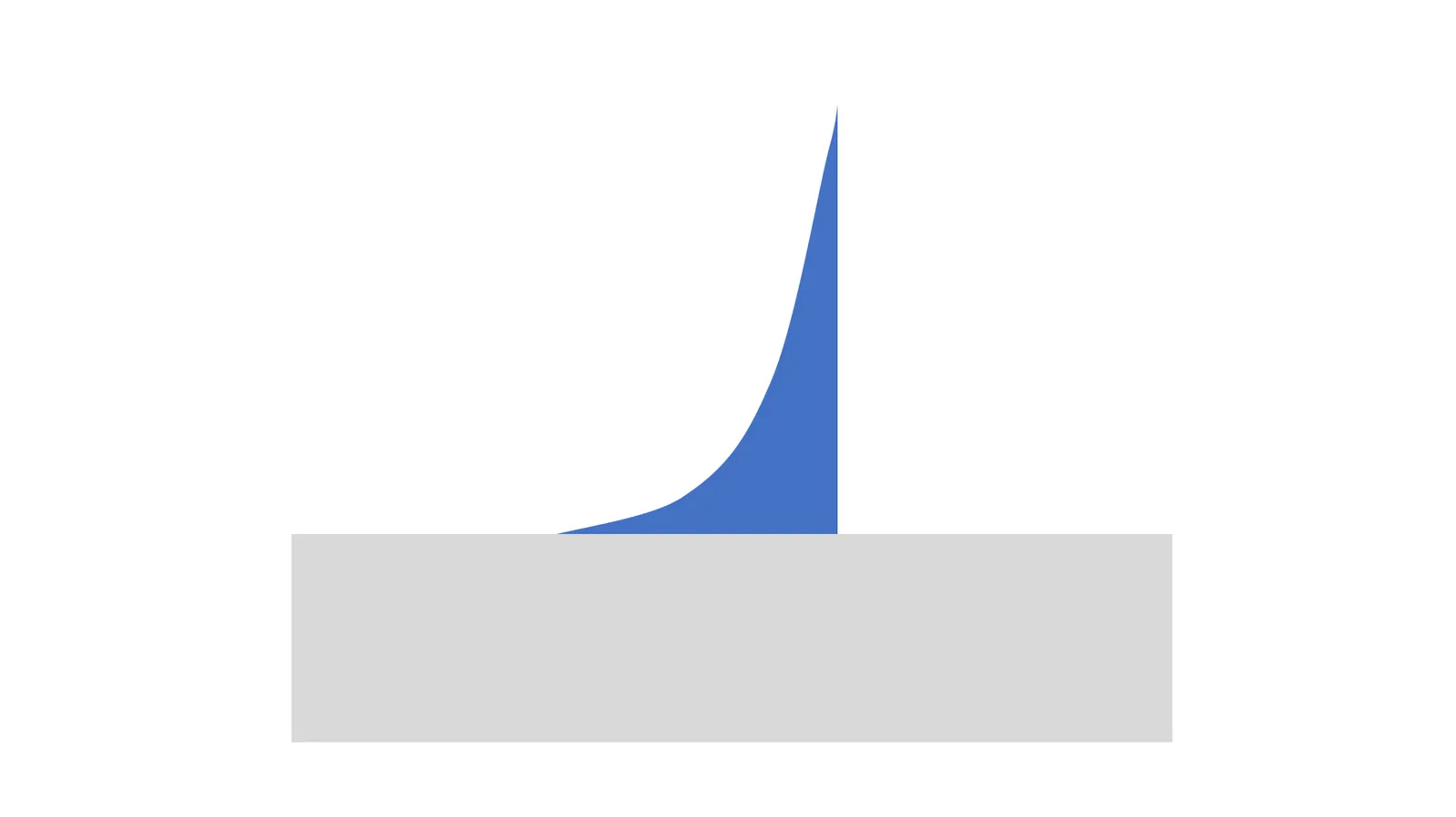
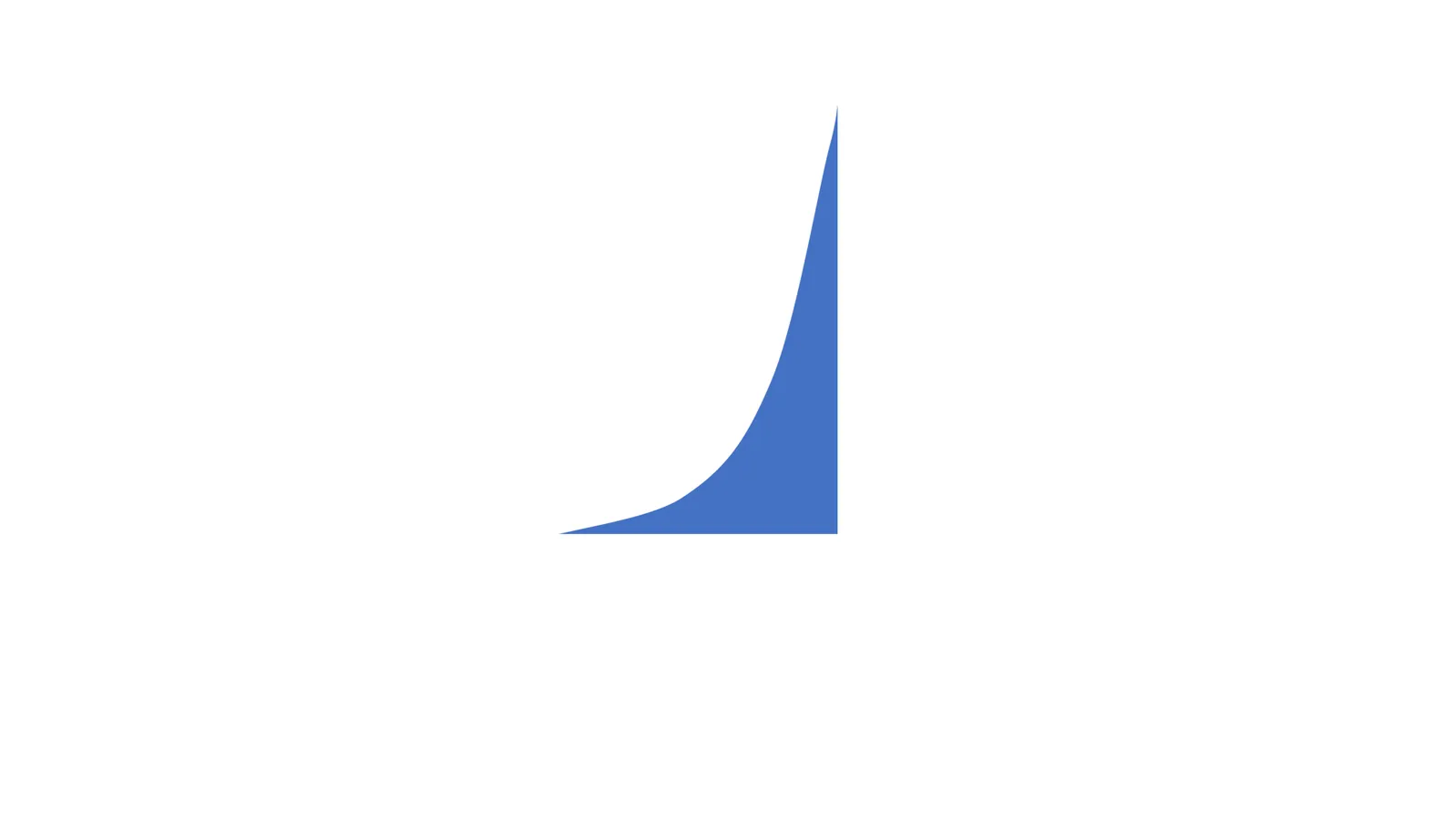
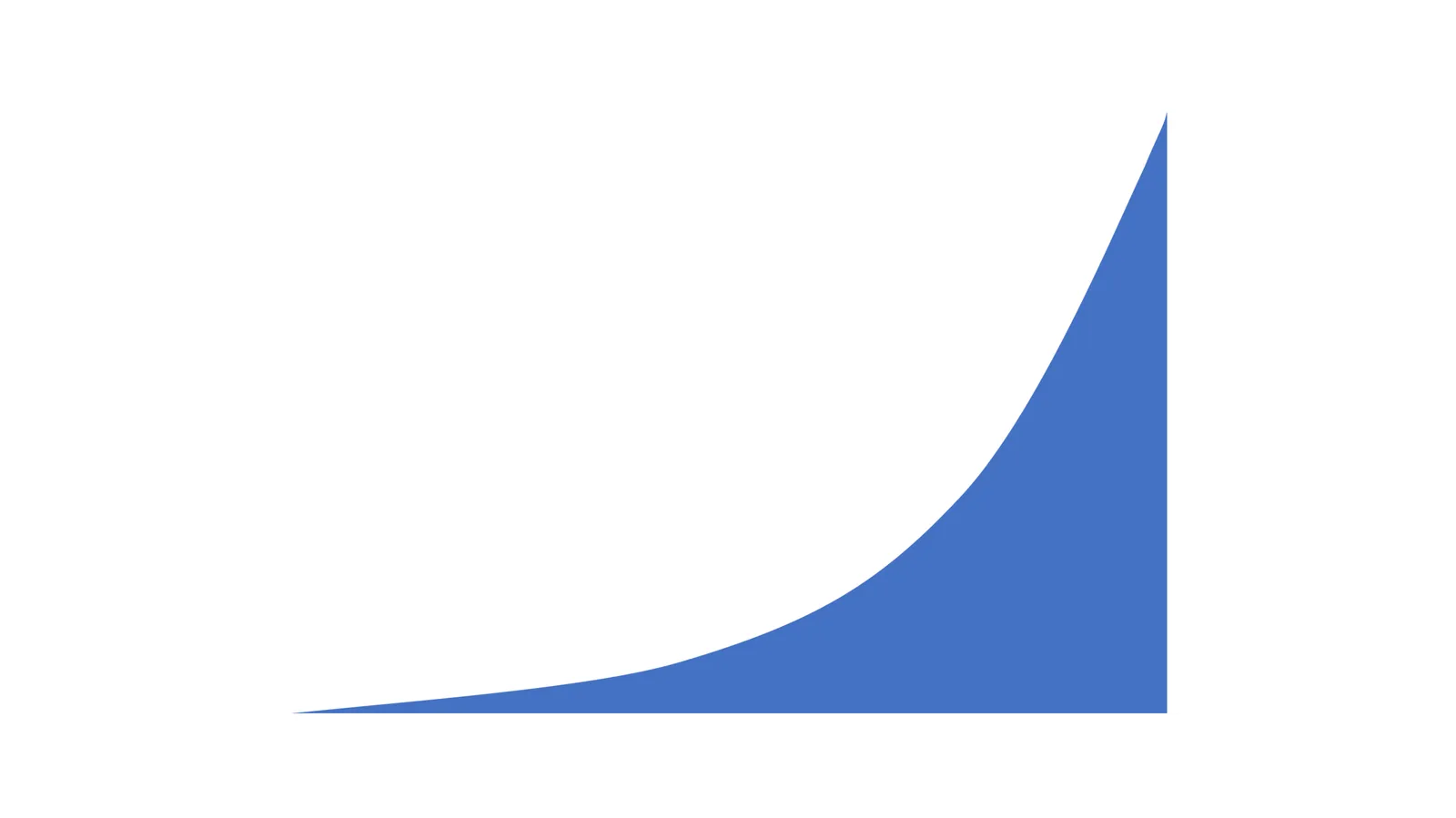
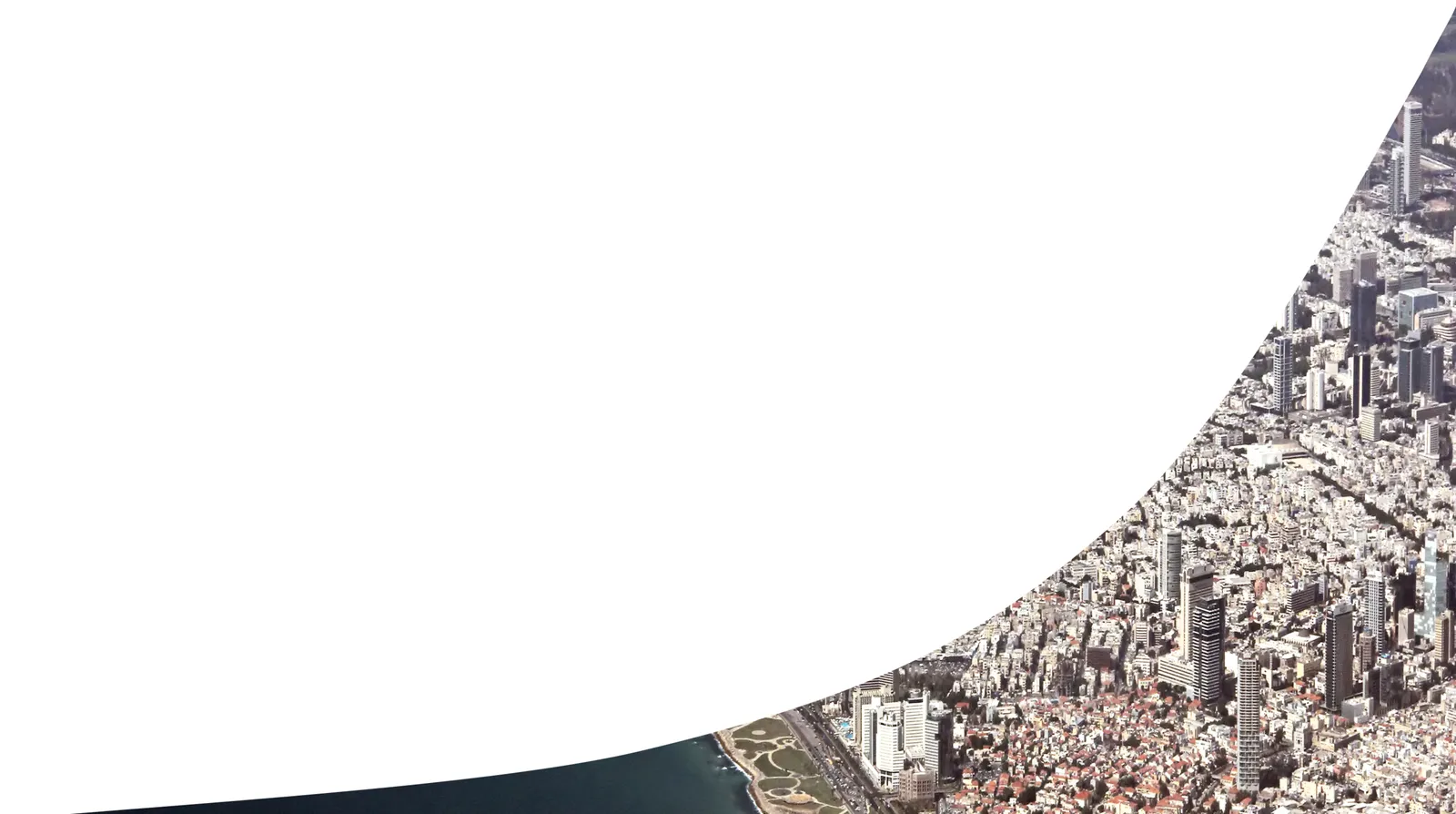
PowerPoint allows you to draw curves as lines, but it is harder to make fills under a curved line without resorting to actual data charts. Here is what I do: I use rectangular shapes to cut/shave a shape. See below. Notice that it is also possible to fill your custom shapes with images.

 Draw a shape

Draw a shape

 Position your knife

Position your knife

 Use the

Use the “subtract” function to cut the shape

 Horizontal knife

Horizontal knife

 One more cut

One more cut

 Fix the edges with format shape - edit shape - edit points

Fix the edges with format shape - edit shape - edit points

 Add an image if you want

Add an image if you want

·Software

Organising application windows

Yesterday I wrote about how difficult it is to keep your application windows organised across two very large monitors. Colleague Nick Smith pointed me to this neat utility: Divvy. It creates a pop up grid that allows you to position windows quickly. Available for both Windows and Mac OSX. This features should be baked into operating systems as a standard feature.

·Software

iPad Pro review

While I have been upgrading my phone fairly frequently over the past years, my iPad has pretty stayed the same for a long time. I got the first one with Retina display (the 3 I think), got frustrated with its weight and got a Mini as soon as that one was equipped with a Retina display. Last week, I got an iPad Pro 9.7.

Why? I will be honest, screen size. I subscribe to many iPad magazines in niche categories (mountain biking, synthesizers if you are interested) and these smaller publications do not always have apps that adjust to small screen sizes. At 46, I found them increasingly hard to read.

Also I was curious about the Apple Pencil and keyboard. The big iPad Pro tempted me, but I held out long enough to read the reviews of most users who found its size too bulky. So, here I am with an iPad Pro 9.7.

The first thing that strikes you is the incredible screen this iPad has. My iPhone 6S looks poor next to it. Second is its weight. Feels the same as my old Mini, despite a much larger screen.

The pencil is the first one that actually works for an iPad. Over the years I have tried many, many styli, and always found myself going back to paper. All my slide designs start as a sketch on a piece of paper, I like to make them big, so I burn through many trees in a month. I am hopeful that the pencil will finally end this waste. The real answer will come after a month of use or so. The pencil works nicely in the Apple Notes app, but really shines in the Paper app by 53.  The only drawback of the pencil is that there is nowhere to put it. I reviewed a leather designer cover I got for my iPad 3 to carry everything around.


Continue reading →
·Software

The shortcomings of application windows

The main reason to design a new presentation app that is an alternative to PowerPoint (SlideMagic) is the flaw in the windows/mouse-based user interface design that has been with us since the end of the 1980s. Users can drag, move, place, distort, objects as they see fit. Inexperienced designers will get it wrong and put things in the wrong places.

Over my holiday, I have been listening to this Andreessen Horowitz podcast that discusses whether tablets are finally ready to eliminate the laptop:

Some other interesting points that came up:

  • “Where is my mouse?”, the mouse pointer is actually not the most logical computer input device. After 2 decades we have gotten used to it, but is not perfect. In the 1980s, engineers combined multi-tasking and windows as one user interface concept. They are different.
  • Arranging and resizing application windows as actually not that user friendly. Most of the time, you want 1, 2, maybe 3 applications open in a convenient grid. (Similar to placing objects on a slide).
  • One of the big shortcomings of tablets today is the ability to create presentation slides (making small edits is not a problem). Maybe it is time to expand SlideMagic to work with touch screens :-)

Image from WikiPedia

·PowerPoint

The multiple uses of PowerPoint

Presenting slides in front of a big audience is just one application of PowerPoint, and probably not the one that is most commonly used. Here are a few others:

  • Corporate knowledge database
  • Product catalogue
  • Project management and planning tool
  • Word processor
  • Story boarding tool
  • Group brainstorming tool
  • Animation editor
  • System design tool
  • To do list and meeting minutes recording tool

A 1980s presentation design tool ended up being the operating system that power most communication inside a company.

·Software

Keynote for iCloud, a mini review

I had the opportunity to spend some time in Keynote for iCloud last week. We were editing a Keynote file with many people and needed to stay on top of versions. Keynote for iCloud was the logical solution.

It is amazing to see how web apps have evolved. After a relatively long wait time to upload/open the presentation in the browser, it is almost as snappy as if you are working on a desktop app. Browsing through slides, dragging and dropping of images, all great.

The issue is that there are a few features missing compared to the desktop version that are really important to me:

  • Distributing objects horizontally and vertically. The one biggest mistake people make in slide design is incorrect alignment of objects on the slide. Keynote for iCloud has the “soft guides” that pop up when you drag an object, but as soon as you have to deal with a lot of boxes, there is no way to line things up properly. A similar problem happens in resizing table columns and rows (but you could argue that this is a power user feature that not many users will miss).
  • Manipulating themes, especially colours. You can’t set them in Keynote for iCloud, your only choice is to pick a template when creating a new deck. When uploading an existing slide deck, the theme colours get copied, but only for shapes. In tables they do not appear. And in data charts you cannot set them either.

A smaller issue is that an animation that my client created in the desktop version did not play in iCloud presentation mode. I am not a big fan of animations in presentations so in theory this is not a big deal. But, differences in PLAY mode can create unexpected surprises when you deliver an important pitch and all of a sudden your content is displayed differently in the heat of the discussion.

Continue reading →
·Software

Podcast

I gave a short podcast interview for Oscar Santolalla’s blog “Time to shine”. I give my perspectives on business presentation design, and explain the philosophy behind my presentation app SlideMagic. You can listen to the podcast here.

Image from WikiPedia