SlideMagic Blog

Frequent updates about all things presentations since 2008. Subscribe to never miss a post.

RSS
all posts

Category SlideMagic

·Software

Working on a DALL-E replacement

A few months ago, I added a DALL-E AI-image generator to SlideMagic. AI-generated images can be great for presentations:

  • You can get very precise in defining what you want to see, much more so than browsing endless stock images search results that are not exactly right
  • You can make images look visually consistent across a presentation

The DALL-E engine is not accurate enough though. Especially when it comes to humans/faces. Midjourney is doing a far better job at this but is not (yet) providing 3rd party API access to its engine, the only way to get images out is via a web-based interface.

I am starting to look into deploying the same open source models that are actually the basis of Midjourney, directly into SlideMagic. You can see the results below and they look very promising. More to come.

 Image found with an automated prompt to a stock image site

Image found with an automated prompt to a stock image site

 Open-source AI-generated image

Open-source AI-generated image

 Very poor result from DALL-E

Very poor result from DALL-E

·Concepts

Work in progress...

See the image below. I am blending AI-generated slides and images, and things are not completely right yet…

·Layout

Automated content pages

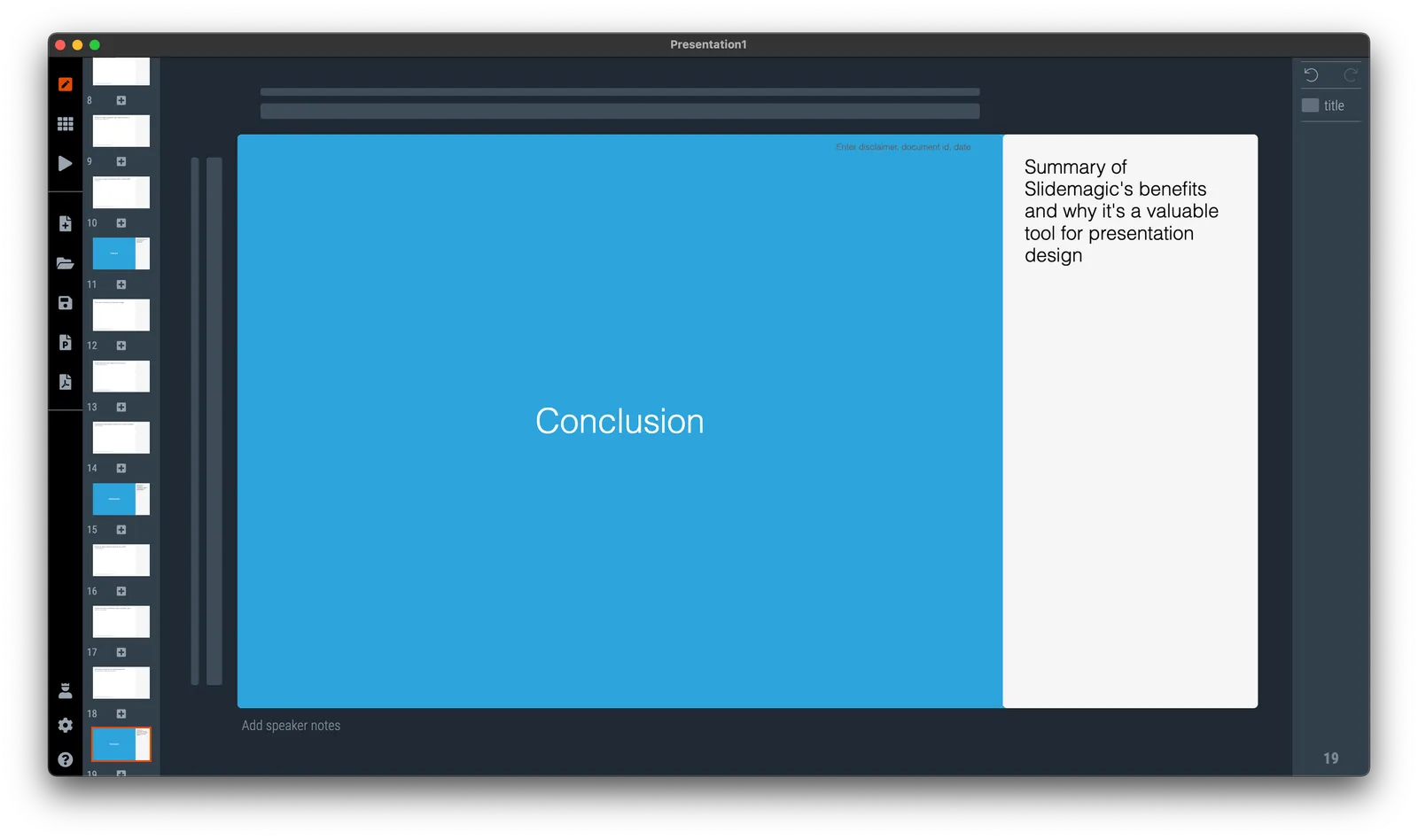
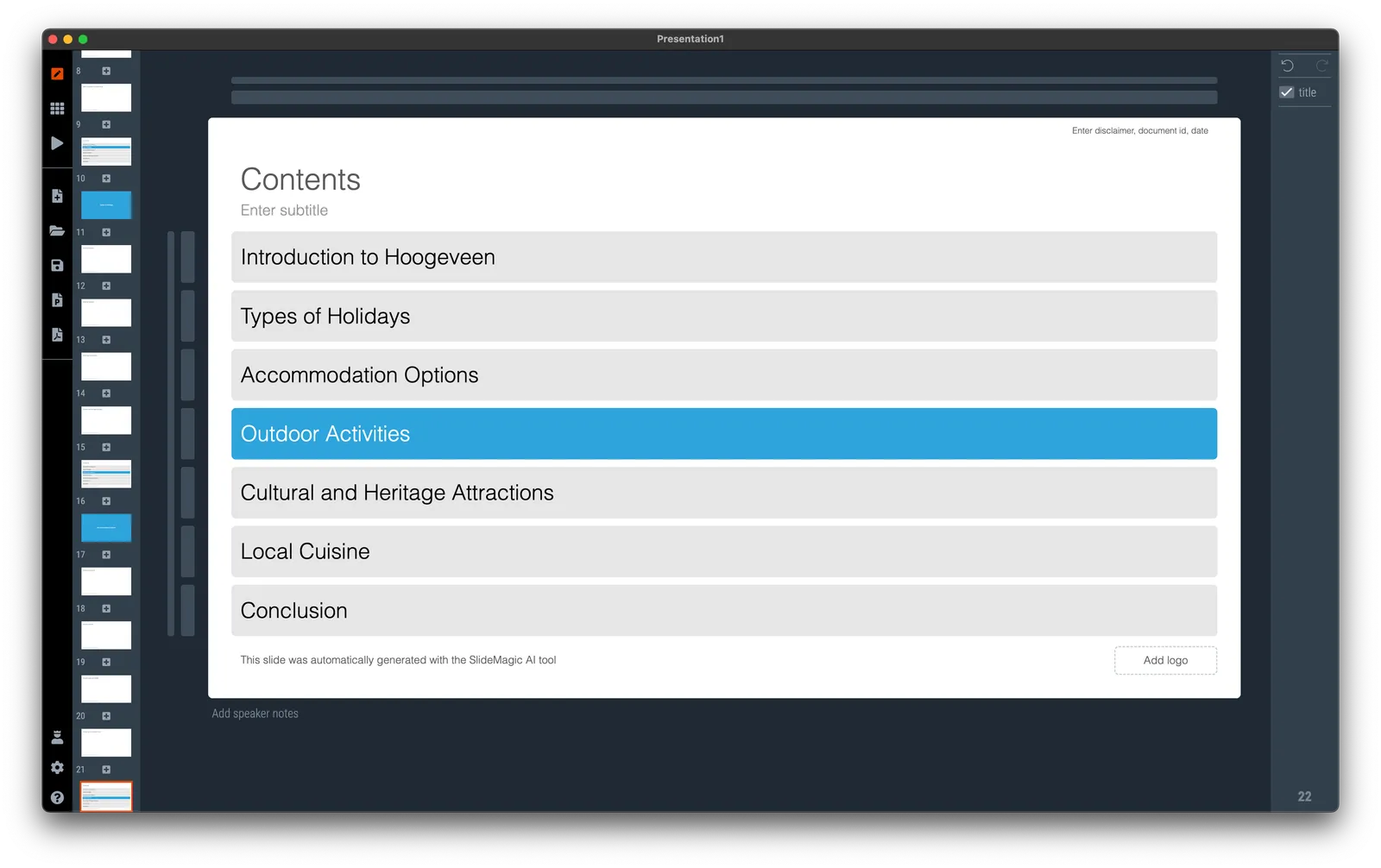
I am continuing the gradual upgrading of the SlideMagic AI capabilities. Today, I added an automated content page to the automated story line generator. For each section in your presentation outline, you now get a slides with all sections, plus the current one highlighted. (See the screenshot below).

More updates and refinements to come

·Software

Automated table generator that compares items

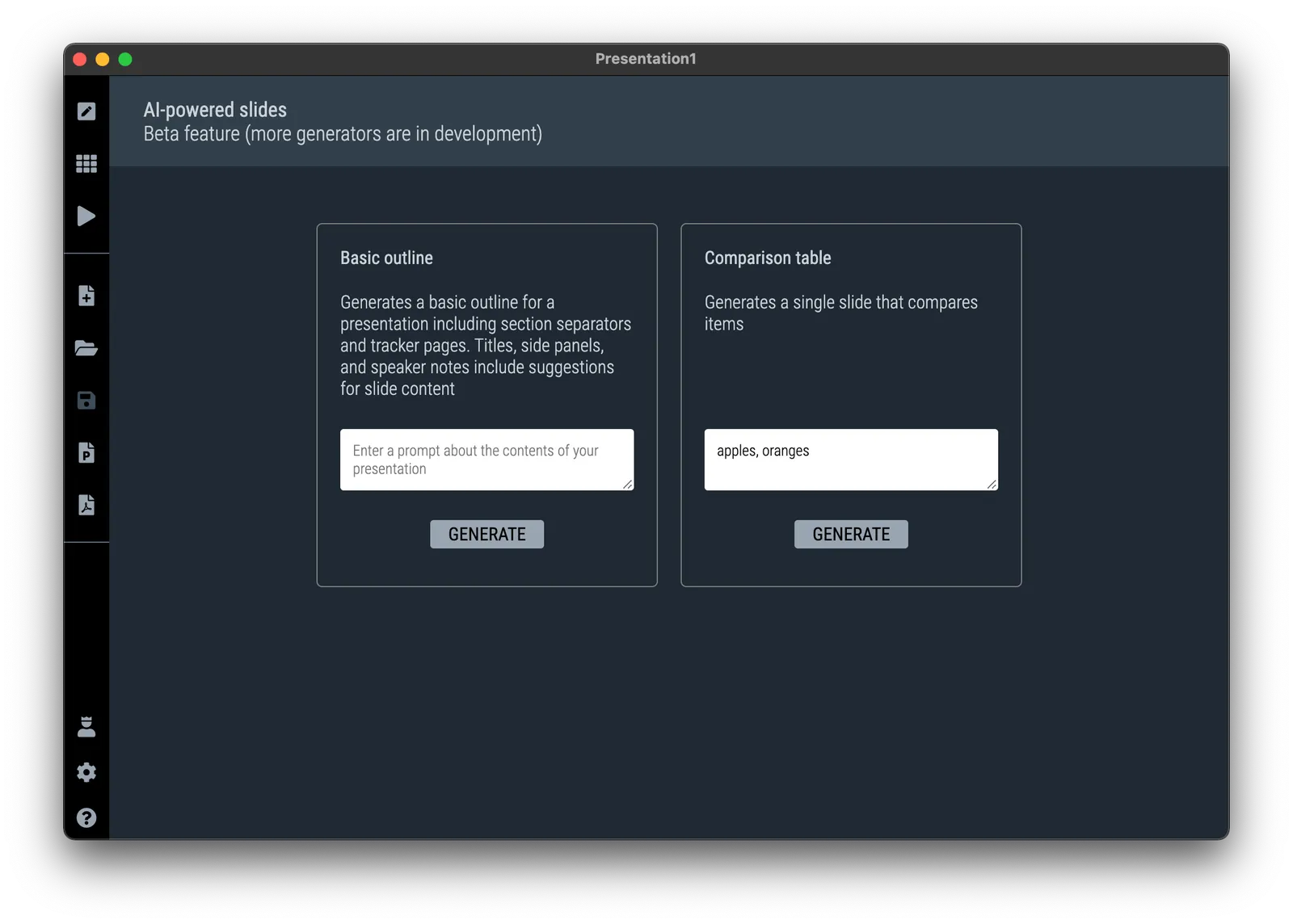
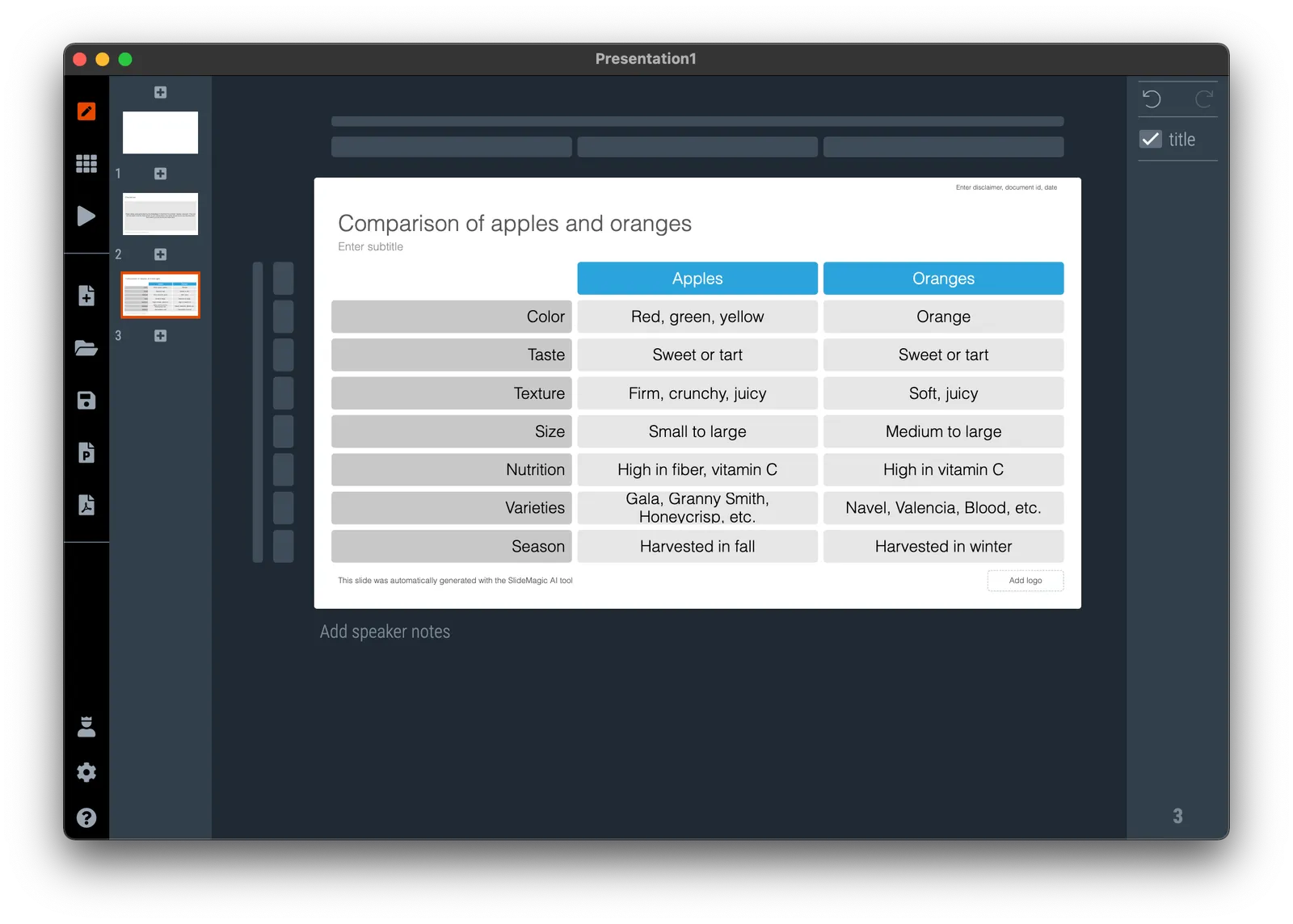
I added the second AI-powered slide generator to SlideMagic. It creates a simple feature comparison of the items you enter. So this time it is a single slide rather than an entire presentation layout. See the screenshots below.

It was an interesting learning process to figure out how to “tame” OpenAI and get it to produce consistent outputs and data formats that I can use in layouts. I still need to improve the adjustment of font sizes based on the density of the output. More and better generators to come.

You need to update the app to version 3.1.1. to see the new features (or higher, this was written in June 2023), if it did not happen automatically, simply re-install SlideMagic from the home page.

·SlideMagic

SlideMagic 3.0 with generative AI!

I just soft launched SlideMagic 3.0 that now has a direct backend integration to OpenAI’s ChatGPT (in addition to the AI-based image generator I put in earlier).

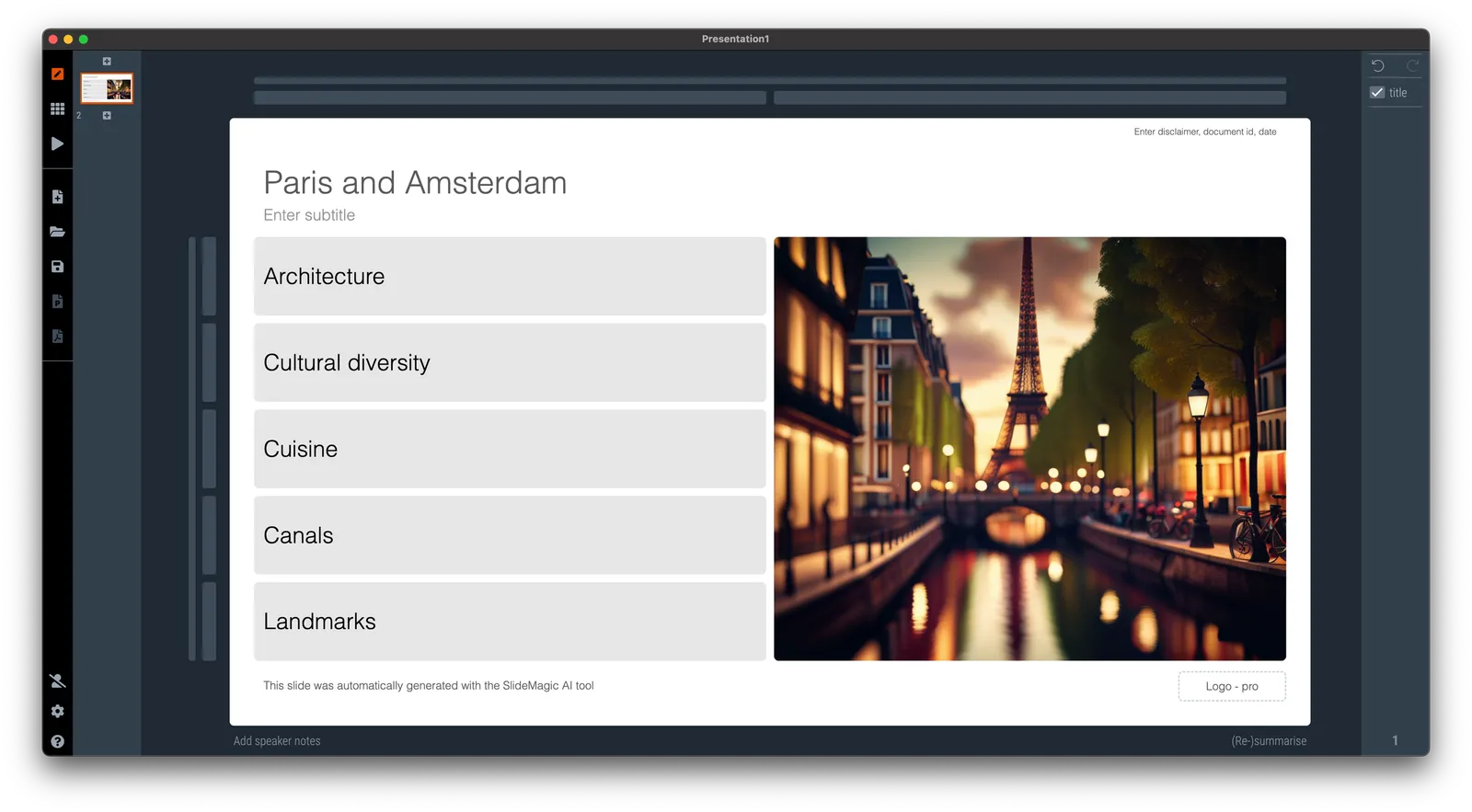
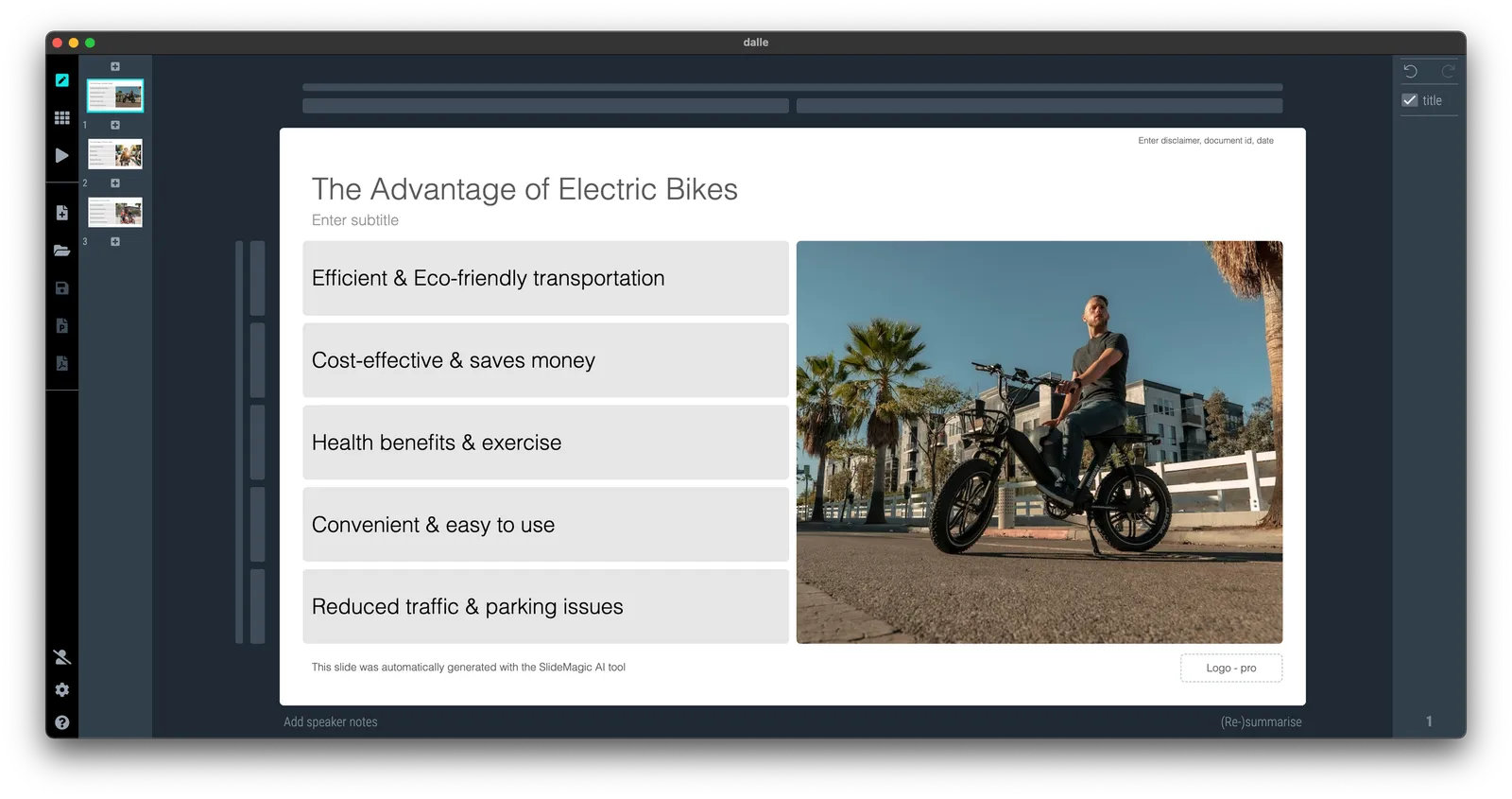
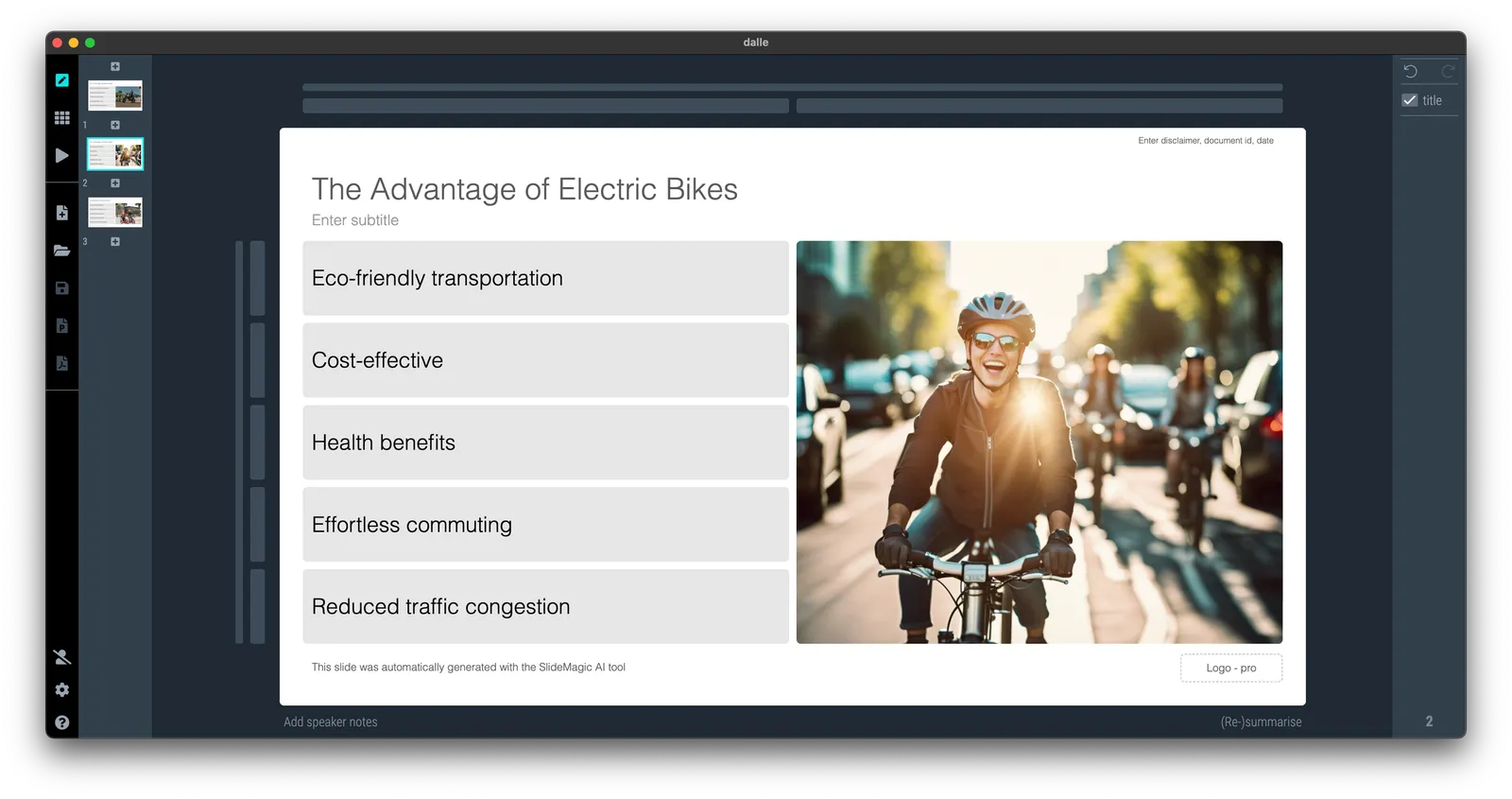
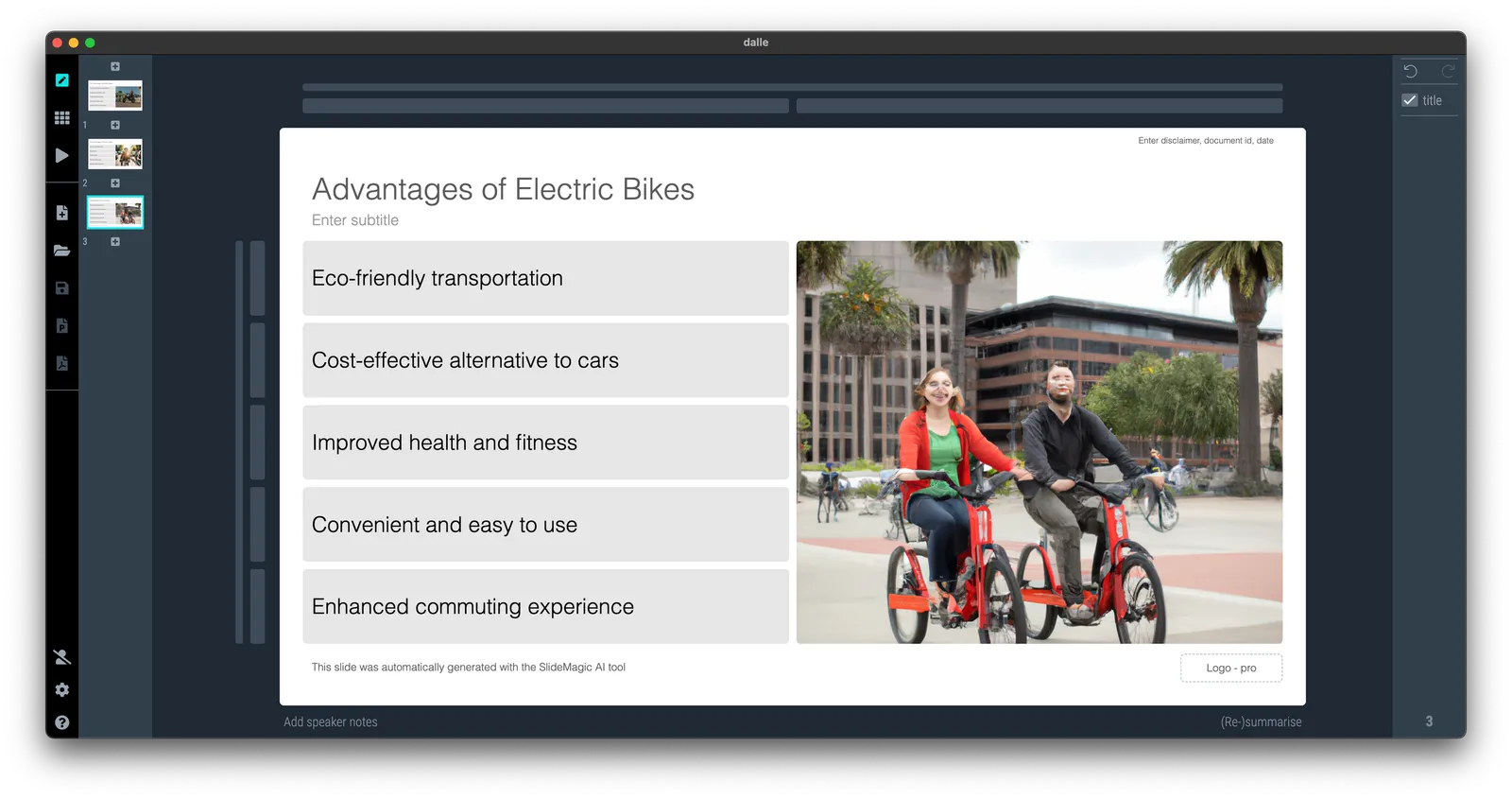
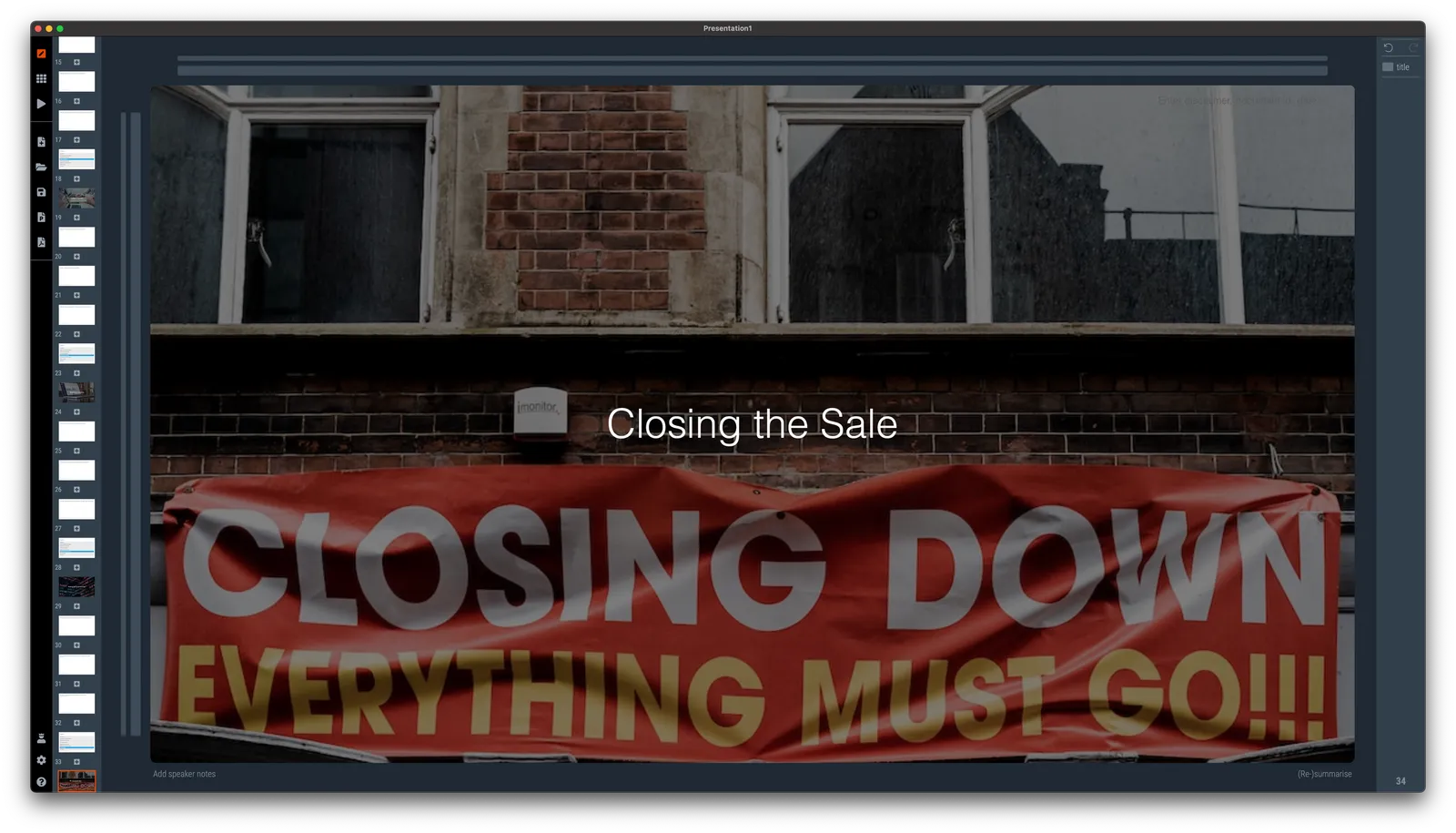
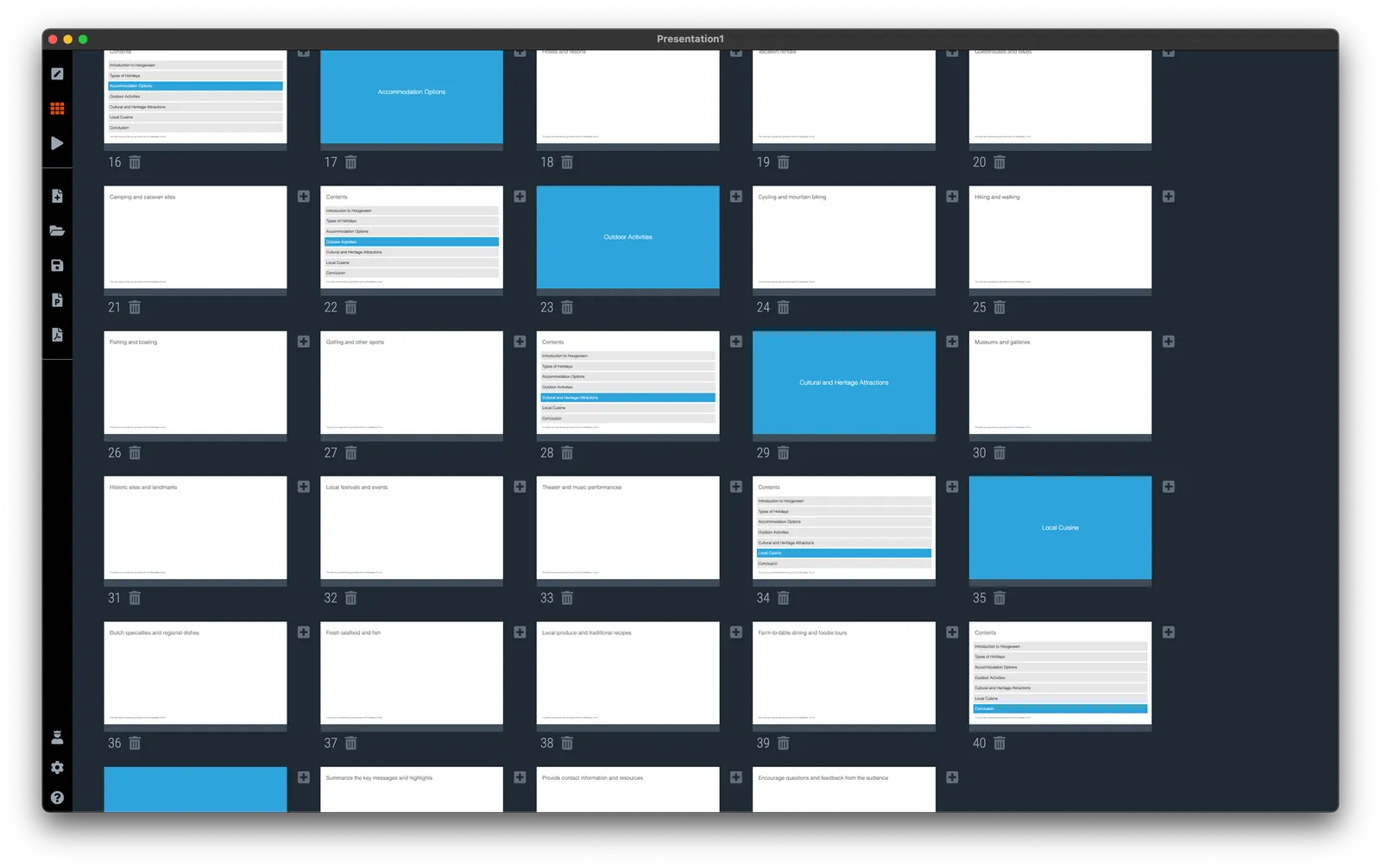
My objective was to get the basic engine running. So things are very simple at the moment. When you try to insert a slide, you will see a new option: “AI-generated slides”. Clicking the icon will lead you to a new form where you can input a prompt. Hit “submit” and be patient, and the app will generate a simple presentation layout with separator pages based on your prompt. See the screenshots below.
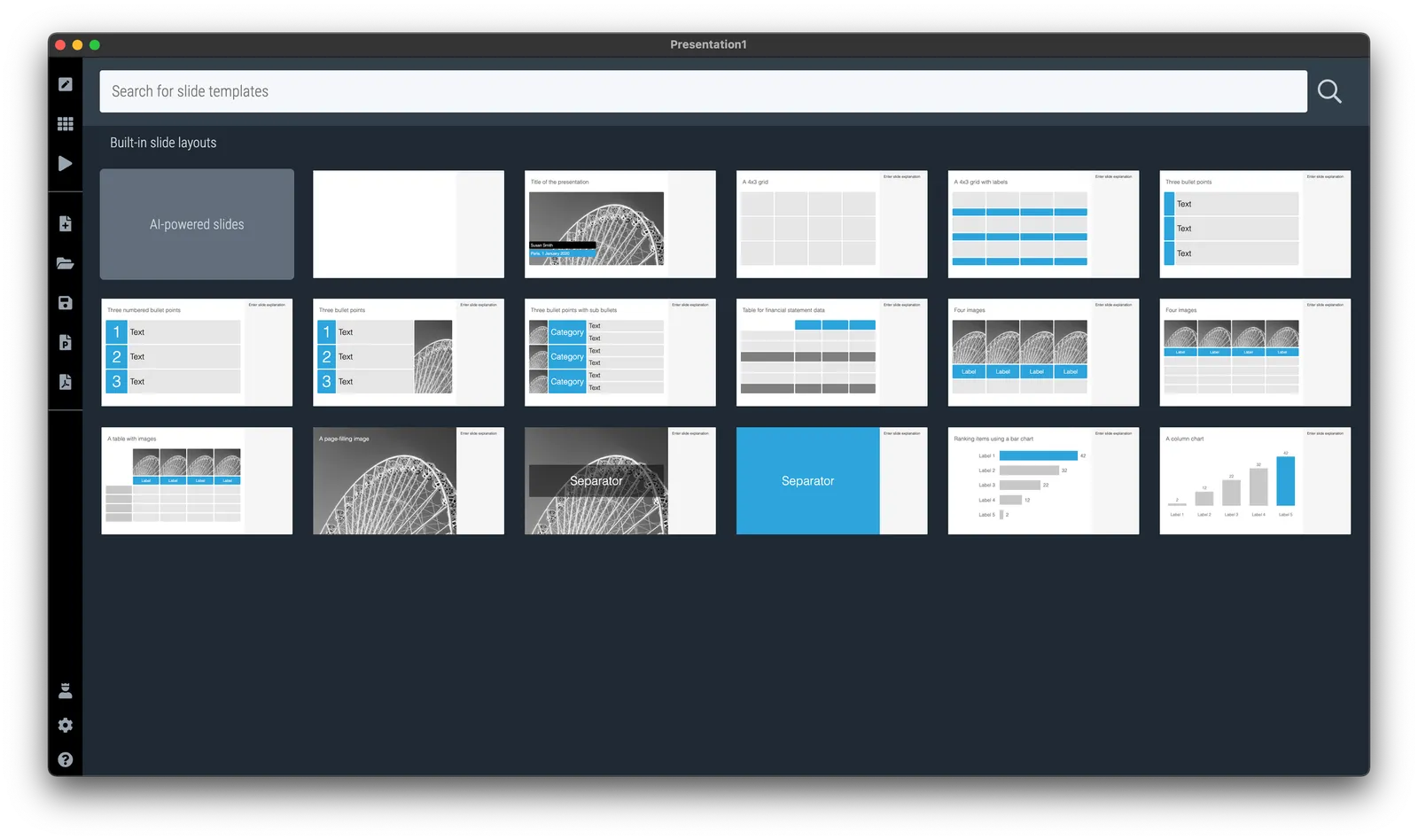
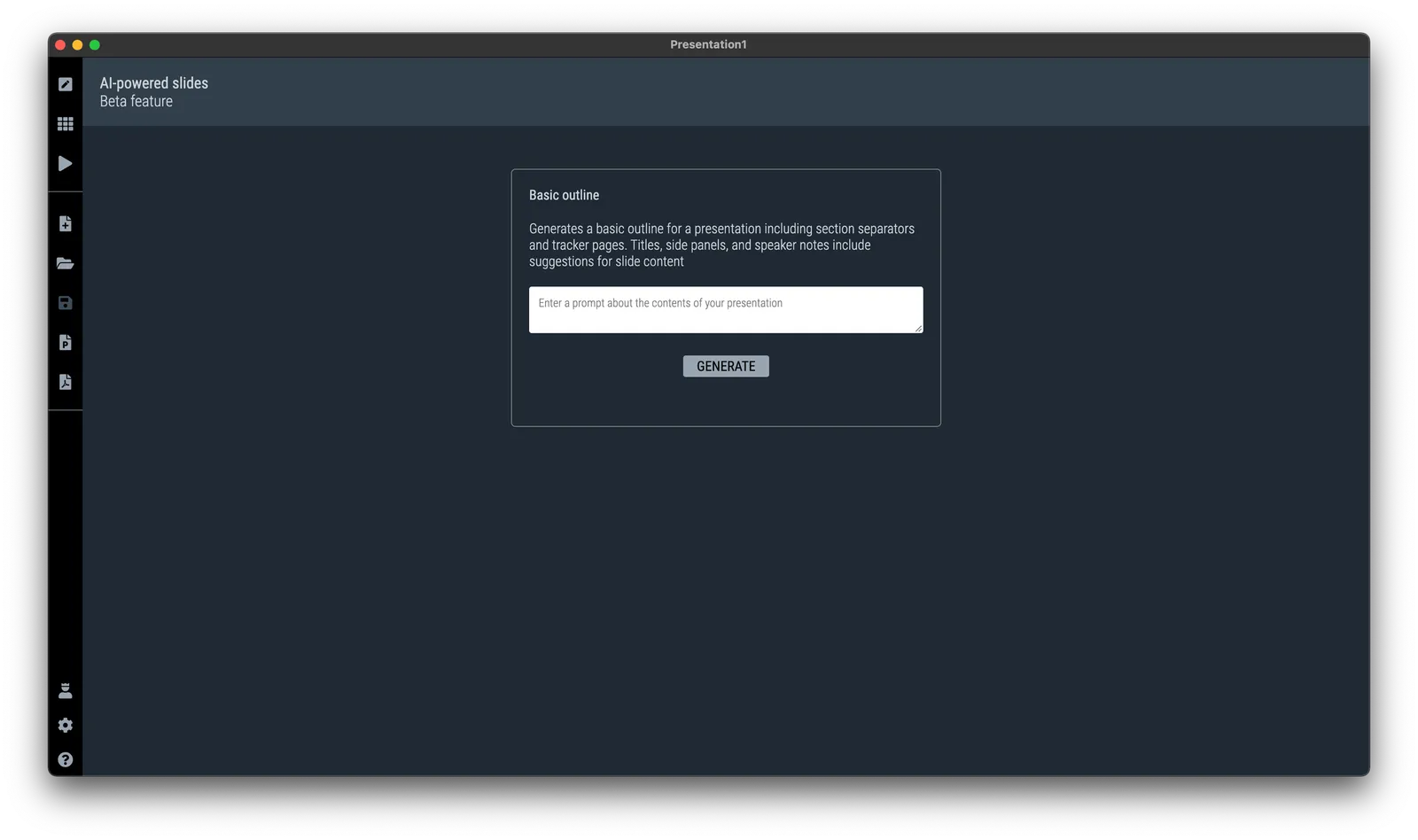
I am planning to release many, many more of these generators. More sophisticated story lines, chart template generators etc. now that the basics are in place. Next steps for me is more “prompt engineering” (SlideMagic adds a lot of content to the prompt you submit in the background), and expanding my chart generation engine to take in more human-like responses from ChatGPT and turn them into SlideMagic boxes.

The generative AI feature is free for all to use at the moment (as long as it does not hit my OpenAI account too hard), SlideMagic Pro users can export these AI-generated charts to PowerPoint.


·SlideMagic

SlideMagic and generative AI update

I am continuing to experiment with OpenAI to see how it can help us make presentation design easier. Generative AI feels a lot like the early days of the Internet in the end of the 1990s. People did not really see that “Internet” was not really a unified tool that could do wonders for business, but rather a description for hundreds of different applications and use cases that happen to rely on a web browser.

The same is true for generative AI now. I don’t think that I will come up with the ultimate AI-based presentation tool overnight that can read your thoughts and deliver the slides at the press of a button. Instead, I will try to release bite-size features that can make the life of a presentation designer easier.

And some of these might not even be very clever. Anyone can go to ChatGPT and get it to produce some presentation skeletons or summaries of text. But there are ways to make prompting of the engine better for presentations. You can save a lot of time by having a user interface straight into SlideMagic, and most importantly, it saves a lot of time when SlideMagic creates the slides for you (in .magic and/or .pptx). The latter has nothing to do with AI, but rather improving the slide generation engine that I already built.

Watch this space.

·SlideMagic

Student plan applications

SlideMagic offers free Pro subscriptions to students (sign up here). For many countries there is automated, instant approval if you log in with your university/school credentials. For some countries, reviews are still manual. Make it easy to get approved by filling out the form correctly if you are in the latter box. Use your university email address, and provide a link to a profile (LinkedIn, school/university) so we can verify your status. We see many anonymous gmail addresses, and empty profile links in the applications, and we won’t switch these account on to the student plan.

·Layout

An alternative calendar

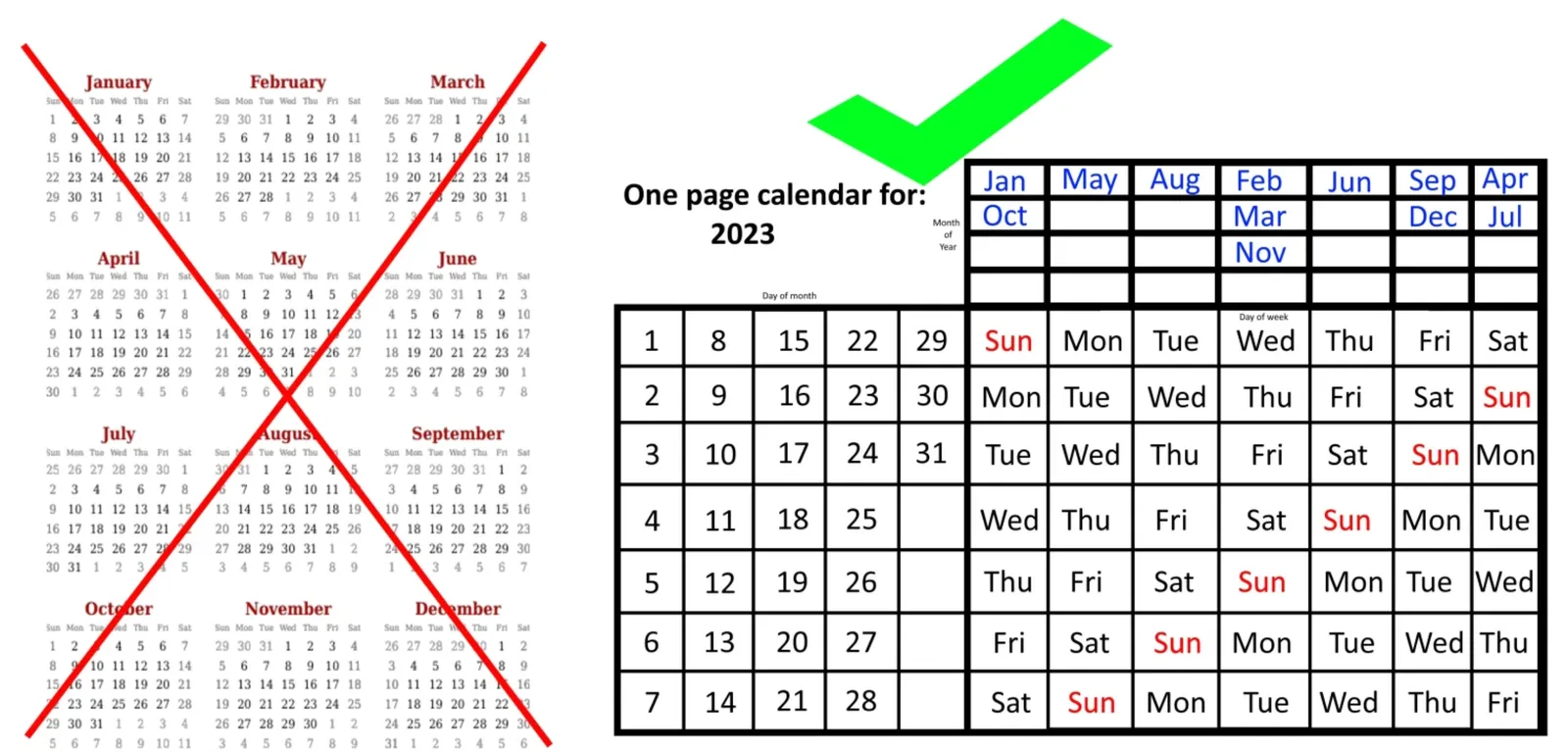
Here is an interesting twist on the traditional annual calendar:

 Image credit: https://bigthink.com/starts-with-a-bang/one-page-calendar/

Image credit: https://bigthink.com/starts-with-a-bang/one-page-calendar/

Yes, it is a lot more efficient when it comes to the amount of space it takes (or the required font size to fit a whole year on a page). But I think the point of the big, dense, calendar is to schedule and plan things across the year. Also, you need to do a few mental steps to get your head around looking at a specific month.

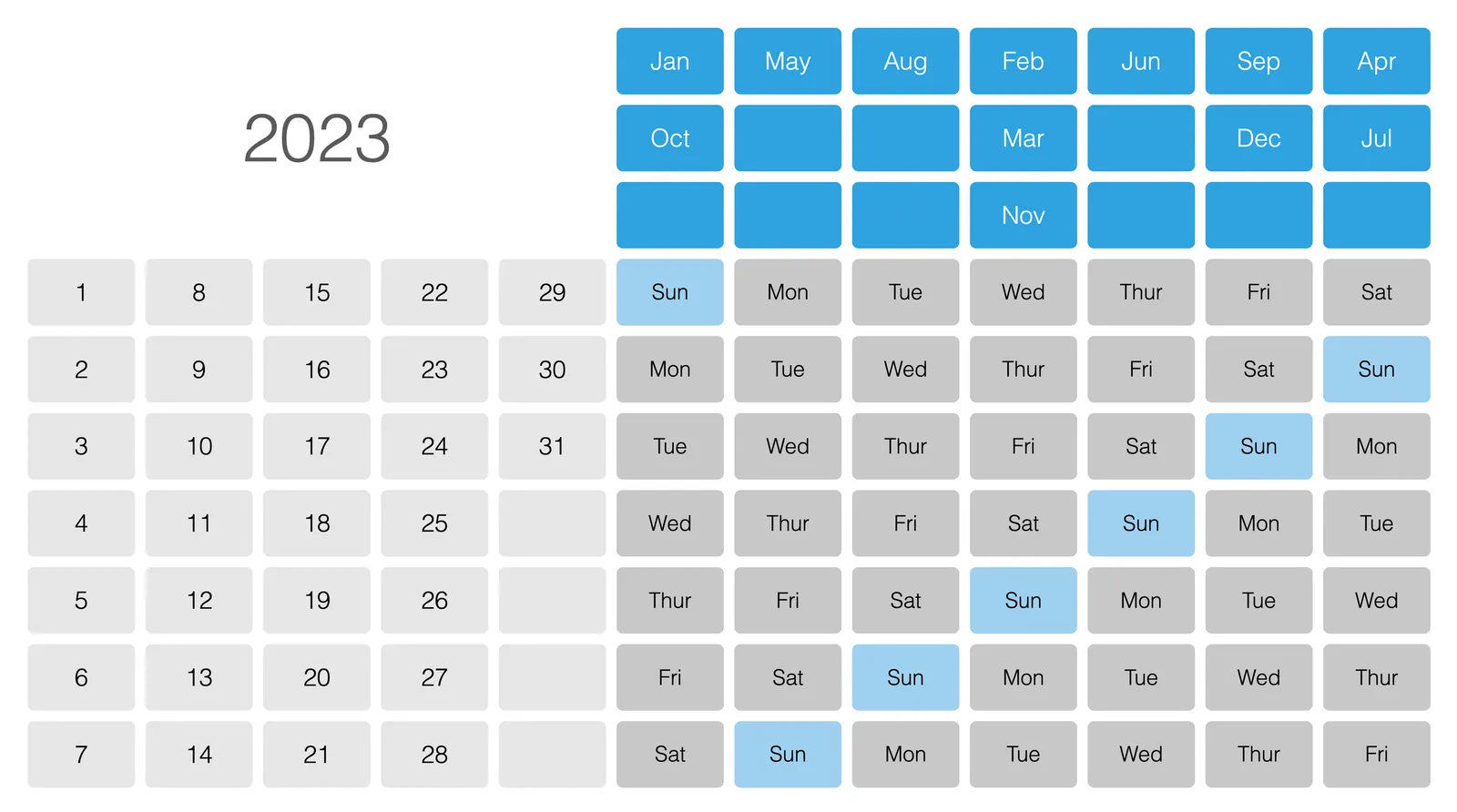
I added a template with this calendar to the SlideMagic template library, search for “calendar” in the SlideMagic app and it will show up.

You can read the full discussion of this alternative calendar format here.

·SlideMagic

Small fix for online image search

The installation of the latest SlideMagic version with AI-powered image generation created an issue for some users where the access to online image search was blocked. It is easy to fix: log out, and back in again in the SlideMagic app and all should work. I deployed version 2.7.3 as well that eliminates this issue all together.

·Images

Useful OpenAI images

Most people use AI image generators to create something funny (a cat riding an elephant) or something artsy (a formula 1 car in the style of Van Gogh). This is not the primary motivation why I included OpenAI image generation in SlideMagic.

Image generators can be useful already in presentations, especially for image concepts that are relatively straightforward, but hard to find on stock image sites. The example that came along yesterday with an image of a ‘sleeping bull’ for a economics-related presentation. Perfect for OpenAI, see the result below.