SlideMagic Blog

Frequent updates about all things presentations since 2008. Subscribe to never miss a post.

RSS
all posts

Category SlideMagic

·SlideMagic

Working on a PowerPoint plug in

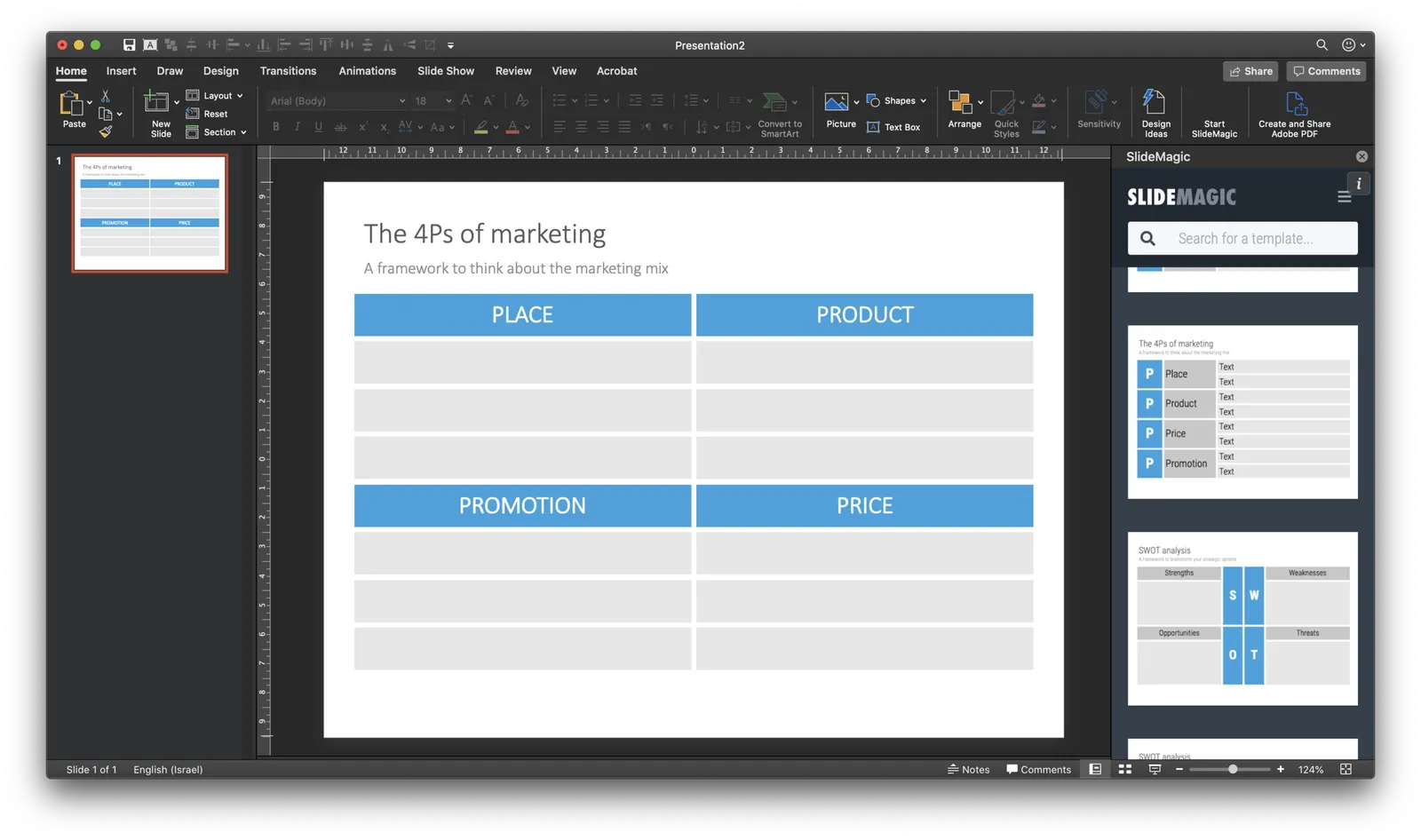
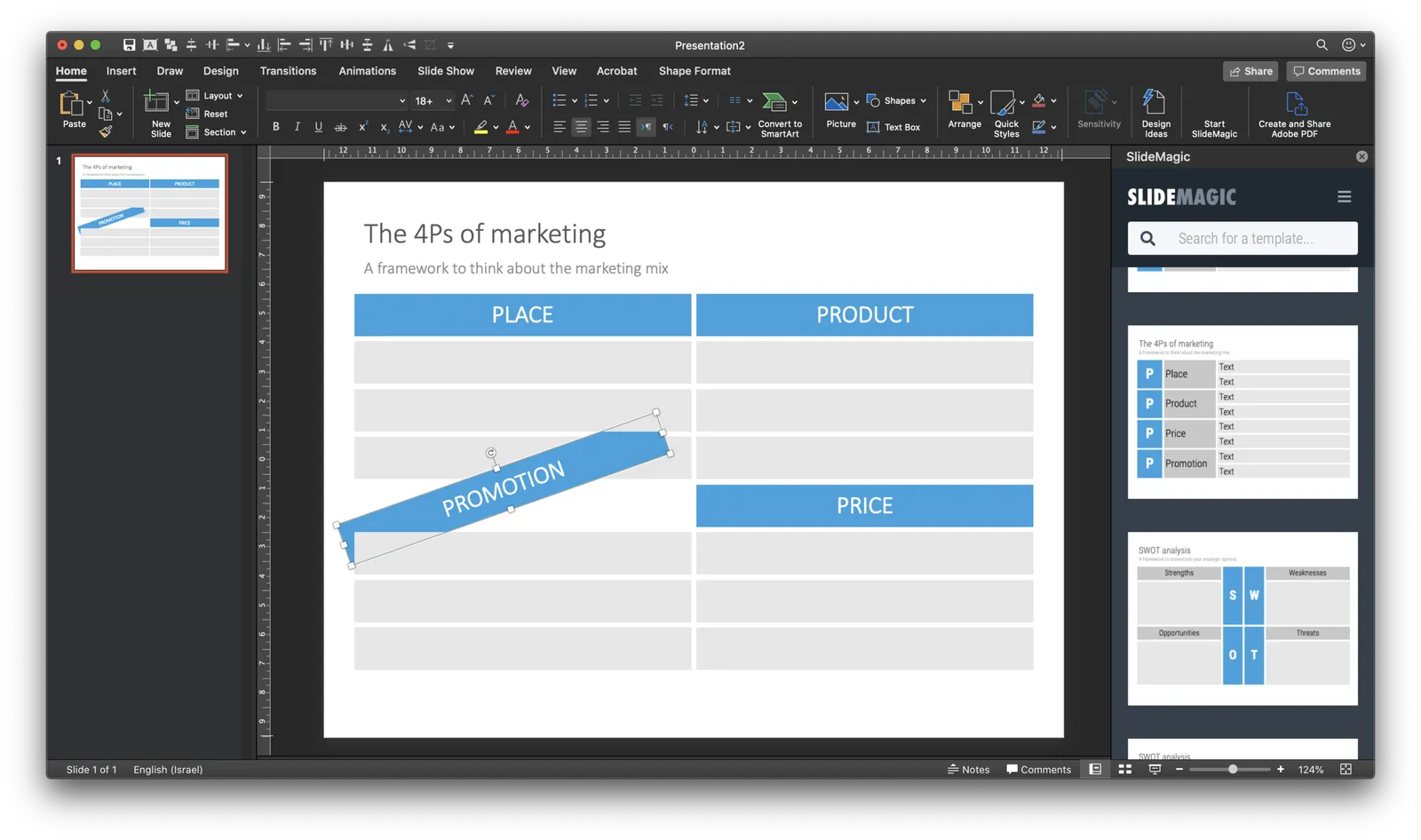
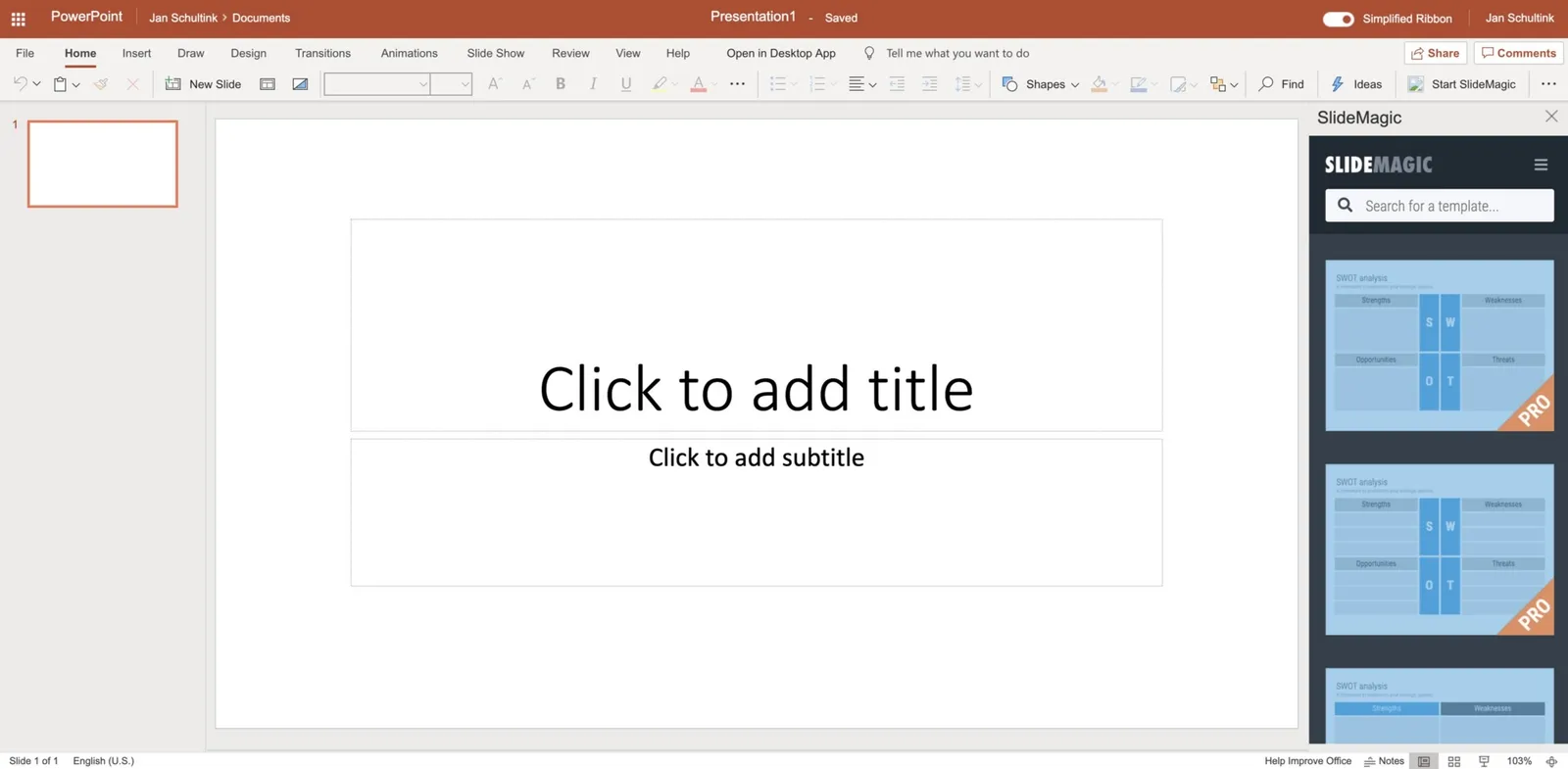
I am continuing to experiment with how people access the slides of SlideMagic. Currently I am building a side panel plug in for PowerPoint, where subscribers can log in and paste slides directly into a PowerPoint presentation.

Now that I have mastered both front end and back end development, the search mechanism and user interface is easy to create. The tricky bit will be the final step, when it comes to adding a downloaded slide into an existing presentation. Microsoft does not give PowerPoint a high priority when it comes to the Office Javascript API. Let’s see how it goes.

·SlideMagic

Happy with the search engine

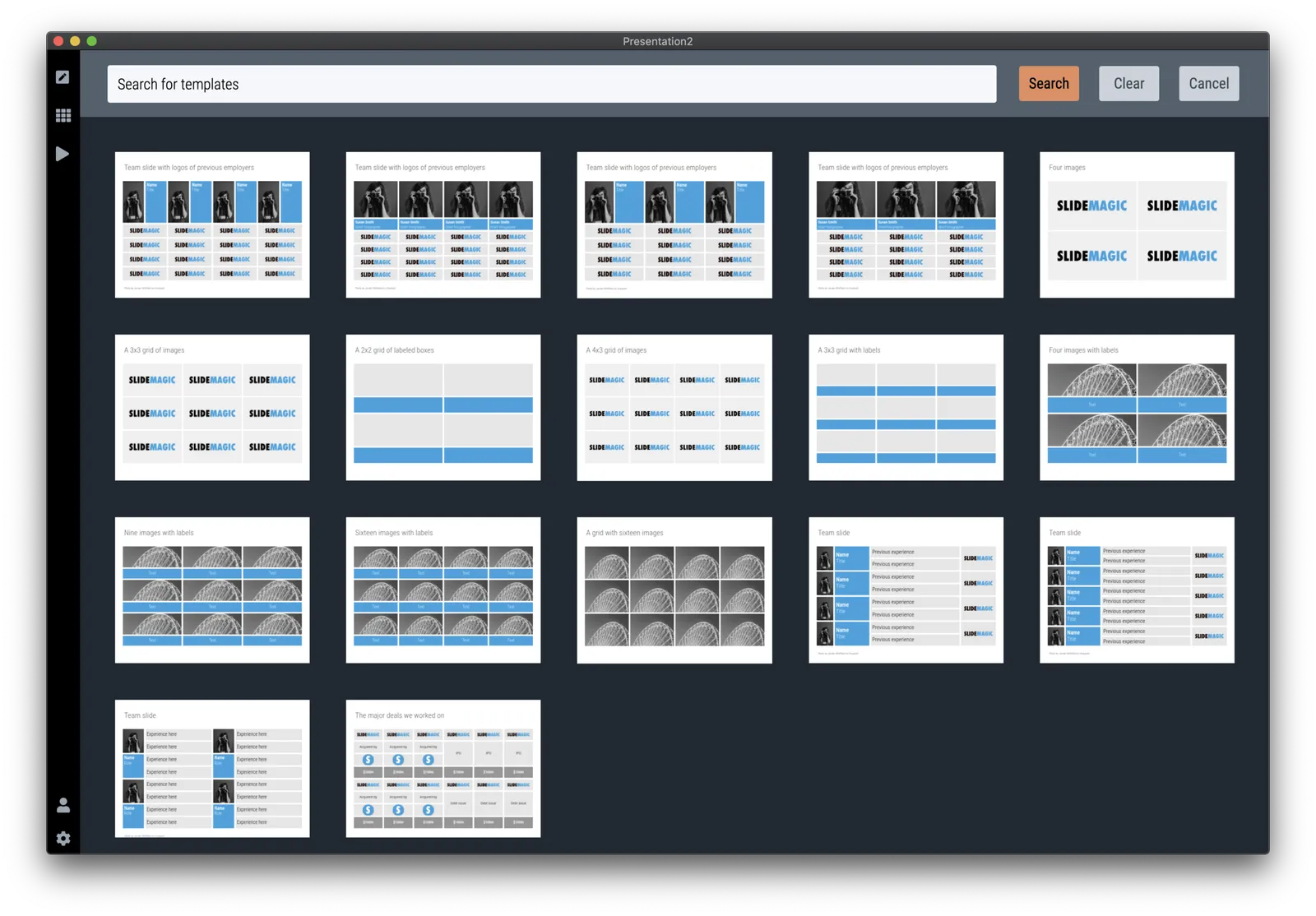
Over the past few days I have ironed out a lot of small issues with the template search engine. Most of them were behind the scenes, how I can classify, tag, and group slides in a world of duplicates, typos, plurals, and related keywords. I think things are really starting to work now. Now it is just a matter of continuing to add templates that are useful (i.e., not diluting search results for the sake of template volume). I am aiming for a Google-type improvement: the front page won’t change much, the usefulness of the search results will get better and better over time.

PS. That Unsplash image on the cover is really nice, I quickly added a template based on it on the template store, you can find it here.

Photo by Steven Lelham on Unsplash

·SlideMagic

Better defaults

In version 2.2.5 I cleared up the default settings in SlideMagic. The way things used to work were aimed at a professional presentation designer: the presentation settings including logo and colour were saved as default as soon as you save the presentation. I have changed that: defaults get saved in the background as soon as you make active changes to the settings yourself, loading and saving a presentation with different settings than yours does not impact your defaults.

I made a big effort to avoid the whole book keeping of colour templates and profiles. I think SlideMagic does the right thing in the background now, and given the few settings options there are, it is easy to adjust something if needed.

You can download the latest version here.

·Layout

How to create a logo page in a presentation

Yes, I have been in this situation as well:

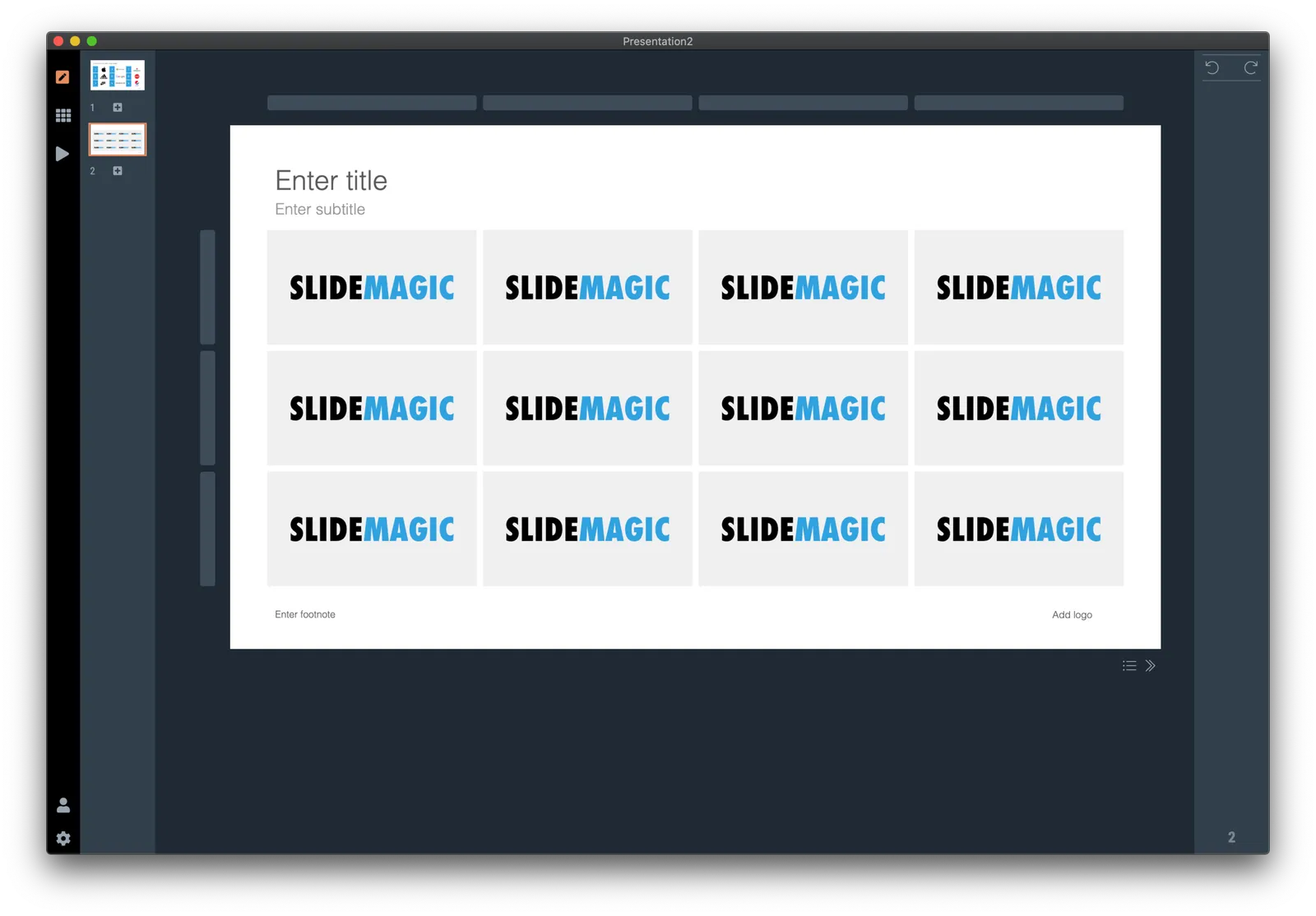
Below is a short video that shows how SlideMagic makes creating logo pages in a presentation really easy. In the first example, I start from scratch with a completely blank page. Notice how logos get plopped in, and how everything lines up instantly in the grid, and how easy it is to add columns, text boxes without having to re-arrange and re-align the entire page. (I have added this slide as a free slide on the template store, you can find it here, stripped of the logos I used because I could not verify copyrights)

The alternative is to start with one of the built-in templates of SlideMagic, search for “logo” in the app and see what slides come up:

Now you can customise the page and swap the logos for the ones you need.

The exact same search available in the online template bank as well (try searching for logo), but users who are downloading the PowerPoint version directly from the web site miss out on the magic of SlideMagic when it comes to manipulating image grids.

My suggested strategy: tweak things in SlideMagic, and export at the very last moment to PowerPoint if you have to share things with your colleagues. You will save a lot of time making those nasty logo grids.

·Software

Better PDF conversion

I just released V2.2.3 of SlideMagic, with a big feature update: a new approach to exporting PDF. Until now, I created PDF files by having the program recreate a .magic slide in .pdf, element by element, picture by picture, letter by letter. This got me to 99% accuracy, the 1% being cases where small mistakes would be introduced. For example, a word dropping to the next line because of tiny deviations in font size.

Unlike PowerPoint exports, PDF files are set in stone, you want to send that presentation to an investor, there is no way to fix a quick glitch.

So I changed the approach, the new PDF exporter takes a screen shot of the exact page you created and puts it in a high resolution PDF file. What you see is what you get, 100% of the time, by design. In the process, I could actually delete hundreds and hundreds of lines of code.

The app should upgrade itself in the background for existing users, or you can force the upgrade by downloading a new version from the site.

Other V2.2.3 improvements are mainly under the hood. For the geeks: the app has been upgraded from Electron 6 to 8, with a very recent version of Chrome, and both app and server now share the exact same code to render slides, images, and PowerPoint files, which will save me lot of time as I make improvements. I basically paid my duties for fixing “quick and dirty” copy-paste coding of a few months ago.

Continue reading →
·SlideMagic

Closing the old template store, subscribers can move to the new one

The new platform now includes the entire collection of the slides of my old Shopify templates store (and much more of course). Yes, it might be costing me SEO rankings, but I am going to close it down: multiple platforms are confusing for users, and hard to manage. Also the old store was difficult to use for subscribers who had to go through some check out process every time they want to download a slide.

For each paying subscriber with an active subscription, I have created an account on the new platform with a Pro subscription that expires at the same time your subscription on the old store did. I don’t store your passwords, so you have to go to slidemagic.com (this site), go to the log in page, and hit “forgot password”. After entering the email address you used for the old store, you should receive a link where you can create a new password (invisible to me).

I will keep the slide download option running on the platform, because that is what people are used to when it comes to buying presentation-related things online, but selling templates is not the main point of SlideMagic. The pro subscription also unlocks the full feature set of the downloadable presentation app. Try using it:

  • Super easy to customise templates
  • A lot, lot more templates available
  • PowerPoint export so your colleagues do not have to notice (of course you can tell them about the secret of SlideMagic).

If you are stuck email [email protected], and I am here to help.

Continue reading →
·Concepts

Presenting sensitivities

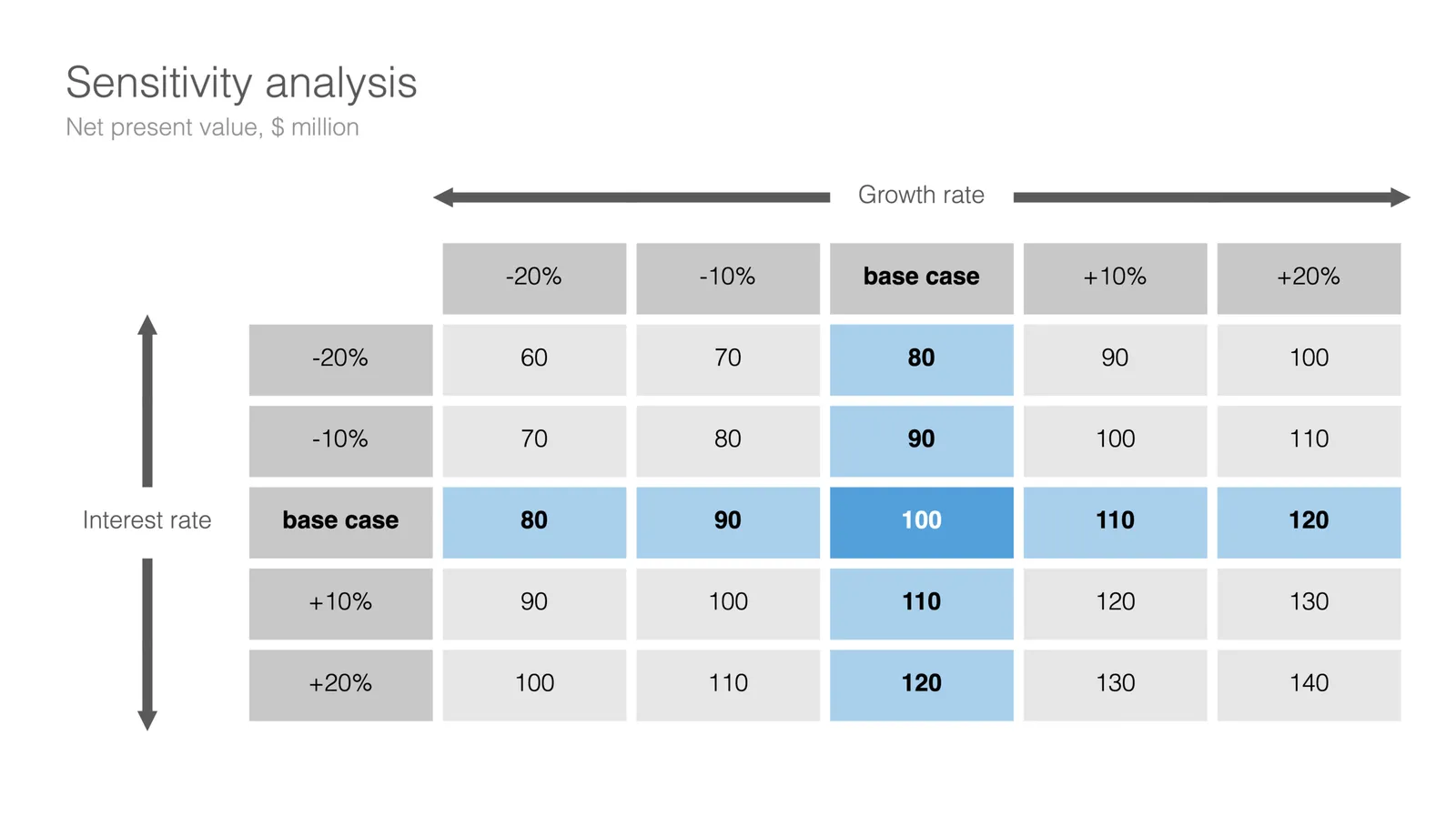
I added a few more slides to the database today, one of them was this one: a template to present a sensitivity analysis.

Why this particular layout?

  • It is nicely spaced out, a calm composition for so much data
  • Numbers are disconnected from the spreadsheet: rounded up, entered by hand
  • Colours, bold, are used to direct the eye to what is important, and what is secondary

Some thoughts about how and when to present this type of analysis:

  • Presenting sensitivities and not the same as analysing them. The latter is the homework that you should have been doing before the presentation. Figure to what factors your model is sensitive, decided whether that is how it should be, then gather more information where needed to increase your confidence in variables that can make a big difference. What is left to discuss are sensitivities after you did everything to minimise and/or understand them.
  • The ranges of the variables you show should be realistic. This is not an exercise in mathematics, but an attempt to really understand what drives the future.
  • Pick dimensions that are not correlated, if the risks on the x and y axes are the same, you are not adding much insight.
  • Try flipping the analysis upside down, instead of showing deviations from the base case, show “what you would have to believe” in order to get to a certain number.
  • Be careful when sharing this type of data if you are in some negotiation about valuation. If the other side understand your model, they can basically salami slice the valuation using your own excel. You need to understand the sensitivities, but sharing them directly might not be smart.
Continue reading →
·SlideMagic

404 clean up

After putting the new site on my own server in the root of slidemagic.com, replacing squarespace, I got to see the amount of traffic my 10-year-plus blog is actually getting. First, I thought that I was under attack, but they all seem legitimate Google searches that keep on coming and coming.

Over the years, I have moved my blog across various platforms, and now I could see that the link conversion did not work very well, a huge amount of 404 / page not found errors. I let the server log run for 24 hours and by now have probably caught most errors with smart redirects. Let me know if you still encounter problems.

The logs also shows the ridiculous amount of automated hacking attempts. My site is not very high-profile (yet), but various IP addresses from the usual countries are constantly trying to find the Wordpress log in page (I am not using Wordpress) and other security leaks. Let’s I hope I did not leave a door open anywhere.

I am putting more protection in place at the moment, which might in turn result in short hick ups in the web site’s availability. Apologies for that, but hopefully it will prevent bigger problems in the future.

·Layout

Against the light

In the early 1990s at McKinsey, presentation design was actually document production. Hand-written sheets of paper would be entered into a computer by full time graphics designers. Each word, each line, each graph. Then the whole thing would be printed and bound in books.

I remember the final quality check of the Amsterdam office manager: holding the pages against a strong light to see whether the titles, footers, page numbers, and margins of the slides lined up. You were in trouble if they didn’t.

Getting these basics right is very hard in today’s PowerPoint, If you copy and paste slides between masters, the alignment of objects will be off. If you change screen sizes (from narrow to wide screen and back), things go all over the place. Or, if you use/buy other people’s templates, they won’t fit well in your company’s slide layout. This is not PowerPoint’s fault, any software that needs to give total design freedom to its users will have this side effect.

I went through this the hard way myself, as I am making the slides of my “old” template store compatible with the new format of SlideMagic 2.0. Hundreds of slides that require small corrections to get things to line up properly.

With SlideMagic, professional designers might complain about the lack of flexibility in layouts, the rest of us will be extremely happy with how easy it is to tweak templates, screen sizes, and copy slides between presentations.

Photo by Bank Phrom on Unsplash

·Software

Slidemagic 1.0 templates merged into 2.0

I am working hard to get rid of the Shopify template store with its shopping carts that are great for buying t-shirts, but not convenient for downloading presentation templates.

As a first step, I have now merged most of the slides of the Shopify store into the SlideMagic 2.0 database. Beta testers who go to the web site, see the templates alongside the new ones generated by the app without noticing the difference.

For 80% of the slides, I could easily convert them to .magic (the boxy ones). These slides appear in the template store with both a .magic and .ppt download option (the .ppt conversion is generated by my software, rather than the manual adjustments for screen size etc.). For the other 20%, I have uploaded the .ppt file without a .magic option. If you are just after .ppt downloads (hopefully you will change your mind at some time), you can use the template store without noticing the difference.

Users that access the slide database from within the SlideMagic app will not see the PowerPoint-only options.

So, hopefully I can retire the Shopify site soon, and I will migrate the subscribers to the new site. And, this exercise gave me some insights into what shapes I should add to SlideMagic, and what shapes are actually not required at all.

This is all a bit of a ramble by a product manager who is trying to justify and integrate past product decisions :-) What it means in practice:

  • You signed up for the SlideMagic template store in the past: you can access the same templates, but also new ones
  • You signed up for the new SlideMagic 2.0 app: you will have access to a great set of templates that are super easy to customise and don’t even miss the PowerPoint-only ones. (And, all your work can be converted to PowerPoint at the press of a button)
Continue reading →