SlideMagic Blog

Frequent updates about all things presentations since 2008. Subscribe to never miss a post.

RSS
all posts

Category SlideMagic

·Creativity

(Finally) free to really think

For the first time in months, I am spending more time designing slides than writing code as I am building up the template database. It is a great feeling to see all that hard work paying of now as I add one slide after another to the database at a very high speed.

This also puts me in a position to start thinking really what SlideMagic (maybe 3.0?) could do, now that I have a basic platform in place that can store/search templates, all listening to a uniform design layout. What if there are eventually thousands, and thousands of slides, keywords, concepts? Things can get interesting!

Yes, there is still the challenge of turning 2.0 into a proper company…

To be continued.

·Images

Finding the right portrait image

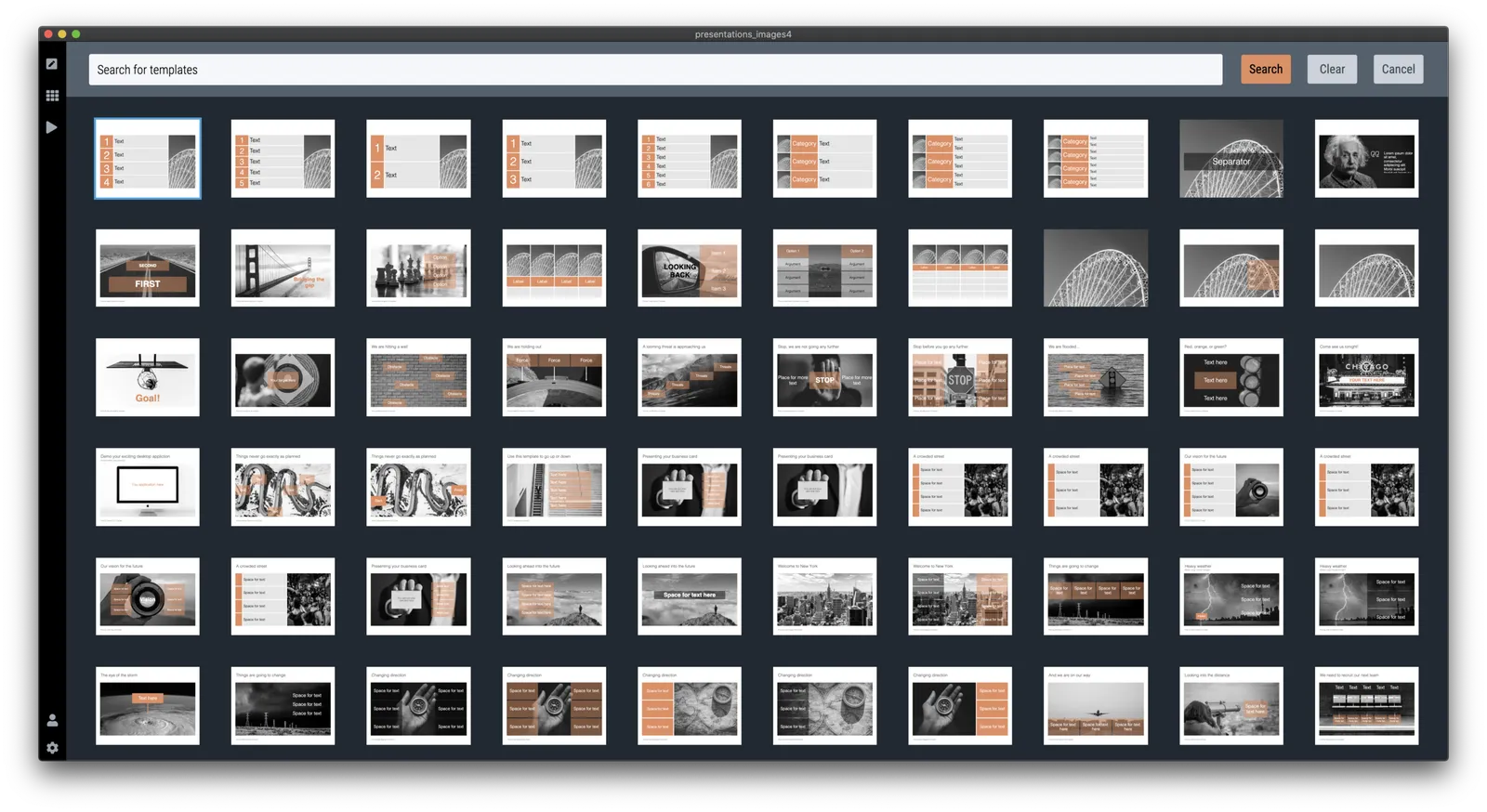
Today was another day of template building, I am reaching the point where the SlideMagic app starts to contain more slides than the SlideMagic template store that I host with Shopify.

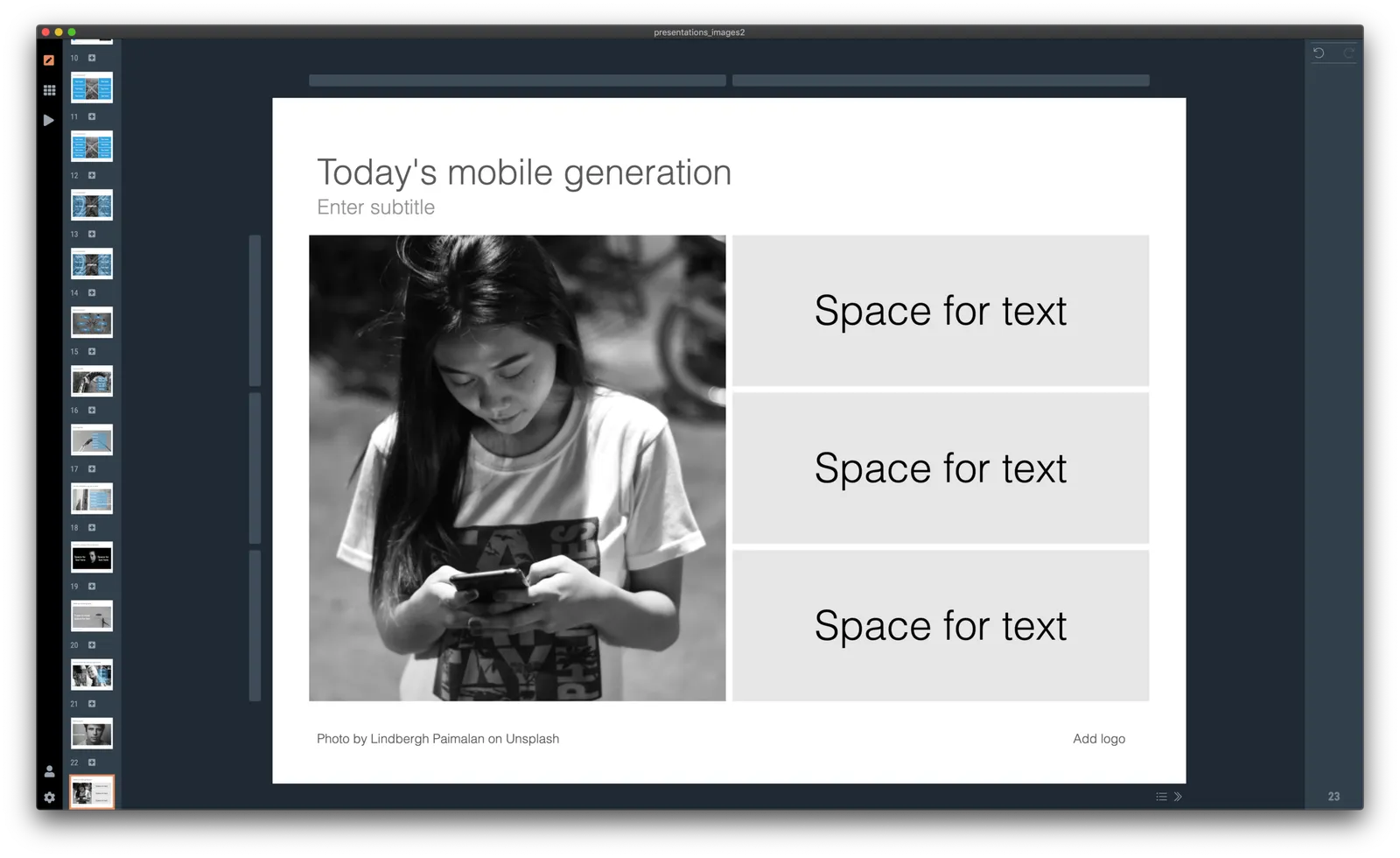
I did some work on finding good portrait shots today. Although now there are many free photo sites around with abundant amount of images of people, it is still tricky to find the right photos to use in your presentation. Here are some of the filters I apply subconsciously as I go through hundreds and hundreds of images at high speed:

  • Too much stock photo: you know what I mean
  • Clothing mismatch: too fancy dress, very light outfit in a cold environment
  • Trying too hard to pose
  • Artistic shots of people who look unhappy, depressed, beautiful, but not for a business presentation
  • Shots of people who look unnaturally happy
  • A background that is too recognisable
  • A screen with a message that is too recognisable, grabs too much attention
  • Too pretty, cutesy
  • Weird posing
  • Trying too hard
  • Background mismatch (a church, the Sahara) while checking your phone
  • An outdated phone (this image was taken 15 years ago)
  • Background too busy to add text, other visual elements
  • The list goes on

Hopefully SlideMagic will save you the time I spent to find the right images.

P.S. For those who are interested in the cause of yesterday’s mystery bug that made items disappear in the small thumbnails on the left of the screen. Well, flipping an image (which I did on that particular slide) is a time consuming CPU operation, the computer starts it, but then goes on doing other things in parallel, one of which is scrolling the selected slide thumbnail in the visible part of the window (you see it sitting just at the bottom). The scroll stops the other slide rendering operations. And unlike pretty much anything in Javascript, there is no event to catch and manage this. A small 0.1s delay when needed solved the issue for now. That was 1 hour of yesterday’s day :-)

Continue reading →
·SlideMagic

Expanding the template database

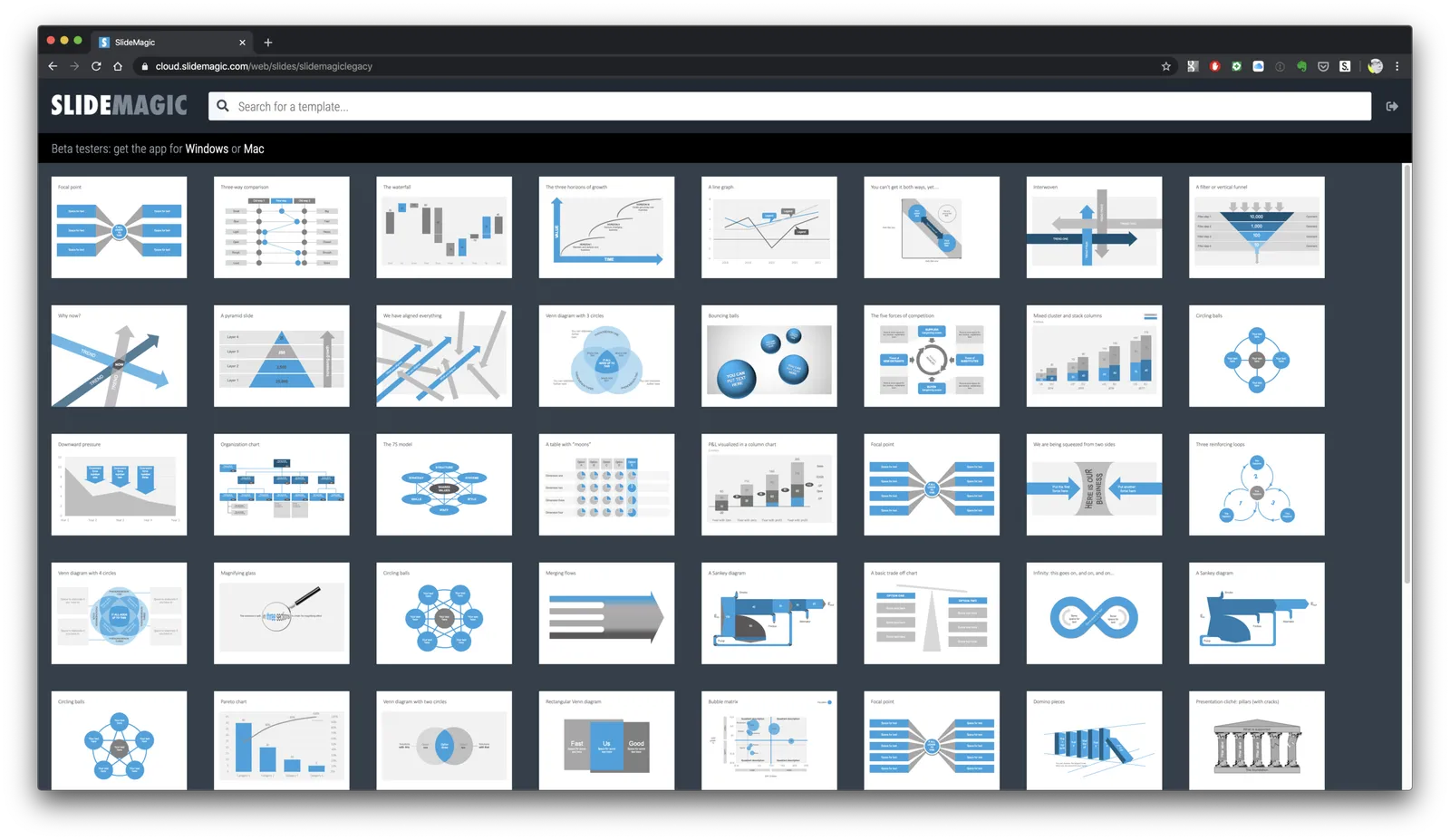
SlideMagic 2.0 has almost reached the point where I am happy with the features for a first release (icon and image search went in last week). Now it is time to focus attention again to what will make SlideMagic stand out: templates for presentations.

I have started to add slides with images to the template database, inspired by the slides that are for sale in the PowerPoint template store. This is also a good stress test to see how the app with big files full of images.

Work in progress, this will take a bit of time to get right.

·Software

Printing presentations in 2019

I don’t think many people are still printing presentations in 2019. The one exception: bankers pitching to institutional investors. The latter still like to flip along (or ahead) with the presentation and make notes in the margin.

Still, I want SlideMagic 2.0 to be fully rounded app, so I start the work on its print function. Printing is often ignored by many application development frameworks. The feature is not that important, it is tricky to develop and get right, but it has to be done.

A positive side effect is that I am coming up with a better way to convert presentations to PDF without the need to rely on open source libraries, and I can soon support conversions as a parallel process that no longer will block the main application process (something that can be annoying especially if you used large images).

(Beta testers can get around the current lack of the print feature by converting to PowerPoint or PDF and then print in those apps).

Photo by James Pond on Unsplash

·SlideMagic

Starting a brand overhaul (once again)

Slowly, slowly, I am starting up overhaul my website and branding once more. The custom presentation design business site has been taken down, marketing for SlideMagic 1.0 has been hidden in a menu, and I started to display alanding page for SlideMagic 2.0.

Sunsetting 2 businesses on which you have worked for years (even more than a decade) feels a bit strange, I remember worrying about SEO and other things, while I am now switching off the whole thing in one click.

All to make space for 2.0.

·SlideMagic

App update

SlideMagic 2.0 beta users will have their app updated over the coming days with a few tweaks and improvements, mostly the result of me now using the app in earnest for the expansion of the template database.

  • I gave up on insisting that you cannot change the layout of the title page of the presentation. Page 1 still looks like it did before out of the box, but you can now change it, delete it, move it, like any other slide in the presentation. Whatever you do to it, the design will be 100% consistent with the other slides in the deck though. Page one is important to brand your presentation, and I was imposing too many restrictions on my users. The side effect of this is that removing the need to distinguish between page 1 and regular pages I could simplify the app code massively (= deleting many, many lines of code). Legacy SlideMagic 1.0 presentations will be converted automatically.
  • I removed the ability to edit slide titles in story mode. Initially I thought it would be a useful way to edit headlines of your slides all together. Now in use, I found that it actually confuses the story user interface.
  • I perfected drag and drop of slides, now also across multiple presentation windows (something that is hard to do in browser-based applications such as Google Slides). As result the clipboard in story view was no longer needed. You can now also drag, copy, delete, move slides in the small thumbnail strip at the side of the main edit screen. There is still work to do here (dragging multiple slides for example)
  • I implemented right-click context menus throughout the presentation, enabling me to declutter the user interface by removing icons that are no longer needed.
  • Popup menus enable you to work with very fine grids now, as I no longer need to render lots of icons.
  • Popups also solve user interface conflicts between drawing connector arrows and combining/splitting shapes
Continue reading →
·SlideMagic

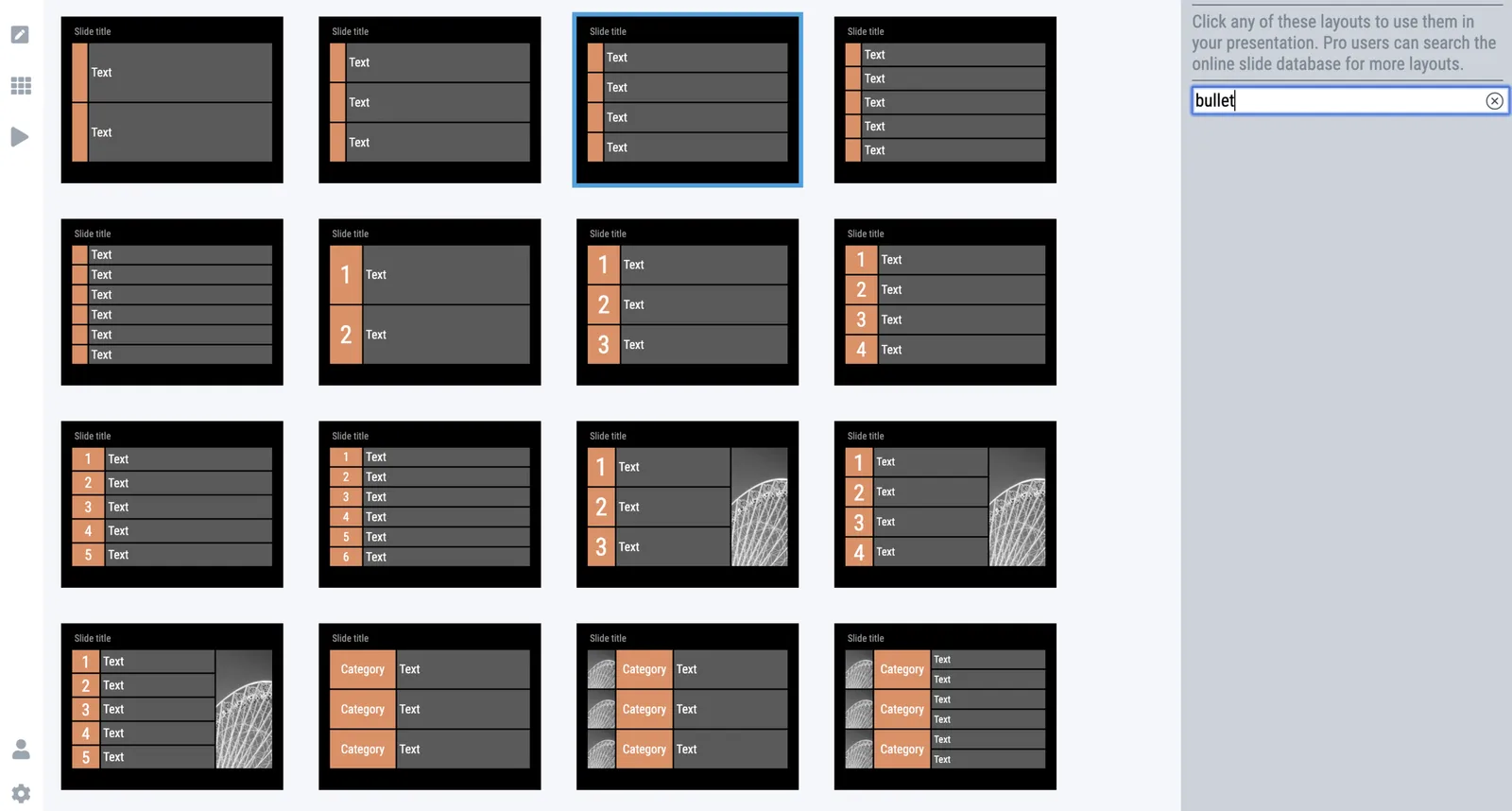
Where are the bullet points?

A question I got from a SlideMagic 2.0 beta tester.

The answer: there aren’t any. I am trying to create a presentation design tool that changes people’s design habits. SlideMagic does not have built-in bullet point formatting options. It is meant to be that buzzer that reminds you to find an alternative design solution the moment you are about to fall back to your old habits.

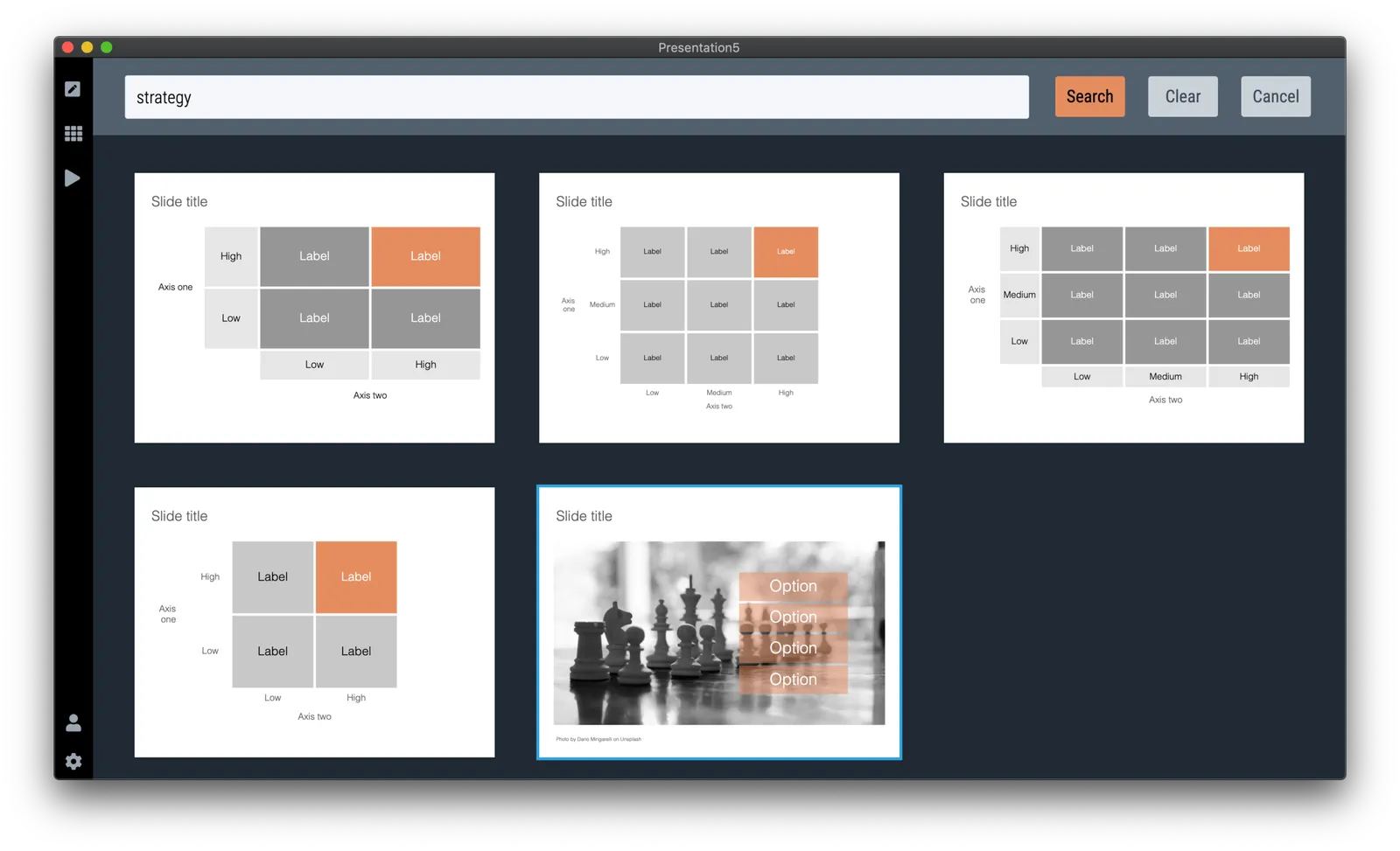
It is possible to create lists in SlideMagic though. Below a screen shot from a template search in the (still very small) slide library. If you need to make a list as a conscious design decision, you can, if you want to fill a box quickly with a number of bullet points, you can’t.

Maybe I am pushing things too far here, but I am not yet ready to give in.

Photo by Jon Tyson on Unsplash

·SlideMagic

SlideMagic slides, not by SlideMagic

Some designers have a distinct look & feel that you can recognise instantly. Recently, I started to see “SlideMagic-type” visuals on the Internet (boxy grid-based slides with one strong colour). Not by people I recognise immediately (Twitter followers, blog readers, SlideMagic users, etc.), and these were not direct copies of my designs: new charts in the spirit of SlideMagic

I consider this a great compliment. SlideMagic is a culture change in business presentation design. The style, the approach, everything is open source. As a side effect I hope to create a financially viable business by offering a tool that makes it even easier to spread the culture to everyone who needs it.

Photo by Moss on Unsplash

·Software

Is it just me?

Years ago I started SlideMagic 1.0 “brain washed” by “modern” application design: cloud, tablet-friendly, SAAS, an always up to date version of software running in the browser.

Bit by bit, I am reverting to a 1990s setup for SlideMagic 2.0, focused on a desktop application with a selected cloud-tweaks:

  • Design apps need to be super snappy and fast, latency because of saving stuff in a database that sits at the other end of the world is not ideal
  • Presentations do get edited on planes that still do not have 100% WiFi coverage
  • Presenting a presentation on a screen that is dependent on a live internet connection is risky, yes even in 2019.
  • Having multiple windows on a screen and copying, pasting, dragging things across is actually useful (not yet implemented in SlideMagic 2.0). It is funny to see the developer discussion on bulletin boards where people are waking up to the challenges of managing multiple windows of the same application. Something web designers usually do not have to do.
  • Storing things in a tried and trusted local file system solves security headaches and is good set up for when creating documents: finding things, copying, pasting. (Long-term storage and archiving is a different story)

Photo by Matthew M on Unsplash

·Software

App update

Apologies for the quiet blog this week. I am extremely busy ironing out the SlideMagic 2.0 app. This week the focus is on tightening the integration with the Windows and Mac operating systems:

  • Designing app and file icons that look good and stand out next to other desktop icons (clutter)
  • Linking those icons with the ‘.magic’ file extension on a computer
  • Making sure double clicking icons, recent files, recent files in the dock, etc. works
  • Certifying the app both with Apple and with a certification agency for Windows so that double clicking an installer does not generate scary security warnings
  • Adding SSL security to file downloads
  • Accept-cookie banners, and other regulatory issues

To be continued. Beta testers can check in now and then to download a later version of the installer, I am putting a new one up almost every day now.