SlideMagic Blog

Frequent updates about all things presentations since 2008. Subscribe to never miss a post.

RSS

Best COVID-19 stats?

There seem to be almost more COVID-19 data charts than cases around the world at the moment. Cases or deaths, log or linear, increase or cumulative. The one I think is most useful is deaths per million on a log scale. It is impossible to get an accurate picture of cases, and you need to adjust for population sizes. This graph shows the current picture.

To see how badly countries have been hit, the absolute deaths per million inhabitants

To see the current state, the new daily deaths, per million inhabitants:

All data provided by Our World in Data

·Investor presentation

Credibility

YCombinator VC Paul Graham argues that the current pandemic has exposed politicians that talk confidently about things they do not understand: see the post her about credibility in corona times.

  • He is right
  • Most of these politicians probably did not knowingly lie, I assume they believed they understood things, that’s probably a key asset of being a politician

When it comes to pitching to investors, credibility is crucial, and you can only loose it once. Investors will have to work with you for a long time, they don’t have time to check everything you do, so as soon as one incident gets exposed where it appeared that they cannot trust you, that’s it.

So you get a question you do not know the answer to:

  • If it is factual, give the answer after you consulted with someone who knows, maybe after a short delay
  • If you truly don’t know, say so, with an approach how you mitigate the uncertainty.

Bluffing an answer is not the right thing to do here.

So as a startup CEO, you can still be highly confident that your idea is going to work, and keep credibility while admitting that you do not know everything, and that you might actually be wrong.

Photo by Dayne Topkin on Unsplash

Bullet points in the age of video calls

Most video calls at the moment are between small audiences that know each other, discussing internal issues of a company (i.e., not the global launch of the next iPhone).

Maybe a bullet point slide can work in these situations (yes, you hear this from someone who considers himself a presentation expert).

  • They are quick to put together, especially now that your brilliant PowerPoint guru is not sitting next to you
  • They make it easy to refer to an element in the chart when you cannot point at it. (Try doing this in a sophisticated management consulting framework)
  • They fit in the current sober culture, where showing this really flashy presentation might leave people wondering whether all that effort and time could have been spent better elsewhere

But in a video call with insiders you can adjust your presentation style:

  • Give everyone a few seconds to read through the text for themselves. (I.e. don’t read them out, the audience can read much faster than you can speak)
  • Then verbally highlight what’s important (“As you see in point 2, we postponed the launch to September, and in point 5, I added Harry to the team”), then open up for discussion.
  • Pay attention how you write the bullet points: long verbose points full of fluff wont’ work, super short summaries are too vague 
  • Make those bullet points look decent: spread out over the page, readable font size, equally spaced out

Note the audience setting here, you won’t win that $10m RFP with a bunch of quickly slapped together bullet points. The audience does not know you, does not know the story, and here, showing that you made a lot of effort in itself will give you points, even on a video call.

Continue reading →
·Investor presentation

We will get to that on page 35...

Working from home means that I cannot help to overhear fragments of startups pitching to a VC (my wife is a partner in a healthcare venture capital fund).

You are in a Zoom call, going through a deck with a few people from the VC, and the senior management team of the company on the line. One of the impatient investors throws in a question on a crackling audio connection. Answer it, or (tell her to) wait for page 35?

If you were presenting to a huge crowd (webinar, live audience), then the answer is clear, tell them to wait for page 35, or even ask to leave all questions to the end.

The “intimate” Zoom call is similar to a conference room setting though that opens the door to more interaction that throws you of your planned story script. There is no general rule, but here is how I would handle the interruption.

  • Always give some sort of very brief answer: ‘The short answer is “yes”, it has something to do with “this and that”, we will discuss it in more detail on page 35. This takes you as much time and disruption as saying: “sorry, page 35 will show up in 20 minutes”
  • Then calibrate based on the sort if question. If it is a super naive question (junior analyst, VC who does not really understand the substance), maybe insist on continuing your story line so everything falls into place nicely. If it is a razor sharp question by someone who is really informed, pinpoints the exact weak point in your story, and/or addresses a big elephant in the room, you could assume that people have done their homework and know what they are talking about. Sticking to your script might not give you points here.
  • If it is a big interruption of your original flow, have a way to continue the story in a slightly different order, bringing everything back together for the other people in the room
  • If you get tripped up a lot by questions, maybe this is a sign that your story flow might not fit that of your audience. The 101 sequential story is great for explaining things to the uninitiated, but will not work for impatient experts in the field.
Continue reading →
·Software

Alpha testing: SlideMagic PowerPoint plugin

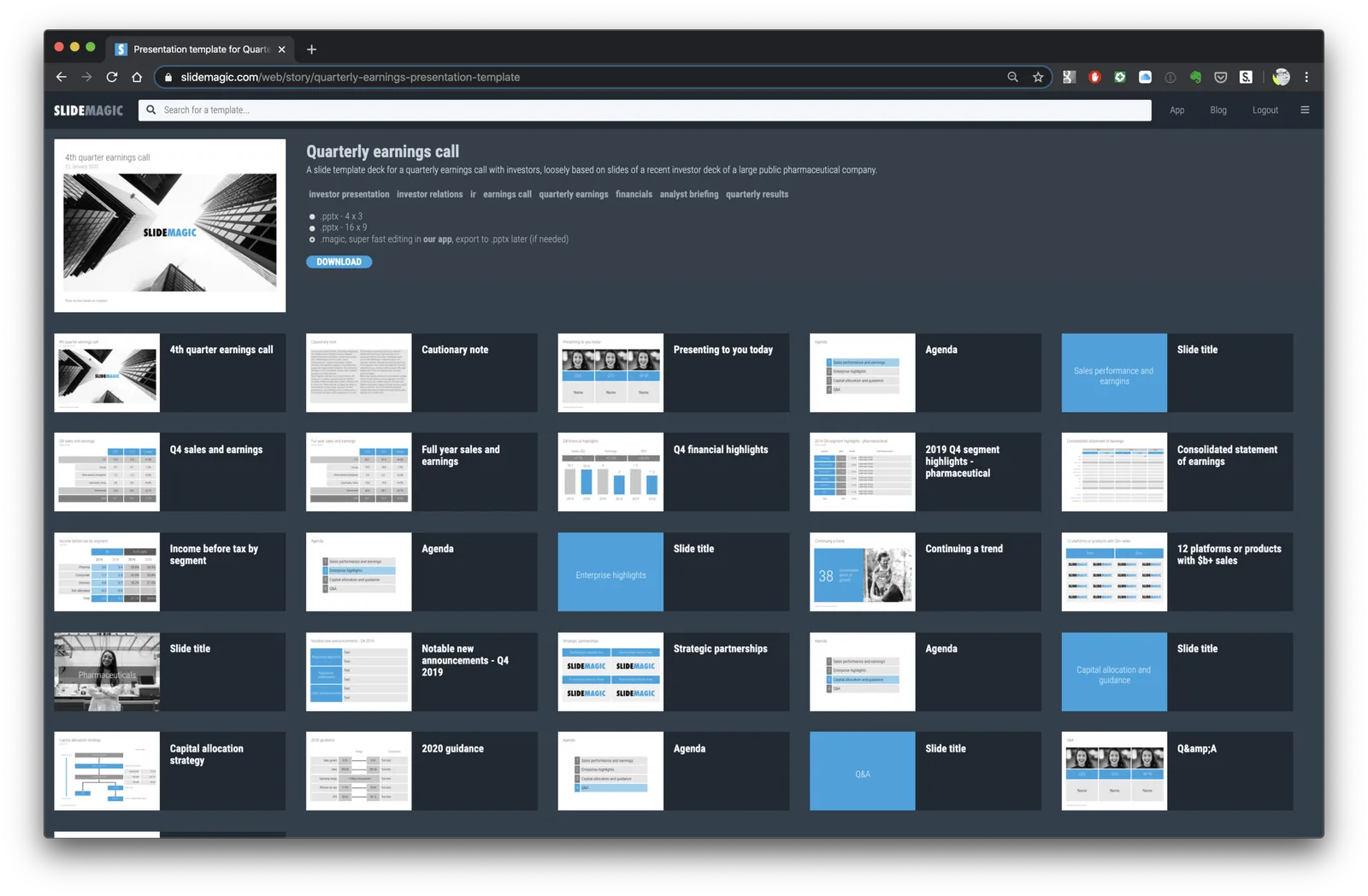
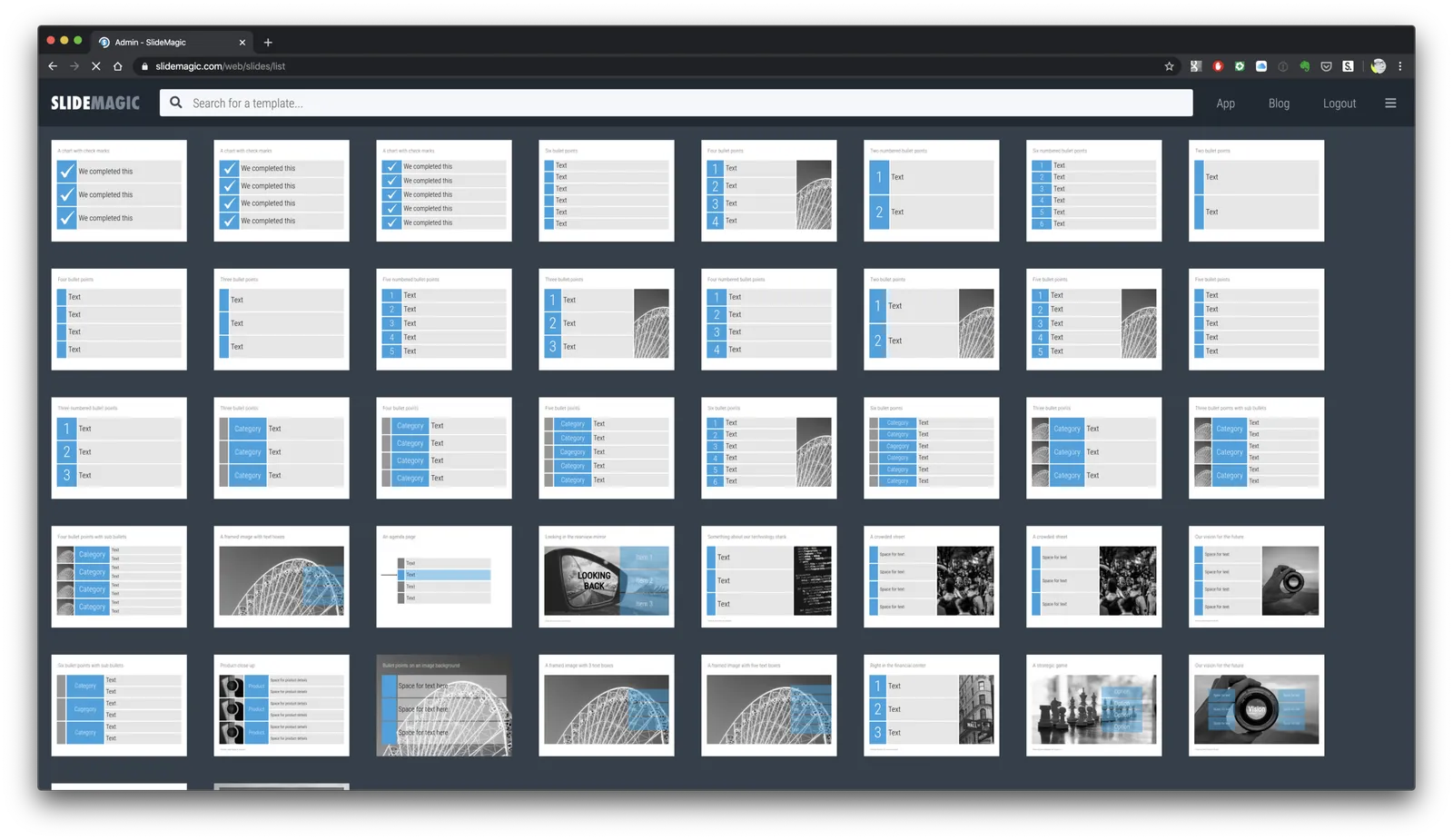
If you want, you can try out the SlideMagic plugin for PowerPoint. When installed, it opens a task pane on the rights side of your PowerPoint screen, you can log into SlideMagic, search for templates, which when downloaded appear in a new PowerPoint presentation. With a copy-paste or drag, you can add them to your presentation.

I am currently in the process of getting SlideMagic Ltd. approved as a Microsoft Partner to add it to the official Office app store. Microsoft is experiencing some capacity issues at the moment as the working-from-home-world is overloading its cloud servers.

To beta test the add-in in the mean time, you can do the following. This is a slightly advanced process, sorry.

  • Download the slidemagic.xml file here
  • On Mac follow these instructions (original on the Microsoft site). Copy the .xml file in this folder: /Users//Library/Containers/com.microsoft.Powerpoint/Data/Documents/wef (if you cannot see the Library folder in your Finder, select the ‘go’ dropdown in the Finder, then press the OPTION key and it should appear. Restart PowerPoint and a new icon “Start SlideMagic” should appear.
  • On Windows, the process looks a bit more tricky: see here.
  • The easiest is actually the online version of Office (instructions). Open PowerPoint in your browser, select Insert, select Add-ins, click manage my Add-ins, then upload my Add-in to upload the slidemagic.xml file.

This is all still work in progress.

·Delivery

Now is the time to experiment

Everything gets thrown around at the moment. Everything is all of a sudden allowed. Laundry, pets, and kids in the background of video calls., no problem. Why not take the opportunity to change the way you present as well?

Sorry, I did not have a lot of time to prepare that 100-pager, but these 10 pages capture exactly what we should discuss today

And while you are at it, why not use SlideMagic as an alternative to PowerPoint now that everything is risk free? Hey, maybe some of the new habits will stick.

·Software

PowePoint plug-in mechanism works

A follow up on yesterday’s post: the basic mechanism of the PowerPoint plug in works. I can side load the app in a task panel, let users log in, you can search for templates, to add a slide to your presentation I can only open it as a new presentation with 1 slide at the moment, you have to copy the slide across to your own file.

It is fascinating to see all the stages this slide goes through (automated mostly):

  • I design the slide in the SlideMagic app
  • Upload them to the template server
  • The server converts them to PowerPoint and create screenshots
  • The server updates the tags
  • PowerPoint connects to the server and loads the side panel
  • User logs in, and searches
  • PowerPoint loads the PPTX file from the SlideMagic server

As soon as you download the SlideMagic slides into PowerPoint you instantly see the strength of SlideMagic when it comes to adjusting templates. Try adding a row to the SWOT diagram, it is hard.

I am not expecting to unseat PowerPoint’s install base any time soon, and the optimal situation would be where both applications can work together nicely. A robust plug in can help users who are hesitant to make the full switch to SlideMagic (and included in these users are people that work for companies that have very tough security policies to run software from new vendors on corporate machines.)

The next step is to make the plugin robust and get it distributed properly in the Office app store. Work in progress

·SlideMagic

Working on a PowerPoint plug in

I am continuing to experiment with how people access the slides of SlideMagic. Currently I am building a side panel plug in for PowerPoint, where subscribers can log in and paste slides directly into a PowerPoint presentation.

Now that I have mastered both front end and back end development, the search mechanism and user interface is easy to create. The tricky bit will be the final step, when it comes to adding a downloaded slide into an existing presentation. Microsoft does not give PowerPoint a high priority when it comes to the Office Javascript API. Let’s see how it goes.

·SlideMagic

Happy with the search engine

Over the past few days I have ironed out a lot of small issues with the template search engine. Most of them were behind the scenes, how I can classify, tag, and group slides in a world of duplicates, typos, plurals, and related keywords. I think things are really starting to work now. Now it is just a matter of continuing to add templates that are useful (i.e., not diluting search results for the sake of template volume). I am aiming for a Google-type improvement: the front page won’t change much, the usefulness of the search results will get better and better over time.

PS. That Unsplash image on the cover is really nice, I quickly added a template based on it on the template store, you can find it here.

Photo by Steven Lelham on Unsplash

Another Corona metric?

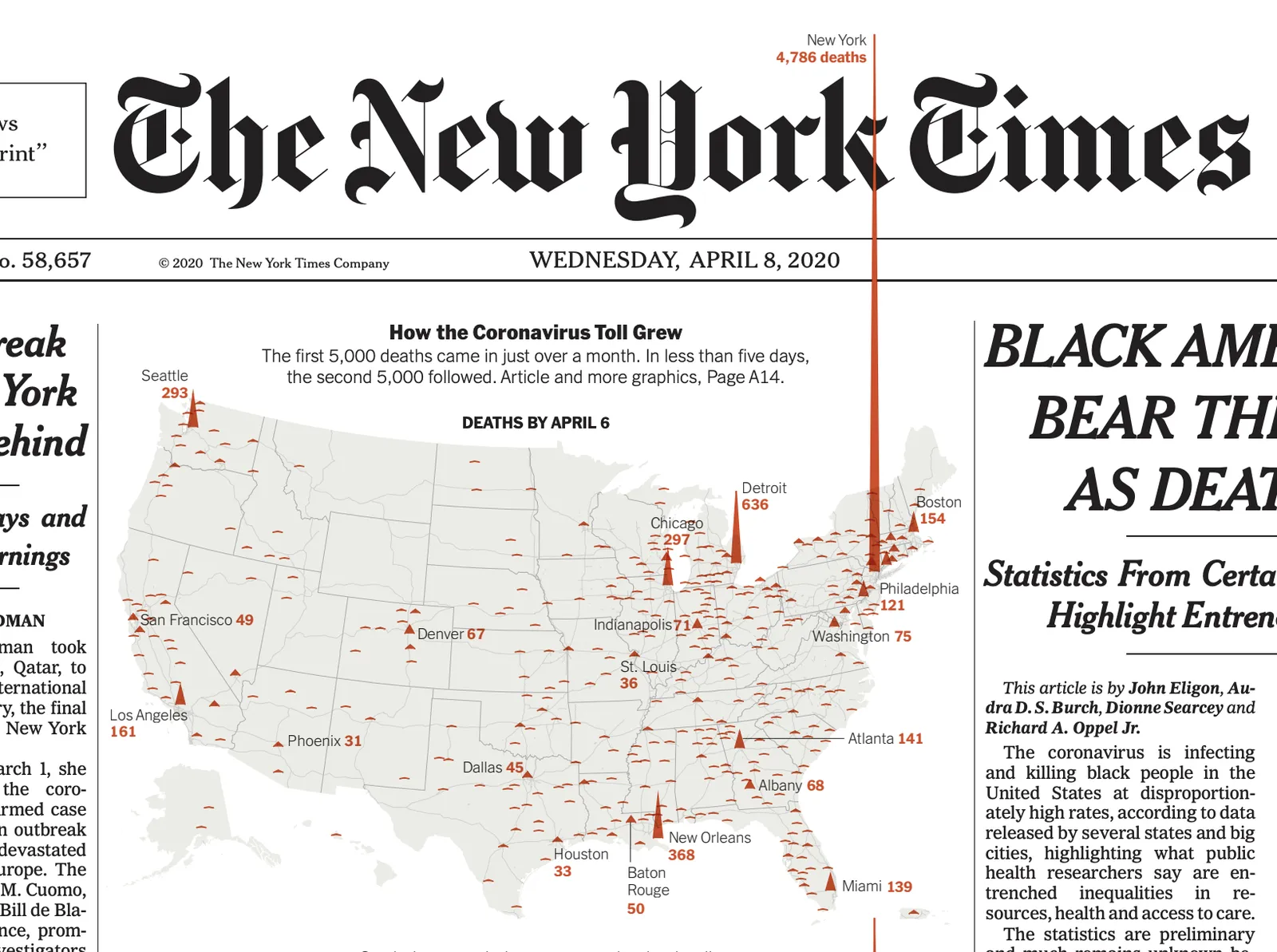
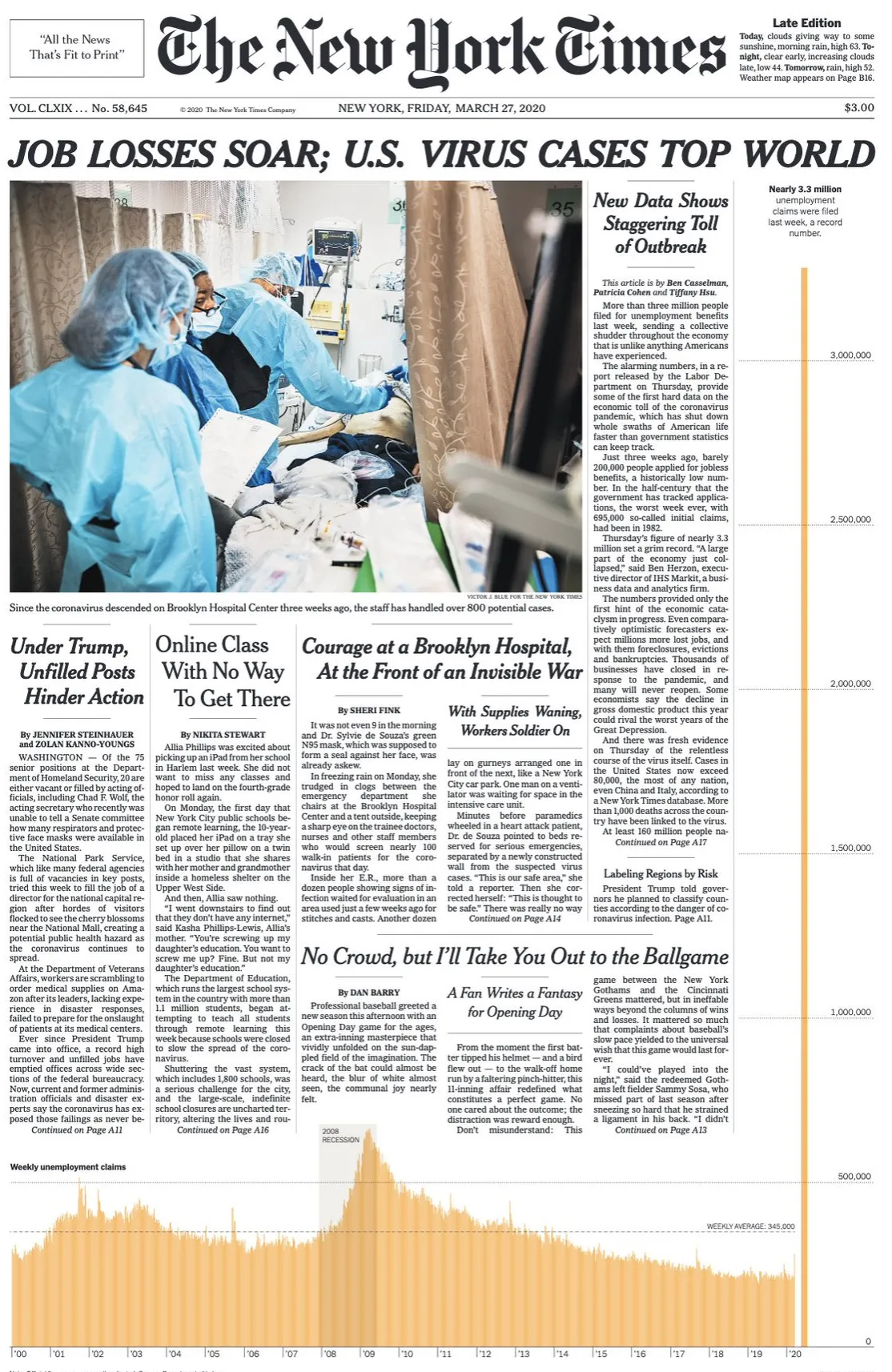
The current flood of data about Corona cases and fatalities shows once more how graphs and other slides are not very effective in changing behaviour: everyone is happily going outside infecting each other. Too much information, too abstract (20% exponential growth, so what?), and looking backwards rather than into the future.

I think governments should publish a daily updated forecast number for the number of cumulative fatalities 4-8 weeks from now, and adjust that number based on daily developments. To make it more tangible, you could pro-rata that number down to the 50 to 150 circle of friends and family most people have. One simple, tangible number that gets updated everyday at 18:00 based on how we are doing as a group together.

Photo by chuttersnap on Unsplash