SlideMagic Blog

Frequent updates about all things presentations since 2008. Subscribe to never miss a post.

RSS
all posts

Category Templates

·Images

Corporate title pages

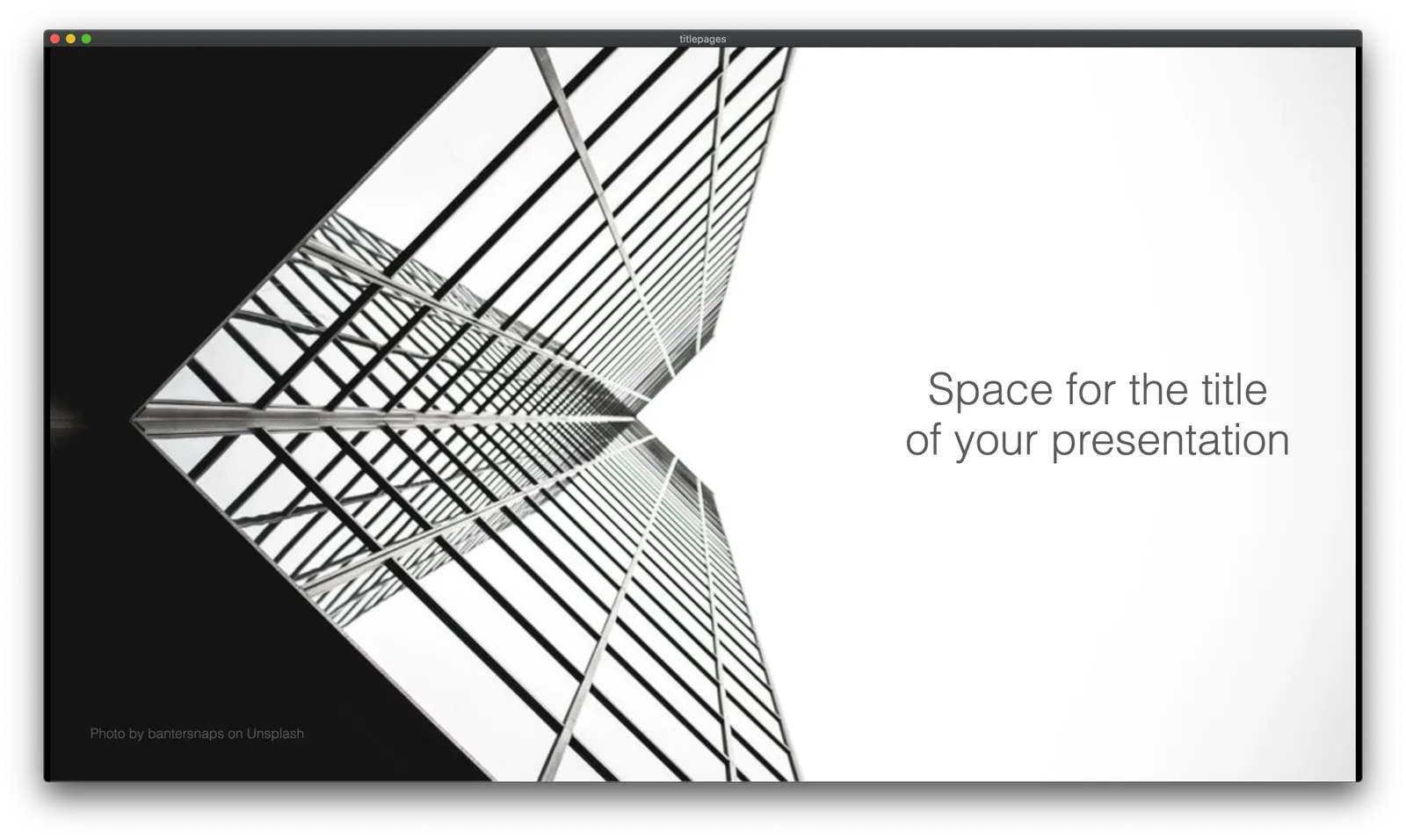
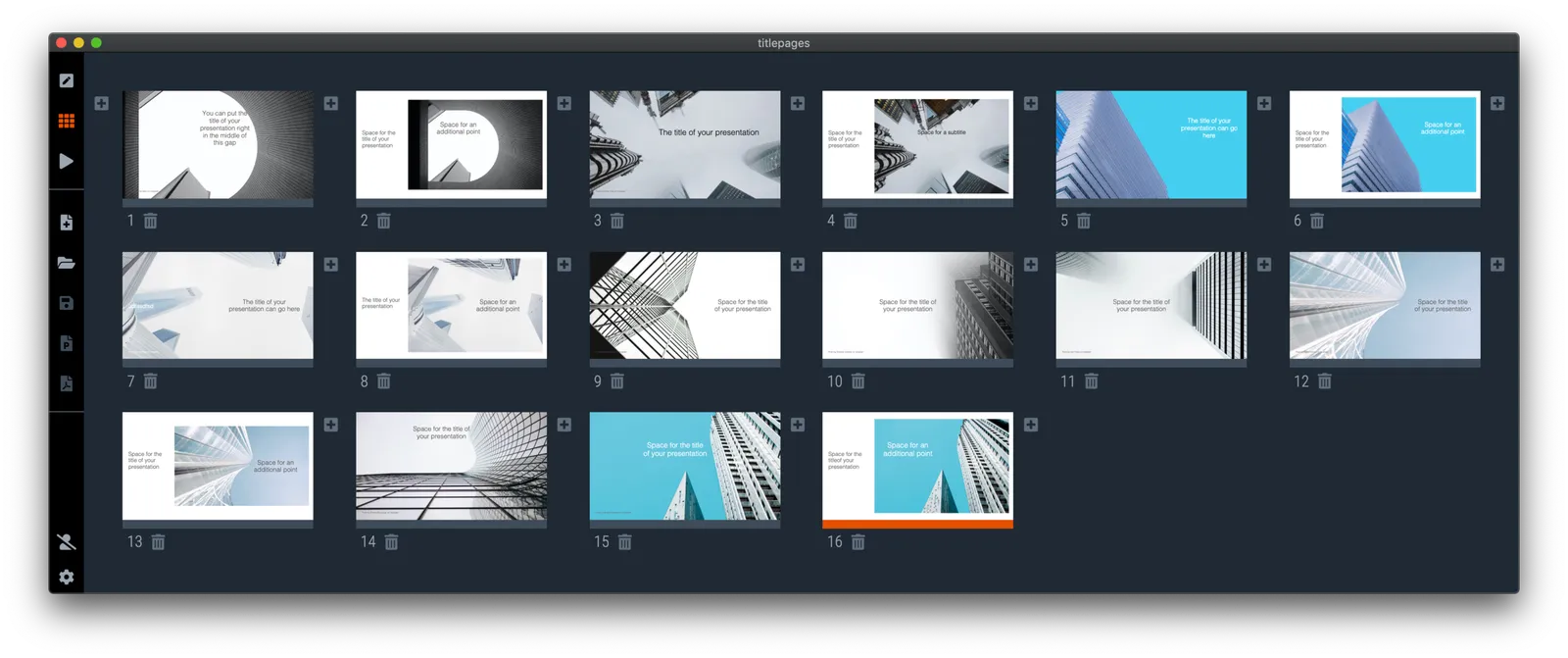
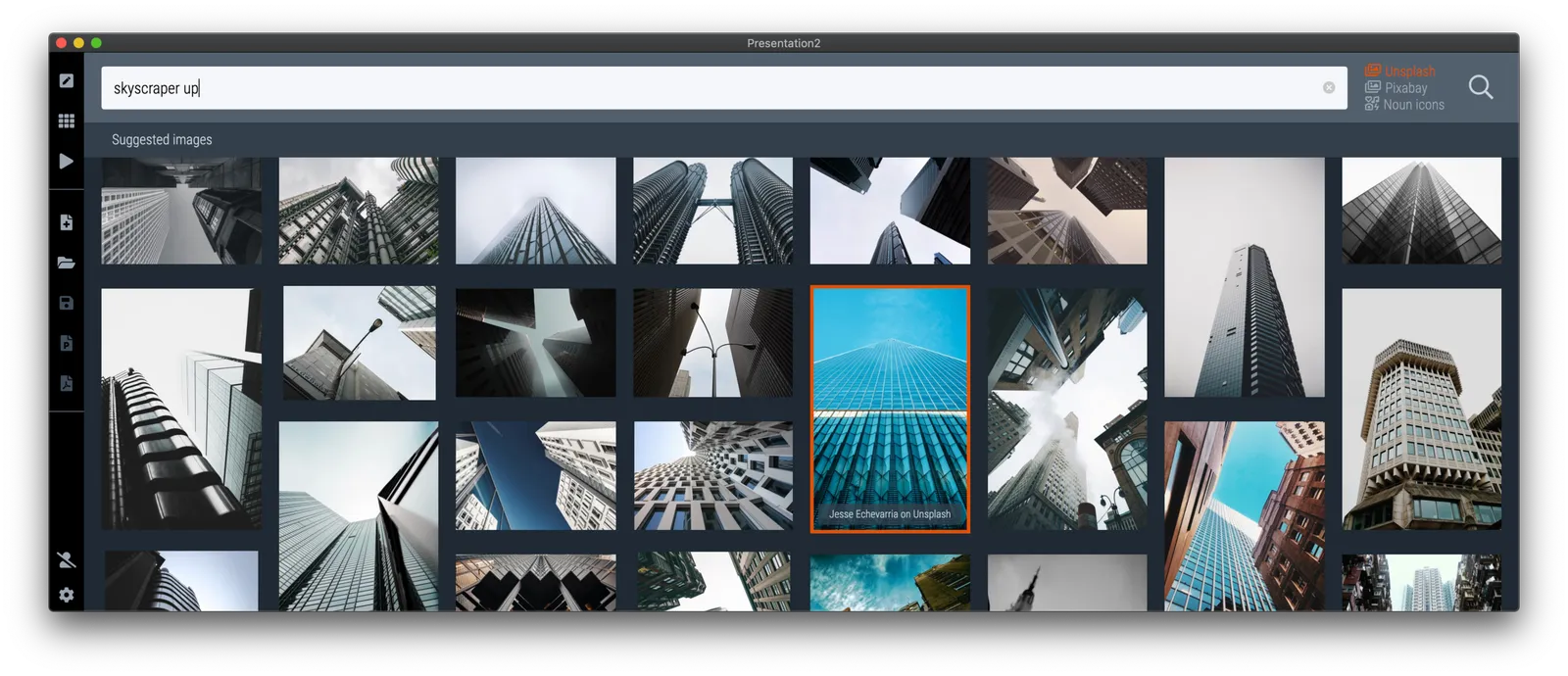
I added a number of new title pages to the SlideMagic slide template database: looking up in the downtown area of a city. The sky in the center of the image is a nice empty background for your text.

Typing “title” in the search bar of the SlideMagic desktop app now gives a lot of options to get you started with a title page for your presentation

Pick one of these designs (or an empty slide), and use the image search feature to add the image that you prefer

·Layout

The point of masks

Social media is full of people arguing about masks. Part of the reason I think is that it is such a statement: “Look, I proudly wear one”, “Look, I proudly do not wear one”. I think masks deserve the benefits of the doubt, without becoming overly obsessed with it.

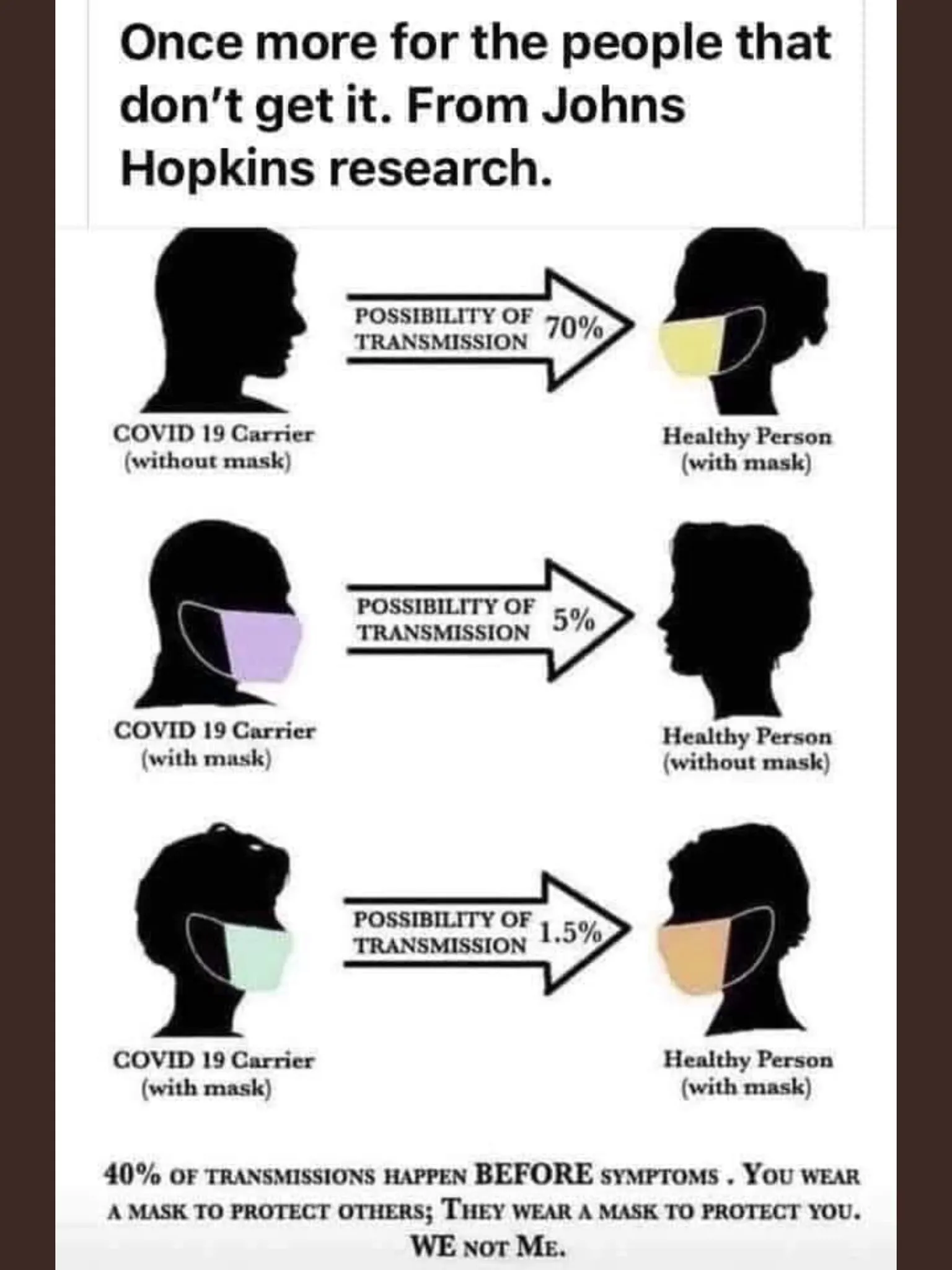
Leaving the debate to the side, and turning to graphics. My Twitter feed is full of diagrams such as this one below (found it here):

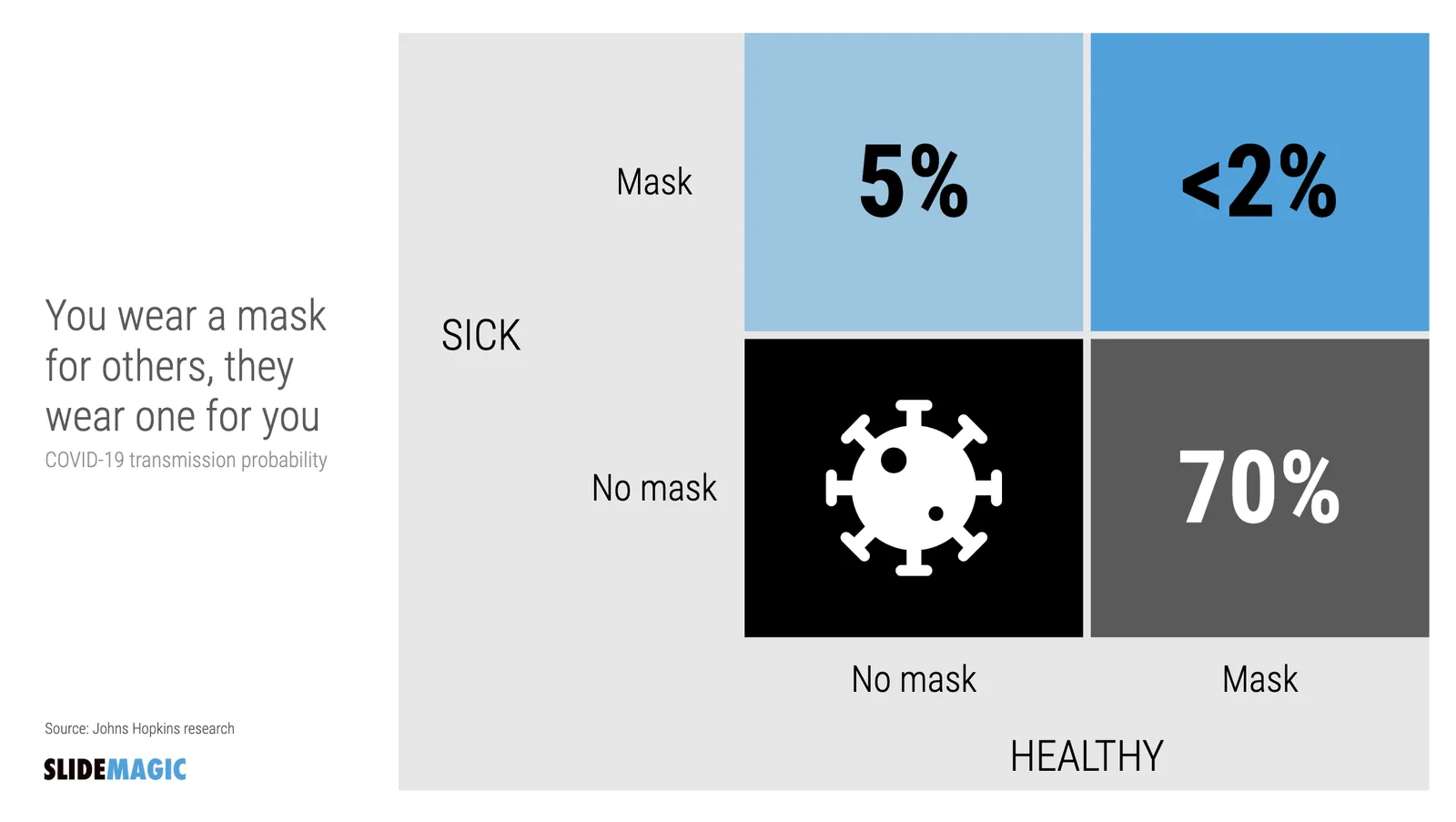
The masks and the faces look cute, but it is actually hard to understand the chart instantly. Using the SlideMagic approach to slide design (quick, to the point, good enough design), I came up with the following 2x2 that tries to make the same point:

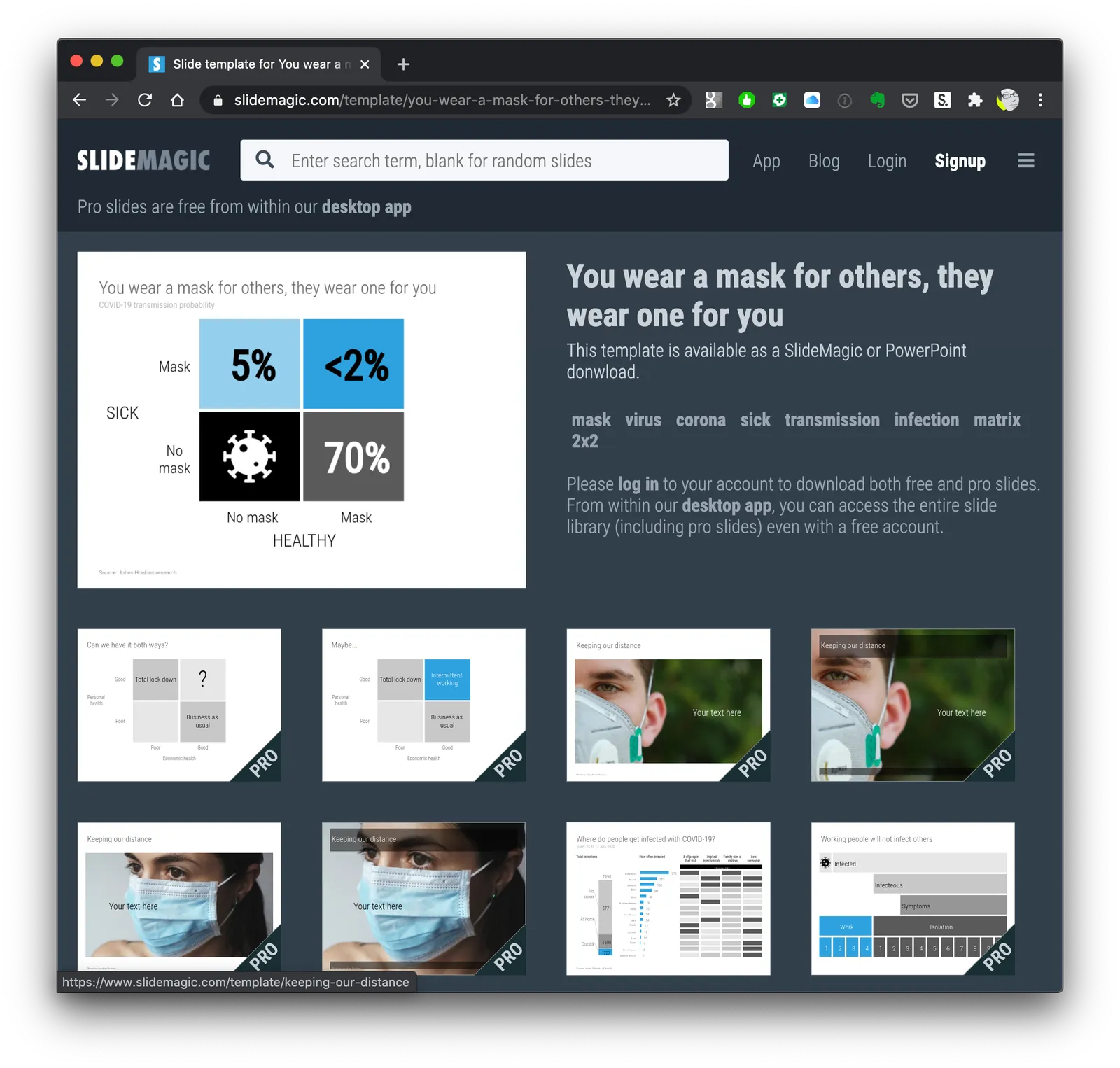
Now the question is, did I put myself in the shoes of the audience? Maybe not every non-mask-wearing person is a former management consultant who prefers 2x2s… This slide is now available on the SlideMagic template bank, and you can access it free if you search for something like “mask” inside the app (v2.4.29 is the latest version).

See below how the desktop app adds dynamically generated slides to the search query. I am not running that on the server at the moment, since 1) it will take a lot of processing capacity that is now being done on individual user machines, 2) I do not consider the web store to be the optimal user experience: downloading slides, and then opening them in the app, but maybe I will change my mind at some stage in the future.

Continue reading →
·SlideMagic

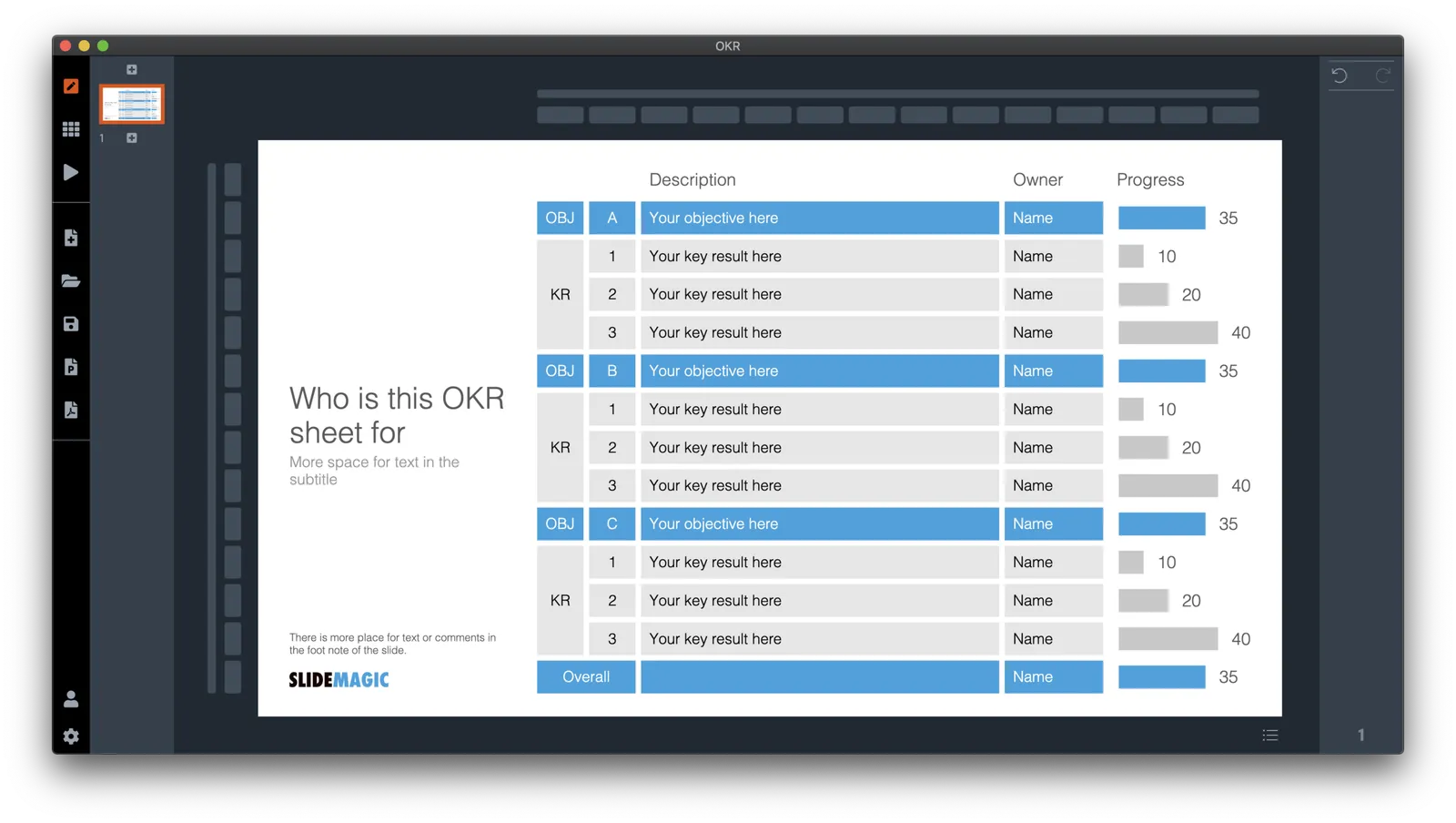
An OKR slide template (Objectives and Key Results)

Not enough SlideMagic users have discovered that I try to respond to requests for new or missing templates. Today I added a template for an OKR sheet, Google’s approach to managing Objectives and Key Results.

SlideMagic is particularly useful for slides like this, it is easy to add rows, adjust the layout, and now those boring percentages can be visualised easy with a bar chart that always lines up with your table.

Search for “OKR” in the SlideMagic desktop app and it will pop up and ready to work on for free, alternatively, pro subscribers can download the template (in .magic or .pptx format) from the online template bank.

Let me know if you need more/different types of OKR templates.

·Templates

The SlideMagic template bank now has an "unlimited" number of slides

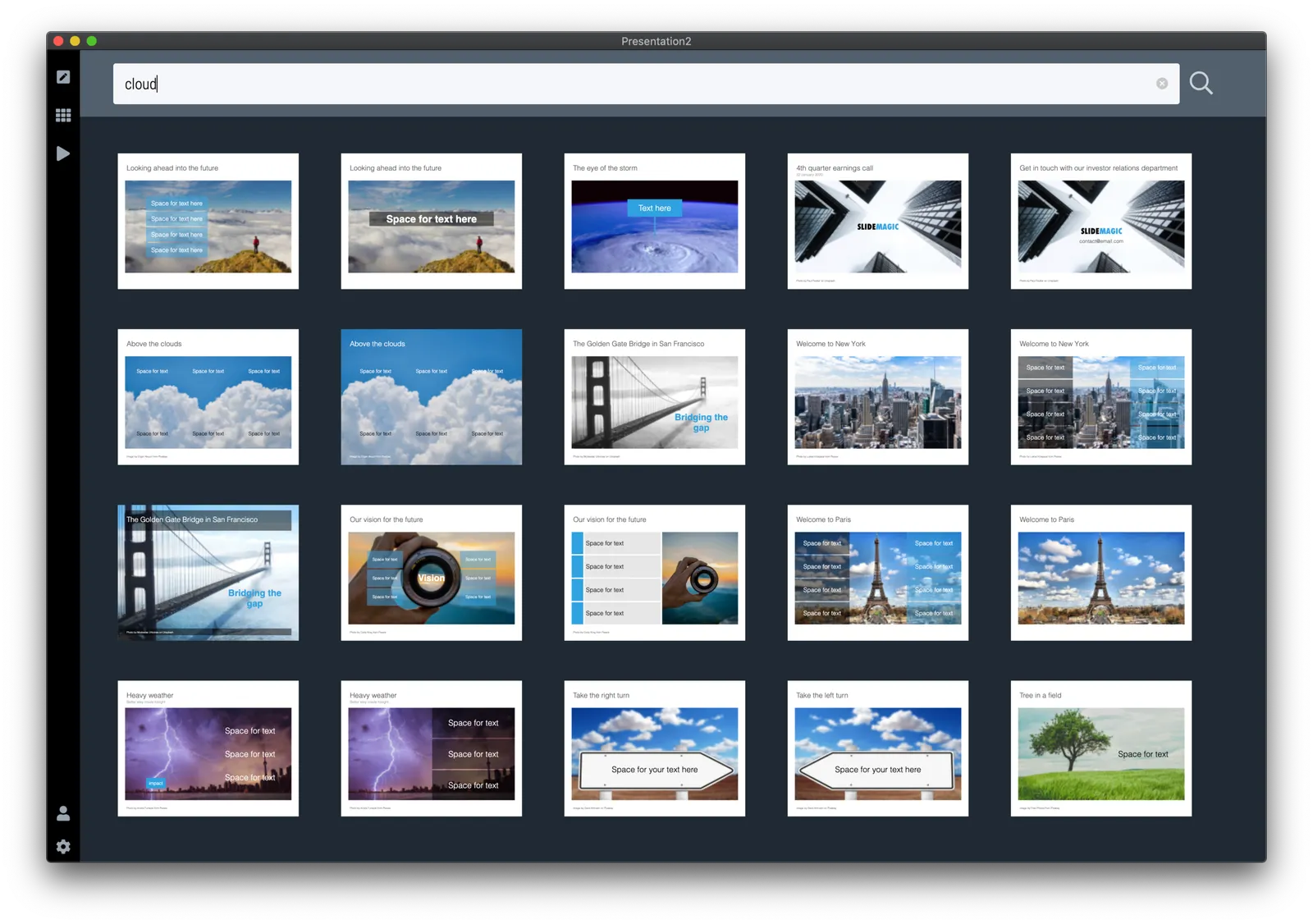
The latest version of the SlideMagic app (download) now has a feature that I wanted to implement for years: automatically generated slide templates.

The basic set of SlideMagic templates are closely related to my consulting background: lists, tables, frameworks, 2x2s, graphs, diagrams, etc. This set will grow into the thousands, but it still relatively small when it comes to the universe of slides.

There is a big long tail of slide designs that are impossible to design and store on a server: slides with backgrounds of an image: cities, buildings, buckets, cars, roads. It was already possible to search online for free images in SlideMagic, but now I took a step further.

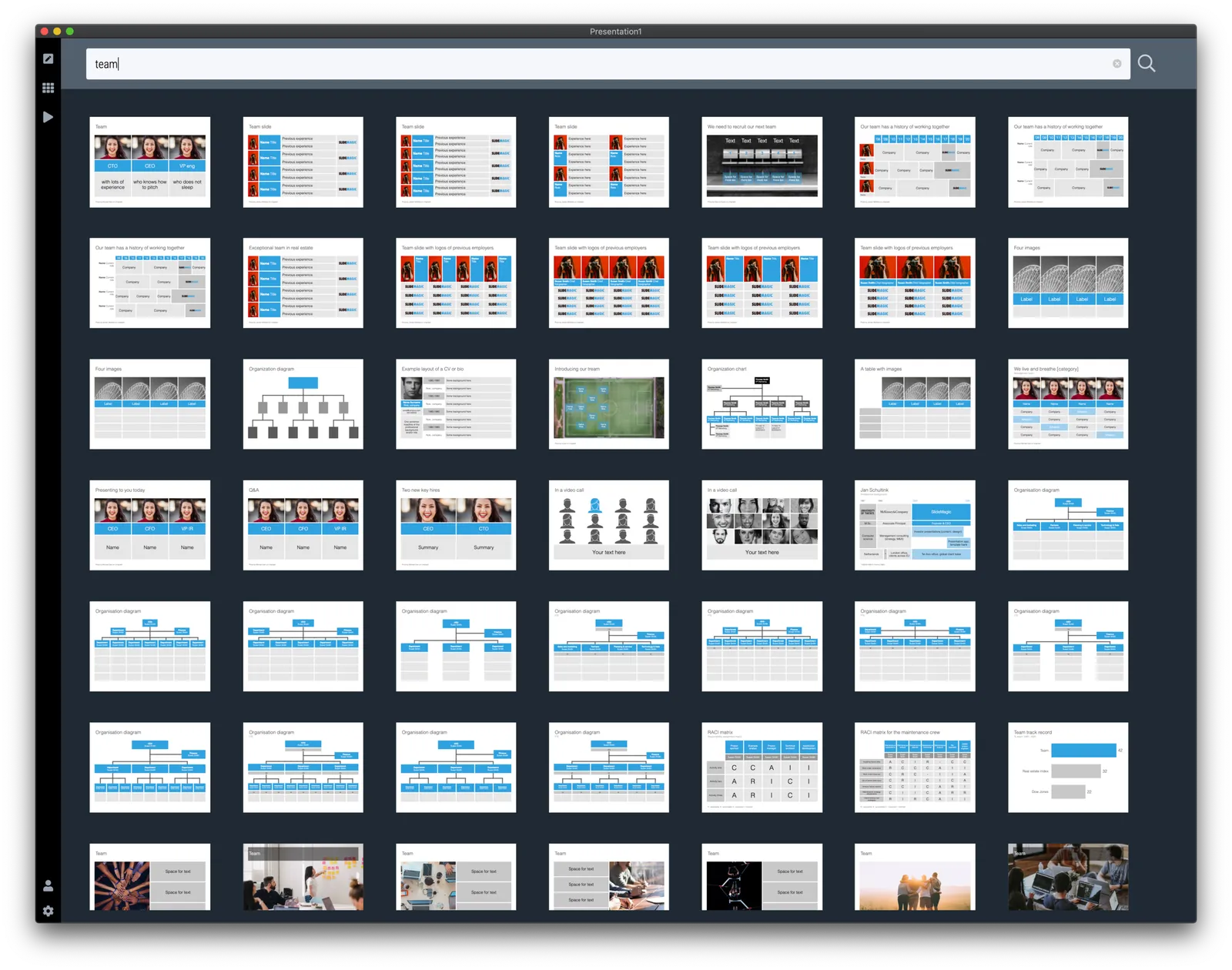
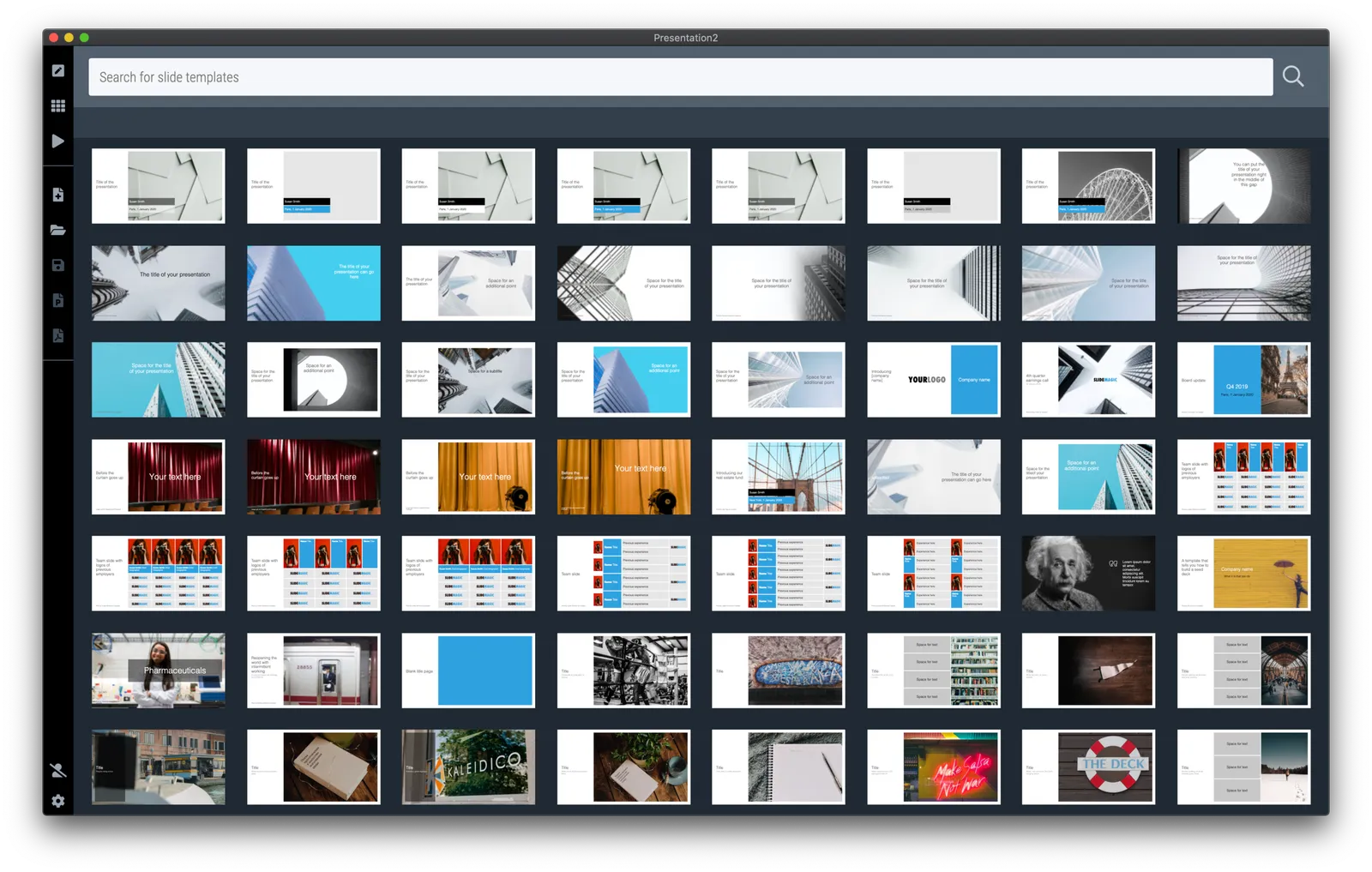
When you hit a search inside the app, first SlideMagic will serve you its own templates that best match your search criteria. But then, the app will add automatically generated layouts with relevant images after that. These slides do not sit on the server, they are generated on the fly. In the screen shots below, you can spot the break between the two types of slides, but you need to look carefully.
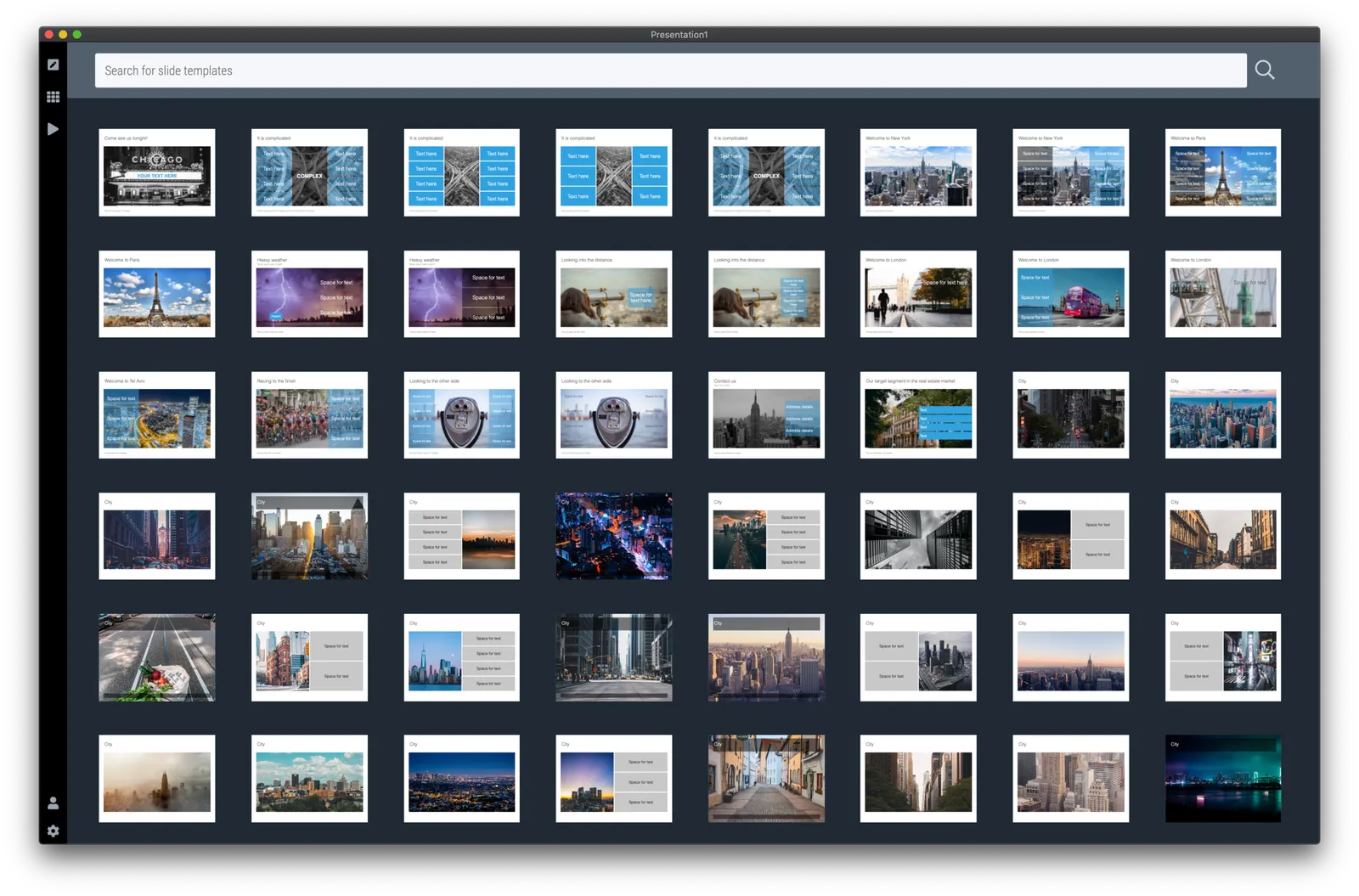
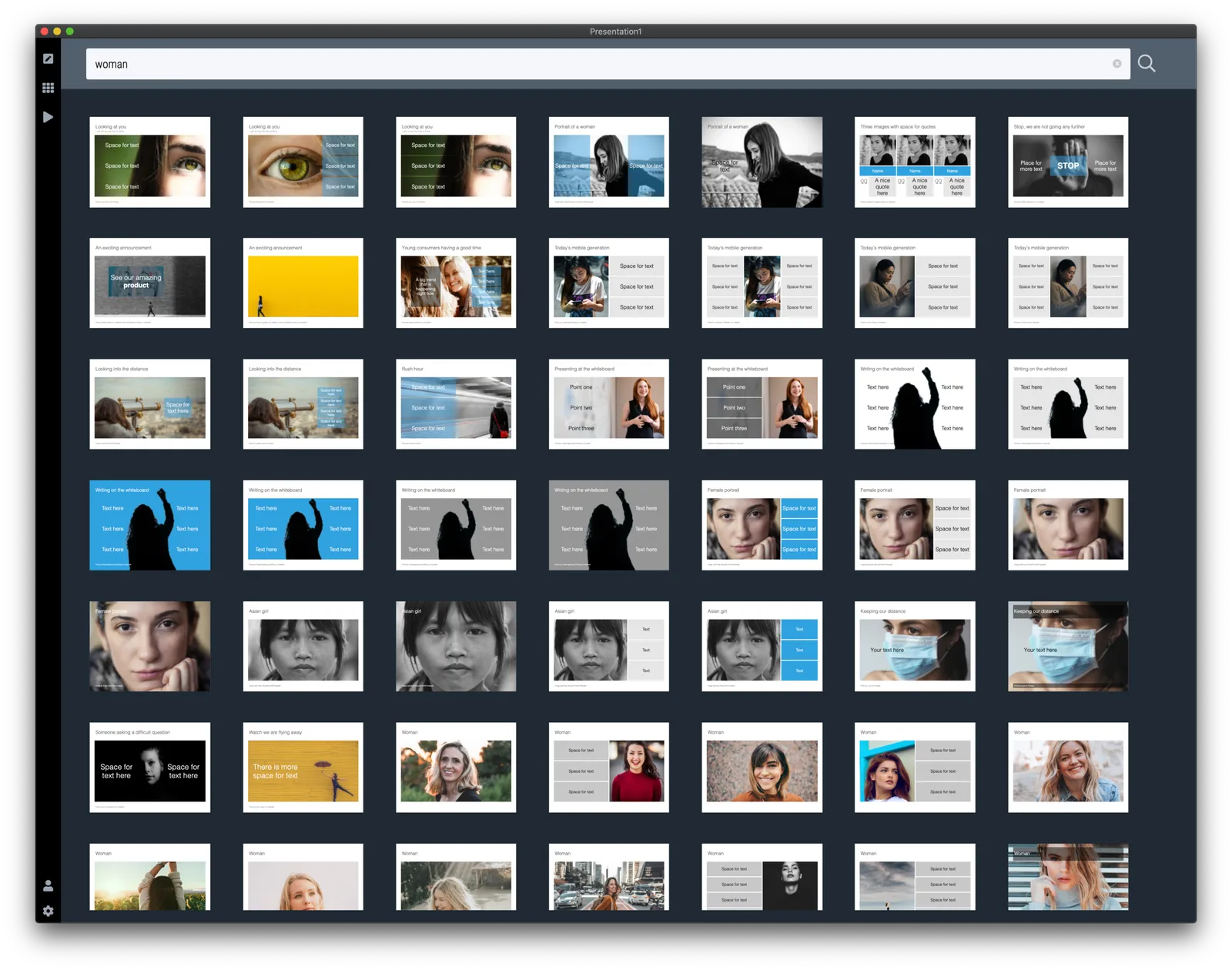
This feature is only available inside the SlideMagic and not yet implemented on the web site. I am just starting to scratch the surface of all of this, as usual: work on progress.


·Colors

SlideMagic slide search results now in colour

Another day, another improvement

I stuck to showing images on slide search results in black and white because I would be sure that the photos would not clash with the accent colour for the slide users had picked (most users will swap SlideMagic blue for their own logo colour). That worked, but it came at a price: slide templates all looked a bit sad. This is not only due to the greyscale colours, but also because of the way the greyscale filter was applied: many colours were translated into too dark tints of grey I think.

This morning I re-rendered the entire slide database (the server is still a bit tired) and images in slide templates now show up in colour.

It is worth the trade-off I think. Of course it is possible to go back to a black and white image in the SlideMagic app, simple untick the ‘colour’ box and the image will show up as grey scale (you can always go back to colour if you want).

The colour option is only available for the slides that I added more recently, after I switched off the colour option when ‘flattening’ or compressing slides. Obviously new templates will all appear in colour, or I will set them explicitly to black and white when I feel that it serves the slide’s message better.

This addition of colour coincides nicely with the more mature SlideMagic product I think, slowly but certainly it comes out in its full shiny colours :-)

Continue reading →
·SlideMagic

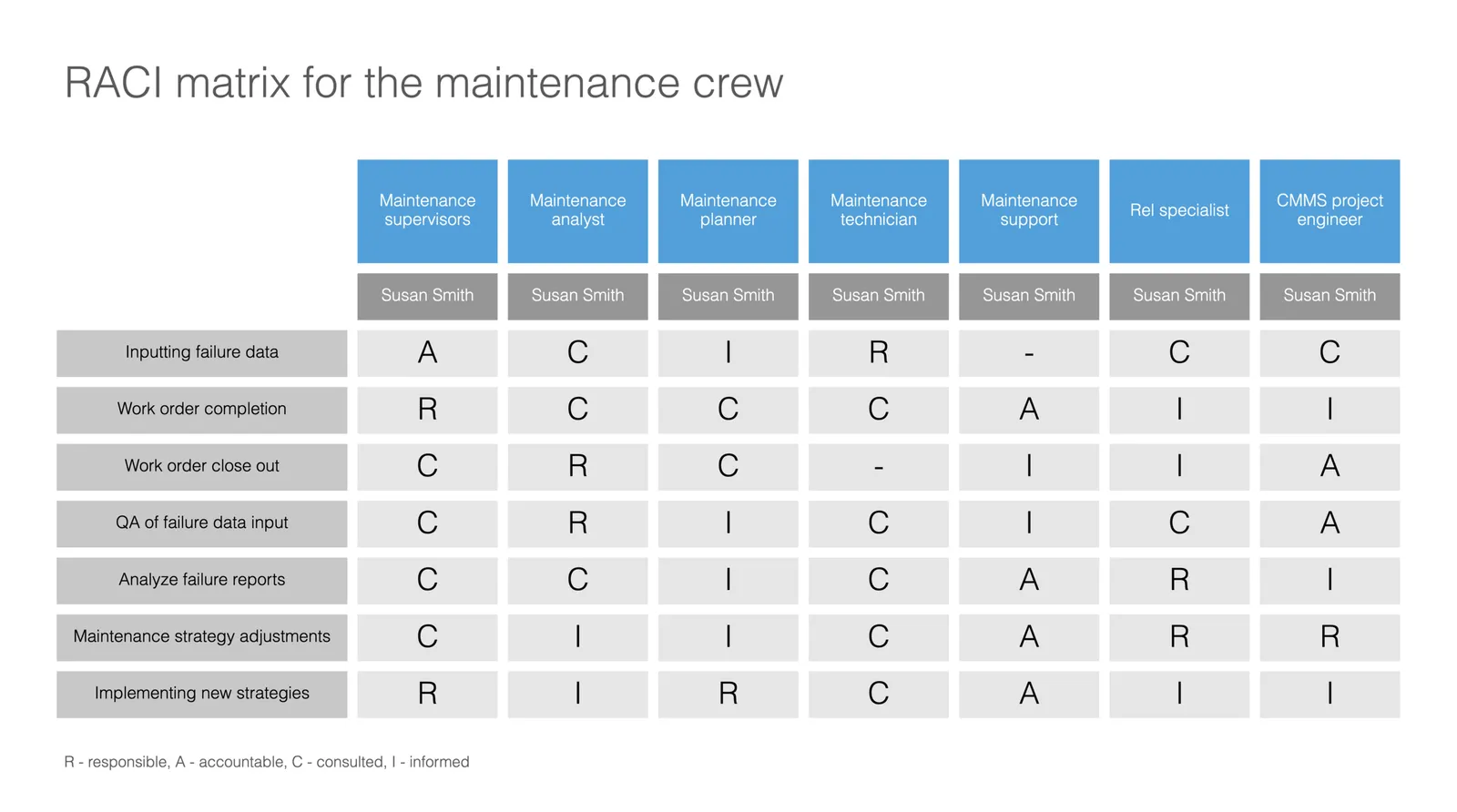
Slide template for a RACI matrix

On request of a user, I have added templates with a RACI matrix to the SlideMagic database. (It does not happen often, but this is the first time I actually heard about this consulting framework, the responsibility assignment matrix). In SlideMagic it is super easy to manage all the columns and rows of the table. If your colleagues are not ready for SlideMagic yet, use the app to create the chart, then export to PowerPoint.

·Templates

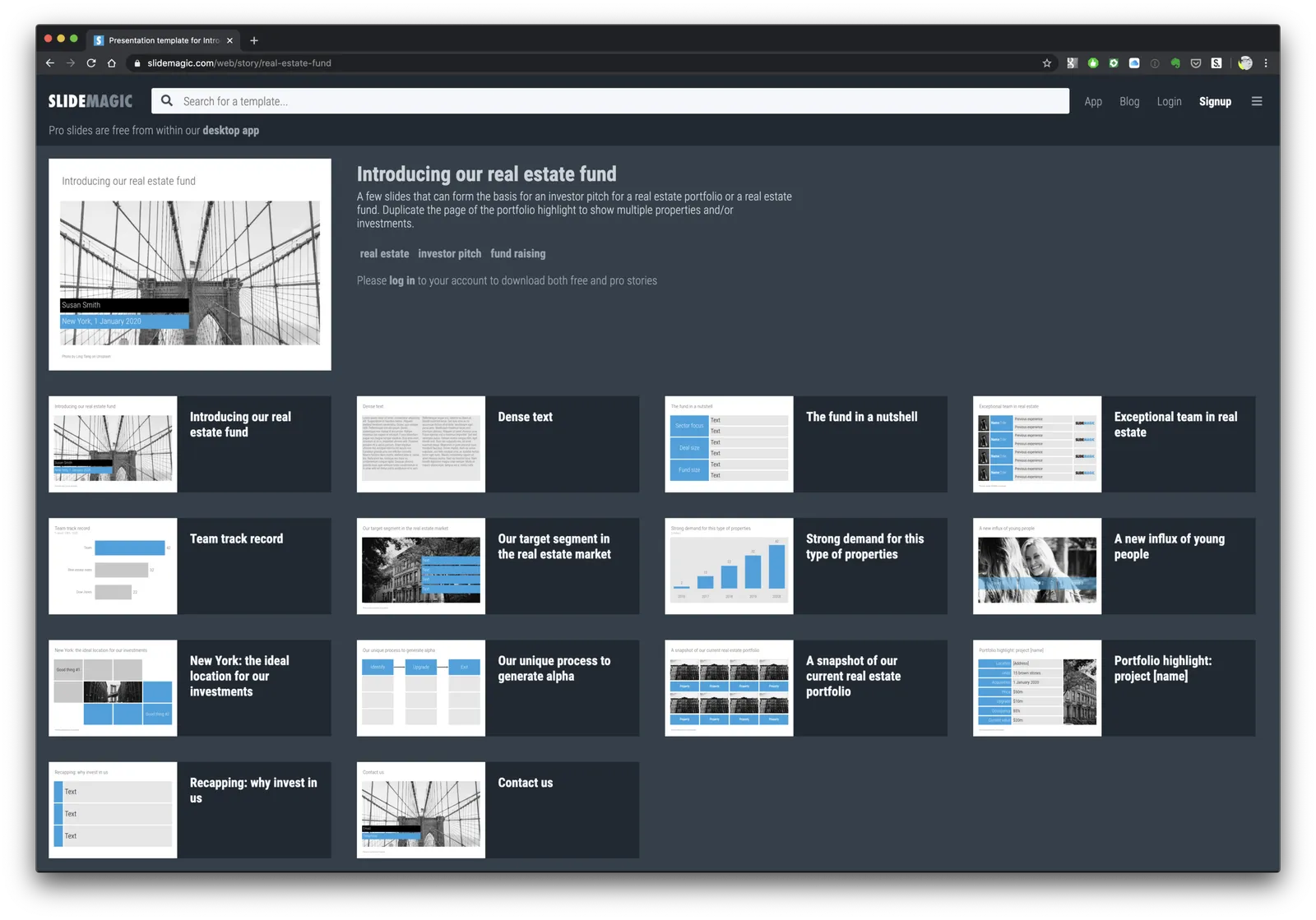
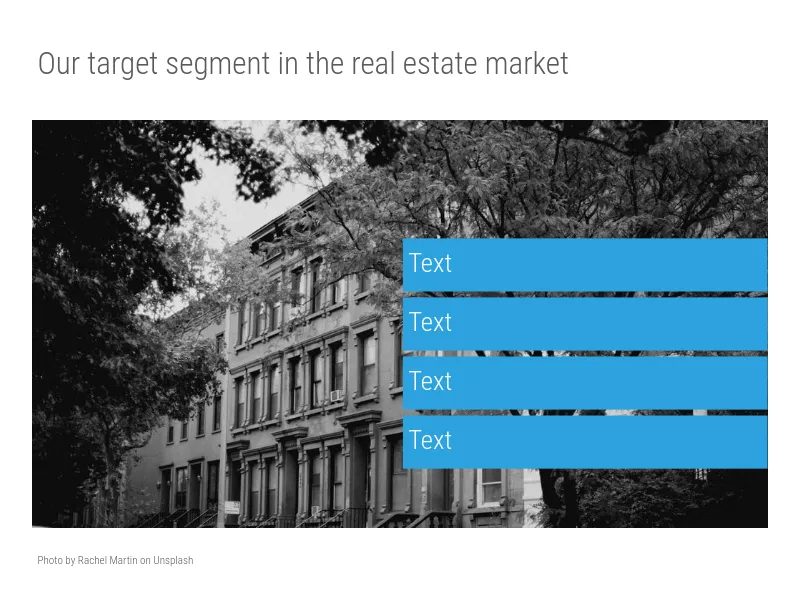
Real estate (fund) pitch presentation template

SlideMagic is very suited to make decks that promote real estate projects or funds. It is easy to manage pictures of properties and add boxes with information about square feet and returns. I have added a template for a real estate fund pitch to get you started.

Note that when searching for slide templates, you do not need to resort to keywords such as “real estate” (it will give some results now though), any layout that shows lists, or grids, or portfolios, or screenshots will do. Real estate presentations use very generic layouts.

·Templates

Startup Board update deck

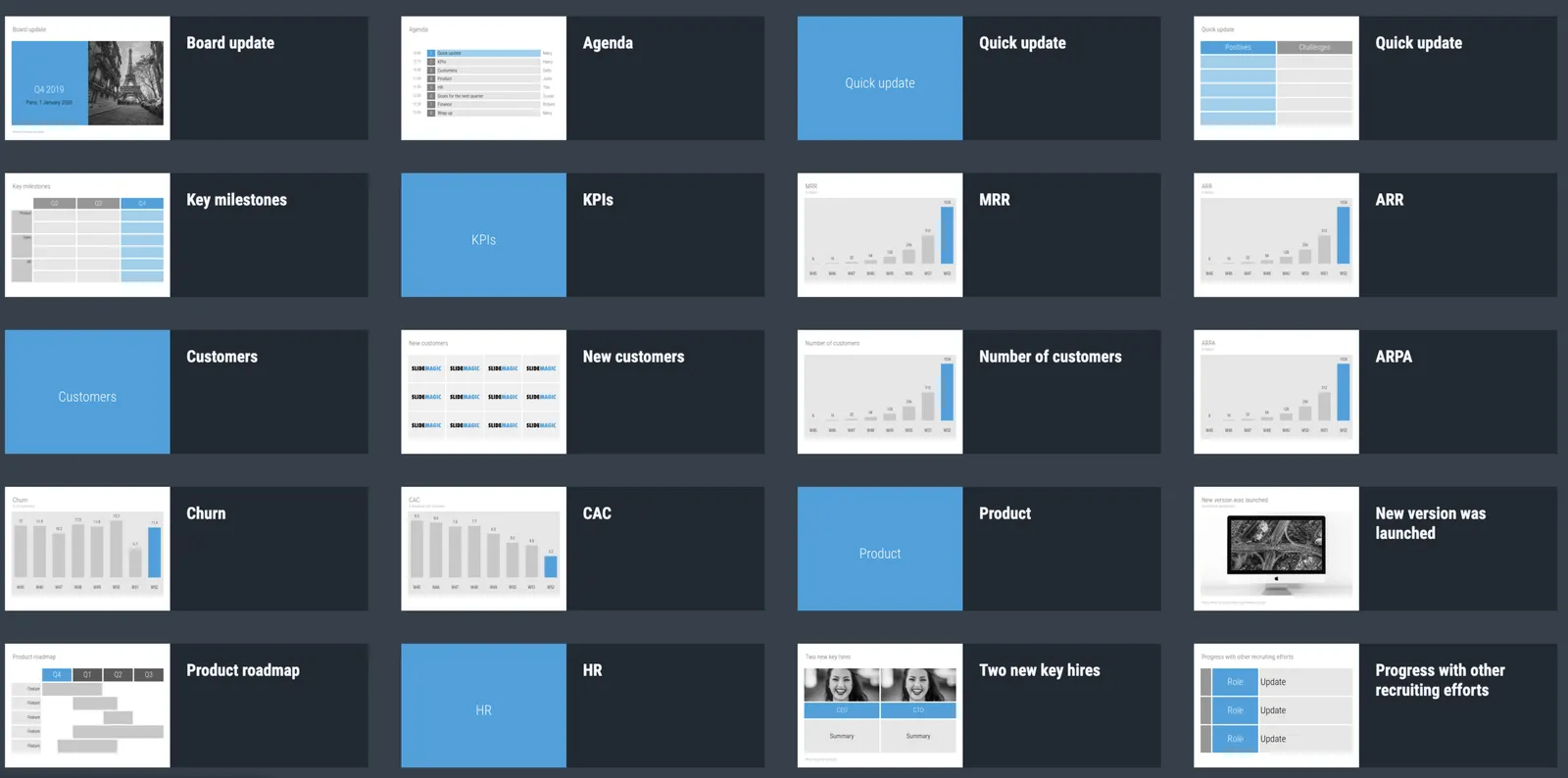
You can now access entire slide decks (“stories”) from the home page of SlideMagic. A few days ago I added a slide deck template for a startup Board update. As I upload the new slide decks, individual slides will get added with the right tags to the slide database as well so they will pop up when you search for relevant layouts.

More slide decks to follow. Let me know if you have any special requests.

·SlideMagic

Closing the old template store, subscribers can move to the new one

The new platform now includes the entire collection of the slides of my old Shopify templates store (and much more of course). Yes, it might be costing me SEO rankings, but I am going to close it down: multiple platforms are confusing for users, and hard to manage. Also the old store was difficult to use for subscribers who had to go through some check out process every time they want to download a slide.

For each paying subscriber with an active subscription, I have created an account on the new platform with a Pro subscription that expires at the same time your subscription on the old store did. I don’t store your passwords, so you have to go to slidemagic.com (this site), go to the log in page, and hit “forgot password”. After entering the email address you used for the old store, you should receive a link where you can create a new password (invisible to me).

I will keep the slide download option running on the platform, because that is what people are used to when it comes to buying presentation-related things online, but selling templates is not the main point of SlideMagic. The pro subscription also unlocks the full feature set of the downloadable presentation app. Try using it:

  • Super easy to customise templates
  • A lot, lot more templates available
  • PowerPoint export so your colleagues do not have to notice (of course you can tell them about the secret of SlideMagic).

If you are stuck email [email protected], and I am here to help.

Continue reading →
·SlideMagic

Where are the bullet points?

A question I got from a SlideMagic 2.0 beta tester.

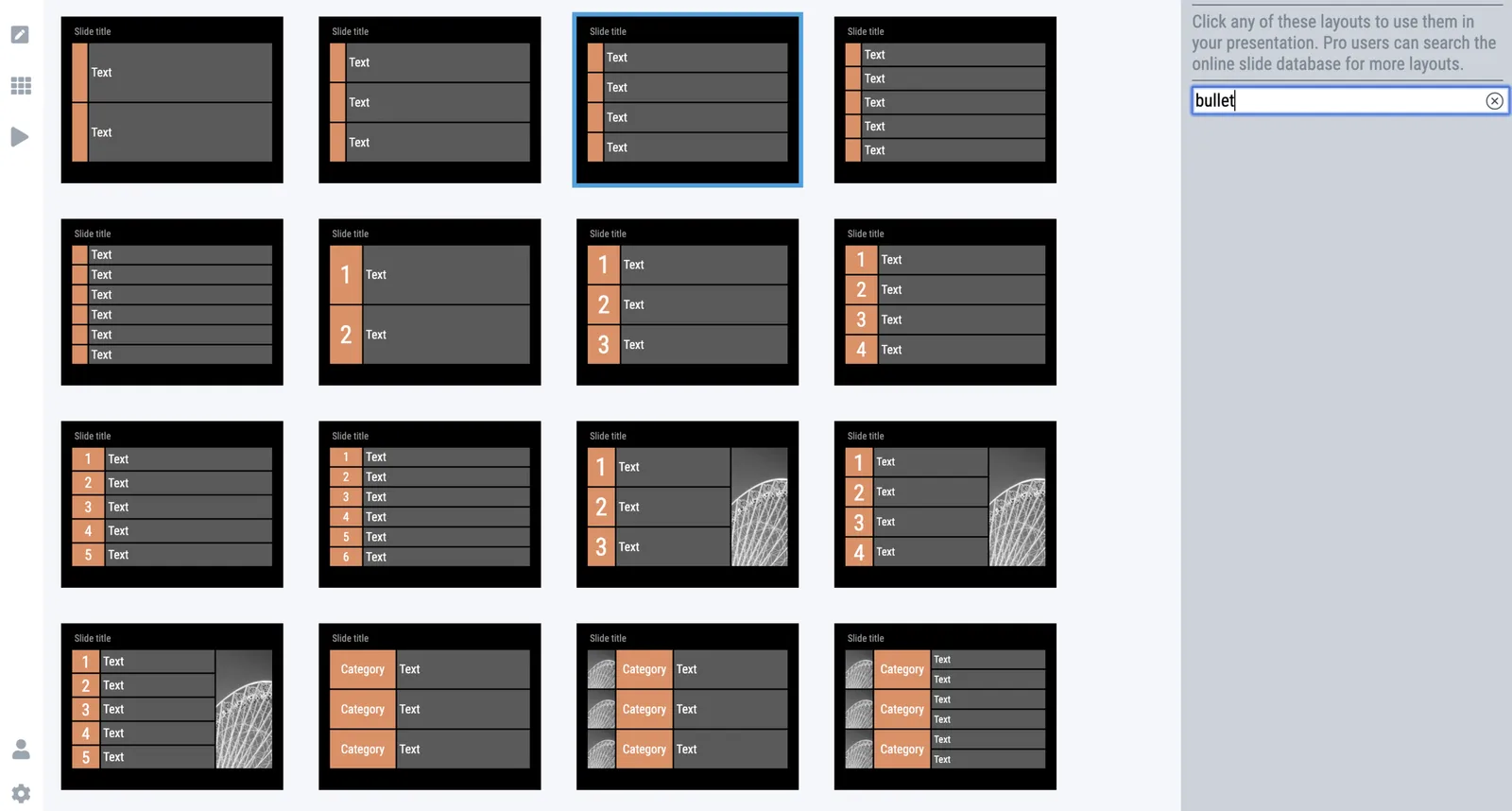
The answer: there aren’t any. I am trying to create a presentation design tool that changes people’s design habits. SlideMagic does not have built-in bullet point formatting options. It is meant to be that buzzer that reminds you to find an alternative design solution the moment you are about to fall back to your old habits.

It is possible to create lists in SlideMagic though. Below a screen shot from a template search in the (still very small) slide library. If you need to make a list as a conscious design decision, you can, if you want to fill a box quickly with a number of bullet points, you can’t.

Maybe I am pushing things too far here, but I am not yet ready to give in.

Photo by Jon Tyson on Unsplash