

Today was another day of template building, I am reaching the point where the SlideMagic app starts to contain more slides than the SlideMagic template store that I host with Shopify.
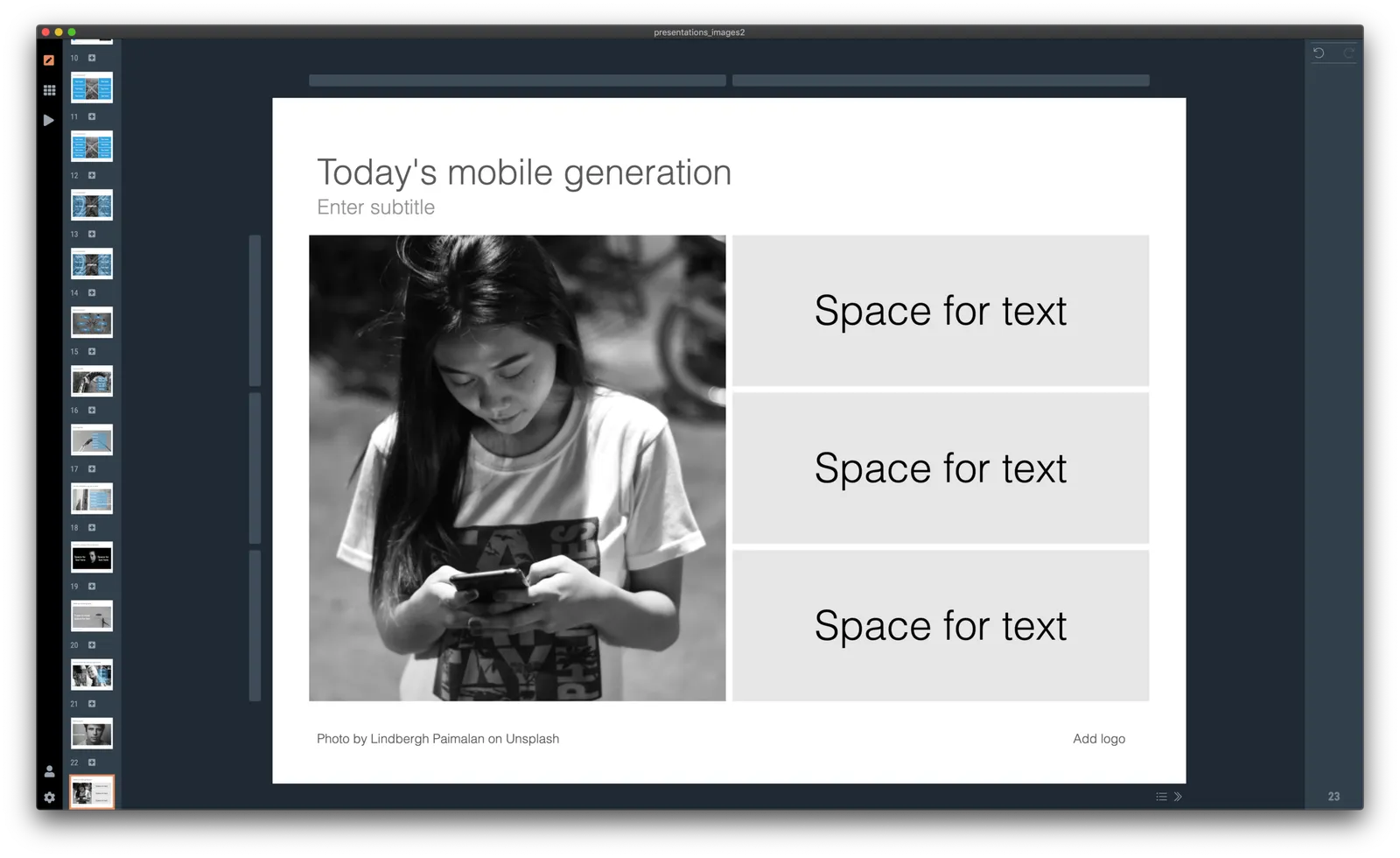
I did some work on finding good portrait shots today. Although now there are many free photo sites around with abundant amount of images of people, it is still tricky to find the right photos to use in your presentation. Here are some of the filters I apply subconsciously as I go through hundreds and hundreds of images at high speed:
- Too much stock photo: you know what I mean
- Clothing mismatch: too fancy dress, very light outfit in a cold environment
- Trying too hard to pose
- Artistic shots of people who look unhappy, depressed, beautiful, but not for a business presentation
- Shots of people who look unnaturally happy
- A background that is too recognisable
- A screen with a message that is too recognisable, grabs too much attention
- Too pretty, cutesy
- Weird posing
- Trying too hard
- Background mismatch (a church, the Sahara) while checking your phone
- An outdated phone (this image was taken 15 years ago)
- Background too busy to add text, other visual elements
- The list goes on
Hopefully SlideMagic will save you the time I spent to find the right images.
P.S. For those who are interested in the cause of yesterday’s mystery bug that made items disappear in the small thumbnails on the left of the screen. Well, flipping an image (which I did on that particular slide) is a time consuming CPU operation, the computer starts it, but then goes on doing other things in parallel, one of which is scrolling the selected slide thumbnail in the visible part of the window (you see it sitting just at the bottom). The scroll stops the other slide rendering operations. And unlike pretty much anything in Javascript, there is no event to catch and manage this. A small 0.1s delay when needed solved the issue for now. That was 1 hour of yesterday’s day :-)
Photo by Baylee Gramling and Photo by Lindbergh Paimalan on Unsplash on Unsplash