SlideMagic Blog

Frequent updates about all things presentations since 2008. Subscribe to never miss a post.

RSS
all posts

Category Design

·Design

How many PowerPoint decks does it take to pitch to a VC?

This post was triggered by another excellent post by Mark Suster (Do you need a PowerPoint deck for a VC meeting? - spoiler: the answer is yes), and a meeting I had today with a client. There is an almost endless amount of different VC pitch settings, each single one requiring a different type of presentation deck (ideally).

Although I have a clear economic interest as a presentation designer to develop the VC pitch presentation of a startup in 10 completely different formats, I won’t recommend that approach here. It is however good to be aware of these formats, and in most cases it is relatively simple to adjust your main pitch desk to the context of a specific meeting.

Here we go:

  • The "page down presentation" gets emailed cold to a VC you do not know very well. Hopefully the attached PPT gets opened without you being there to explain and speed read using the PGDN key (probably not in presentation mode, so don’t rely on animations). Don’t assume that people will bother to read the body of the email (they might after having reached the last page of the deck). Since the reader spends little time on a page, each slide should contain little information (but you can use many slides). The presentation should focus on explaining the basic idea of your startup and the credibility of your team. All other stuff (detailed financials, etc.) can be discussed if you make to the next phase in the VC selection process.

Continue reading →
·Design

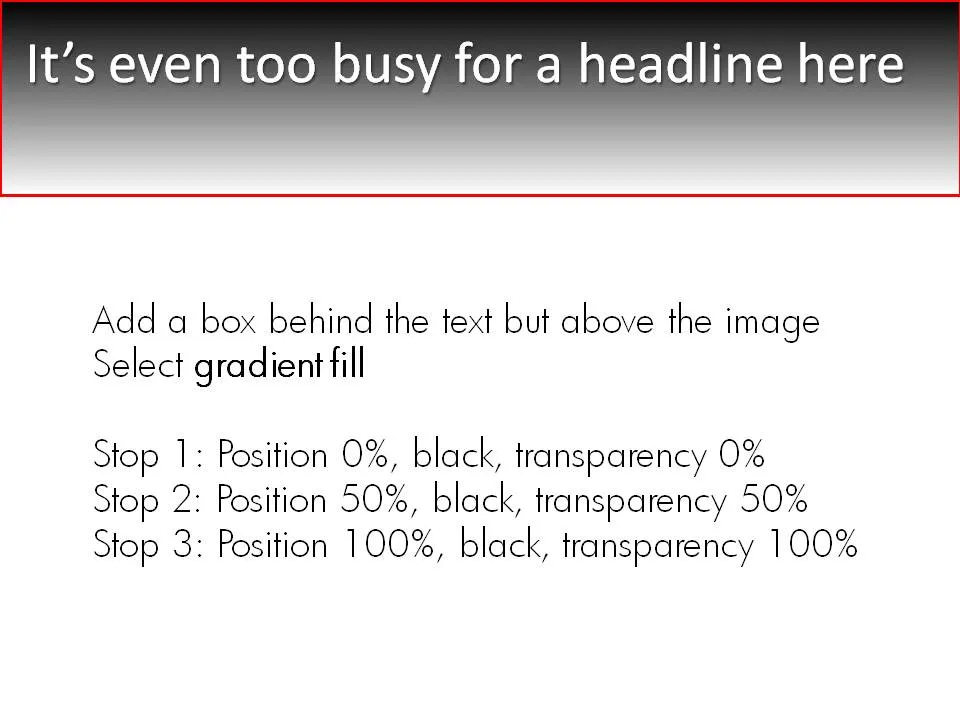
Keeping titles readable over busy images

A simple gradient box behind an image title can make sure it stays readable, even if the background is very busy. Image under a CC license by maistora on Flickr.

·Concepts

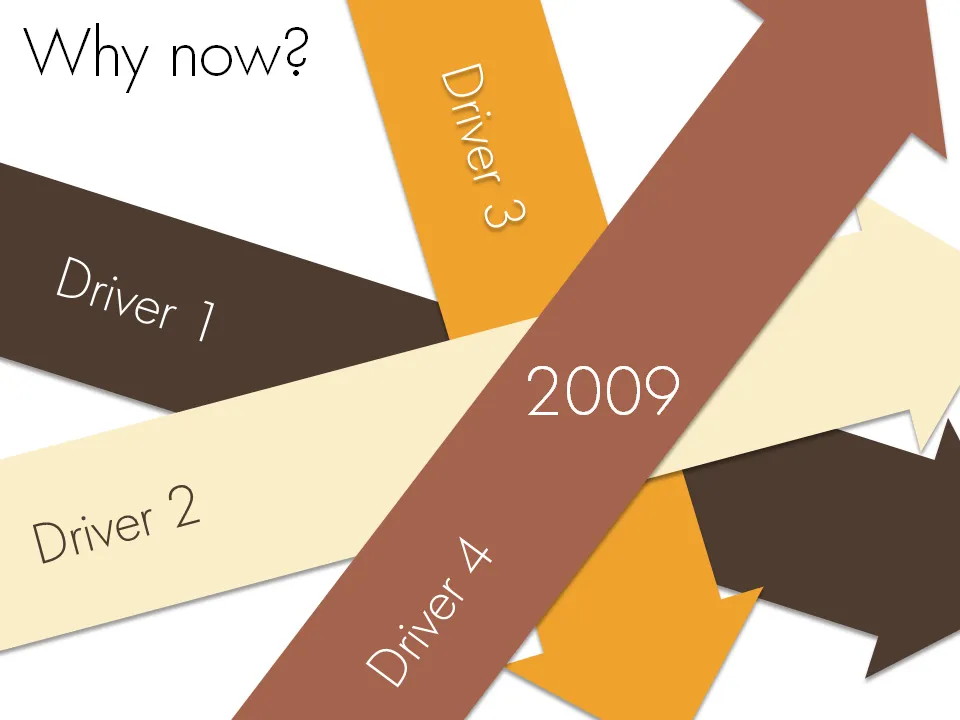
Chart concept - why now?

Sometimes it just comes all together, right now. Everything falls in place. And investors better move fast to benefit from the opportunity before it’s gone. A set of big simple arrows can visualize this.

·Concepts

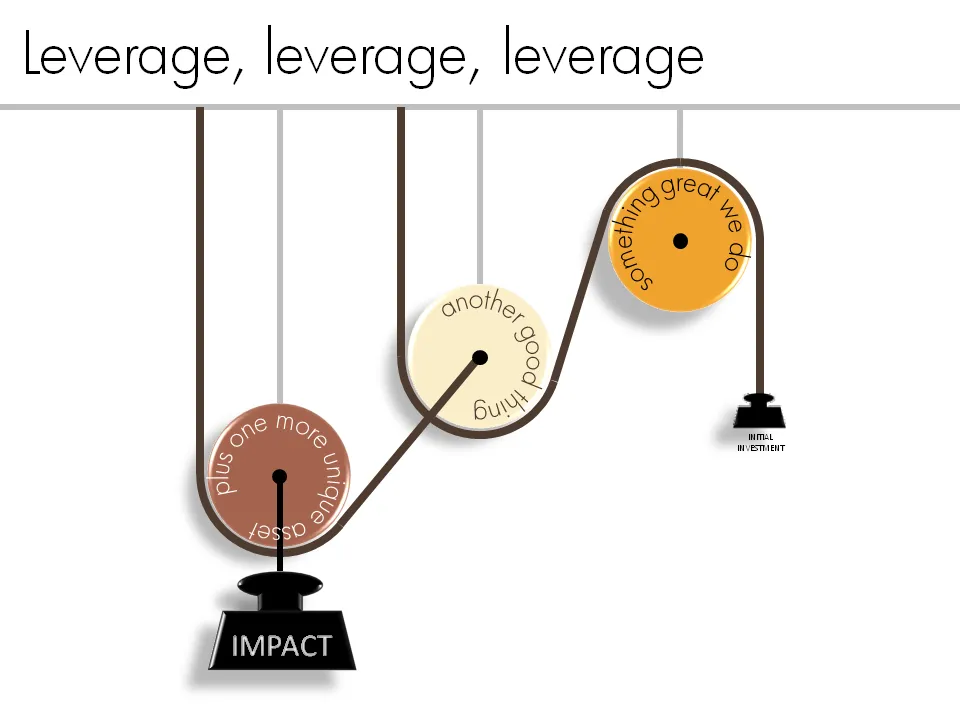
Chart concept - leverage and pulleys

Smart companies leverage money and man power invested in them to do great things. How to visualize this?

One option is to go back to high school physics class and use a good old pulley system.

See a previous post about how to get circular text in PowerPoint.

·Books

Book review - "Influence - the psychology of persuasion"

The book Influence: The Psychology of Persuasion by Robert Cialdini was added to my Squidoo lens with presentation resources (thank you anonymous reader!). I finally managed to read it. The book aims to teach anyone who needs to influence other people (that includes presentation designers like me) to leverage learnings from the field of psychology.

Like most business classics, the real-life case examples are really valuable; the attempts to draw generic conclusions and insights from them somehow make less interesting reading (although they still are valuable). Just a few examples:

  • A jeweller selling all his slow-moving inventory by accidentally doubling its consumer price
  • Charities harassing people in airports by offering them a flower as a gift, and “forcing” them to contribute a few dollars to the cause
  • Cults and mass suicides
  • Normal people willing to give 220V electrical shocks to other people in the name of science
  • How you can make sure that a crowd of bystanders actually helps you when you need them (spoiler: ask a very specific person to do a very specific thing, crowds usually think that help is already on its way)

The six principles discussed in the book (where possible I added lessons specifically for presentation design)

  1. Do a favor, cash in later.
  2. Get people to commit early on. Presentation use: have people write an objective down on a piece of paper as a group exercise, construct an argument in stages, have them buy into something small early on before the big idea comes later
  3. Social proof, we do what we think others do. Watch out in presentations to make cases like “100m Americans have not signed up to donate blood”. It might just backfire.
  4. We say yes to people we like, we like people who are similar to us. Find a connection with your audience early in the presentation, even if it is a very weak one (“my nephew went to high school in Springfield”)
  5. Use authority. Establish your credibility early in the presentation, as specific as possible. OK: “I am a VC with firm x”. Better: “I personally invested $300m in 35 early stage tech deals”. Quote sources for the analysis and data you are using in your presentations
  6. Scarcity, we like things that are hard to get
Continue reading →
·Design

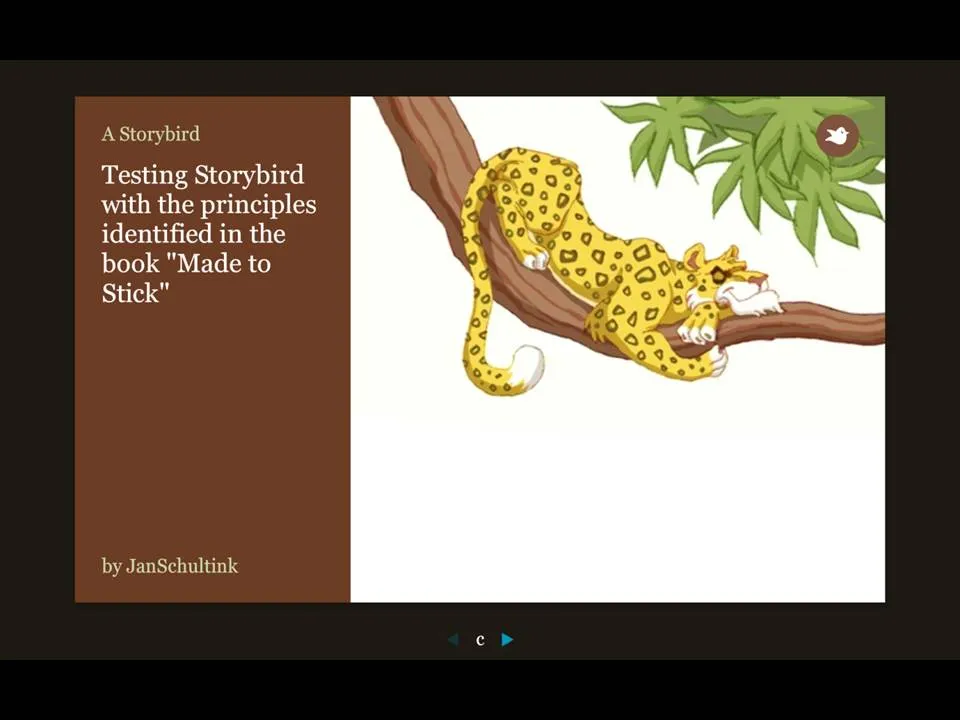
Storybird - collaborative story telling for familes and friends

More and more online presentation tools are popping up. A recent one is Story Bird. You select artwork from an artist and are offered a simple interface to weave images of your choice together into a story.

The service is targeted at family/children and works well. Narrowing down the degrees of freedom (artwork in a consistent style, simple page layout [image + big font text]) makes it easy to create and share professional looking stories. You can invite others to collaborate with you as well.

Maybe the biggest application of this service is in education? There is a business presentation version of this application possible as well. Replace the image bank with non-cheesy useful presentation images (you only need a few hundred to cover most business presentations) and you have an alternative template to the PowerPoint bullet points. “Ayne can make Presentation Zen-style presentations”). Cutting the available slideware tools to the minimum helps focus the presentation design amateur on the story.

My first creation can be found here.

Via Orli

·Design

Playing around with fonts in section separators

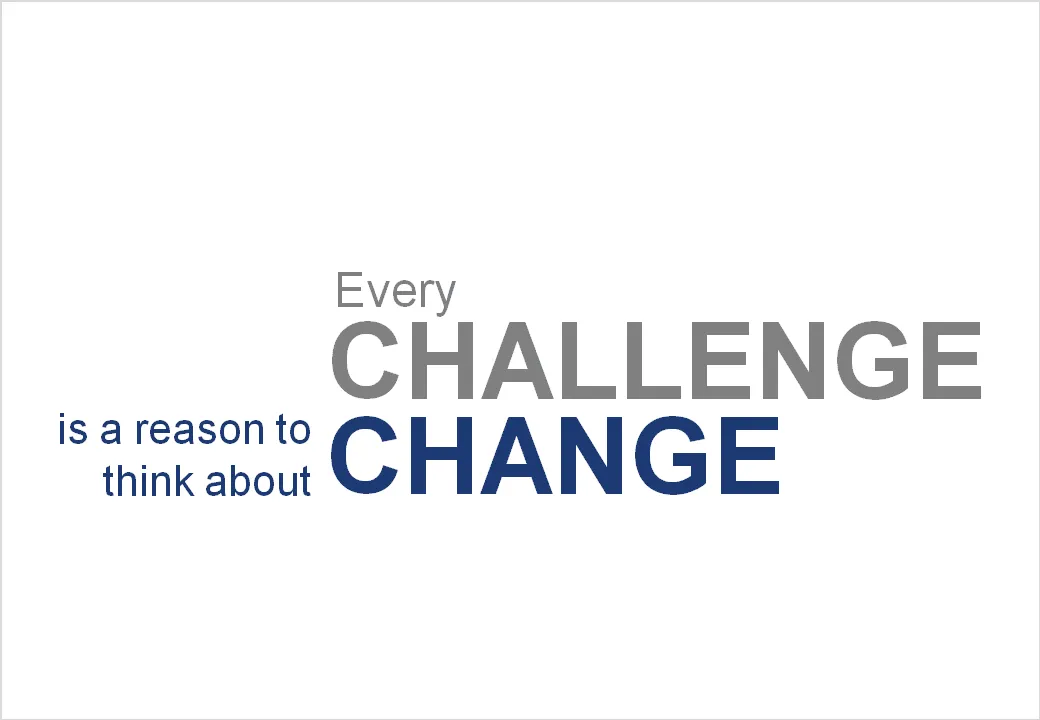
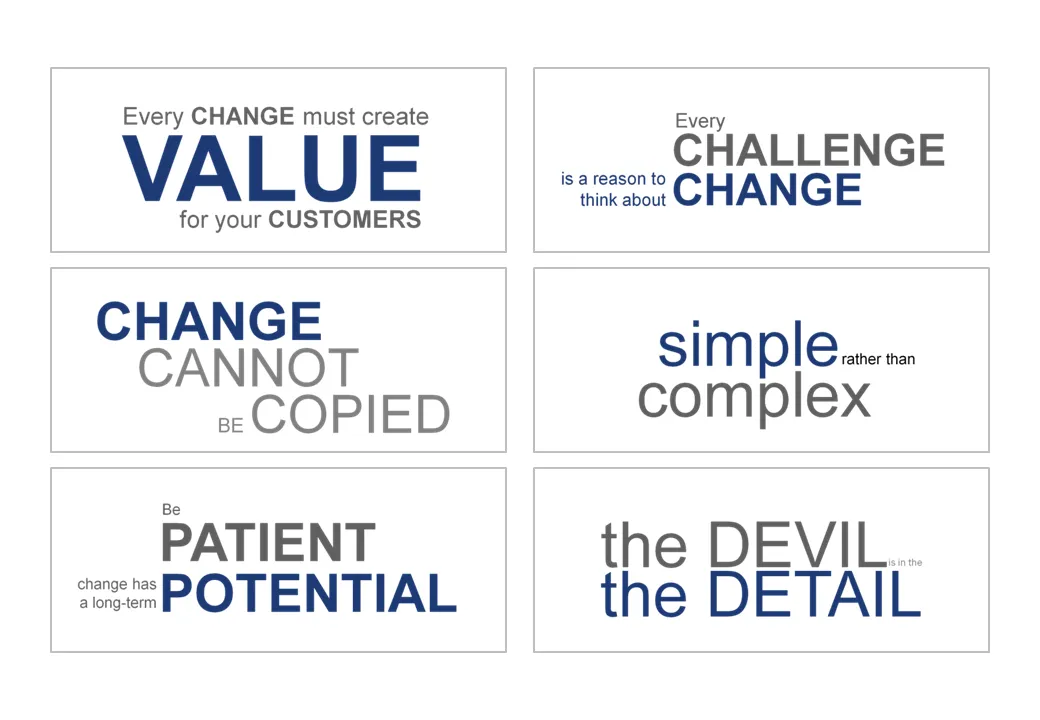
Sometimes a presentation is just a discussion of a series of beliefs or points. Each section of the presentation is devoted to one statement. Big-font section separators are followed with a few more charts adding detail and explanations. Why not play around with fonts a bit on these separators? A summary page could consist of PNG captures of the all the tracker pages in the presentation. In this way, it looks a bit more interesting than six bullet points.

·Advertising

Chart concept: size does not matter, numbers do

This ad uses a concept that can easily be replicated in presentation slides. Find a silhouette of let’s say a shark, and fill it with small gold fish shapes and you’re done.

I used something like this once to show how small individual components of an information security architecture can create a formidable defense against cyber crime if they coordinate their activities well.

A larger image can be found on Ads of the World.

·Design

Intimate 1 on 1's: the PowerPoint/napkin hybrid presentation

Seth Godin nailed the perfect format for a one-on-one presentation in a recent blog post.

  • Full-blown PowerPoint presentations are overkill in an intimate coffee chat
  • Taking an empty note pad and sketching the entire presentation from scratch while you are talking is definitely more intimate, but also high risk. (A bit like the concept used in the book “The back of the napkin
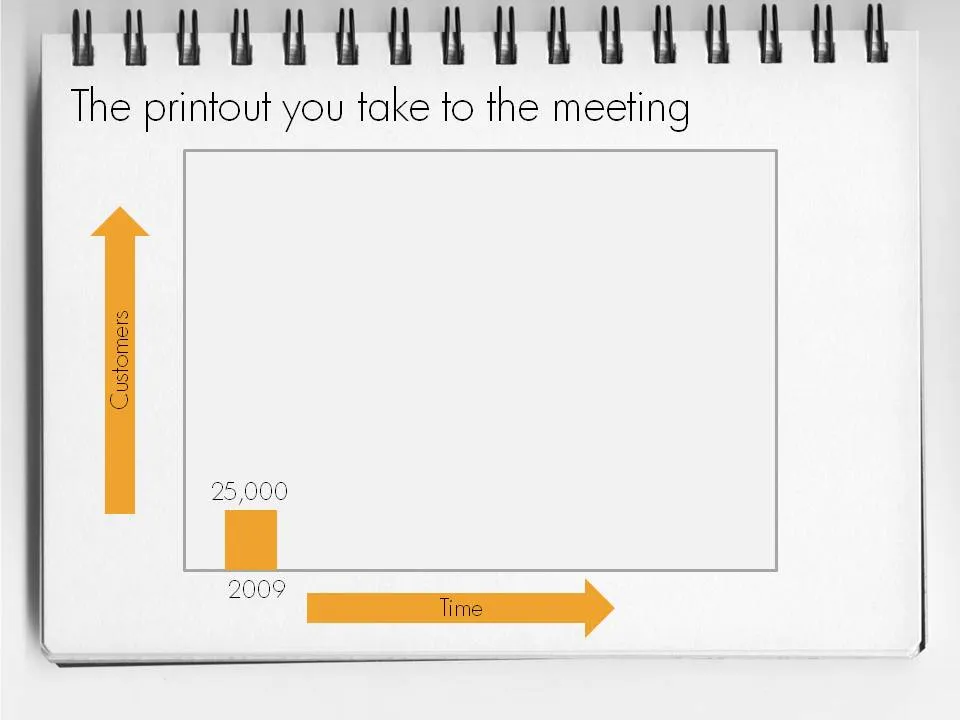
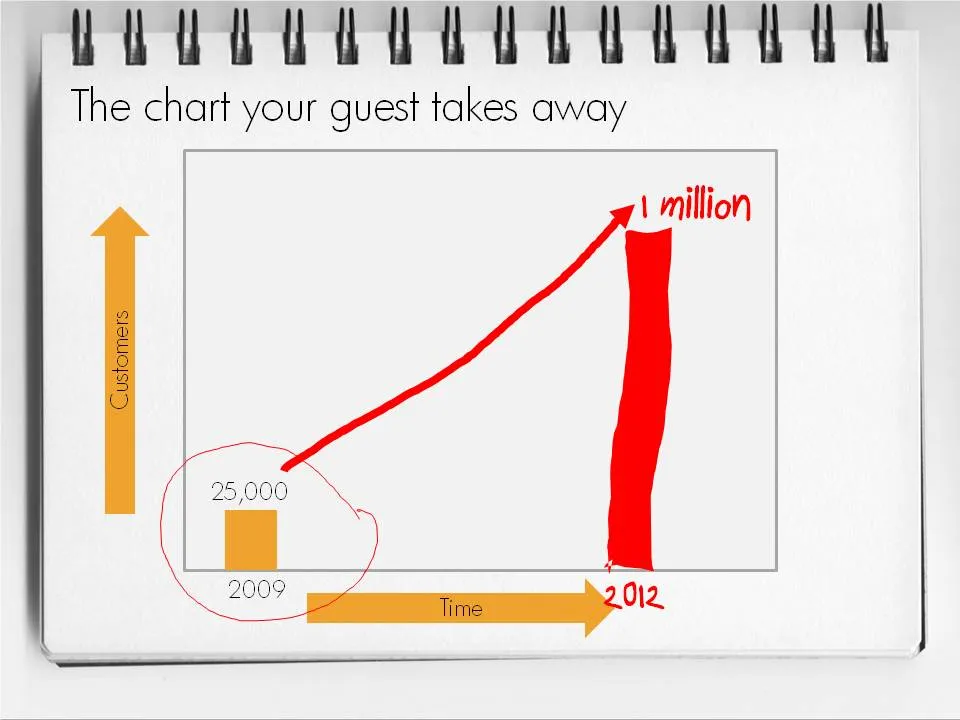
  • Seth’s hybrid of a print out of PowerPoint slides with key numbers, circles, and marks missing is the perfect compromise. Hand-write the key missing pieces during the meeting. Your meeting partner will remember them better, and he can take a nice and personal “coloring book” home.

This type of presentation is ideal for short 15 minute coffee chats with venture capitalists where you try to pitch for a more in-depth meeting.

To make a hybrid napkin presentation, I suggest that you actually design all the slides, including the version with the comments and drawings put on them electronically so that the story flows logically and it is easy to prepare for the meeting. Just before your presentation, you decide which slides to print or not.

·Books

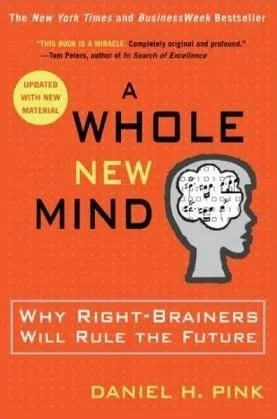
Book review - "A whole new Mind"

Slowly, I am catching up on reading presentation-related classics. This holiday I read through Daniel Pink’s A Whole New Mind.

The subtitle of the book: “why right-brainers will rule the future” is an overly simplistic summary of the main idea. The book’s content is more nuanced. In the “conceptual age” 2 skills are essential:

  • Solving problems in a way that nobody has ever done before
  • Persuading other people, spreading ideas [here is where the link to presentation design comes in]

Why? In current society, supply of goods and ideas is overwhelming. In order to stand out you need to develop a unique edge. The only way to get this edge is through developing “right-brain” skills such as desgn and story telling. “Left-brain” skills such as accounting, diagnosing a patient, applying legal rules are repitive and can increasingly be automated or outsourced to countries with much lower labor cost. A whole new mind is a mind that has a combination of left-brain and right-brain skills.

Some additional thoughts:

  • I think that people will have to learn the boring, repetitive left-brain skills in order to reach the next level of creativity. You need to read and write in order to write a book. You need to understand financial accounting in order to solve a strategy problem. You need to understand how large corporate structures work in order to deliver a presentation that convinces the Board. For example in the field of presentation, I think it is actually the entry of left-brainers into the field that was traditionally dominated by “creatives” that is causing the changes that we see now.
  • There will always be a large number of repetitive left-brain jobs that will not be automated/outsourced, and unfortunately a large group of people that have to do them.
  • It is hard for people to cut themselves free of left-brain corporate environments econcomically. Academia pay is poor. There are only so many spots available at companies such as Google that give their employees free time to work on whatever they want. Not everyone can build up skills that can be marketed in a freelance model profitably.
  • The most successful engineers, accountants, lawyers, surgeons had the combination of left and right brain skills that Daniel is talking about.
Continue reading →