SlideMagic Blog

Frequent updates about all things presentations since 2008. Subscribe to never miss a post.

RSS

200+ template file now in 16:9

The Shopify platform is cumbersome for digital downloads, having to put slides through a shopping cart all the time. I am working on a better solution: integrating the “old” template store into the SlideMagic 2.0 platform.

In the mean time, I now have converted the file with 200+ templates from 4:3 into 16:9 format as well, you can find it here. Subscribers can download it for free.

·Software

"Good with computers"

Being “good with computers” had different implications when it comes to presentation design over the years. From my experience as a management consultant:

  • Pre 1995: professional graphics designers produced your slides, you could simply sketch ideas on a piece of paper. As a junior analyst you marvelled at how senior partners seem to be shaking new frameworks out of their pencil with zero effort
  • 2000: if you demonstrated that you understood PowerPoint, you were instantly designated the entire team’s graphics designer, but only during out of office hours (18:00 to 09:00, and weekends)
  • 2005: Everyone starts to produce their own charts, and being proficient in PowerPoint could actually give you an edge. Including images, even videos, complex data charts.
  • Today: technical proficiency is no longer required, as more and more people understand that the best slides are really simple slides.

Photo by Museums Victoria on Unsplash

Clearer, not prettier

As technology progresses, visual “stuff” is usually the first that gets added, because, well, we can

  • Huge wings on cars in the 1950s
  • Drop shadows and gradients in Windows XP
  • Realistic textures on iPhone screens
  • LED displays and indicators on consumer electronics
  • Animations and effects in PowerPoint
  • Highly sophisticated frameworks dreamed up by management consultants
  • Massive BI management dashboards

But after a while, we start to understand how technology really can make things clearer and more useful, and the initial “because we can” features get eliminated.

The way people communicate in companies is going through a similar transition. Long, formal memos, are replaced by email, informal slack messages with a “Dear Sirs” greeting.

Presentations need to go through a similar transformation. I am working on it.

Photo by NeONBRAND on Unsplash

Template store 2.0

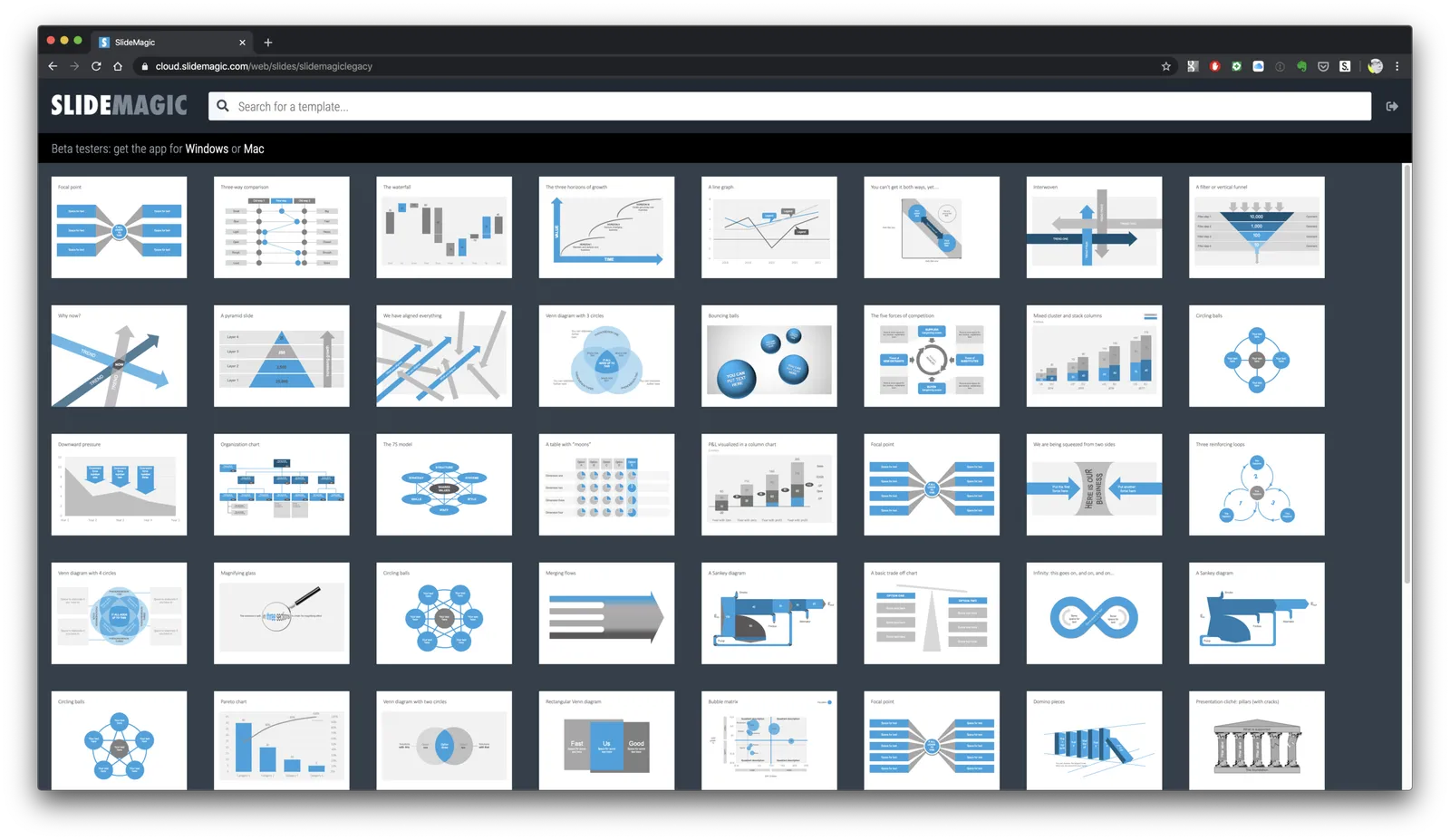
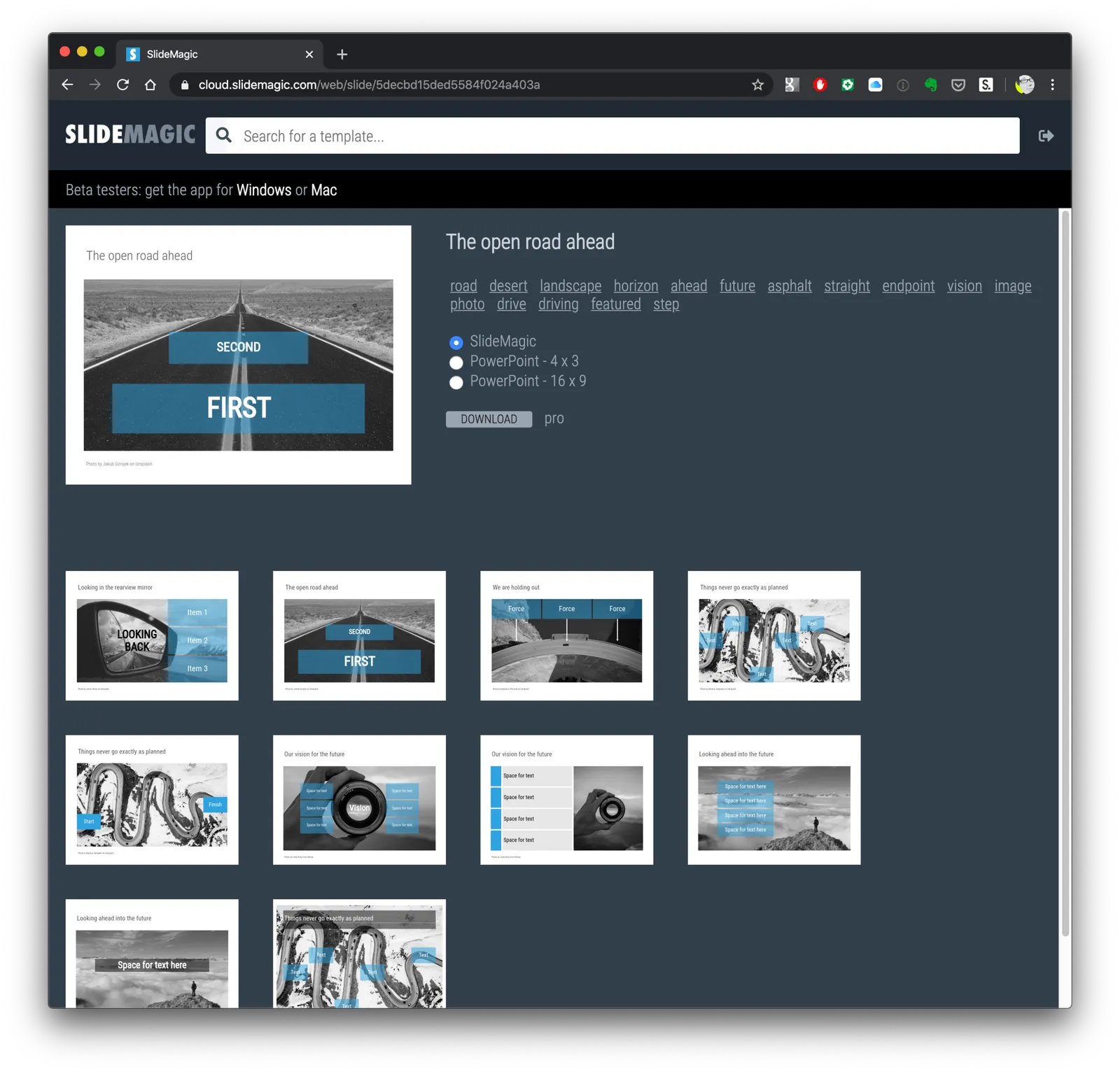
It is slow, it does not have many templates yet, it does not look that pretty, it is optimised for Chrome only at the moment, but it is a major personal achievement: I can create slide templates in the SlideMagic desktop app super fast, bulk upload them, manage their search tags, convert the .magic file to thumb images, store everything in a database, allow people to search, download .magic files, .pptx conversions, and manage pro (beta) and non-pro subscribers.

The objective of this web-based template server is to give potential SlideMagic users a taste of what is possible with the app, and serve people who are not willing to use a non-PowerPont user interface to manipulate charts (their loss :-)).

This effort was not a strategic grand plan: I needed a good search engine for myself to optimize tags of slides in the database quickly, and saw that it was very easy to expose that functionality to all SlideMagic users.

Check it out: https://cloud.slidemagic.com, and let me know of any bugs, or major glitches. I am keeping the number of beta testers ver low, since there are obvious bugs that I still need to iron out.

In the near future, I hope to roll the current template store that is hosted on Shopify into my own platform, bug that requires completing the payment platform and upping things to production-grade technology that is expected by paying customers.

The next technology challenge will be go back into the world of databases (which I left behind in 1992), and see how we can make searching of templates smarter (and faster).

Continue reading →

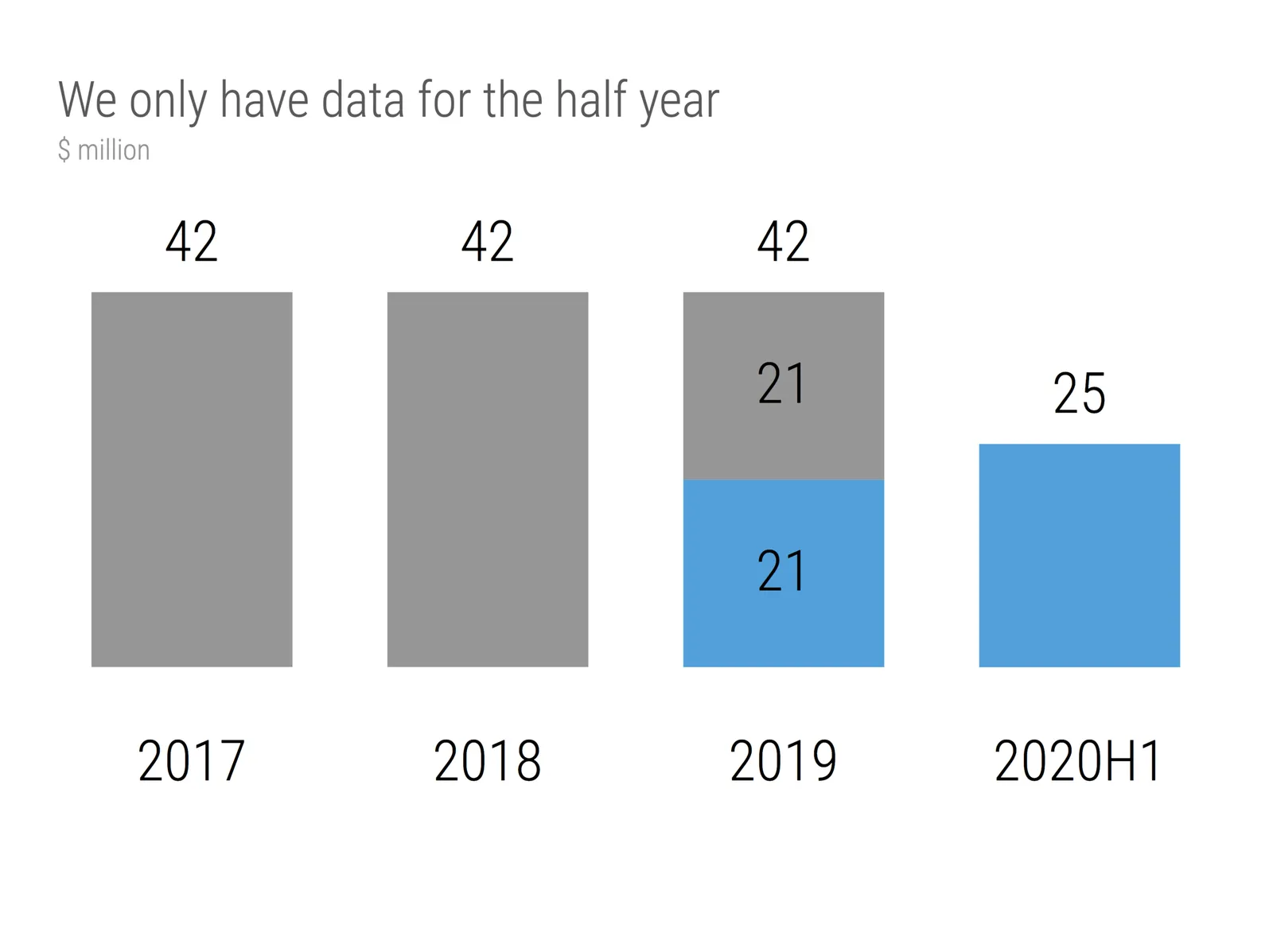
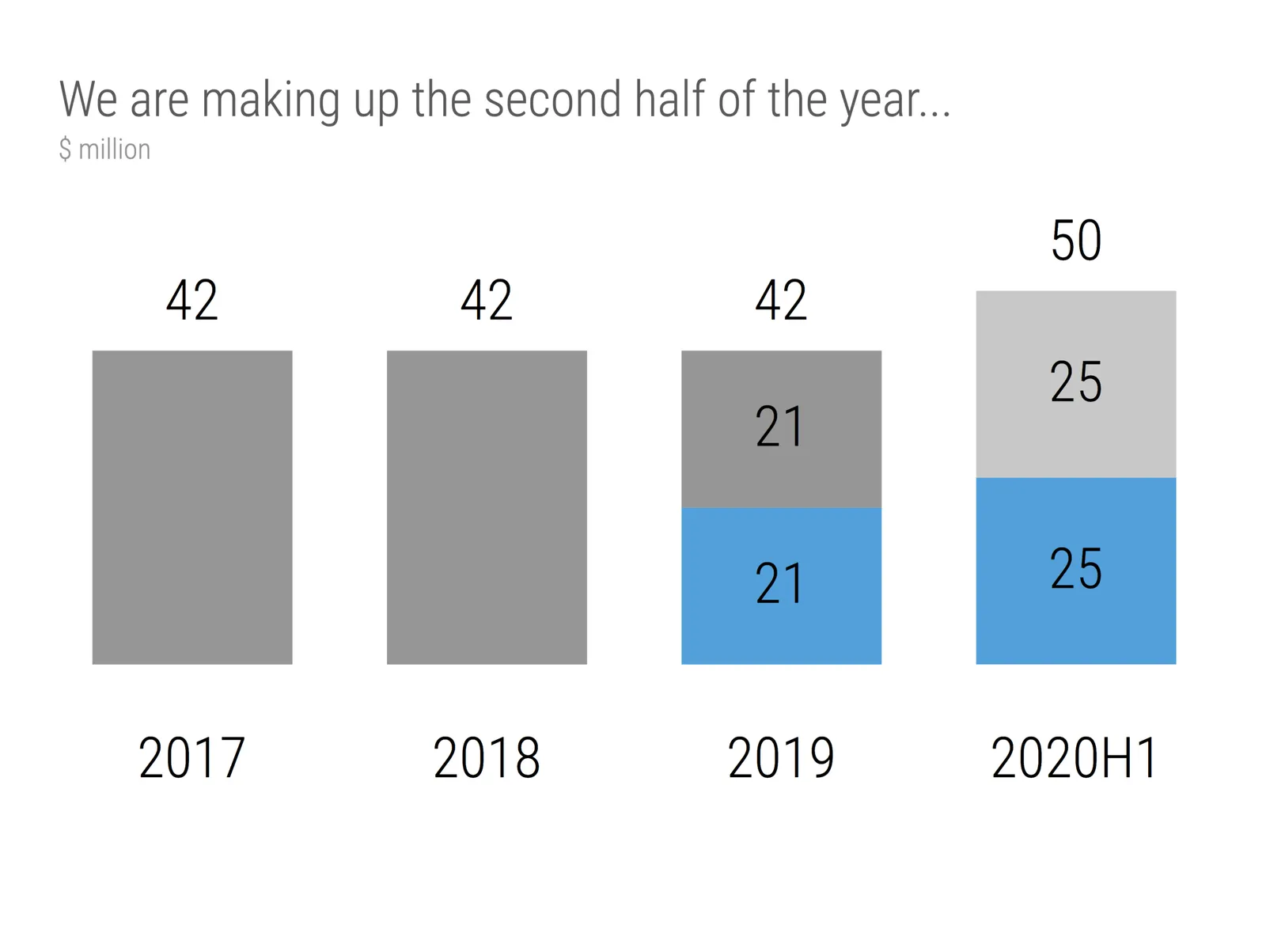
We only have the first half of the year

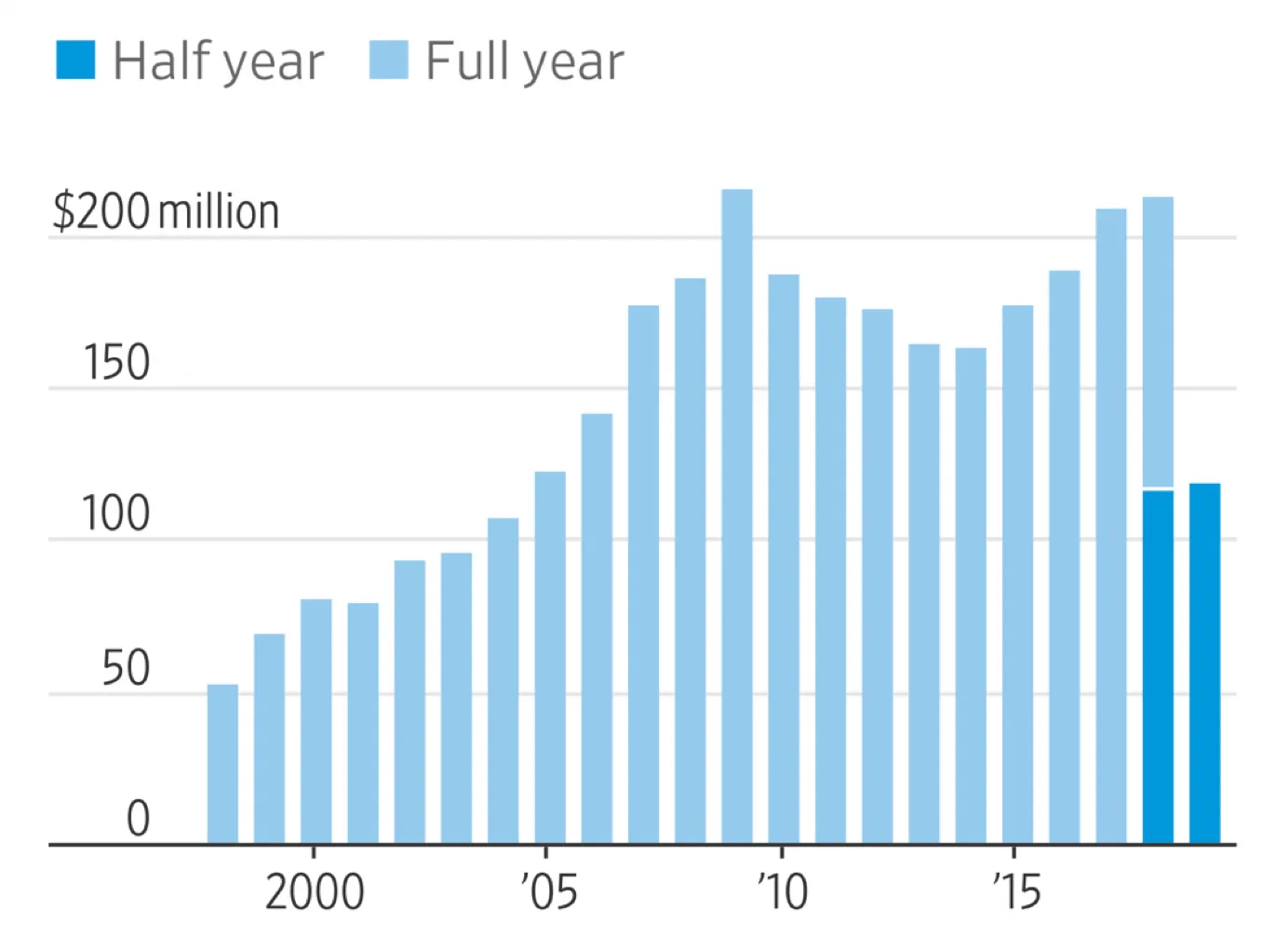
This chart that was published in the WSJ shows a good way to highlight financial data when you only have the first half of the current year available. You create a stack chart that only appears for this, and last year. For this year, you only show H1 data in the matching color.

I have add a template to the SlideMagic 2.0 database with a setup for this type of chart. It is extremely easy to add more years to the data history.

Some of my bespoke design clients were very eager to push things further, why not add an extrapolation for the H2 data, assuming similar growth? Well you can, but you should realize that your chart just became a totally different one: it no longer reports what happened, instead you are putting your name on the line for delivering the H2 numbers.

Photo by Mark Boss on Unsplash

Presentation designers: specialise

Being an introvert, I do not particularly like or benefit from visiting industry conferences. A few months ago, I made an exception and visited one about software (the new industry I am joining). One of the insights was in sales and marketing: young enterprise software companies benefit hugely from focusing on just one industry sector in the beginning. Not because their software is specific to their industry, but:

  • Focusing on 1 industry allows you to get to know that sector really well from a sales perspective, you speak their language, understand their needs. Big companies with big sales departments can afford to do this for every industry sector, a tiny company, with a tiny sales department (probably just you) can do it as well (maybe better) for just one sector.
  • Referrals is the strongest lead generator, and, if you are working in a specific industry, people are likely to recommend you. Referrals go between similar companies (biscuit manufacturer to soft drinks bottler), or up and down the chain (advertising agencies, food retailers).
  • Design styles, the technical side of presentation design work, is likely to be similar as well in a specific industry sector. TED Talk big picture slides won’t get you very far in a private placement memorandum pitch to institutional asset managers for example. If your background is in art & design, the first one is you, if you are an engineer-turned management consultant, the second one will feel more comfortable.

For freelance presentation designers something similar works. Startup pitches are similar, and very different from let’s say a big corporate sales pitch, or a quarterly investor presentation. Within startup pitches, there are similarities between segments (for example biotech companies).

Continue reading →

Breaking changes on the template server

I have kept the beta tester group of SlideMagic 2.0 very small exactly for this reason: I am moving things around on the template server that will break access of older beta versions that are around. Sorry for this, a new version will become available soon.

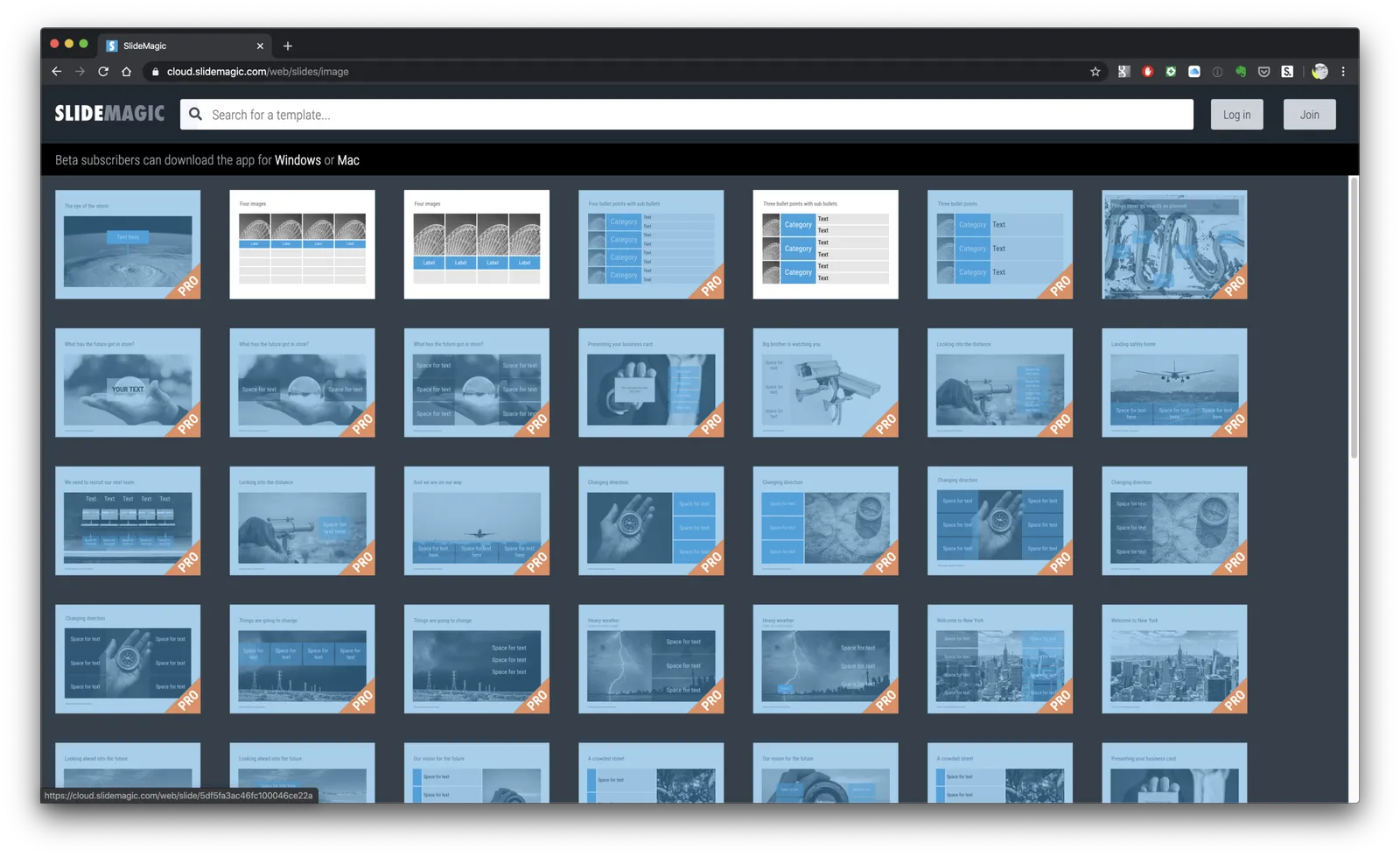
The changes are needed to maintain a good search performance as the size of the template database grows and involves a lot more image-heavy slides. Also, I am working on the marketing site that will allow searching of templates for non-subscribers without the ability to download them, to get a preview of what is cooking in the kitchen.

A side-effect of this is that I will offer subscribers a web-based download option, useful for those who are not interested in using the new SlideMagic edit app (even if they should), but want the layout straight in PowerPoint format. The server is now able to turn .magic files directly into PowerPoint slides.

A happy 2020 to all of you!

Photo by freestocks.org on Unsplash

2020

Thinking of 2020, I am working hard to make it the year that I get SlideMagic right. I think presentation software is one of the hardest user interfaces to innovate, given the big existing installed base (user interface, file format), and software offered by players with deep pockets that is from a technical point of view very good and pretty much offered for free.

My objective for 2020 is not the number of users, profits, revenues. I think this is where many VC-funded presentation startups have gone wrong, not taking enough time to get the product right and pushing for growth.

Instead, I want a handful of users that start using the product to keep using it. The early signs are very encouraging, but these are friendly people that tolerate the incidental bug, which obviously will not fly with a broader market. Ironing out bugs is one challenge, but the big lever I have is the template database, including the type of slides it offers, but more importantly, how it helps you search. Now that I got the slide editor pretty much done, I can devote most of my attention to this in the next year.

I am wishing all readers a fantastic holiday and the best 2020 possible.

Photo by Chris Moore on Unsplash

·Creativity

(Finally) free to really think

For the first time in months, I am spending more time designing slides than writing code as I am building up the template database. It is a great feeling to see all that hard work paying of now as I add one slide after another to the database at a very high speed.

This also puts me in a position to start thinking really what SlideMagic (maybe 3.0?) could do, now that I have a basic platform in place that can store/search templates, all listening to a uniform design layout. What if there are eventually thousands, and thousands of slides, keywords, concepts? Things can get interesting!

Yes, there is still the challenge of turning 2.0 into a proper company…

To be continued.

V25

I just released version 2.1.25 of SlideMagic with more bug fixes and performance improvements:

  • Better integration of copy-paste and other clipboard function with Mac OSX and Windows, enabling you to copy paste things between SlideMagic and other applications
  • Fixed the mystery bug that stopped slide rendering when you flip an image
  • Fixed an issue where crop rectangles would be reset after compressing an image
  • Fixed an issue that could corrupt .magic files upon exiting the application (thank you, one of my frequent blog readers)

On the server, the browser now tells you that your password reset link has expired, rather than producing a generic message that something is not quite right.

I am starting to feel happy with the application as I am using it now myself really intensively to build the template database, but I am keeping the number of beta users small at the moment, just to make sure. One important decision that I need to make before expanding the user base, is the freezing of the file format, I am still pondering making potentially breaking changes here.

The update should install automatically in the background if you leave your existing SlideMagic app open in the background. Beta version from a few months ago have now expired as we move into 2020, please contact me if you have an issue re-starting the app.

Photo by Jeff Cooper on Unsplash