SlideMagic Blog

Frequent updates about all things presentations since 2008. Subscribe to never miss a post.

RSS
all posts

Search results for “windows”

·Typography

Being too bold

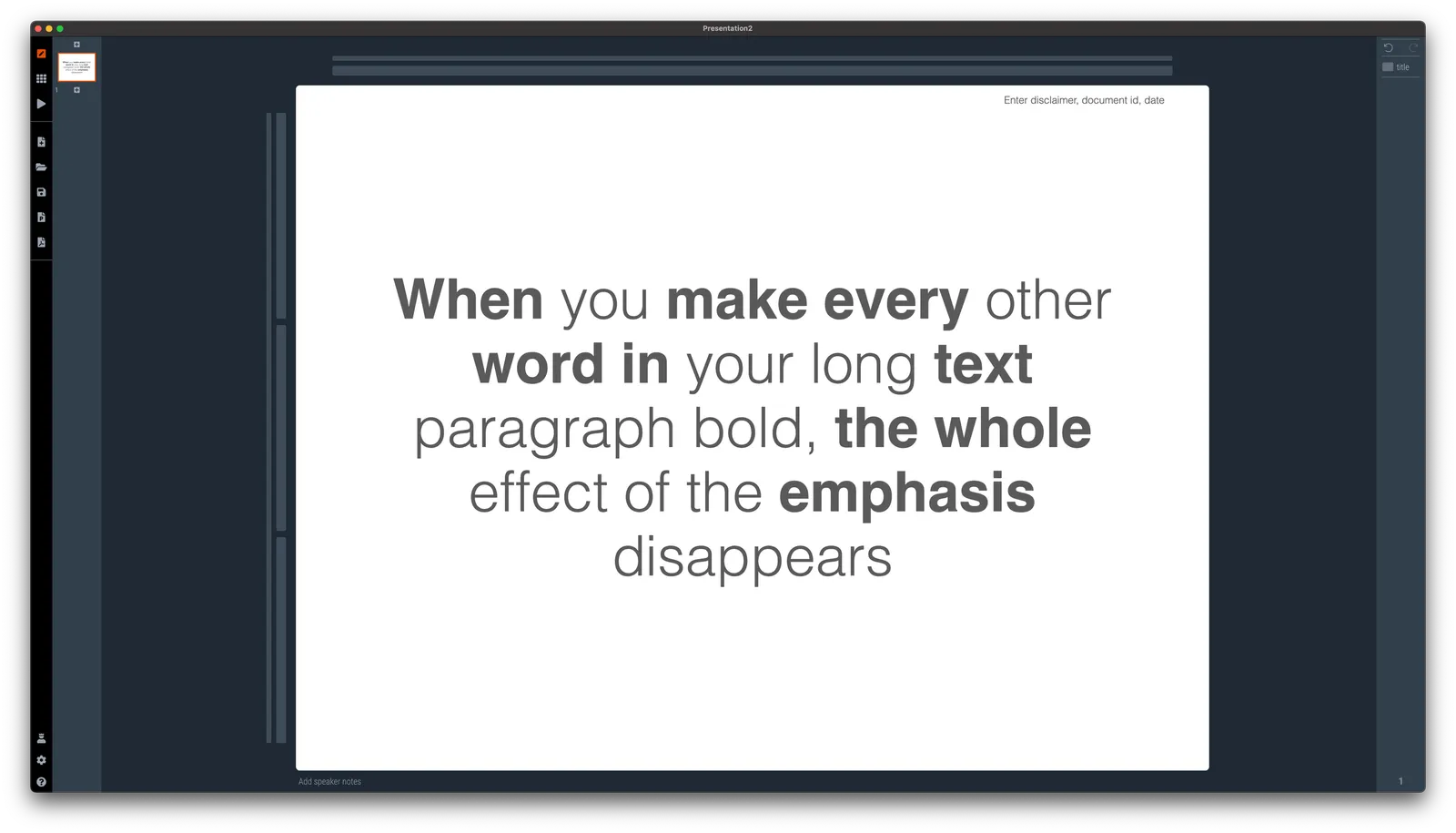
Smart use of bold text can help make a slide clearer. Overdoing it takes out the whole effect.

Why do people fall for this? If you start at your own chart for hours, rereading it, changing the line breaks, bolding and un-bolding text, you become convinced that the text is super clear. It is, for someone who has studied it for a long time. Not for someone who looks up from her phone and sees it for the first time.

P.S. Use ctrl-B (Windows) or cmd-B on selected text in SlideMagic to make things bold.

·SlideMagic

Print bug fixed

For users who print their decks on physical paper, I patched a bug that was caused by the underlying software platform ‘Electron’. Everything should work now. Windows users might get a message that the developer SlideMagic is ‘unknown’. You can safely ignore that, I am working on getting rid of this warning. At your service.

·Software

Vintage presentation software

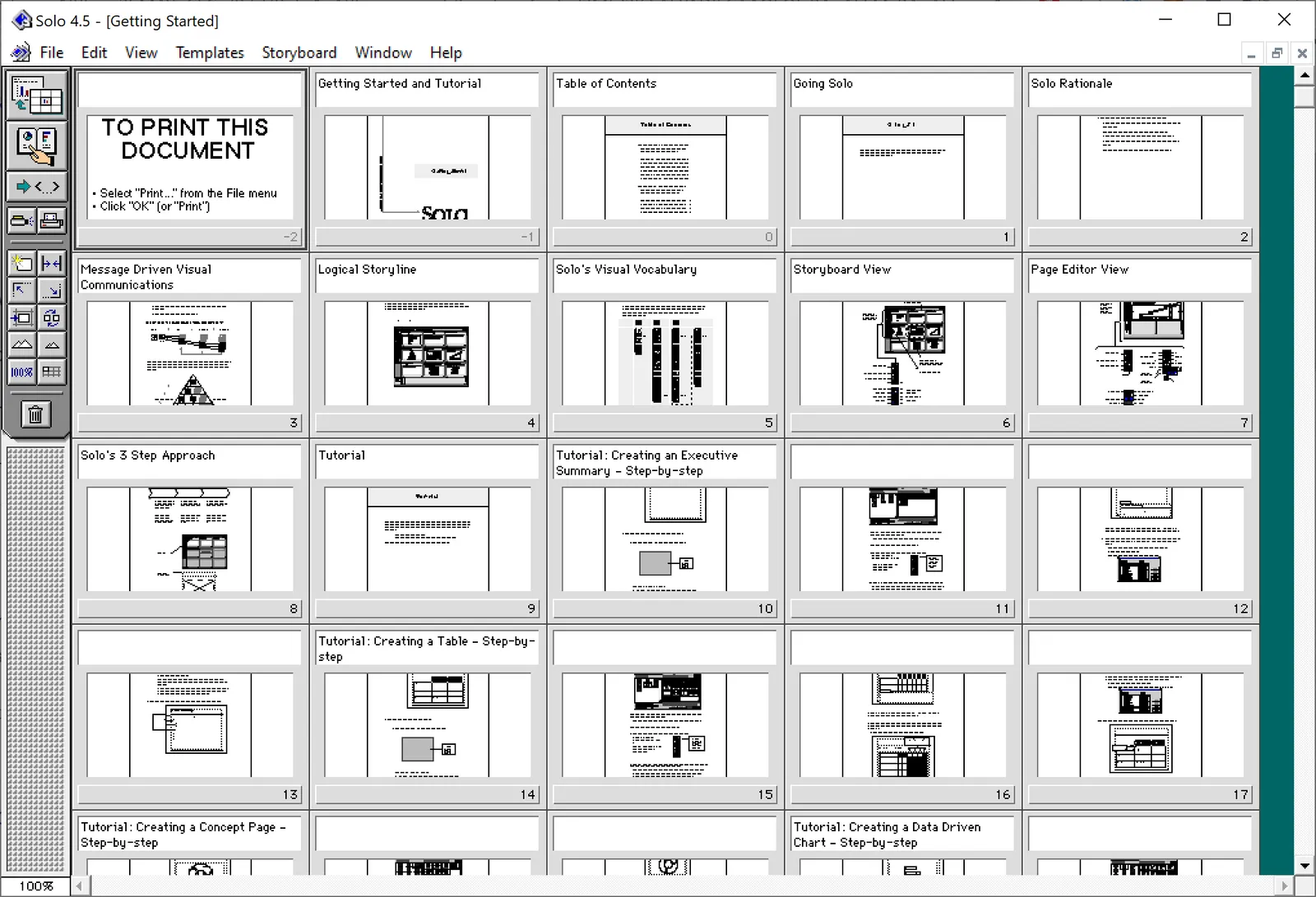
At McKinsey in the 1990s, we used ‘Solo’ presentation software to make slides. It was far ahead of its time (before PowerPoint became the standard). It had a very advanced template engine that enabled you to recreate charts in the McKinsey style. The software required some skill, and charts were usually created by professional graphics designers who took hand-drawn charts as an input. Back then, Solo would run on Macs only. Which was the reason that McKinsey issued Macbooks to their staff at the end of the 1990s, so that consultants could edit (and create) their own slides if they had to.

Ultimately PowerPoint was the end of Solo. Not because of its capabilities, but because McKinsey’s clients would have this installed on their machines, and these clients wanted to edit slides themselves. And with the advent of PowerPoint, the slide format became less consistent in McKinsey. (Both the result of a less sophisticated template library, and the reduced influence of professional graphics designers to create the slides).

I checked this morning, and Solo is still around, here is the web site: https://www.axoninc.com/. Support has ended in 2020 though. I tried installing the demo on Mac, but failed. The PowerPC engine no longer works. It does work on Windows 10 though, but I had to click a button 587 times because the license of the trial version expired 587 days ago (on 7 February 2022). Those clicks were rewarded with some good memories though, I have added some screen shots.

Continue reading →
·Story

Corporate vs consumer audience

Here is a fragment from the introduction of the upcoming Windows 11 operating system by Microsoft’s CEO Satya Nadella.

I think I sort of get what he trying to say, but it is not obvious. This looks like a derivative of the many internal Microsoft discussions that must have taken place how to position Windows against Mac OSX, iOS, and Android, but now with these names taken out. It makes sense for Microsoft employees that were part of these discussions, to a consumer, a bit less so.

He also builds up to a major message in the beginning that ends in making the “consumer agency” point. For most foreign English speakers, “agency” is usually a group of people that work in advertising (or even presentation design). The other meaning is not very well known and it is risky to make this the headline of your whole pitch.

·Typography

PowerPoint conversions back to Arial

I changed the font that SlideMagic uses for PowerPoint conversions from Calibri to Arial as of version 2.6.22.

The thought behind Calibri was that when converting slides to PowerPoint, I wanted to stick as close as possible to the box-standard Microsoft format as possible, and Calibri is the standard font for Microsoft Office applications. SlideMagic users “complained” that the PowerPoint conversions did not look very similar to the beautiful originals. So I made the change.

Helvetica (especially thin variants) looks more elegant but gives compatibility issues on Windows machines. Hence Arial it is….

Obviously when you convert your SlideMagic .magic files to PDF, you get the exact same look & feel as in the SlideMagic app. This is the workflow we should aim for. SlideMagic .magic files are the source code of your documents, PDF is how you share the result with external audiences.

Photo by Natalia Y on Unsplash

·SlideMagic

Making SlideMagic more Zoom-friendly

Up until now, playing a SlideMagic presentation would trigger a full screen view of your slide, plus second full screen window on the presenter machine (if available). Switching back and forth to full screen, swapping monitors can be a bit disorienting, and in the area of Zoom, it does not work well when you want to share your audience window, but not your presenter view.

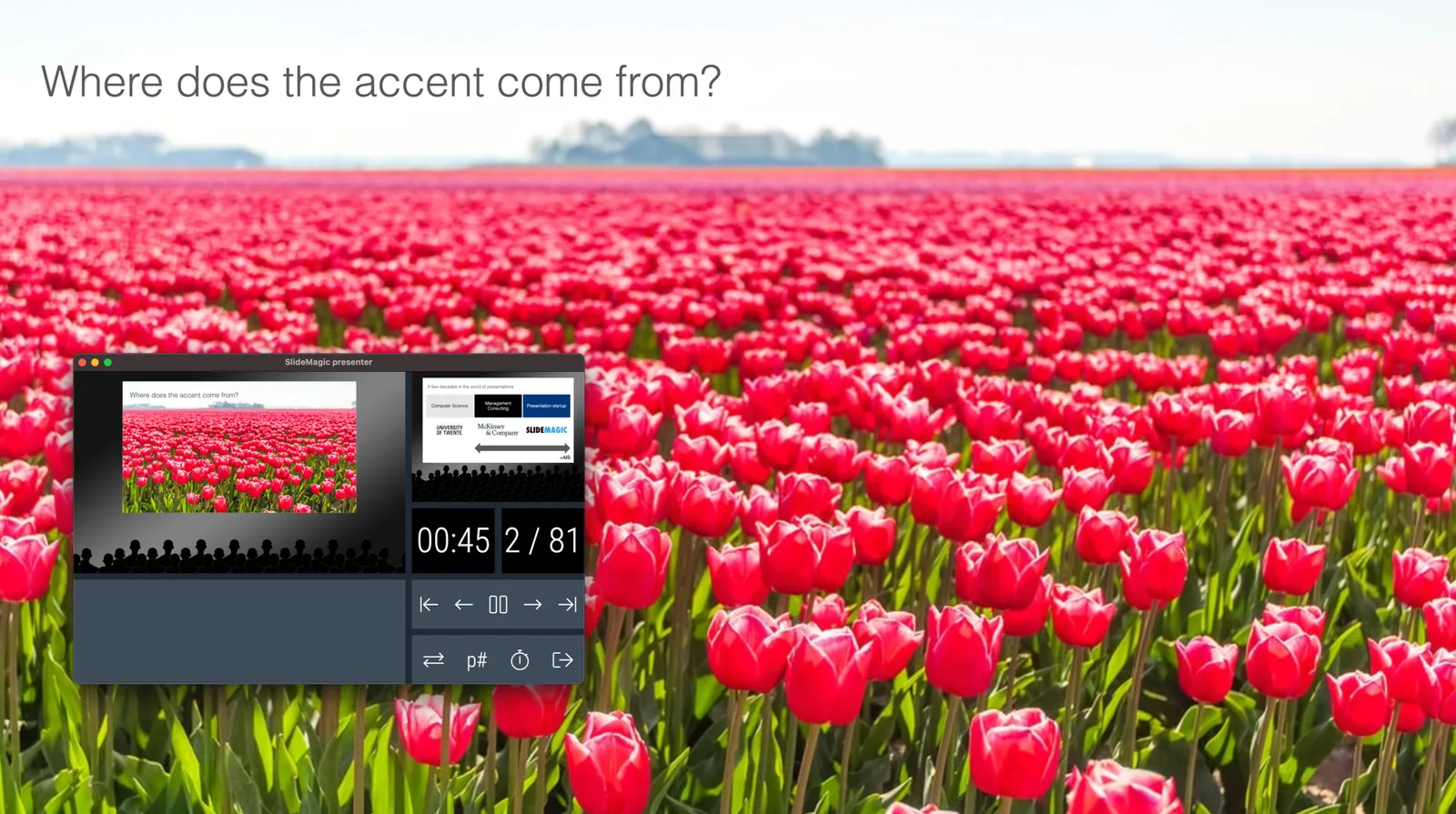
As of version 2.6.3, entering a presentation will now always trigger 2 windows (not in full screen): the slide and a smaller presenter view with timer, counter, and a thumb of the next slide coming up. You can re-rearrange them to monitors as you see fit, and go to full screen manually if needed.

This also ‘solves’ the issue of deciding which screen is the audience screen, and which one the presenter’s when many on screen projectors (not replaced very frequently) have lower screen resolutions than most computers.

·SlideMagic

A dedicated browser

Many people are surprised that SlideMagic is a desktop app. “Hey, it is 2020, not 1995?” Well, the SlideMagic desktop app is a bit different than the things you would run on your machine in 1995. It updates frequently (sometimes daily), and constantly is in touch with the slide data base server. I would actually call it a “dedicated browser”: a front end for the SlideMagic server with features such as dropdown menus and drag/drop between multiple windows that you cannot find in a regular browser.

People agree that on phones and tables, a dedicated app gives a better experience than a web page. The same is (still) true on a desktop.

Photo by Ilse Orsel on Unsplash

Where did it save my file?

Producers of productivity software are changing the user interfaces of their software:

  • To make things work with (their own preferred) cloud storage service instead of the computer file system
  • To copy user friendly concepts from the world of consumer software to enterprise users. (What if Instagram would have used drop down menus?)
  • To make it even better because they can (“duplicate” is so much clearer than “save as”)

On an app-by-app basis this might be a good decision. The new user interface is definitely better than the one that originated in the 1990s on one of the first releases of Windows.

But there is a problem for the enterprise user: all applications start to look different. Wonder what would happen if car manufacturers start switching around the pedals and other basic inputs of vehicles…

Also, the use settings of a consumer and enterprise application are different. Fixing the numbers or details in an annual report or contract is different from posting your latest story.

SlideMagic has a radically different user interface when it comes to designing slides, but the basic file management controls are pretty traditional.

Photo by Marten Newhall on Unsplash

Rounded edges

In the latest version of SlideMagic, all boxes now have slightly rounded edges. You actually need to look carefully to see it, but the impact on the overall slide layout is dramatic, things look more friendly.

Apple is a big believer in round edges in its designs. It claims that sharp edges do not appear in nature and are not natural shapes. (Well there are crystals). But I think Apple is overdoing it. The camera unit on the back of an iPhone for example has too large of a corner radius, and in many of the app screen designs the corner radius of the window, hardware, and icons clash.

In PowerPoint and Keynote the default setting for a corner radius is also too big, and there is no way to adjust them precisely to the same value (you can only drag with a mouse).

The edges in the SlideMagic PowerPoint conversions stay sharp for the moment, I can programmatically tweak regular shapes in PowerPoint (so no more mouse dragging), however for images I still have an issue.

The latest version of SlideMagic is 2.4.45 and you can download it here for free (Windows and Mac).

Photo by Eddy on Unsplash

·Hardware

Old computers...

My main work machine is in repair, which in Israel, means you lose it for at least a week. So I am back to working on old computers: a 2015 iMac, and a 2016 MacBook. And I must say: things are mostly fine on machines that I abandoned more than a year ago.

The 27” screen of the 2015 iMac somehow feels more comfortable than the LG 5K display that I use with my top of the line MacBook Pro. Processing speed for the work I do (writing code and designing slides) is totally fine. Even on the 2016 MacBook (with minimum spec even for 2016), things are fine. And that light weight is actually a real bonus versus the hot, heavy 15” MacBook Pro. It makes me think of future setups: desktop for the bulk of the work, and an “emergency” lower-spec laptop to enable working outside the office if needed.

The only issue I have is running a Windows machine via bootcamp to build the Windows version of SlideMagic. That software is noticeably slower.

If you are not a gamer, or a movie editor at Pixar, computers probably last a lot longer than you think. Come to think of it, most machine replacements were probably due to hard drive crashes. Now with solid state drives, that might happen for less frequently.

Another upside, I now get to test the SlideMagic app thoroughly on smaller screens and lower-spec graphics cards…

Photo by Nicholas Santoianni on Unsplash