SlideMagic Blog

Frequent updates about all things presentations since 2008. Subscribe to never miss a post.

RSS
all posts

Category SlideMagic

·SlideMagic

Waterfall charts in SlideMagic!

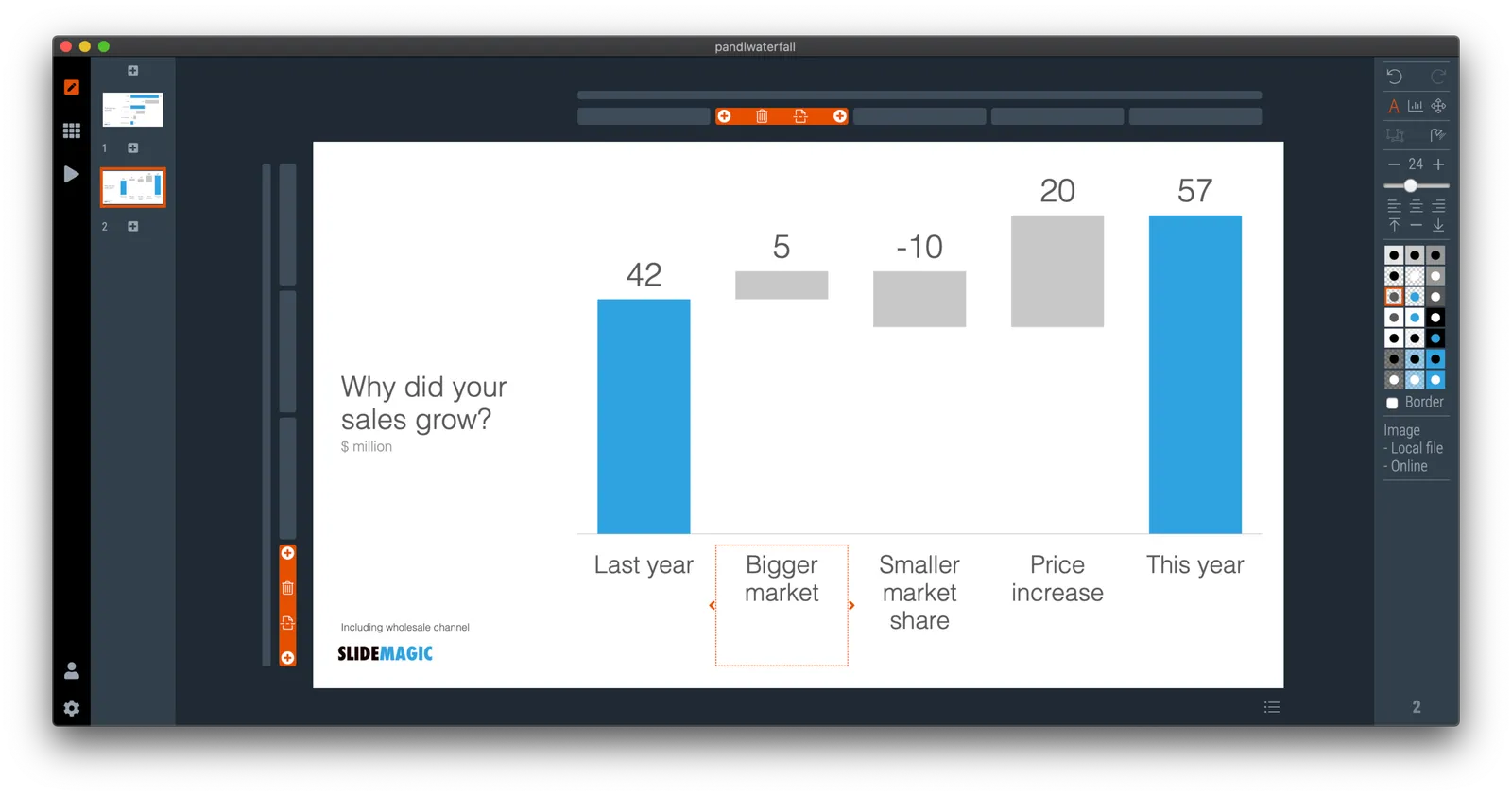
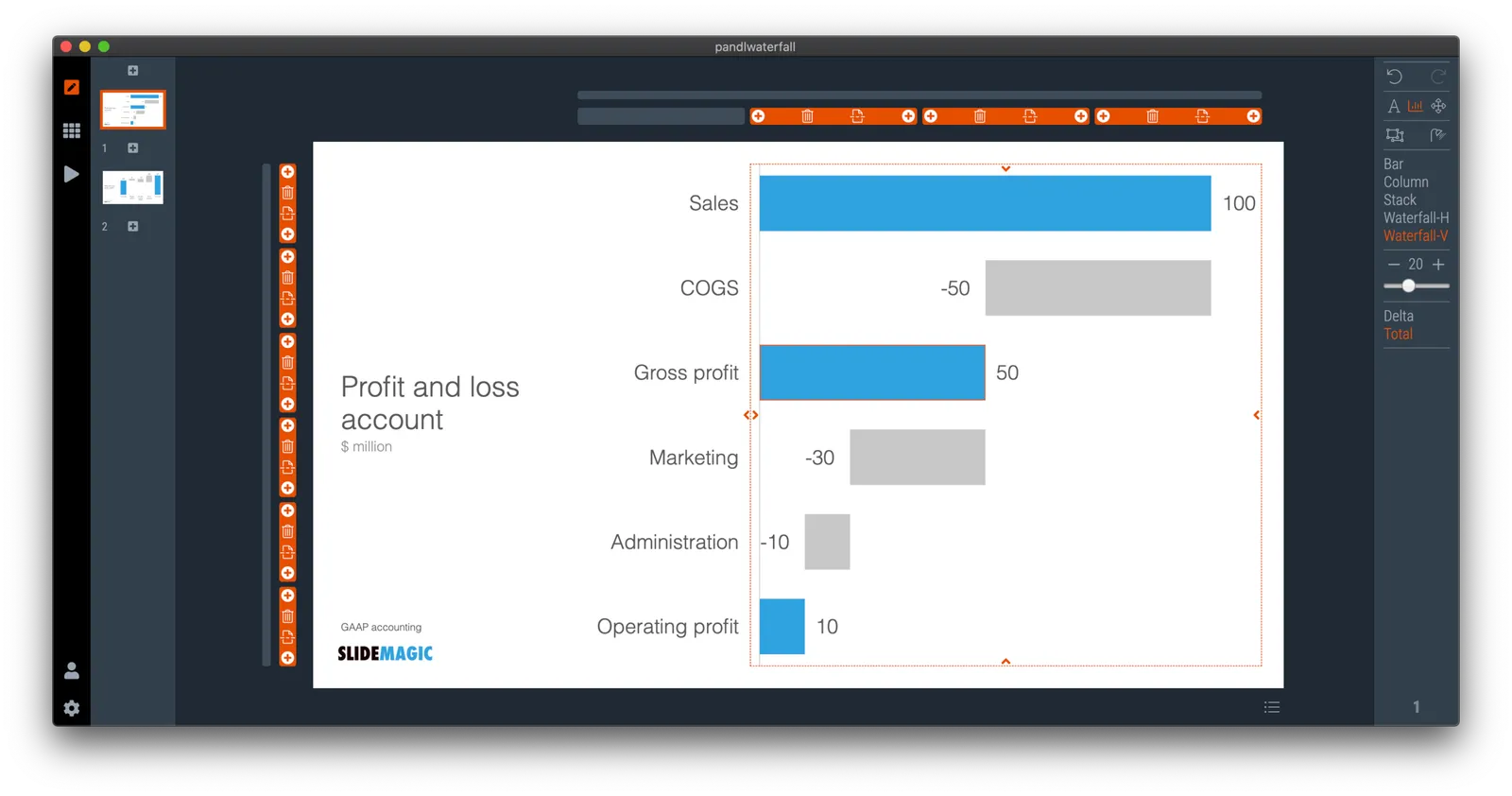
Finally, they have arrived. Waterfall charts in SlideMagic. Everything lines up with other elements in your slide. Super easy to make and edit, super easy to convert to editable PowerPoint / Excel charts if needed. Download version 2.4.7 of SlideMagic to try it out (both for Windows and Mac). This is a brand new module in the app, please let me know if you experience any issues or have other suggestions.

·SlideMagic

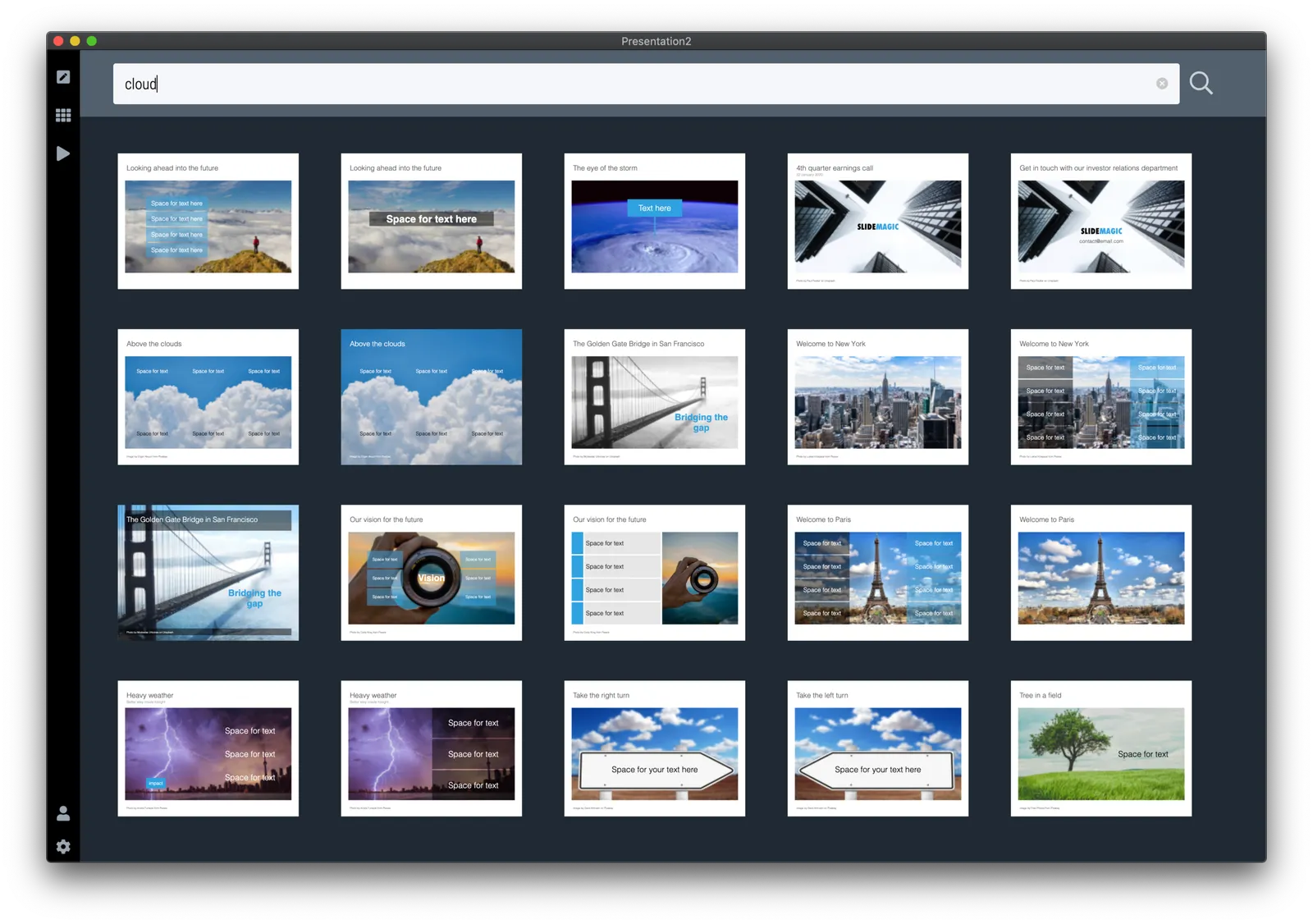
Slide search results in your own colours

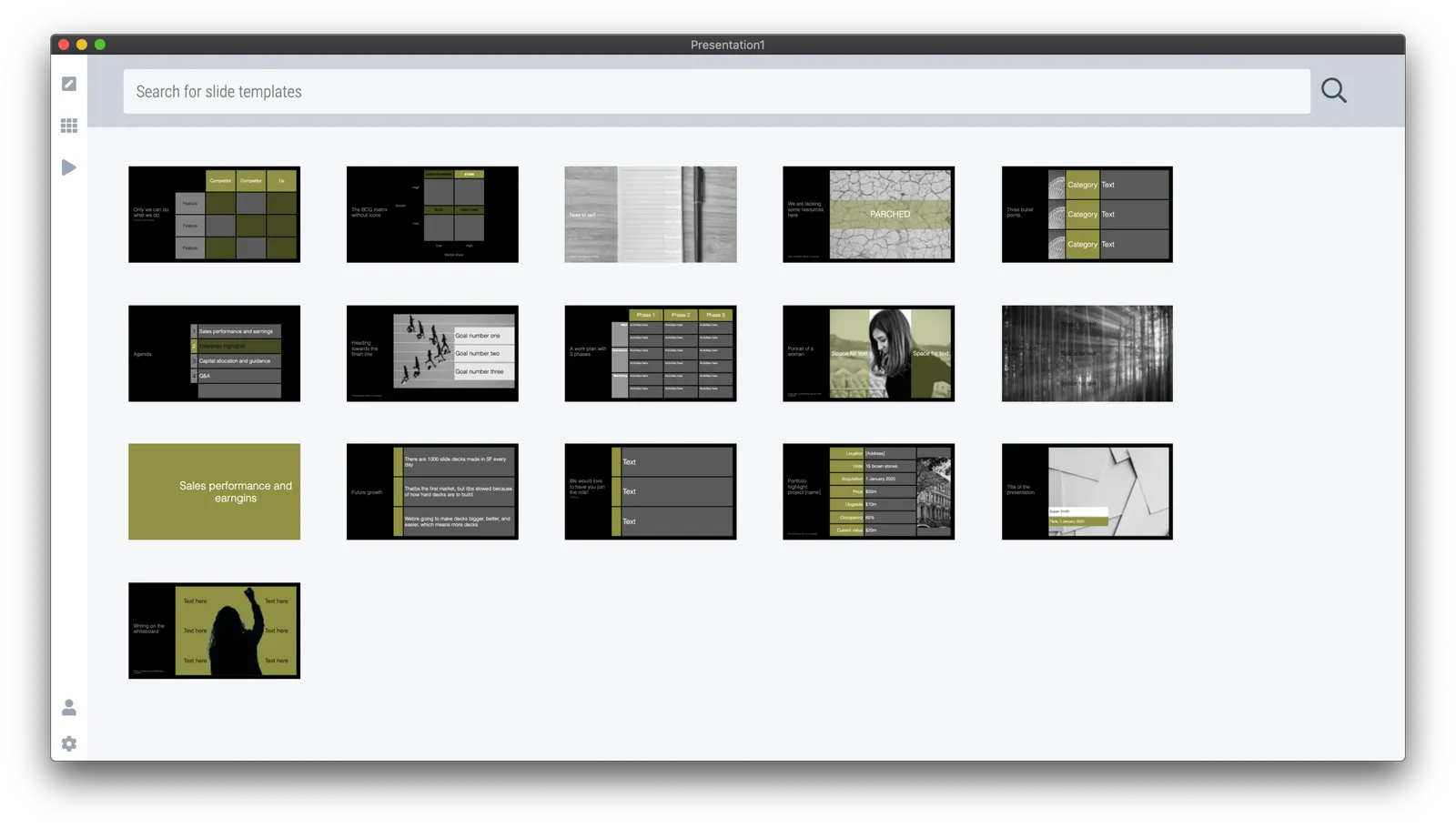
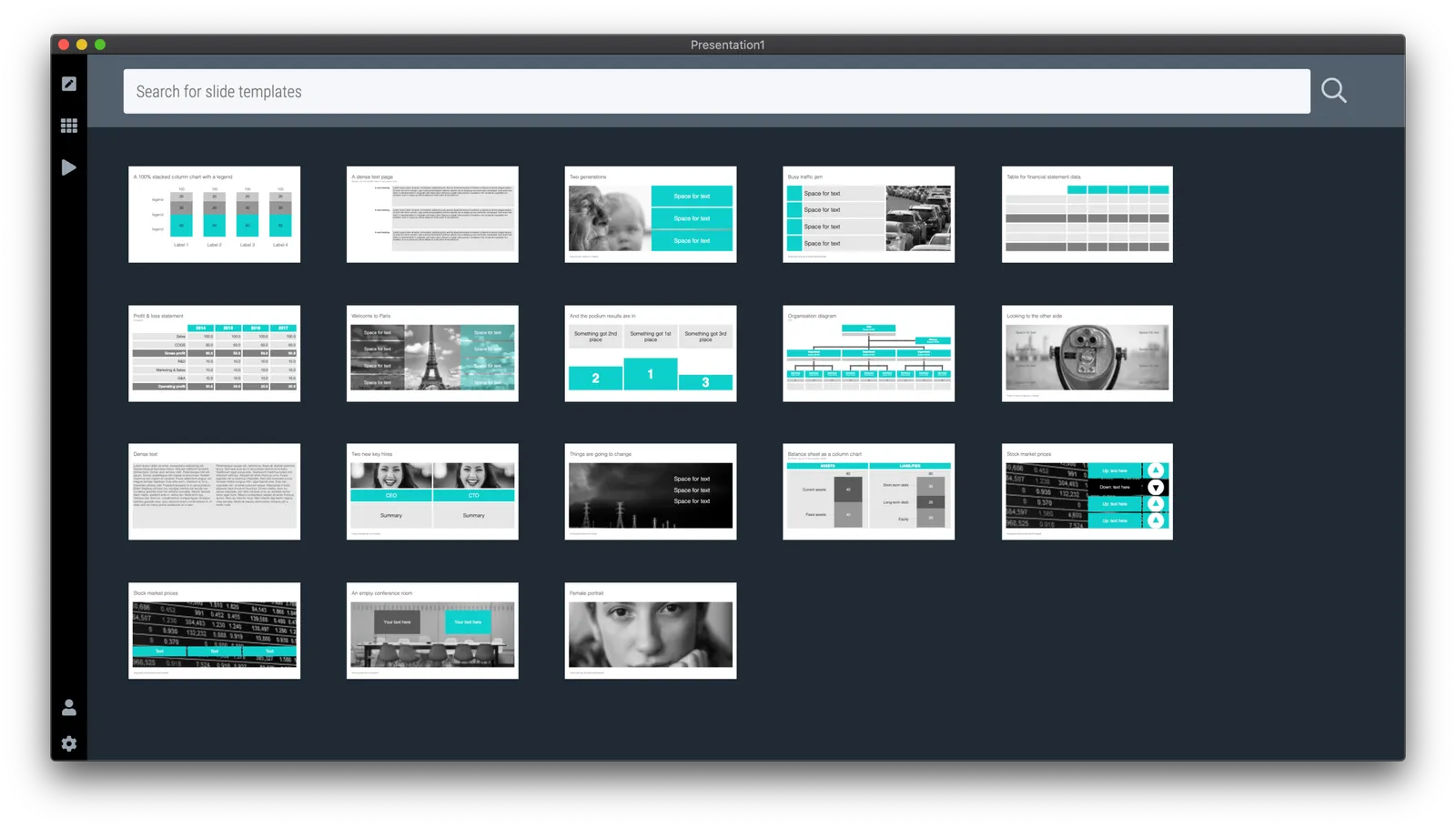
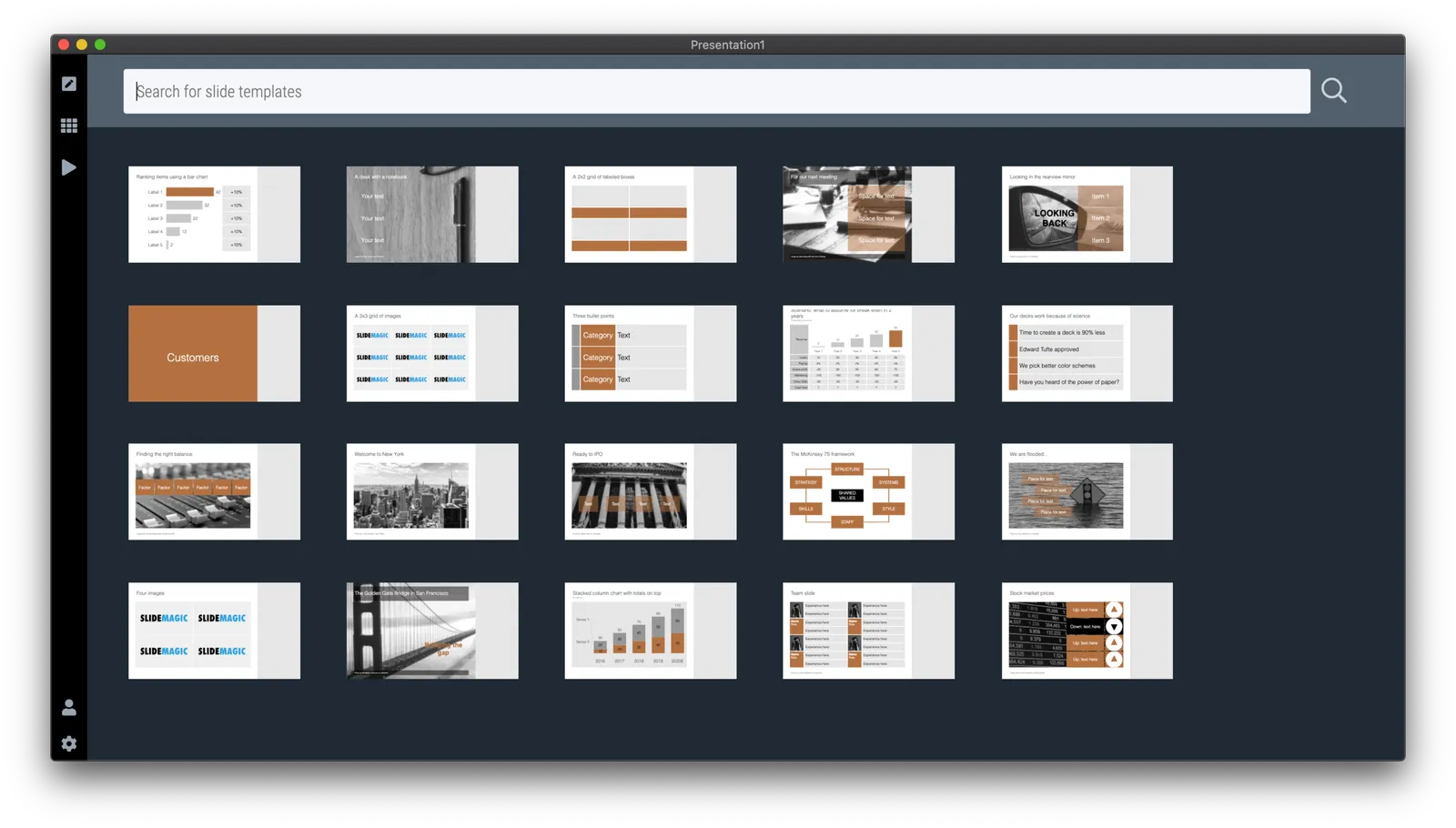
After updating to the latest version of SlideMagic, your slide search results will no longer appear in SlideMagic blue, 4x3 aspect, but in your own personal colour palette, and in your own preferred screen size.

Unlike most template banks, SlideMagic now generates slides on the fly the moment when you search for them, rather than serving pre-fab files. This opens interesting opportunities for future features :-). Work in progress.

·SlideMagic

Coming soon

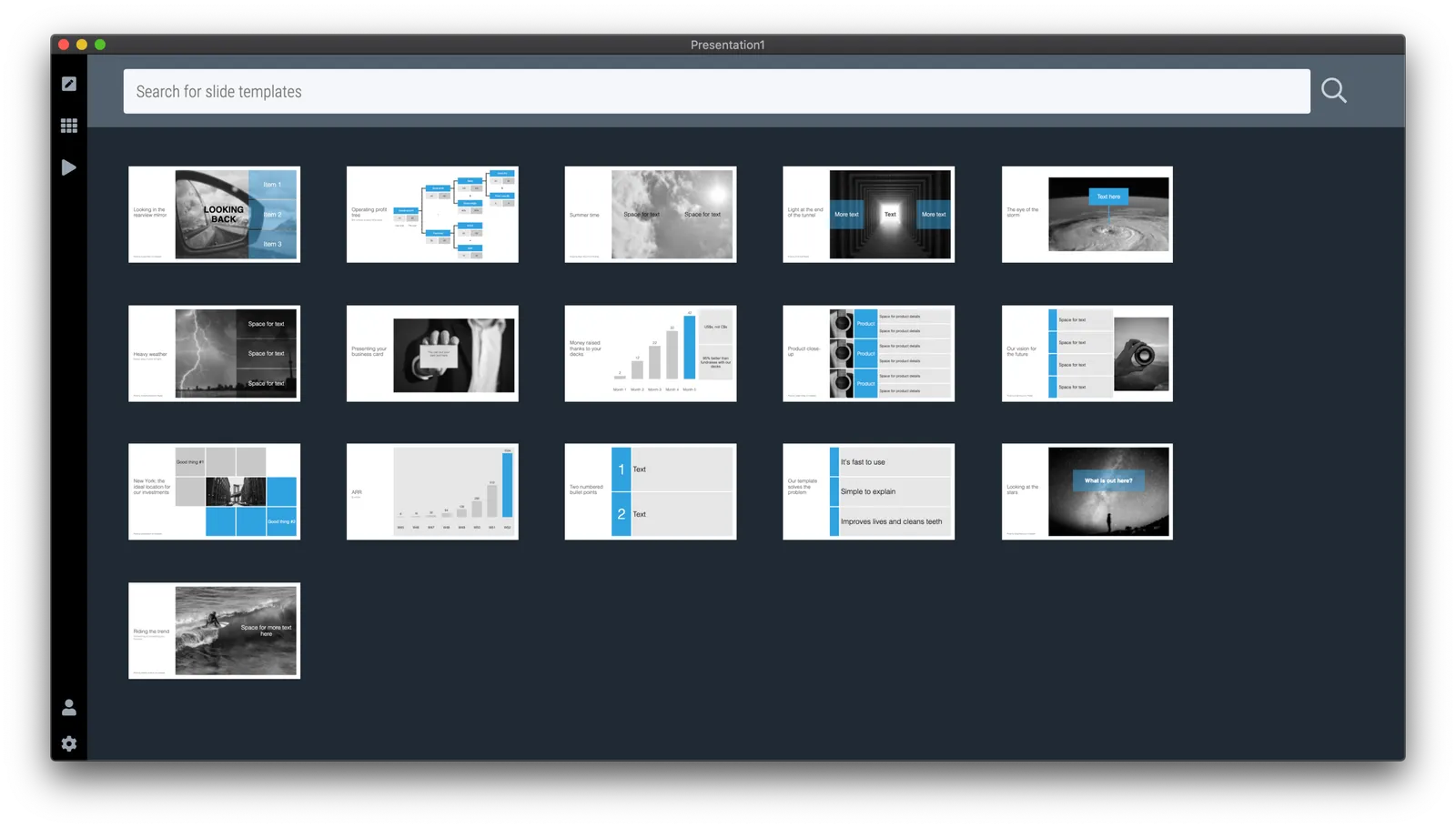
Search results in the SlideMagic app show up as small screen shots of slides in SlideMagic’s blue colour at the moment. It would take a lot of bandwidth to send over the full slide designs when previewing templates.

I am making changes now on the server to make it possible that slide previews show up in your own colour scheme, with your own corporate logo on it, and in the layout you prefer(4:3, 16x9, black background, dark background).

The app will be upgraded first, after which I will make the feature available for paying subscribers on the web site as well. Users who prefer PowerPoint downloads will be able to download PPTX layouts with their own colours and logos already activated.

Work in progress.

Photo by Lindsay Henwood on Unsplash

·Layout

My preferred 16:9 layout for presentations

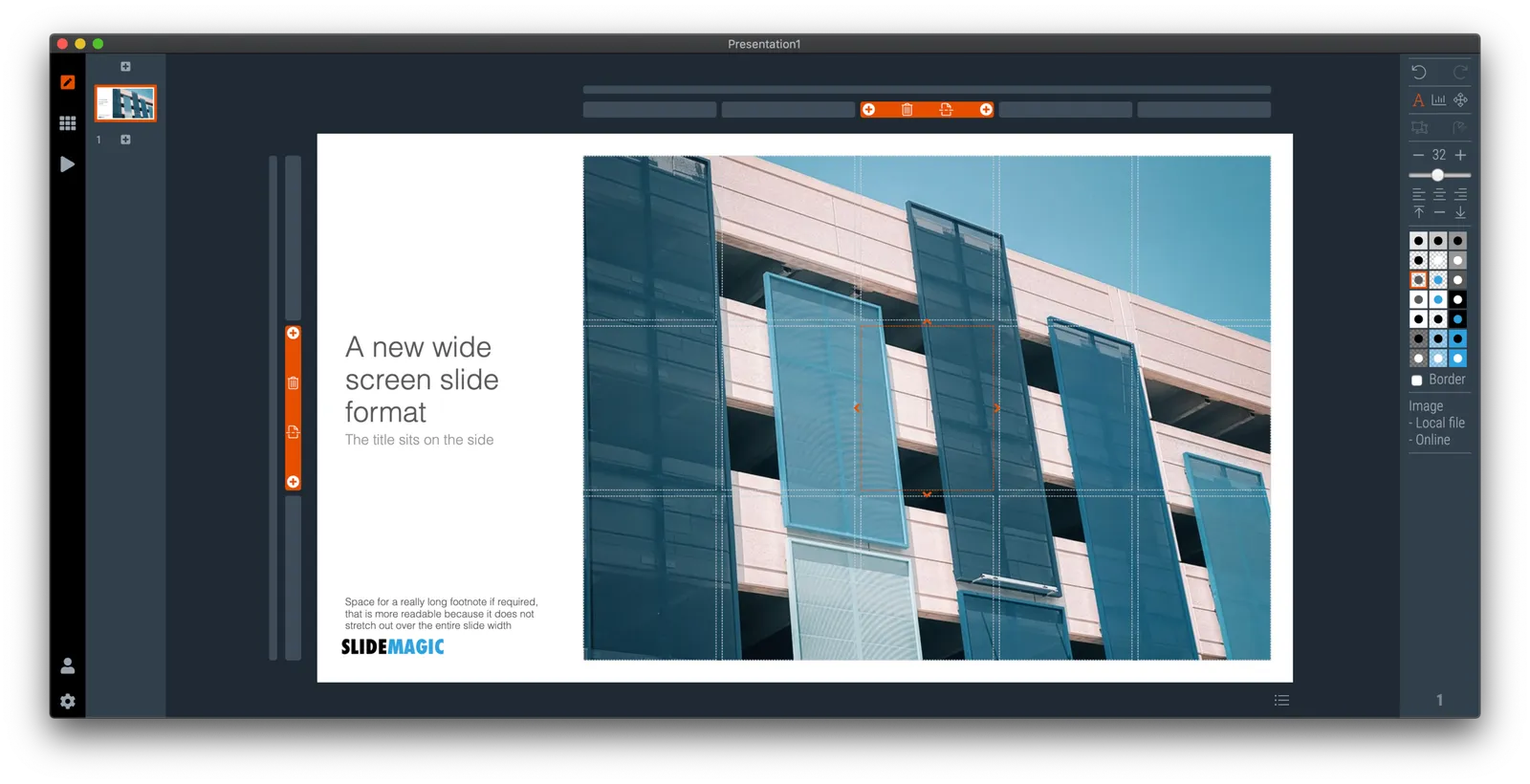
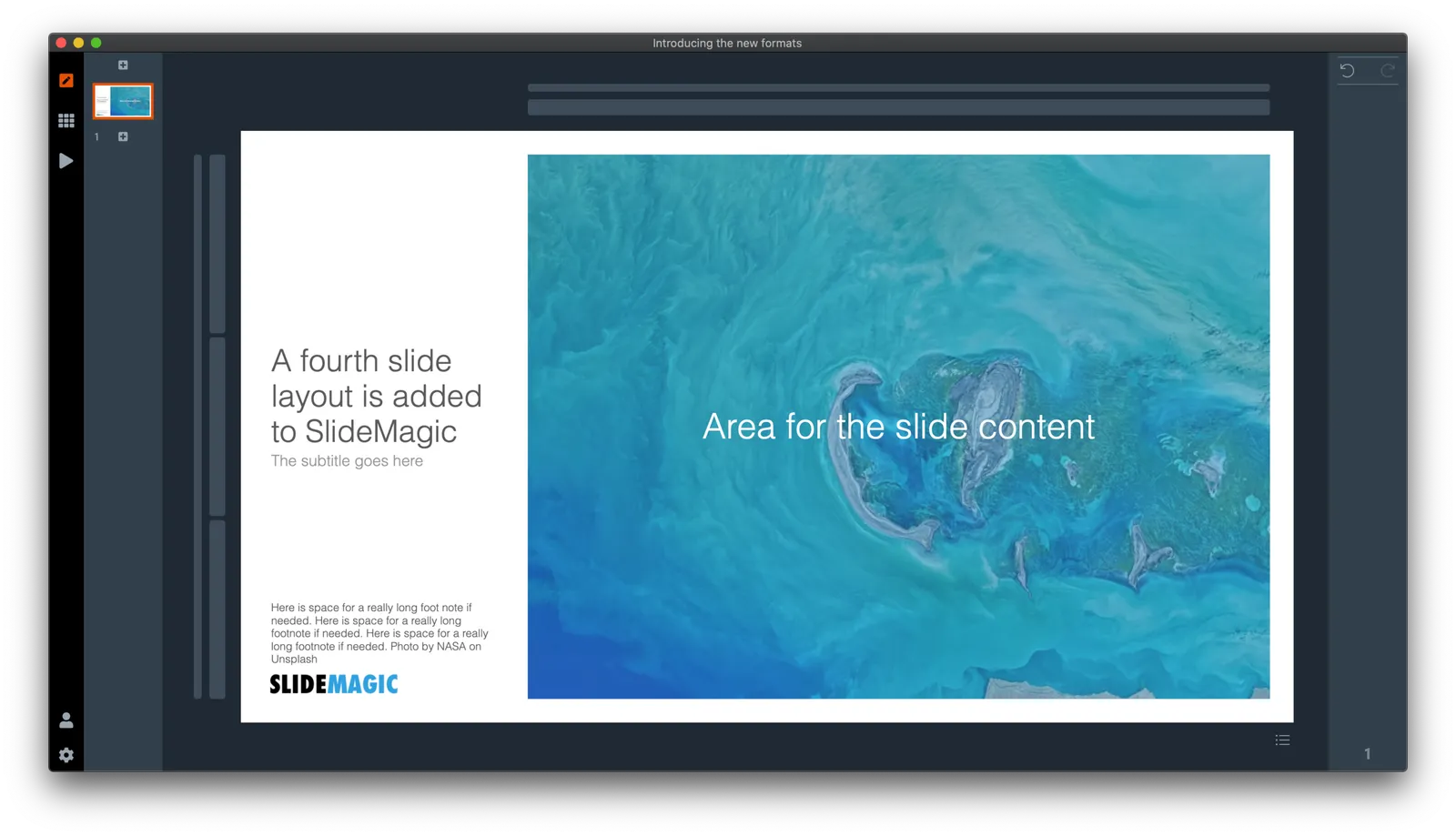
I just pushed a big update to SlideMagic (2.4) to the server and it contains a brand new 16:9 slide layout, the slide title. Most monitors today are widescreen, but unlike movies, I think 4:3 slides look much better. Text lines that run across the entire slide are hard to read, and wide screen slides always force you to make very “stretched” slide layouts.

The side title is the best of both worlds. The title of the slide is moved to the left, and the slide contain area is scaled up now that it has more space at the top. It stays in a 4:3 ratio though. The footer and logo is also moved to the left, creating even more space. The entire design shows up without black bars on a wide screen monitor. Below is an example.

It follows an approach I already blogged about in 2016

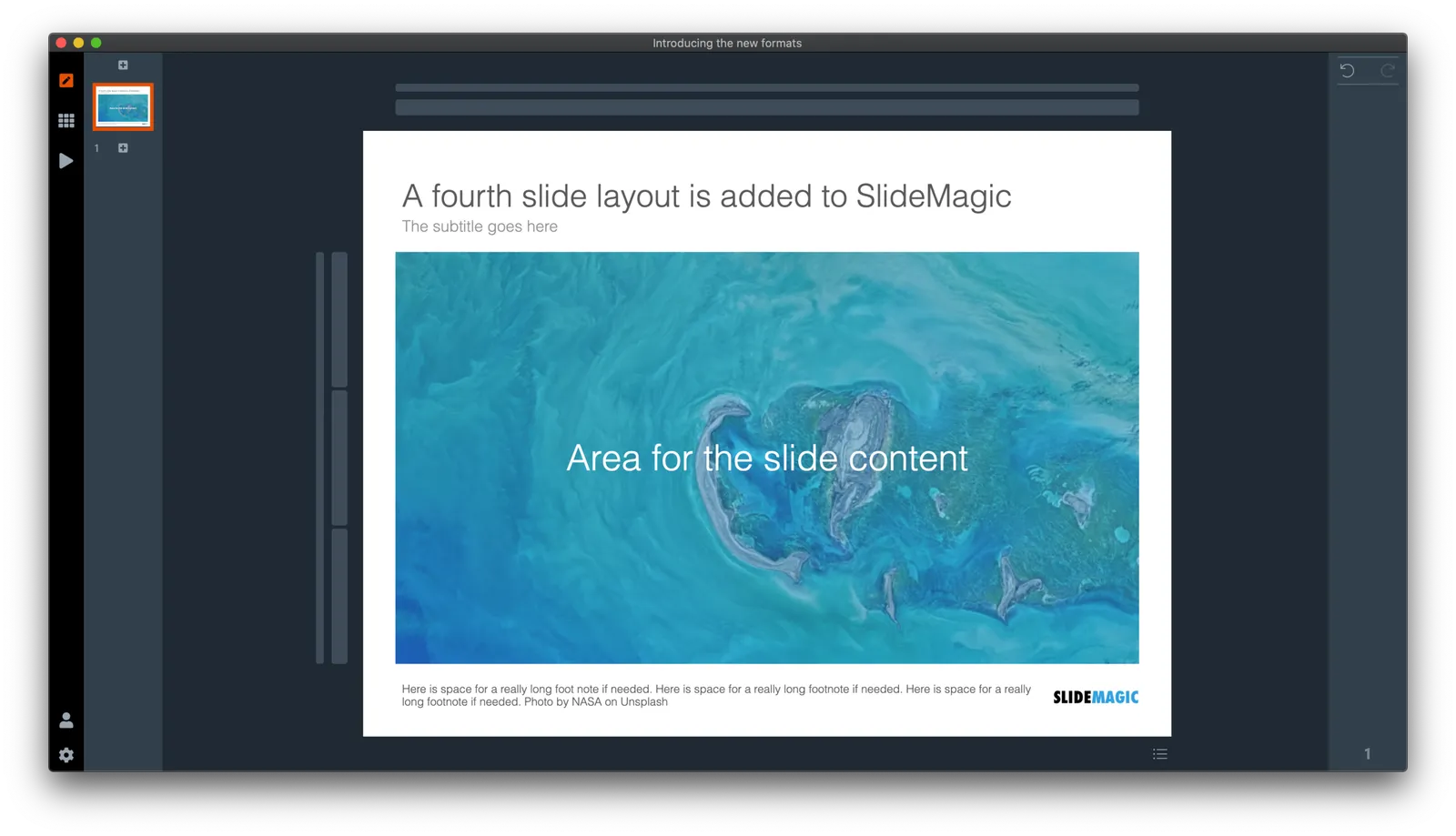
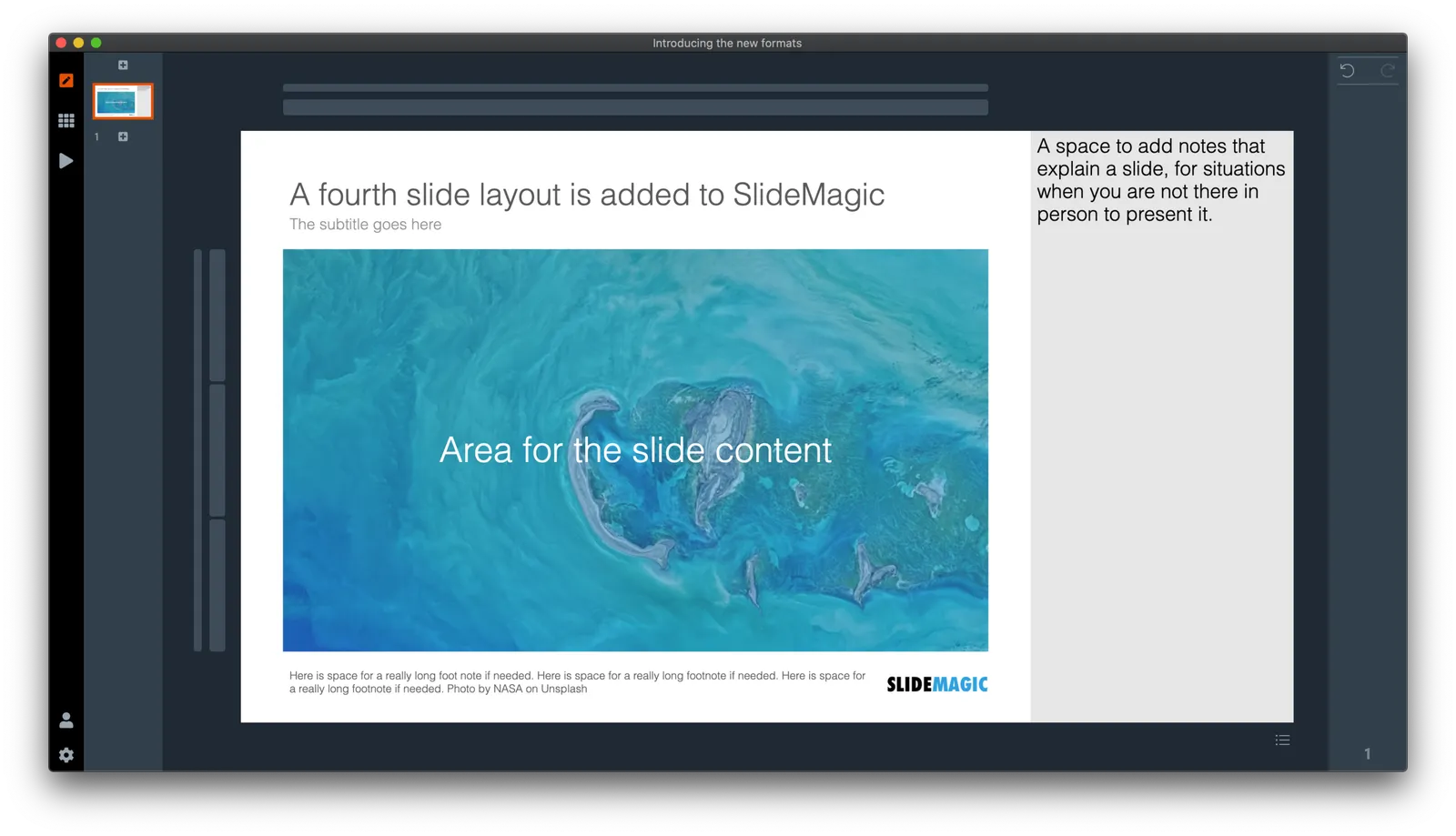
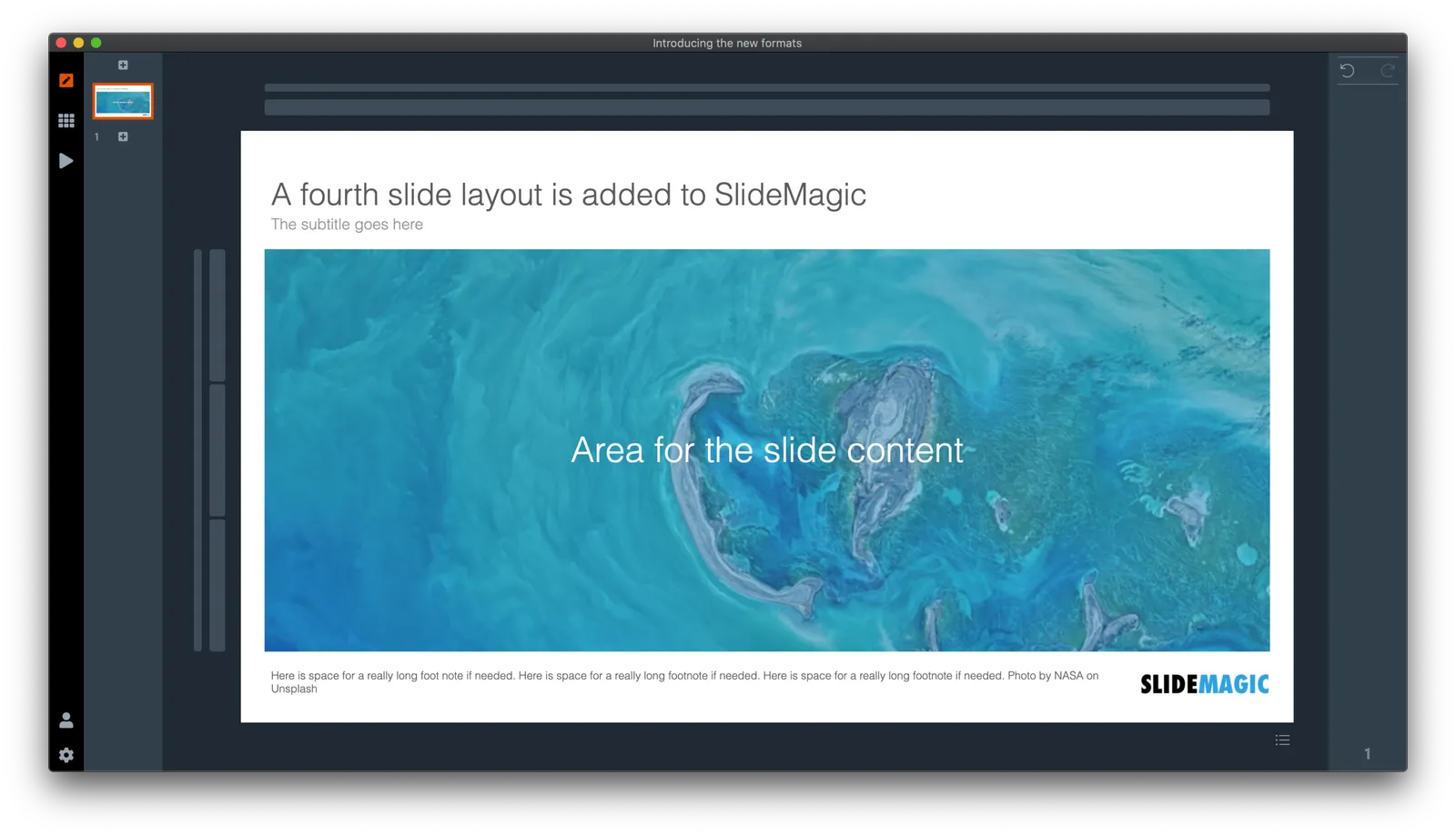
SlideMagic has now 4 screen modes, and you can switch instantly between them:

  1. Traditional 4:3 narrow
  2. 16:9 wide screen
  3. A 4:3 slide with an explanation panel to the side to leave notes for when you are not there in person to present the slide
  4. The new and shiny 16:9 side title

Soon, I will rerun the PowerPoint conversion algorithms on the server to increase the size of the SlideMagic PoiwerPoint template database with 25%, each slide will now be available in the new format as well,.

(Hmm, the side panel needs some more padding, I will fix that [Fixed in 2.4.1]). There are a number of other new features introduced in version 2.4.

Continue reading →
·SlideMagic

"Operating system updates" for presentations

Every year Apple releases operating system upgrades for computers, tablets, and phones. Your apps and documents have the same content, but look slightly different. I am trying to push this concept to the world of presentations.

It has already happened (sort of). The slide-out panel to right changes the look and feel of your presentation without changing the content. Over time, I have made subtle changes to font sizes and layout proportions, which means that every SlideMagic presentation in the world will have a slightly different look. Switching to a dark slide background turn the colours of your presentation upside down (in a good way), far beyond just making the background black.

I will try to push this further, by adding more layout options , your slides will look entirely different, including the ones you made 6 months ago, but you can always switch back to another layout format.

Photo by Michael Held on Unsplash

·SlideMagic

What is new in V23

Some new features in version 2.3.23 of the SlideMagic desktop app:

  • Super-fast responses when resizing your main window, or reshuffling slides in the story view, even if they contain big images. If the app does not need to re-render an image, it won’t. Rescaling slides is now done by your computer’s graphics processor directly, rather than my bespoke code.
  • More clever image repositioning when you change the aspect rate of a shape by expanding and collapsing boxes. Still not perfect, but the app starts to do the right thing.
  • Changing the slide aspect or background has now been added to the “view” drop down menu, so you can switch back and forth really fast without having to go through the settings menu.
  • Subtle changes to the user interface, that makes the app look sharper on higher resolution displays.

The app will try to update itself in the background, or if you are impatient, go here to download the latest version immediately.

Photo by gdtography on Unsplash

·SlideMagic

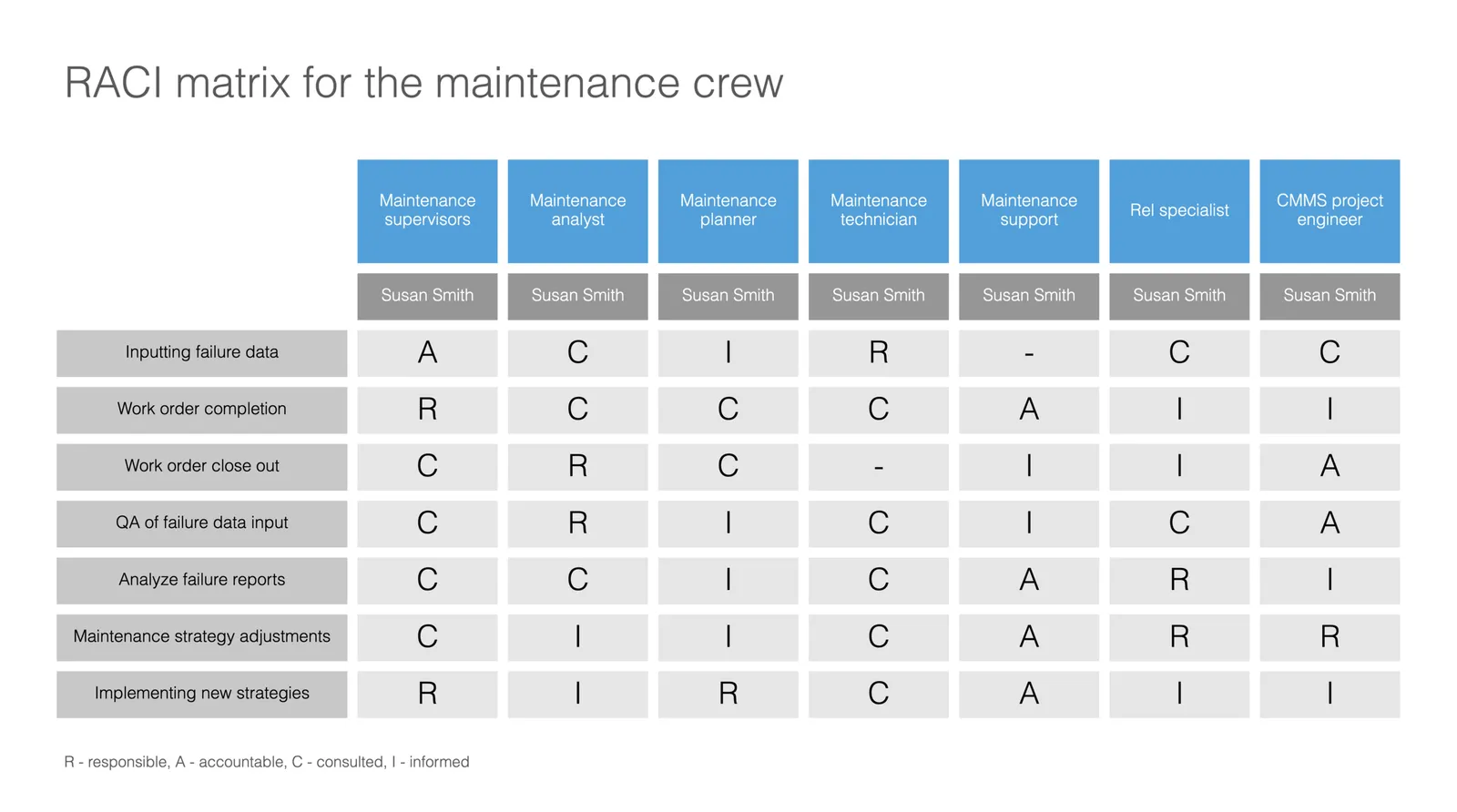
Slide template for a RACI matrix

On request of a user, I have added templates with a RACI matrix to the SlideMagic database. (It does not happen often, but this is the first time I actually heard about this consulting framework, the responsibility assignment matrix). In SlideMagic it is super easy to manage all the columns and rows of the table. If your colleagues are not ready for SlideMagic yet, use the app to create the chart, then export to PowerPoint.

·SlideMagic

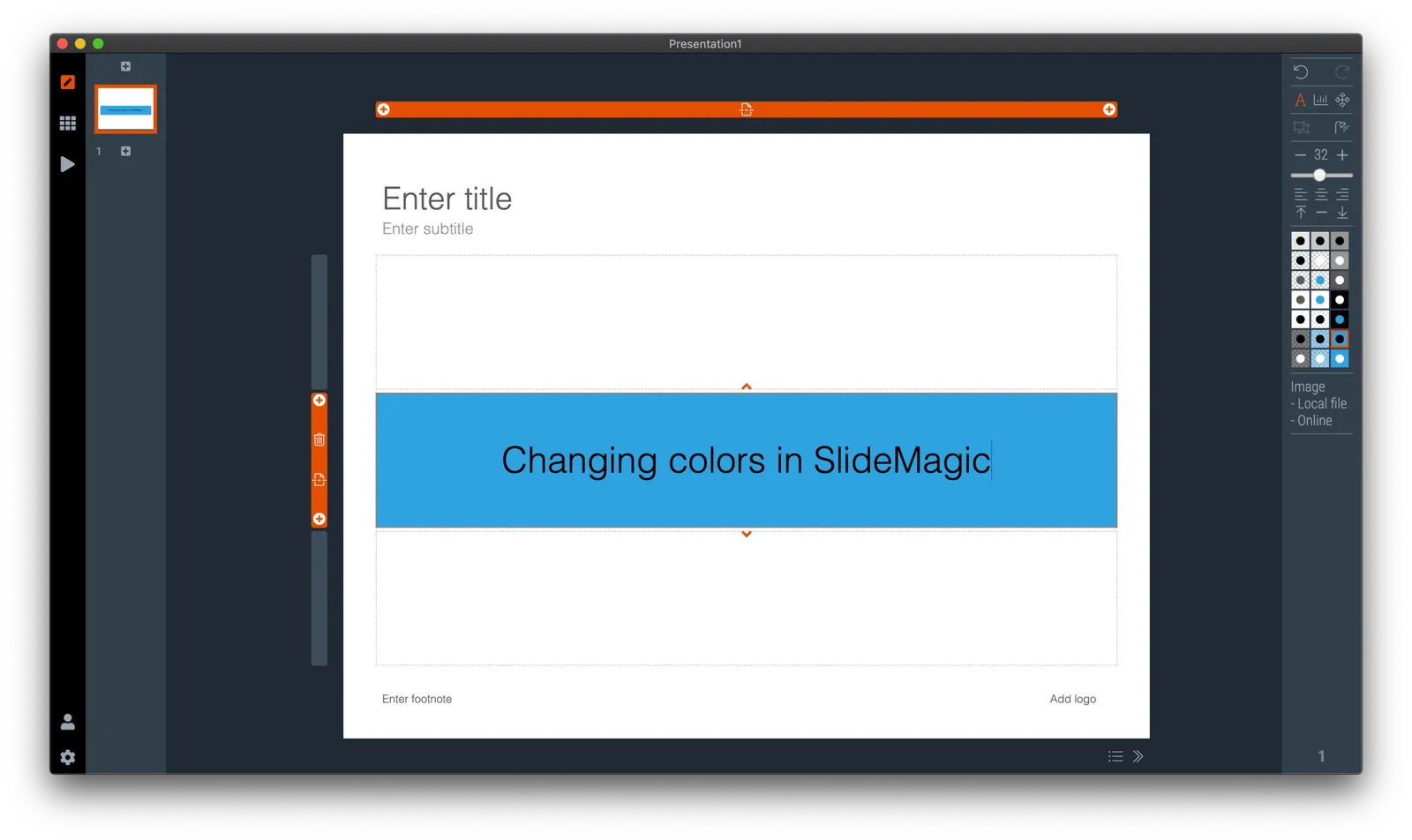
How to change the default colour in SlideMagic

SlideMagic has a simple colour scheme: lots of variations of white, black, and grey, and one strong accent colour. Why?

SlideMagic is all about making presentation design efficient. This simple colour layout almost always looks great, and is very recognisable when you set the accent colour to the dominant colour in your logo.

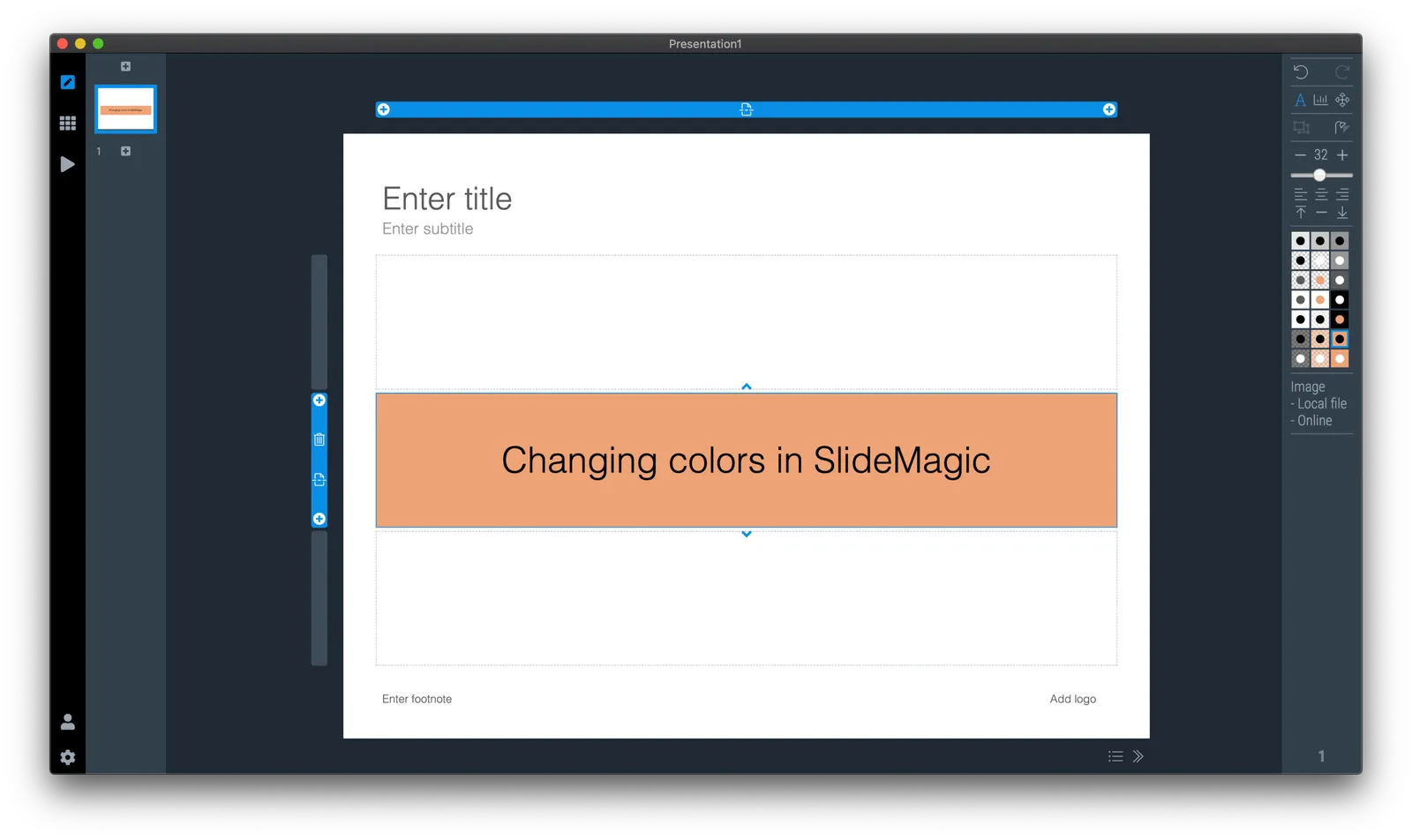
How do you customise SlideMagic to your own preferred colour instead of SlideMagic blue?

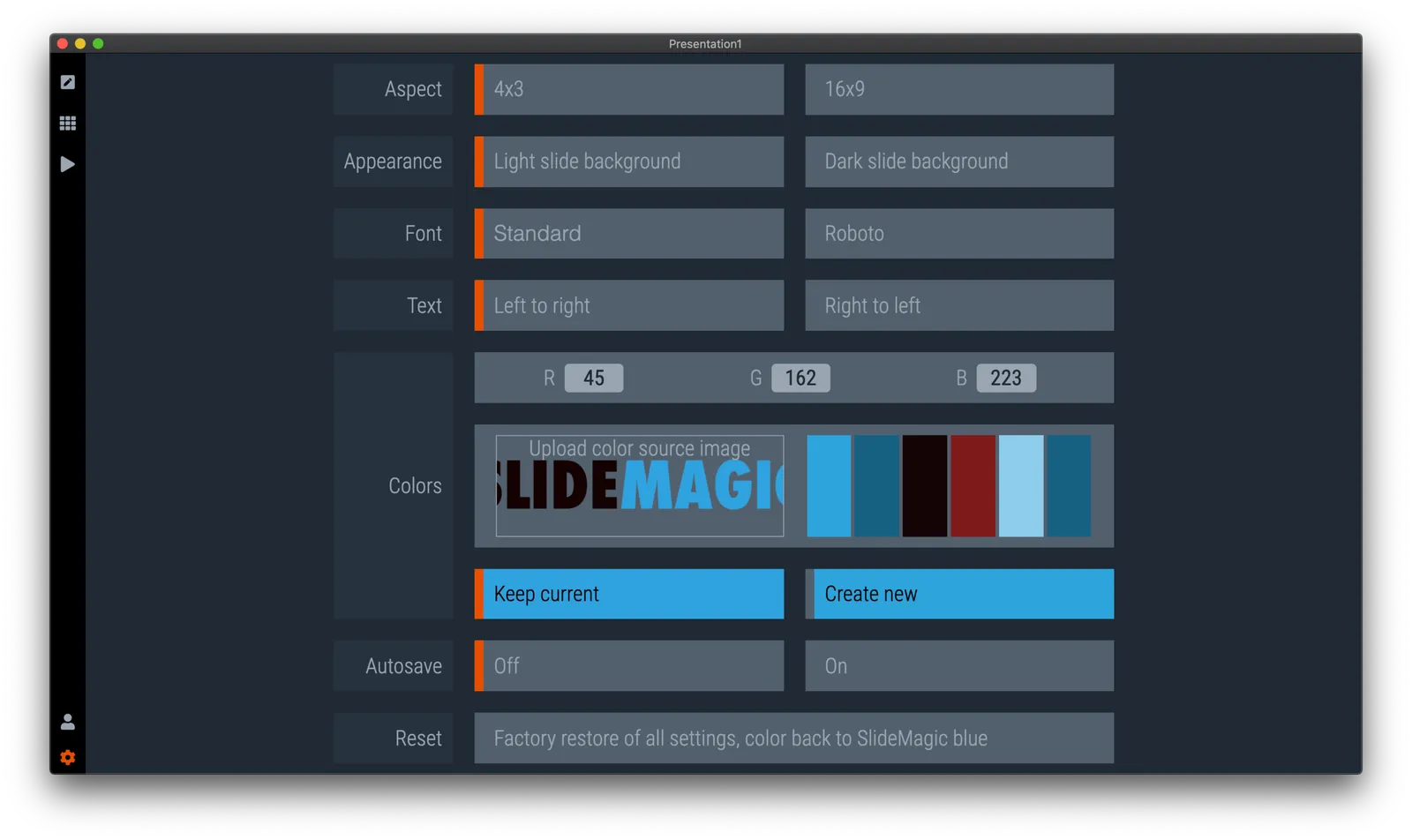
  1. Go to the settings menu by clicking the cog wheel in the bottom left of the screen

  2. You have 2 options to set the new accent colour:

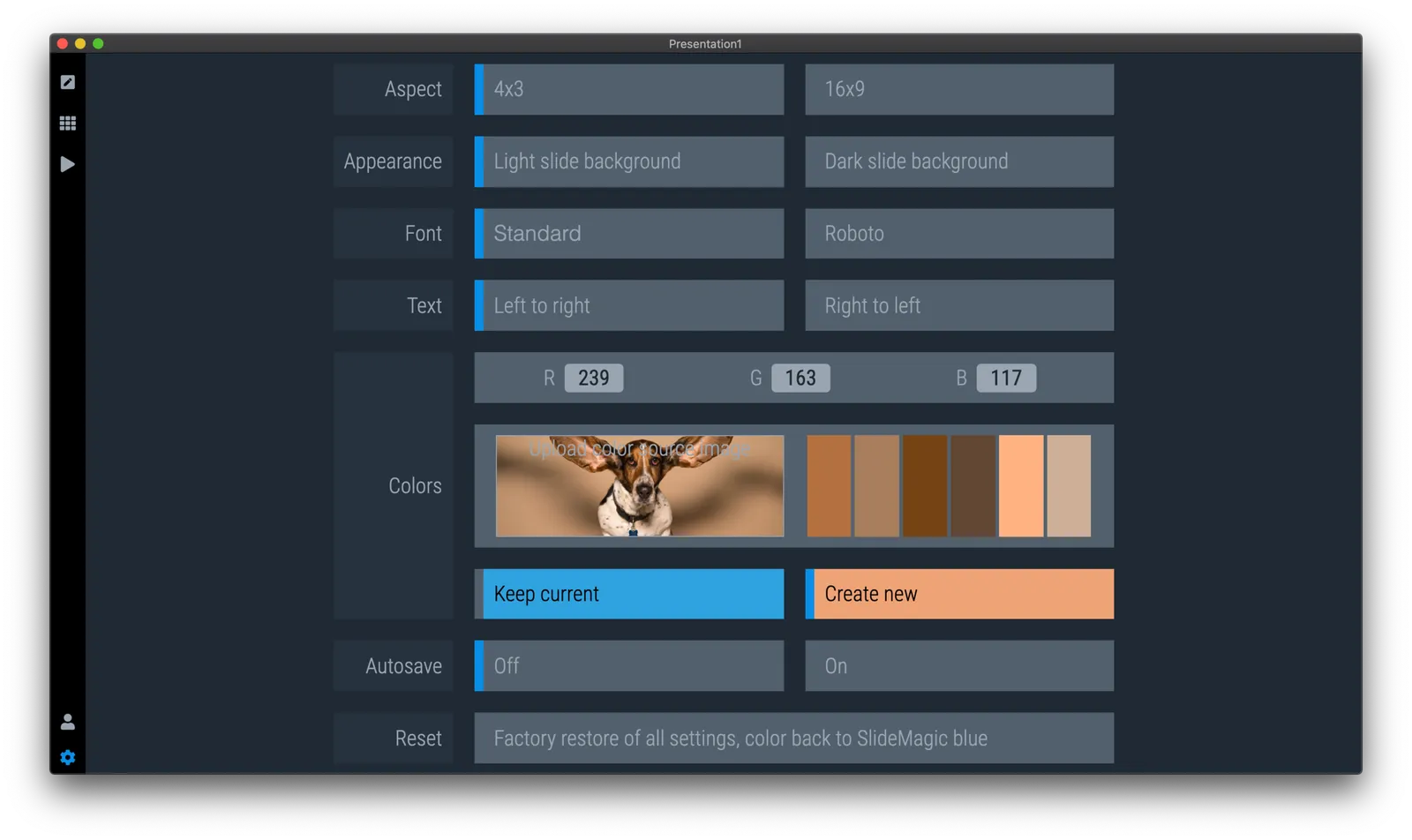
    • Upload an image, after which the app will extract suggested colours from the photo (pro-tip: upload your logo)
    • Enter an RGB code directly
  3. Go back to your slides and the whole deck will be set in the new colour scheme. Also notice that the app itself changes its user interface colour to the complement of the presentation colour you picked.

·SlideMagic

Quick update

As usual during the summer, things are a bit quieter on the blog at the moment. But instead of me and my family traveling the world, I am turning the SlideMagic rendering engine upside down. I focus mainly on performance. You might not have noticed, but the current app is re-rendering slides frequently, especially with screen resizes and in the story view mode. In the new version, these re-renders will go down to almost zero. Furthermore, I am making the app respond better to different screen resolutions and sizes.

My approach to writing the app is similar to the way I (used to) build financial models. Start simple, complicate and add things, and then clean up and simplify again. Dramatic simplification fo the code will enable me to think about a selective number of new features again

Photo by Lukas ter Poorten on Unsplash.

·SlideMagic

URL juggling

Some readers noted that the slidemagic URL sometimes returns an error. As a result I am juggling the URLs fo the app, template store and blog once more. The slidemagic.com URL will now point to the main site and app, the newly acquired slidemagic.blog will point to the blog that I host with squarespace. The blog.slidemagic.com URL will be phased out.

I am putting redirects in place so that everything keeps on working as it should. My main focus is the 10+ year archive of blog posts. My SEO ranking might drop a bit, but this is not my main worry (yet), as I am still focussing on getting the users that are trying out the SlideMagic app to keep on using it, before ramping up marketing. SlideMagic is not a catch-convert-sell slide template business (there are thousands of those), but an attempt to find a way to change the way people make presentations, which requires some patience.

If you are interested in the details: squarespace does not really work well with subdomains (blog.slidemagic.com, instead of www.slidemagic.com), and does work well with the Cloudflare content delivery network + DDOS protection (Israel-based web sites are not always popular). Pointing a blog.slidemagic to squarespace, also means that you have to point the “naked domain” slidemagic.com to squarespace, which then clashes with my server etc.

Let’s hope it all goes back to normal soon.

Photo by Harrison Moore on Unsplash