SlideMagic Blog

Frequent updates about all things presentations since 2008. Subscribe to never miss a post.

RSS
all posts

Category Investor presentation

·Sales presentation

Being too eager might not always work

Most sales have 2 pitches:

  • The first is the seller pitching to an employee of the client
  • The second is that employee having to make the case to her colleagues

(A similar situation: first the startup pitches a partner of a VC, then that partner has to convince her other partners)

I never discuss that second type of pitch here very much. In most cases an employee or VC partner probably has a deep conviction that a certain deal needs to be done (otherwise you would not put your reputation on the line for it). So all of a sudden, these people are the ones pitching the idea to a potentially unenthusiastic audience.

In these situations it is important to keept that impartial distance from the deal. A colleague who is aggressively countering every possible small objection to the deal loses a lot of trust and credibility. “Hmmm, she must have been brainwashed”. Instead, layout your case objectively. Point out the strengths, but also show the risks, doubts, and possible elephants in the room, and make the case why you think these can be overcome and this is a good bet to take.

P.S. This shows startup/product pitchers who the role of their contact person at a client/investor is changing. First you need to convince them, then you need to coach them how to pitch your idea themselves. If in this second phase of the process, you get a question, she is no longer doubting the idea, but collecting evidence to convince her colleagues. It also shows that bypassing that junior analyst and calling her boss directly might back fire instantly, you just lost your major supporter.
Continue reading →

The video call is the new call

Some positive culture changes in this time of remote working, from my own experience, and observing my venture capitalist wife:

  • Calls that were, well, just calls, are now almost all video calls
  • Things start on time, on the dot (Germany-style)
  • Small talk formalities are shorter, but much more effective with the video picture present
  • Investors can size up the management team of a startup earlier in the process
  • Body language makes it easier to adjust the flow of the presentation (in cases of boredom, confusion, and/or excitement and interest)

Photo by Thomas William on Unsplash

SlideMagic is a desktop app, and it isn't

“What, you are making a desktop app in 2020? Well, we (the U.S.) have moved totally into the cloud now, everyone is using Google Docs to collaborate. Maybe people in less developed countries might find your product interesting if it is offered at a low price (i.e., people who cannot afford Google Docs and/or are using pirated copies of PowerPoint. Your next challenge is to make your product available in non-English languages and get sales distribution in these markets (do you need some contacts?).”

OK.

I now start to feel first hand what entrepreneurs go through when talking to others (especially investors) with their product. I am not raising money at the moment, but here is a possible way of answering a question like this.

  • On the one hand SlideMagic is a desktop app, on purpose. Presentation design requires a super snappy interface, and deep access to the operating system (dragging things between 2 files open in a window for example).
  • On the other hand, SlideMagic is not a real desktop app. It is written in HTML and Javascript and runs on Google Chromium, the current web development setup, and the app is updated very frequently in the background (sometimes daily).
  • SlideMagic focuses on 1 (huge) issue in presentations: story clarity and design, not online collaboration, not enterprise security, not cloud file storage, not data analysis, not stunning animations, not knowledge storage and search, not intra-employee information sharing. All these are important issues that have great software products built for them, by billion dollar companies.
  • SlideMagic’s economic setup allows it to do this: a super lean cost base, and a former strategy consultant, presentation designer, computer scientist brain combined in one head to try and get product-market fit for what no one has managed to do: get people to make better presentations. Millions of dollars of VC money, huge teams of people with the objective of dethroning Microsoft or Google is not what were are doing here. SlideMagic needs very little to turn profitable, SlideMagic can afford to take its time with product iterations to get there. Only when the formula catches on, investing is growth is on the agenda.
Continue reading →

Warren Buffett's investor presentation slides

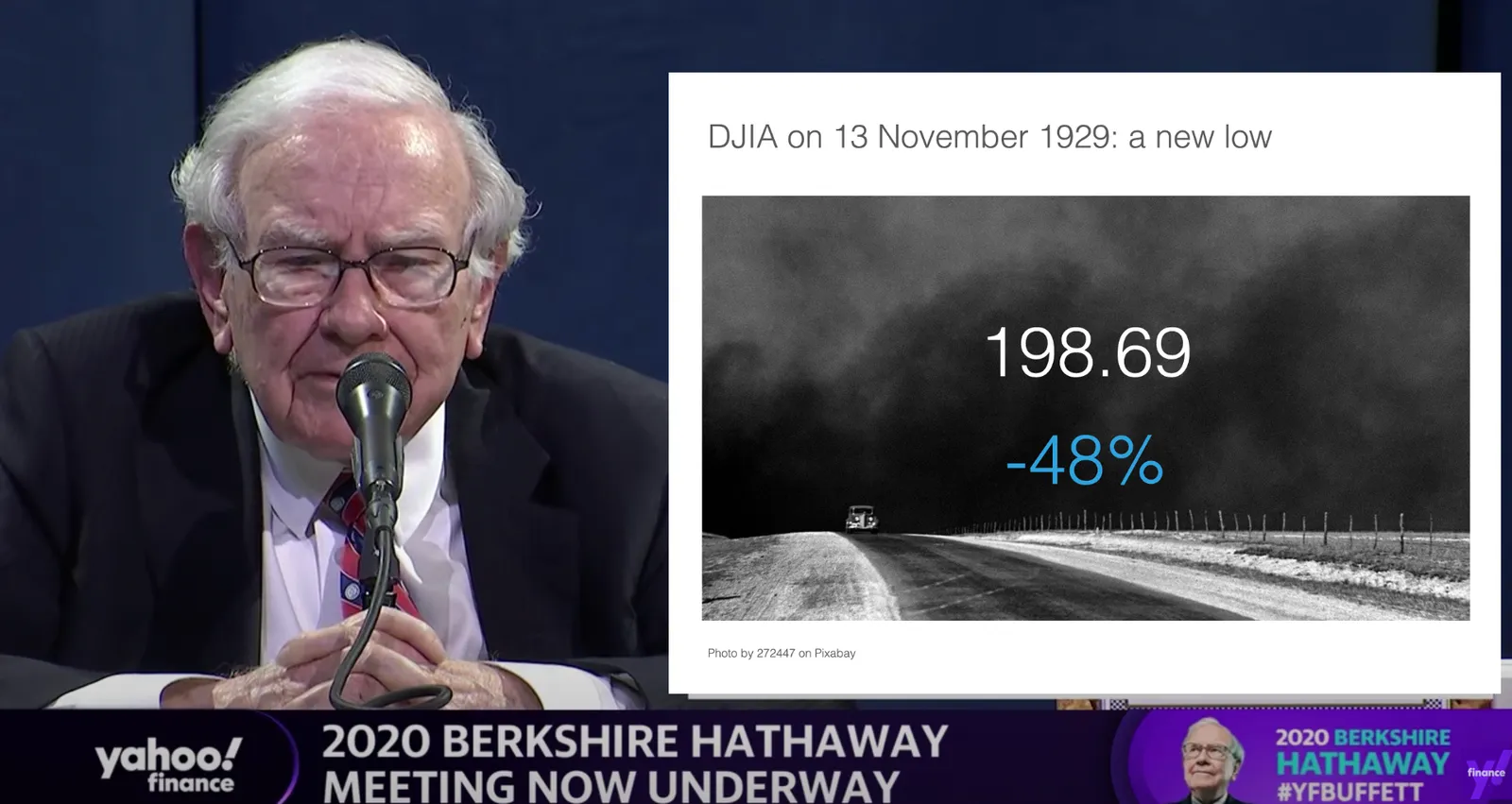
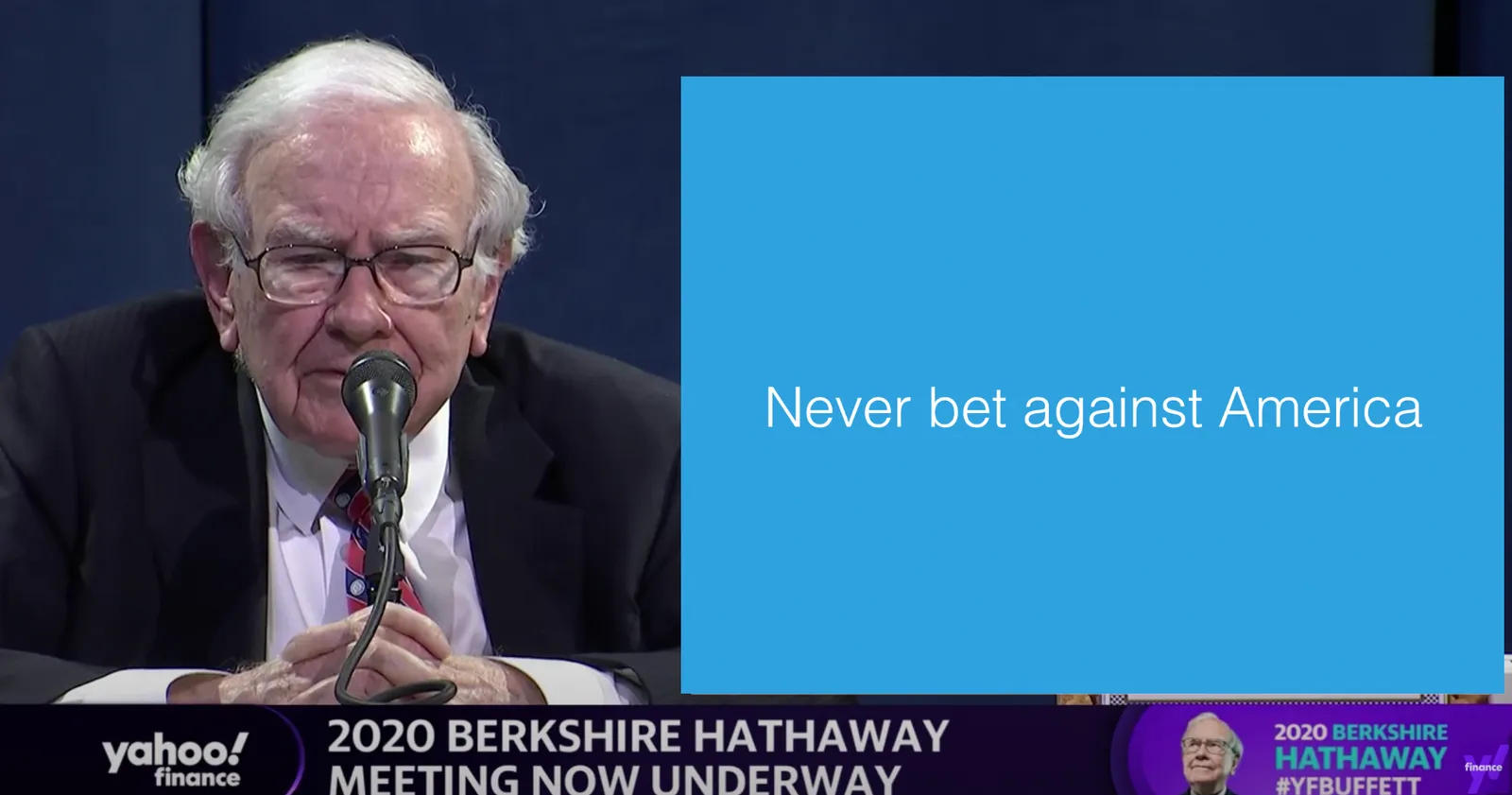
This tweet flew by about Warren Buffett’s slides during his annual investor meeting.

A sans serif font and centering the text would have made it look better, but overall, this slide is actually not that bad. One big message without distractions. (If Warren had used SlideMagic with this template, his slide would have looked like this)

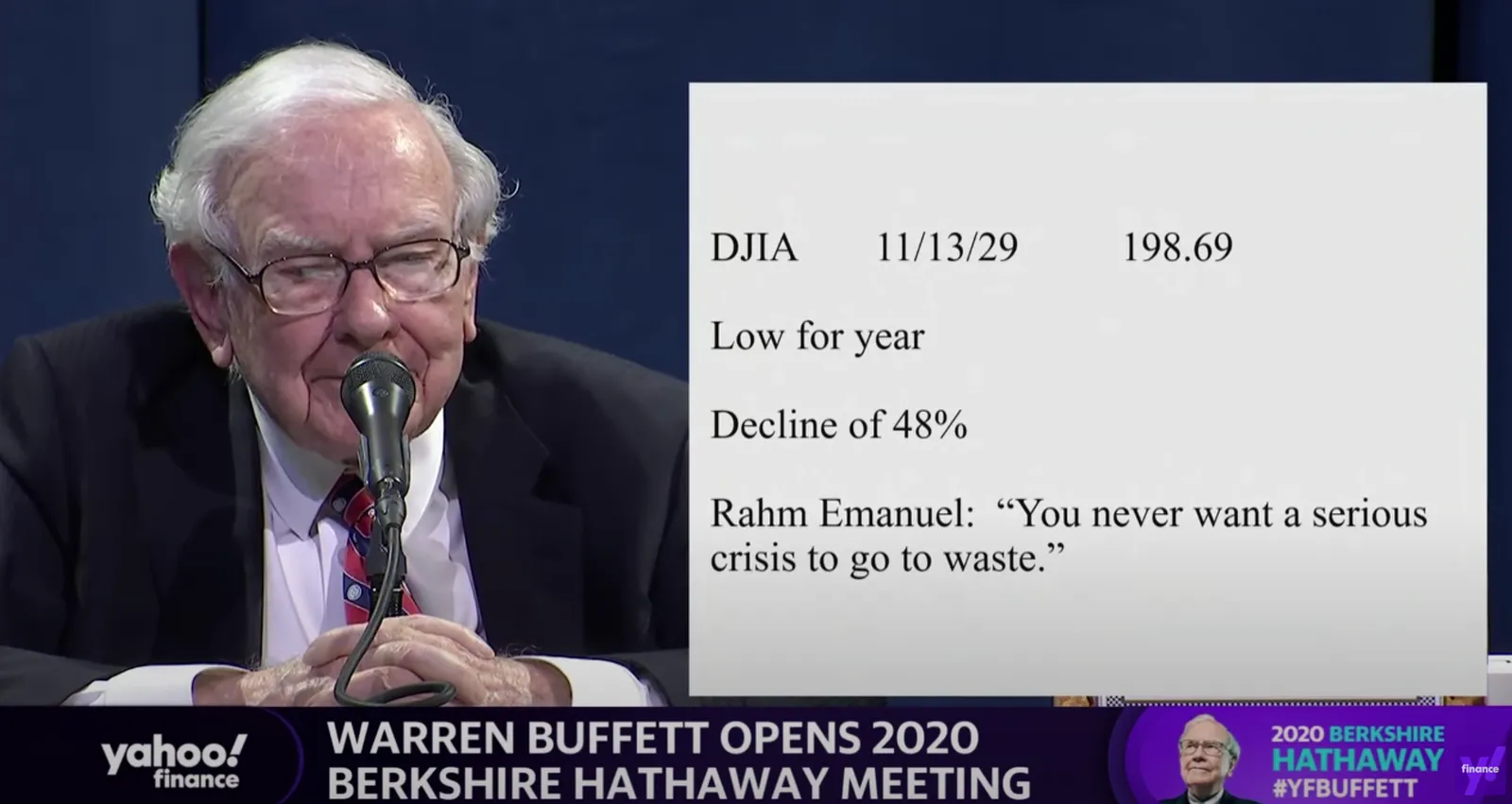
Other slides are less crisp though, as seen in the example below:

But, Warren does not read out the bullet points, he tells a story starting with background about his father. People will read the slide for 2 seconds, wonder about the quote, and then focus all attention back on him.

OK, I could not resist, SlideMagic would have produced the following slide (a quick search for “1930” in the built-in Pixabay image search delivers good results)

I would put the quote on a completely separate slide, if at all.

Coming back to the first tweet. If you are Warren Buffett, then you get away with pretty much any slide design. On the contrary, making it all too fancy is a direct contradiction to his modest life style. If you are not Warren Buffett, putting in 2 seconds worth of effort with SlideMagic will definitely make a difference.

I tagged these 2 slide examples with “buffet” in SlideMagic, you can use them in your own designs and find them in the presentation app, or download them here.

·Investor presentation

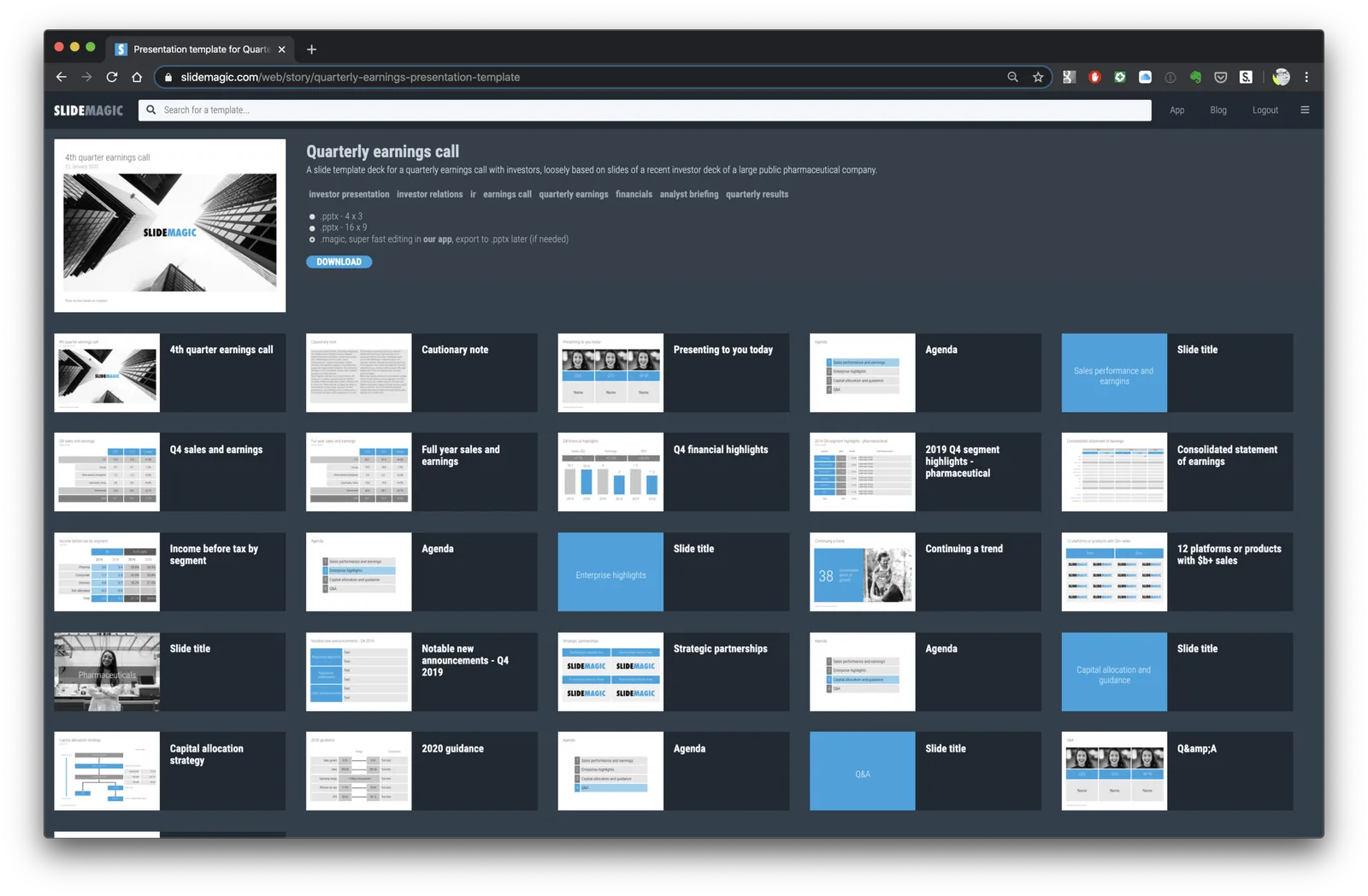
Corporate earnings call deck

I am in the process of adding more full slide decks to SlideMagic. Now all the investment in automation starts to pay off. Creating slides is incredibly fast in the app, after that the server takes over and creates thumb nails, organises tags, uploads both individual slides as well as the full deck for download, in powerpoint 4x3, 16x9, and of course .magic format.

Today, I added a possible layout for a big corporate quarterly earnings call deck, loosely based on a recent earnings presentation of a large pharmaceutical company (these presentations are obviously in the public domain).

SlideMagic subscribers can download the earnings call presentation template here.

Let me know what other type of slide decks you are looking for.

·Investor presentation

The asterisk

I am preparing a few more stories to add to SlideMagic, one of which will be a sanitised box-standard quarterly earnings presentation template for a typical manufacturing company. Just stumbling on this tracker page. It probably started out good, but then the legal department got involved and put in all the disclaimers… “36 consecutive years of growth” sounds a bit better… I would have put that in the slide, and then clarified the “adjusted earnings” part all in the foot note.

36 consecutive years of adjusted operational earnings growth*****

·SlideMagic

Testing the first SlideMagic stories

I reshuffled the code on the server, so I can now stitch entire decks (I call them “stories”) together that you can download in one go. I think these stories can complement the offering of individual slides.

  • Slide templates are focussed on one particular design or image that cover a certain topic
  • Story templates are all about well, the story. I expect them to contain mainly very simple slide layouts, what matters is what is written in them, and in what sequence they are put together.

I am starting with a quick make-over of the YCombinator seed deck,you can download it for free here. See the original post on YC for the background.

It is available both as a .pptx and a .magic file, but it with these simple slide layouts where the power of SlideMagic comes in: quickly adding or deleting rows without messing up your slide layout. You know which I would pick :-)

There is still work to do, you can’t get to the stories easily from the top slide menu. Also, the user interface can be confusing now when as a user you are not sure whether you are browsing slides or stories. Also, in-app story downloads are not your implemented . Work in progress.

·Investor presentation

Credibility

YCombinator VC Paul Graham argues that the current pandemic has exposed politicians that talk confidently about things they do not understand: see the post her about credibility in corona times.

  • He is right
  • Most of these politicians probably did not knowingly lie, I assume they believed they understood things, that’s probably a key asset of being a politician

When it comes to pitching to investors, credibility is crucial, and you can only loose it once. Investors will have to work with you for a long time, they don’t have time to check everything you do, so as soon as one incident gets exposed where it appeared that they cannot trust you, that’s it.

So you get a question you do not know the answer to:

  • If it is factual, give the answer after you consulted with someone who knows, maybe after a short delay
  • If you truly don’t know, say so, with an approach how you mitigate the uncertainty.

Bluffing an answer is not the right thing to do here.

So as a startup CEO, you can still be highly confident that your idea is going to work, and keep credibility while admitting that you do not know everything, and that you might actually be wrong.

Photo by Dayne Topkin on Unsplash

·Investor presentation

We will get to that on page 35...

Working from home means that I cannot help to overhear fragments of startups pitching to a VC (my wife is a partner in a healthcare venture capital fund).

You are in a Zoom call, going through a deck with a few people from the VC, and the senior management team of the company on the line. One of the impatient investors throws in a question on a crackling audio connection. Answer it, or (tell her to) wait for page 35?

If you were presenting to a huge crowd (webinar, live audience), then the answer is clear, tell them to wait for page 35, or even ask to leave all questions to the end.

The “intimate” Zoom call is similar to a conference room setting though that opens the door to more interaction that throws you of your planned story script. There is no general rule, but here is how I would handle the interruption.

  • Always give some sort of very brief answer: ‘The short answer is “yes”, it has something to do with “this and that”, we will discuss it in more detail on page 35. This takes you as much time and disruption as saying: “sorry, page 35 will show up in 20 minutes”
  • Then calibrate based on the sort if question. If it is a super naive question (junior analyst, VC who does not really understand the substance), maybe insist on continuing your story line so everything falls into place nicely. If it is a razor sharp question by someone who is really informed, pinpoints the exact weak point in your story, and/or addresses a big elephant in the room, you could assume that people have done their homework and know what they are talking about. Sticking to your script might not give you points here.
  • If it is a big interruption of your original flow, have a way to continue the story in a slightly different order, bringing everything back together for the other people in the room
  • If you get tripped up a lot by questions, maybe this is a sign that your story flow might not fit that of your audience. The 101 sequential story is great for explaining things to the uninitiated, but will not work for impatient experts in the field.
Continue reading →
·Investor presentation

Instant reaction to a draft pitch deck

The other day I was eye balling a pitch deck and here I am jotting down my reactions as I go page by page:

  • Logo and colour on the front page looks nice, a grammatical error and an over used buzz word in the slogan
  • Vision statement instead of describing what the app is all about. Vision statement contains overused buzzwords, and lists actually multiple possible consumer hooks, each could be a business in its own right, some are features, some are business models
  • App screen shot looks nice, but highlighted features do not match the vision of the previous page
  • Lots of market data, but in this industry, no one will ever doubt that the market is small, the question is how to take on the existing giants and way of doing things
  • Product description (matches the screen shot, not the vision). Trying to relate this product to products I know (both traditional ones, and other innovators I am aware of). Maybe this product is new and does not merit a direct comparison, but still I am trying to understand what it actually does before getting into the positioning. Existing product comparison are good for the purpose of educating.
  • Very dense internal consulting chart that shows how the team came up with the value proposition
  • Competitive analysis is a detailed spreadsheet, competitor columns need re-ordering, feature rows need re-ordering and grouping
  • A key strategic partner pops up at the end of the slide deck as a very important part of the brand
Continue reading →