SlideMagic Blog

Frequent updates about all things presentations since 2008. Subscribe to never miss a post.

RSS
all posts

Category Images

·Design

Chart concept - distorting text under a magnifying glass in PowerPoint

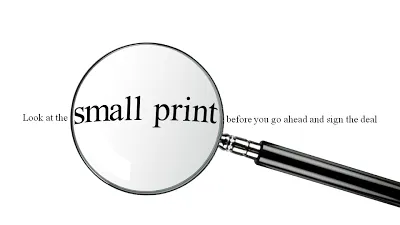
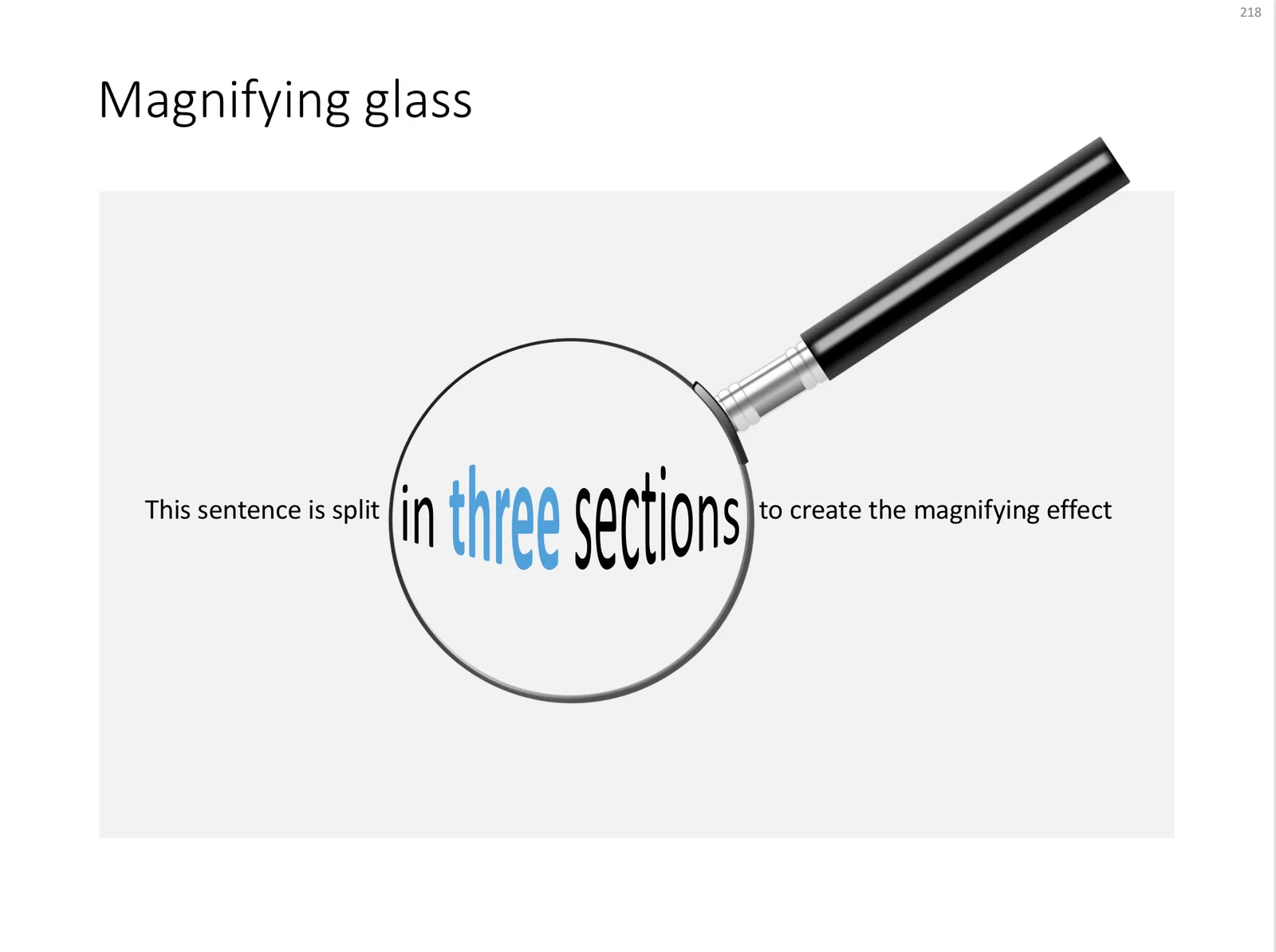
For when you want to make the point that it is important to pay attention to the small print, or make sure that you did not skip over important hidden information, you can use this concept.

In PowerPoint 2007:

  • Get a picture of a magnifying glass from any stock photography site
  • Set the font to a Times Roman-like serif font that looks like a book/newspaper
  • Cut the sentence in 3
  • Increase the size and apply a “can up” distortion to the text inside the magnifying glass (select the text, go into format, text effects, transform, in “warp”, 3rd from the left, 4th from the top.
UPDATE: I have added a slide with this concept in the SlideMagic template store, you can download it here.
 A magnifying glass in PowerPoint

A magnifying glass in PowerPoint

Photo by mari lezhava on Unsplash
·Design

Creating more white space in a picture

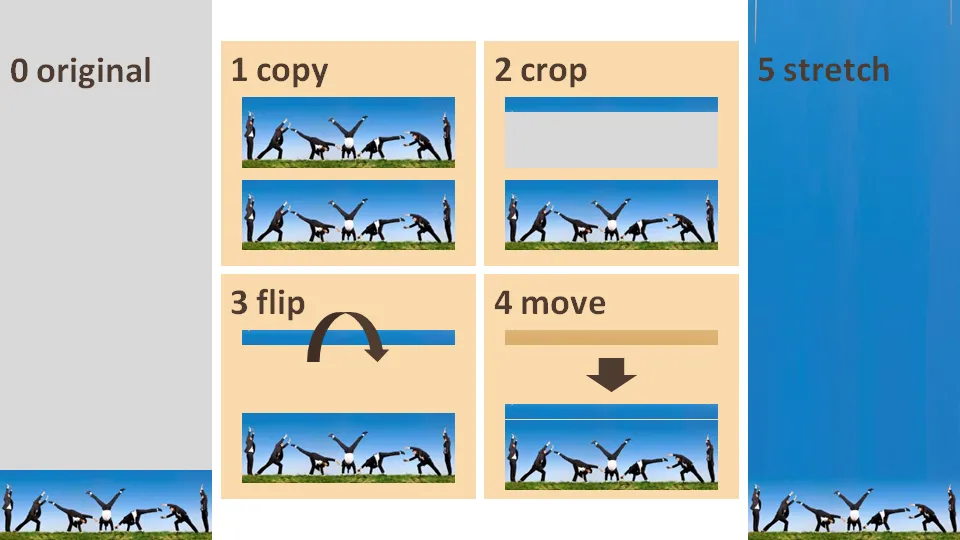
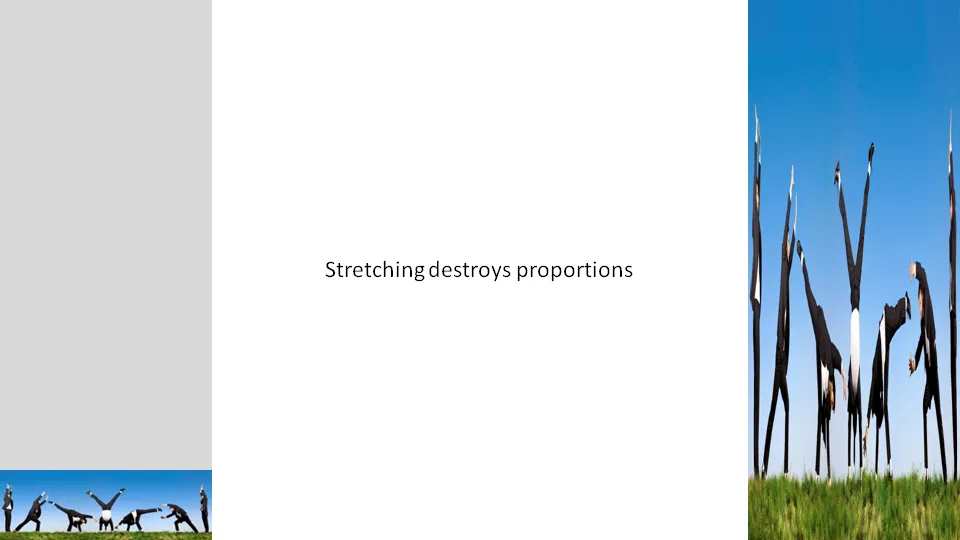
Many stock images lack sufficient white space for text. Stretching an image distorts the proportions.

A trick to get around this problem:

  1. Copy the image
  2. Crop a small strip at the top of the image
  3. Flip the strip
  4. Stretch the strip only

·Design

Humor in your presentation - Add Letters

Add Letters is a site full with image generators. I noticed that they’ve added a few new images. My personal favorites are those related to The Simpsons.

·Design

Lunarr Elements - "Twitter for beautiful images"

Somehow Stumbleupon has gotten too complicated for just dipping into a series of beautiful images now and then. Lunarr’s Elements keeps it pure and simple. You can vote up and down images and follow (get followed by) people with similar visual tastes.

Via VentureBeat

·Design

How to create Photoshop-style Image cut outs in PowerPoint

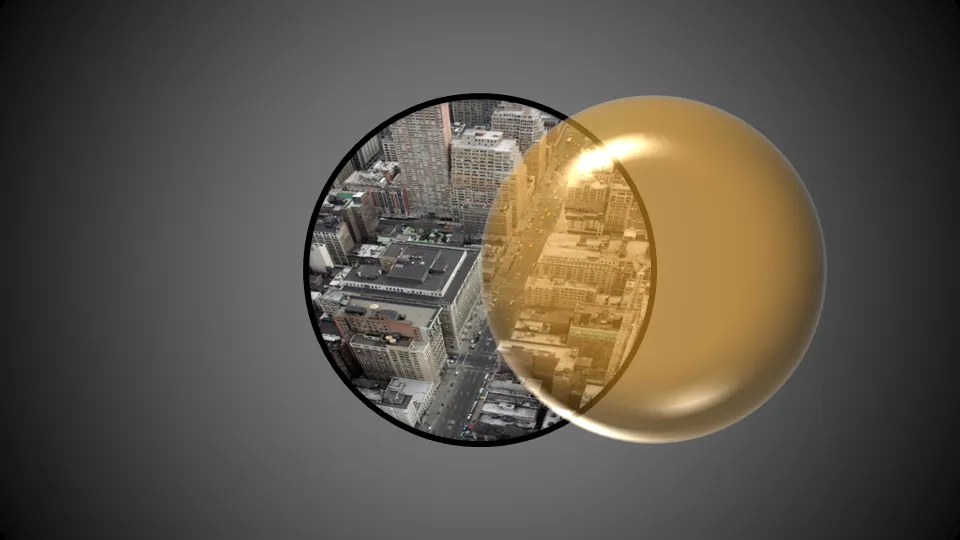
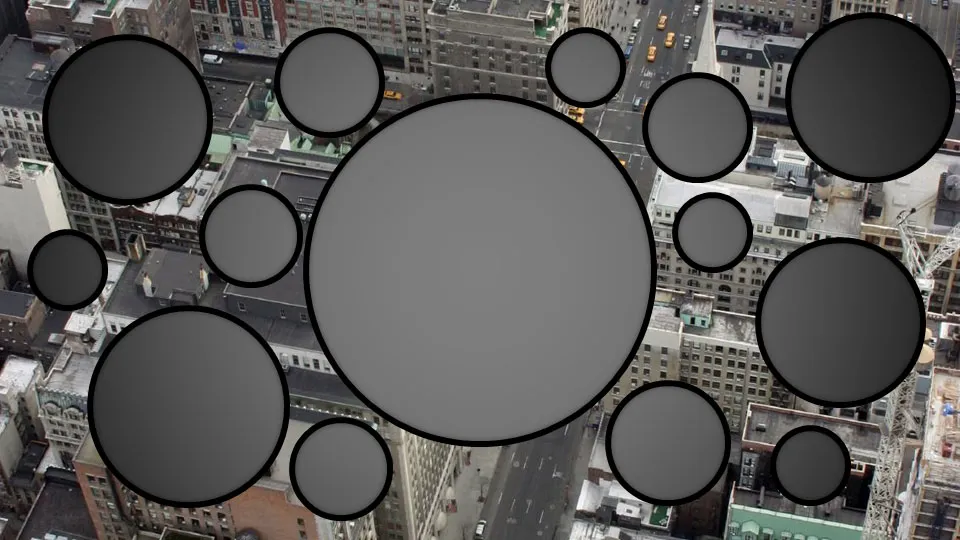
Photoshop has sophisticated tools for cutting our shapes from images. In PowerPoint you can reach similar effects by filling a shape with an image.

When selecting a fill for a shape, choose “picture or texture fill” instead of a color:

Alternatively, choose “slide background fill” to creat “holes” in your graphics.

·Design

Chart concept - the audience as the patient

Some images can literally make the audience feel that they are the patient. Suffering, helpless. Other variations on the theme: a dentist with a buzzing drill, or less medical, someone “zapping” you away to another channel with a television remote control.

Image via BigStockPhoto. The good thing about a medical picture is that the most of the faces of the models in the image are covered, hiding that this is not a “real” image.

Update, here a version of the remote control image:

·Images

Rant: iStockPhoto stealth price increases

The site iStockPhoto is a great source for stock photography (got the image below there). They have increased prices significantly. I remember being able to buy images at $1. Then 1 credit did not equal to $1 anymore. Then, higher DPI images cost a bit more. Since a few days ago, a regular “medium” image cost 6 credits (a lot more than $6).

  • I don’t like the “stealth” price increases, every few months, a bit up. Why not set your prices, and stick to it? Pretty much what Apple did when it set up the iTunes store.
  • At these prices, I am stopping to use a creative process of buying lots and lots of images, and in the end picking the best possible slide. It has to be rigth the first time. I would be willing to pay a lot for a crucial image for a huge advertising billboard, the day-to-day PowerPoint is a different story
  • Small isolated objects I buy in lower resolutions
  • I increasingly look for other “real” image sources (such as Flickr), there are more and more cliche images and illustrations available on iStockPhoto
  • There is a sense that people are getting a bit tired of the “stunning image with 1 word” anywway in slide compositions
  • More and more I am discovering other ways to make interesting slides: typography for example
  • There used to be a sense that iStockPhoto was the answer to expensive stock image sites such as Getty Images. Getty bought iStockPhoto, and with stealth price increases is it still “cool”?
  • iStockPhoto migh be missing a lot of people on the verge of signing up. Professional presentation designers know about iStockPhoto, and have the budget for it. But as the “Presentation Zen” approach spreads among “amateur” designers, there could be a great opportunity for iStockPhoto to increase its customer base beyond these professionals.
Continue reading →
·Design

Make big things look huge by adding something small

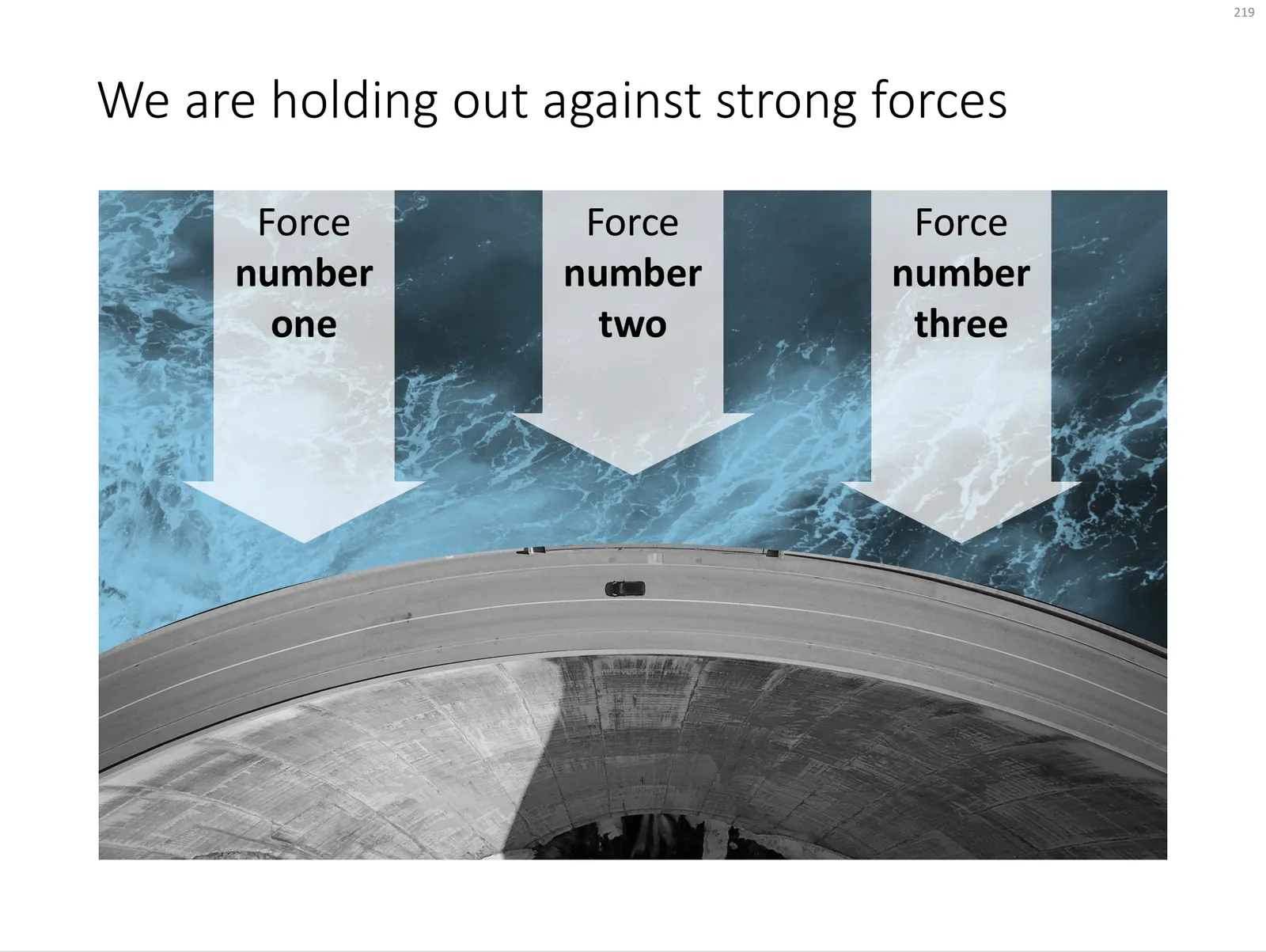
The 2 tiny people, and their 2 tiny shadows make the whole dam look huge. You probably remember your highschool physics teacher explain: “if the nucleus of an atom is a strawberry, its electrons would be flying around the football field”.

Something to think about when making your next slide composition. Image purchased from iStockPhoto

UPDATE: I have now added a chart concept featuring a dam in the SlideMagic template store, you can download it here.

 A PowerPoint slide template featuring a dam

A PowerPoint slide template featuring a dam

·Advertising

So hard to do - "real" art in PowerPoint

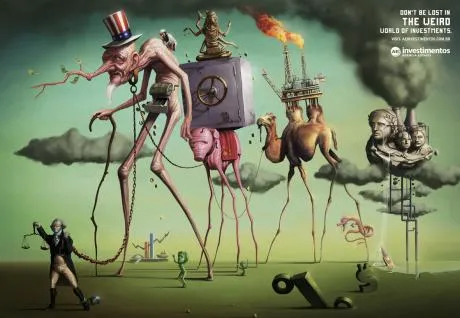
PowerPoint effects, PhotoShop, and a bit of typography/fonts enable an amateur to create PowerPoint slides that start approaching the capabilities of a graphics professional. Not so fast.

This ad for a financial services firm shows that good artwork cannot (yet) be matched by a PowerPoint slide.

  • Taking someone like Dali as the inspiriation for a slide
  • Creating the characters and the elaborate backgrounds
  • Insert the detail and small “jokes”

You immediately “get” this ad. Another one I took from Ads of the World (larger image here).

·Design

Images with emotion - Flickr versus stock image sites

Stock images can be cheesy, staged, unnatural, cliche, especially when it comes to getting a shot of “real” people with real emotions. Try Flickr or other image sharing services as an alternative to stock image sites.

Here is a great, spontaneous and real image that caught my eye today. Look at the emotion in the girl’s eyes, great light coming from below.

Original (in larger size) here on Flickr, picture taken by Studio Cougar. Always check copy right and license restrictions before using Flickr images in your presentations.