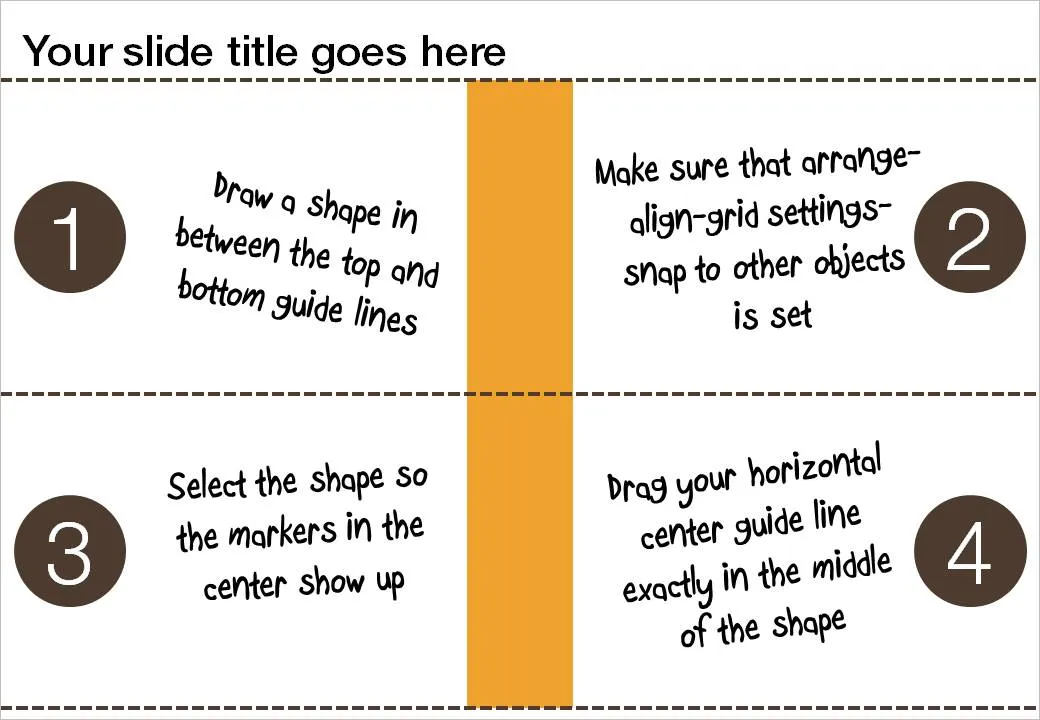
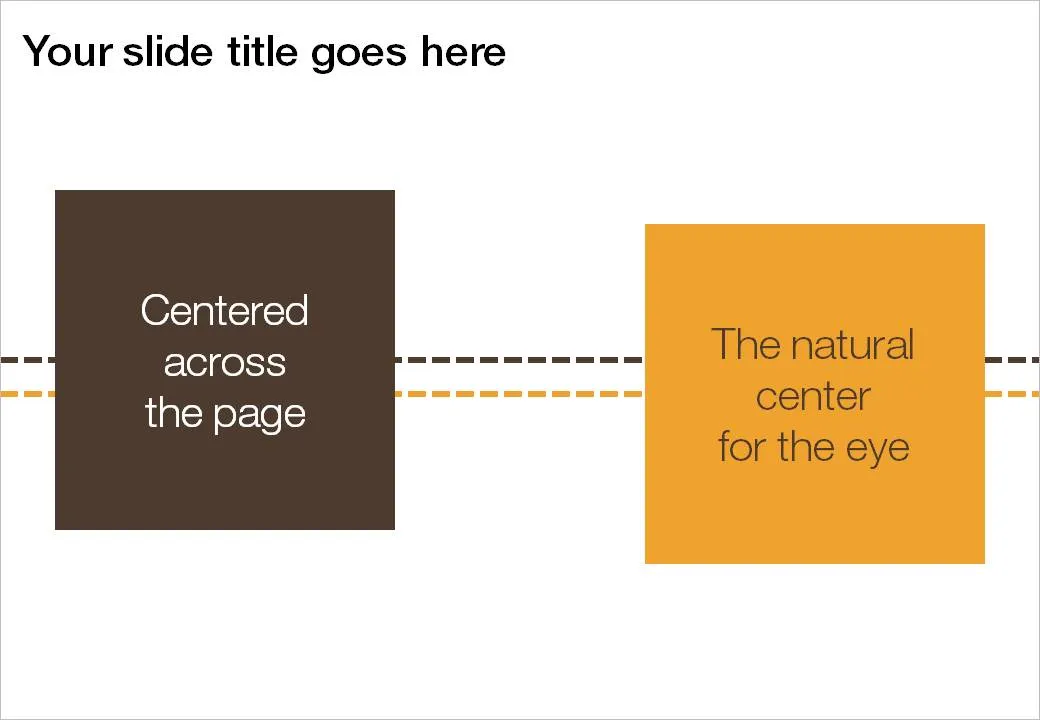
If you use big title headings on your PowerPoint slide, the exact vertical center of the slide might not feel natural to the eye. I suggest centering items slightly lower. Here is how you can find the exact location where to set your drawing guides.
- Draw a random shape in between the top and bottom drawing guide
- Switch on “snap to other objects” (arrange-align-grid settings-snap to other objects)
- Select the shape to make its center marker visible
- Drag the middle horizontal drawing guide to the center of the shape, it should “snap”