SlideMagic Blog

Frequent updates about all things presentations since 2008. Subscribe to never miss a post.

RSS
all posts

Search results for “web design”

·Advertising

Chart concept: can't see the forest for the trees

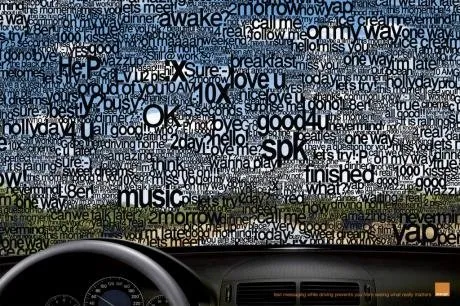
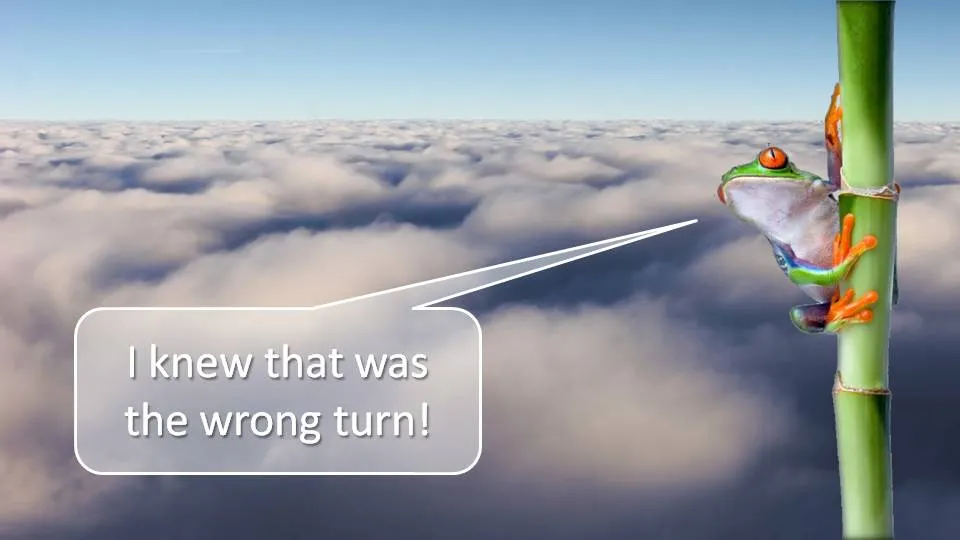
I often need to produce a chart that needs to say one’s inability to see the forest for the trees. This ad by Orange warning people against SMS-ing while driving makes the point nicely. Very labor-intensive to replicate in PowerPoint.

Via Ads of the World.

·Design

New pocket projector launched in the market

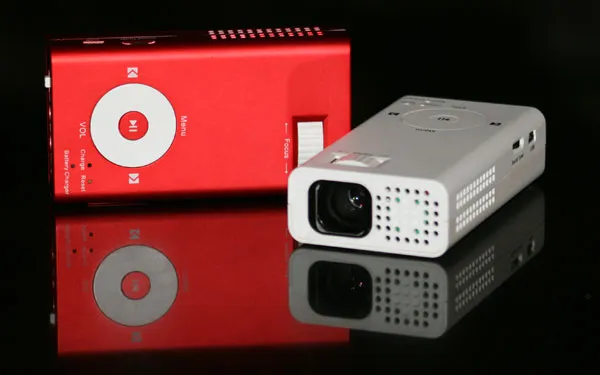
I have been following the developments in the market for pocket projectors. If they work, they have the potential to create a whole new setting in which to give presentations (conference auditorium, small meeting room, and now the white wall in the local coffee shop).

The (obvious) problem with the early devices was that they lacked power. Here is a new device that is a bit bigger/heavier, but promises to deliver more performance: the Beambox Evolution R-1.

Via engadget.

·Design

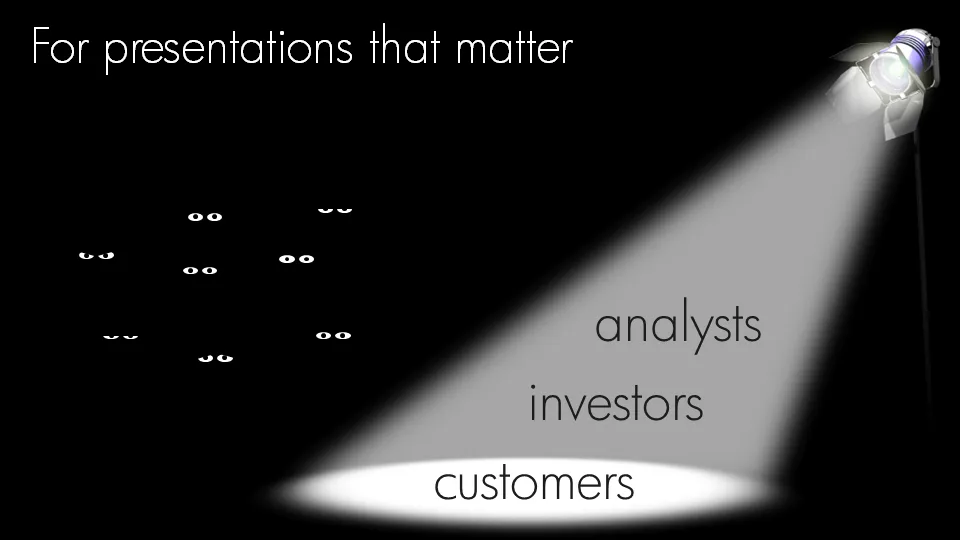
Chart concept: an audience staring at the audience

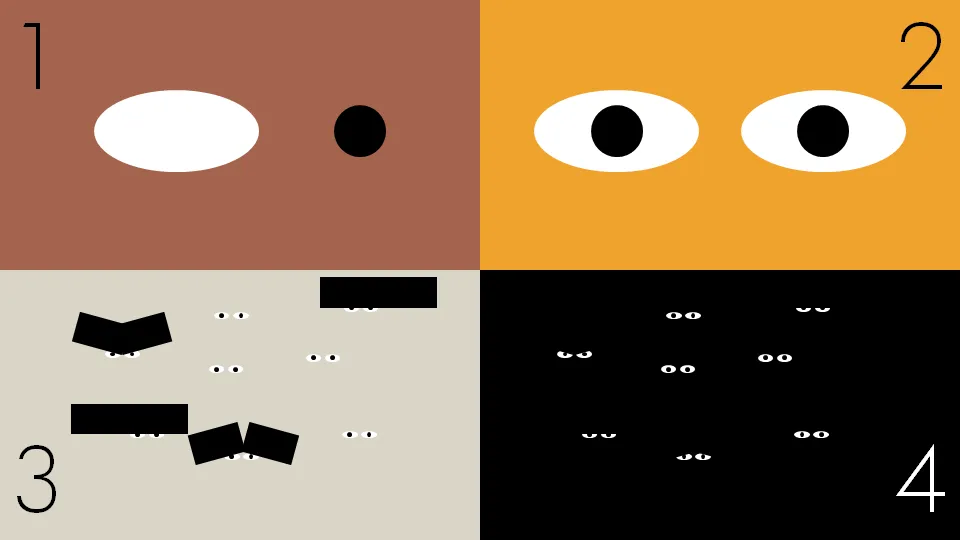
Putting your audience in the patient seat can be a powerful presentation technique. While upgrading my own introduction presentation, I started playing around with “eyeballs” that create an audience staring back at you.

Click on the images for a larger picture.

·Design

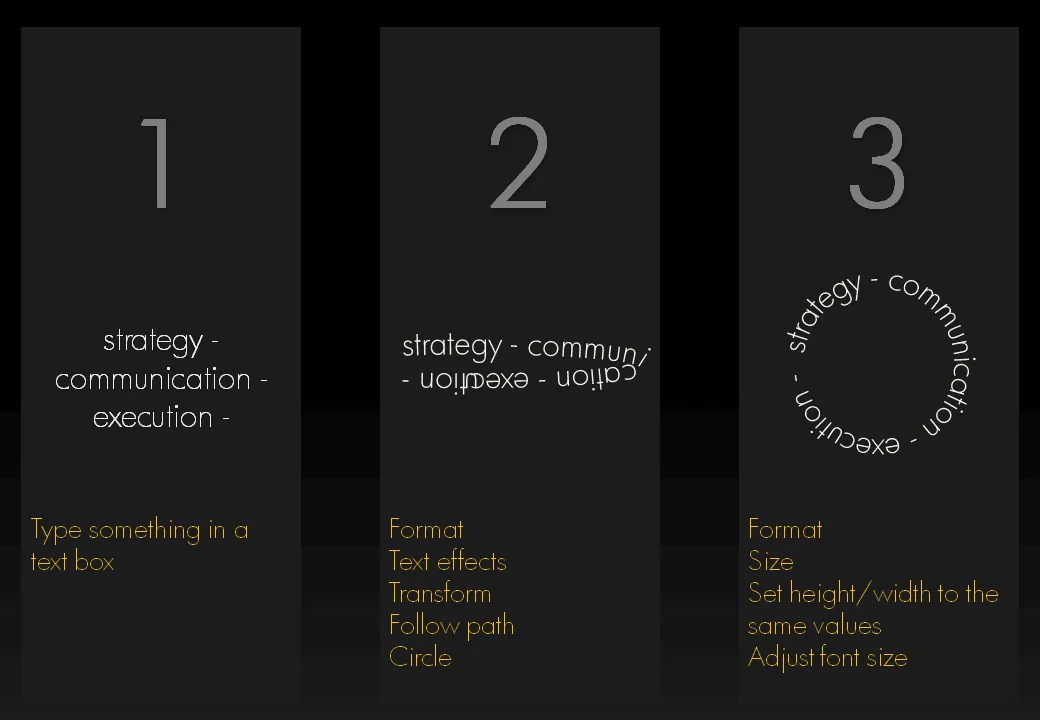
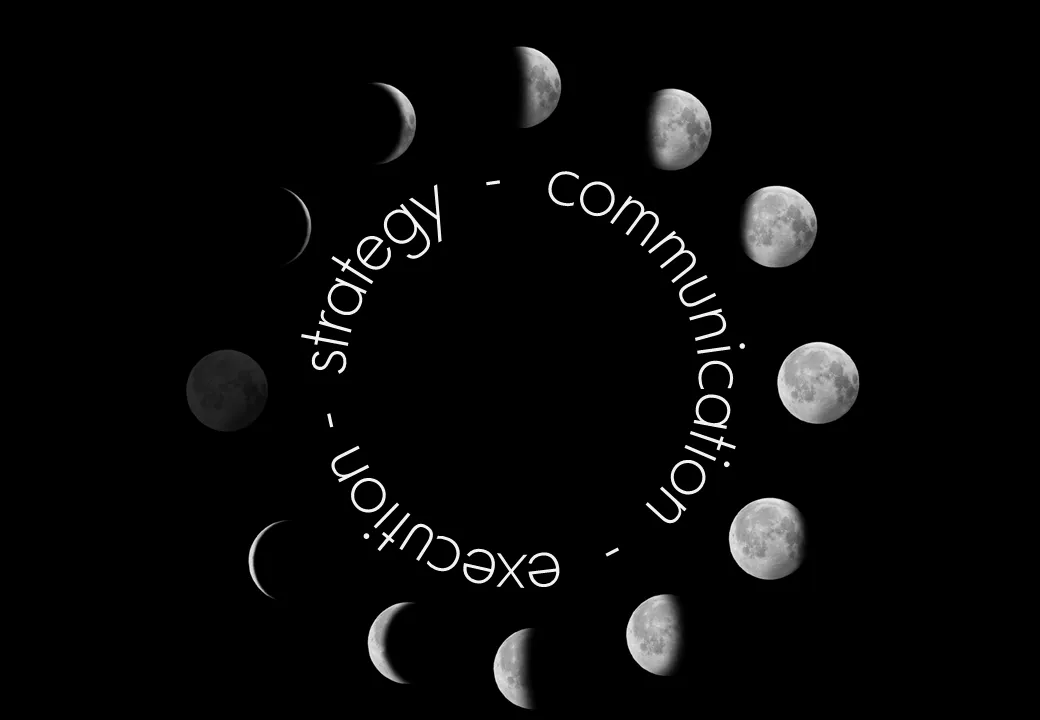
Putting PowerPoint text in a perfect circle

I am revamping my own introduction presentation and needed to align text according to a circle. Untill now, I used to improvise to fit text in a circle. There is a clean and simple way to do this. Click on the image for a bigger picture.

·Design

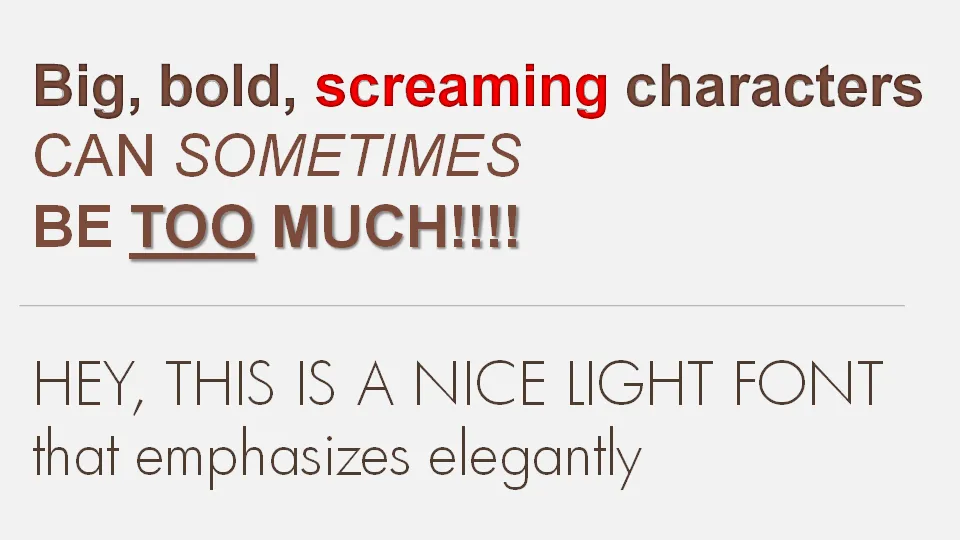
Big PowerPoint fonts that don't scream

If a message is important there is a temptation to use a “screaming” typography: bold, italic, underline, big fonts in bright red. Resist it. Underlining should always be avoided. Italics almost always. And I am not a big fan of heavy bold characters either. Experiment with a lighter font, such as this Futura Light font that comes with PowerPoint 2007. (Don’t forget to save it with your presentation to prevent catastrophes when presenting on another computer).

·Design

Create your own composite images in PowerPoint

It is easy to create your own composite images in PowerPoint:

  1. Select a stock image isolated on a white background
  2. Make the white background transparent
  3. Select image, go in format, picture effects, shadows, interior shadow to make the edges smoother
  4. Paste this image on another image with the background of your choice

·3D

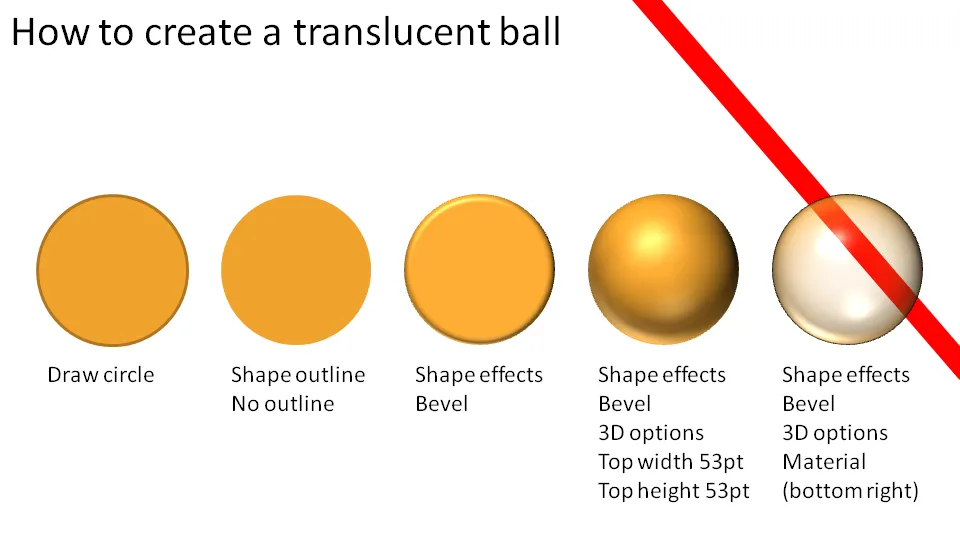
How to make a 3D translucent ball in PowerPoint

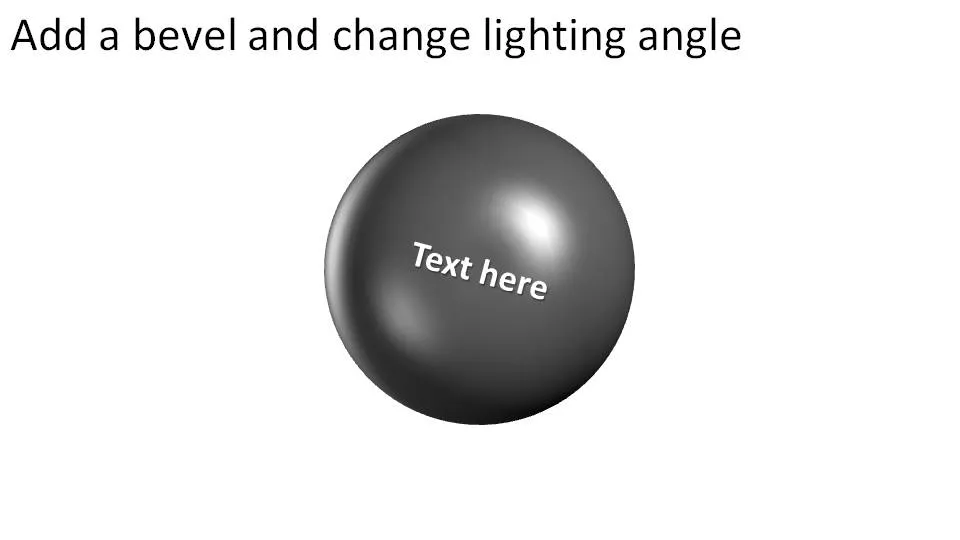
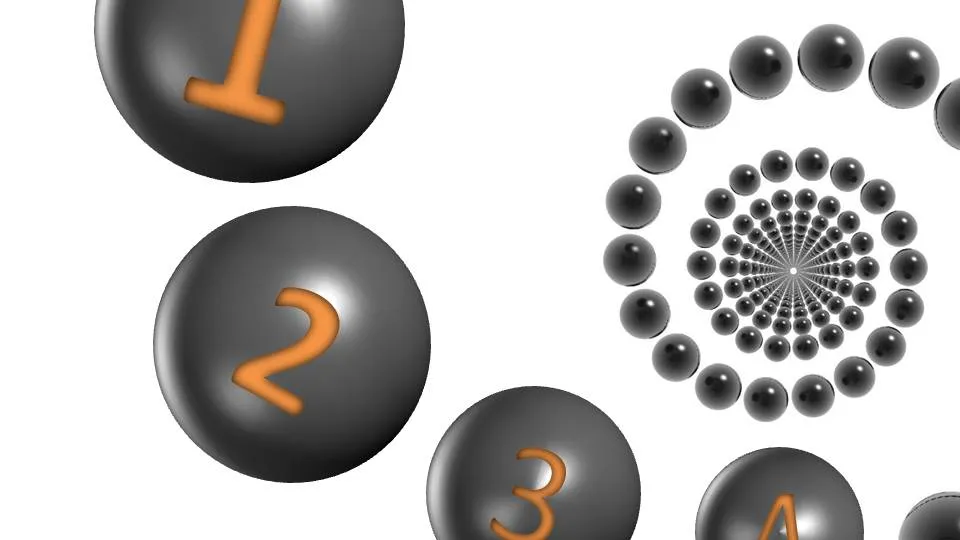
Here is how you make 3D balls used in these images, or these images. Click on the chart for a larger picture.

You should experiment with the “top height” and “top width” to find a value that best fits the size of the object you are working on.

·Design

Why not zoom those images

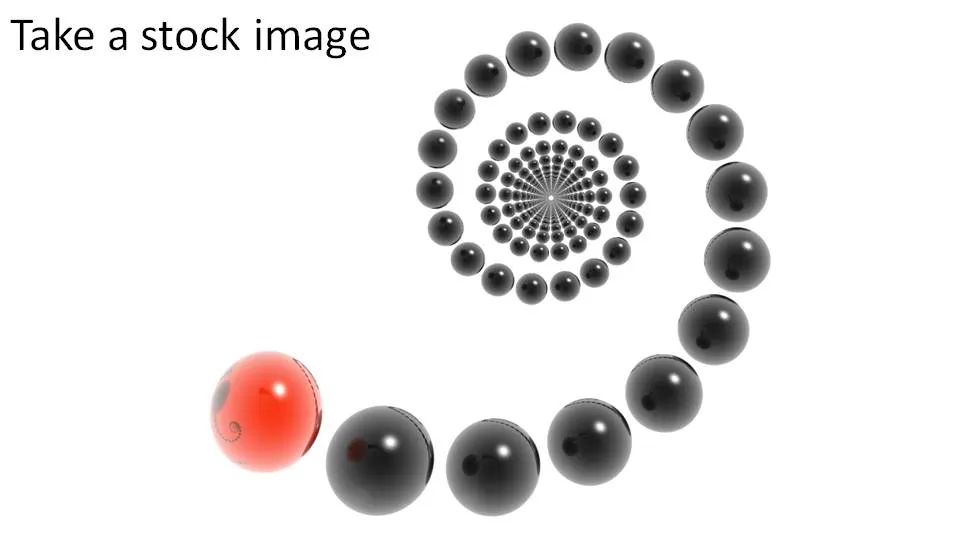
Stock image sites are trying to convince you to buy higher resolution (and higher price) versions of the same image, I usually don’t buy it.

  • In case you need to print it on a street sign (not required for me)
  • Because you want the very best looking PPT slide (no real difference + big file size)

There is a reason however that might make me change my mind. The same argument holds when buying digital cameras with ever increasing mega pixel capabilities: your ability to zoom.

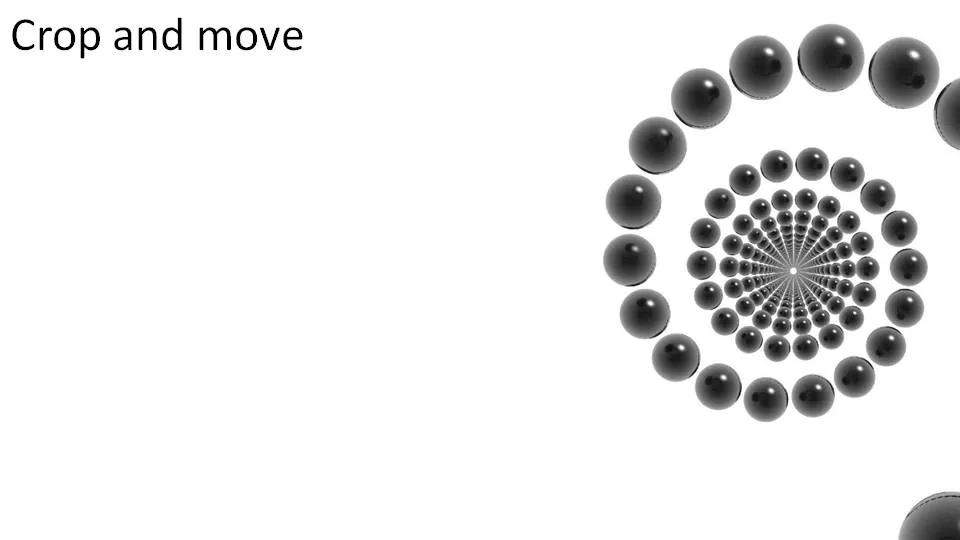
Try to experiment with zooming into stock images (don’t be afraid to create a “bleed”). The result might not look good on your computer monitor, but from a distance it can look refreshing. (Do the slide sorter view test).
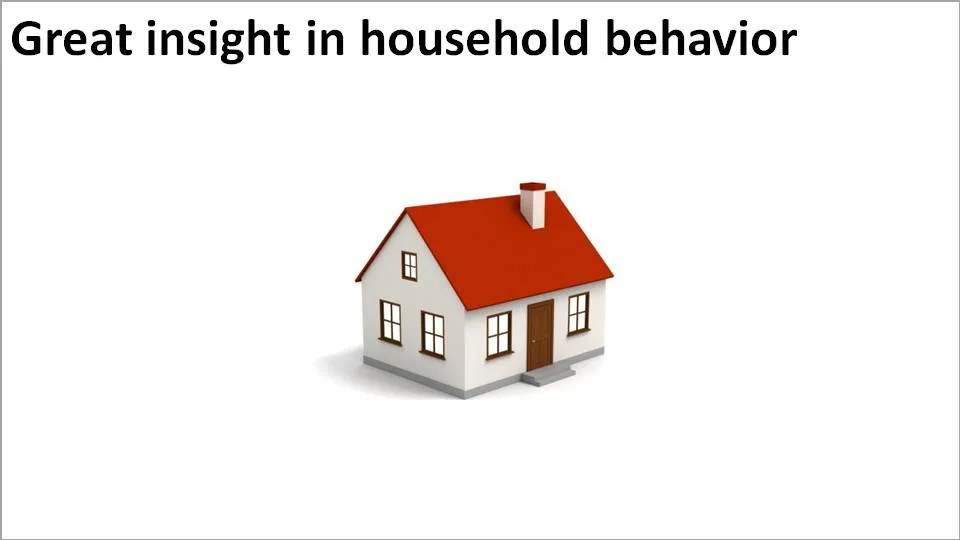
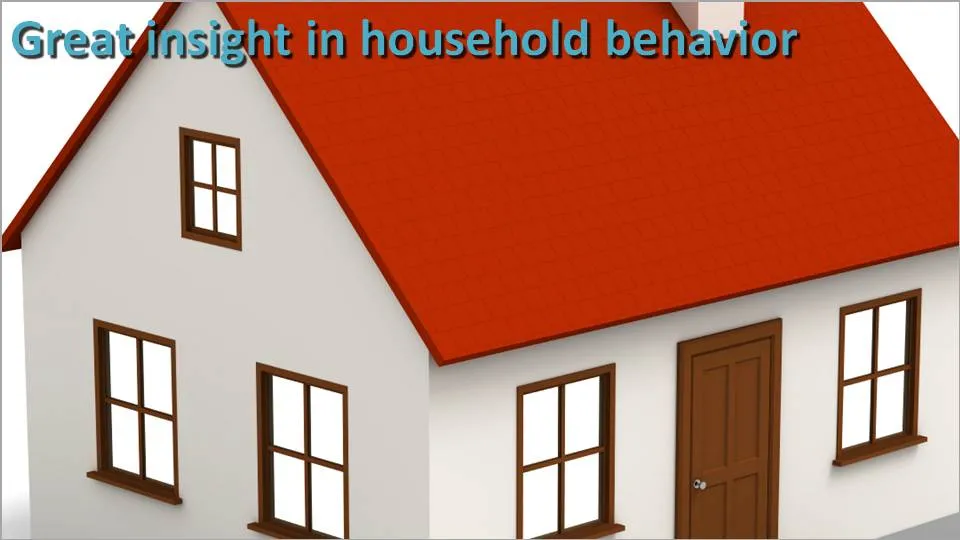
In the example above, both approaches work. A tiny image on a big white background, or an extreme zoom. The middle ground (as usual) is boring.


·Design

Exception: some conceptual stock images can be useful

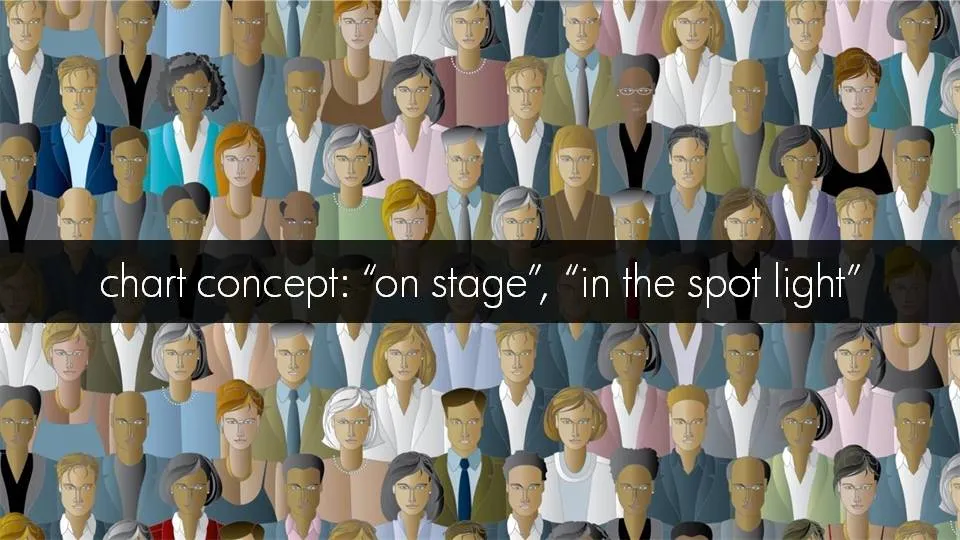
I am not a big fan of conceptual stock images. Compositions you can do yourself. There are exceptions. See the example below.

·3D

3D smoke 'n mirrors - making things disappear from an image in PowerPoint

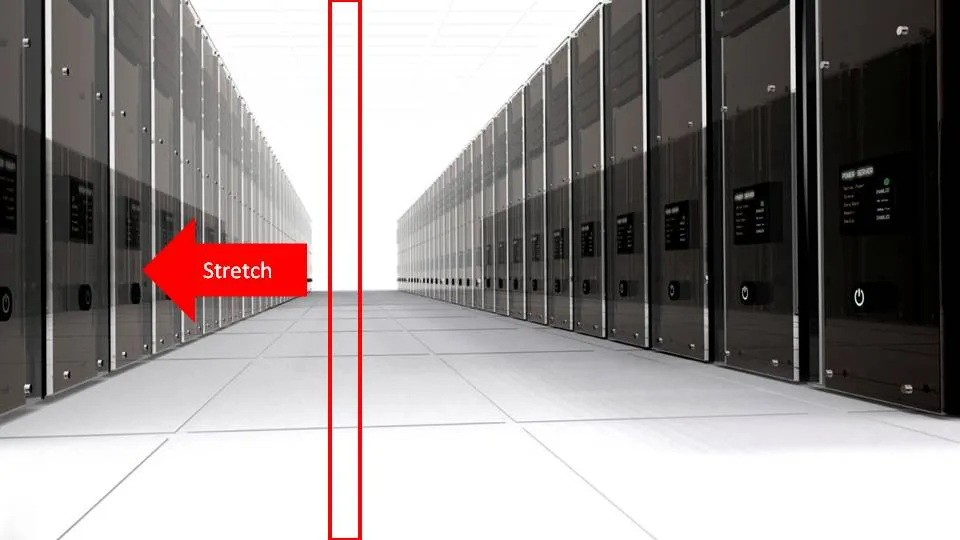
Stretching part of a picture cannot only be used to create white space, you can also let things disappear pretty much like David Copperfield does:

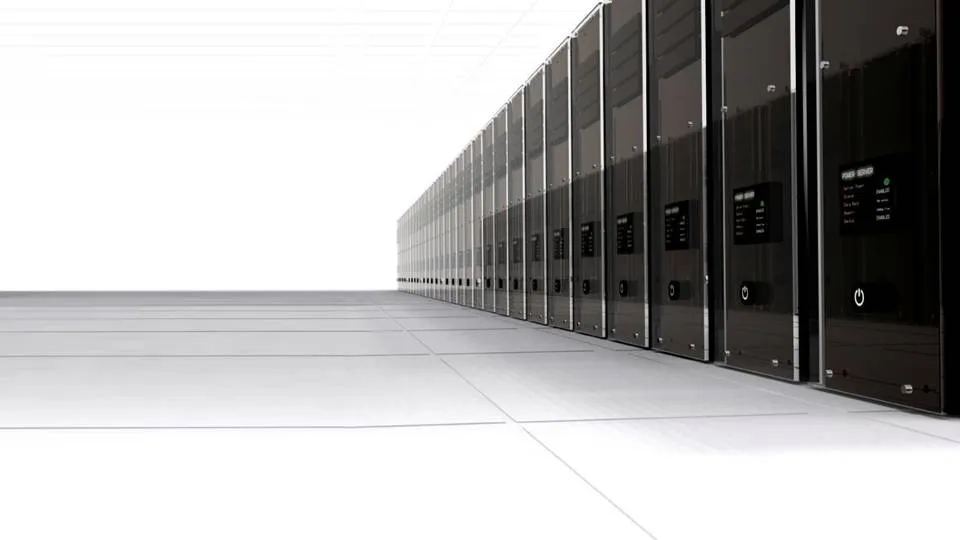
I used this concept to show how a new technology solution of one of my clients can save a lot of server costs. The zapped servers live on in the reflection in their opposite neighbours though…