Many stock images lack sufficient white space for text. Stretching an image distorts the proportions.
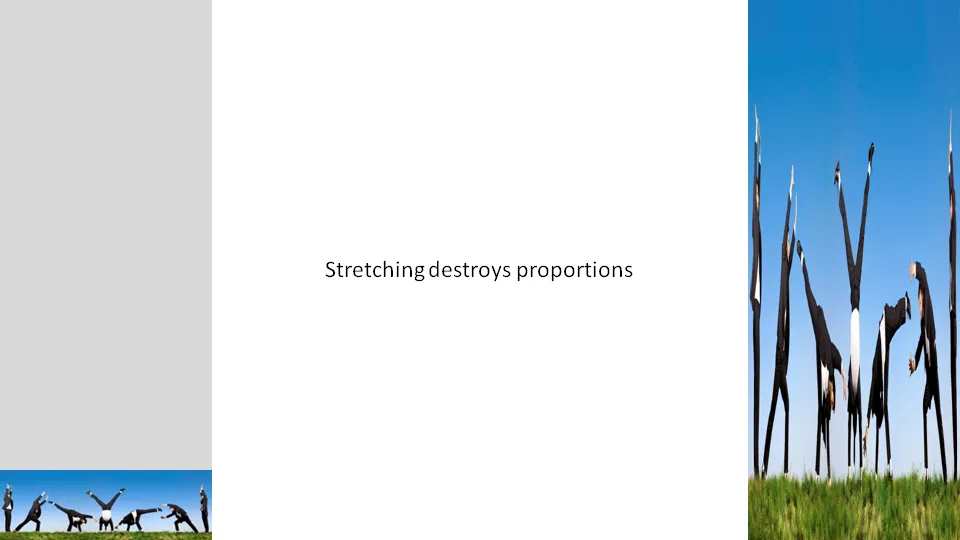
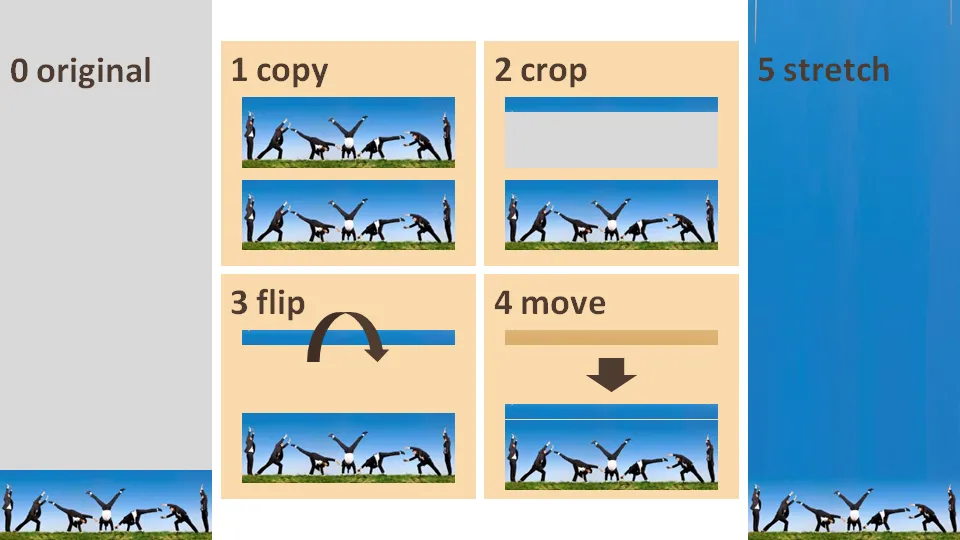
A trick to get around this problem:
- Copy the image
- Crop a small strip at the top of the image
- Flip the strip
- Stretch the strip only


Blog post
Many stock images lack sufficient white space for text. Stretching an image distorts the proportions.
A trick to get around this problem:
About this blog
Notes on all things presentations — design, storytelling, and AI workflows.
Subscribe now to never miss a post.
About SlideMagic
A platform for business presentations.
A free student plan is available.
4 comments
Brian, I know that short videos or example SlideShare presentations are a better way to bring out these tutorial posts, but the time to prepare them is an issue.
I hope that readers will post questions in the comments if they are not sure for example how to crop and flip images.
many thanks
marnix