SlideMagic Blog

Frequent updates about all things presentations since 2008. Subscribe to never miss a post.

RSS

Blog now self-hosted

For the first time in 18 years, the SlideMagic blog now runs on my own servers. We went from Blogger, to Squarespace, now to slidemagic.com. AI enabled me to quickly write a solution for hosting and editing the blog and manage the email and rss subscriptions. The big advantage is that I am no longer tied to formats and templates that always felt very forced, I can simply apply my own. Secondly, I can back through 18 years of post history and clean up broken links and images.

The current design of the blog is still very plain and standard, I will update it later. For the moment I made sure that the plumbing works. If you encounter any issues, let me know.

·AI

Dream cycles

Humans process information absorbed during the day in a good night’s sleep. Important things get put in long-term memory, details that are less important go to the “forget bin”. Stress and noise gets reduced. When we get up, we feel refreshed and ready to get going again.

Memory is a big issue in AI at the moment. A few months ago, it was about remembering your last 3 prompts (sentences). Today, these “context windows” can span novels, to the point where this memory actually starts to confuse the model. A technical solution: dream cycles where the AI model peruses its information, selectively forgets details, and stores important data for future reference.

When it comes to presentation design, it is important to give your thoughts rest as well. Coming back to a story line after a few days makes your realize what actually is the best way to communicate the message.

And a fresh pair of AI eyes can help as well. Clear the context of your model, or open an entirely different one, upload your draft and ask whether this is actually the best way to tell your story…

·AI

ChatGPT Images 2 beats Nano Banana

Another day, another model improvement. The latest visual model by OpenAI is now the gold standard for creating realistic image, beating Google’s Nano Banana (August 2025).

I prompted a “911 in Hoogeveen” back in an earlier post to Nano Banana (left), and the ChatGPT result today to the right. Nano Banana figured out Hoogeveen was a town in the Netherlands, and created a historical Dutch town as the backdrop, ChatGPT got the actual details of the town (which I recognize very well), but created its own mashup version of the city.

Text rendering is now great. Look at the traffic sign: correct spelling and places relevant to the town. The model is actually incredibly good at making slide in consistent on-brand format. Below the result of a request to transform a slide in a 1960s Swiss graphic design style. The catch: you get pixels not a file you can edit…

It achieves these results not by just being a better pixel generation model. The response to a prompt now involves reasoning about it, sketching a few raw options, ‘seeing’ (an LLM cannot see) the intermediary results, picking the best one, then producing the final result in pixels.

ChatGPT Images 2 is now the default model in ChatGPT, it will be used when you ask it to create an image. Set the model effort to ‘thinking’ to add more reasoning effort in the processing.

To be continued.

·AI

Codex Computer Use - control any app on your machine

Another day, another presentation AI tool. Codex Computer Use is a plugin for OpenAI’s Codex desktop app. It enables control of any app on your machine using the regular human interface: ‘seeing’ screen and making clicks. (Mac only, and not available in the EU/UK because of regulatory restrictions).

Its powers are phenomenal. SlideMagic is a quirky app with a small user base. In a few minutes I got it to insert a profit and loss table, add a year to it, and then take the last year of the table and turn that into a horizontal waterfall chart.

In PowerPoint for example, this tool will be much more useful than the Claude PowerPoint plugin, which “fights” complex PPTX file formats (a huge amount of nexted XML tags) to make simple edits like moving a box. The Codex Computer Use plugin can simple drag the box.

This feature is extremely token-hungry though, probably because of the screenshot data that gets send back to the server.

Claude Design is here, what does it mean for presentations?

I was waiting for this announcement, and Anthropic did announce a few hours ago: Claude Design. There are many demo and review videos online that show the features, I will focus on a few specific issues.

The big issue for enterprises when it comes to presentations and documents is to keep all employees “on brand”. The designer of the corporate web site gets it right, but what about the new analyst who works late at night to prepare the quarterly revenue update presentation? Claude Design does a great job here to capture fonts, colors, and style guidelines in one place.

For enterprise AI workflows and systems, context is everything. And the Claude set up makes it easy to access files, information, data, anything.

The current Claude Design application is a web app, that has not been integrated in the desktop all yet (it will probably happen soon). For presentations, its a wrapper around Claude’s ability to manipulate and create slides. At the moment, Claude Design treats presentation slides as HTML. (Unlike Claude Code/Cowork that can work directly with PPTX). As you interact with Claude Design your presentation comes out beautifully, but will have a “web site” look and feel. (Maybe that is actually a better feel than corporate PowerPoint?). Your presentation is HTML with a 16:9 aspect ratio without the resizing options.

When you are done, you can export to many formats, of which PPTX is one. Once exported, Claude Design can no longer edit the resulting PPTX file. (Obviously you can ask Claude Code/Cowork to take over from there, but that app will miss the context that you created before).

Continue reading →
·Software

None of the tools were right, so I quickly wrote one...

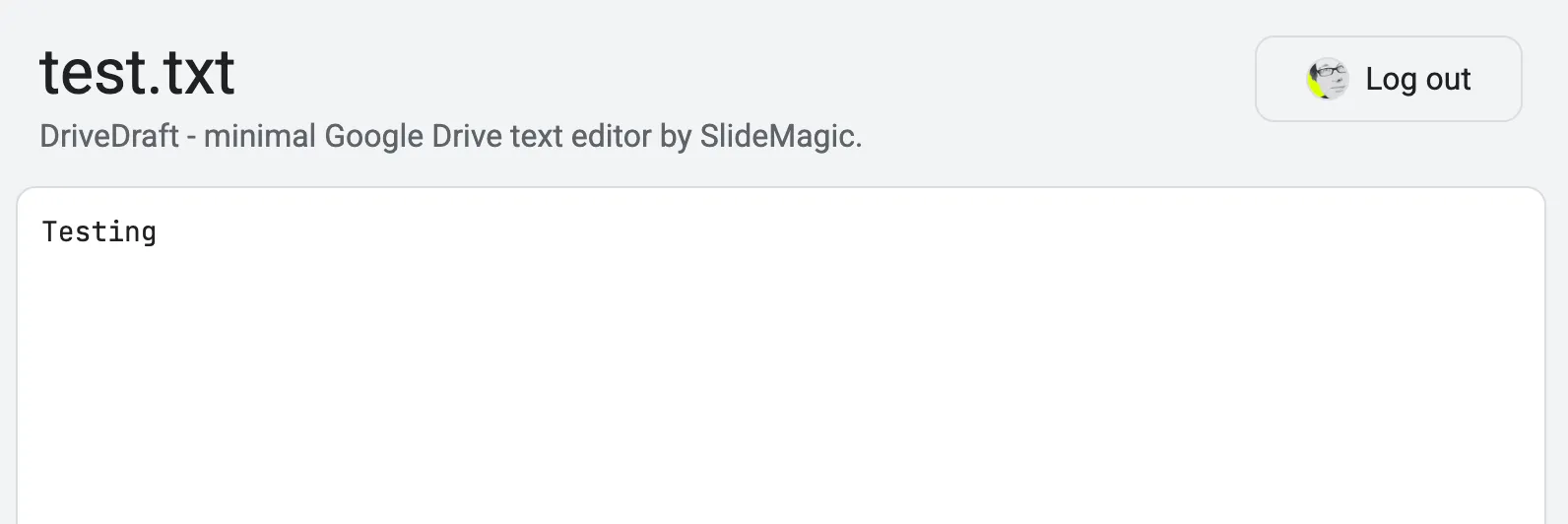
This is 2026… I needed a super basic text editor for Google Drive. If you double click a text file in Google Drive, it will convert it to a bloated Google Doc for you. You can install text editor apps, but they all come with a catch: too many features, 1990s UI design, ads, paid plans. So i used Codex to write me one… Writing the app took 10 minutes, configuring the Google Cloud Console a few hours (but now I know the drill).

I have requested Google to approve it to get rid of warnings when you install it. The primary user is me anyway, so I won’t put it out in the add-on market place.

You can try it: drivedraft.slidemagic.com. Sign in with your Google Account. Now go to Google Drive and right-click a .txt or .md file and choose ‘Open With’ DriveDraft.

·AI

PowerPoint via Whatsapp

I have been experimenting with OpenClaw, a 24/7 personal AI assistant. It is an open source project that was created over the past month, created almost by accident as a hobby project by a developer. Late last year, developers discovered that using an AI coding tool for non-coding applications really works, especially if you can give it access to local files (rather than chatting). Next step: keep the AI agent running 24/7. Next step, find a way to let the AI agent keep some context about you. (Context memory is a big issue in AI, it fills up at some time, so storing bits of context for future reference enables persistent awareness). Next step, implement recurring instructions. Next, make the AI assistant available from any channel, including Whatsapp. This, combined with full system access, creates an incredibly powerful AI assistant (that can also be incredibly destructive). “It’s 2AM, I have a 12 hour to do list and full shell access, lovin’ it”. What can possibly go wrong.

So it requires some technical knowledge to run this thing in a vaguely responsible way. I put it on AWS EC2 in a completely isolated virtual network, with an access tunnel that only I control, plus a number of prompt injection filters running on yet another server. (OpenClaw’s founder has joined OpenAI exactly for that reason, to get the financial resources to fix the complexity and security issues)

Working with it, enables me to get a feel for the future. Direct instructions to applications (code editors, presentation design software, spreadsheets, food takout apps) will become increasingly irrelevant.

Continue reading →
·AI

AI images are the new stock images

People are starting to develop a pretty good sense of whether an image “smells like AI”. The audience will notice when you use them just as visual fillers like you used to use stock images. (“Life-style conscious gen-z person working from the local cafe”).

Completely obvious AI renderings are comparable to clip art of the earlly 2000s. Hyper realistic AI images are similar to stock images, “something is off here”.

Apply the same approach to AI images as you did to stock images.

·AI

"Files are so back"

The past decade with spend a lot of energy moving all our files into the cloud, and accessing them through a browser-based application. That is going to reverse in the era of AI.

A good old desktop folder is the perfect context for an AI agent. All information in one place. Different formats, different applications, all accessible and editable.

I started experimenting with a spreadsheet/presentation workflow that mirrors the way I write code. Pointing Claude Code at a directory with files and let it orchestrate analysis and design under my supervision.

PowerPoint -> rendering engine

Programming languages have always been a necessary evil. A way to translate human intent into something a machine can execute. Strict syntax, rigid rules, brackets in the right place.

Presentation software has had the same problem. You want to communicate an idea, but first you need to learn how to manipulate shapes, align text boxes, format charts, pick colors, fiddle with layouts. The tool sits between you and your intent.

AI is changing this. You can now describe what you want in plain language, the way you would have briefed a graphic designer ten years ago. “Put the revenue chart on the left, key takeaway on the right, keep it clean.” The difference is that the result comes back in seconds, not days.

And here is the interesting bit: it does not really matter which application your AI assistant uses under the hood to build the slides. The end product is a flattened file, a PDF, an image. The mechanical production of the slides is becoming invisible.

PowerPoint is not going away, but its role is shifting. It is moving from being a user interface for a human designer to being a rendering engine for an AI. The way a browser renders HTML that no one writes by hand anymore.

We are going back to a more natural way of working. Talking to a person (or an AI) about what you want to say, and getting a visual result. The detour through complex software UI was a historical accident, not the destination