SlideMagic Blog

Frequent updates about all things presentations since 2008. Subscribe to never miss a post.

RSS
all posts

Category Concepts

·Concepts

Chart concept - low hanging fruit (that's gone)

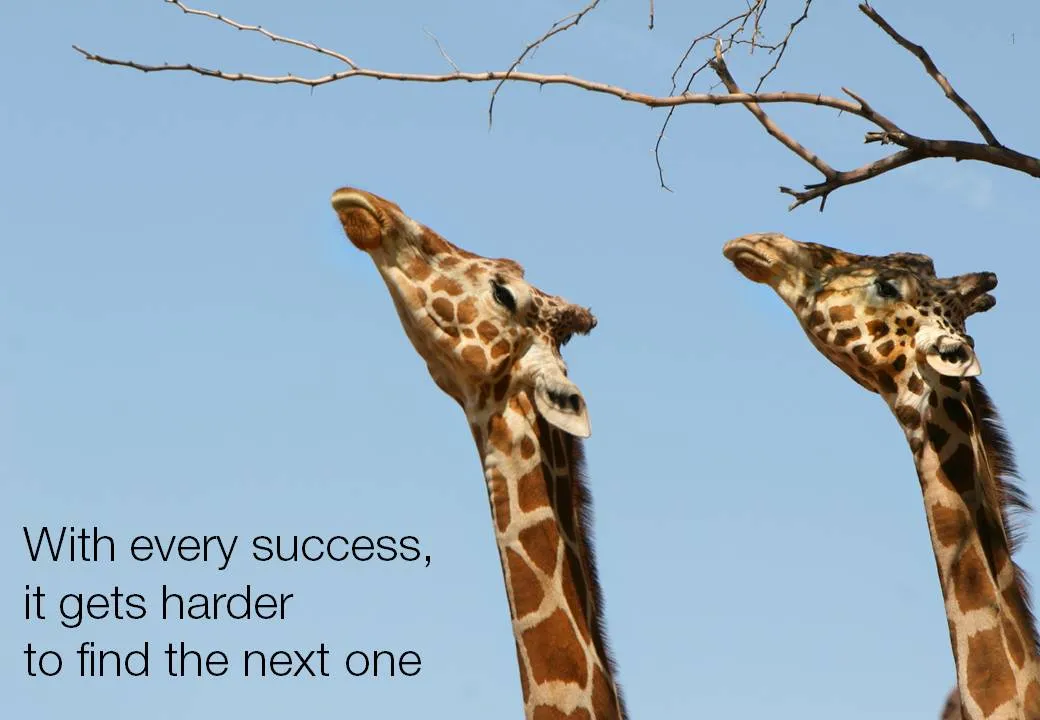
“Low-hanging fruit” is a term that is over-used in corporate meeting rooms. Recently I used a nice giraffe image to create a tongue in cheek slide explaining that all the easy opportunities have been picked away. (Yes I now giraffes eat leaves and not fruit…). Image found on iStockPhoto.

·Cartoons

Chart concept: "Pong", "Pong", Pong"

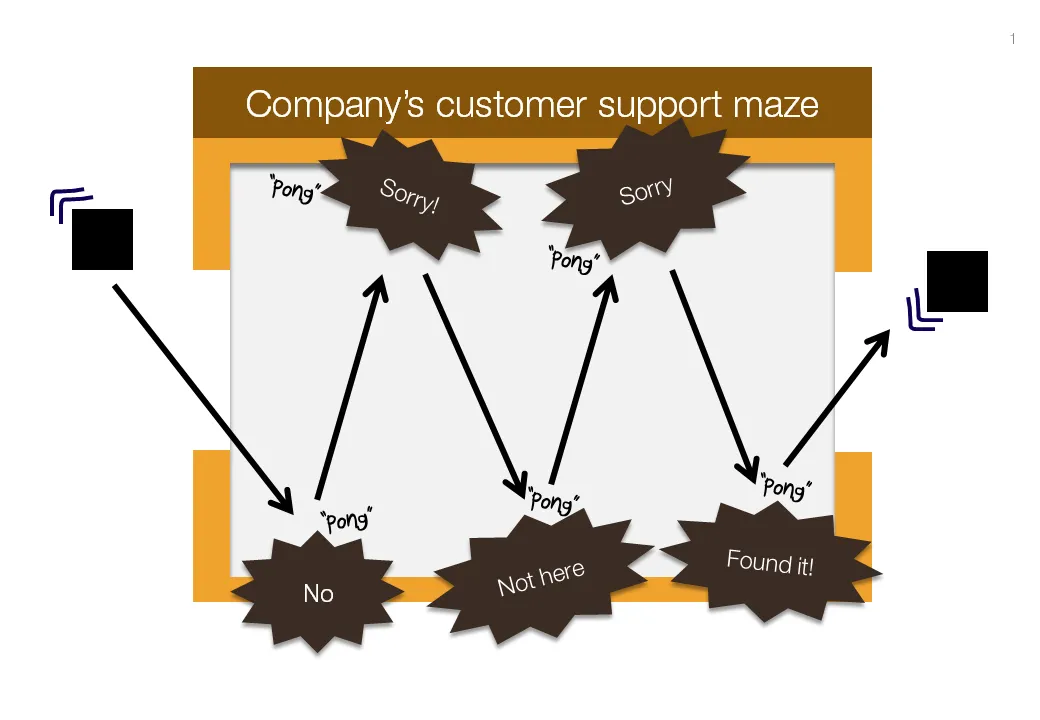
Cartoons have a great way of adding movement to an image. Images can be static and without animations (easier to share online). All you need to do is use an informal font such as Boopee and add some arrows and loosely drawn lines.

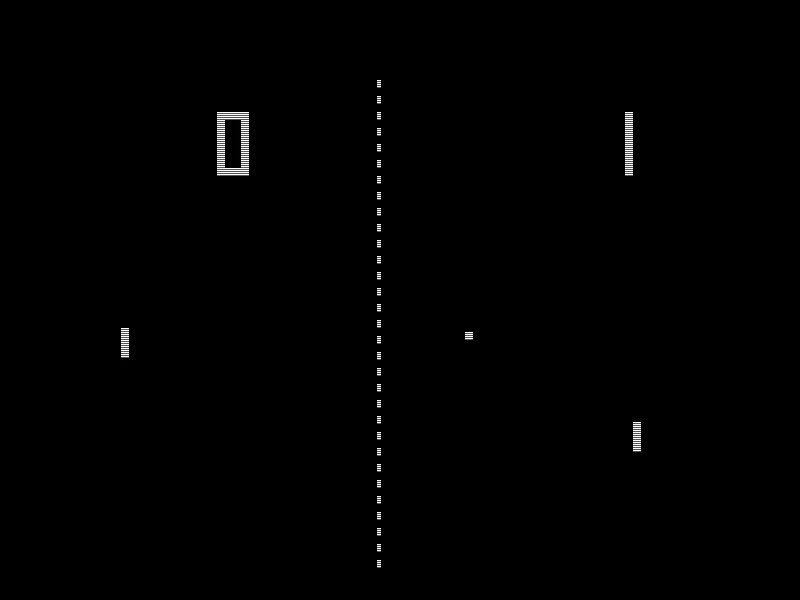
The following chart example was inspired by the first “pong” video games that came out in the 80s.

While the style of the slide is informal, the content is serious enough that I would not hesitate to include it in presentation to the Board. I took out the specific customer example to maintain client confidentiality.

I am a big supporter of the global “ban comic sans movement”, try not to use that font.

·Concepts

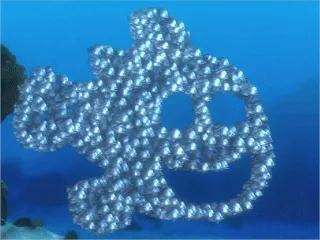
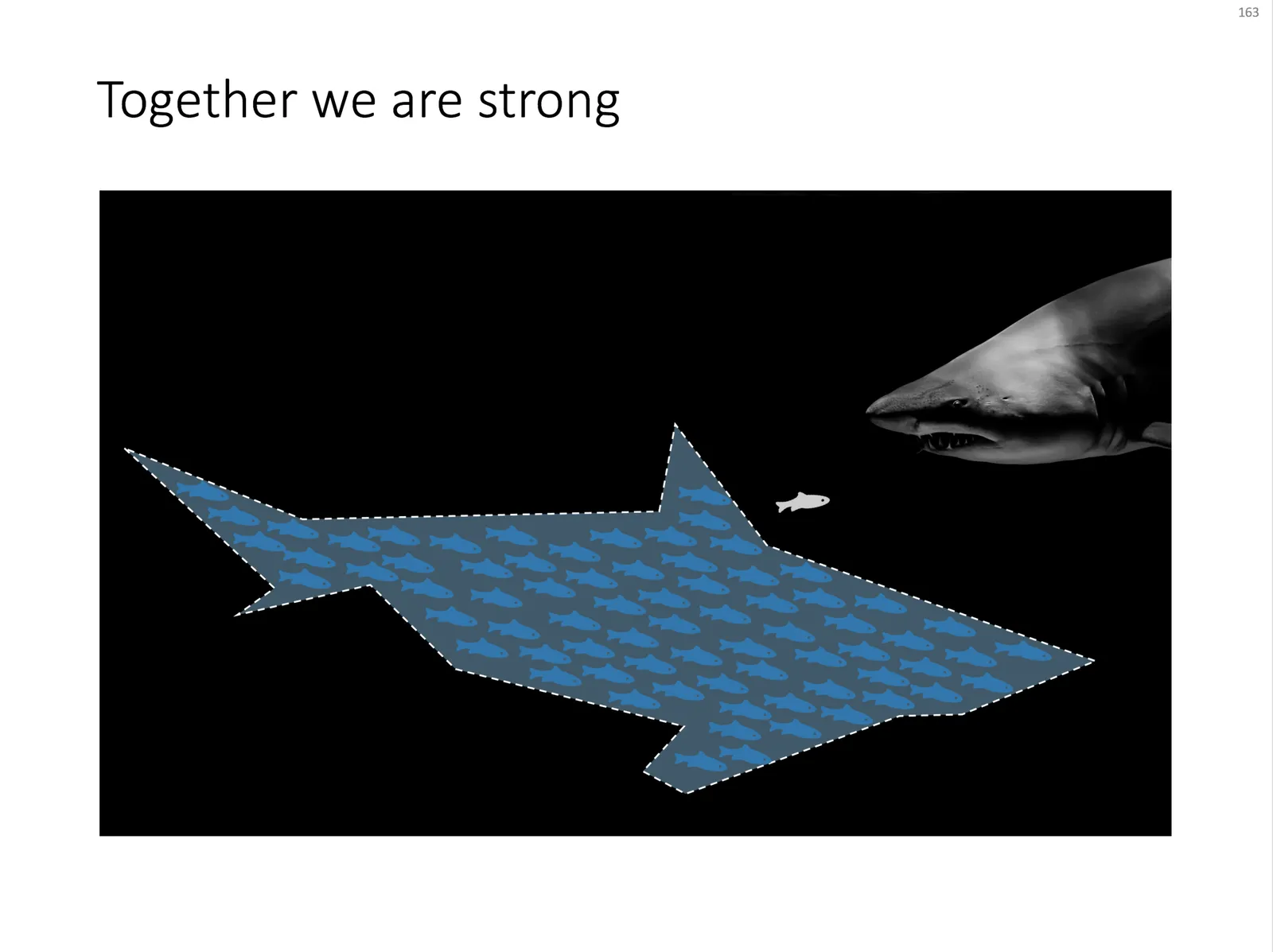
Chart concept - shark!

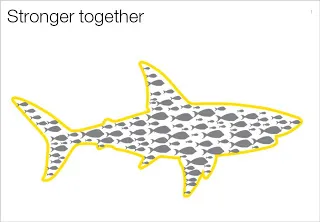
Some might consider it a cliché, but I found it still useful: the school of fish swimming in formation to create the illusion of being a shark. For when you need to visualize how many smaller/weaker entities can work together to become very strong as a group.

An image like this can easily be created by searching for “fish silhouette” or “shark silhouette” in a stock photo site. Resize the small fish, paste them over the shark’s silhouette, and off you go.

Inspired by a scene from the movie Finding Nemo:

UPDATE: I have now added a slide with many fish forming a shark on this concept in the SlideMagic template store.

·Advertising

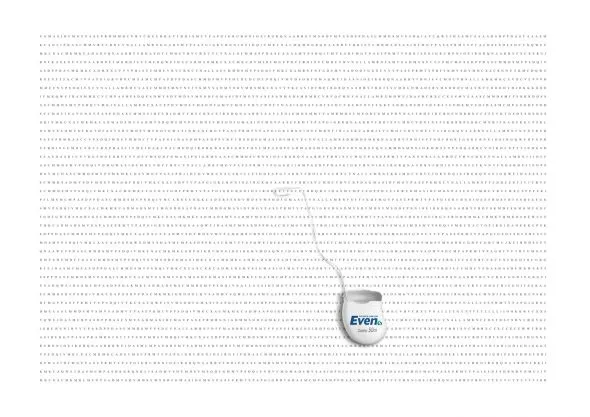
Chart concept - word find

The concept of this ad for a dental care product can be very useful for a slide conveying “solution x helps you see the forest through the trees”. It is a bit tedious to generate rows of random words, but the end result will be effective.

A larger image can be found on here on Ads of the World.

I discussed similar concepts earlier here and here.

·Concepts

Chart makeover - a new huge supermarket is coming to the neighborhood!

Sometimes a reader emails me with a question about a chart makeover. It is hard for me to free up the time for personal 1-on-1 answers, but if I can discuss them here for the benefit of everyone, it is a good deal. So here we go, I am obviously removing any reference to the specifics of the situation.

This case example is about supermarkets. There is a plan to open a new one, one that will be far bigger in floor space than all the surrounding super markets. This floor space will be the main competitive differentiator.

Before

Because of confidentiality I cannot post the actual image, so I will describe it (apologies for the bullet points):

  • A copy of a Google map with all the grocery stores in a 2km area marked with red circles
  • Each red circle (store) is connected to a descriptive label at the edge of the map.
  • In the middle of the map, a bit green circle where the new store will be opened.
  • At the bottom is a sentence explaining that “Our surrounding competition are mostly supermarkets which are severely space constrained, we can use this fact to our advantage”

My suggestions

Ideally you want to break up this chart into at least 2 charts with different messages:

  1. A Google map with competing stores and the new stores marked. If possible, get rid of all other clutter on the map: parking lots, bus stations, etc. etc. Make it as clean as possible. The key message: “yes, we are going to open another store in a catchment that is already full of competitors”.
  2. To make the “our store is bigger” point, you have multiple options, depending on data and images that you have available:

Continue reading →
·Concepts

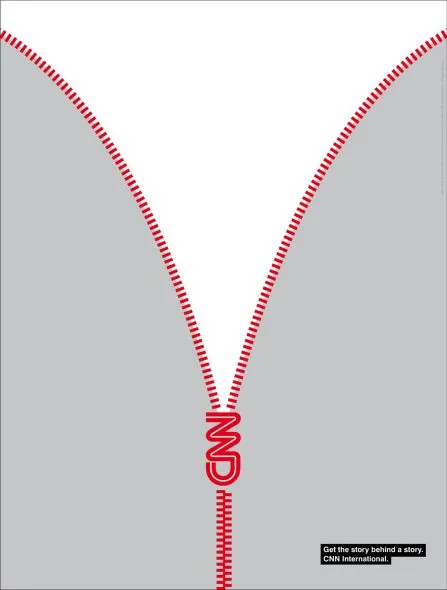
Chart concept - the zipper

This ad by CNN reminds me of a chart concept that I use often to uncover things: the zipper. It can easily be replicated in PowerPoint using two approaches:

  • Select a stock image and remove the background color if necessary. An example here, or here, or this nice bag full of cash that you will return to your investors in 4 years.
  • If you are in an artistic mood you can actually recreate the zipper using basic PowerPoint rectangles, maybe using straight lines instead of curved ones.

Via Ads of the World

·Concepts

Chart concept - confusion

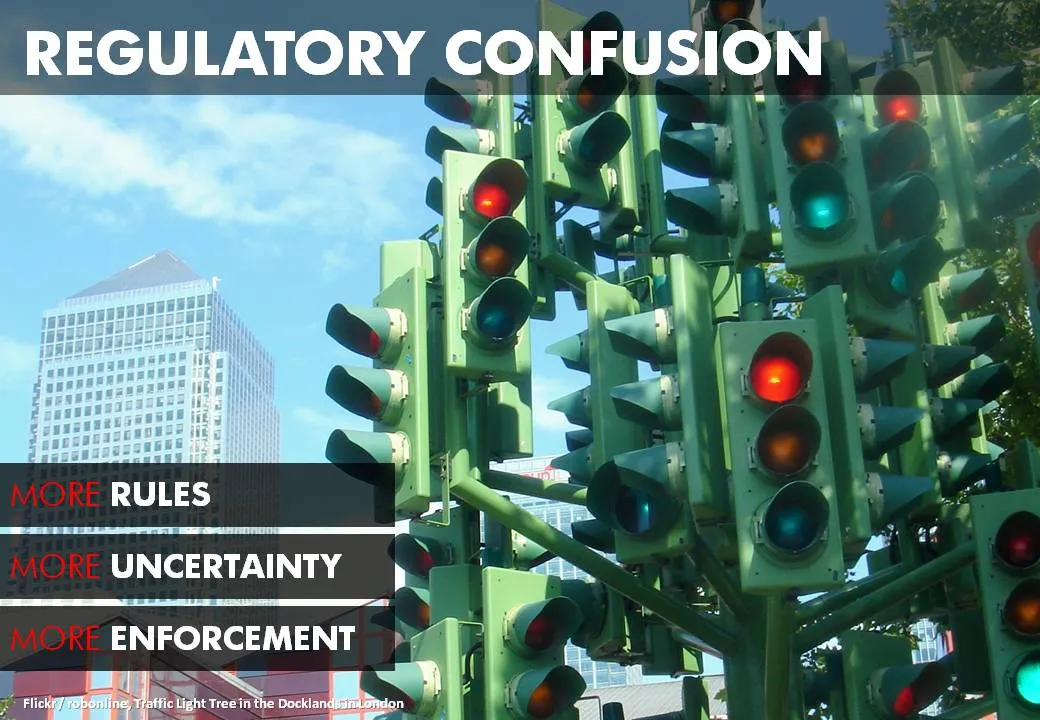
A client needed to visualize the regulatory uncertainty in his industry after the financial crisis. This traffic light tree in London is a very useful art installation that you can use in many other confusing situations. The high rises of large financial services firms in the back help complete the picture (my client works in that industry).

The Internet is full of images of the sculpture. Try searching Flickr for images with a Creative Commons license.

·Concepts

Chart concept - in the spot light

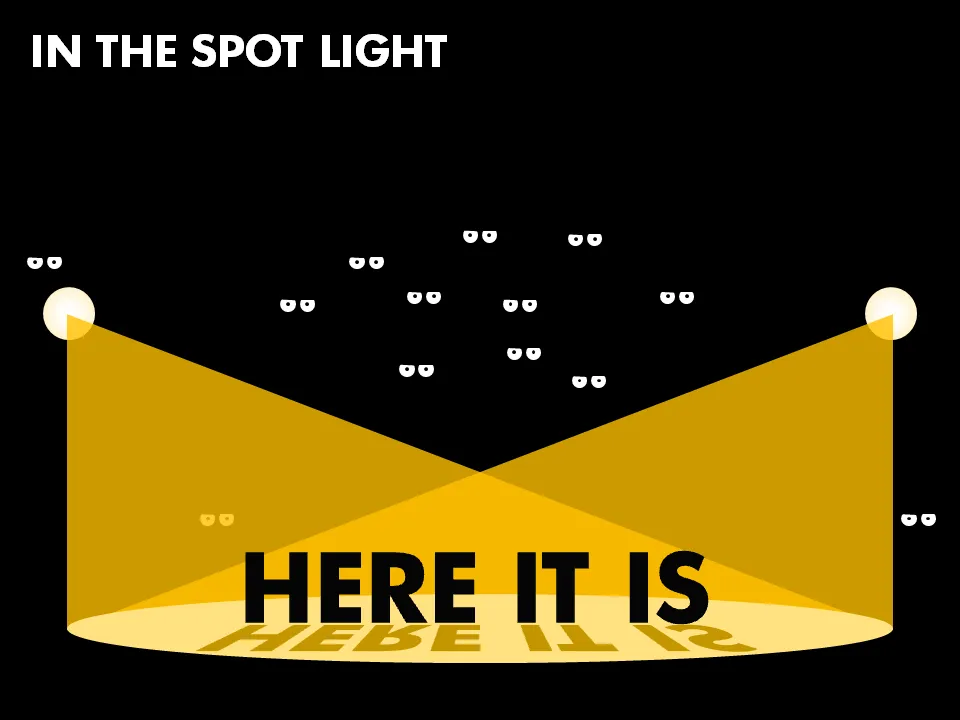
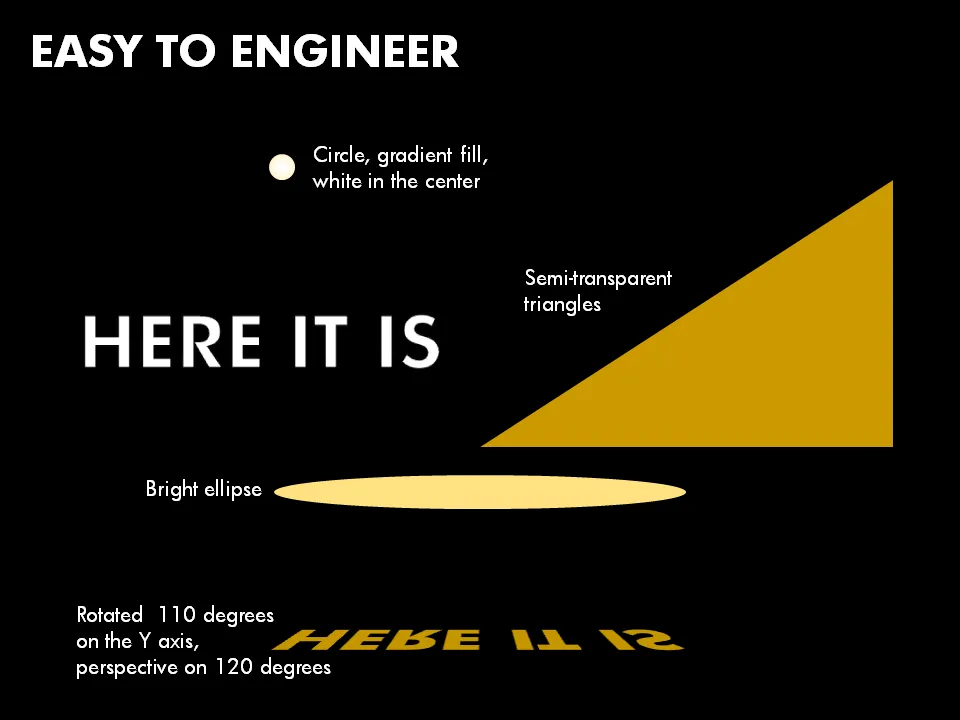
I saw this spot light concept in an invitation for an event. It can easily be recreated in PowerPoint, ideal for a chart to make a big announcement. Click on the second image for some more explanation about the shapes to use. And if you like those tiny eyes, you can read more about them in one of my previous posts.

·Concepts

Chart concept - lost in translation

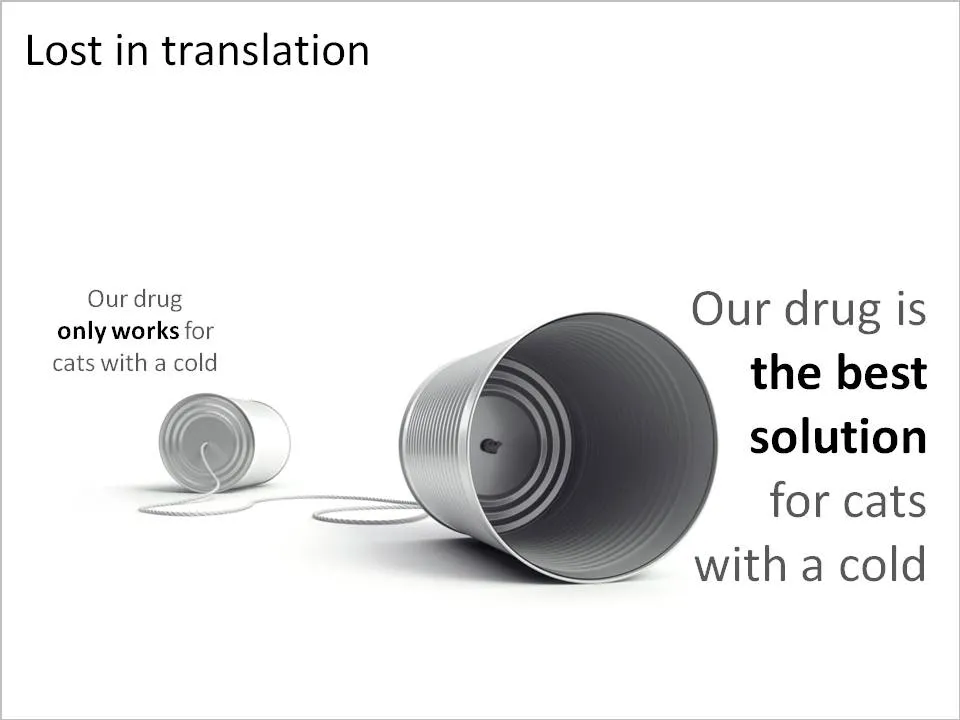
A client in the pharmaceutical industry had this problem: a competitor managed to turn a relatively weak clinical fact and turn it upside down into a forceful message that took over the market. The good old tins cans are great to visualize this. See the example below (sanitized to maintain client confidentiality)

Related reading: an earlier post about classic miscommunication in a project.

·Concepts

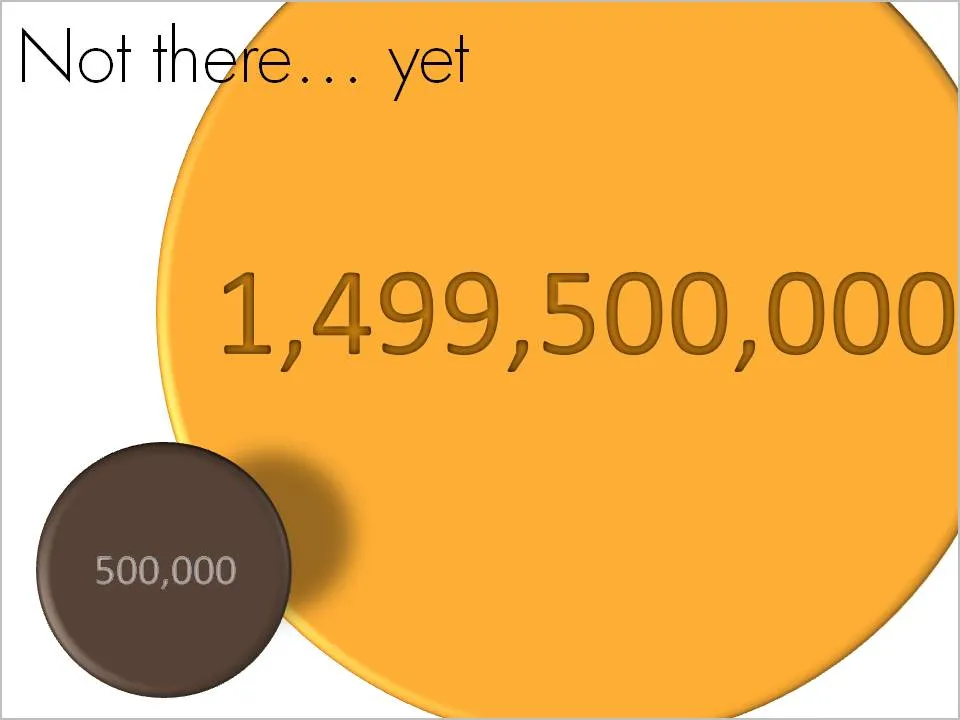
Chart concept - not there yet

OK, we made some significant achievements, but we still have a loooong way to go. How to visualize this? Here is one solution inspired by a solar system constellation. Working with actual numbers can add a nice twist: take a bite of 0.5 million out of 1.5 billion can be visualized differently.