

Yes, you heard it from a pro: sometimes bullet points are hard to avoid!
- In a document meant for reading rather than presenting
- In a quick internal presentation that is more a decision document than a heart and mind captivating piece of visual art
- In a document that you use to hammer out a legal agreement before handing it over to the lawyers who will expand the basic ideas into fine print
- A first and/or last page in a presentation that summarises what you want to achieve
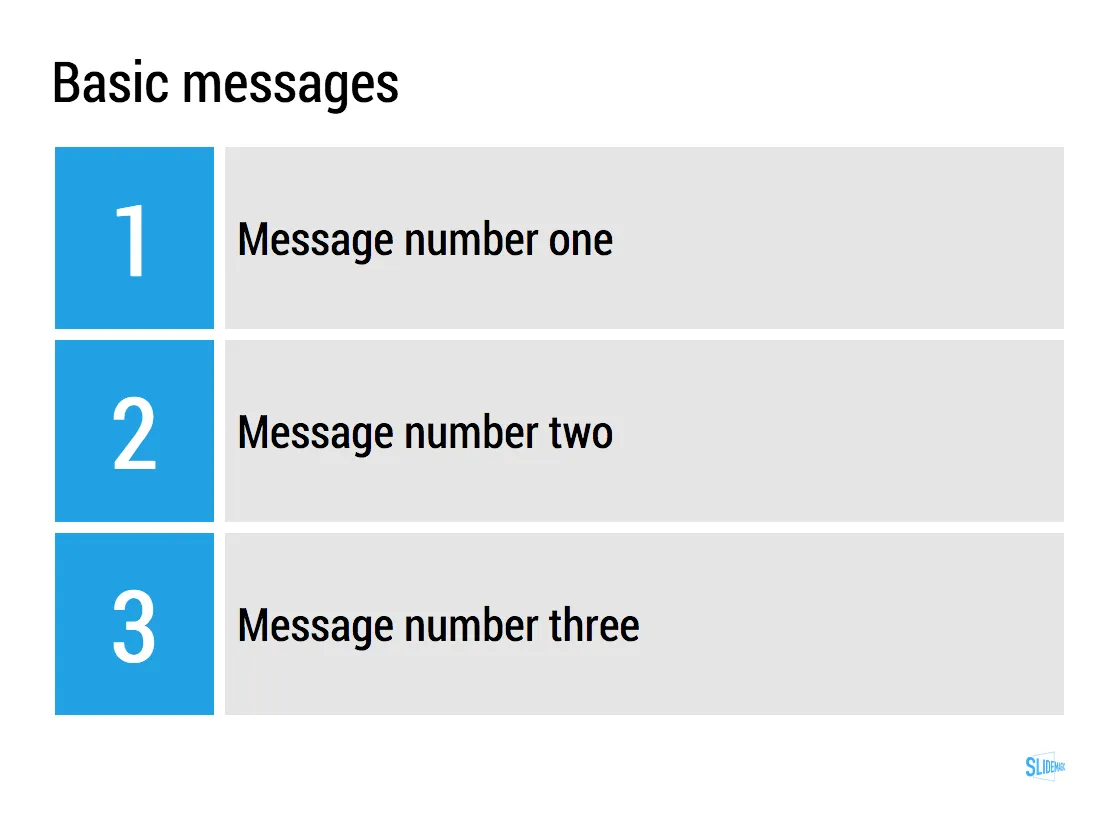
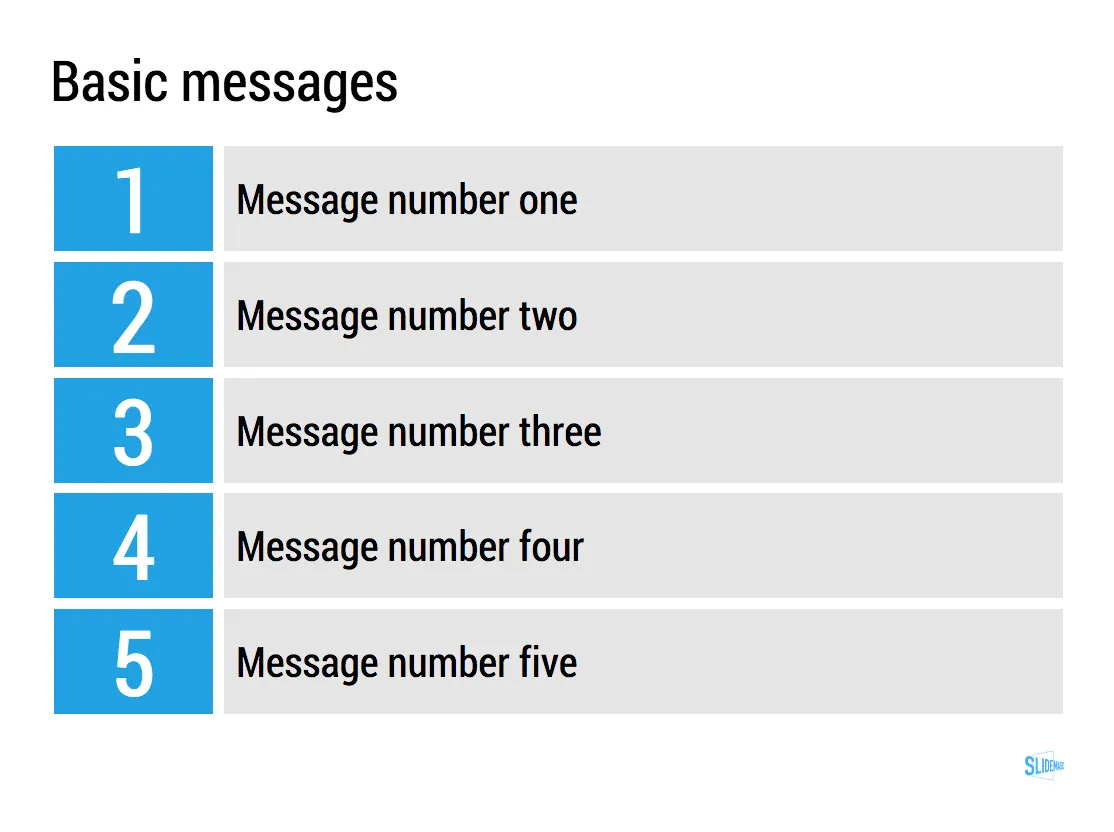
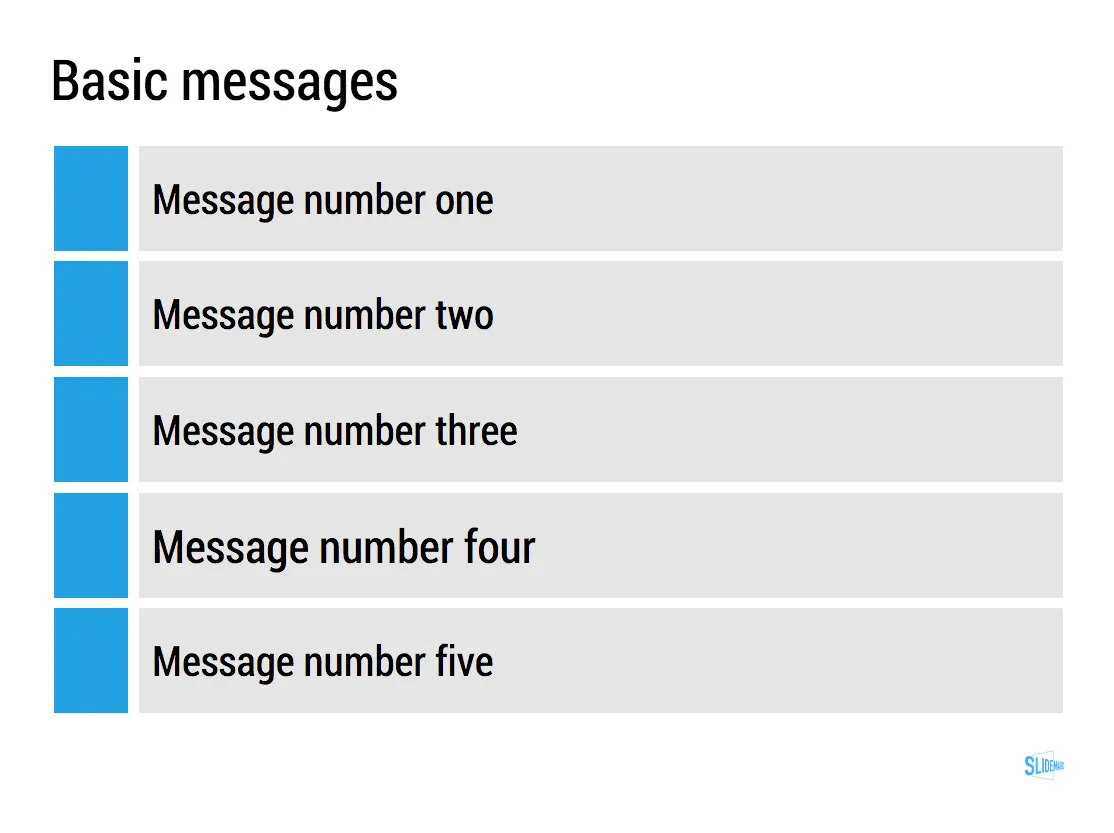
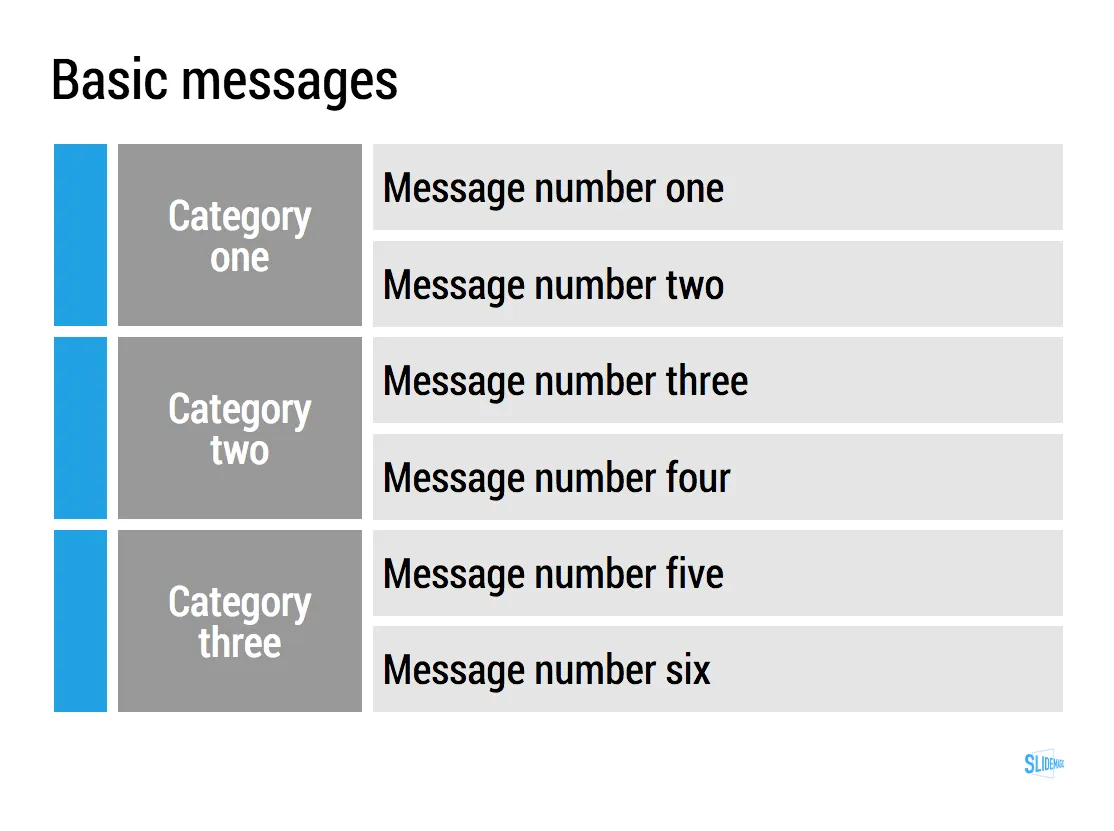
The key to make them look pretty is stop viewing them as text, but rather see each bullet as a slide object.
- Use some light background colour to make them appear equal in size to the eye
- Spread them out big over the entire page
- Use as little words as you can, but use enough words not to sound generic
In PowerPoint or Keynote, you can use rectangular shapes for this. Even easier is it to use a table with fat white divider lines (the new
Keynote has lost some of its shine
, but the table editing functionality is really good).
In
SlideMagic, my presentation app
, it is really easy to do. Whatever you do, the app will force you to stick to a grid, it ships with a number of templates for text slides, which makes it easy to add and subtract lines.

UPDATE February 2018: I have no added many of the above bullet point slides to the SlideMagic template store, read the blog post about formatting bullet points here.