

Smart art inside PowerPoint is a semi-automated template engine for diagrams. It easy to add and remove boxes/bubbles, edit text. The idea is good, but I have not used them a lot:
- The standard out-of-the-box formatting is ugly
- Although there are many frameworks to chose from, none of them usually really work for my particular presentation problem
- I have seen them too many times in presentations where designers simply dump in a smart art graphic to replace a bullet point chart (the result is still a bullet point chart that looks a bit different)
Recently, I have started to use smart art in my presentations, but in a different way. I use them to position objects on a slide by picking only the very basic configurations and reformat the slide items heavily so you can hardly recognize it is a smart art object anymore. An example below:
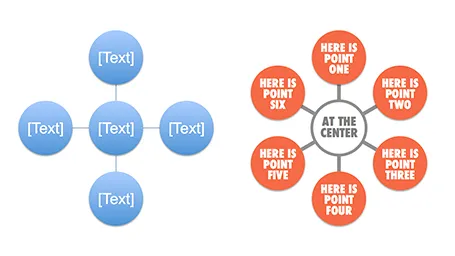
Well, I said before: your PowerPoint is really good PowerPoint if your audience cannot tell it is PowerPoint…
More about smart art on the Microsoft site, or over at the PowerPoint Ninja blog.