

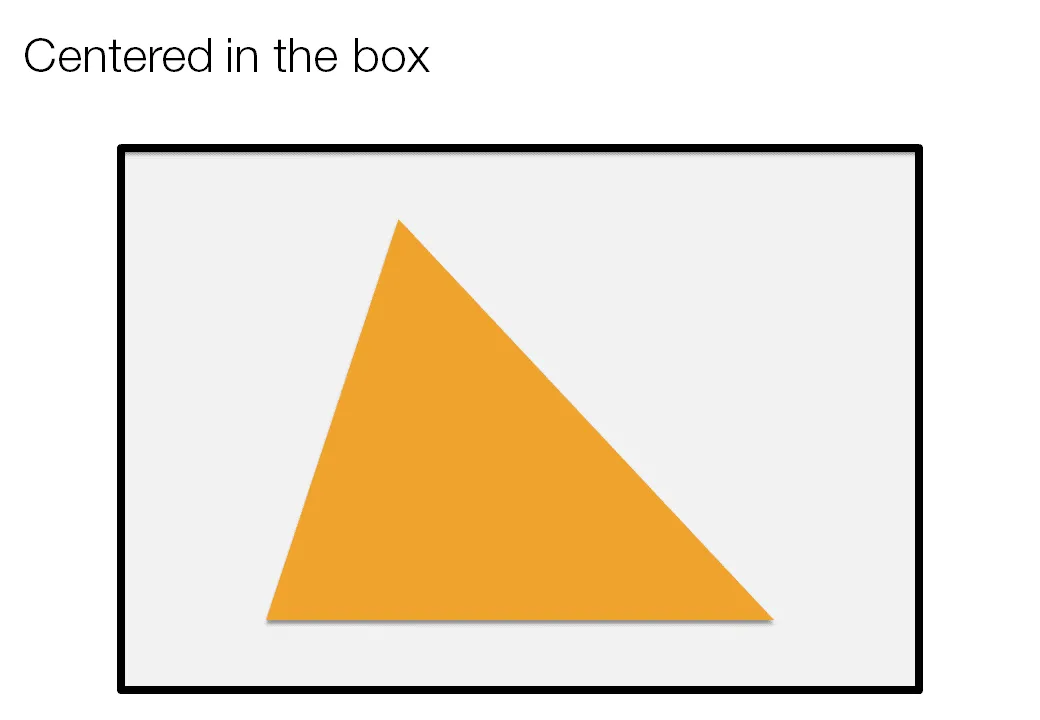
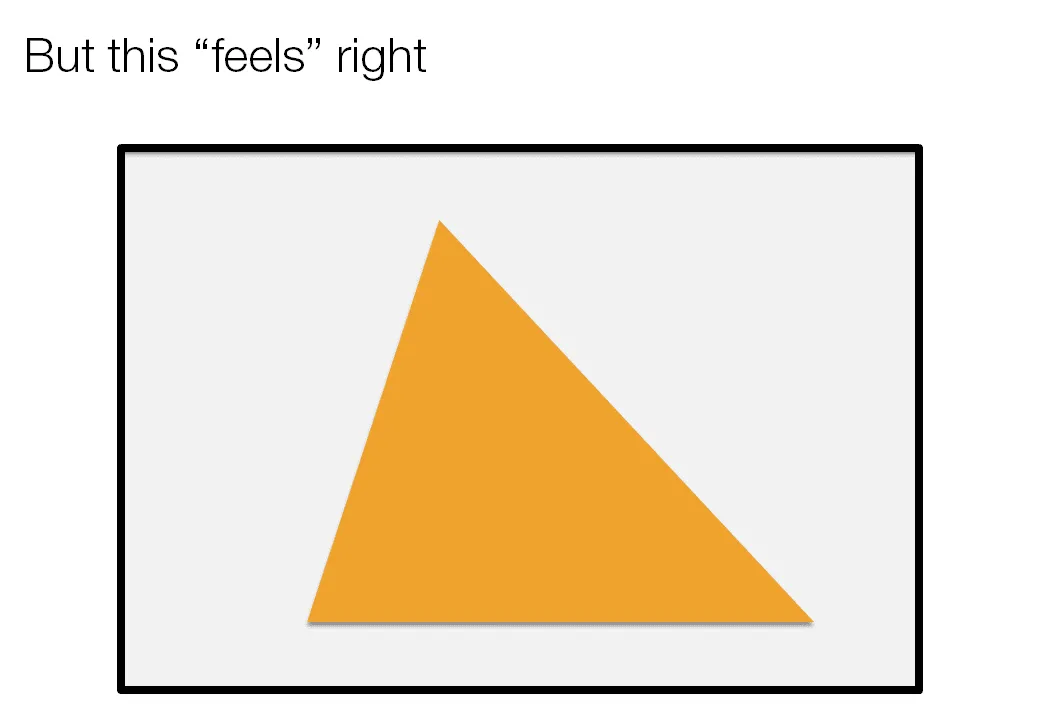
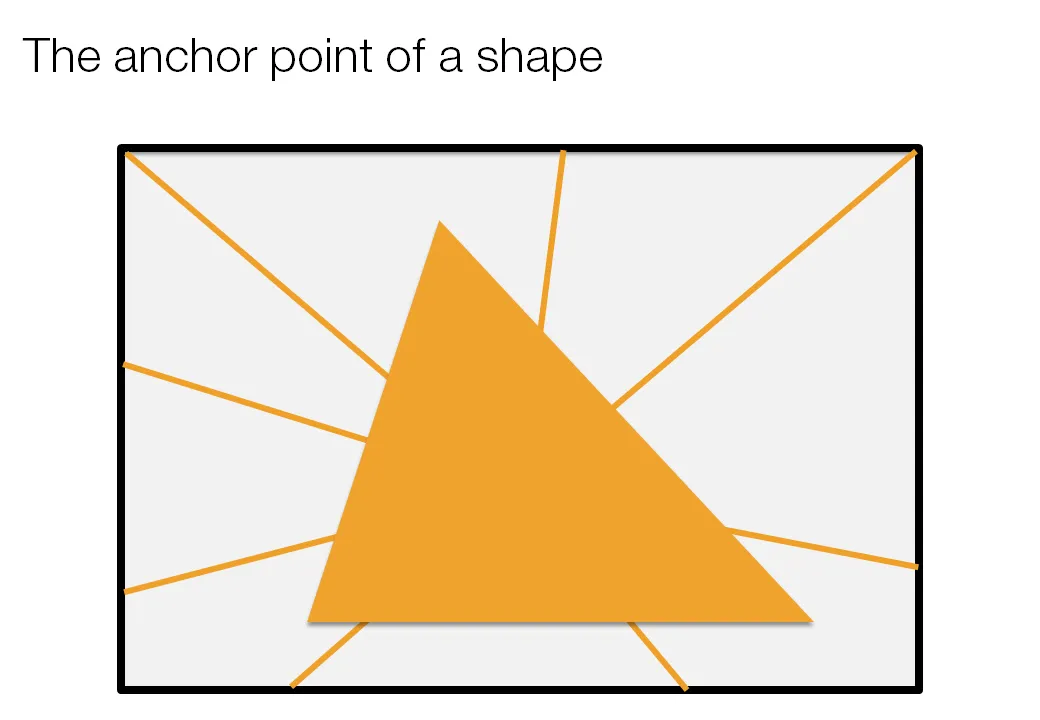
Call me a nit picker, but I always feel this urge to fix the direction of a connecting line or an arrow pointing to an object in a slide, or to position an object exactly where it feels right.
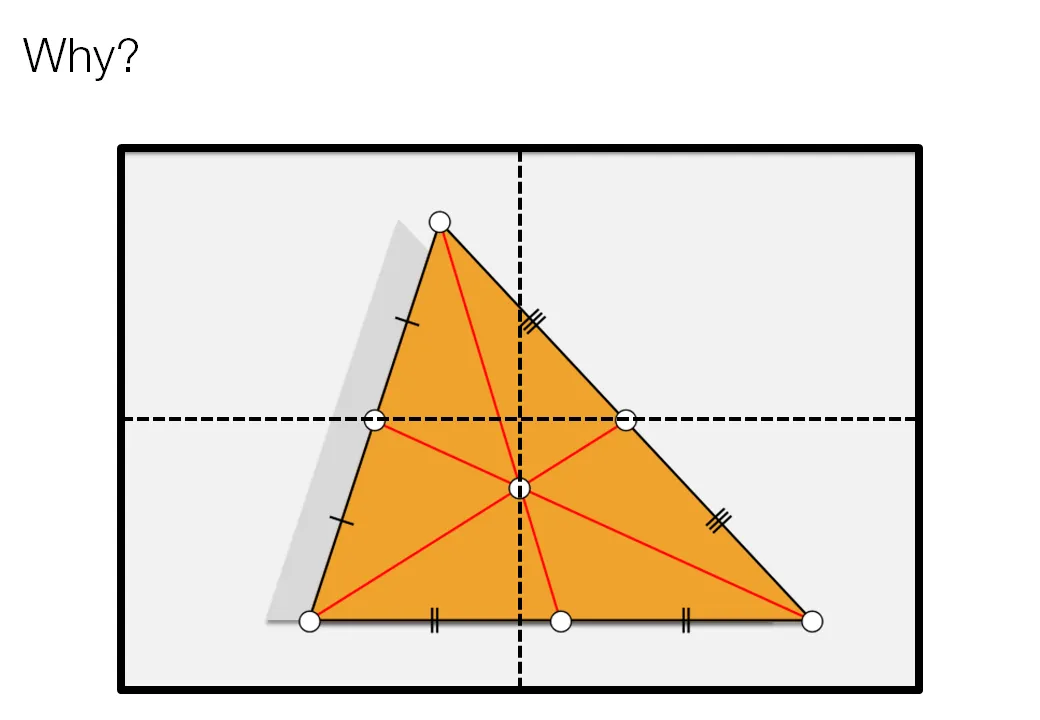
Intuitively, I am looking for the centroid of a shape. Running complex mathematical analysis every time you need to place an object on your slide would be overkill, however, keep the concept in mind.
3 comments
Use its Autoshape to create a right triangle. When still selected, that triangle is actually plotted within a rectangle whose corner points that are relative to the horizontal and vertical extents. That rectangle is the object in Powerpoint brain. But as our right triangle is actually in just one corner of Powerpoint's rectangle, the rectangle's point of gravity falls on the trinagle's hypotenuse.
Now using our triangle's true point of gravity can sometimes be overkill. Suppose our right triangle were very tall and narrow (or vary short and wide. Would using a true point of gravity push the corner with the most acute angle right off the slide?
this is a very interesting concept. Have you thought about making a suggestion to Microsoft to include it in a future PowerPoint version?