

Blog post

Almost the same size is not good enough

July 28, 2010 · by Jan Schultink
← all posts

Making similar boxes the exact same size, and exactly aligned matters a  lot in slide design. The brain gets distracted when object alignments is just a bit off.

Usually the slide starts out OK, ctrl-C/ctrl-V a bunch of objects and they are all exactly identical. Over time, things start to degrade. Accidentally resizing things a bit, moving a box a bit, etc.
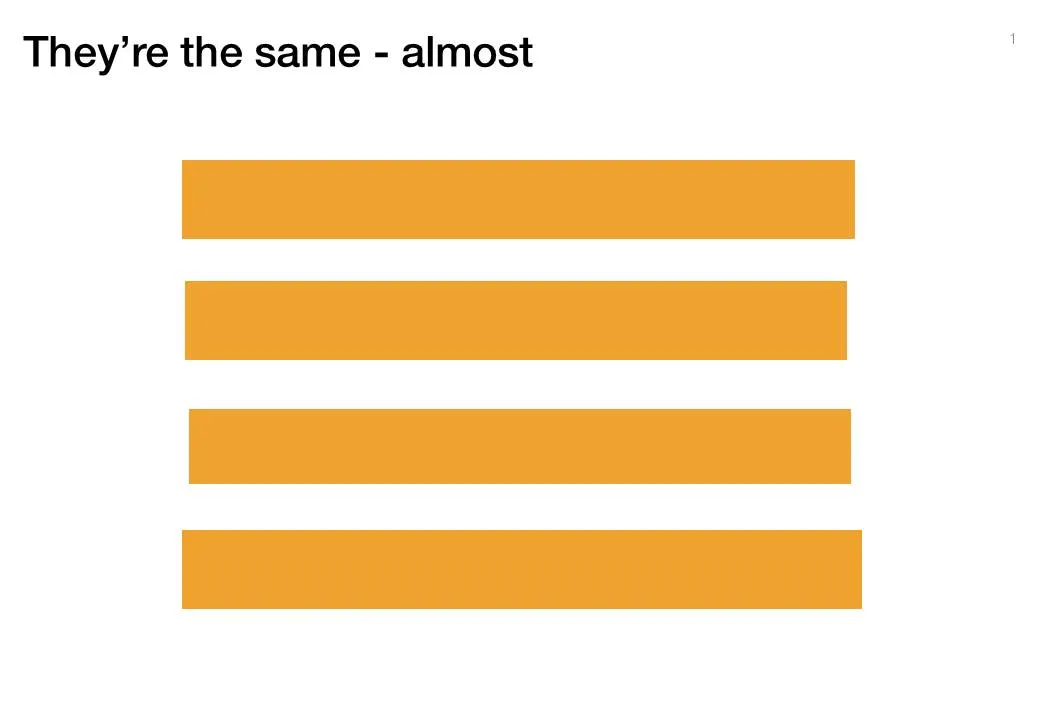
You need to train your eye to spot the imperfections. The quickest fix is usually to select a group of objects, select “format” and then give them all the same size in centimeters (hight, width, both). In the Arrange / Align menu you will tools to spread objects out evenly.

Little effort, big result.

DesignLayoutPowerPointPresentation designPresentationShapes

About this blog

Notes on all things presentations — design, storytelling, and AI workflows.

Subscribe now to never miss a post.

RSS

About SlideMagic

A platform for business presentations.

A free student plan is available.

3 comments

Jan Schultink2010-07-28 02:52:46
PowerPoint 2010 is getting better at this though
Sander Reijn | de Presentatie Architect2010-07-28 07:31:36
If you hold down CTRL and then select an object, you'll make an exact copy which you can then drag to another location. If you've grabbed a grouped object, you'll make a copy of the whole group.

If you hold down CTRL + ALT and then select an object, you'll make a copy which will snap to the grid line when you drag it to another location. This is nice if you're creating a large number of similar objects, perhaps for an org chart.
Brain2010-07-28 02:37:02
I have to say, this is another reason I love Keynote. Objects you're creating will snap to the same dimensions as similar ones on the slide. You also get guides that align the objects and snap them to the same distance apart.

Harder to do in PowerPoint.