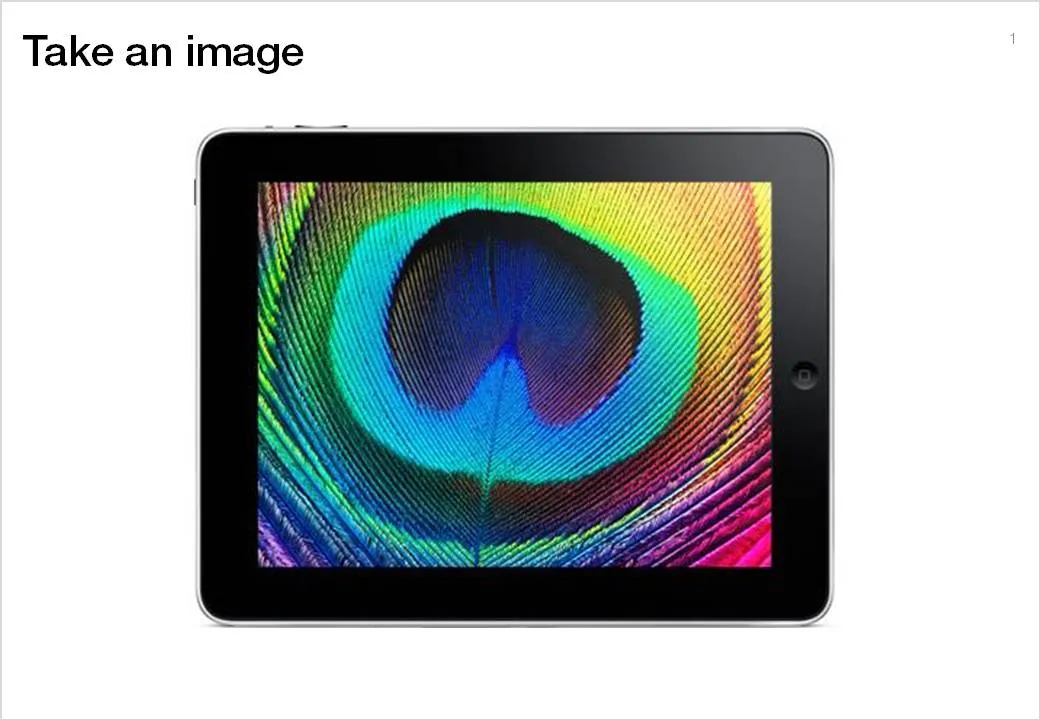
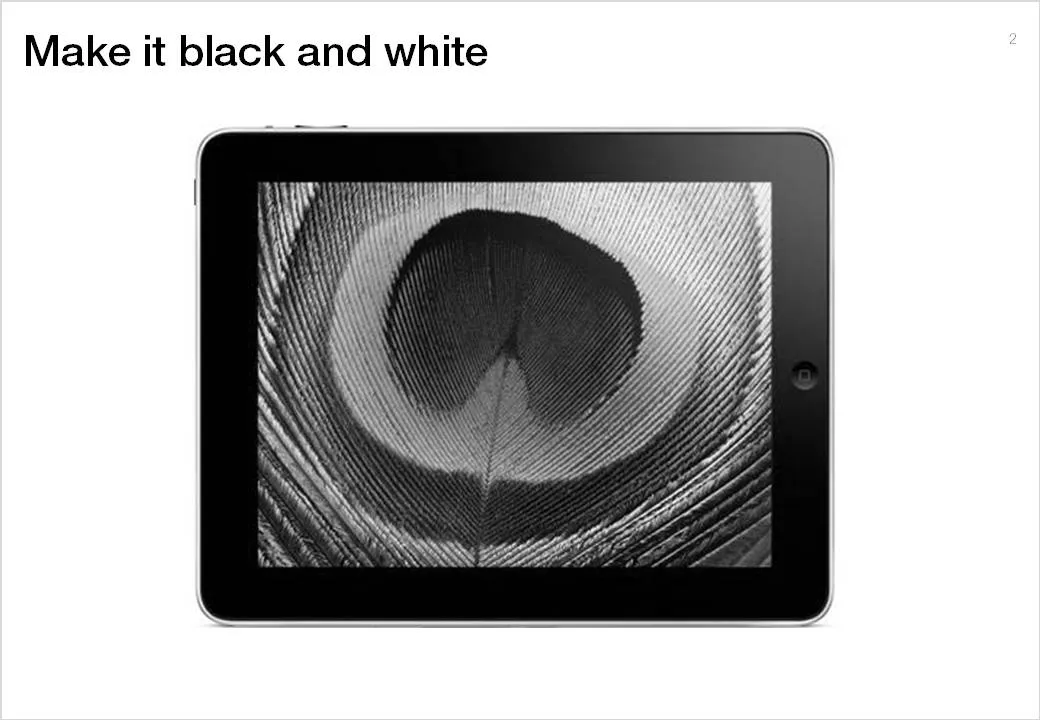
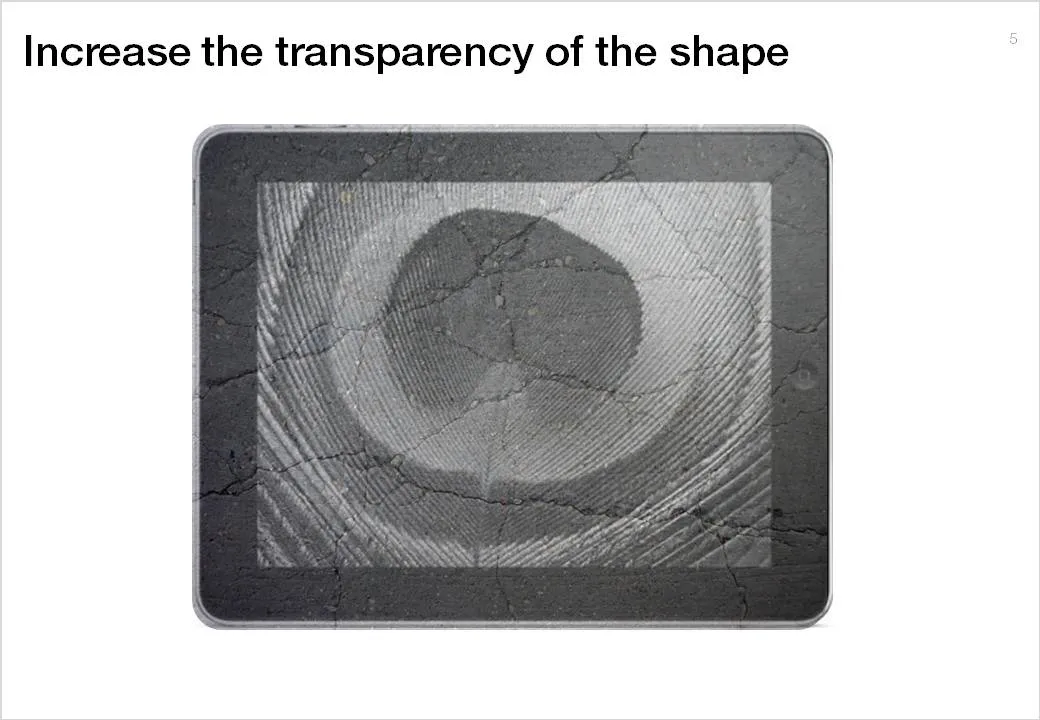
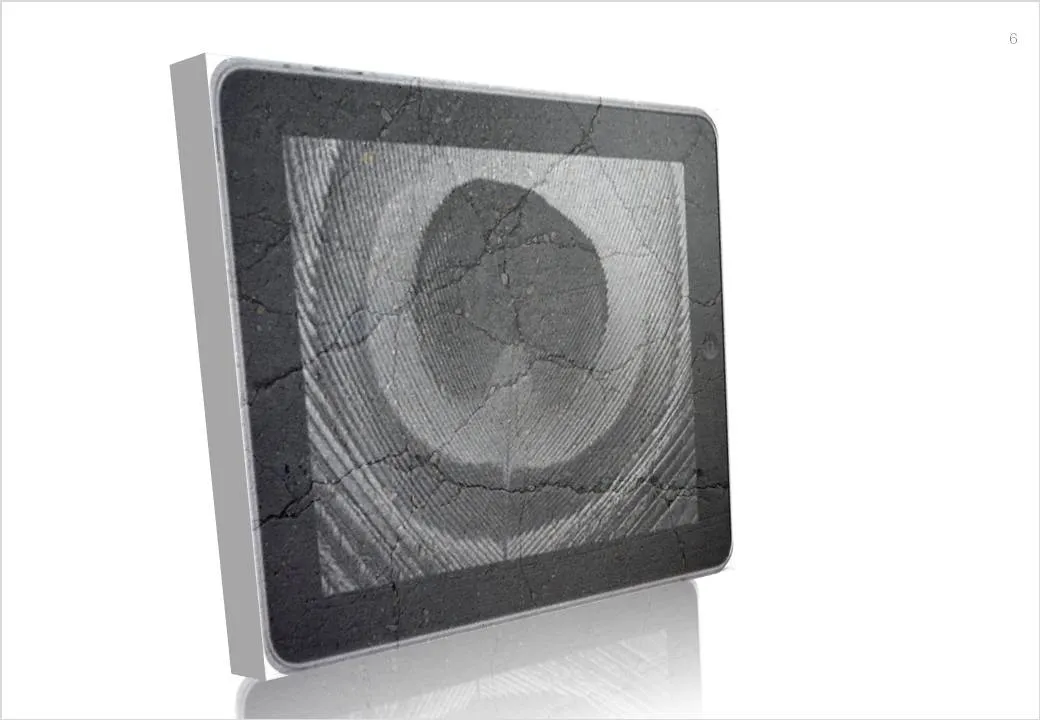
Here is a simple trick to turn any image into concrete. As an example I took an iPad and turned it into an iSlate, but it might actually work better with other images (you can turn portraits into statues for example).
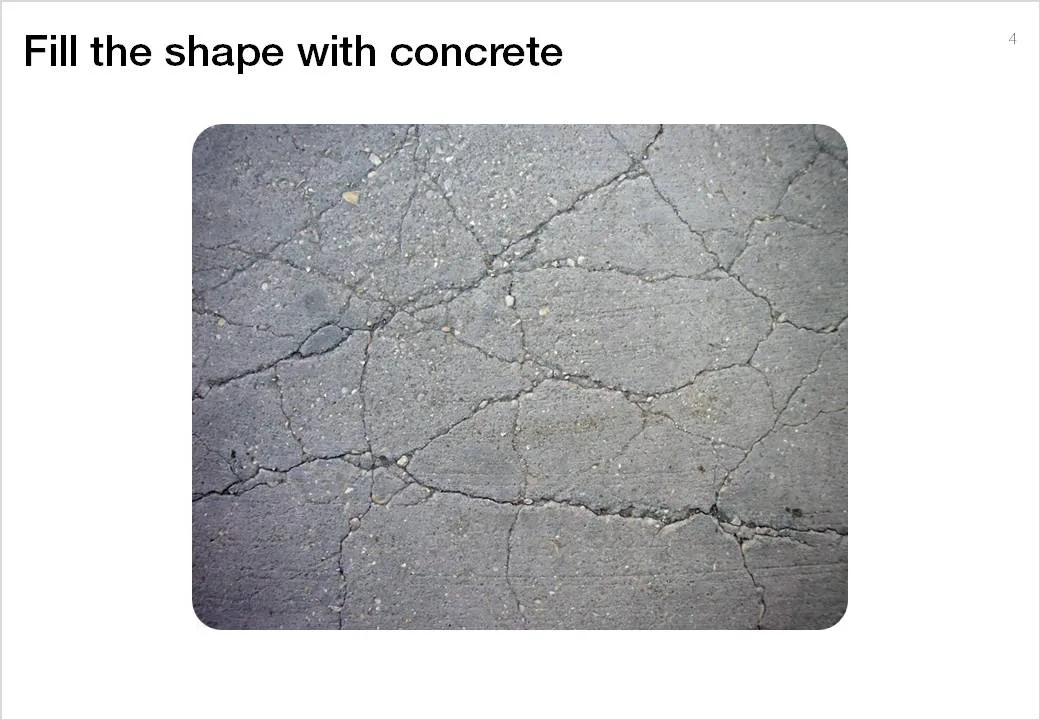
To do this in PowerPoint without the help of advanced image manipulation software you need to add a shape on top of the target image, fill the shape with an image of a concrete texture (available on any stock image site) and make that shape with the concrete texture semi-transparent.