3D effects can add impact to a PowerPoint slide if used at the appropriate occasion.
- 3D for the sake of 3D adds complexity: the slide becomes harder to understand, the only thing you showed is that you know where to find advanced formating buttons of PowerPoint. 3D data charts are a good example of this
- 3D adds value if you need to convey distance: I use 3D for what it actually is, a way to add a third dimension to your slide, to show depth… (Notice in the previous post I linked to that you often do not need to use sophisticated 3D effects to create depth, colors or differences in size can do the trick equally well).
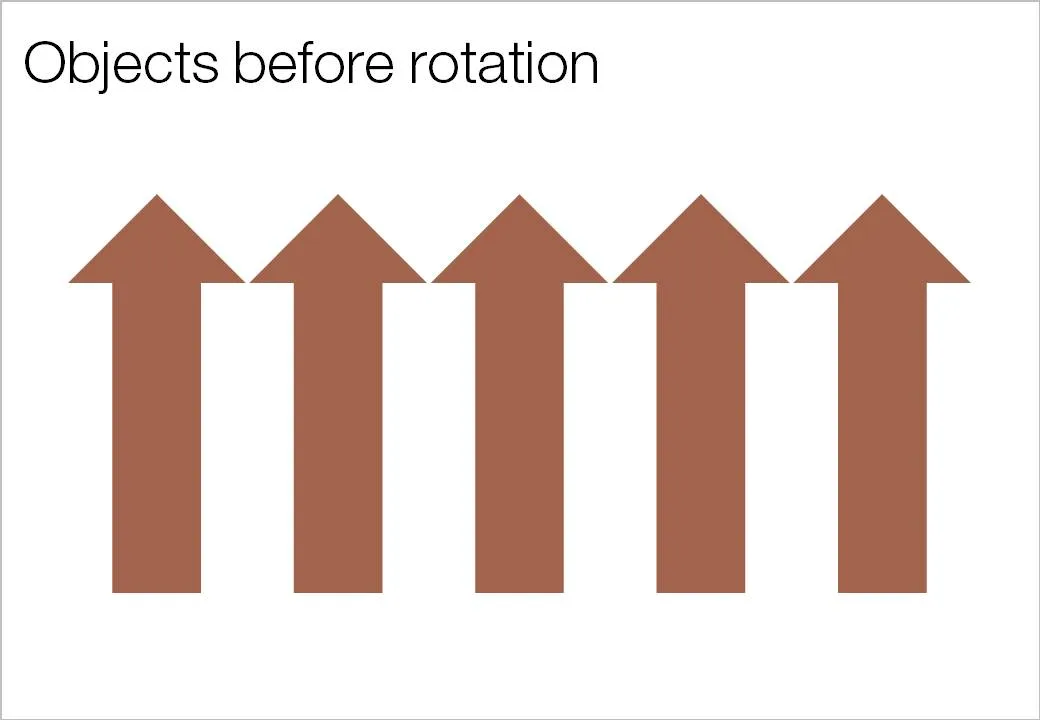
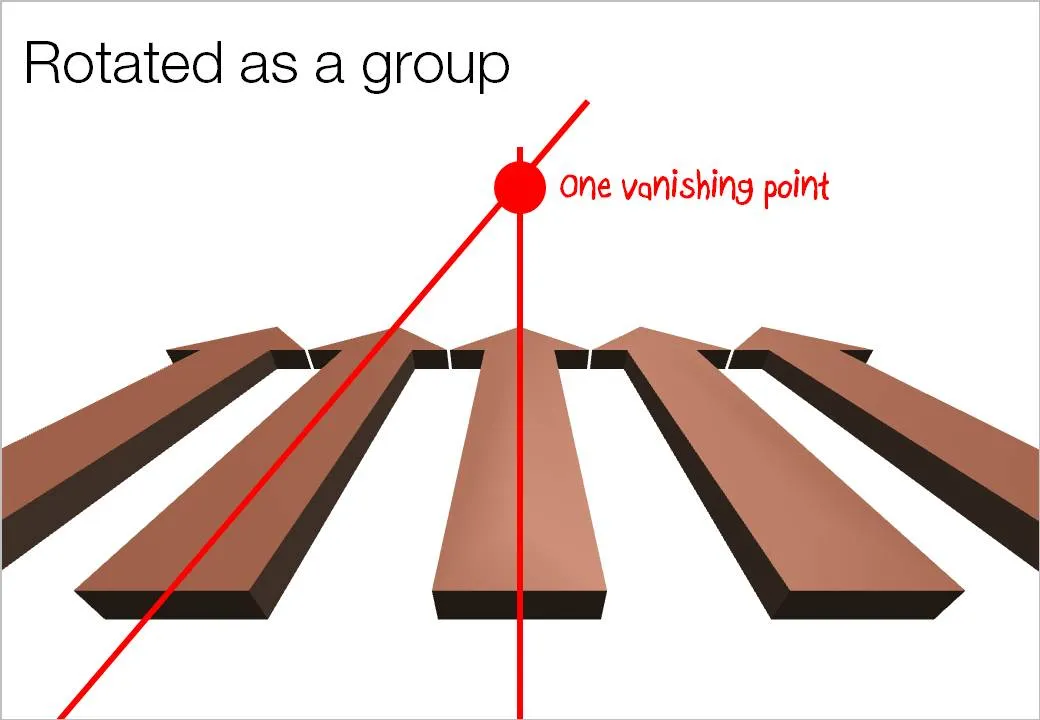
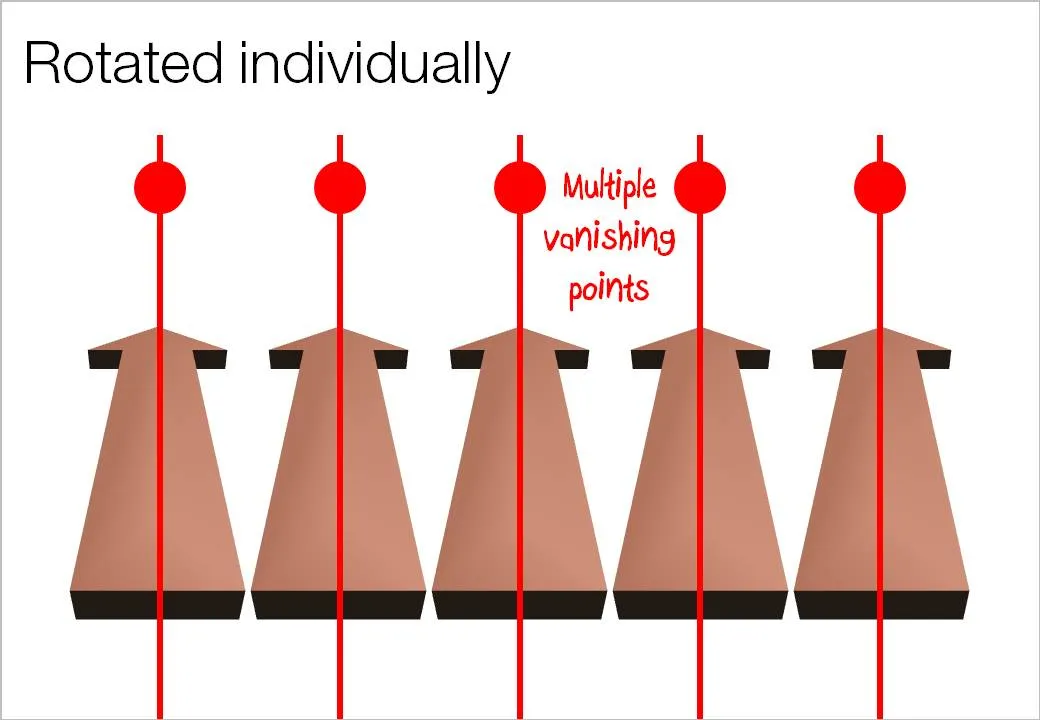
Here is an important thing to remember when using 3D rotations in PowerPoint: rotate a composition of objects as a group, rather than a collection of individual objects. Grouping them preserves one vanishing point in your slide composition. An example: