

The text balloon is commonly used in cartoons. It is now making its way in PowerPoint presentations as well. There are 2 fundamental ways in which you can use them.
- A full-length comic story. For presentations that are designed for online viewing (without the explanations of a live presenter) you could create an entire presentation that is in fact a comic book. Create characters, put them in different scenes and write a dialogue that tells the story. Here is an example. They are beautiful, but take a lot of design work to make, need to be very consistent from page to page, and are basically useless as supporting slides for a live presentation.
- An example of a familiar situation. How to visualize this familiar situation: “We all know the feeling when you show up at the reception desk and it turns out that there was a miscommunication about the time and place of your meeting because you did not get/read an email”. A mini dialogue can do a wonderful job.
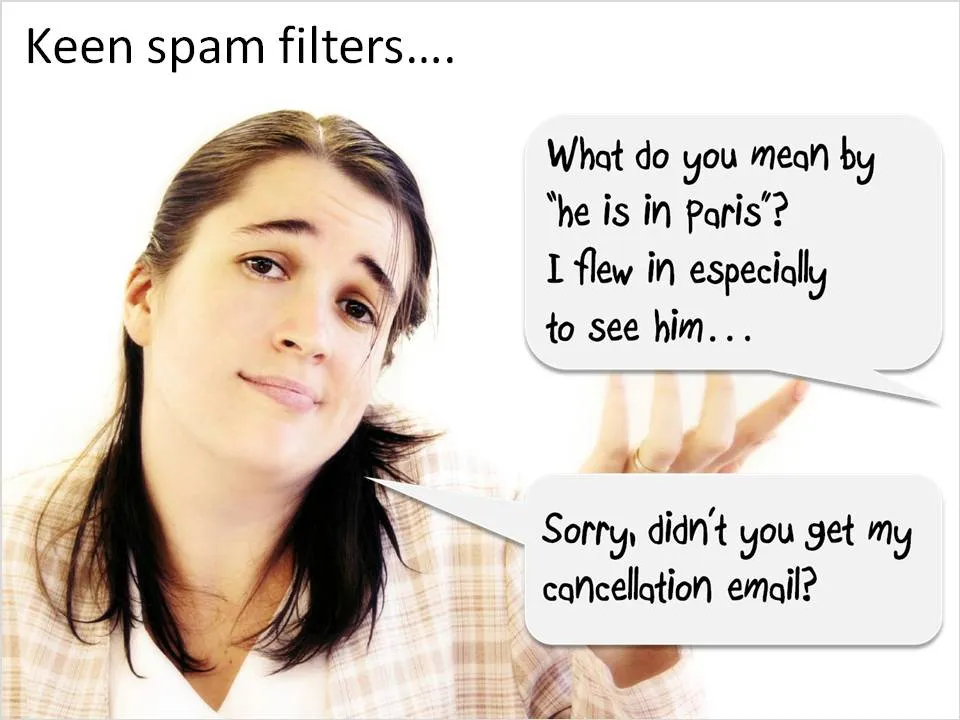
If you use mini-dialogues:
- Make sure that text is readable (short, big)
- The point of the dialogue is very easy to understand
- Use a non-cheesy portait image or cartoon character. (Debby would not be good for this type of chart)
- Give the audience a few seconds to digest the slide