I have made more improvements to the SlideMagic user interface. Is is now easier to select multiple cells, especially in fine grids.
If you select a column marker at the top of the slide, all boxes in your slide that “touch|” the column will be become selected, and you can apply formatting to them in one go (for example, make them all blue).
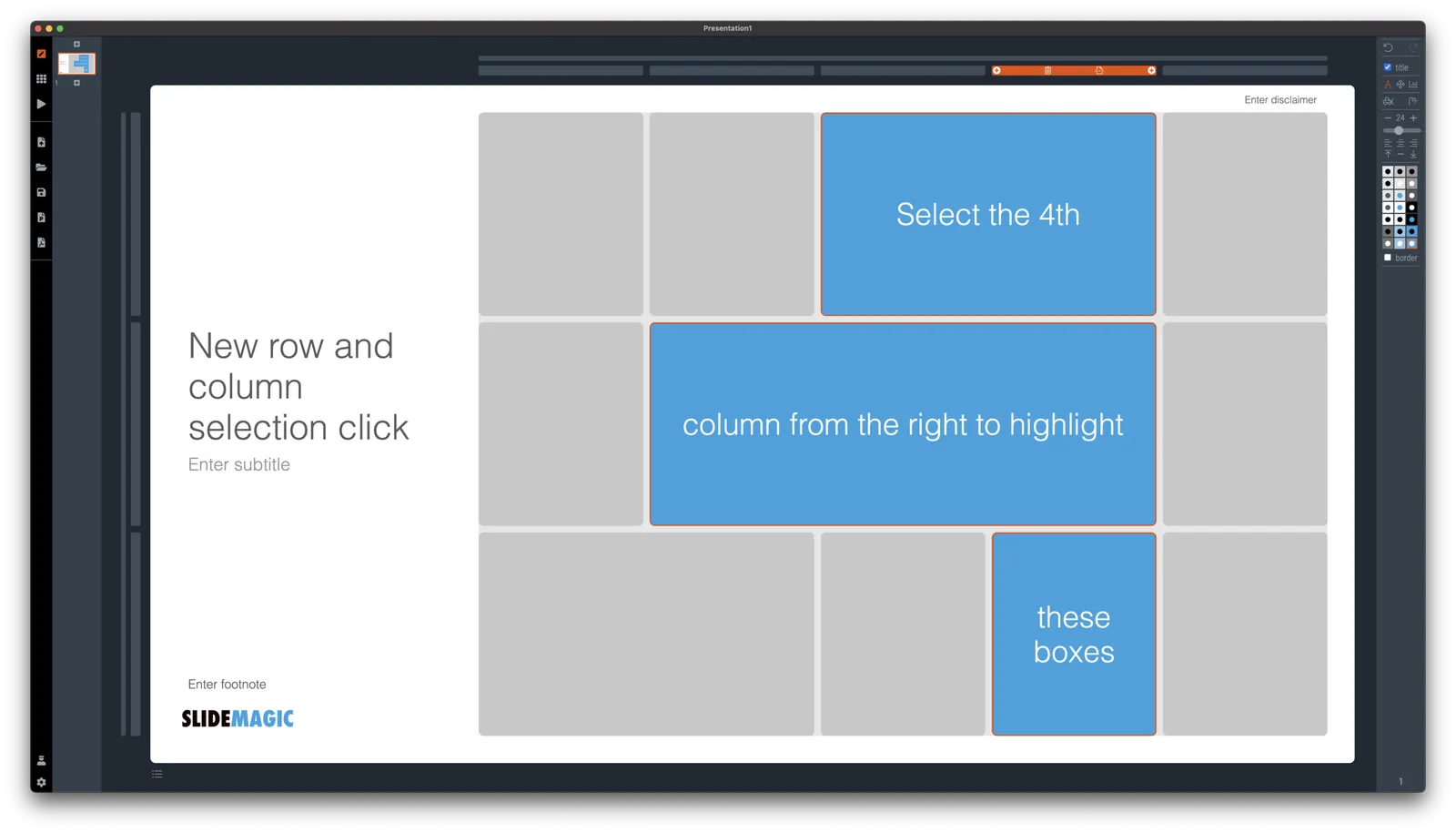
The same applies for rows, click a row marker, and all relevant boxes in the row line up.

Finally, you can select whole areas of boxes by first clicking a top-left element, then clicking a bottom-right element, and SlideMagic will light up all the boxes that are in between. See the example below.