

Blog post

Smart row / column insertion

January 24, 2017 ยท by Jan Schultink
โ† all posts

My presentation app SlideMagic is all about the grid. We have made some improvements to make the workflow (even) faster. Now, when you insert rows and or columns, it copies its design and structure from its neighbors. This will save you a lot of time in more complicated table layout with different background colors.
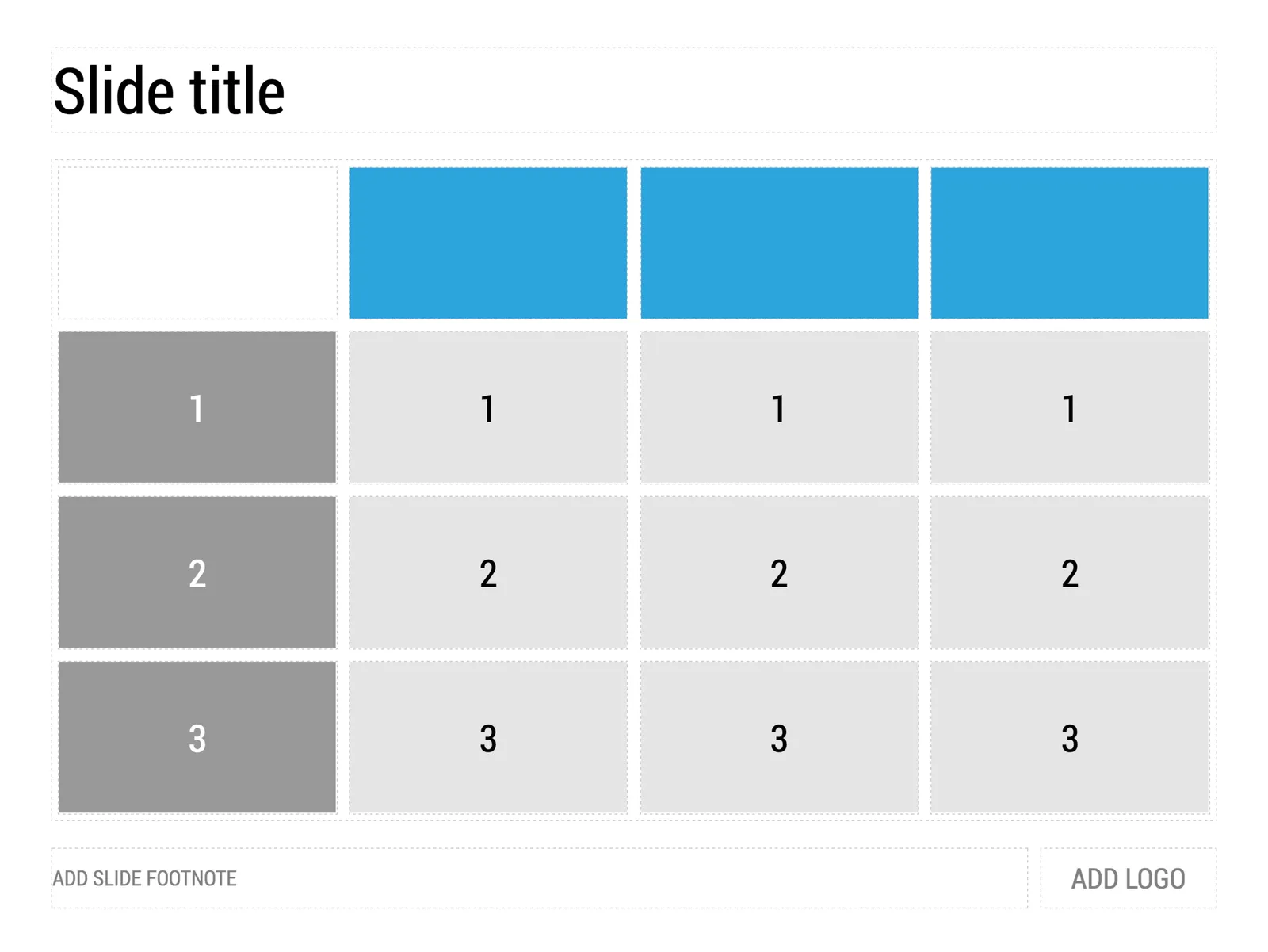
 1) Our starting point
1) Our starting point

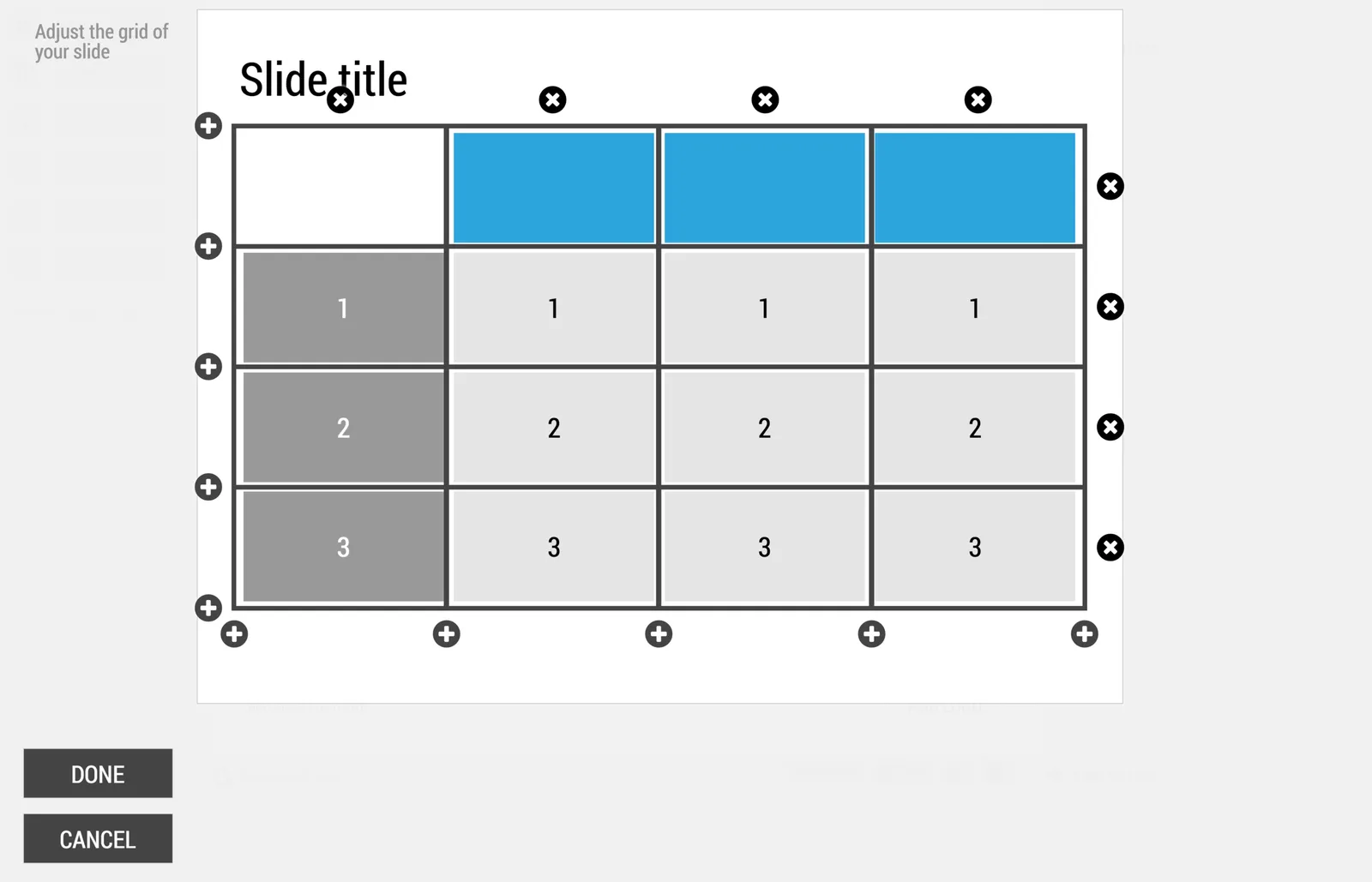
 2) Open the grid editor
2) Open the grid editor

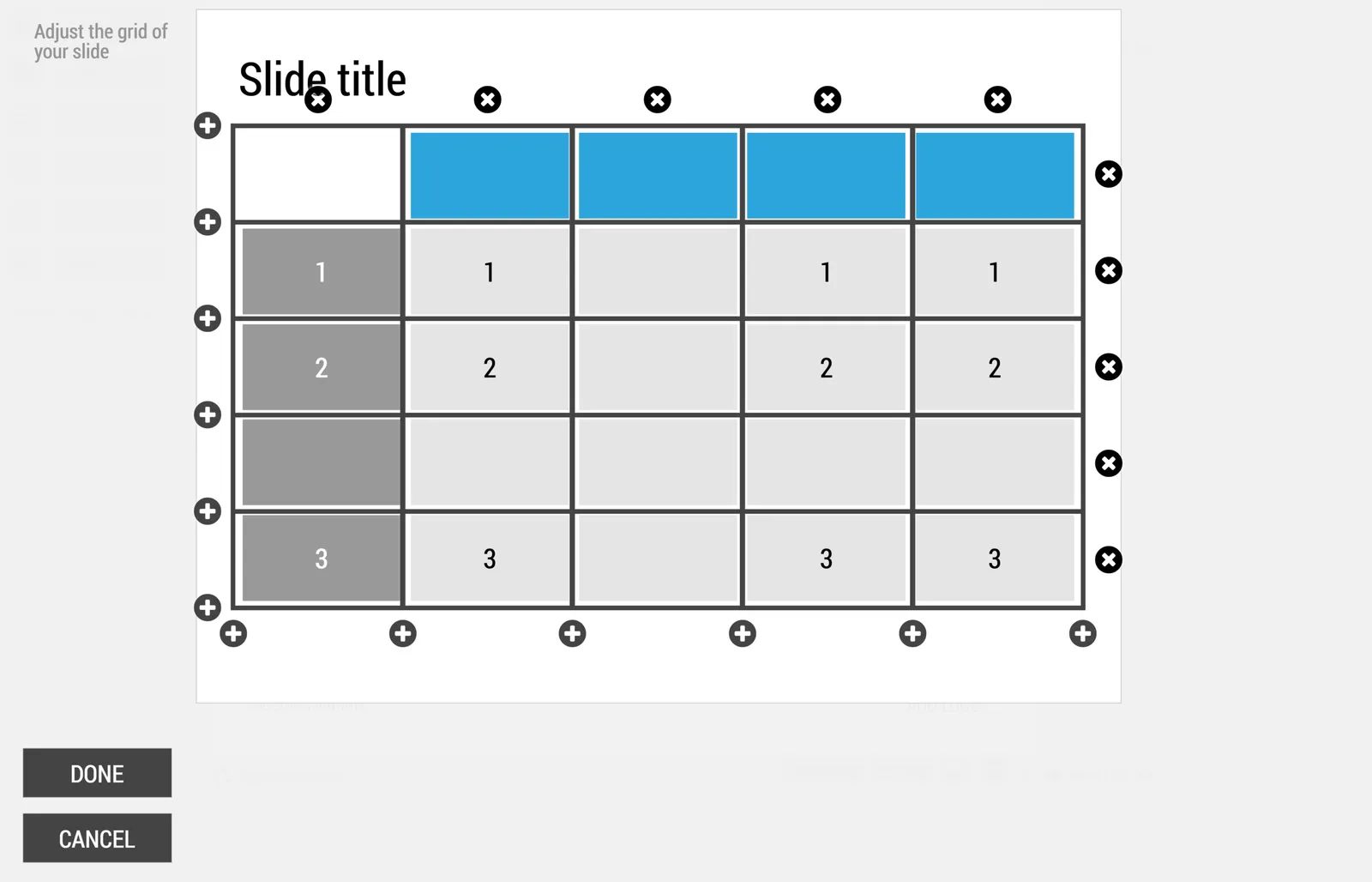
 3) Add a row and a column
3) Add a row and a column

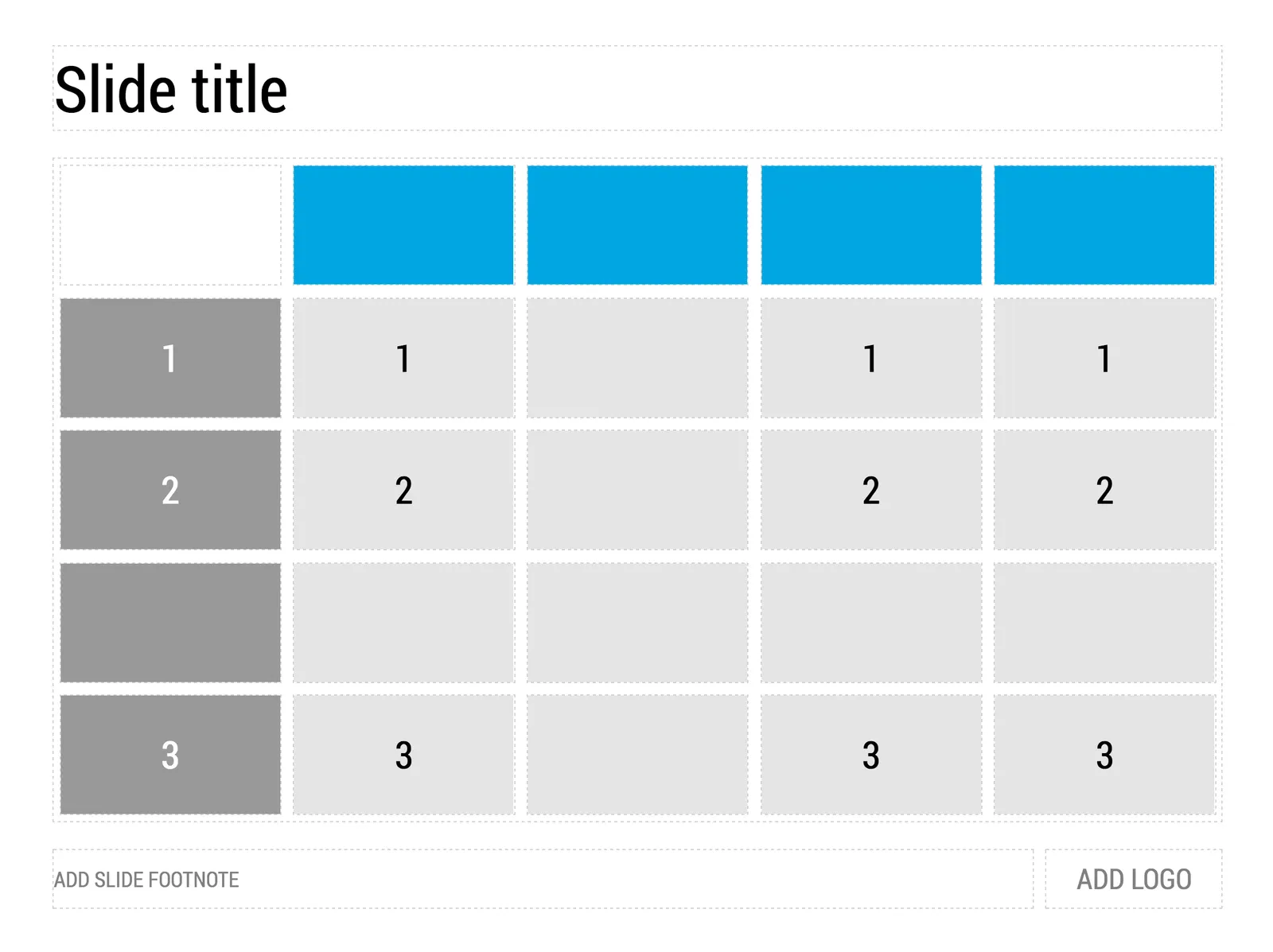
 4) The result

4) The result

Image via WikiPedia

SlideMagicLayoutSoftware

About this blog

Notes on all things presentations โ€” design, storytelling, and AI workflows.

Subscribe now to never miss a post.

RSS

About SlideMagic

A platform for business presentations.

A free student plan is available.