

The standard cloud shape in PowerPoint is not very pretty. Especially if you need a different aspect ratio, there is no option but to stretch the shape, making it look even worse. My solution is to combine multiple cloud shapes into one to get a decent new shape (SHAPE FORMAT, MERGE SHAPES, UNION). See the example below.
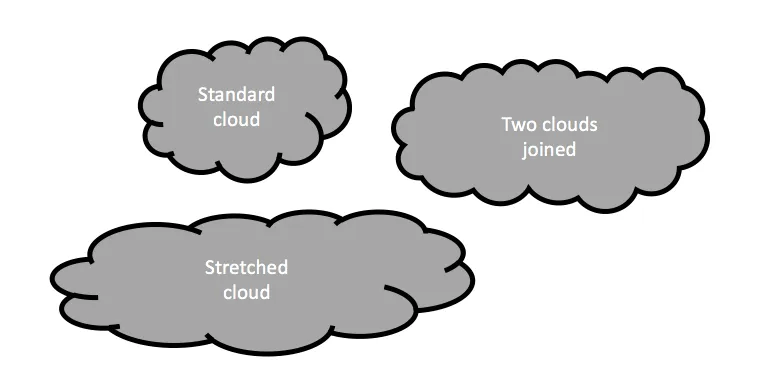
It is interesting to see that merging shapes also kills the “inside” cloud contours.
You can get more sophisticated and design your own cloud shape based on circles. Here is my attempt in 2011 to recreate Apple’s iCloud logo in PowerPoint.
Art: View of Haarlem with bleaching fields, Jacob van Ruisdael, 1670