

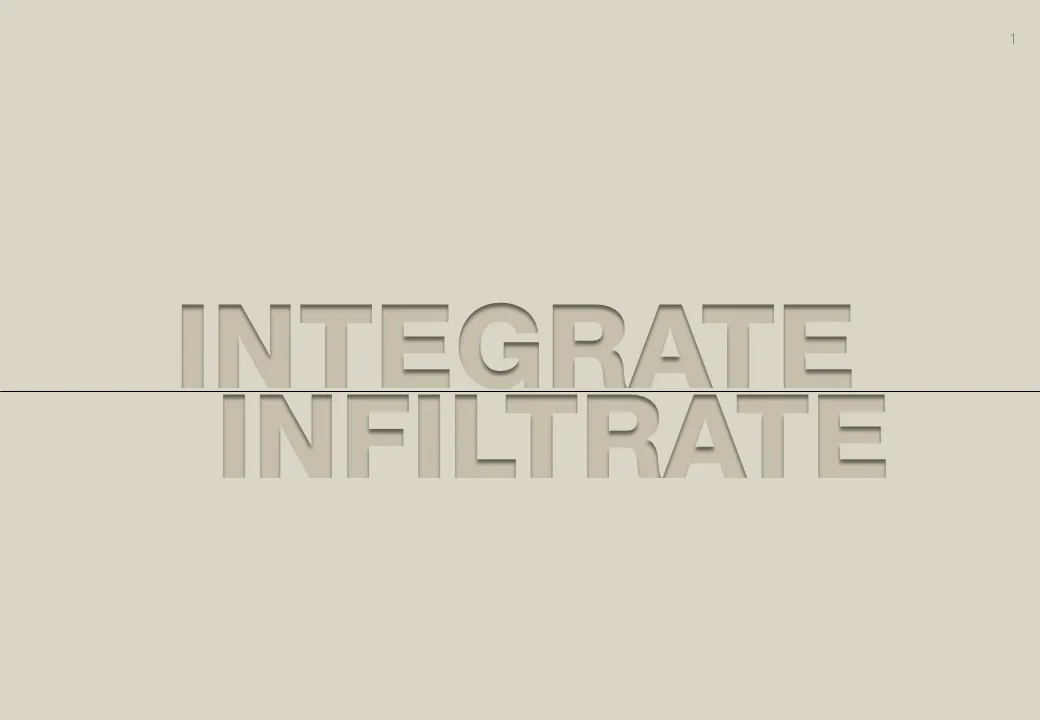
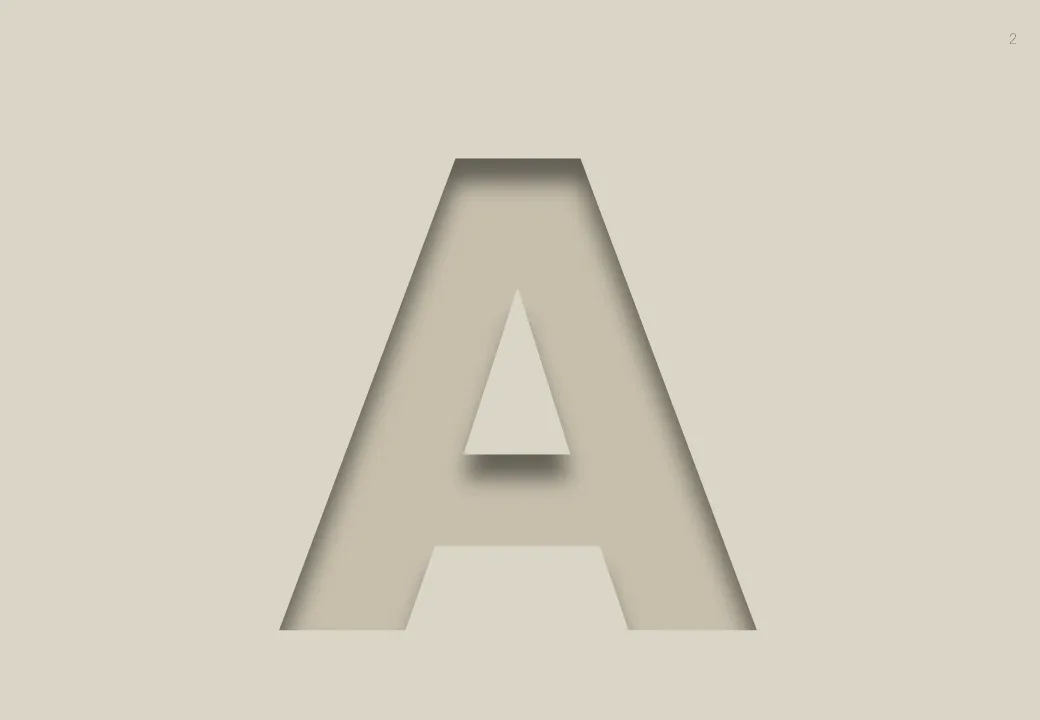
Inspired by this ad, here is how to create the effect of fonts that seem sunk below the surface in PowerPoint 2007 (as shown in the last 2 images).
- Choose a background color
- Enter text, preferably in a fat font (I used Helvetica Neue Heavy in this example)
- Select the text, go to format, text effects, shadows, and pick inner shadow with light from the top
- In text effects, pick a text fill that is just slightly darker than the background
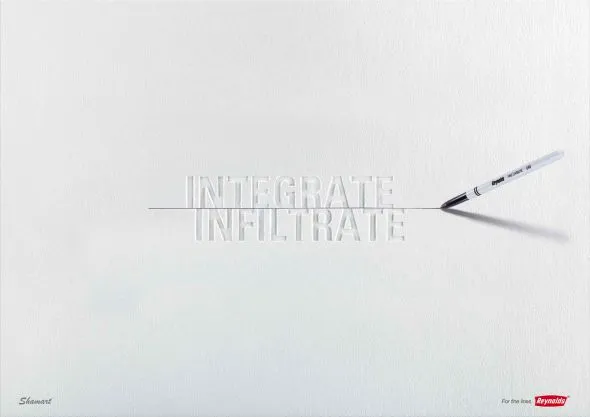
Via Ads of the World