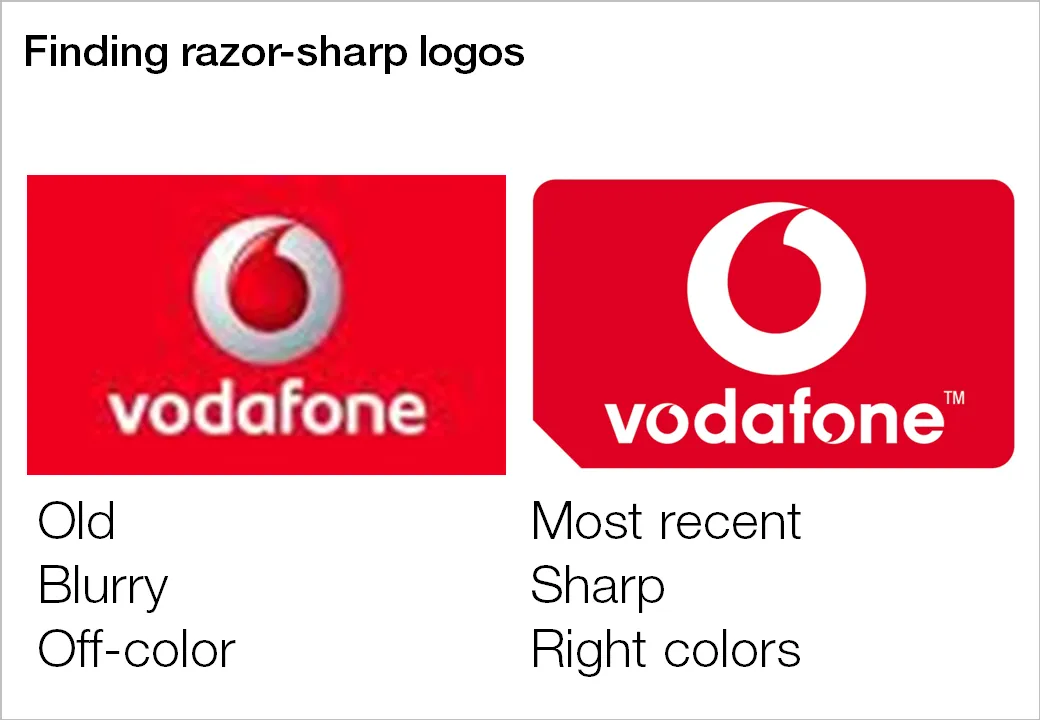
Many investor and sales presentations include logo pages. Improve the quality of these slides significantly by not picking the first image that pops up in Google image search:
- Visit the company’s web site to see what the latest logo of the company in question is, logos get updated frequently
- Set the Google image search options to large format
- Pick a correct, huge logo
- Paste it in your presentation, reduce to the correct size, hit compress images
Companies with a good PR department have high-resolution images of their logos on the web site. Use them.