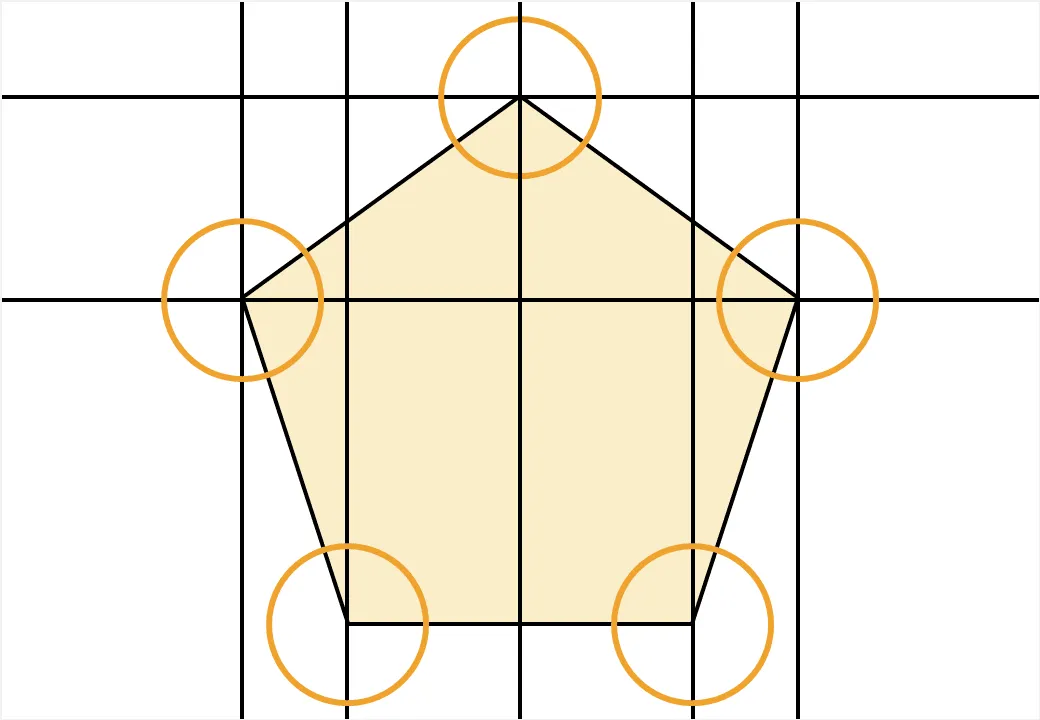
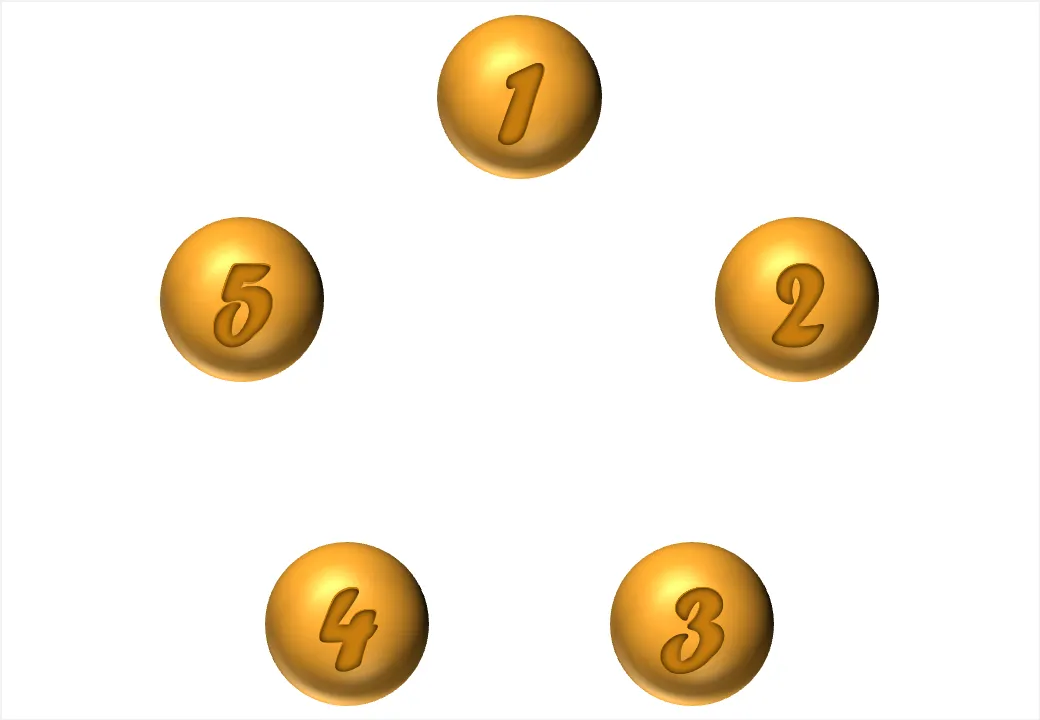
You can use geometrical concepts to get the perfect spacing of objects on your slide. Use the corners of regular polygons (all angles are the same, all sides have the same length) such as regular triangels (3), squares (4), regular pentagons (5) to position your objects with the aide of a few guides that you can remove later.
Note that you can draw regular polygons in PowerPoint by holding down the shift key to lock the aspect ratio of any shape you are drawing.