

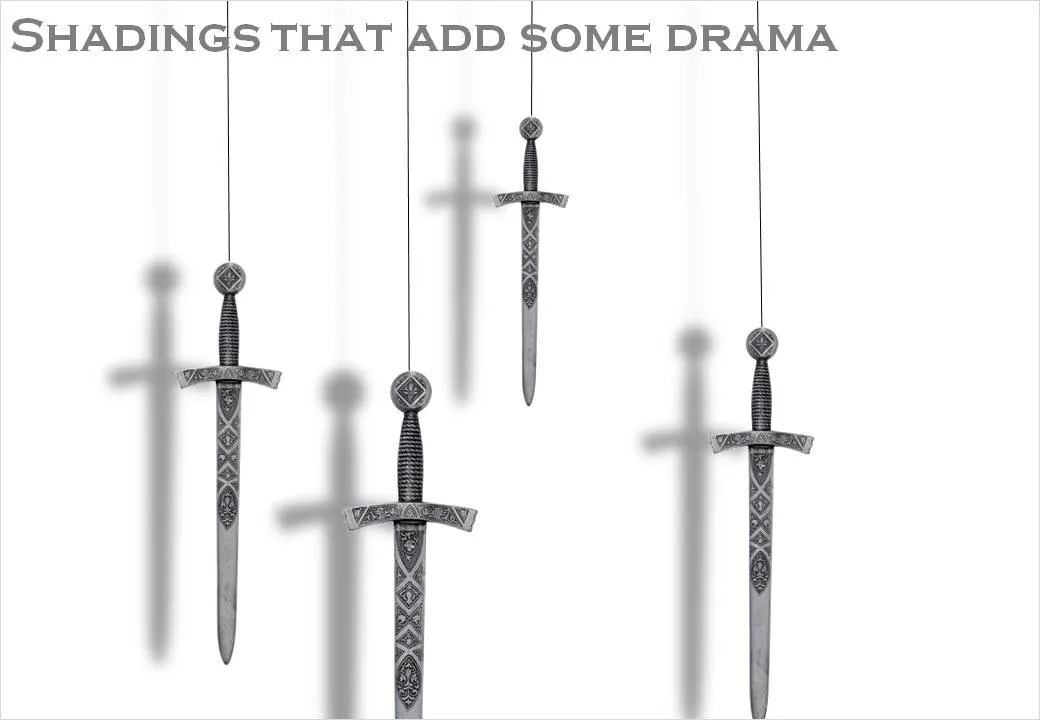
I had to design some apocalyptic presentations lately (sign of the times) and the Sword of Damocles composition below gave me the opportunity to play around with PowerPoint shadows.
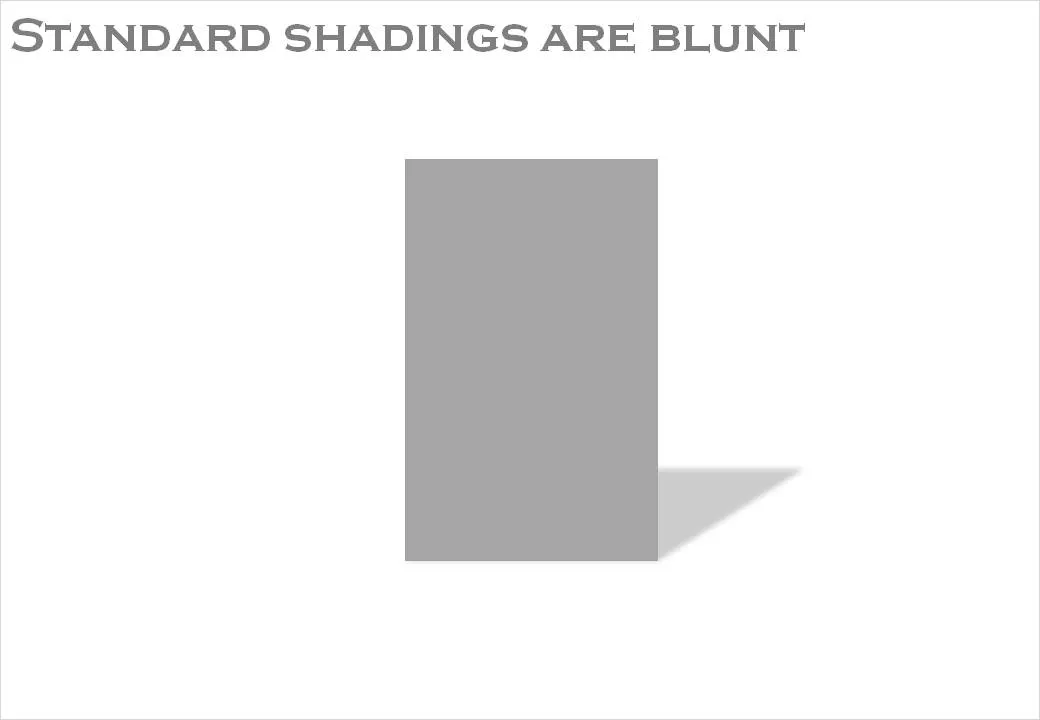
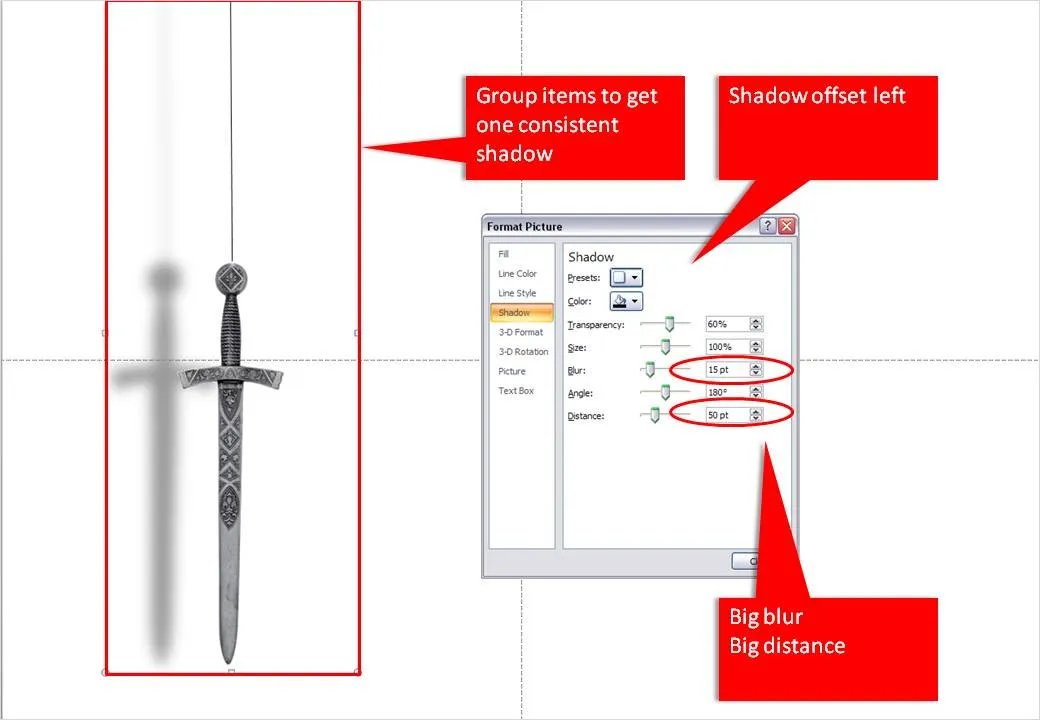
The standard shadings in PowerPoint are a bit blunt and boring. Go into the “format shape menu” and click the “shadow” box. Experiment with the settings to get something more interesting. Increasing the blur, and increasing the distance creates the illusion of a wall right behind the subject. Just what I needed.
When you apply shadings to compositions make sure to group all items together first to get one smooth shading of the entire shape instead of individual shadings for the individual components.
1 comment