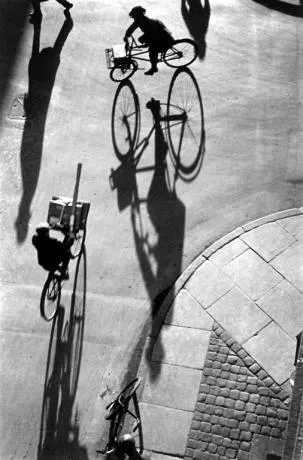
Long shadows can add great perspective to a slide. Lucky Luke needs them to show off his speed. Photographers like Heinrich Heidersberger have used them nicely in photo compositions (see the “Street Scene” image below)
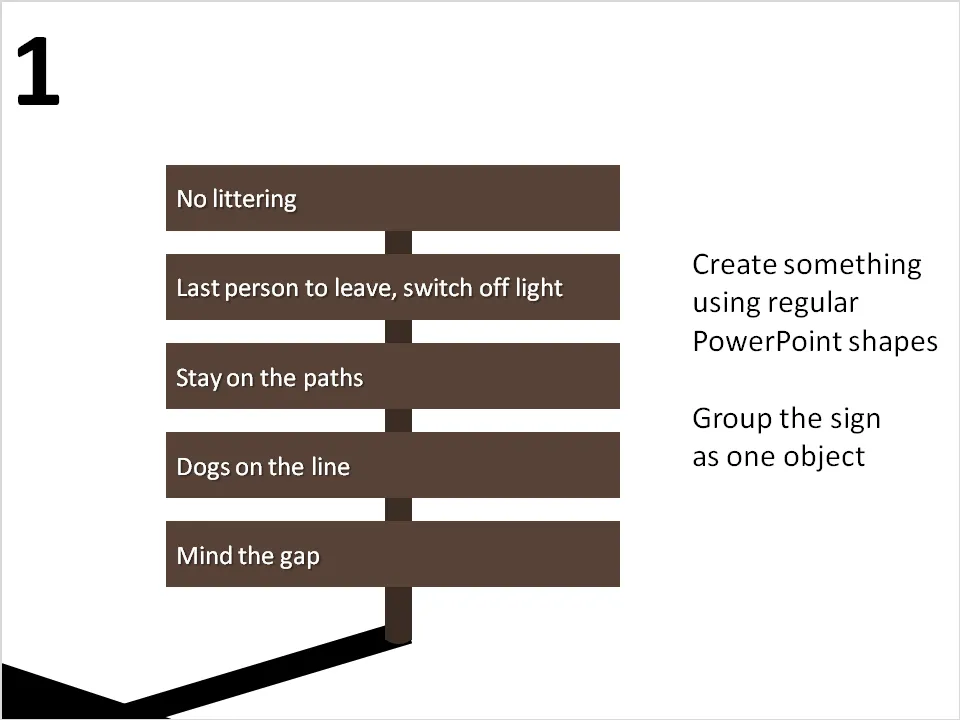
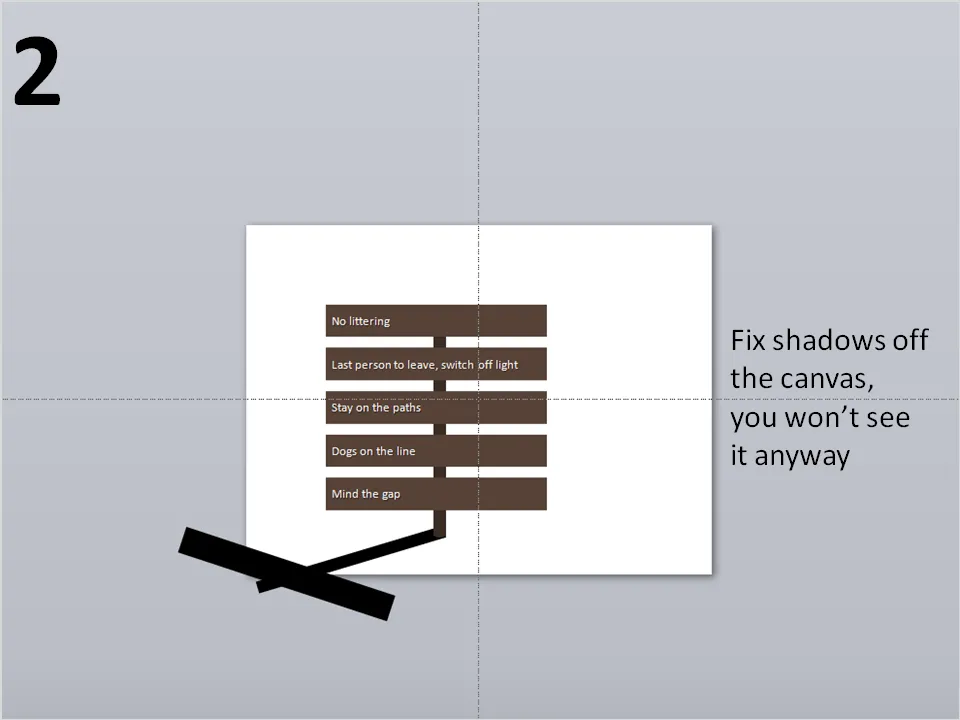
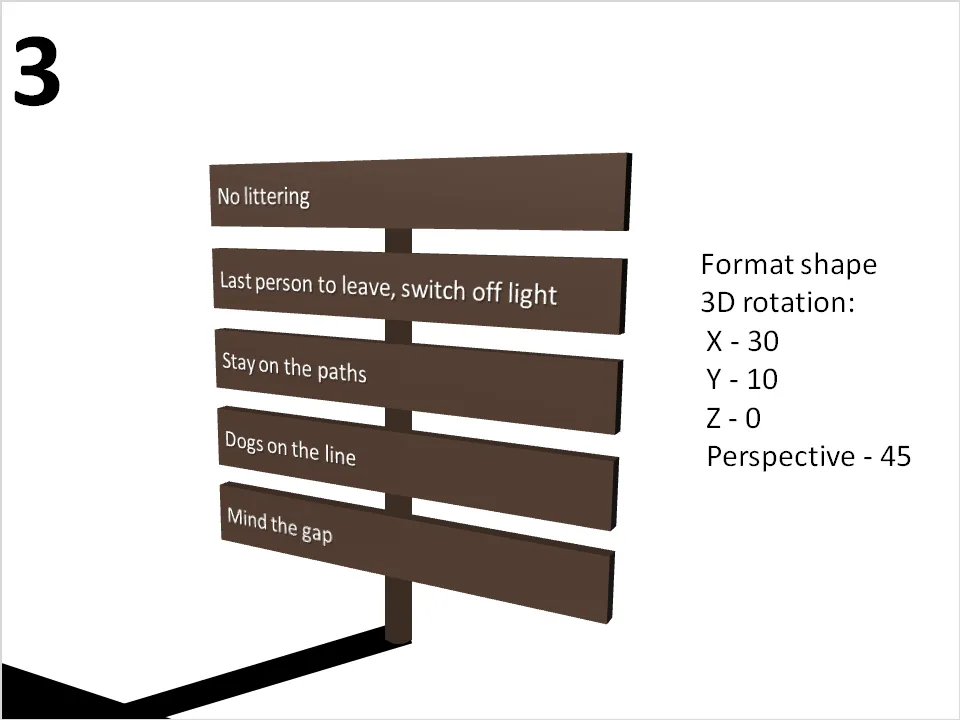
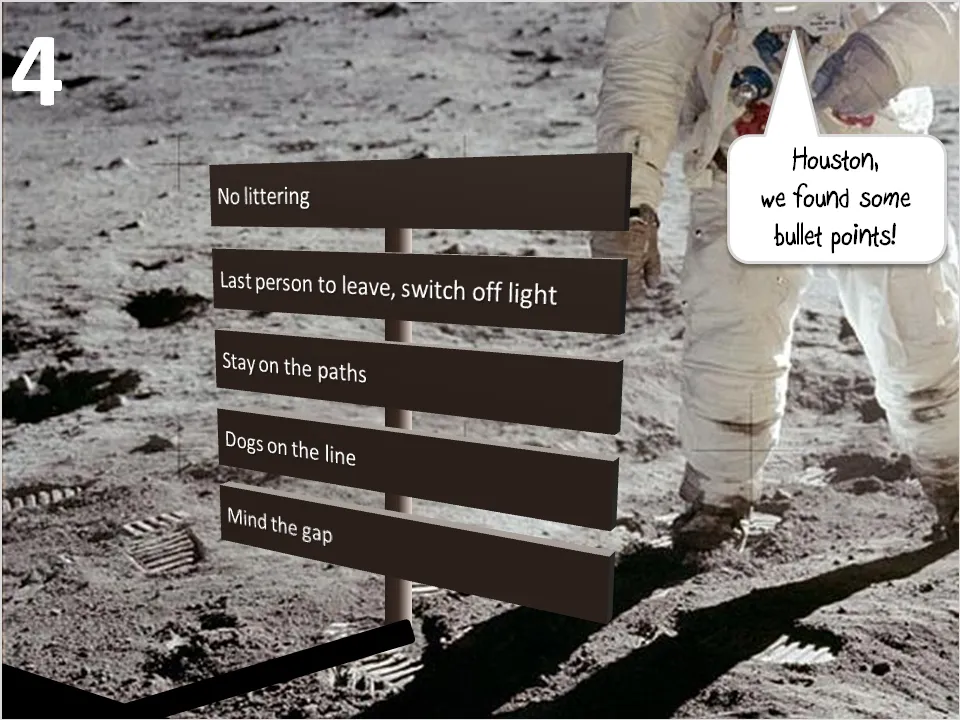
They are very easy to make in PowerPoint. I suggest forgetting about the built-in shadow functions of PowerPoint, they can be tricky control. Instead, draw your shadows using rectangular boxes. Below a chart that can be used as a setting to display the 3 (or so) key messages of a presentation on a final slide (excuse the bullet points):