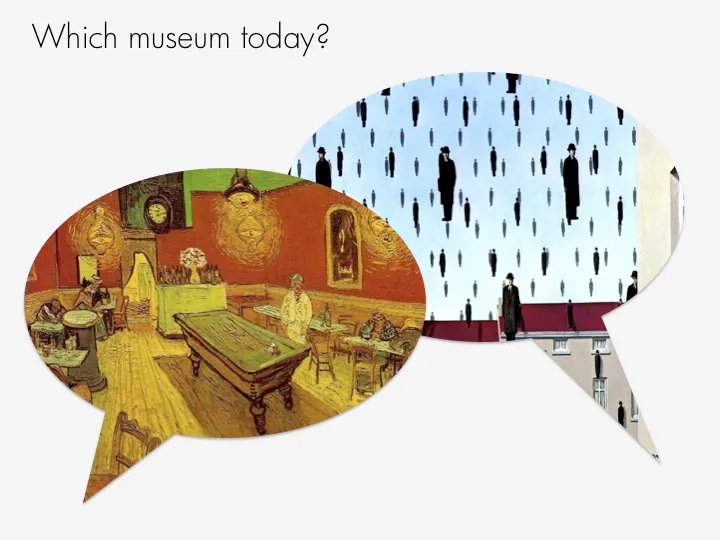
This ad from Ads of the World sparked some ideas.

One, the image bubble with the contrasting thought is an interesting concept that can be used in PowerPoint charts.
Two, I am not using the ability to fill shapes with pictures enough. It’s easy. In format shape, go to fill, and choose texture or picture, and off you go. The effect is best used with irregular shapes (clouds, stars, etc.) rather than plain rectangles.