

I put the slides I used for a presentation on SlideShare despite that they actually do not stand on their own very well.
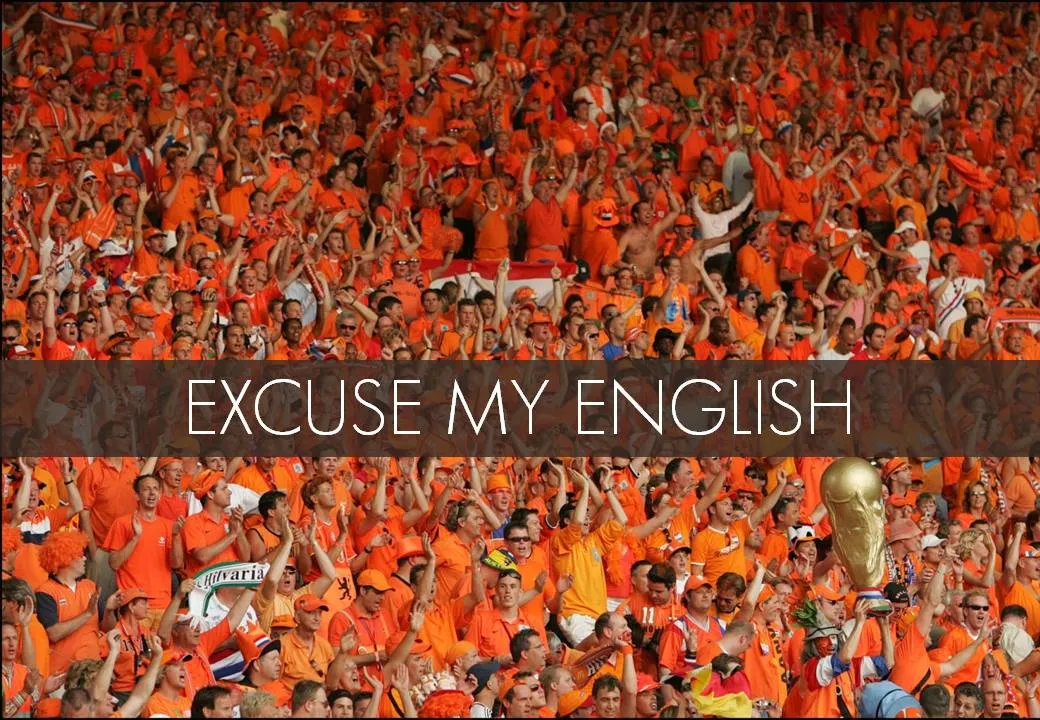
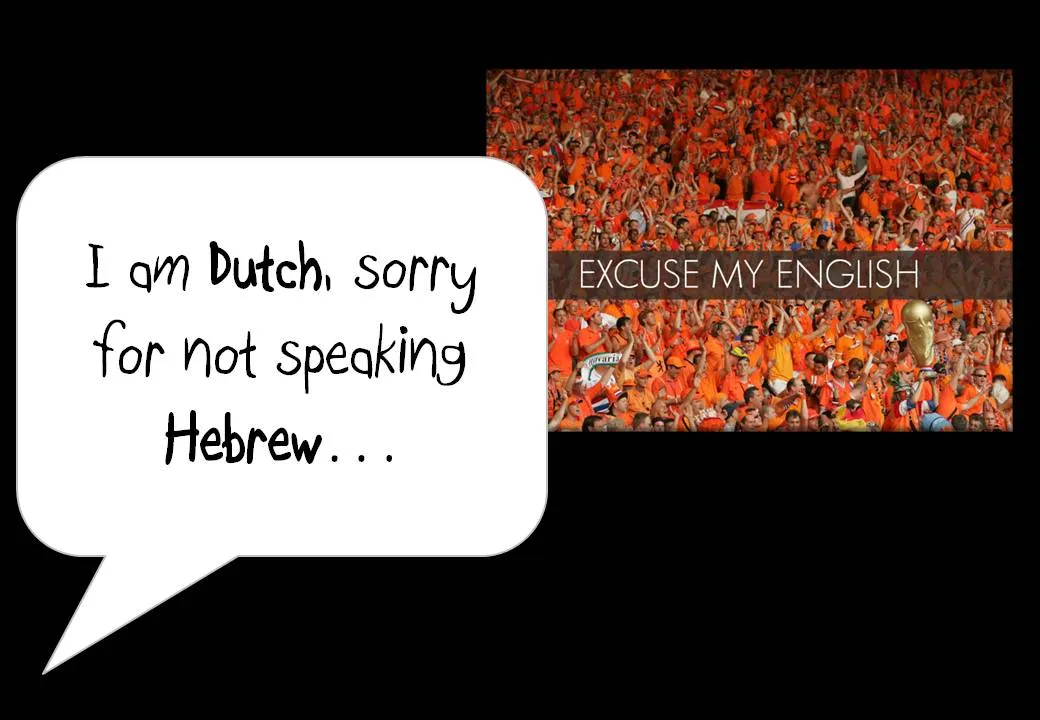
One piece of feedback I got is that I should not apologize for speaking poor English on the first slide. Rather as a presenter, you should radiate confidence. Makes perfect sense. This is actually not what the slide with the Dutch soccer supporters was meant to say… I was apologizing for not speaking Hebrew.
In this context, the mismatch was harmless and even funny. In other situations it might not be.
I enjoyed receiving so much positive feedback on the SlideShare slides. Thank you very much. The benefits of sharing the slides far outweigh the drawbacks in this case.
4 comments
One commenter on my own SlideShare post about presentation slide design ( assumed I included Al Gore as a model of how NOT to present. My message was the opposite. I included Gore's "An Inconvenient Truth" as an example of how presentations are playing a different role in business and entertainment these days. The former Vice President used a well-designed Powerpoint to launch his favorite cause - awareness of global climate change - into public consciousness, winning an Academy Award and Nobel Prize in the process. It was kind of distressing to have someone skew the message so badly.
My solution was to go back and include all my presenter notes with the slides, along with a link to the video of the live presentation. Not sure viewers actually take the time to dig into these things, but I at least feel less responsible for mix-ups.
I think in the future I will make a point to include audio, video, or detailed notes with every set of slides that has not been specifically designed to stand on its own. It will help avoid miscommunication, and will likely make the slides more valuable to online audiences anyway.
I think in case of an "after-the-fact / oops they want me to put the key note slides online" scenario you need to spot the most obvious possibilities for misinterpretation and plug the hole. Adding audio/video/notes helps, but people are impatient and are unlikely to go through this.
More and more I am beginning to think to start designing slides for online media from scratch and only tweaking them slightly for a live performance. "Apologies for the elaborate titles, I designed this for SlideShare" is the new excuse.
1) Where do you get the pictures from?
2) Can you describe a little bit the process you go through to choose the right picture?