

Your colors scheme is the most important driver of your presentation’s look and feel. Much more important than logos or other graphical elements on the page. Adobe’s kuler is a popular example of an online tool that helps you pick colors (even from an image if you want to) and define a nice matching color scheme.
Recently, ColoRotate has been released. ColoRotate uses a 3 dimensional approach to picking colors wich it claims is closer to the natural way the brain processes colors. It relies less on the sliders that are common in kuler and other tools. Color schemes you create can be shared in an online community, similar to kuler.
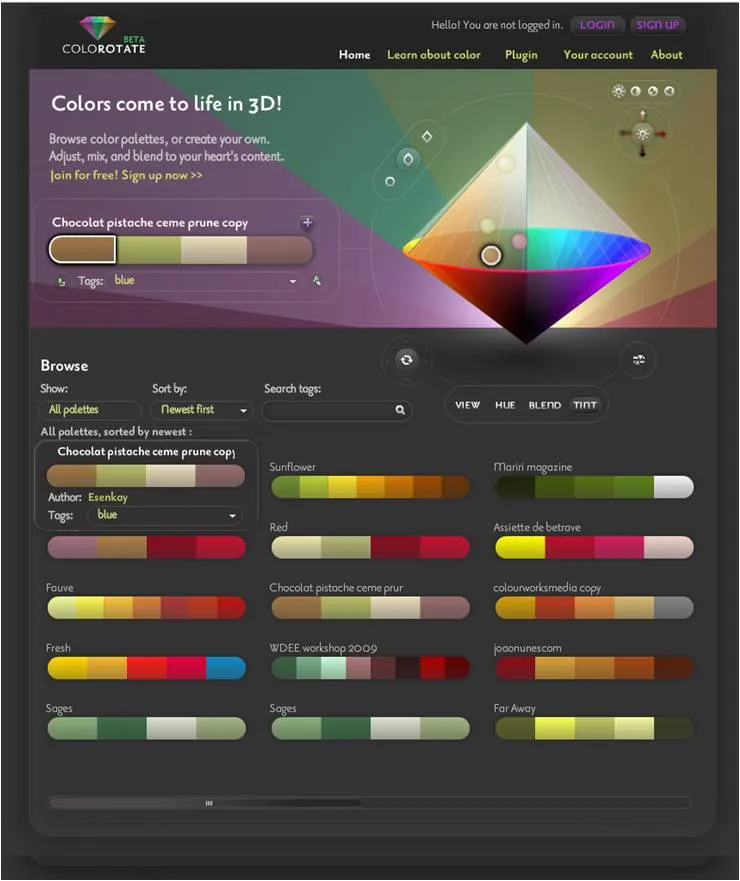
I have played around with the tool a little bit and like it, but it requires a bit of studying and practice before you get the hang of playing with the 3D axes and their impact. This tool is likely to appeal most to graphical professionals.
Having said that, the web site contains a good introduction article to the art and science behind picking beautiful color schemes.