SlideMagic Blog

Frequent updates about all things presentations since 2008. Subscribe to never miss a post.

RSS
all posts

Category Concepts

·Concepts

Chart concept - signs with a little humor

High-quality pictures of signs are great raw material for a presentation. They stand out by themselves, people are used to take a moment to read them and they could add some humor to your story:

  • Typos, or unusual text as an ice breaker for your audience
  • A correct message that is put out of context in a funny way in your presentation

The downside, they are very hard to find, but with a bit of creativity you can re-create them either by using a blank sign from a stock photography site, use a generator like AddLetters, or - even better - creating one of your own using PowerPoint shapes.

Here is a diffrent take on the credit crunch found on Noisy Decent Graphics:

·Concepts

Chart concept - the final presentation slide

It’s always difficult to leave the audience with a good punch line (chart). Things I prefer not to do:

  • Explicitly ask for questions - there could be none (anymore)
  • Read out “summarizing” bullet points from a slide that re-run the entire presentation in a very boring fashion

Instead, I often put a page-filling “uplifting” picture on the page (or repeat a key image from the presentation) and repeating one key message of the presentation, maybe spiced up with a bit of humor.

As an example, I found the above image of a man sky diving off a sky scraper in Bejing on iStockPhoto.

·Concepts

Chart concept - skipping over a cliche

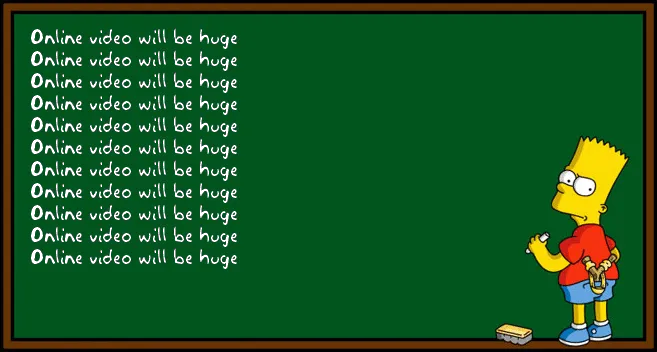
There is no need to preach to the converted. Obvious points do not need your time, energy and PowerPoint slides. If you have to spend 1 slide, do it almost as a place holder, and add a bit of humor if you can to “pooh pooh” the cliche point you are just making. Next slide! I often use the above image for this using Addletters that allows you to put in any text you want.