

Recently, I have focussed most of the development work for SlideMagic on improving the workflow. It is the small differences that can make a big difference. Here are two features that you might not have discovered yet:
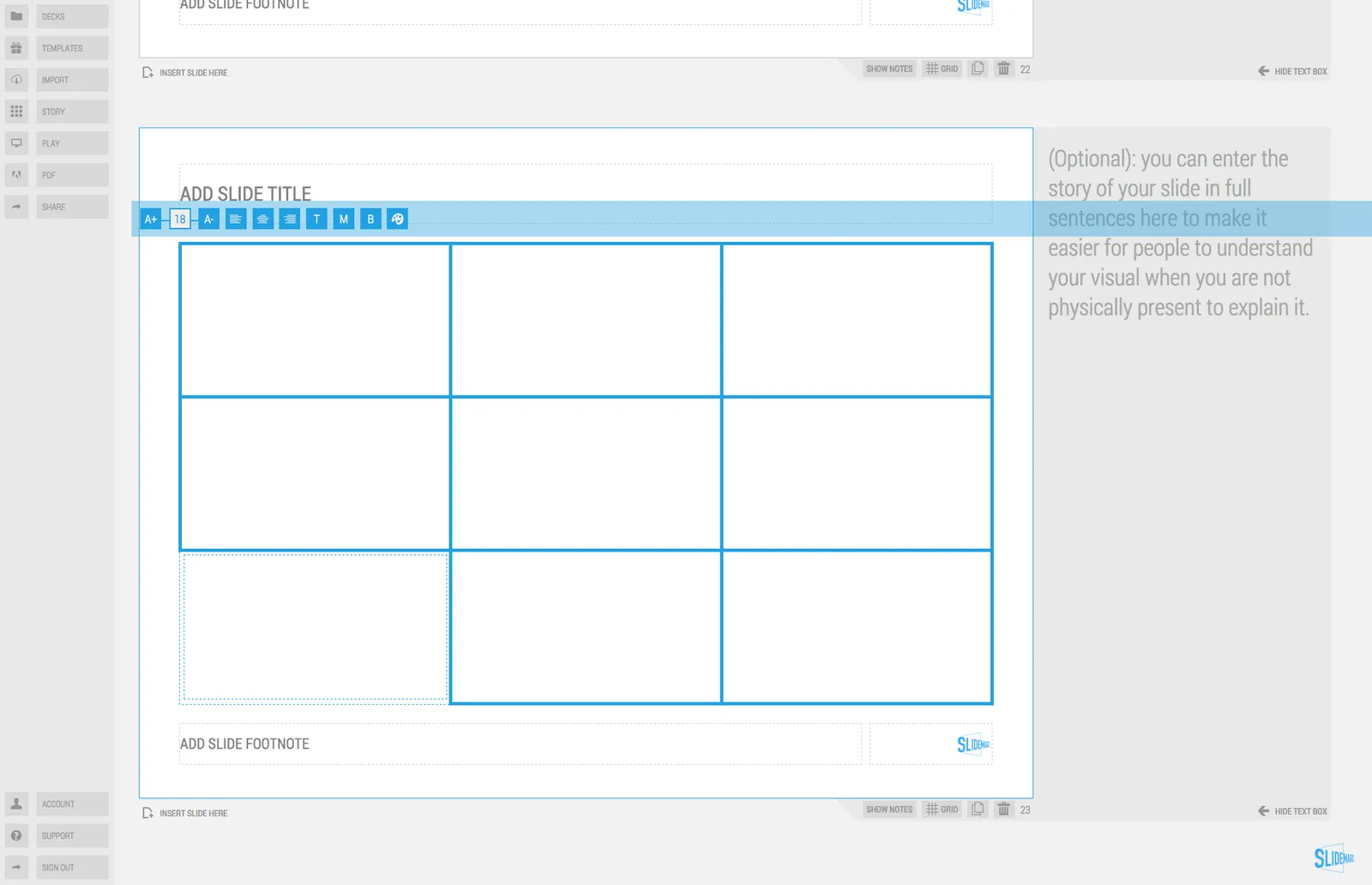
You can select multiple boxes and edit their design (colours, font size, etc.) at the same time. Great for creating tables quickly or clean up inconsistent font sizes.
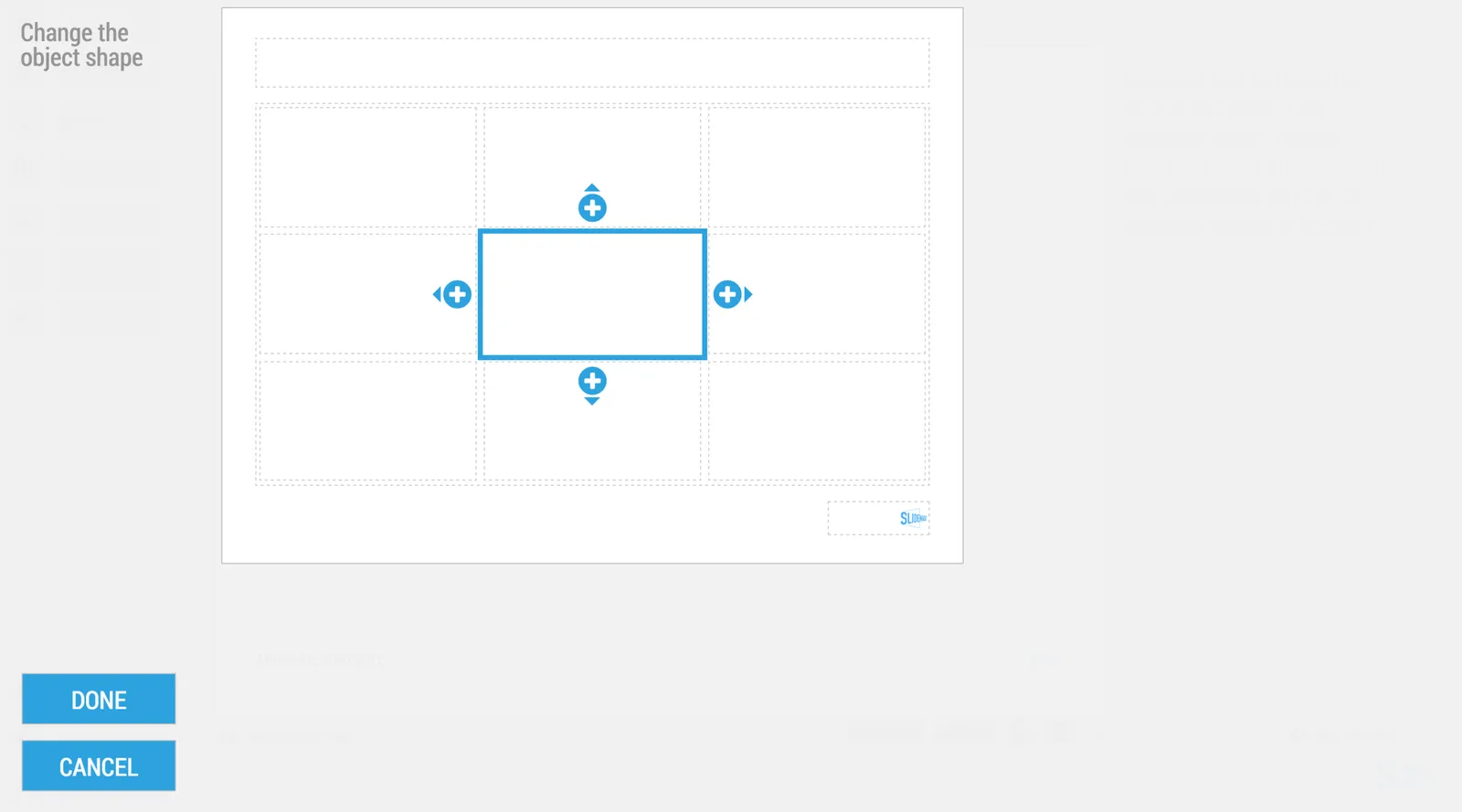
In the shape change menu you can tackle multiple shapes in one go. Click another shape and you can adjust its perimeter as well without leaving and re-entering the menu.
You can give SlideMagic a try yourself, the beta version is free to use. Sign up here.
Art: Rabbits by Johann Georg Seitz, subscribe to this blog, follow on Twitter
