

Leading is the horizontal spacing between lines of text. For regular font sizes, PowerPoint adjusts the leading fine. When you start getting to huge font sizes though, things tend to go wrong, the distance between lines of text is too large.
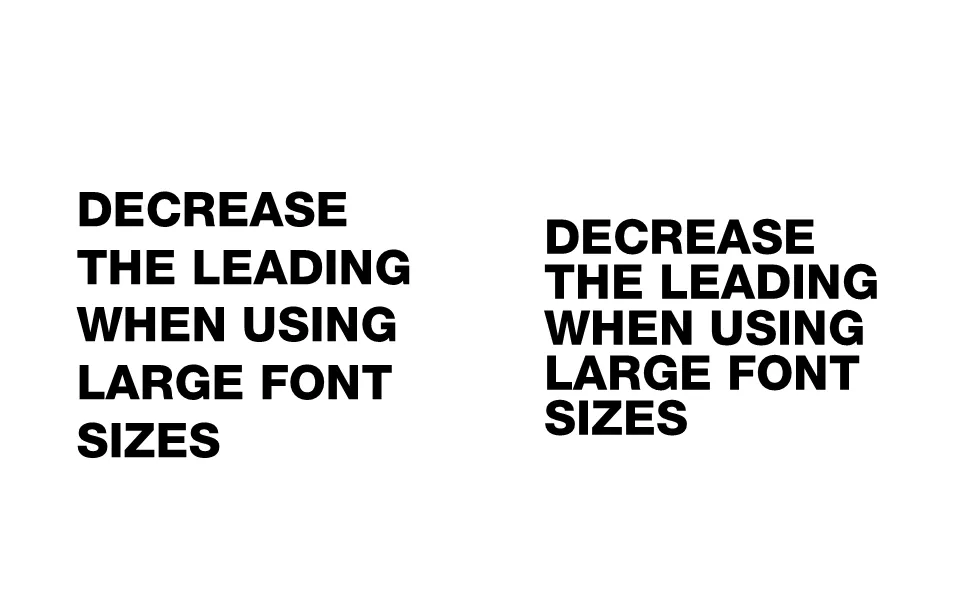
To reduce the leading in PowerPoint, select the text, right-click, select paragraph, set spacing inside the spacing group to exactly, and lower the number that pops up.