

Copying PowerPoint objects using CTRL-C / CTRL-V or “copy”/“paste” from the menu creates a new object to the bottom right of the original one. Often you want to copy objects horizontally, or vertically aligned.
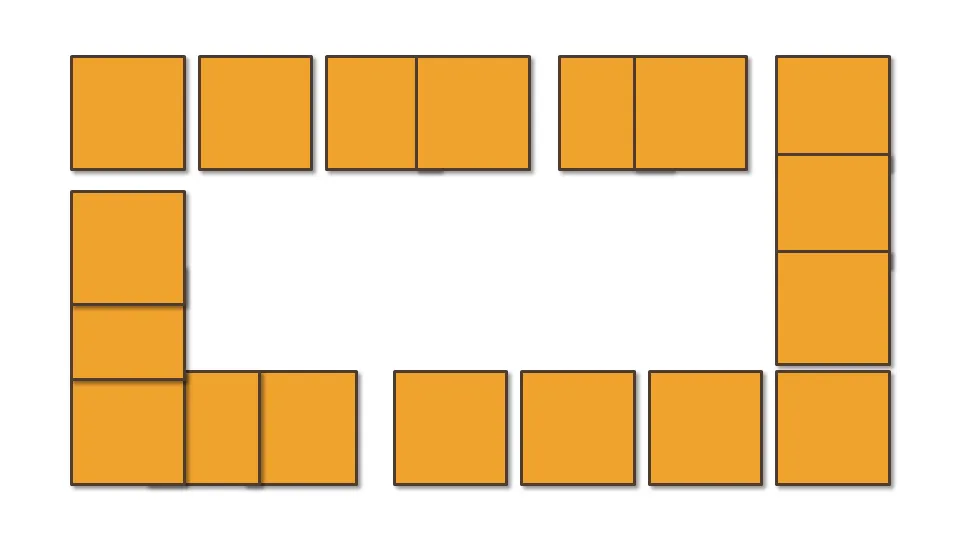
Here is how to do it:
- Hold CTRL and SHIFT
- Use the mouse to drag a copy of the object (movement is locked horizontally or vertically)
- Release the mouse button
Thank you Titus Tielens (see his books on PowerPoint - in Dutch)