

It can become almost impossible to edit complex animated slides that have layers and layers of objects on them. My solution used to be to spread the chart out over multiple pages.
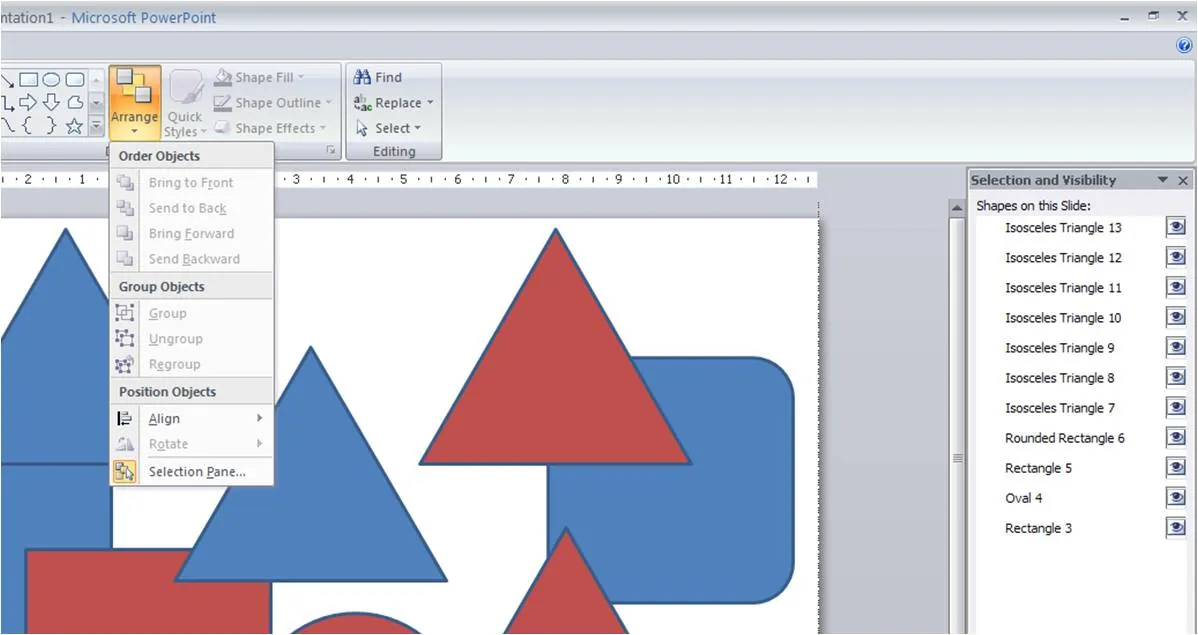
Recently, the selection pane tool in PowerPoint 2007 was pointed out to me. You can find it hidden away under the arrange menu. Click on the image for more detail. Life has just become easier. Thank you Glen Turpin.